About game
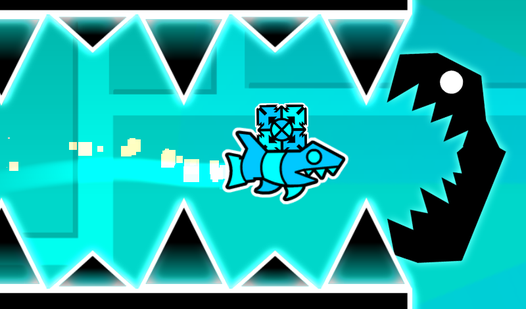
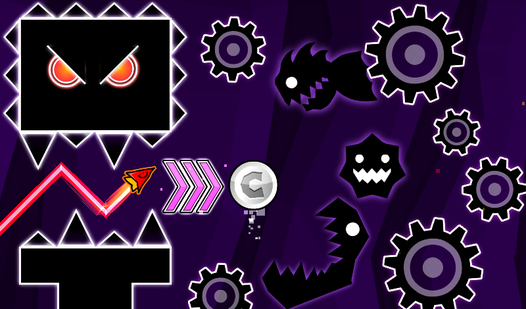
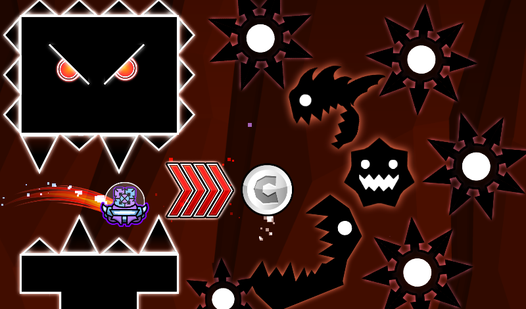
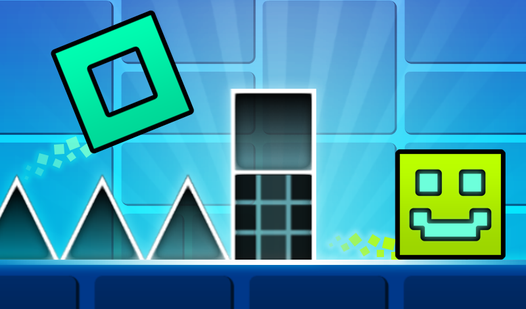
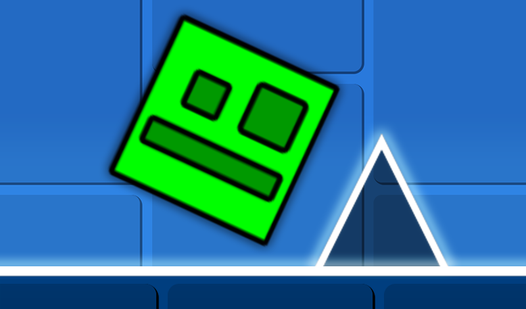
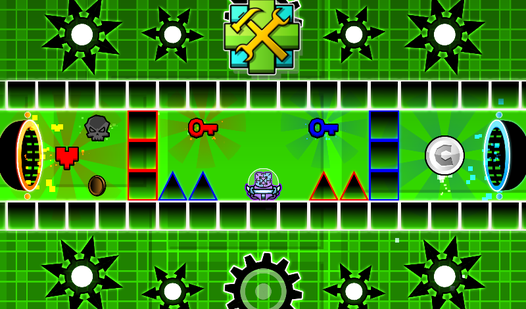
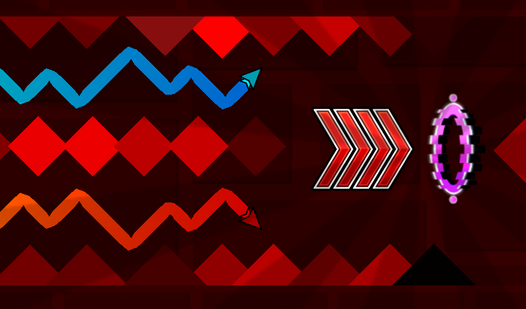
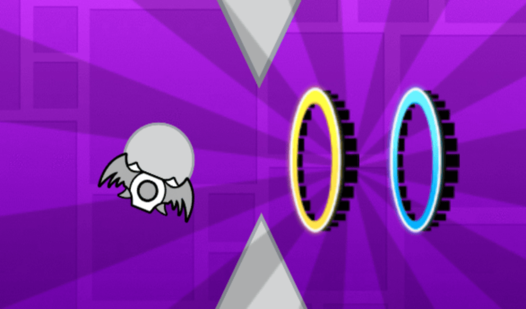
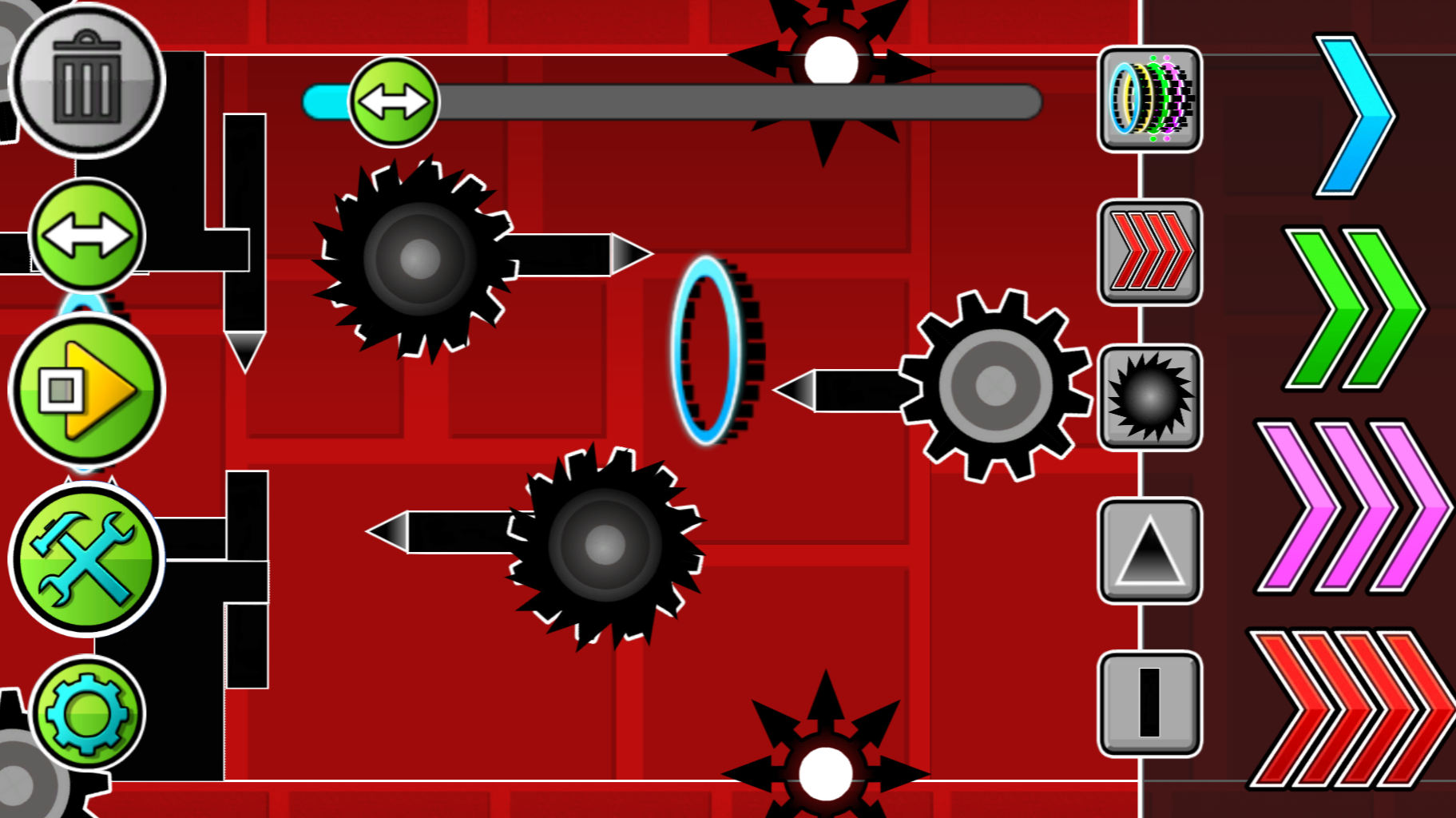
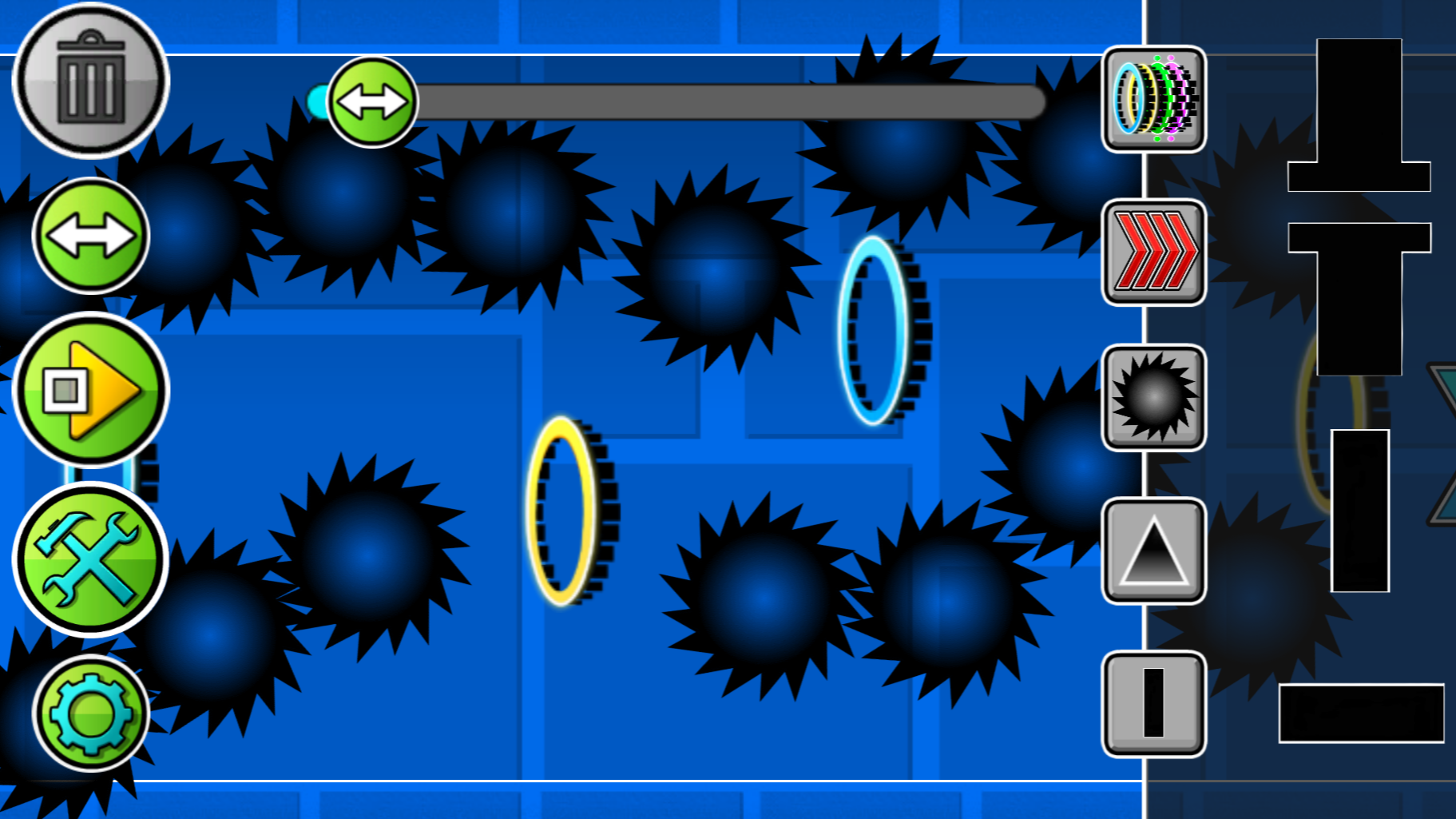
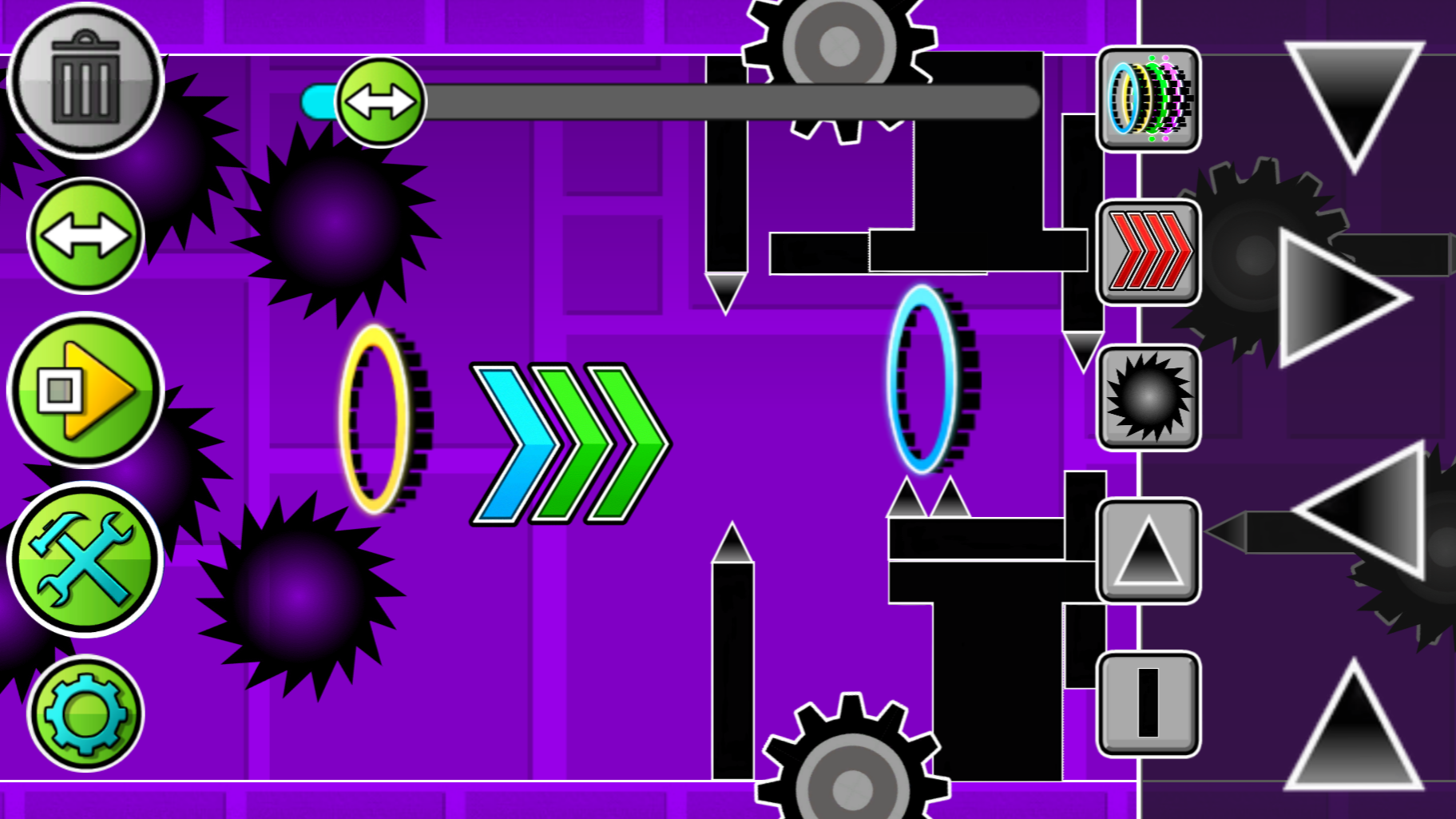
Hardcore platformer enthusiasts will find endless entertainment in Geometry Dash: Swing Copter Editor. This creative sandbox lets you build your own obstacles and test your reflexes against your own diabolical designs. You start by selecting blocks, saws, and gravity-shifting portals from an intuitive interface. Dragging objects across the workspace allows you to map out intricate paths that will push your swing copter skills to the absolute limit. Once you have built your layout, simply hit the play button to see if your creation is actually beatable or completely impossible. Experiment with speed-changing portals to make your level a true test of timing and precision. Adjust the background colors to set the mood for your unique creation and refine your path until it feels perfect. This editor provides all the tools you need to build the ultimate GD challenge right in your browser. Play Geometry Dash: Swing Copter Editor for free instantly without any downloads or registration required.
How to play
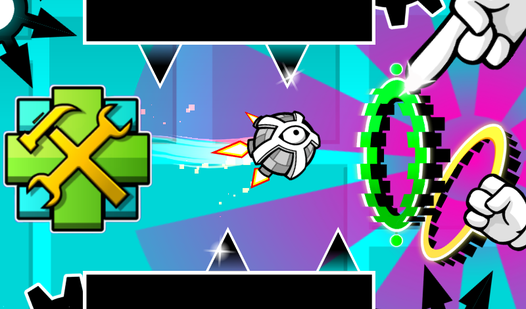
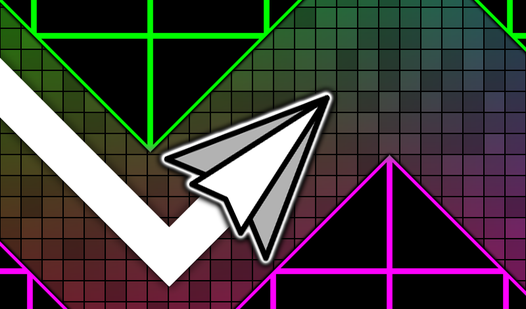
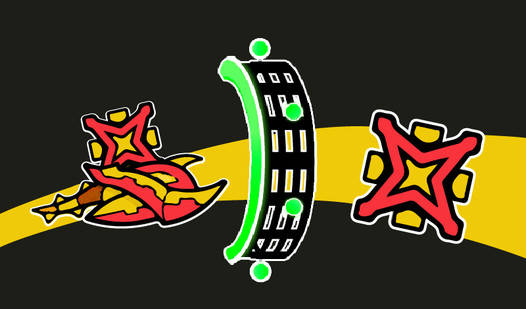
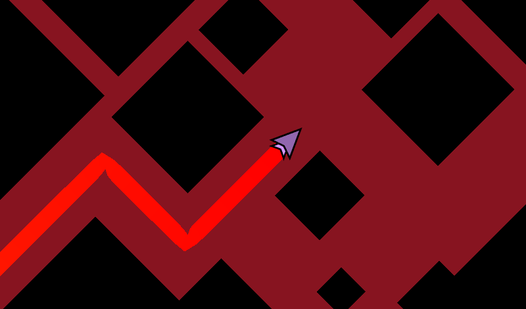
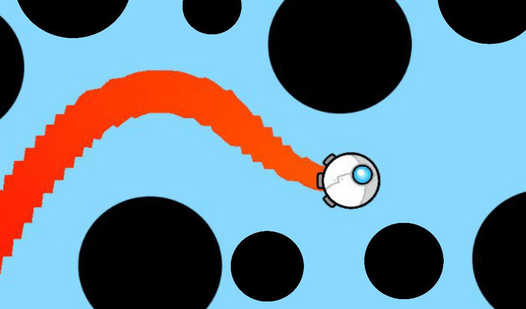
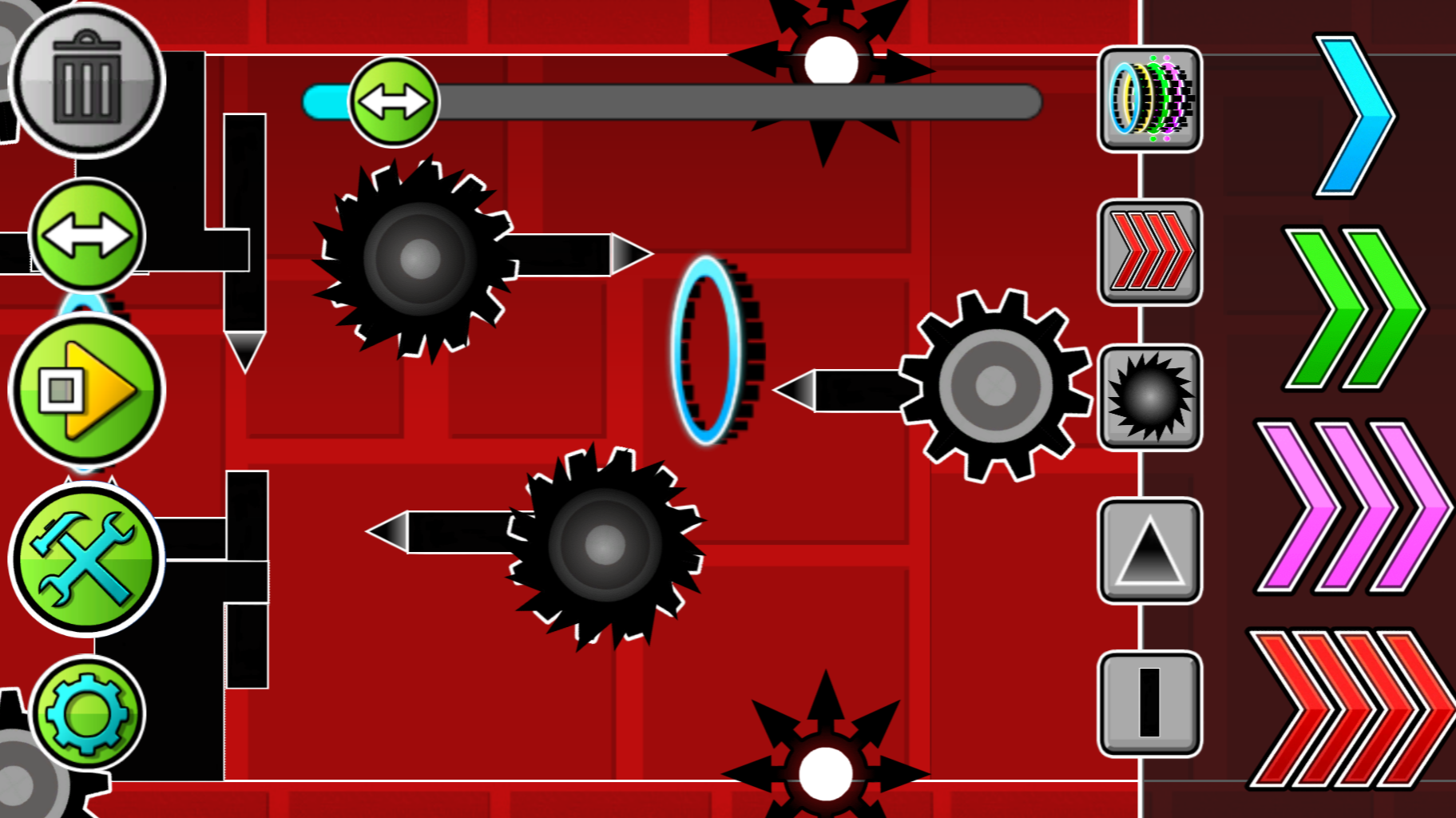
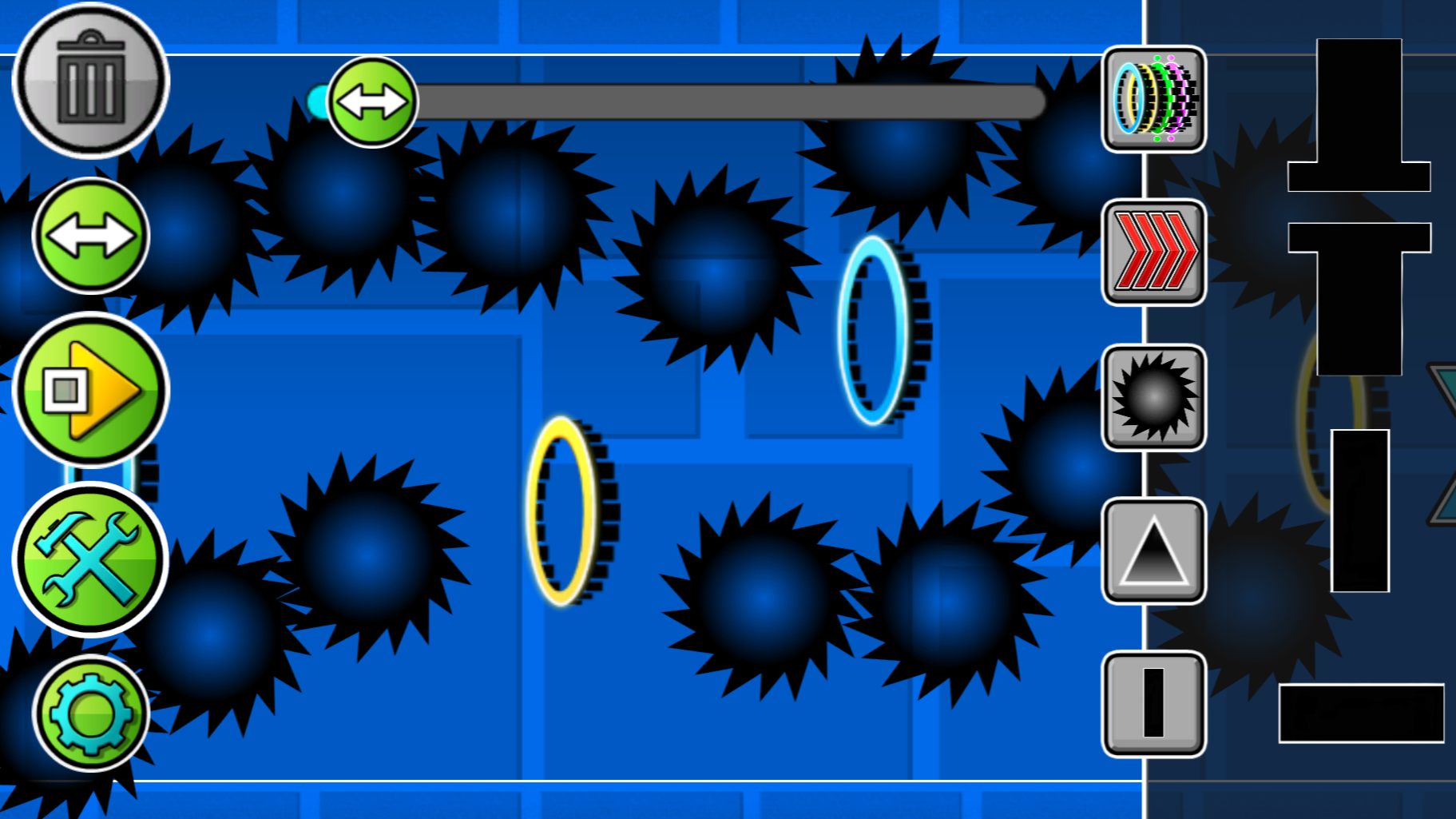
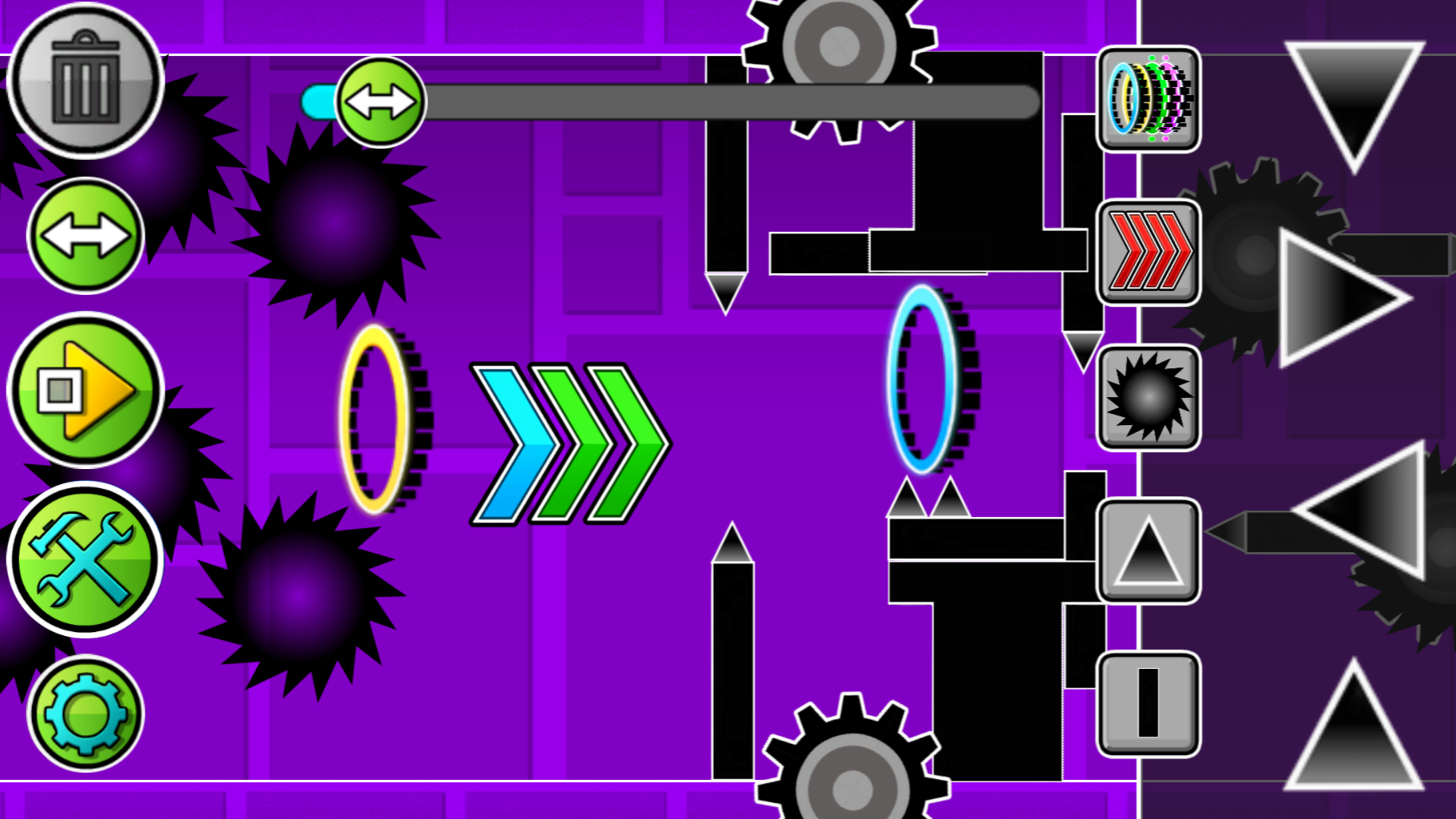
The game is an editor where you can create any kind of levels: easy, difficult, insane and even impossible. There are many buttons visible on the screen, each responsible for its own mechanics. The "Play" button allows you to play your level. You play as a swing copter that flies forward, but if you press the LMB or tap on the phone screen at any moment, the swing copter will change gravity to the opposite. Using this, control the swing copter and dodge all the obstacles that you create. There is also a button for creating obstacles and portals. Just click on the image of obstacles and/or portals, and they will be created in the center of the screen, drag them using the LMB or your finger to any place. The two-arrow button allows you to move the screen to build further. The gear-shaped button allows you to change the background color. The trash can button allows you to delete objects, if the button is lit in red, then the objects you click on will be deleted.
Features
- Object Manipulation: Drag and drop various obstacles directly onto the canvas to craft custom layouts effortlessly.
- Gravity Mechanics: Master the intense swing copter movement where every tap flips your vertical direction mid-flight.
- Atmospheric Customization: Use the gear menu to modify background colors and give your levels a professional aesthetic.
- Dynamic Obstacles: Utilize specialized portals to alter speed and gravity, creating complex rhythm-based challenges.
- Intuitive Deletion: Activate the trash can tool to quickly clear clutter and refine your obstacle placement.
Who is it for
Hardcore platformer fans and creative level designers will love this tool. It is suited for players who enjoy testing their reaction speed and those who want to build their own challenging stages without needing advanced programming knowledge. It is a fantastic choice for anyone who enjoys fast-paced rhythm games.
Controls
Toggle Gravity
Left click or tap the screen once to switch your gravity direction.
Place Objects
Select an item from the menu and drag it to the desired position on the screen.
Delete Objects
Select the trash can tool and click or tap on any placed object to remove it.
Navigate Editor
Use the two-arrow button to scroll across the level workspace.
FAQ
How do I start playing a level I made in Geometry Dash: Swing Copter Editor?
›
Simply click the Play button on the interface to immediately switch from the editor mode to testing your level.
Can I change the speed of the swing copter in Geometry Dash: Swing Copter Editor?
›
Yes, you can place speed-changing portals from the object menu to increase or decrease your movement velocity during gameplay.
Is it possible to save my progress in Geometry Dash: Swing Copter Editor?
›
The game is designed for quick creative sessions in your browser, allowing you to build and play your levels instantly without needing to save files.