About game
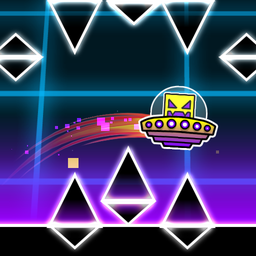
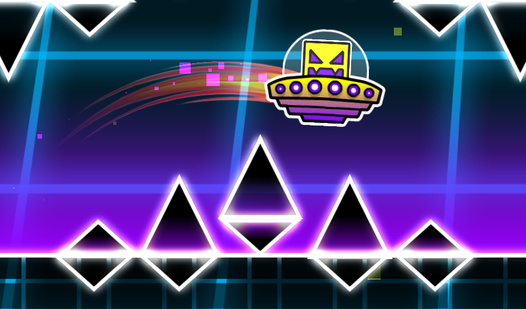
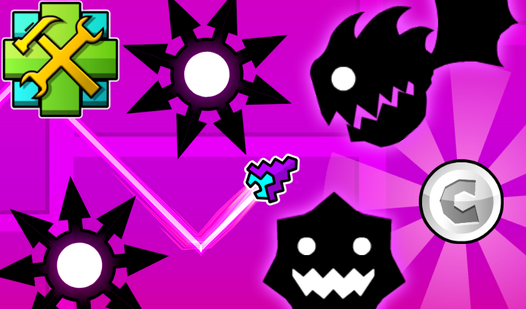
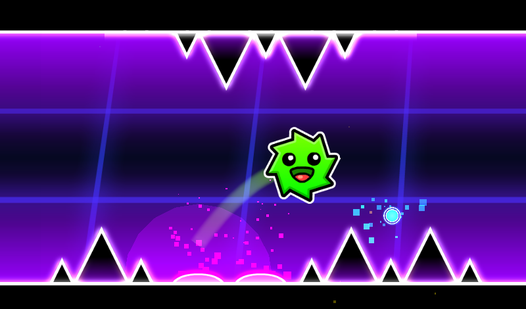
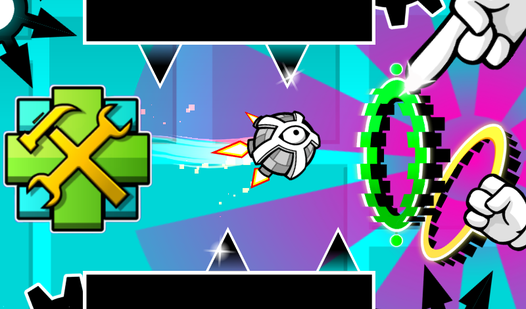
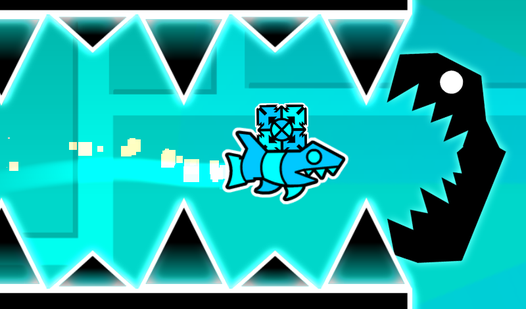
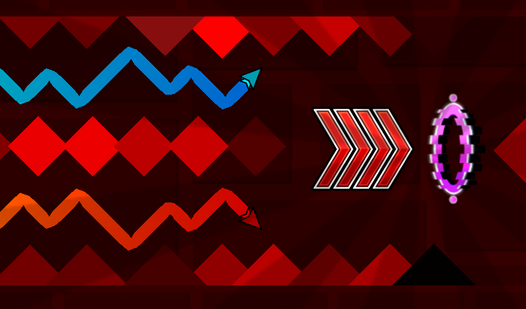
Creative builders who love the classic arcade feel will find endless inspiration in UFO Editor. This title brings the signature mechanics of a popular geometric dash experience directly into your browser, letting you craft custom challenges from scratch. You start by selecting various obstacles, saws, and speed-altering portals from the menu to populate your stage. Simply drag and drop every element to construct a unique course, then hit play to test your flight skills. Controlling your flying saucer requires rhythmic taps to bounce off gravity, helping you navigate through the tightest gaps you designed. With full control over background aesthetics and object placement, every session allows you to create a completely new experience. Whether you want to build a relaxing journey or a punishing gauntlet, the tools provided make every level design session smooth and intuitive. Put your creativity to the test and play UFO Editor for free right here in your browser without any downloads required.
How to play
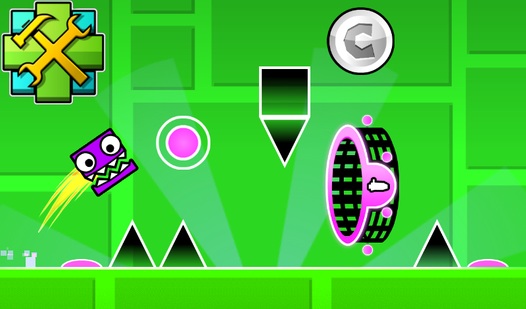
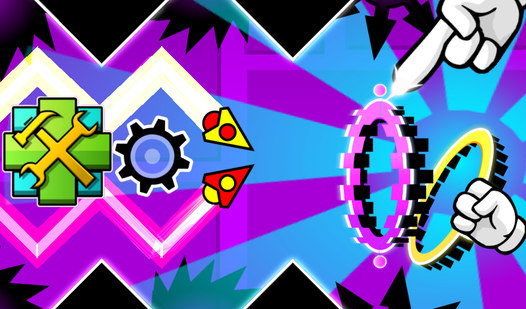
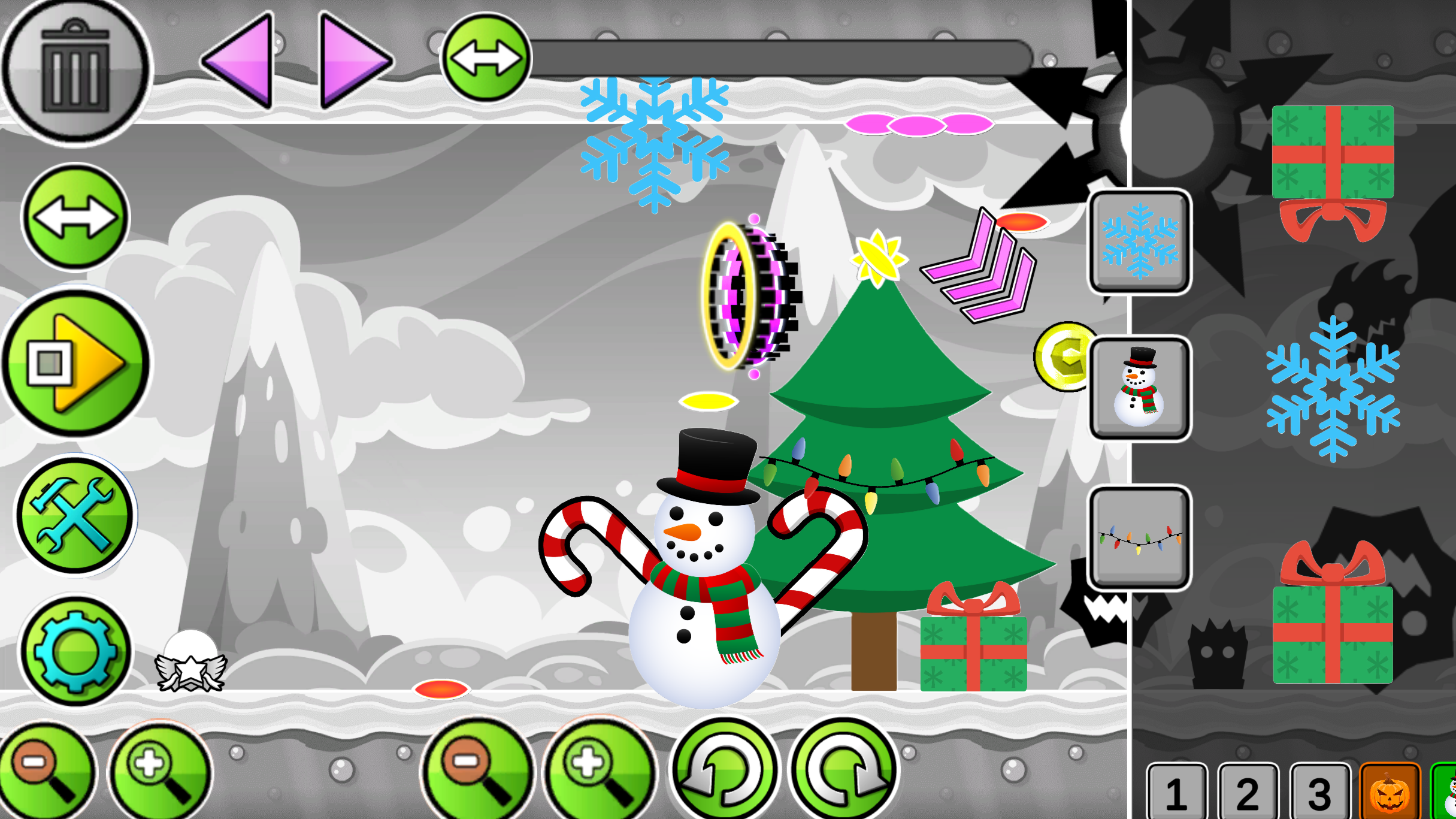
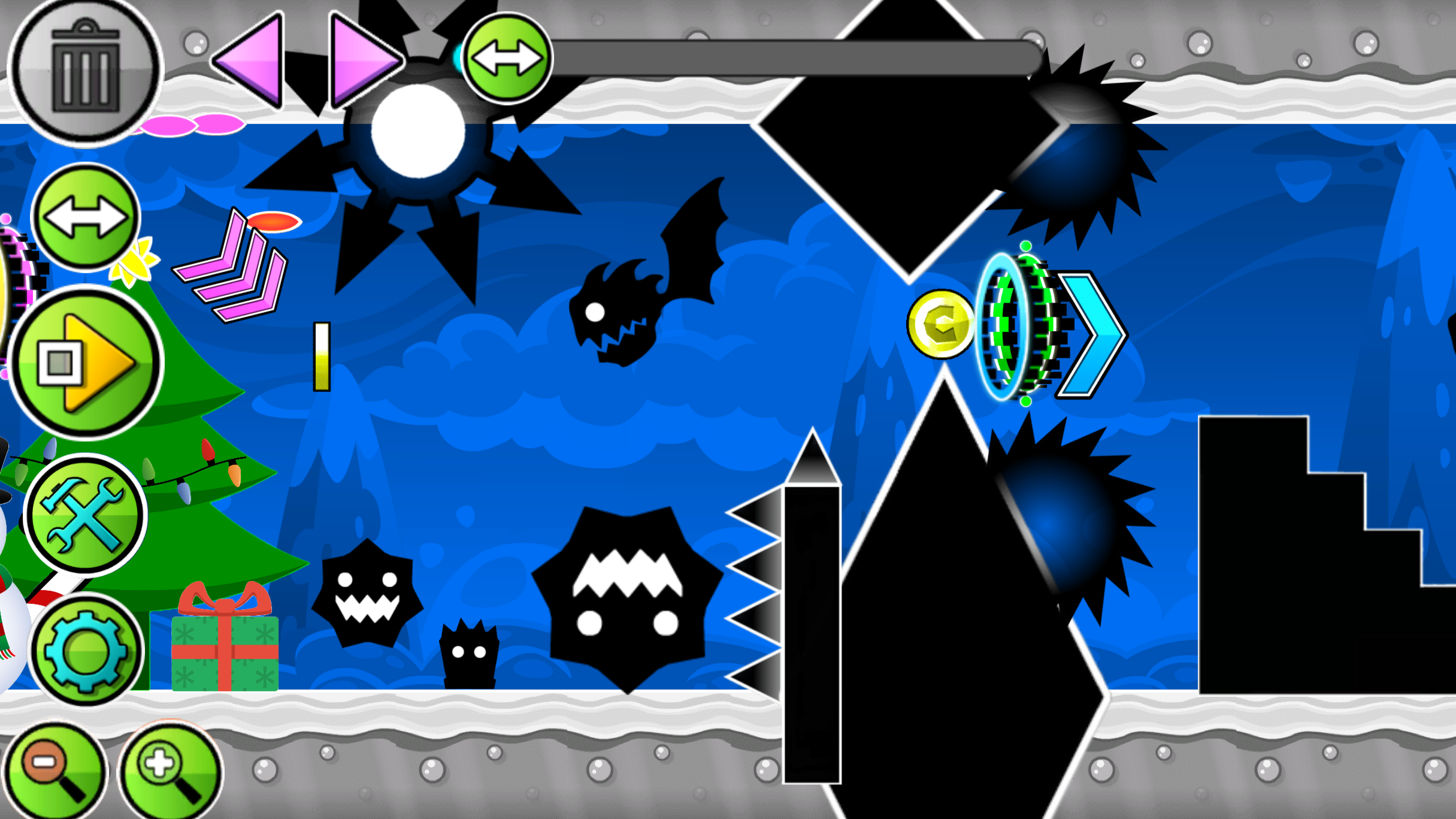
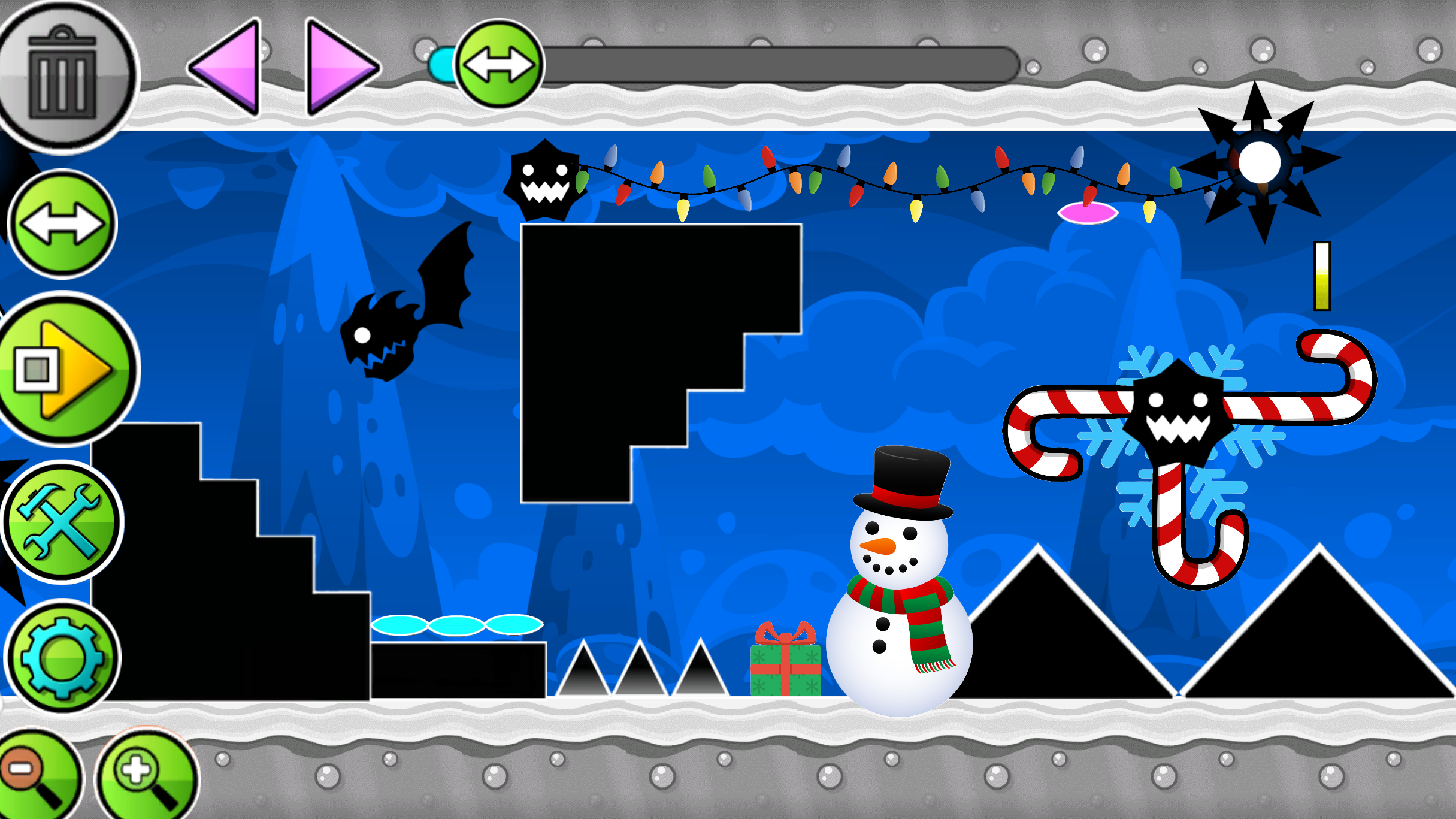
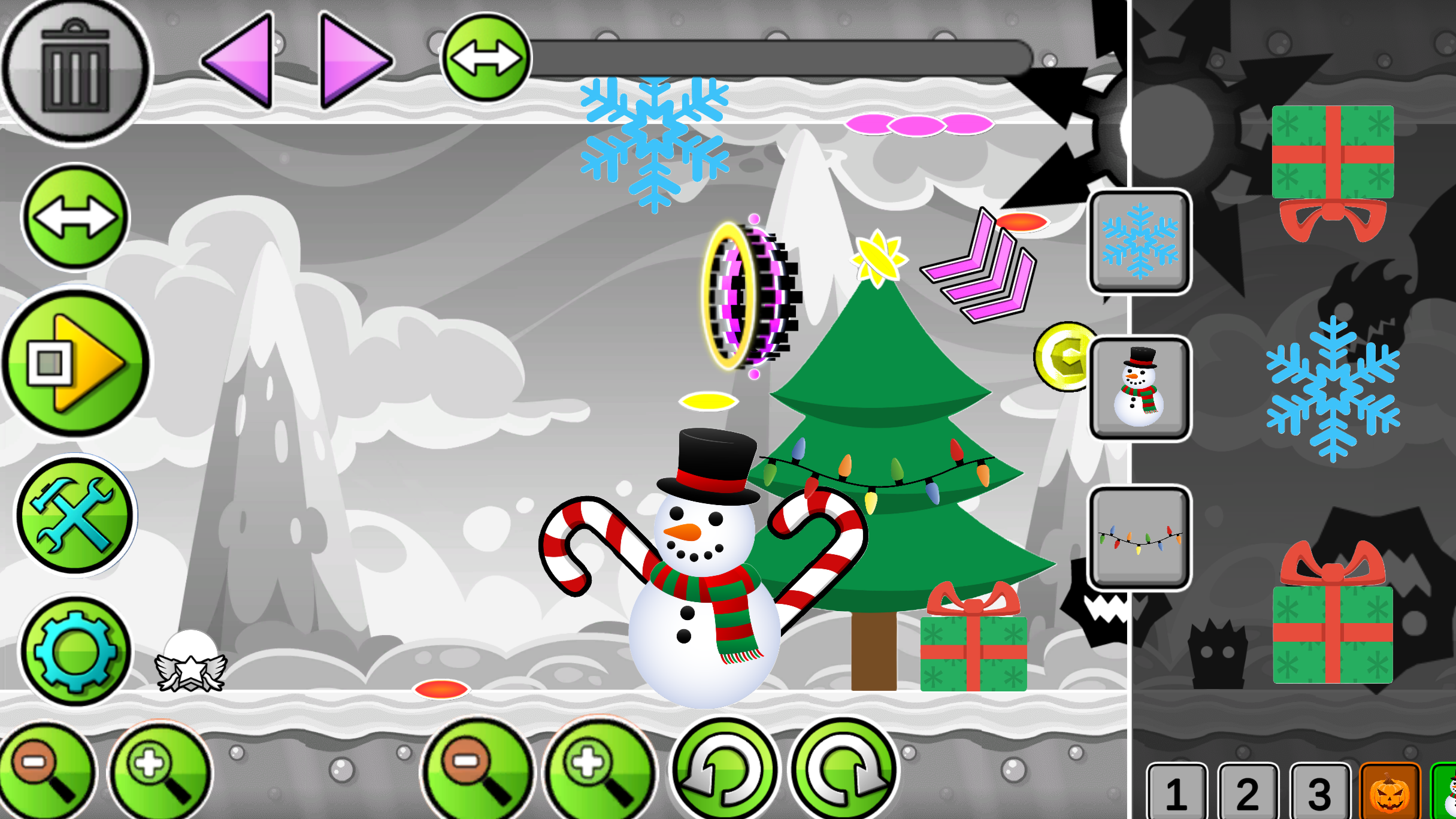
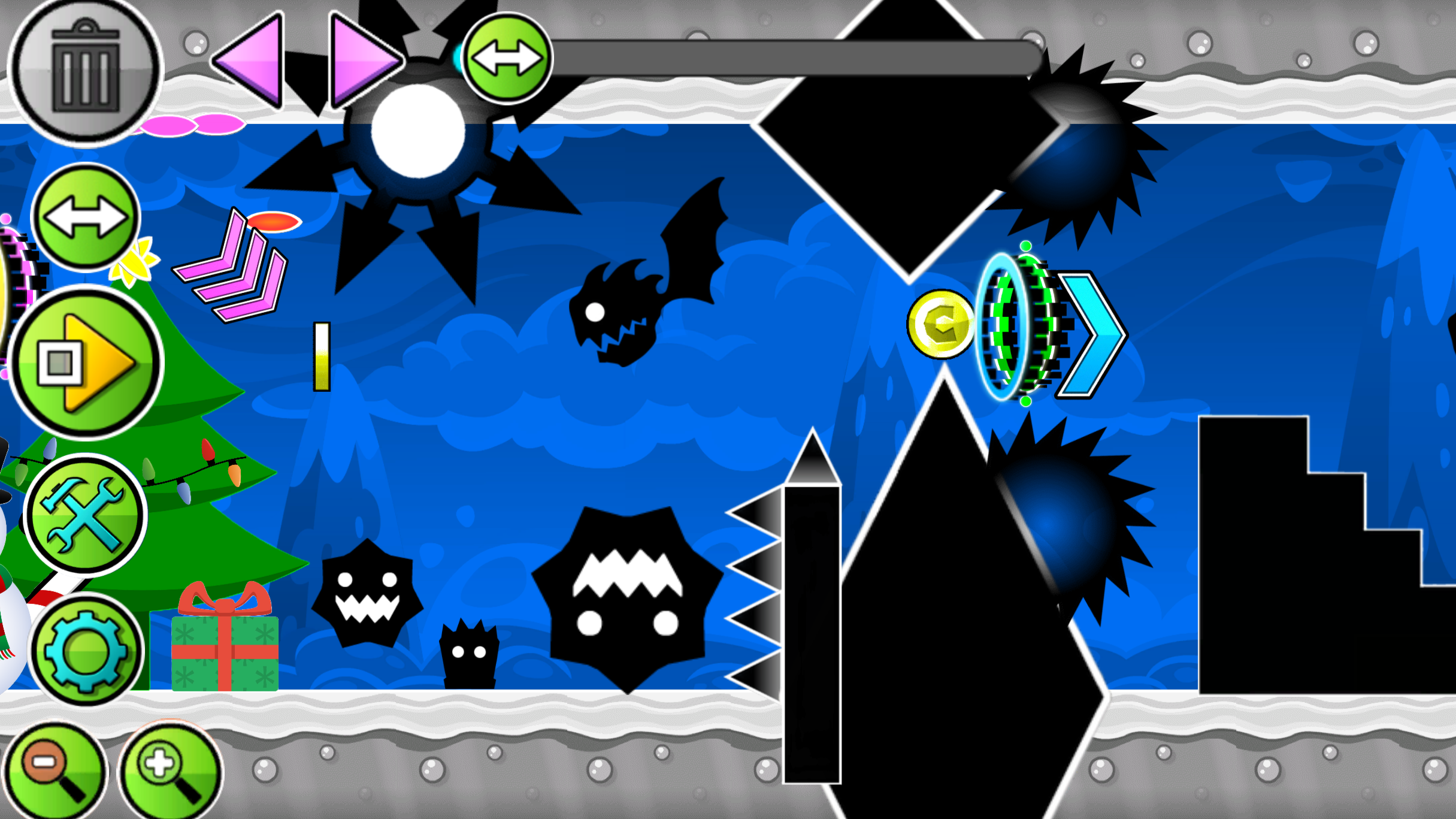
The game is an editor where you can create any kind of levels: easy, difficult, crazy and even impossible. There are many buttons visible on the screen, each responsible for its own mechanics. The "Play" button allows you to play your level. You play as a UFO that falls down, but if you tap the LMB or the phone screen, you will bounce a little. Using this, control the plate and dodge all the obstacles that you create. There is also a button for creating obstacles and portals. Just click on the image of obstacles and portals, and they will be created in the center of the screen, drag them using the LMB or your finger to any place. The two-arrow button allows you to move the screen to build further. The button in the form of settings allows you to change the background color. The trash can button allows you to delete objects, if the button is lit in red, then the objects you click on will be deleted.
Features
- Object customization: Place saws and gravity-shifting portals precisely to build complex obstacle courses.
- Dynamic background editor: Switch between various color palettes to set the perfect mood for your custom stage.
- Playtest mode: Toggle between build and play modes instantly to refine your level design and difficulty balance.
- Intuitive navigation: Use the scroll tool to extend your level horizontally, allowing for long and intricate flight paths.
- Deletion system: Activate the red trash icon to quickly remove misplaced elements from your workspace.
Who is it for
Creative gamers who enjoy sandbox building tools and fans of precision platformers will feel right at home. It is a fantastic choice for those who want to challenge their friends with custom obstacles or hone their reflex skills by navigating the tricky paths they build themselves.
Controls
Build level
Click or tap an object icon, then drag it to your preferred position on the screen.
Jump/Fly
Left-click your mouse or tap the mobile screen to make the UFO bounce upward.
Delete object
Select the trash button until it turns red, then click or tap the object you want to remove.
Move screen
Use the two-arrow button to slide the view and continue building your level further.
FAQ
Can I share my levels in UFO Editor with friends?
›
UFO Editor is designed as a personal sandbox experience for you to create and play your own custom challenges directly in the browser.
Is UFO Editor difficult to master?
›
The difficulty depends entirely on the obstacles you create, allowing you to build everything from easy practice stages to impossible layouts that push your skills to the limit.
Does UFO Editor require any accounts or installations?
›
No, you can start creating and playing immediately without any registration or downloads, as UFO Editor runs seamlessly in your web browser.