About game
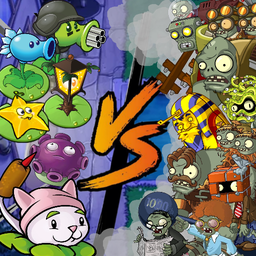
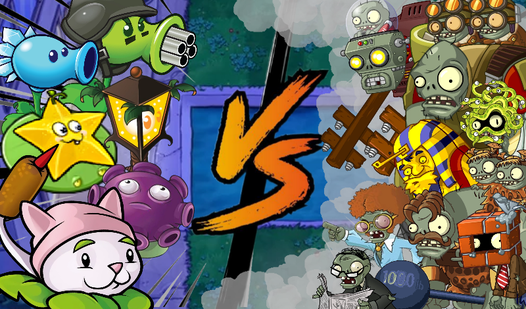
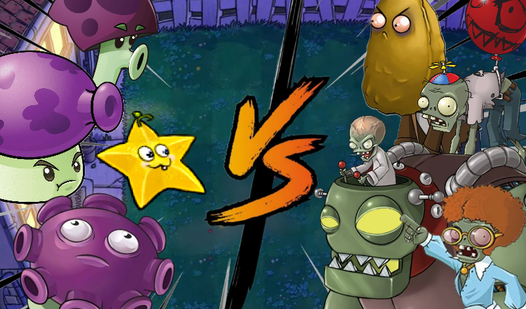
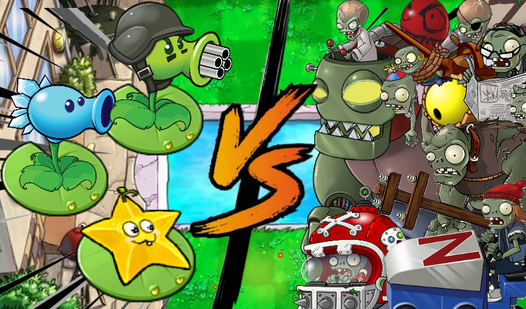
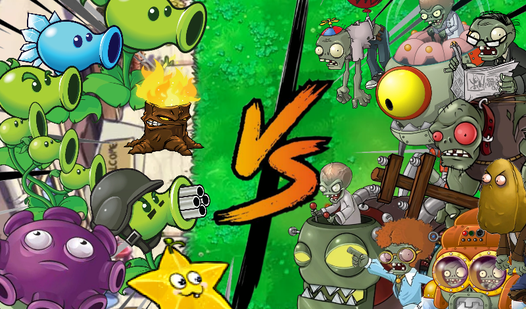
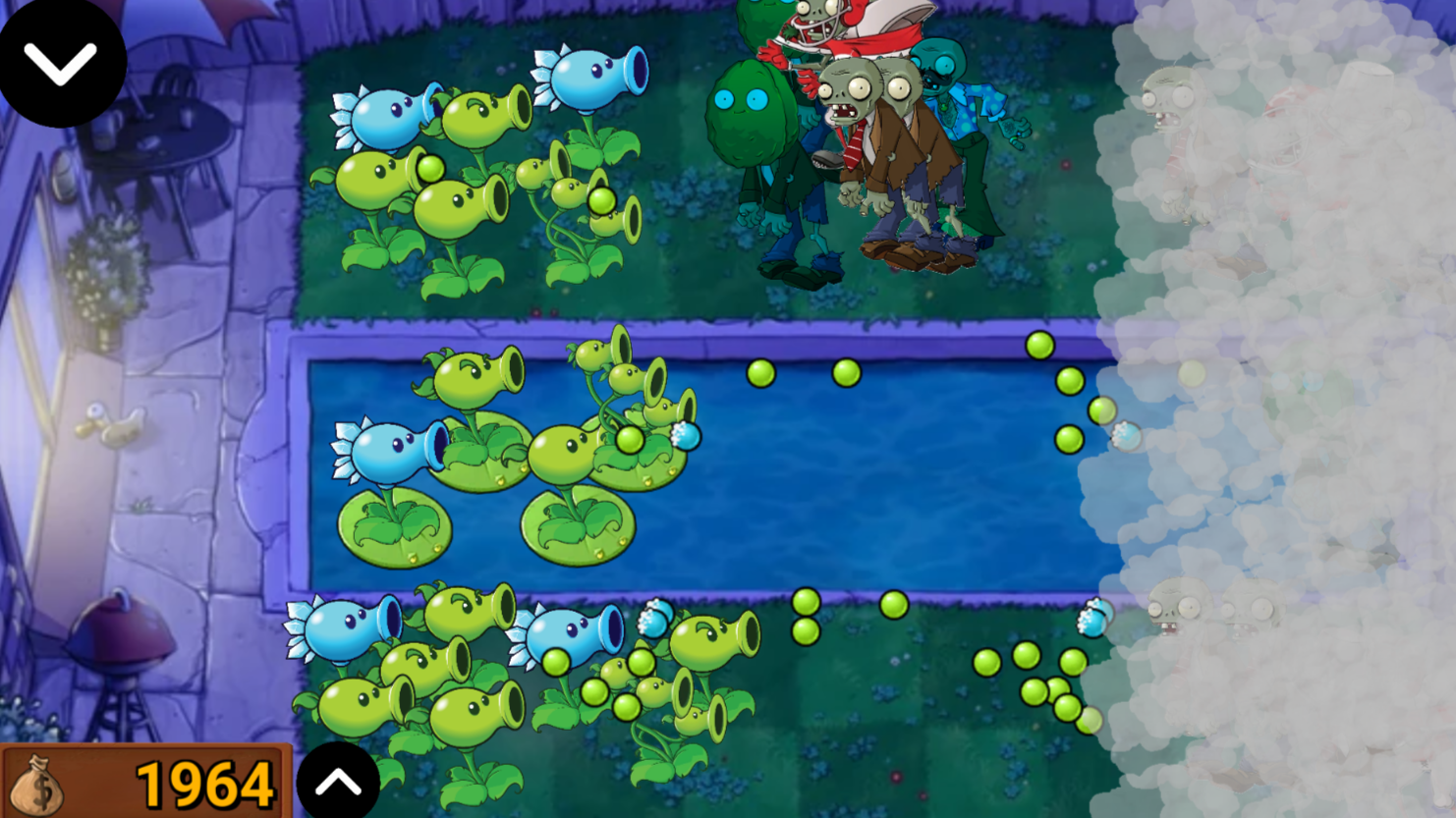
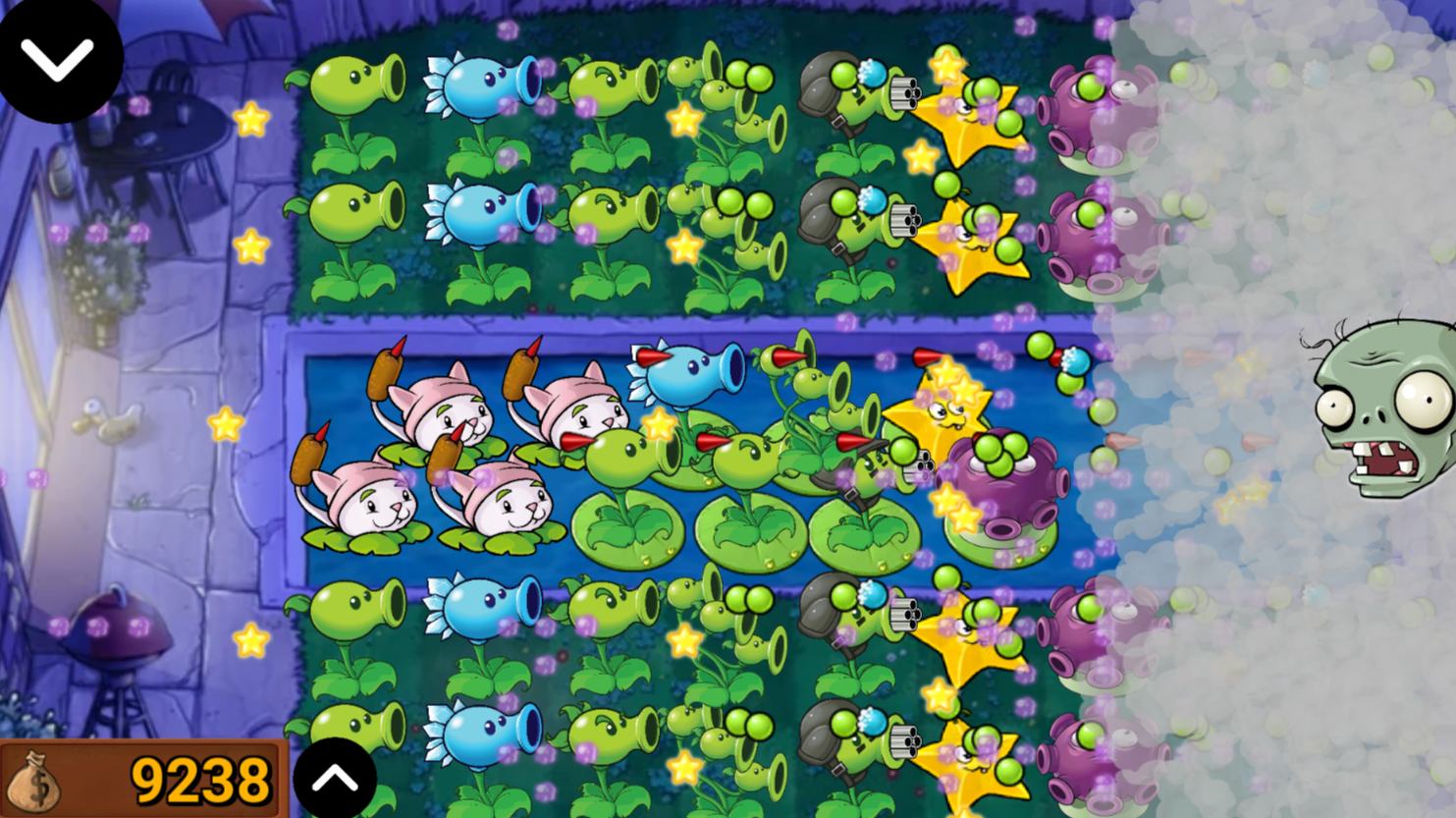
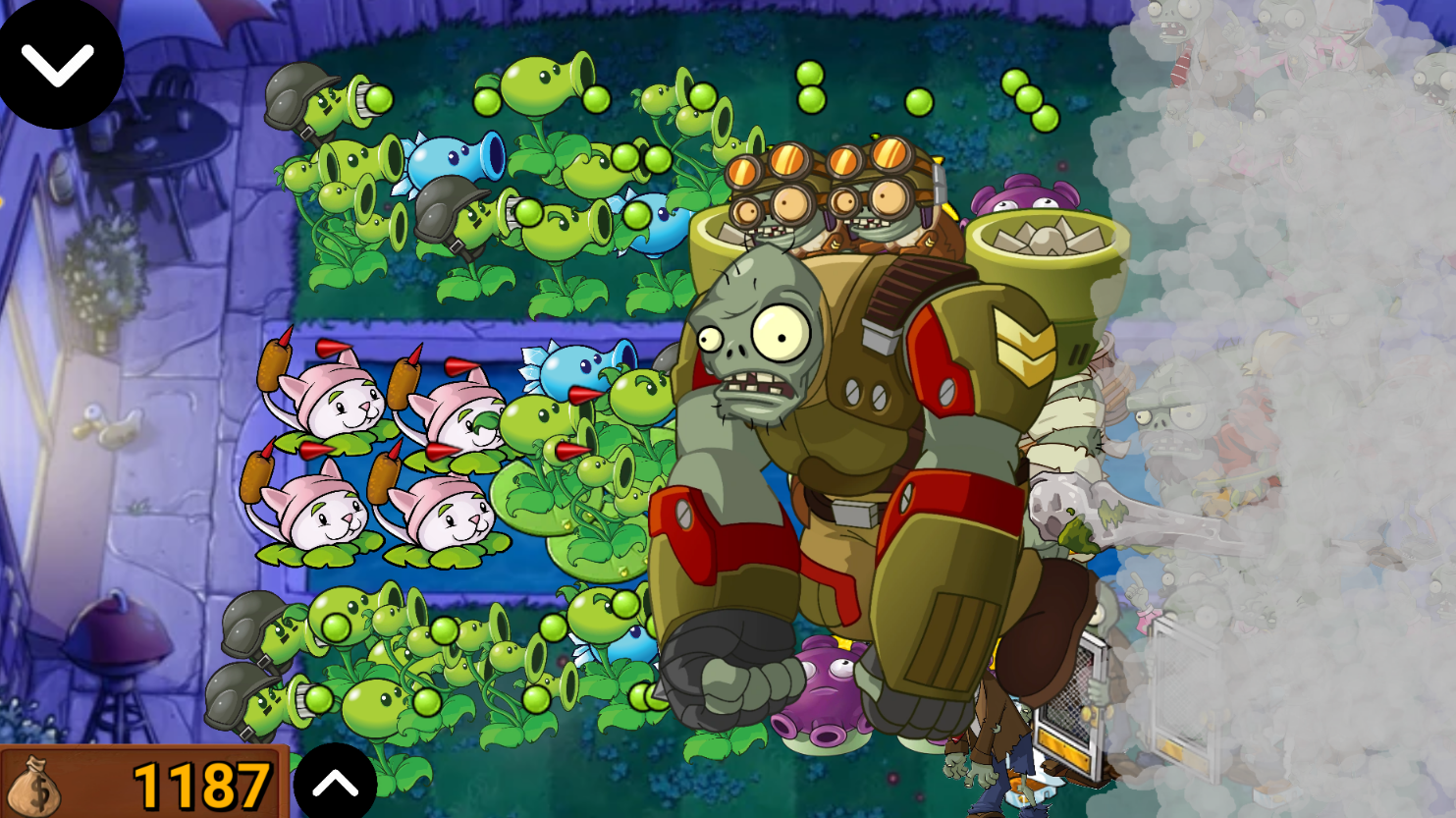
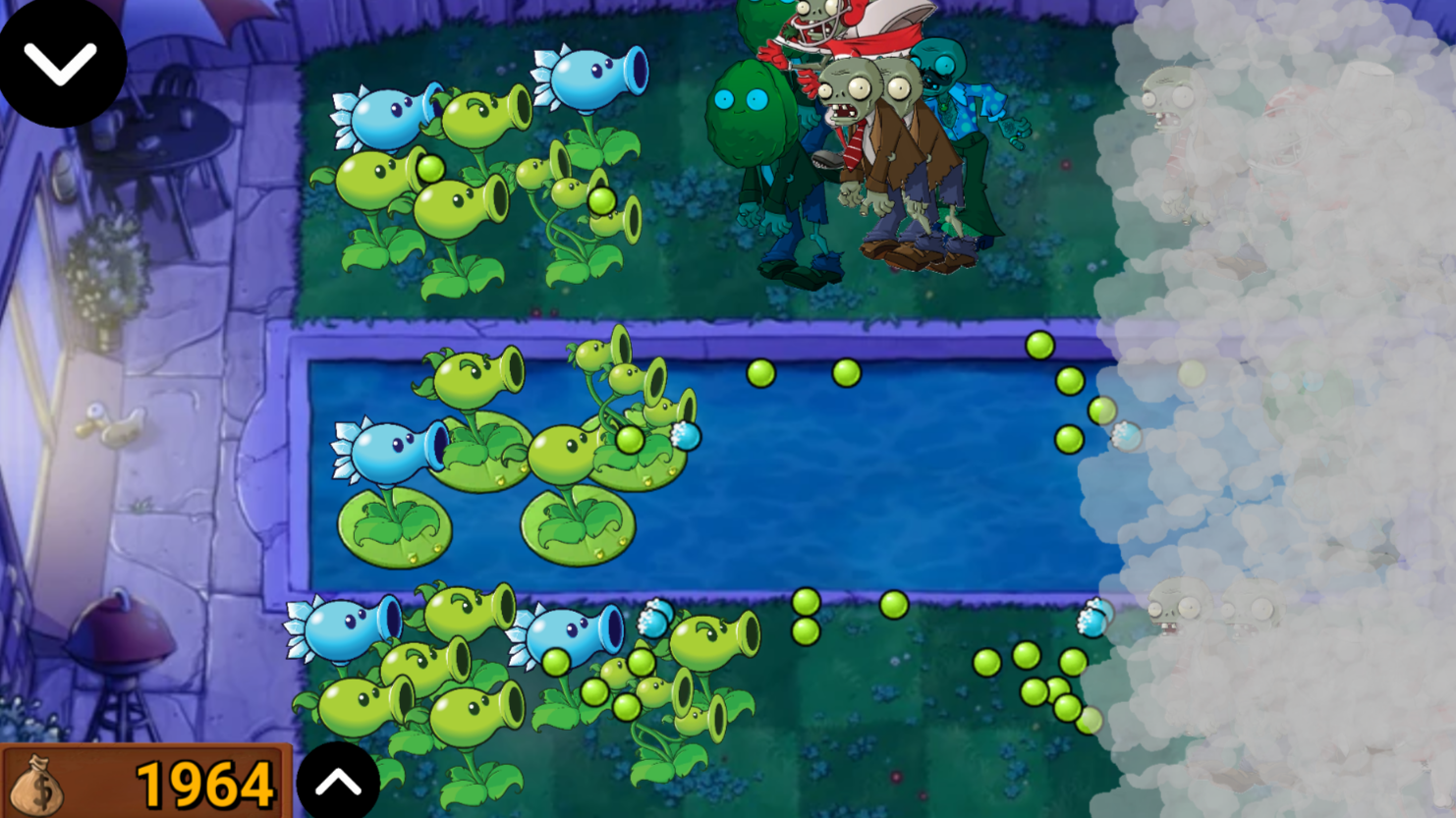
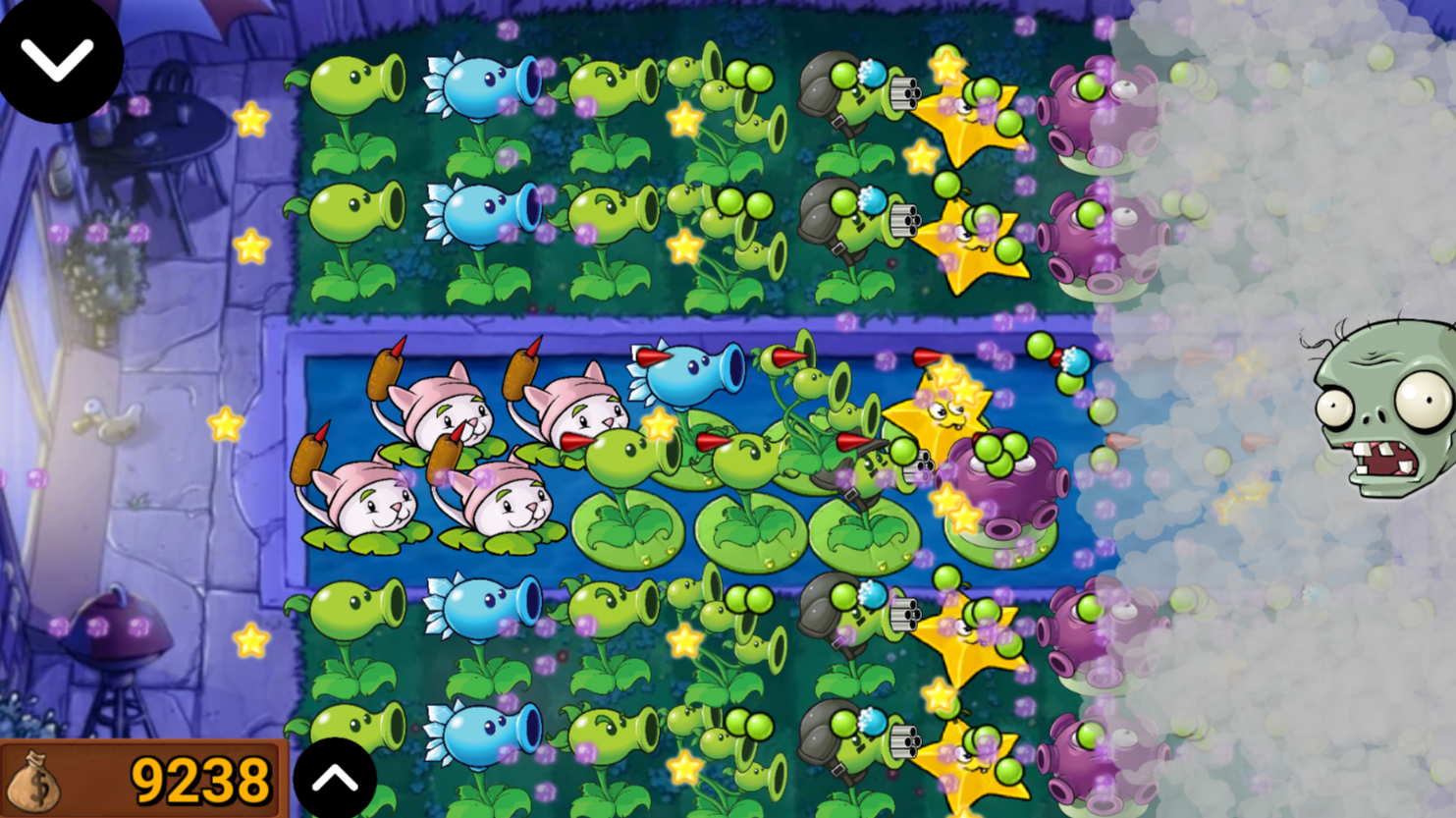
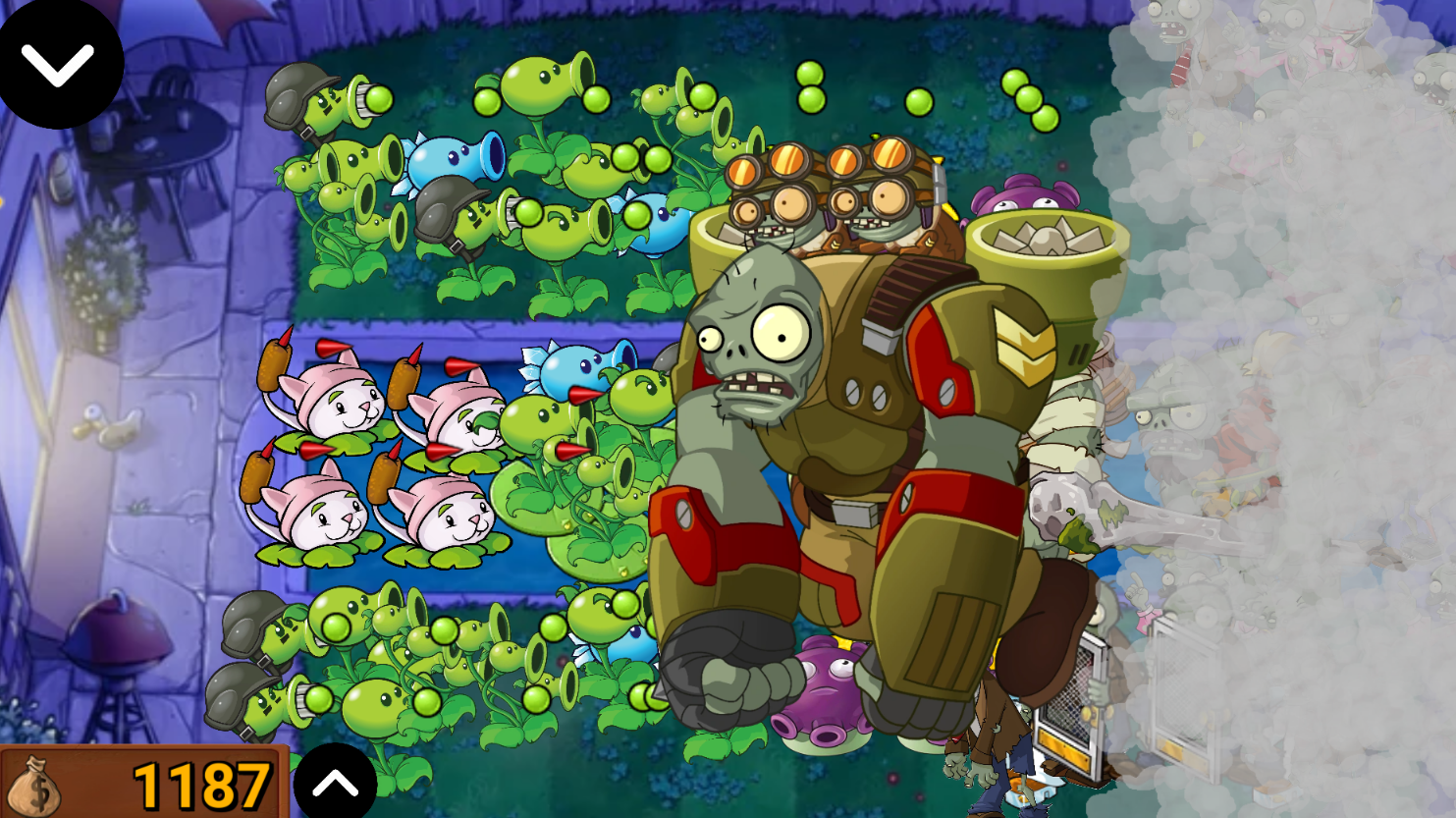
Staring at the clock and waiting for your shift to end can be a real struggle, especially when your brain needs a quick, tactical distraction. Plants VS Zombie: Fog is the perfect remedy for mid-day boredom, putting you in charge of a strategic garden defense that keeps your adrenaline pumping. You must carefully deploy a variety of flora to stop waves of encroaching threats from reaching your front door. The challenge spikes as you navigate dense patches of fog that obscure your vision, forcing you to play based on intuition and quick reflexes. Managing your resources is key, as every zombie defeated drops currency you can reinvest into a more powerful botanical arsenal. Between the limited field of view and the unique water-based lanes, you will need to master your plant placement to survive the night. This PvZ inspired experience tests your planning skills with every passing wave, keeping the intensity high until the very end. Jump into the action for free directly in your browser without any annoying downloads or registrations.
How to play
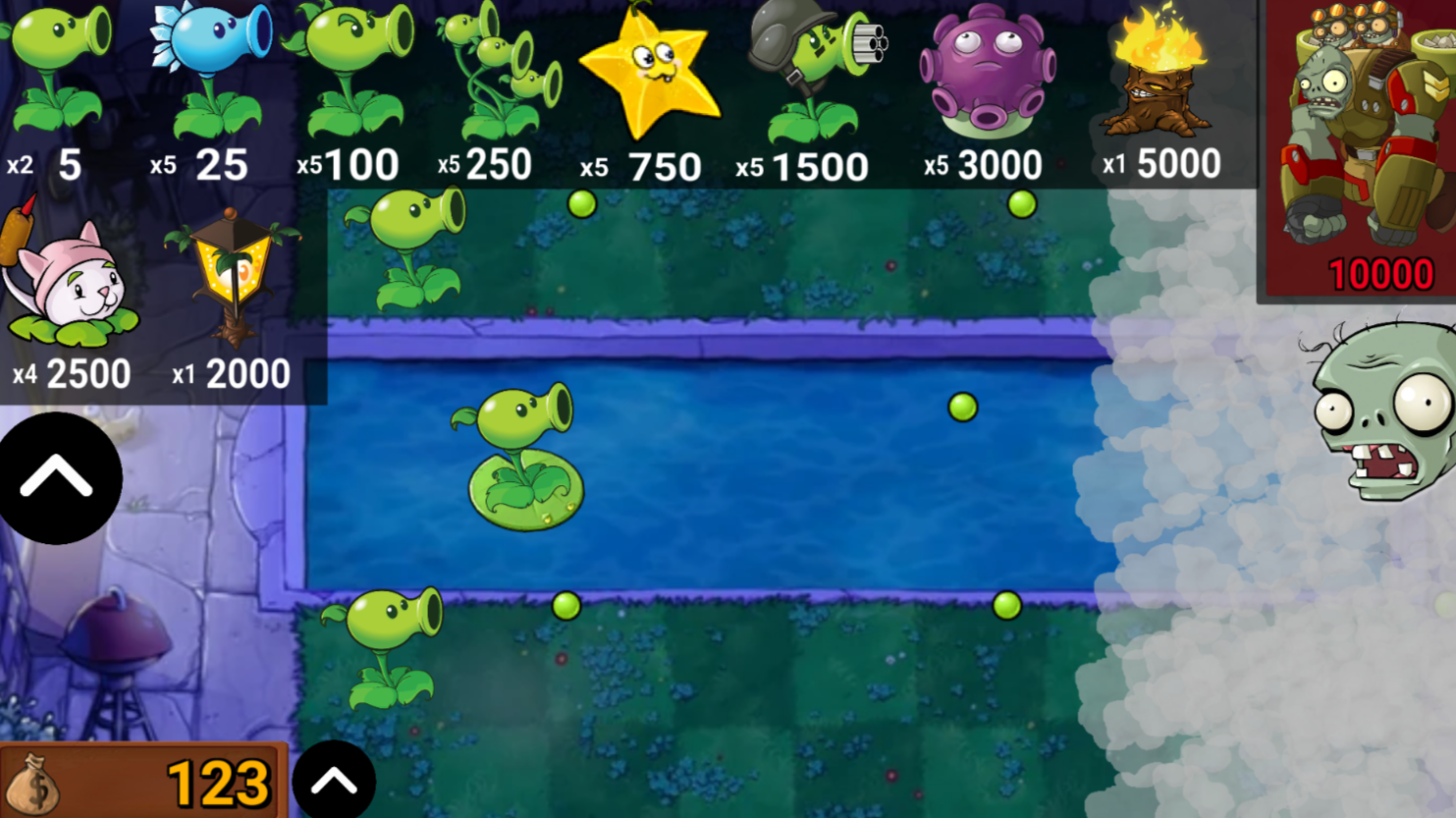
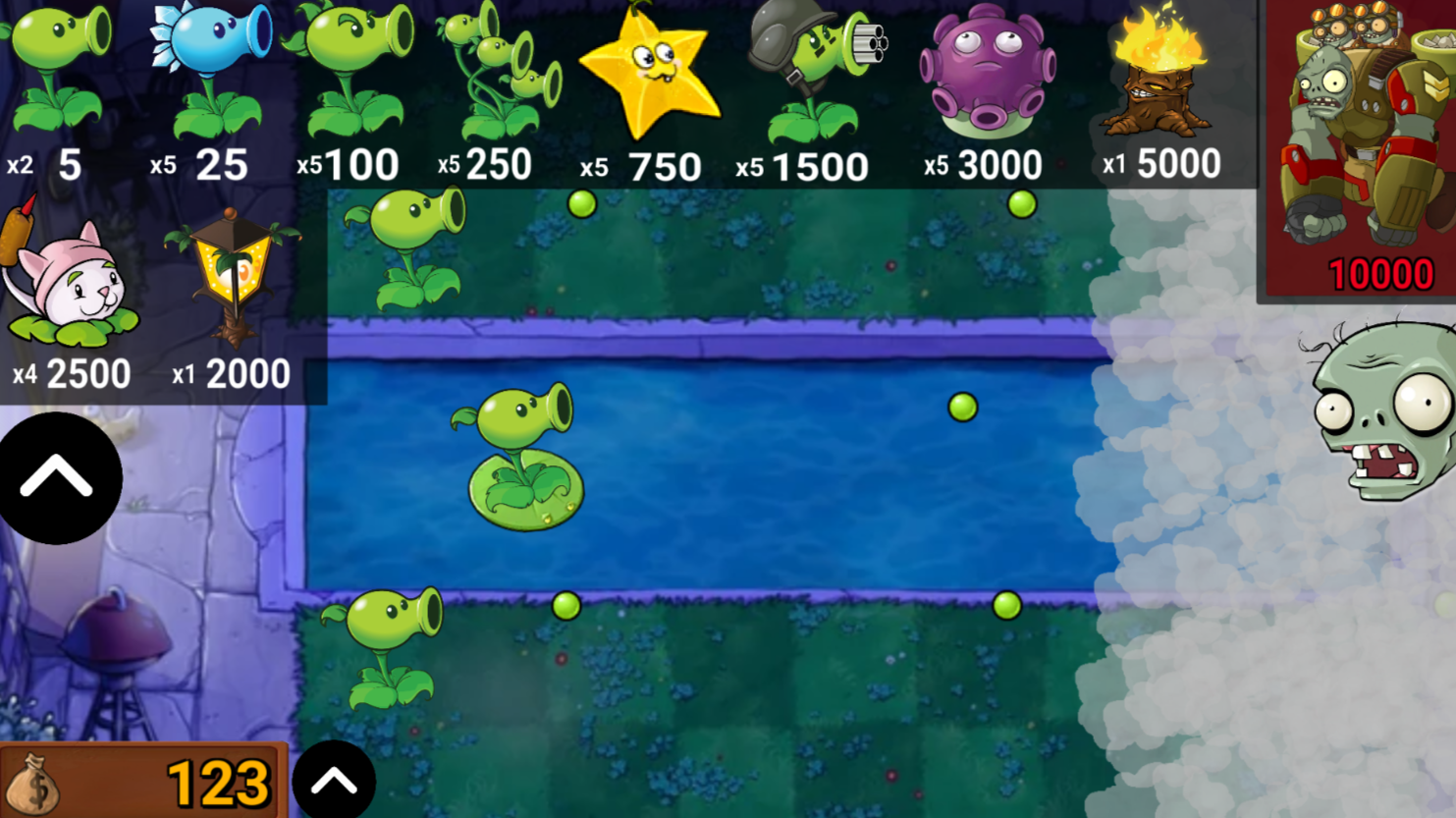
To protect your home, plant plants and move them with a LMB or move them with your finger, but keep in mind - you can't plant plants like a pea in a pool without a special plant, which is automatically issued when every second plant of different type is created! If the zombie reaches the house, then you will lose. Each zombie killed brings you money depending on how strong it is, and with this money you can buy more and more new plants. Every time you buy plants, zombies become more and more numerous, you can track which zombies are coming to you using the button on the bottom left. To buy a plant, click the button on the top left and select the desired plant, their number is limited.
Features
- Dynamic Fog System: Navigate through low-visibility conditions that mask the path of incoming undead threats.
- Aquatic Defense Strategy: Utilize specialized water-resistant plants to secure the pool lanes against amphibious invaders.
- Adaptive Economy: Earn cash rewards for every zombie defeated to expand your garden defenses in real-time.
- Threat Tracking: Use the bottom-left interface to monitor incoming enemy waves and adjust your defensive layout accordingly.
- Strategic Plant Rotation: Manage a limited inventory of available plant types to maximize your survival potential against escalating difficulties.
Who is it for
Strategy enthusiasts and casual gamers who enjoy tower defense challenges will find this title engaging. It suits players who appreciate tactical resource management and grid-based combat. Anyone seeking a short, high-stakes browser game to pass the time during a quick break will enjoy the constant progression and increasing difficulty.
Controls
Select plants
Click the button on the top left or tap the icon on your screen.
Place plants
Use the left mouse button to click or swipe your finger across the grid to position your units.
Manage defense
Click or tap existing units to move them to a new tile on the lawn.
FAQ
How do I clear the fog in Plants VS Zombie: Fog?
›
The fog is a persistent mechanic in Plants VS Zombie: Fog that limits your vision, so you must rely on strategic placement and audio cues to anticipate zombie attacks.
Can I play Plants VS Zombie: Fog on my mobile phone?
›
Yes, Plants VS Zombie: Fog is fully optimized for touch controls, allowing you to drag and drop your plants easily on mobile browsers.
What happens if a zombie reaches the house in Plants VS Zombie: Fog?
›
If an enemy unit successfully reaches your home in Plants VS Zombie: Fog, the game ends immediately and you will have to restart your defense.