About game
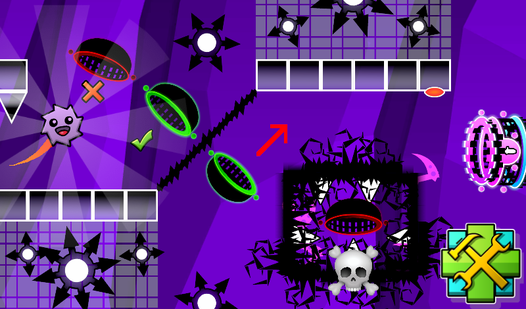
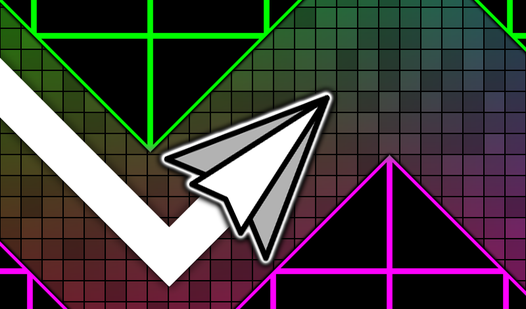
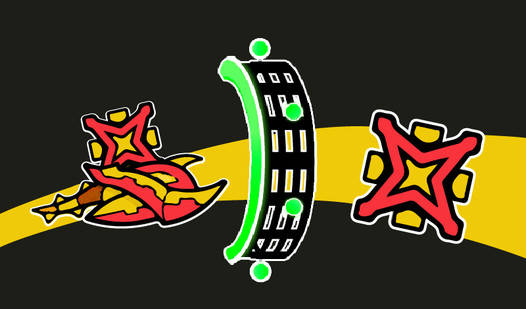
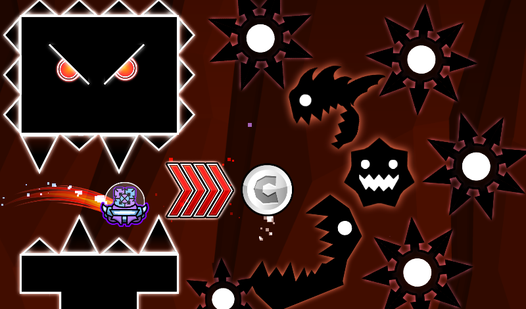
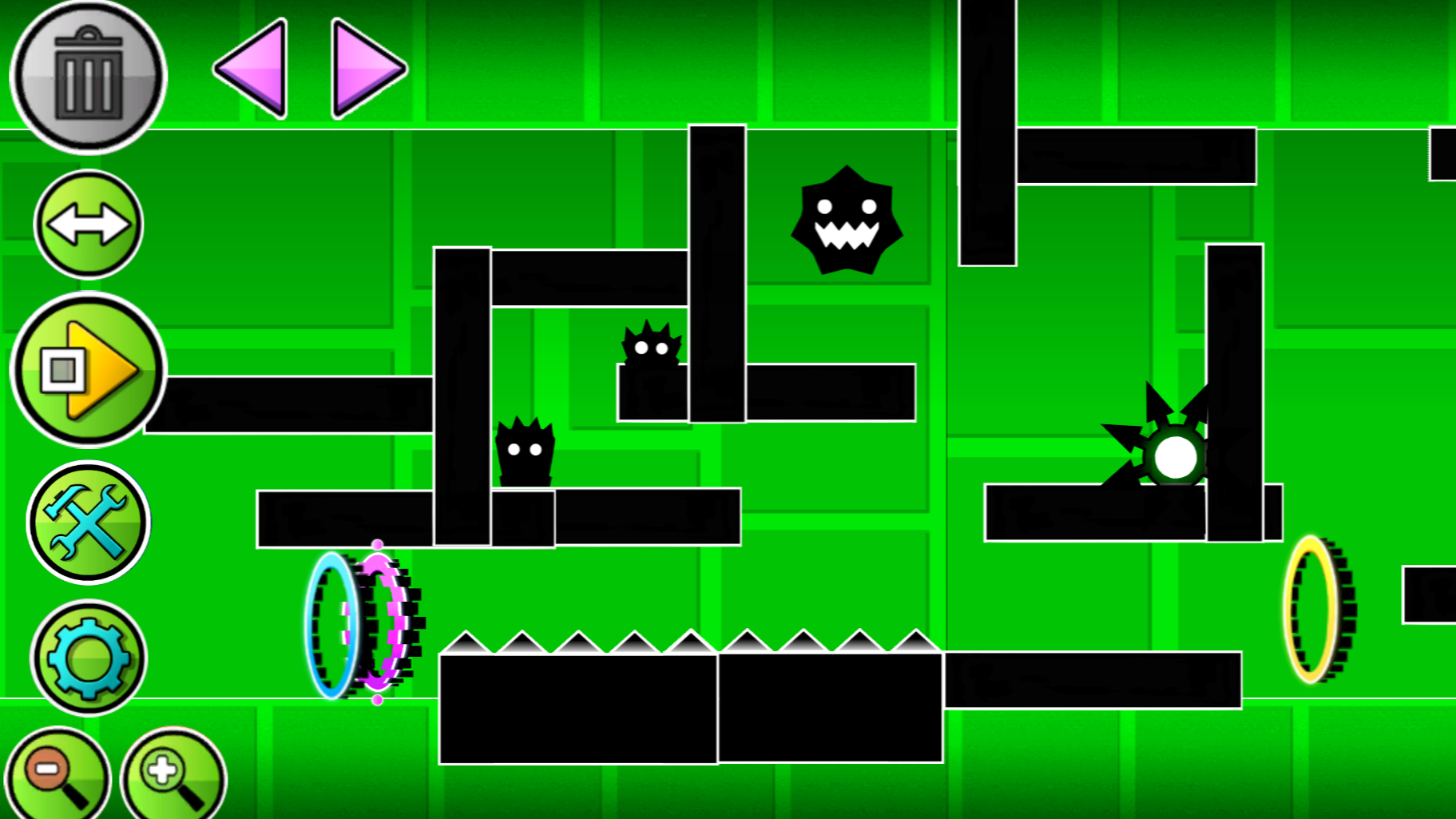
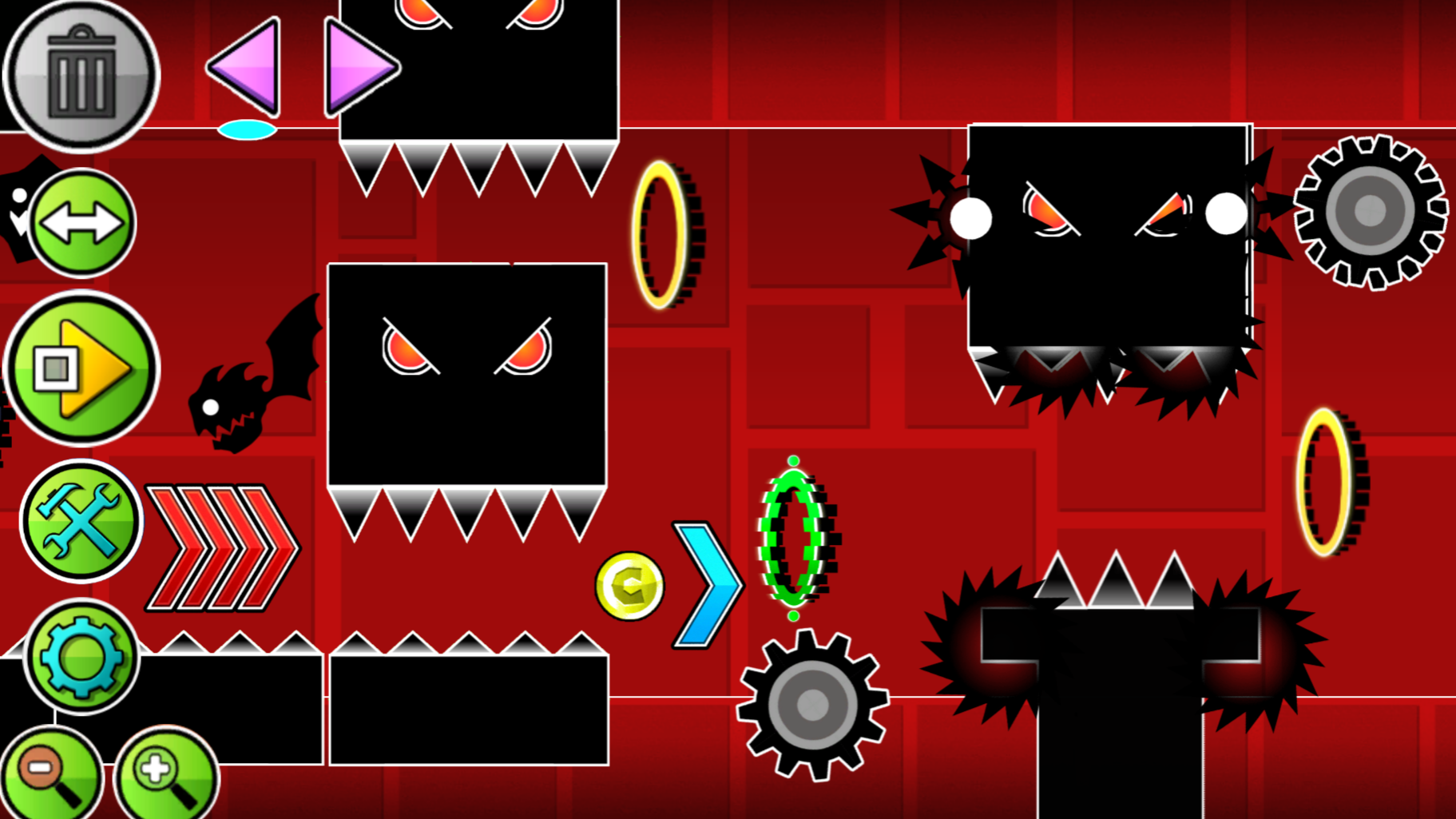
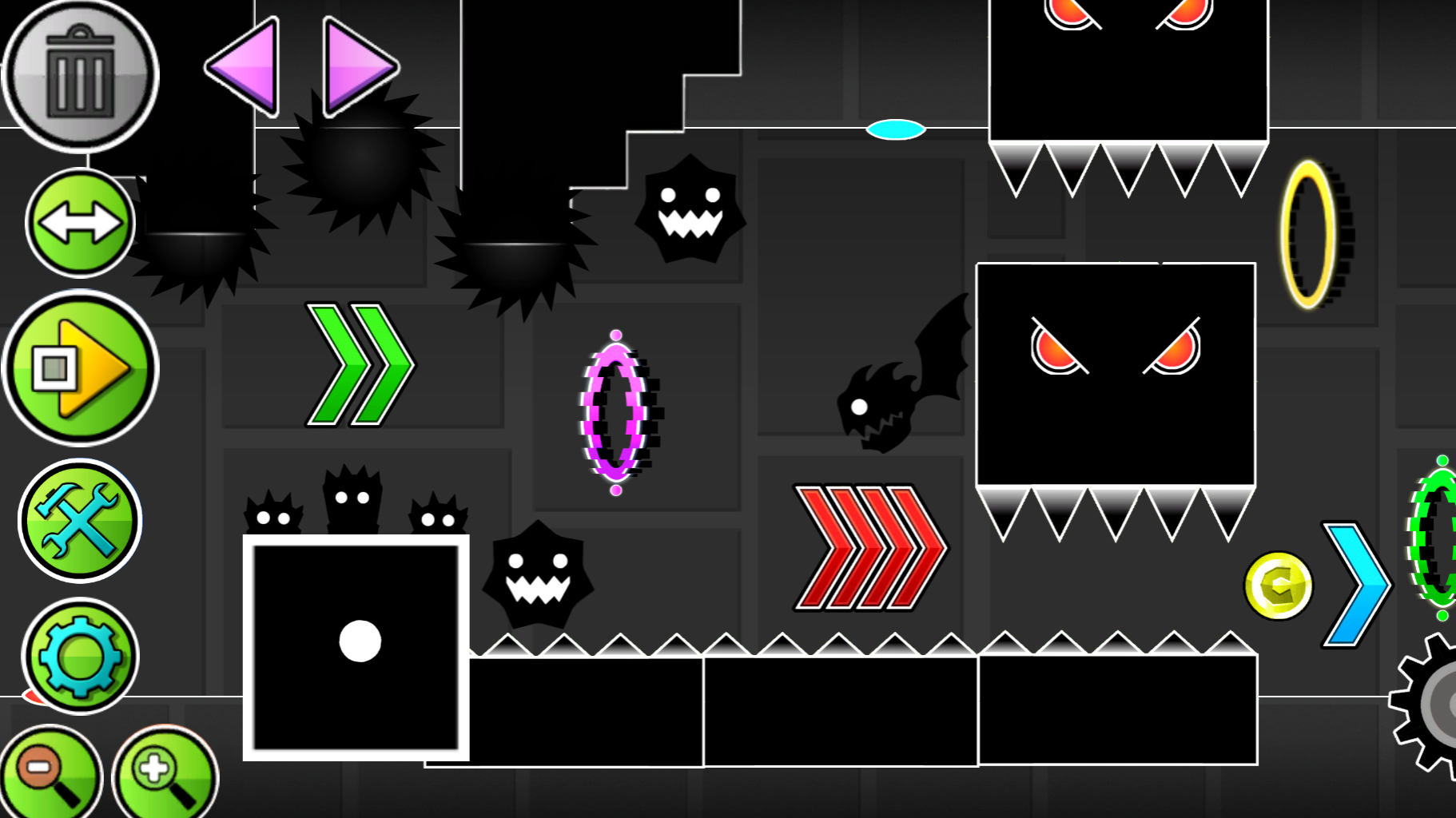
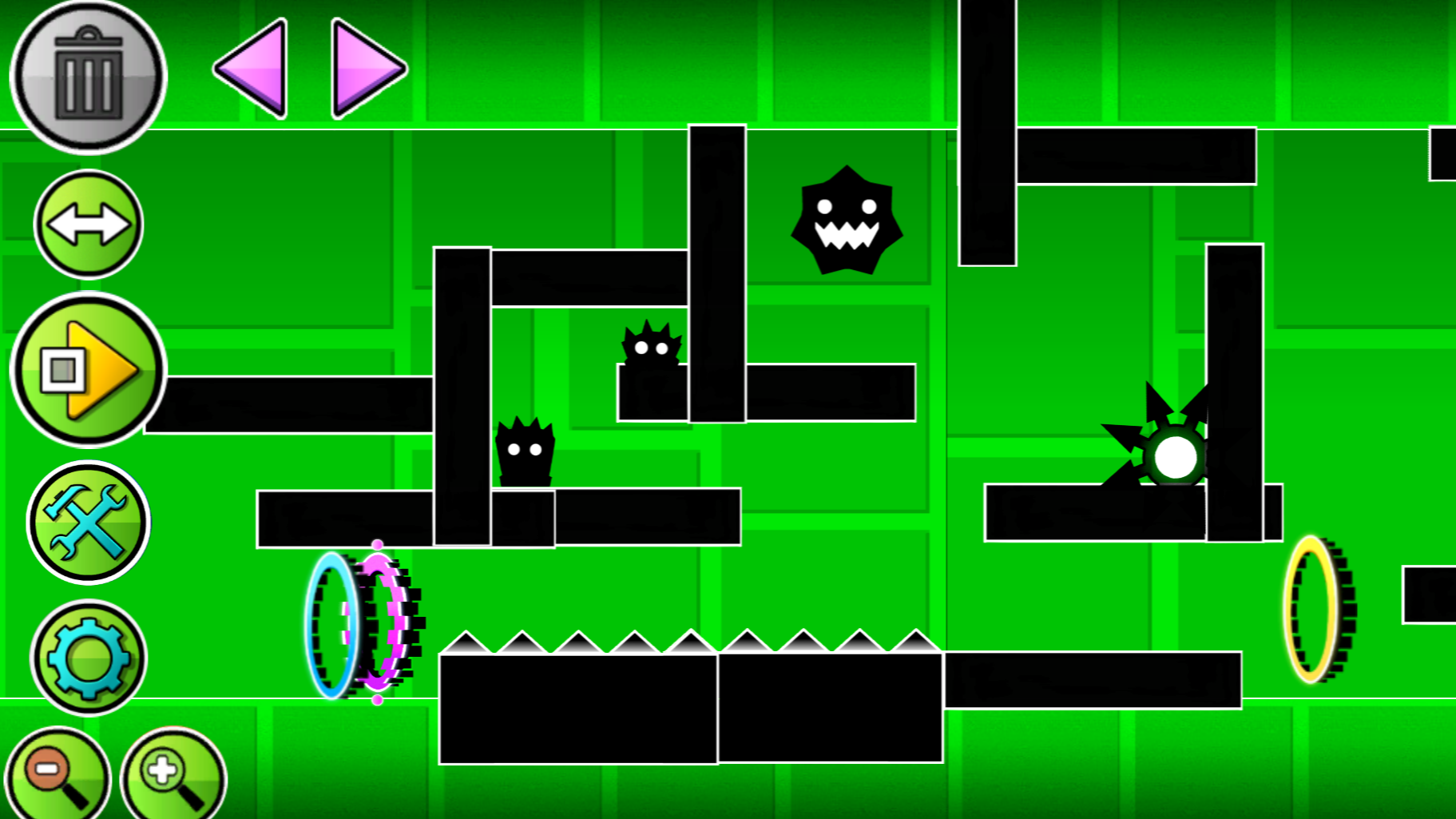
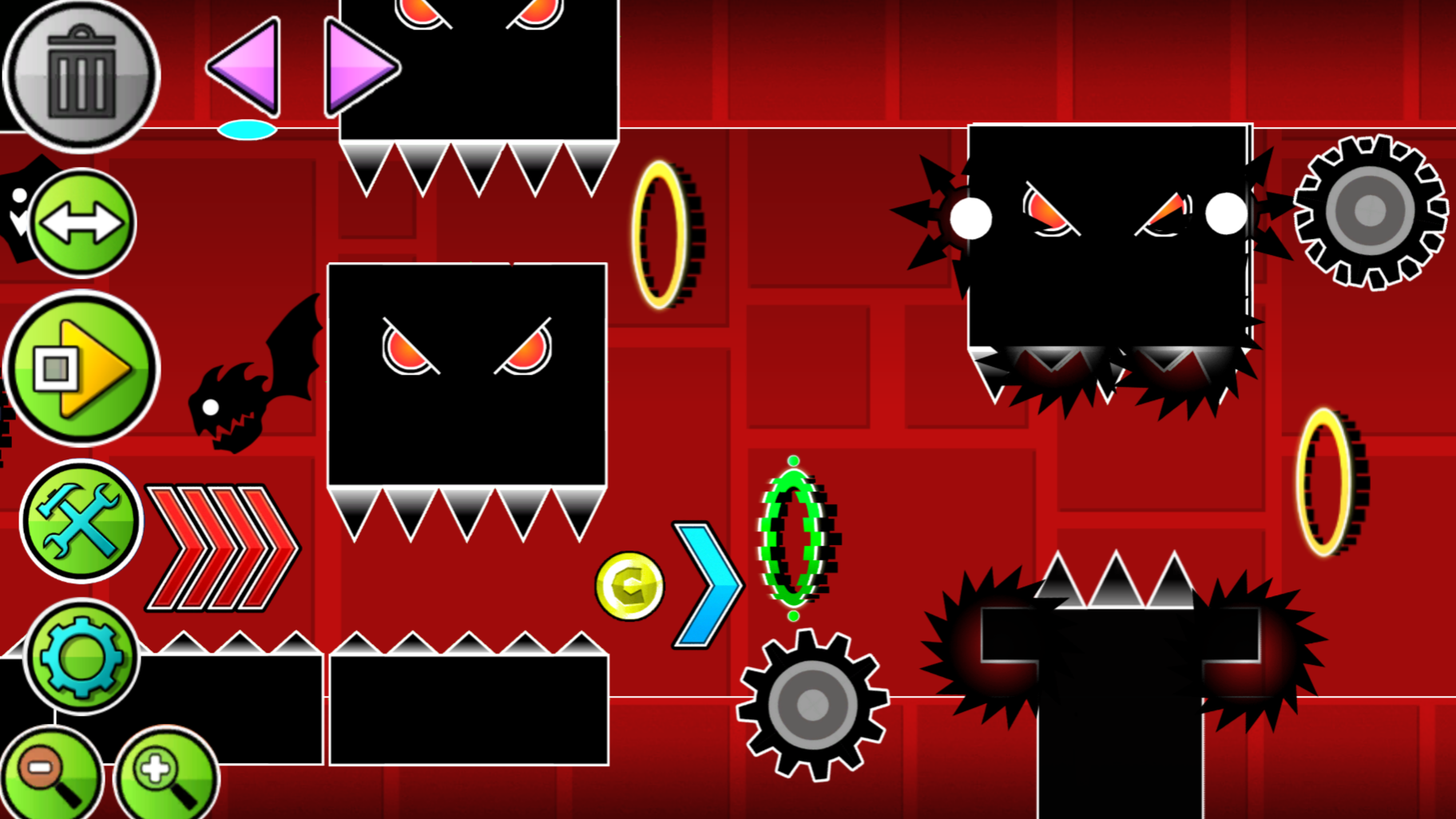
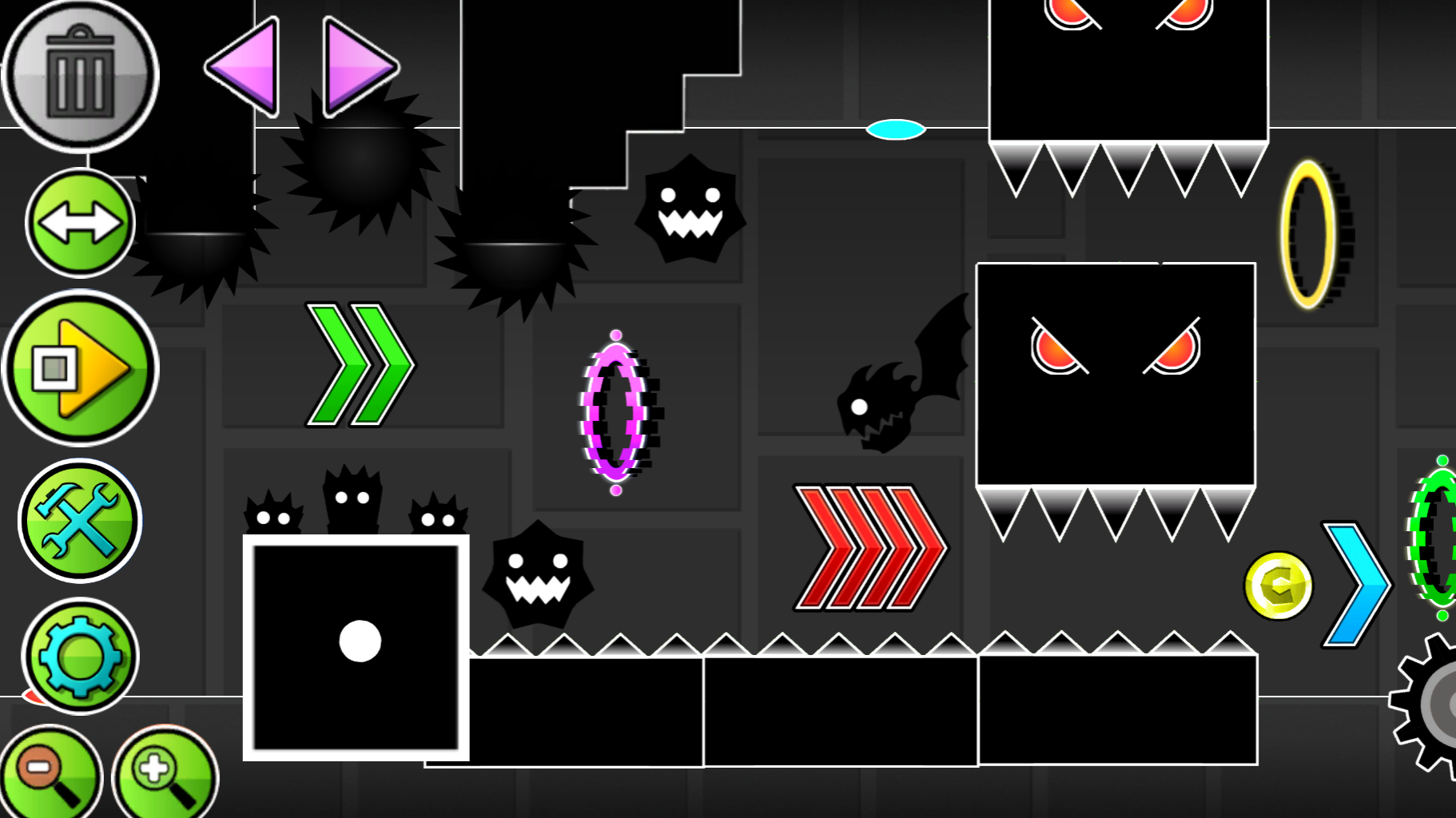
Mastering the physics of a flying craft requires incredible focus and rhythmic precision in the world of high-speed platformers. Geometry Dash: Ship Editor takes this challenge to the next level by letting you build the obstacle courses yourself instead of just surviving them. You can place blocks, spinning saws, and gravity-shifting portals anywhere on the grid to engineer a truly complex gauntlet. The intuitive interface allows you to drag elements across the screen, making it simple to test whether your path is actually beatable. Toggle the gear icon to customize the background atmosphere and set the mood for your masterpiece. Once you finish building, hit the play button to see if your piloting skills can conquer your own creation. Whether you want to craft a relaxing journey or a punishingly difficult nightmare, the choice is entirely yours. This creative sandbox provides a unique look at how game levels are designed from scratch. Jump into the browser and create your own level right now for free with no download required.
How to play
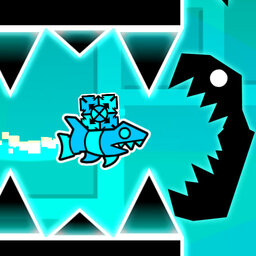
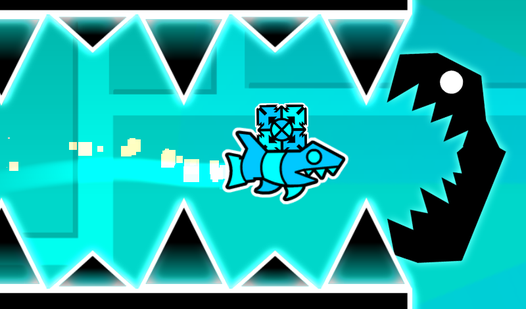
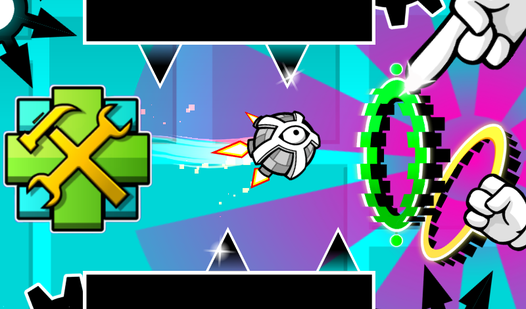
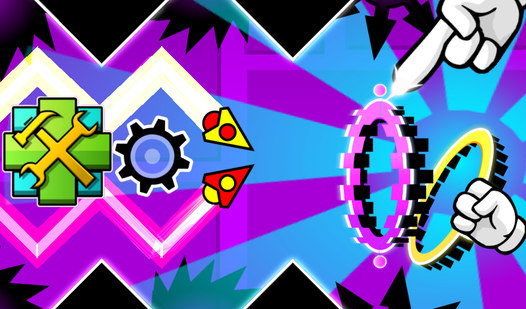
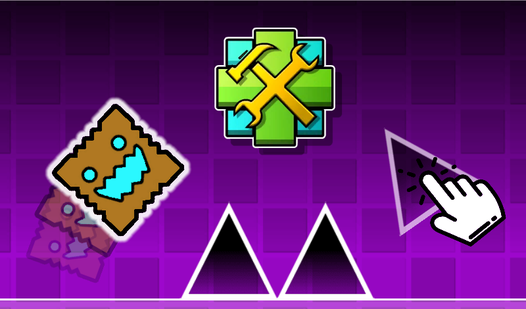
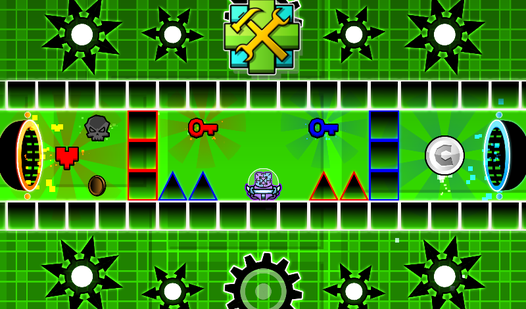
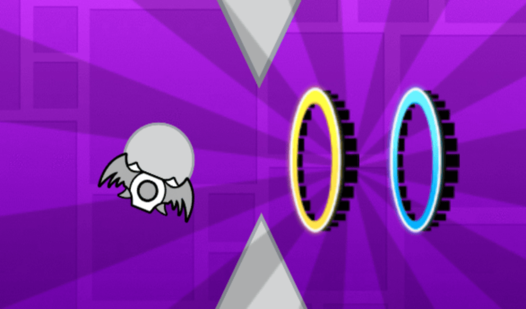
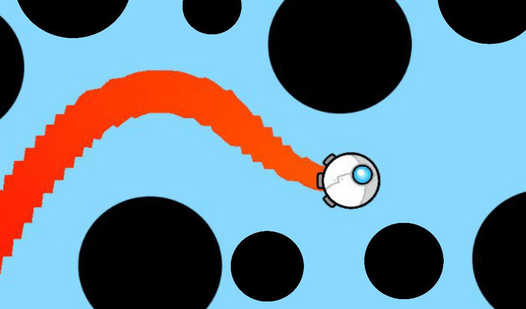
The game is an editor where you can create any kind of levels: easy, difficult, crazy and even impossible. There are many buttons visible on the screen, each responsible for its own mechanics. The "Play" button allows you to play your level. You play as a boat that flies down, but if you hold down the LMB or hold down the phone, the boat will fly up. Using this, control the boat and dodge all the obstacles that you create. There is also a button for creating obstacles and portals. Just click on the image of obstacles and/or portals, and they will be created in the center of the screen, drag them using the LMB or your finger to any place. The gear-shaped button allows you to change the background color. The trash can button allows you to delete objects, if the button is lit in red, then the objects you click on will be deleted.
Features
- Object placement: Drag and drop various obstacles like spikes and blocks to build custom routes.
- Gravity control: Utilize special portals to flip the ship orientation and create mind-bending flight paths.
- Visual customization: Adjust the background colors to give your level a distinct look and feel.
- Eraser tool: Easily manage your build space by using the trash can mode to remove misplaced elements.
- Testing mode: Switch instantly from editing to gameplay to refine your ship control skills on the fly.
Who is it for
Casual players who enjoy logic puzzles and fans of rhythmic platformers will love this tool. It is perfect for creative minds who want to experiment with level design or anyone seeking a quick, addictive challenge that tests their reflexes against their own custom-built, gravity-defying gauntlets.
Controls
Pilot ship
Hold the left mouse button or tap and hold the mobile screen to fly upward.
Place objects
Select an object icon and drag it to the desired position on the screen.
Delete items
Enable the red trash can icon and tap any object to remove it from the level.
FAQ
Can I save my creations in Geometry Dash: Ship Editor?
›
The current version focuses on the creative sandbox experience where you can build and test your levels in real-time.
Is Geometry Dash: Ship Editor difficult to learn?
›
Not at all, as the interface is designed for simplicity, allowing you to drag and drop elements to start building your first challenge within seconds.
Do I need to install anything to play Geometry Dash: Ship Editor?
›
No, this game runs directly in your web browser, providing a seamless experience without any registration or download.