About game
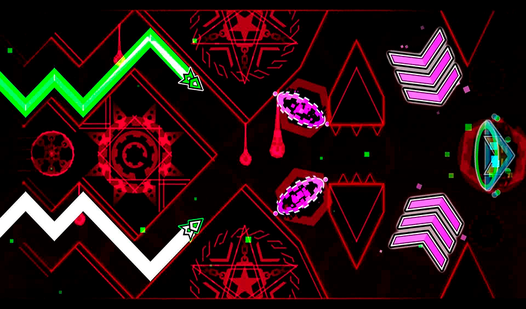
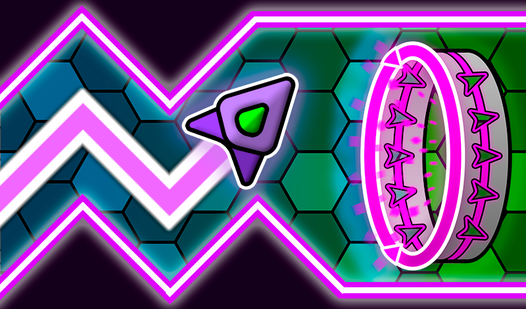
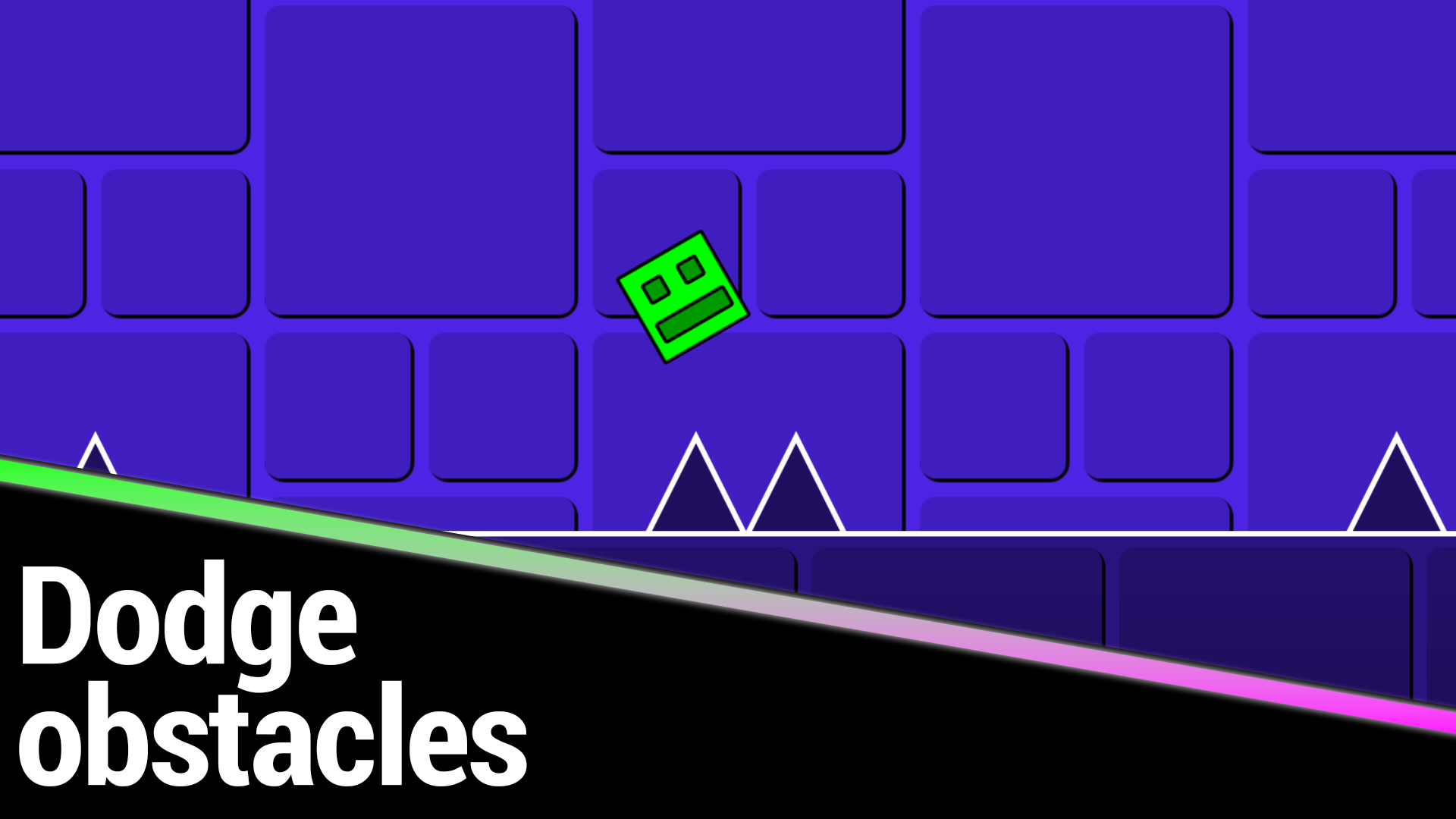
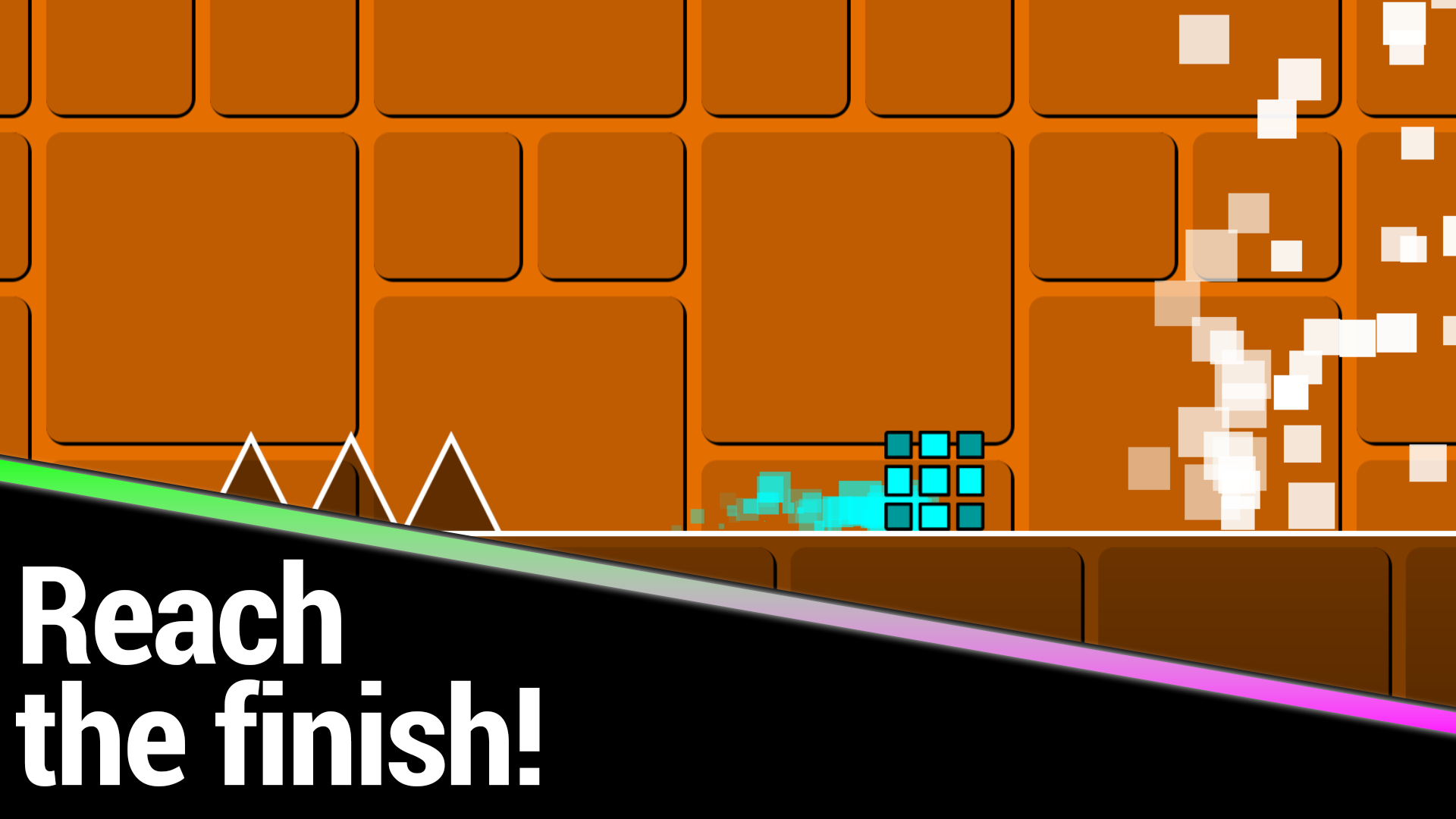
Rhythmic platforming games turn simple reflexes into an intense test of focus and timing. Geometry Cube: Challenge strips away the fluff to deliver a pure adrenaline rush set to a pulsing, high-energy soundtrack. You navigate a sleek character through treacherous landscapes where every hit means starting over. The core gameplay loop revolves around precise jumping mechanics that require perfect synchronization with the beat. As you progress, the obstacles grow more complex and unpredictable, demanding split-second decision-making. Beyond the standard run, you can customize your look to stand out while climbing the global leaderboard. Seven unique stages offer a steady curve of difficulty designed to keep you glued to your screen. This browser experience proves that mastering the geometry of a level is just as rewarding as it is challenging. Experience the thrill of Geometry Cube: Challenge for free right now in your browser with no download required.
How to play
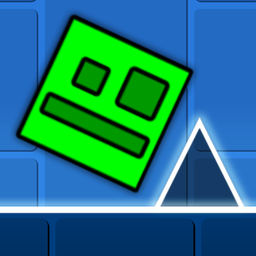
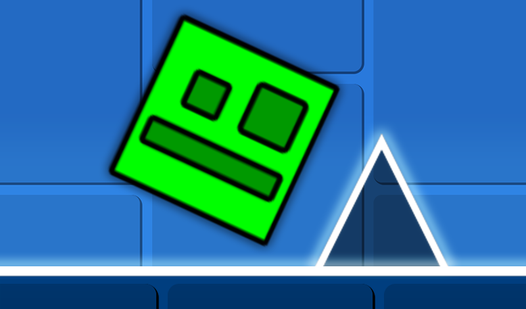
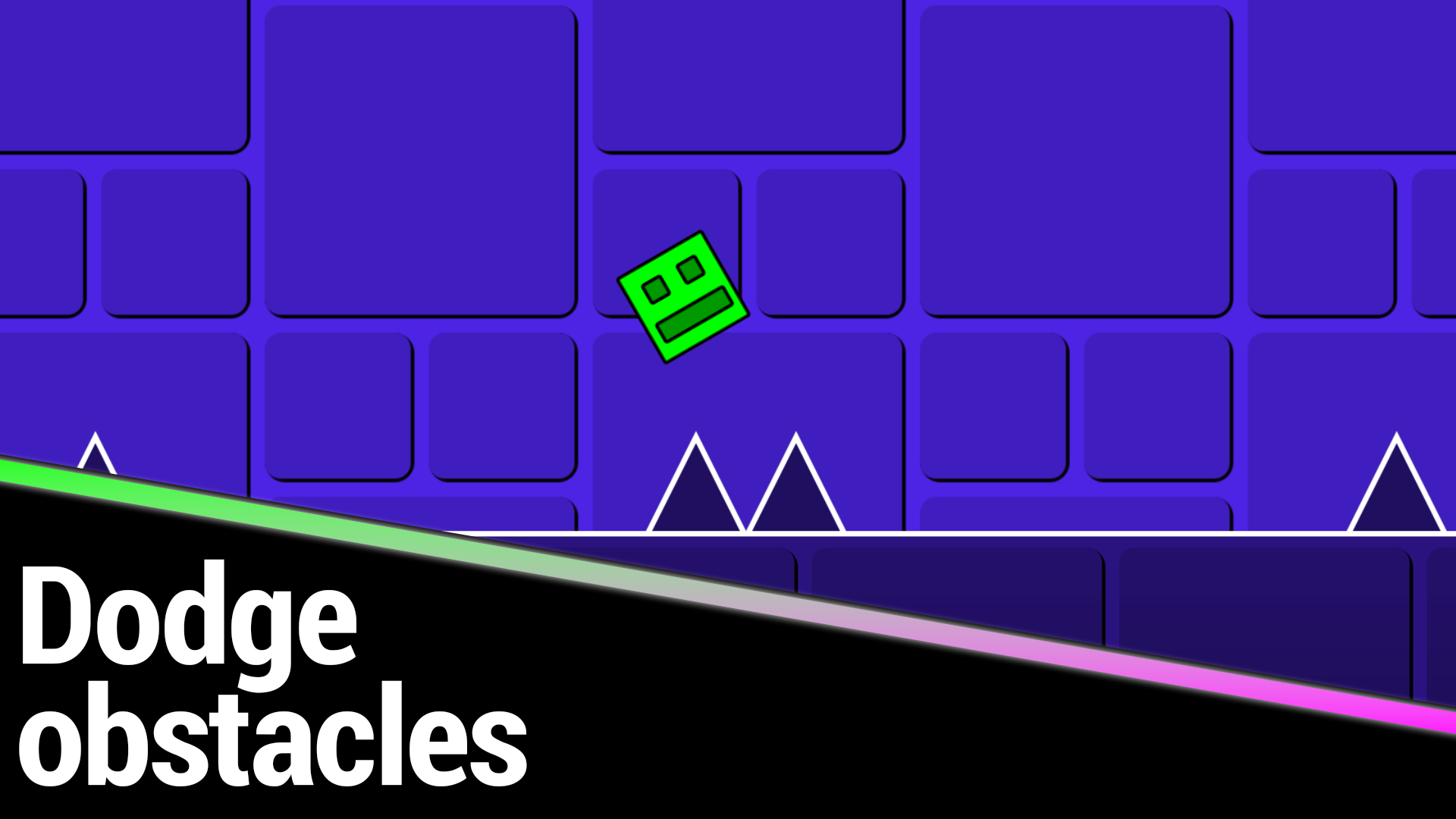
Control the Сube and don't crash into obstacles!
Control:
• Press the left mouse button/finger/spacebar to make the Cube jump once
• Hold down the left mouse button/finger/spacebar so that the Cube jumps without stopping
Respawn returns the Cube 2 seconds back.
Features
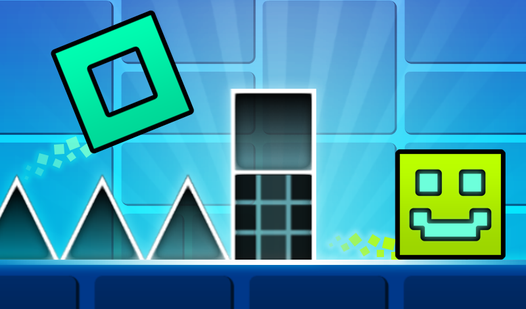
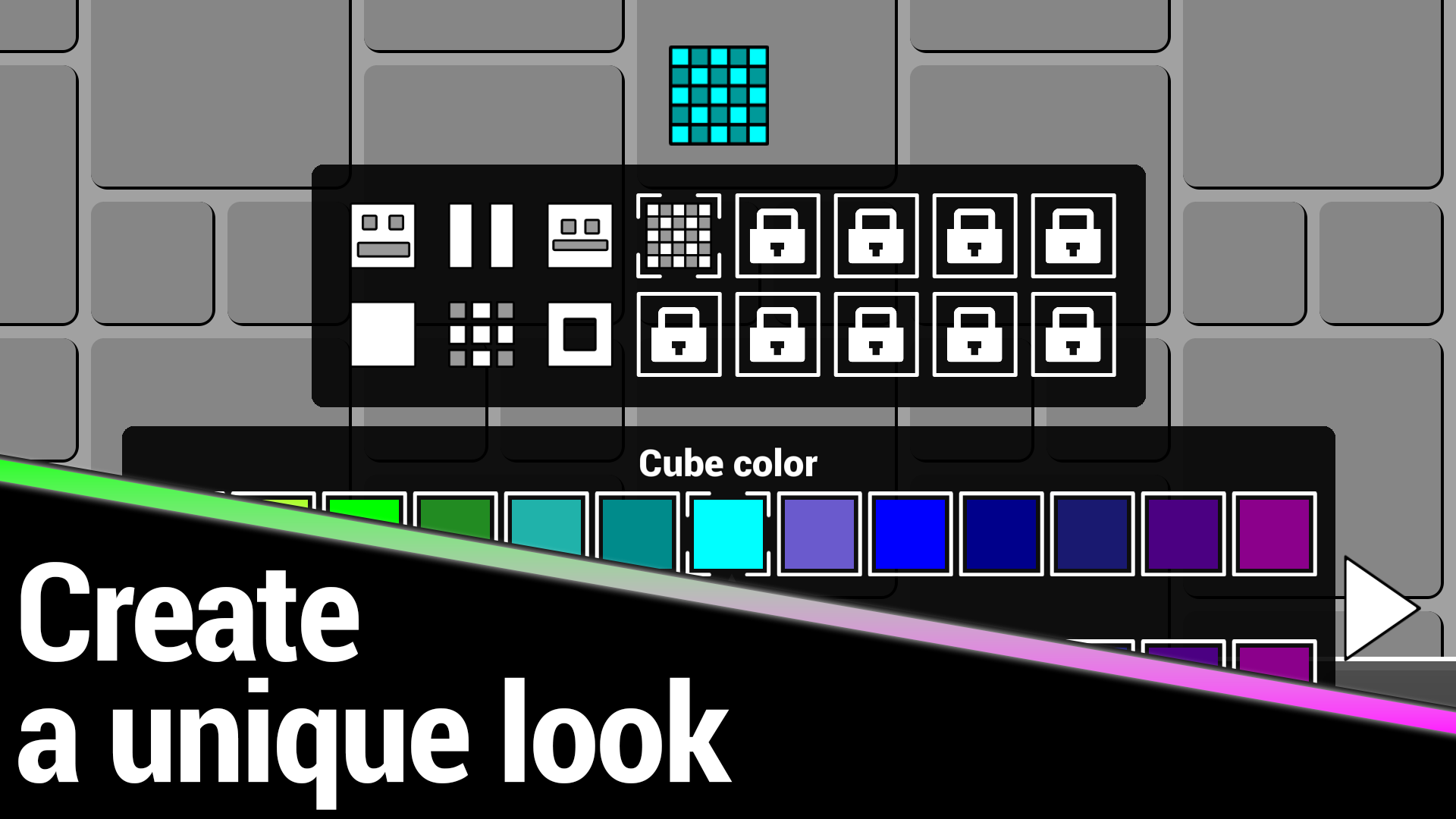
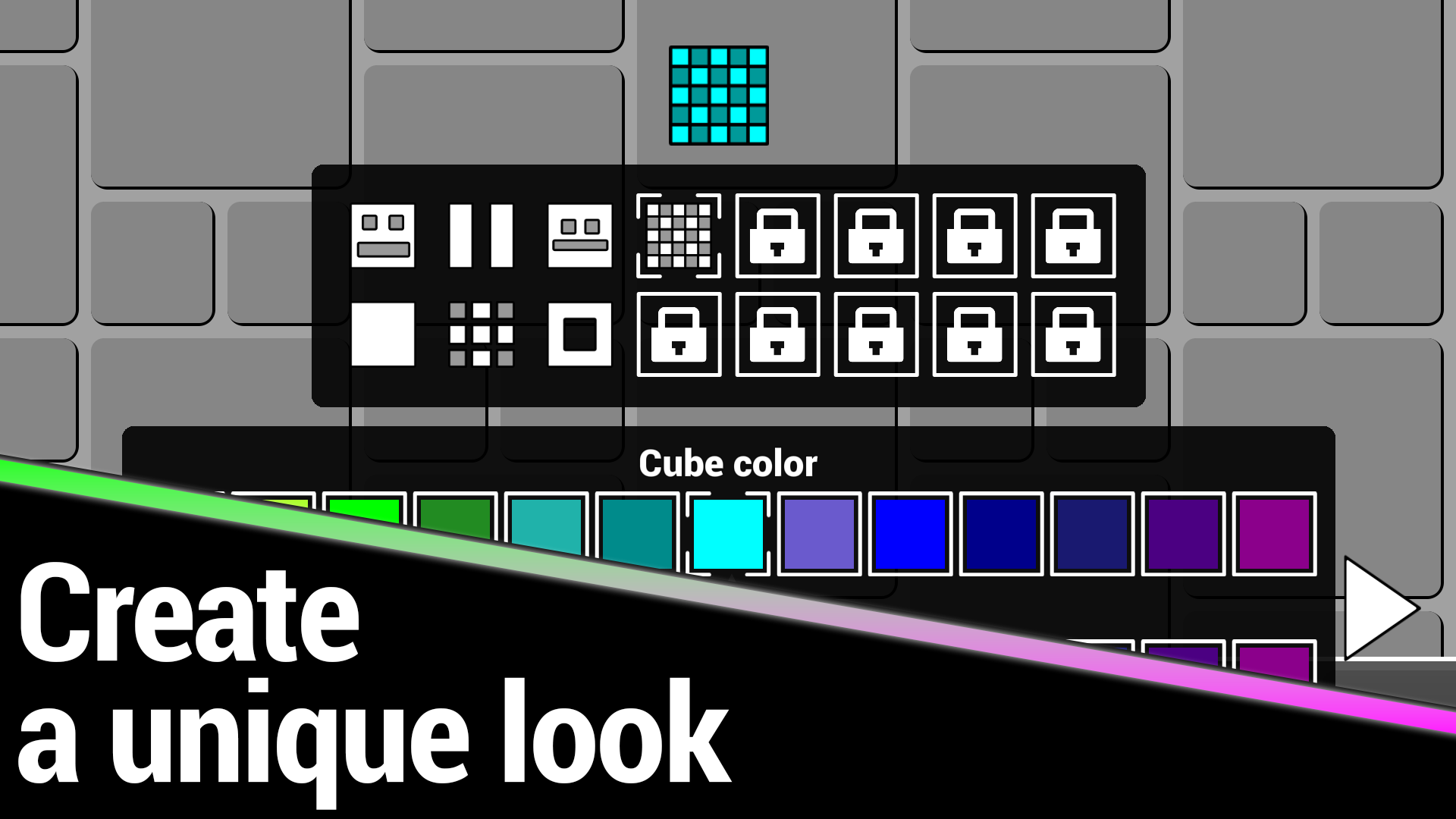
- Customization system: Personalize your character to showcase your unique style throughout the varied stages.
- Leaderboard competition: Track your performance against other players to earn your spot among the top runners.
- Dynamic respawn: Utilize the rewind feature to jump back two seconds and recover quickly from minor mistakes.
- Musical progression: Each of the seven levels features a unique, synchronized soundtrack that dictates the flow of the obstacles.
- One-touch mechanics: Master the simplicity of single-button input to perform both precise single jumps and sustained rhythmic hops.
Who is it for
Fans of high-speed arcade platformers and music-based rhythm games will find plenty to love here. Players who enjoy perfecting their runs and chasing high scores on leaderboards will appreciate the tight controls and challenging level design. It is also great for casual gamers looking for short, intense sessions.
Controls
Jump
Click left mouse button, tap screen, or press spacebar once
Continuous jump
Hold down left mouse button, tap and hold on screen, or hold spacebar
Navigate menus
Tap or click on screen elements
FAQ
How do I unlock new levels in Geometry Cube: Challenge?
›
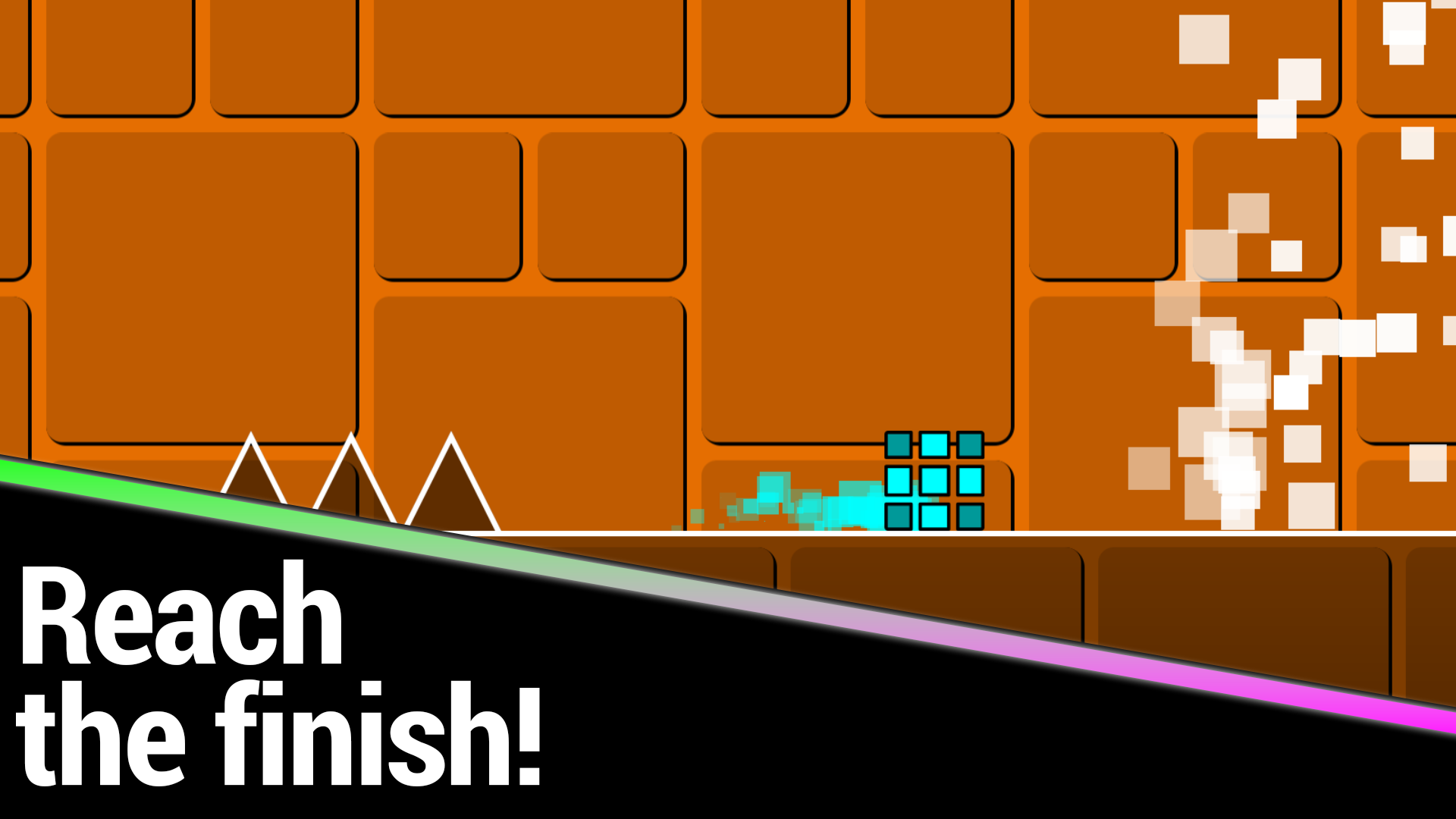
You must complete the current level to advance to the next, with each stage becoming progressively more difficult.
Can I customize my character in Geometry Cube: Challenge?
›
Yes, the game includes a customization system that allows you to change your appearance as you earn stars.
Is it possible to play Geometry Cube: Challenge on a mobile device?
›
Absolutely, the game is fully optimized for mobile browsers using simple touch controls.