About game
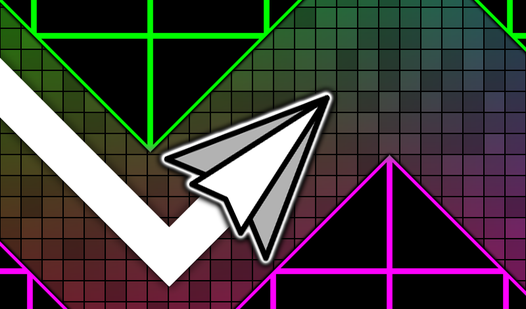
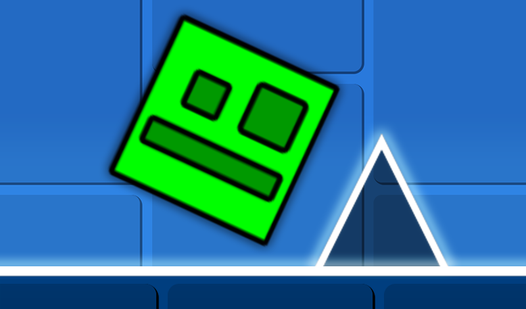
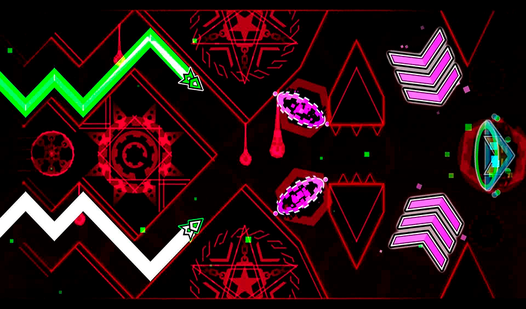
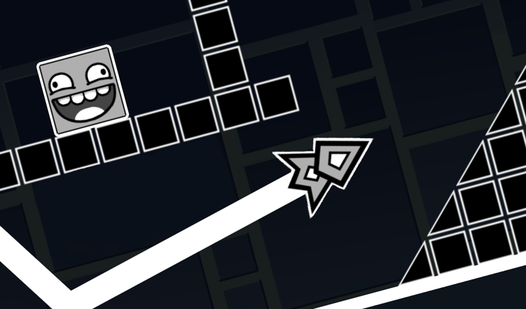
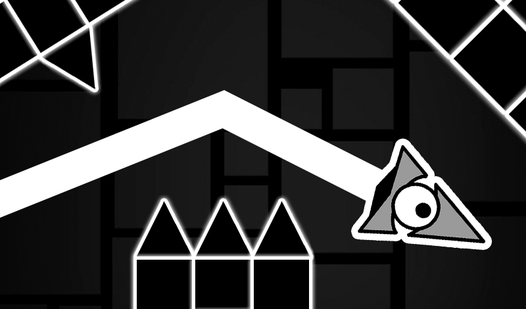
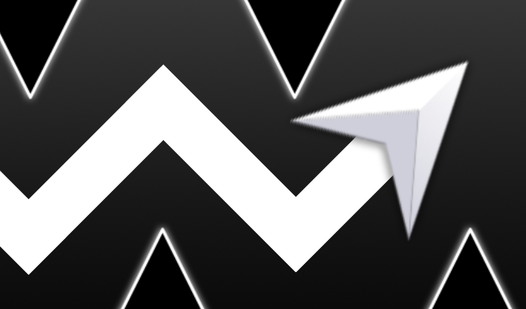
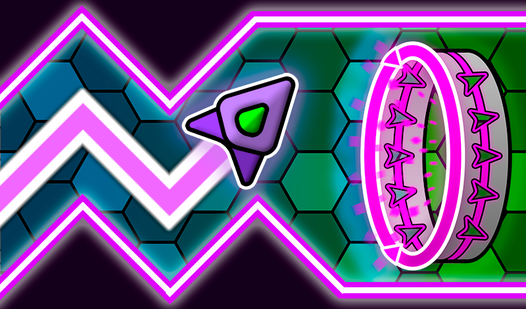
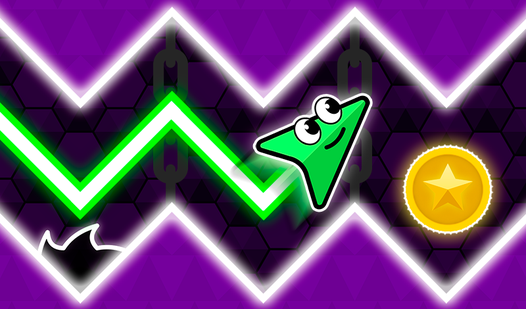
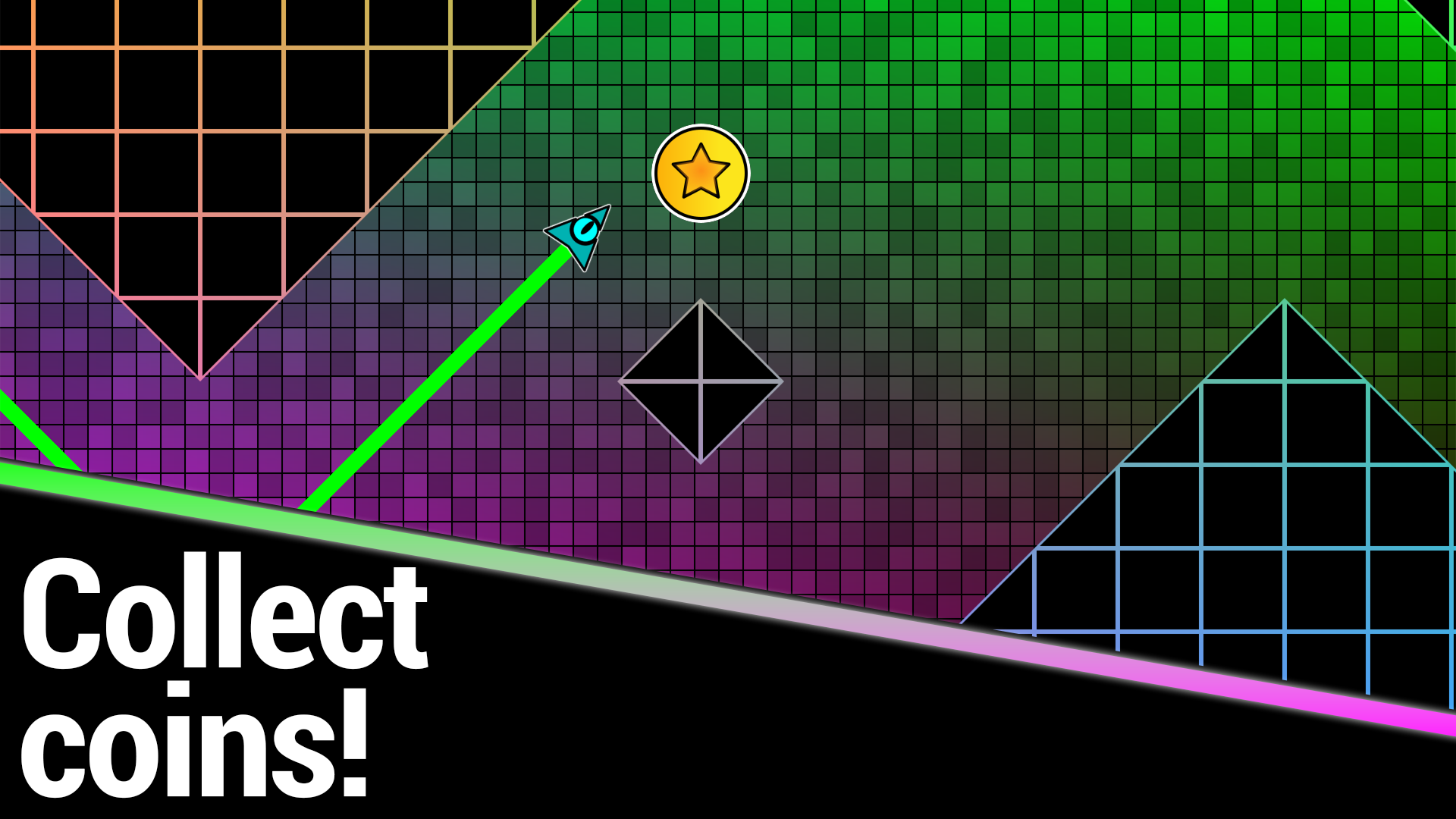
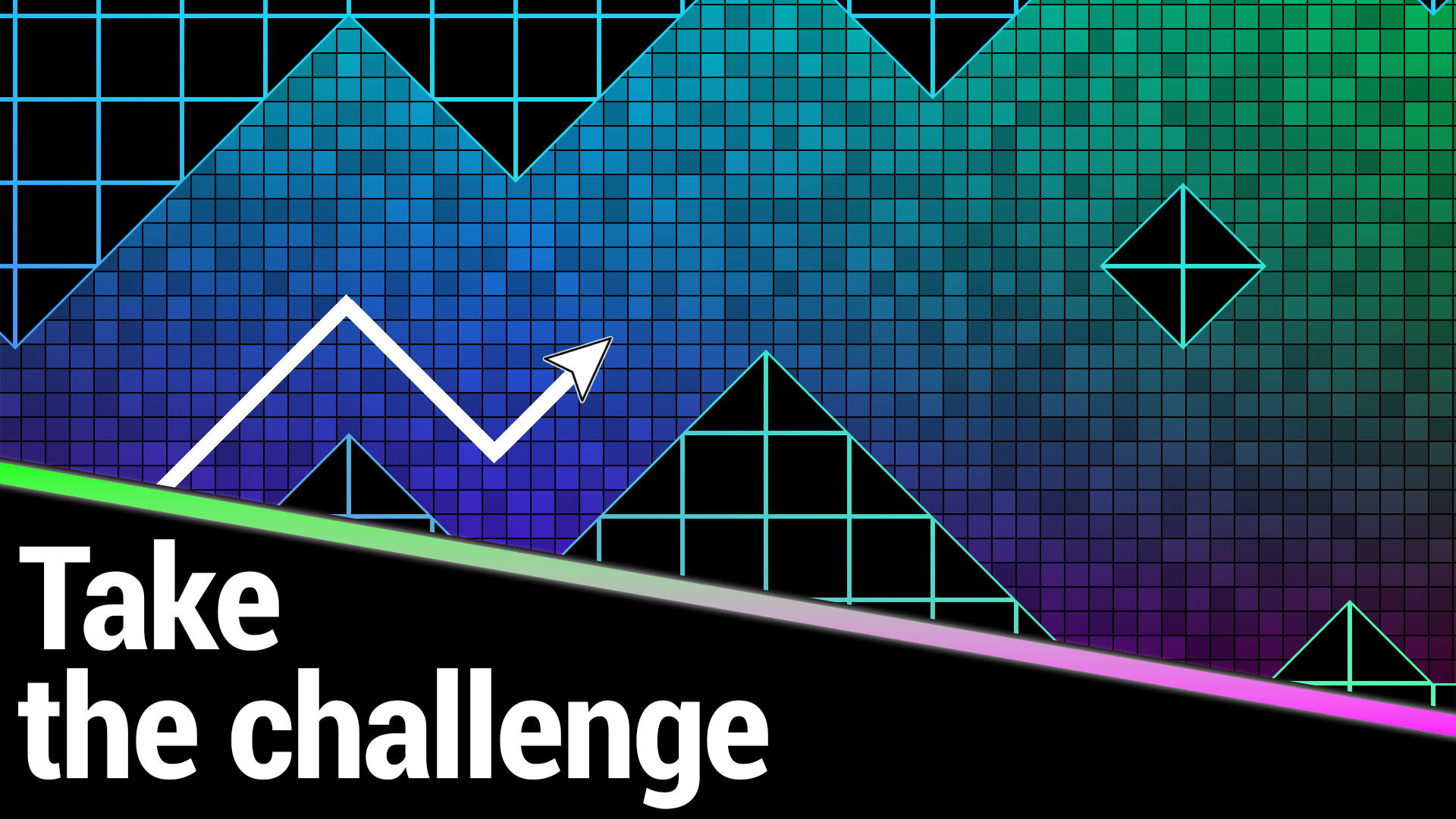
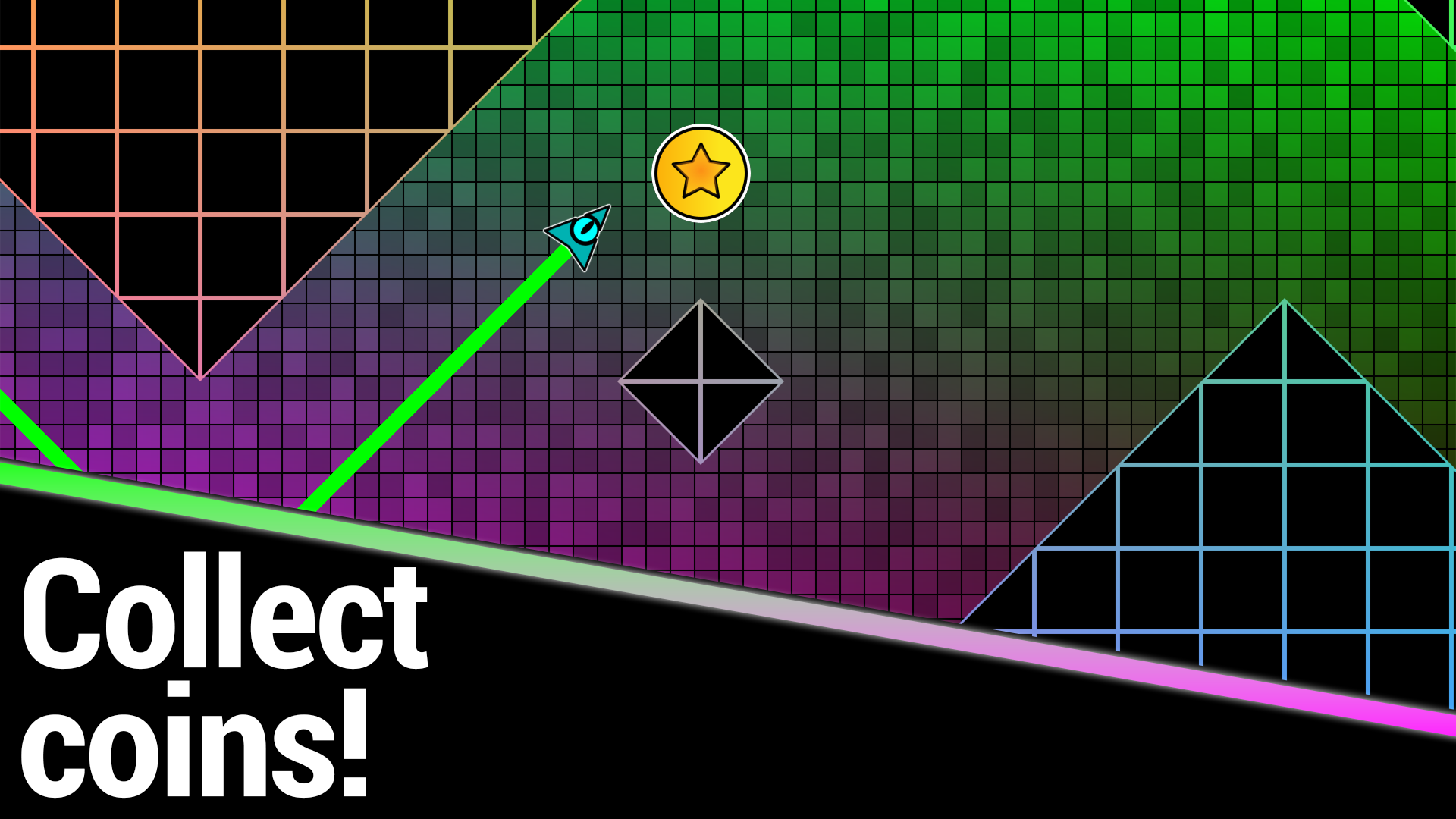
Staring at a blank screen during a lunch break often feels like a waste of precious downtime. Geometry Wave: Neon Challenge turns those boring minutes into a high-octane test of your rhythm and reflexes. You navigate a glowing neon path, guiding your wave through narrow gaps and treacherous geometry traps. Each movement requires pinpoint accuracy because even the slightest miscalculation sends you back to the start. The rhythmic pulse of the soundtrack keeps your heart racing as you weave through increasingly complex obstacles. You earn stars for every successful run, allowing you to climb the global leaderboard and prove your skills. Progression feels satisfying as you unlock new colors and custom designs to personalize your icon. Mastering the impossible flight patterns takes dedication, but the flow state you reach is incredibly addictive. Play Geometry Wave: Neon Challenge for free right now in your browser without any downloads required.
How to play
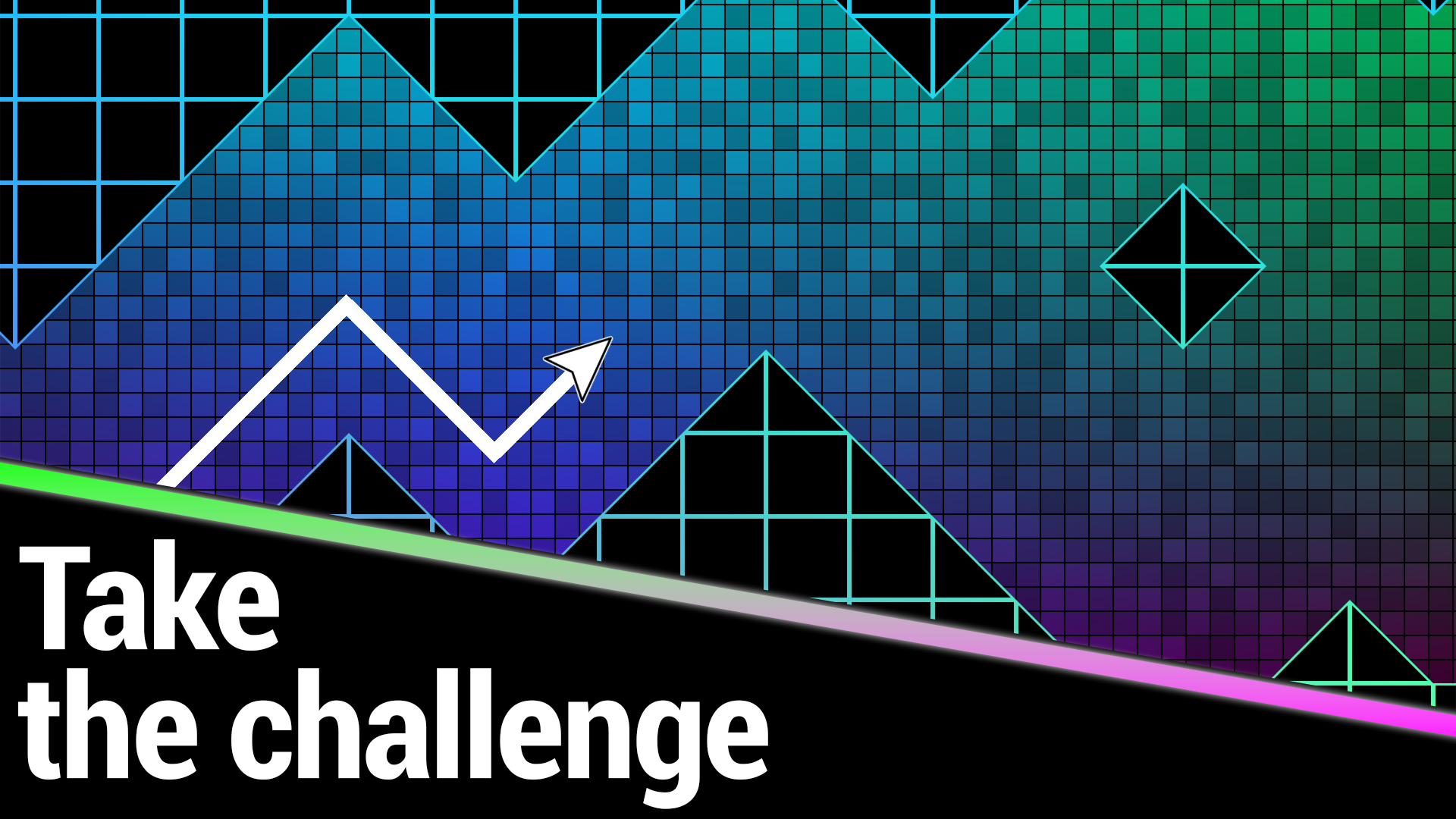
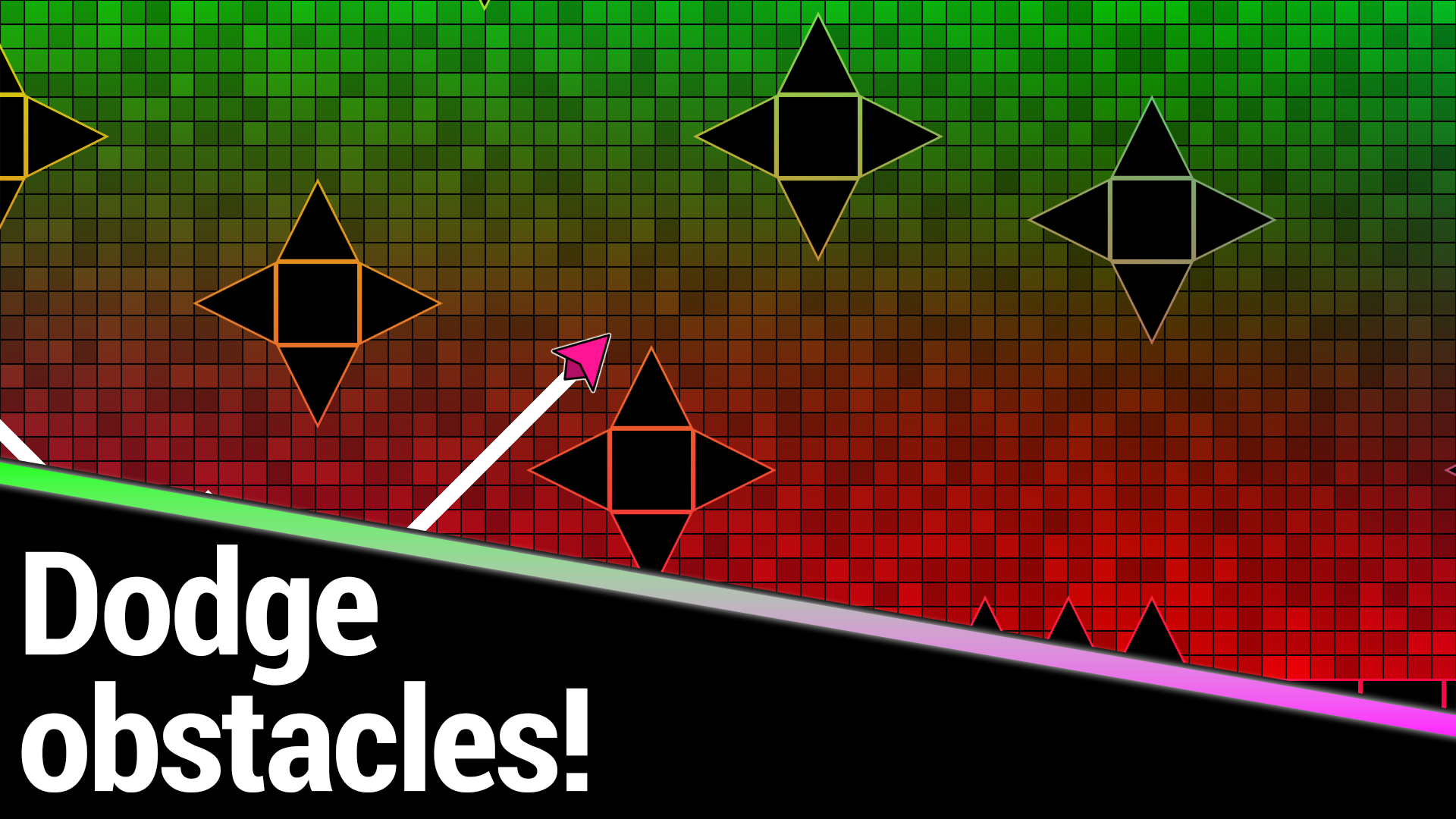
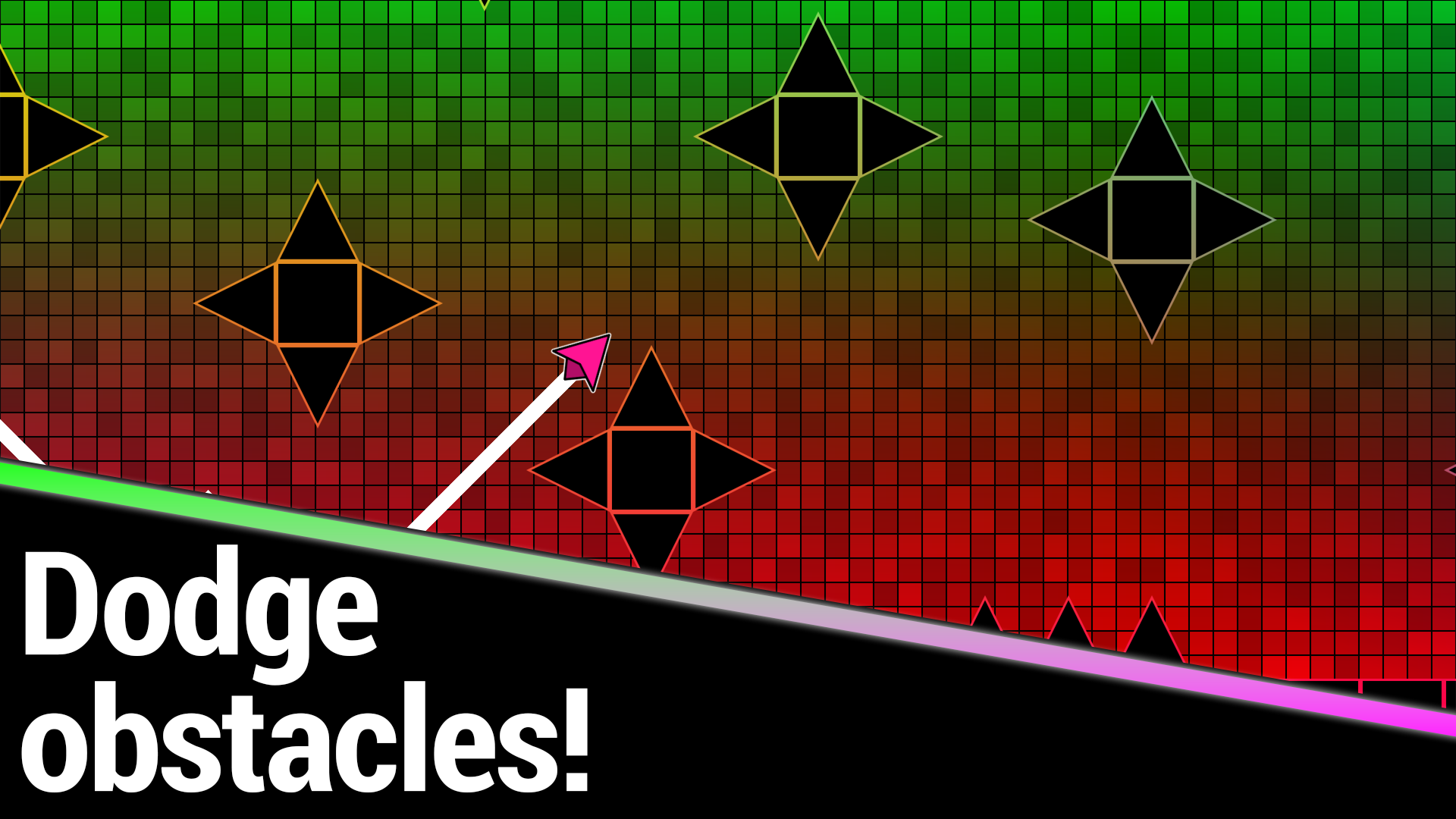
Avoid obstacles and get to the end of the level!
Smartphone controls:
• Hold your finger down to make the Wave fly up;
• Don't press anything to make the Wave fly down.
Computer controls:
• Hold the left mouse button/spacebar to make the Wave fly up;
• Don't press anything to make the Wave fly down;
• Q - add a checkpoint in practice mode;
• E - delete the last checkpoint in practice mode;
• ESC or P - pause.
Wave can touch the floor and ceiling!
Respawn returns the Wave 1 second back.
Features
- Practice System: Use dedicated hotkeys to place and remove checkpoints exactly where you need them most.
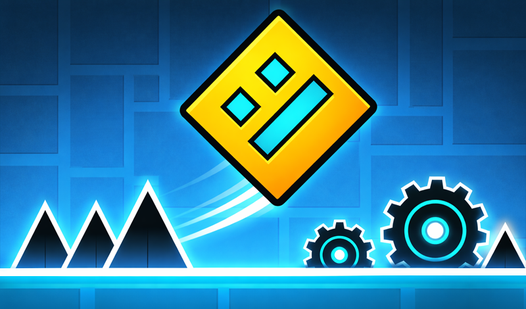
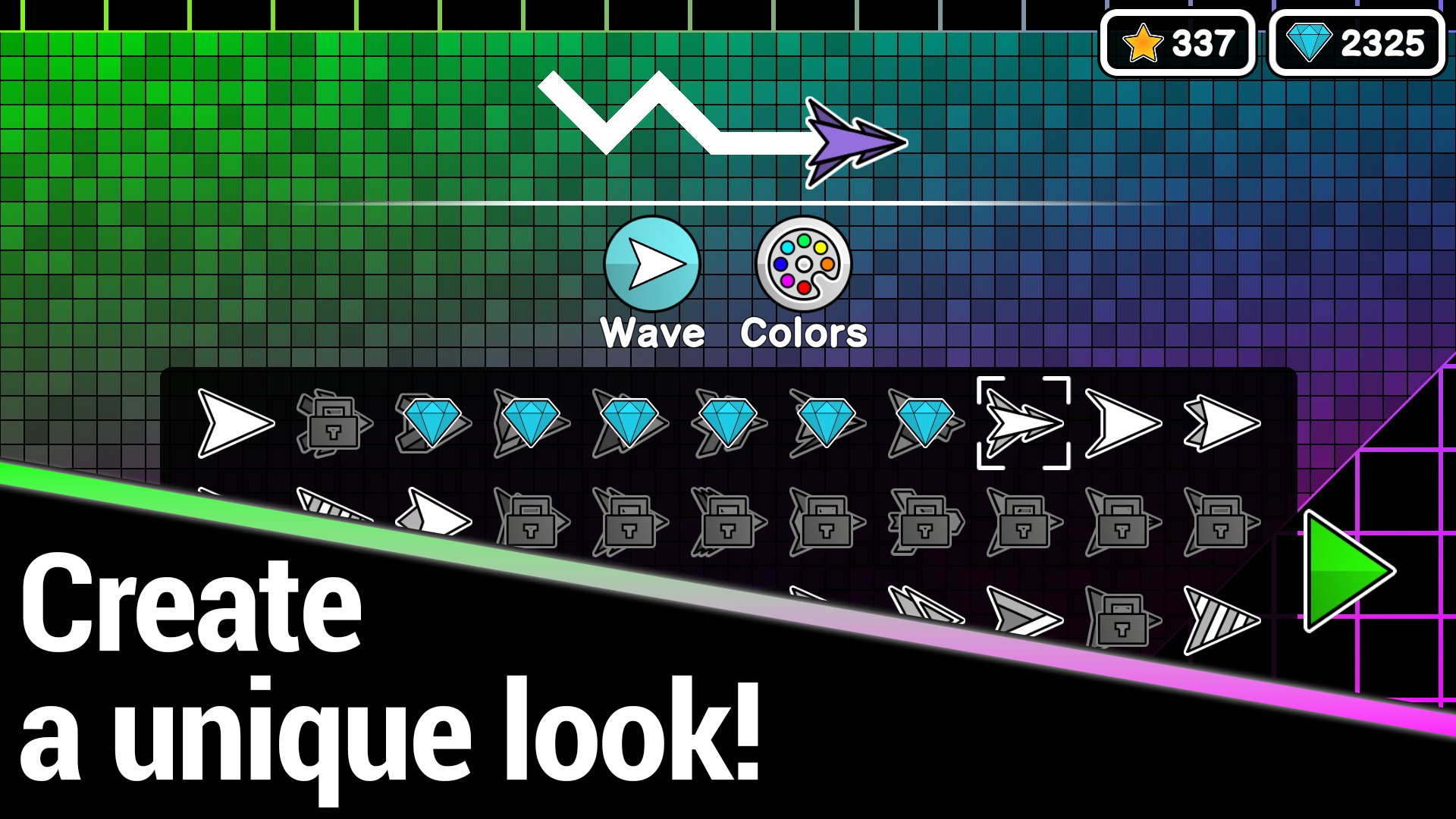
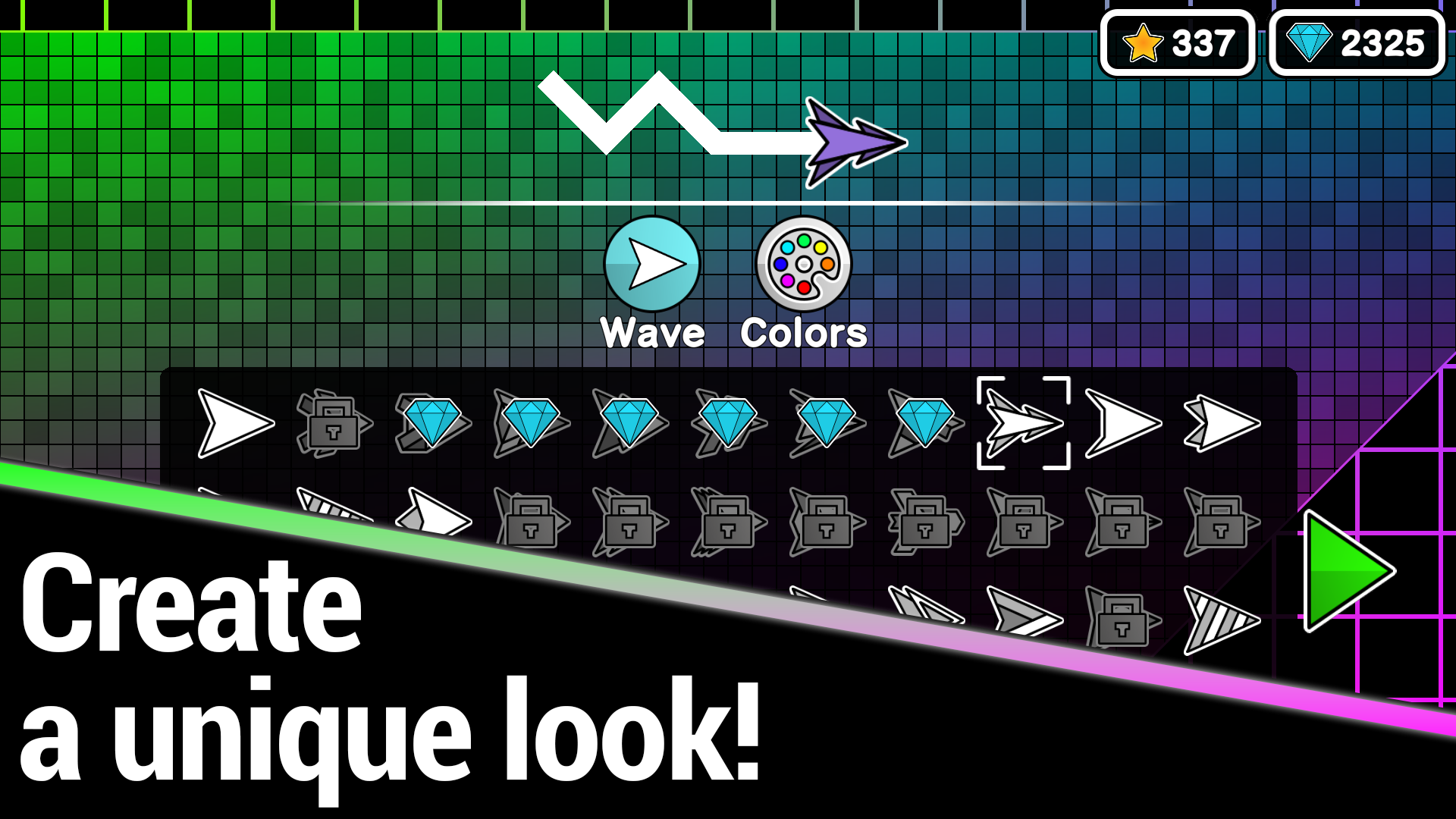
- Dynamic Customization: Change both the visual appearance and color scheme of your wave to stand out in the neon arena.
- Adaptive Difficulty: Experience a steady ramp-up in challenge across 20 distinct levels that test your twitch reflexes.
- Instant Respawn: Get back into the action immediately with a system that rewinds your position by one second after every crash.
- Surface Interaction: Utilize the floor and ceiling as safe zones to refine your flight path through tight corridors.
Who is it for
Fans of high-speed arcade games and precision platformers who enjoy testing their reaction times. Competitive players looking for a quick, skill-based challenge will appreciate the leaderboard tracking and intense, rhythmic gameplay. It is a fantastic pick for anyone who loves vibrant neon aesthetics and satisfying, fast-paced action sequences.
Controls
Fly Up
Hold left mouse button, spacebar, or touch the screen
Fly Down
Release the button or lift your finger from the screen
Place Checkpoint
Press Q on the keyboard during practice mode
Delete Checkpoint
Press E on the keyboard during practice mode
Pause Game
Press ESC or P on the keyboard
FAQ
How can I customize my icon in Geometry Wave: Neon Challenge?
›
You can change your appearance and colors in the customization menu to personalize your wave before starting a level.
Is it possible to play Geometry Wave: Neon Challenge on a mobile device?
›
Yes, the game is fully optimized for browsers and supports intuitive tap-and-hold controls for mobile play.
What is the purpose of practice mode in Geometry Wave: Neon Challenge?
›
Practice mode allows you to place custom checkpoints so you can master difficult segments of a level without restarting from the beginning.