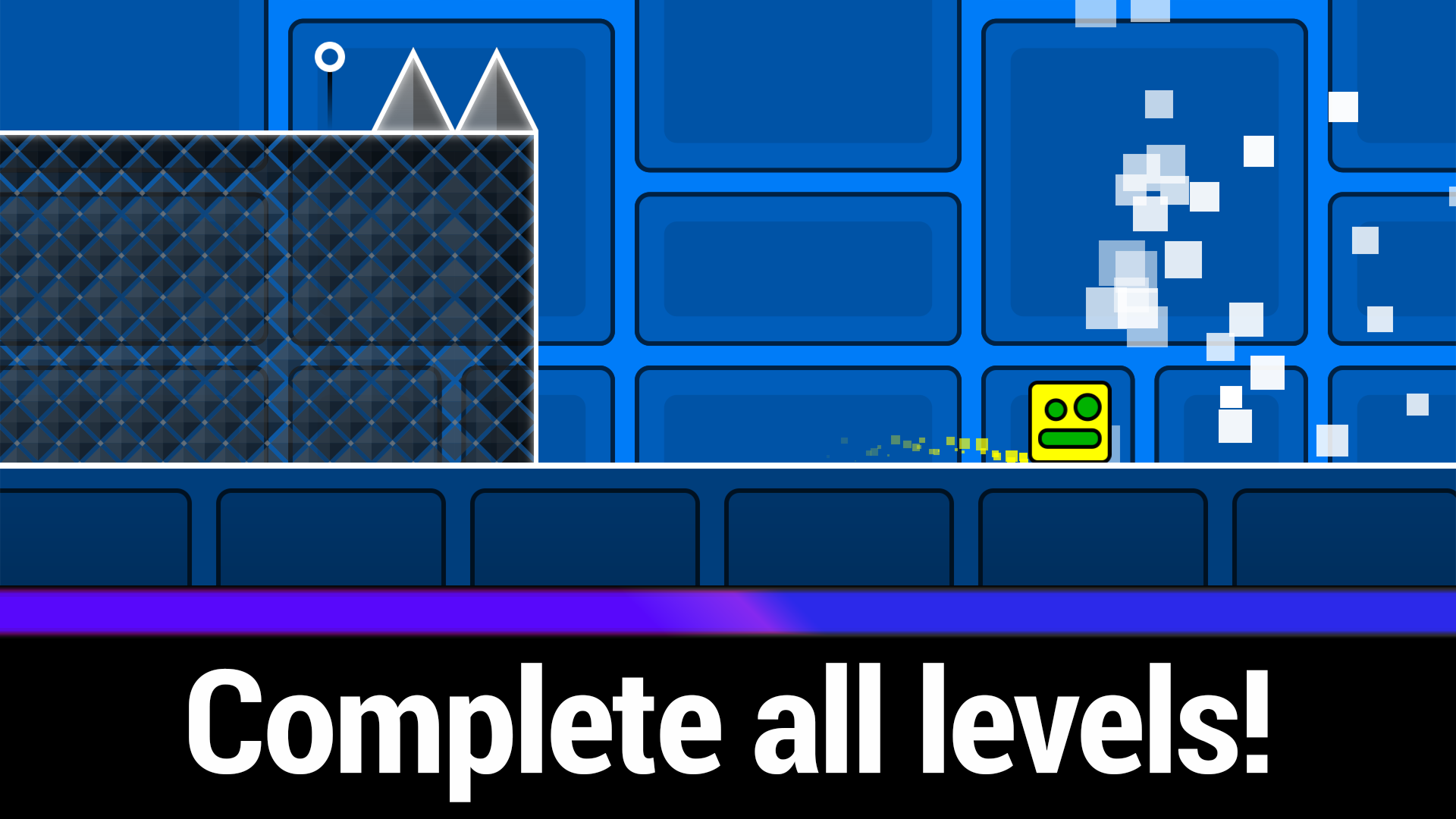
About game
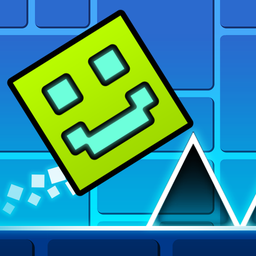
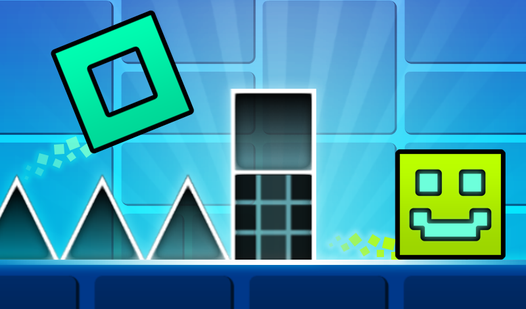
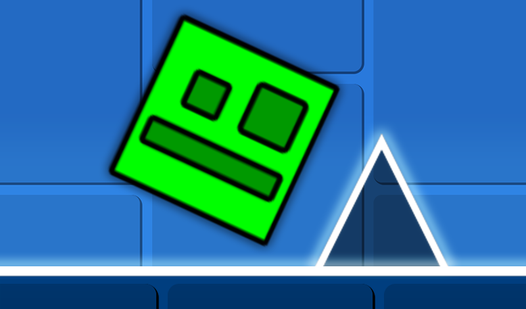
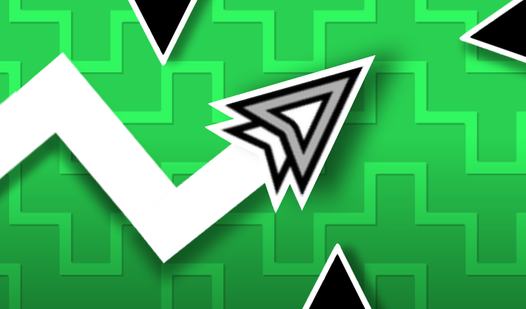
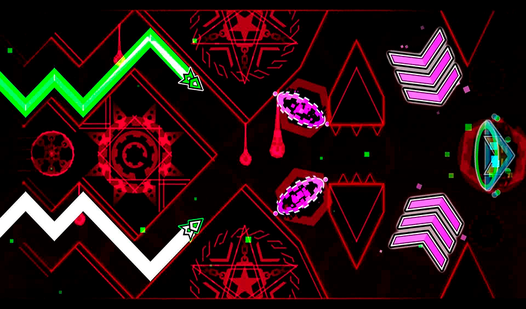
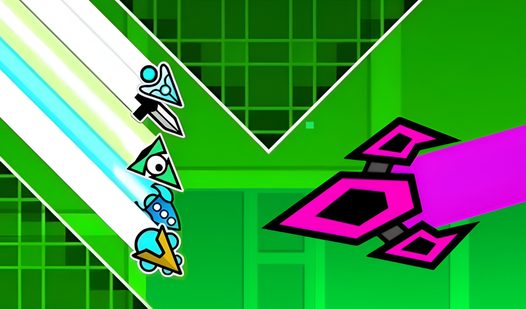
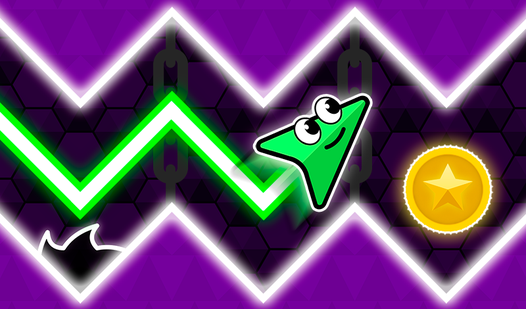
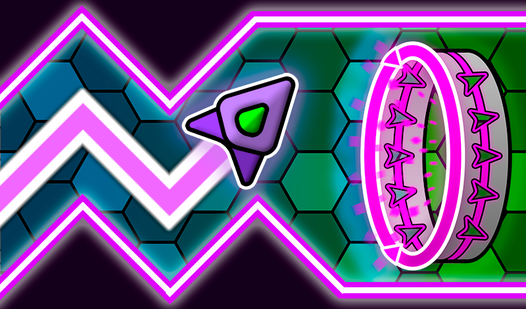
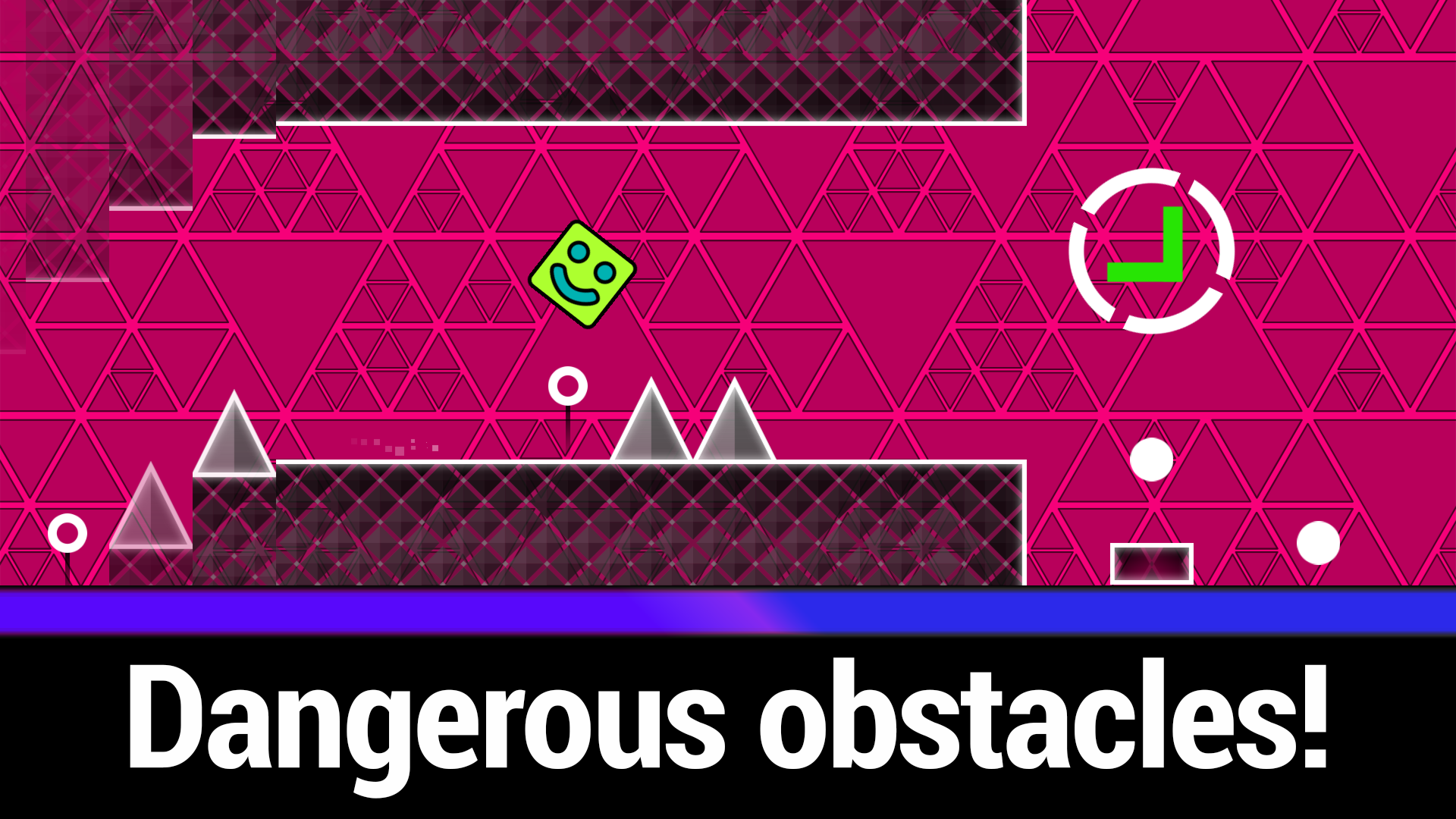
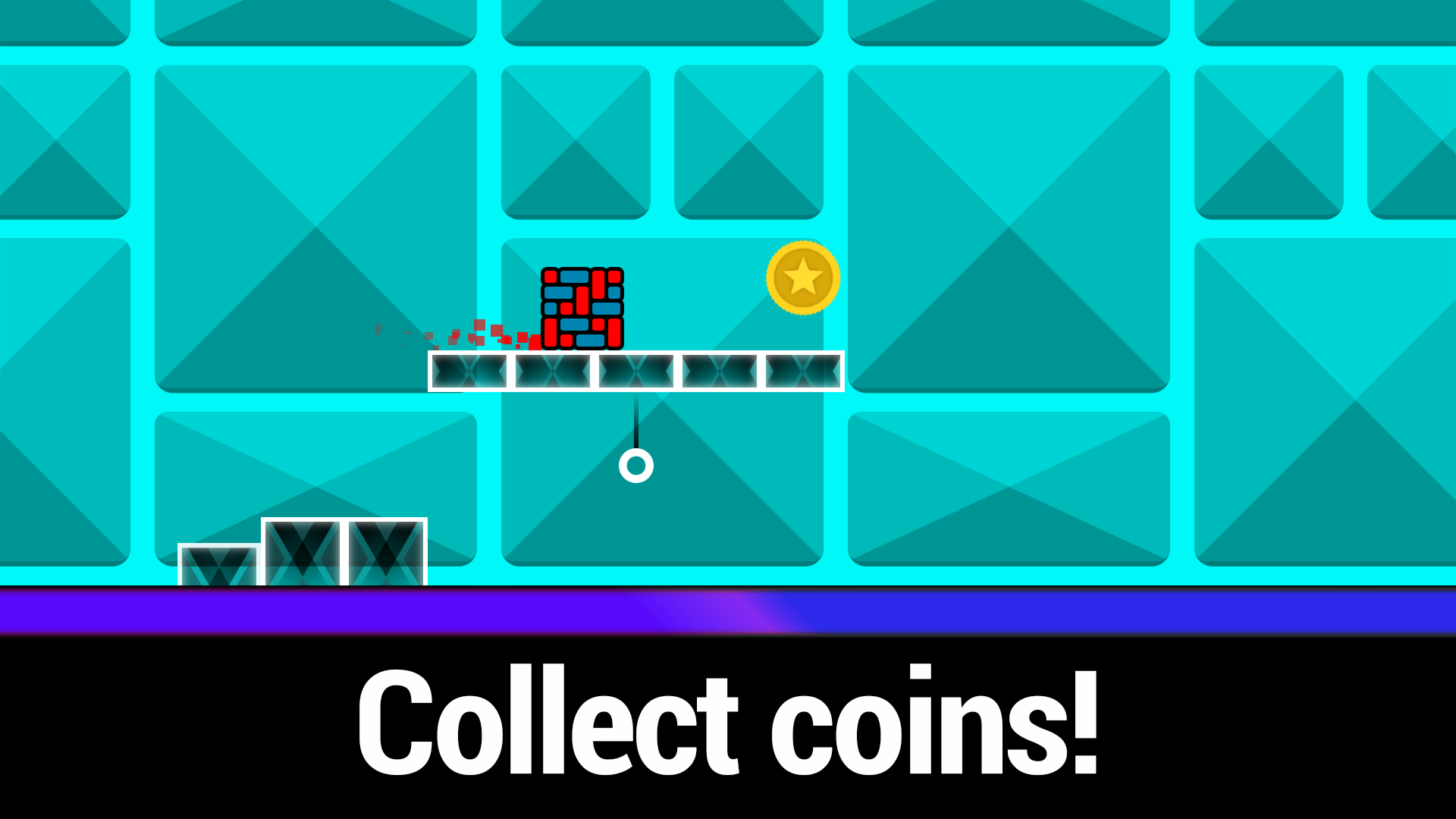
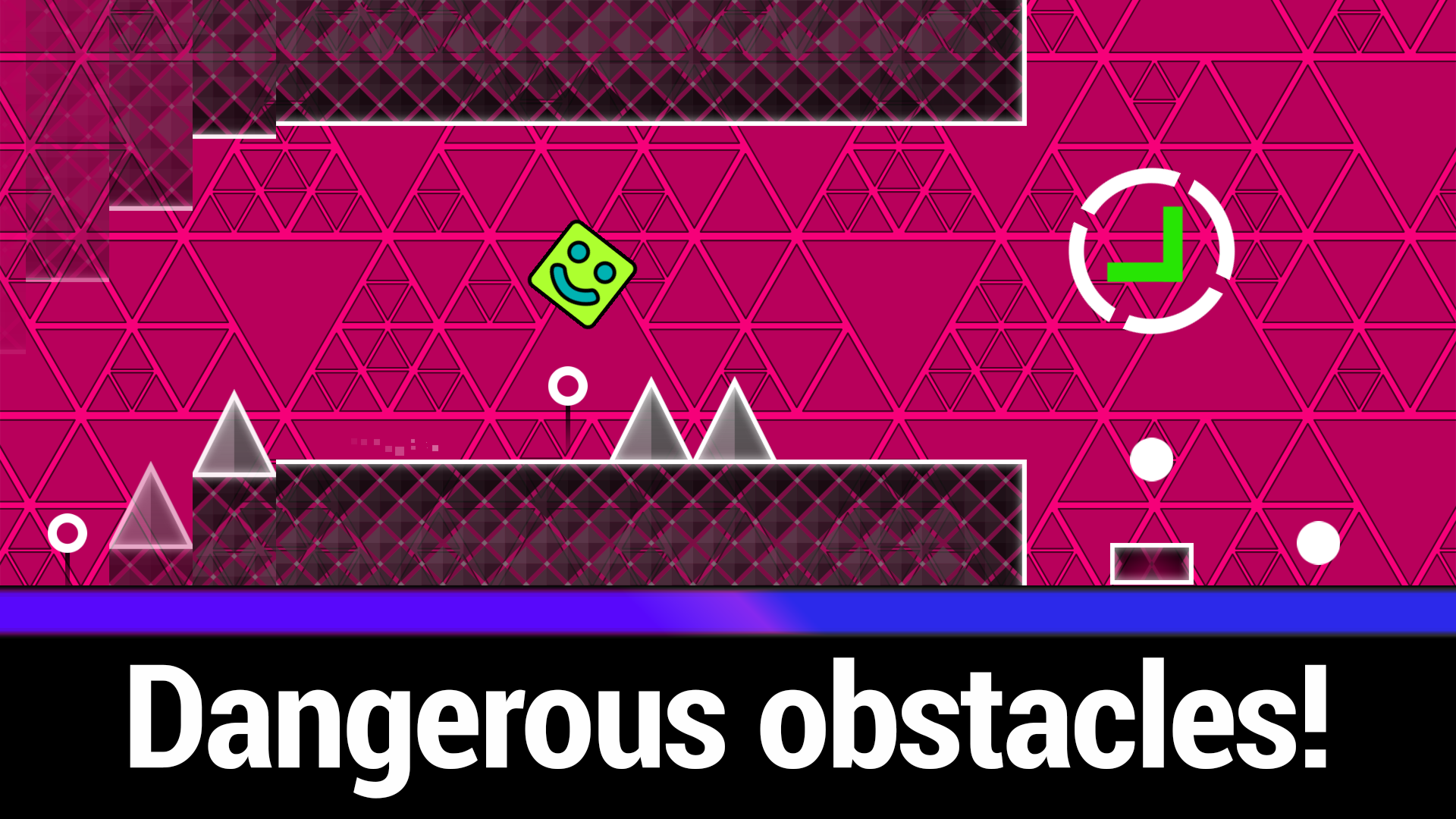
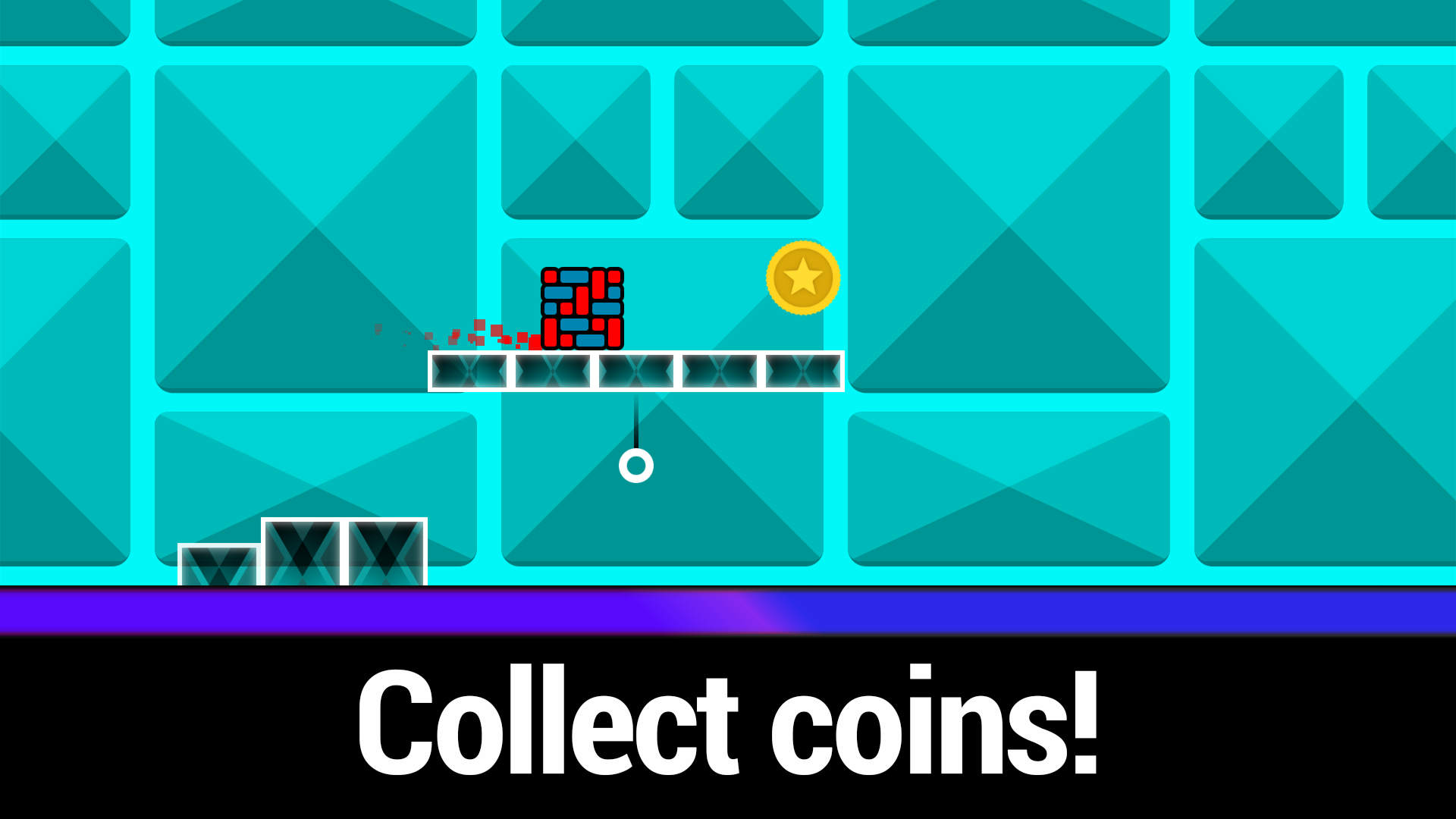
Hardcore platformer enthusiasts will find a perfect home in Geometry Cube 2: Challenge. This high-speed arcade experience tests your reflexes as you guide a shifting block through a neon-soaked gauntlet of lethal traps. Players must tap or click with surgical precision to leap over obstacles while snatching up golden coins scattered along the path. Navigation requires intense focus because even a single mistake forces an immediate restart near your last position. If the main campaign feels like an impossible gauntlet, the integrated practice mode allows you to master complex patterns at your own pace. Customization enthusiasts can spend their hard-earned coins on twenty-two distinct skins to personalize their avatar before tackling the next tough stage. This geometry dash style adventure blends rhythmic intensity with tight controls that make every successful jump feel earned. You can jump directly into this browser gaming classic right now without any downloads or installations required.
How to play
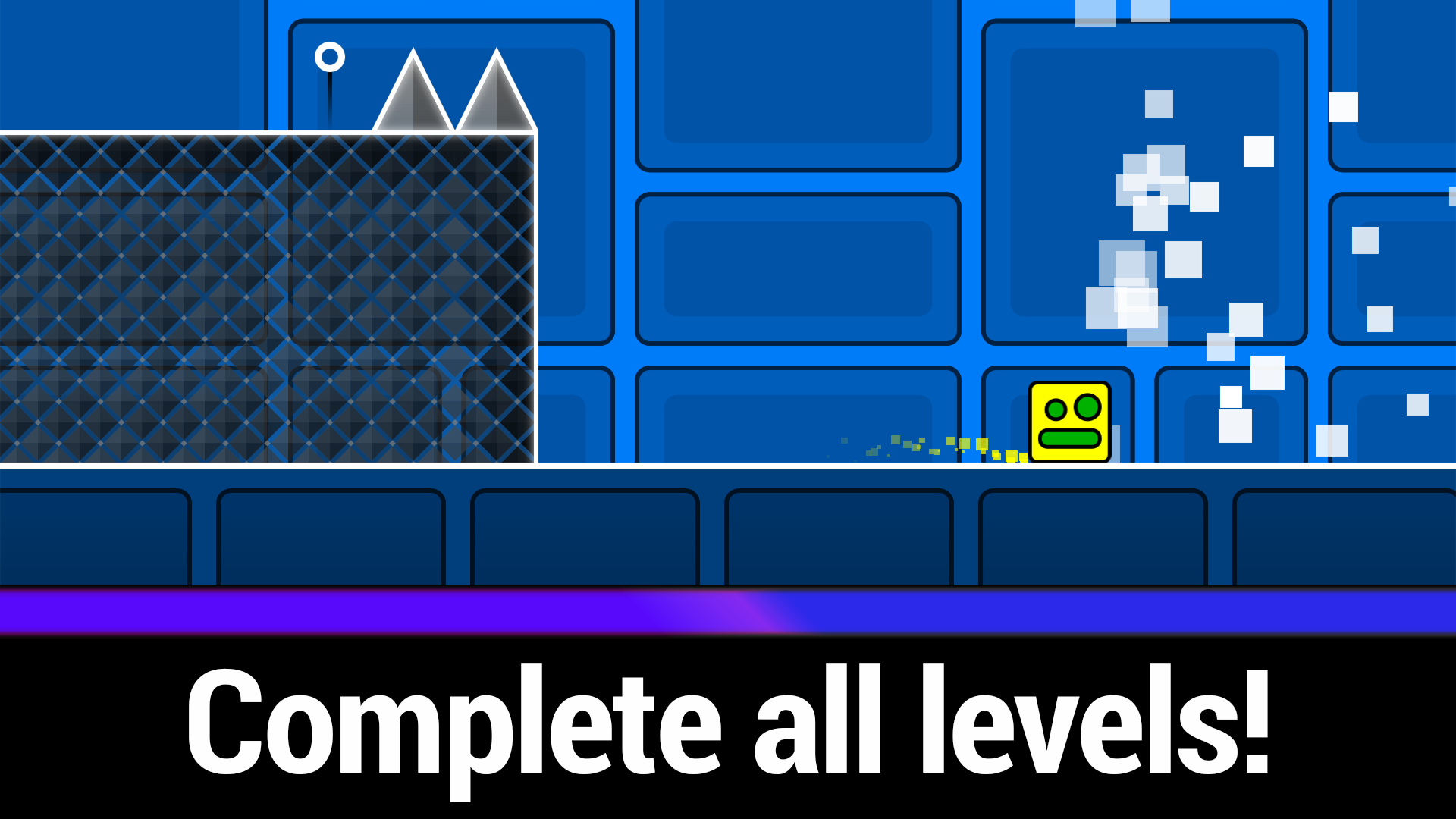
Avoid obstacles and reach the end of the level, don't forget to collect coins!
Controls for smartphone:
• Tap once to make the Cube jump;
• Hold your finger down to make the Cube jump non-stop;
• Don't press anything to stop the Cube from jumping.
Controls for computer:
• Press the left mouse button/spacebar to make the Cube jump;
• Hold the left mouse button/spacebar to make the Cube jump non-stop;
• Don't press anything to stop the Cube from jumping;
• Q - add a checkpoint in practice mode;
• E - delete the last checkpoint in practice mode;
• ESC or P - pause.
Respawn returns the Cube 2 seconds back.
Features
- Checkpoint Mastery: Use the Q and E keys during practice mode to manually place or remove checkpoints for targeted training.
- Adaptive Movement: The mechanics allow for both single jumps and continuous hopping depending on how long you hold the input.
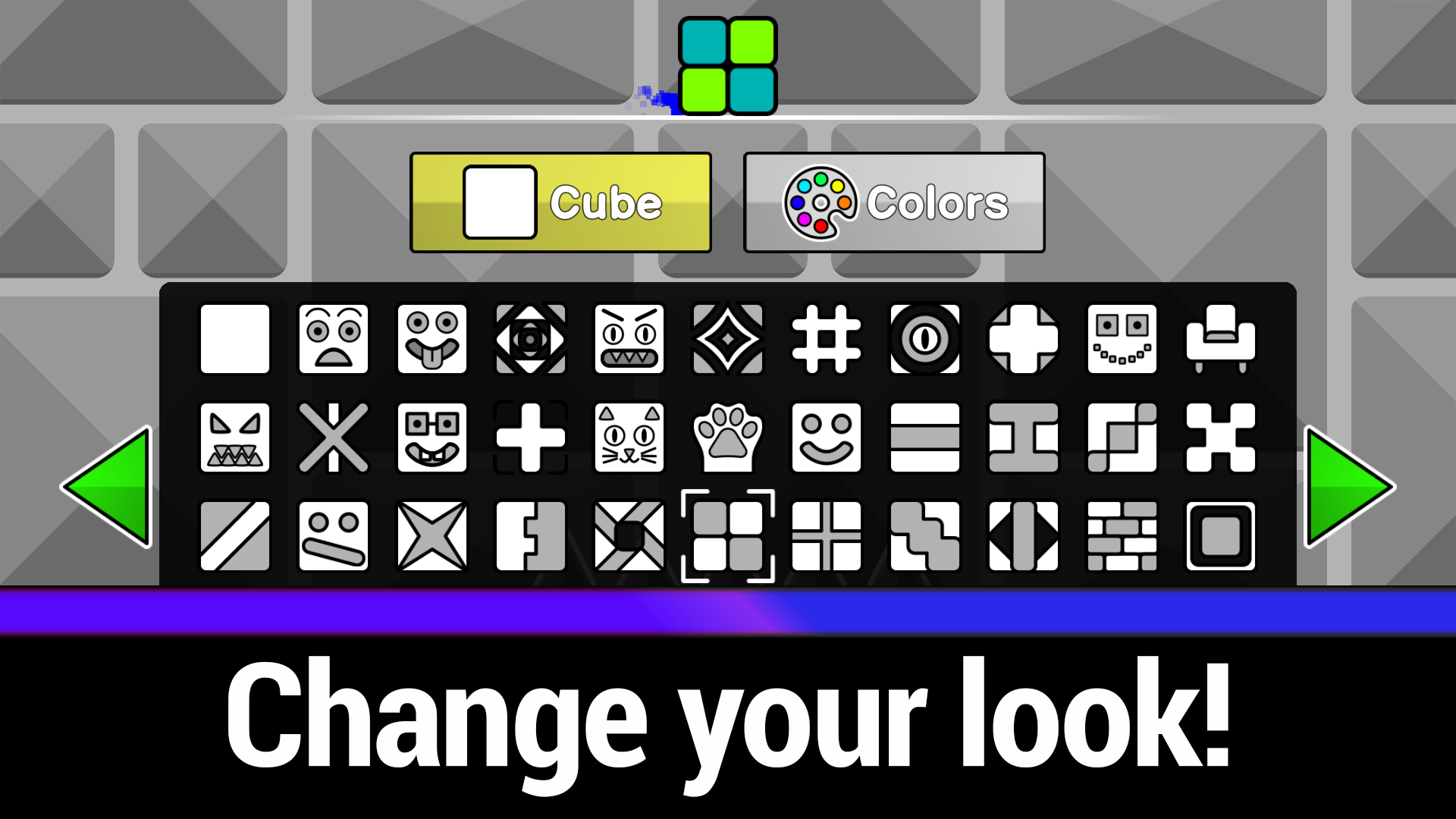
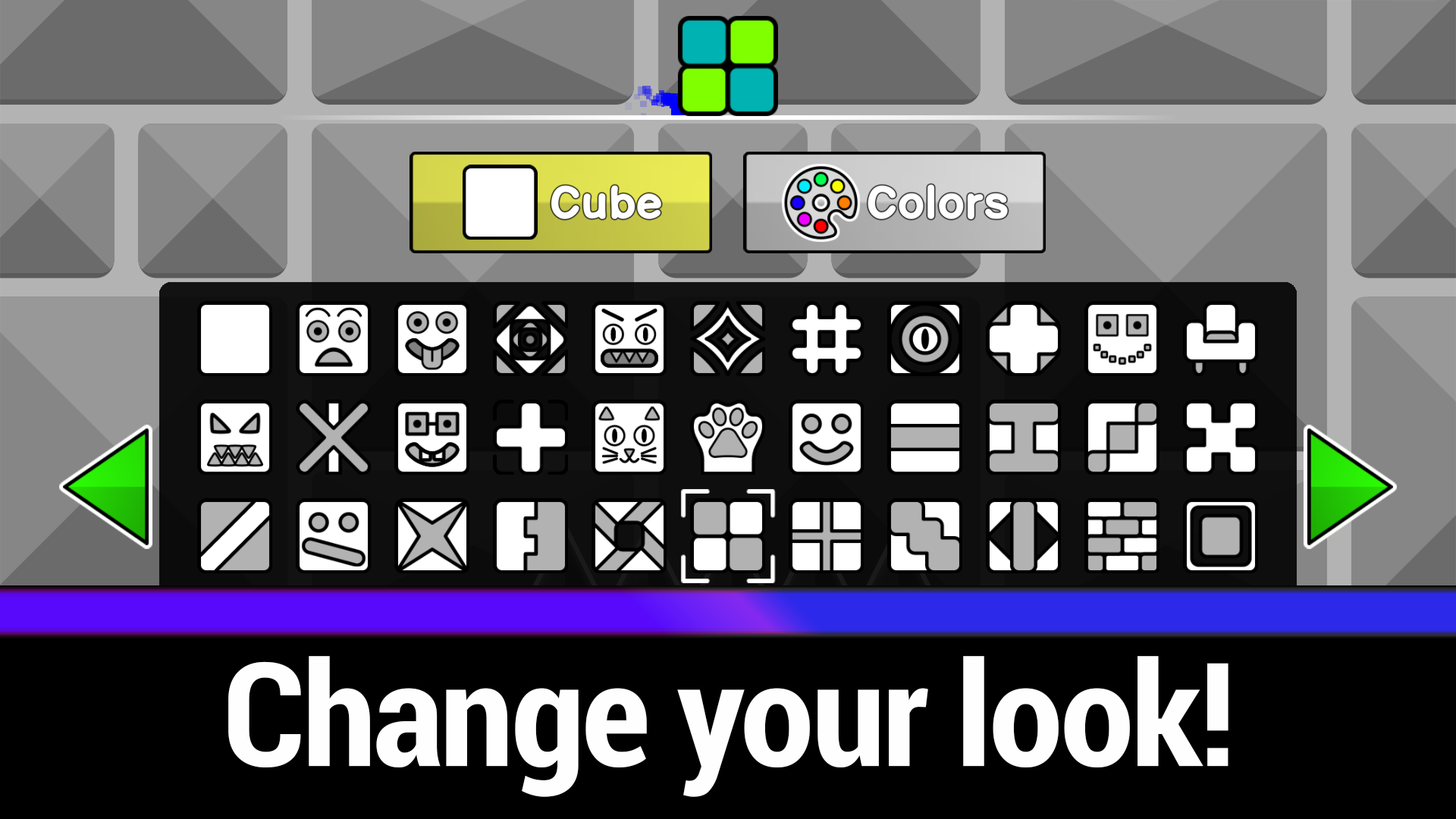
- Visual Progression: Unlock twenty-two unique character skins by collecting coins to stand out during your high-speed runs.
- Dynamic Rewind: The game automatically places you two seconds back after a collision to keep the momentum flowing.
- Rhythmic Atmosphere: Every level features a synchronized soundtrack that pulses in time with the dangerous barriers you must dodge.
Who is it for
Arcade fans who enjoy high-intensity precision platformers and rhythm-based challenges will thrive here. Players looking for a quick, mobile-friendly test of reflexes or those who enjoy customizing their gaming experience with unlockable character skins will find this title highly addictive during short play sessions.
Controls
Jump
Tap the screen, click the mouse, or press the spacebar.
Continuous Jump
Hold your finger or mouse button down to leap repeatedly.
Manage Checkpoints
Use Q to add and E to remove checkpoints in practice mode.
Pause Game
Press the P key or the ESC button on your keyboard.
FAQ
How can I get better at Geometry Cube 2: Challenge?
›
Utilize the practice mode to learn the obstacle patterns and use the checkpoint system to master specific difficult sections of Geometry Cube 2: Challenge.
Are there different ways to customize my character in Geometry Cube 2: Challenge?
›
Yes, you can collect coins throughout the levels to unlock twenty-two unique skins to change the look of your icon in Geometry Cube 2: Challenge.
Can I play Geometry Cube 2: Challenge on my mobile device?
›
Absolutely, the game is fully optimized for mobile devices and requires only a simple one-finger tap to control your movement.