About game
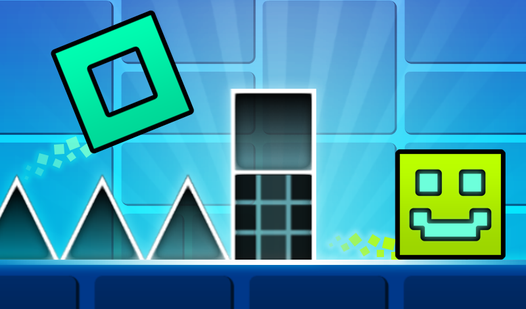
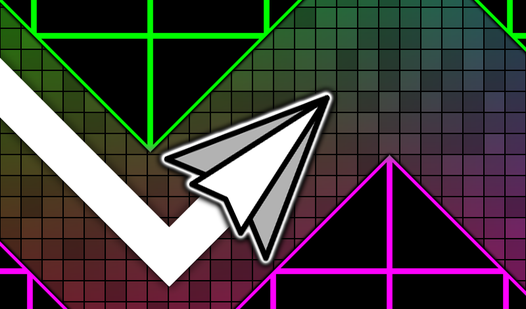
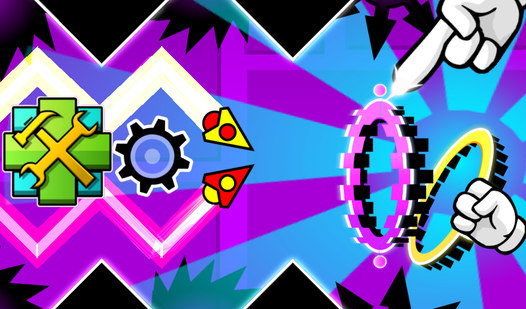
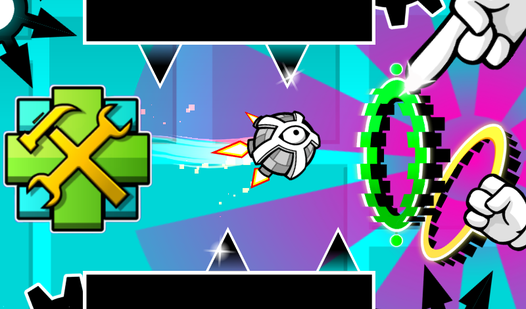
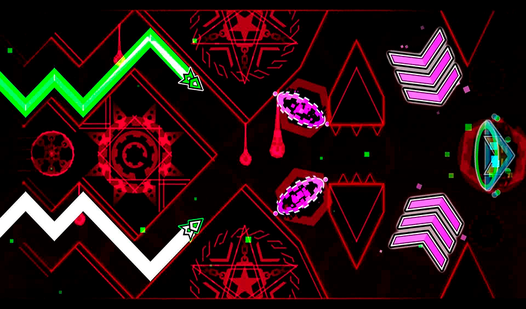
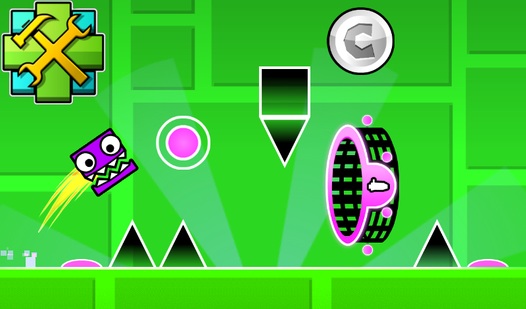
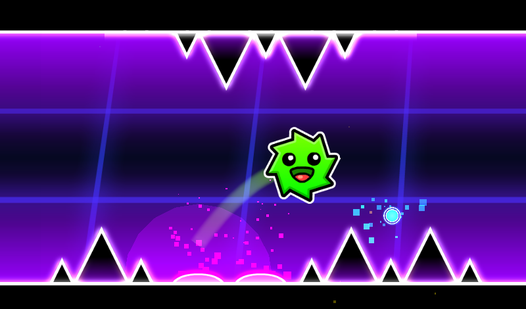
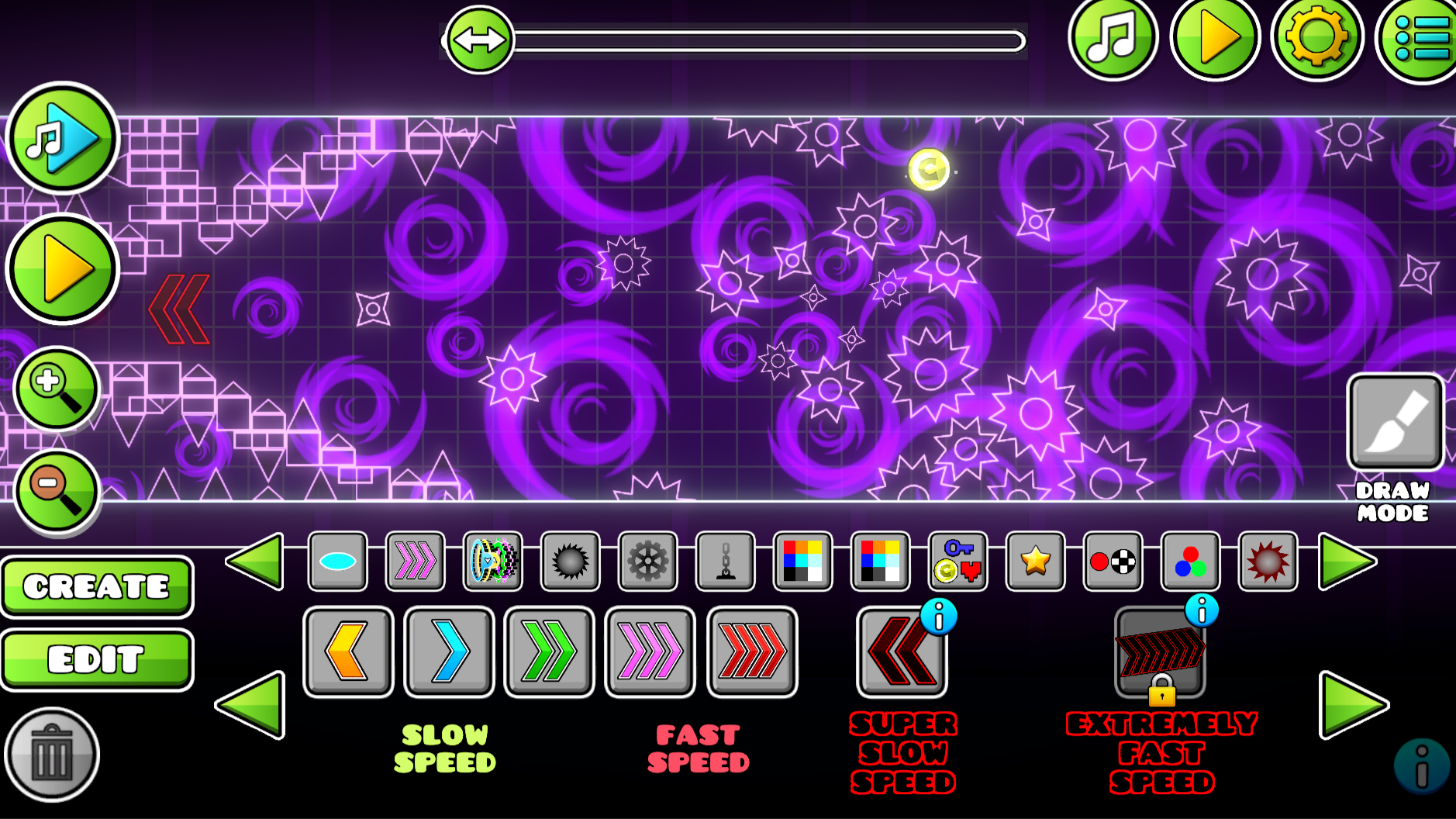
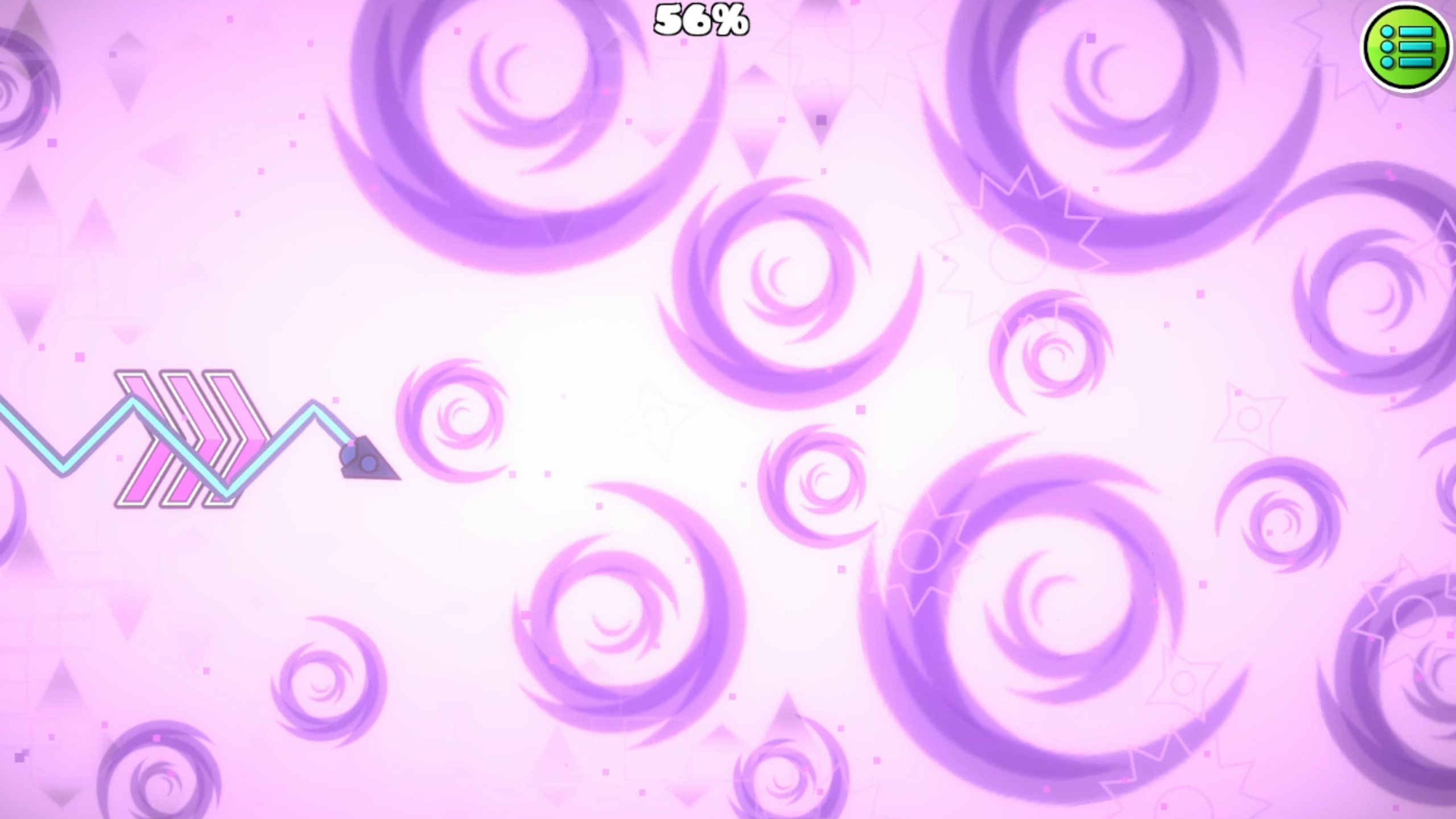
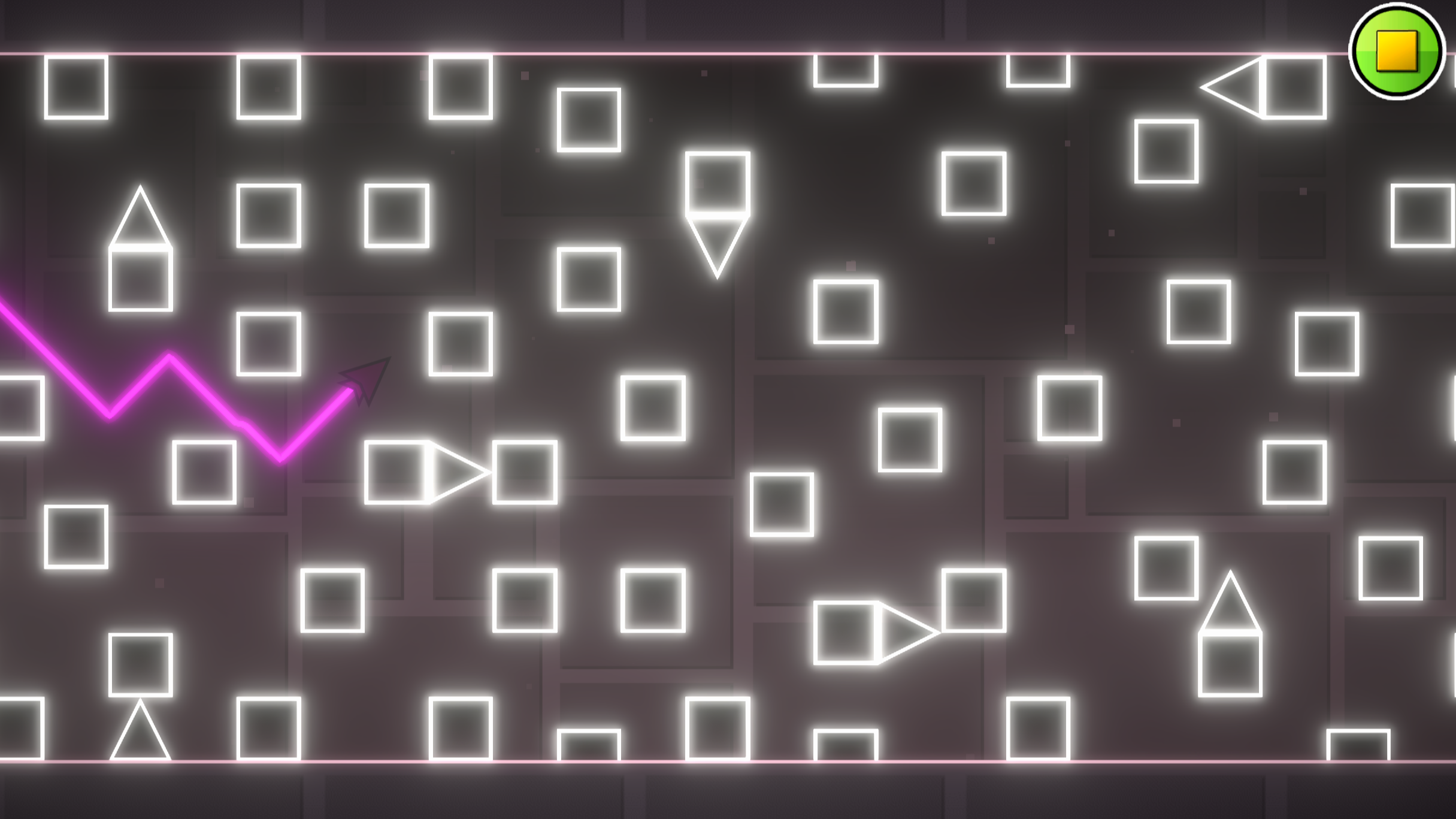
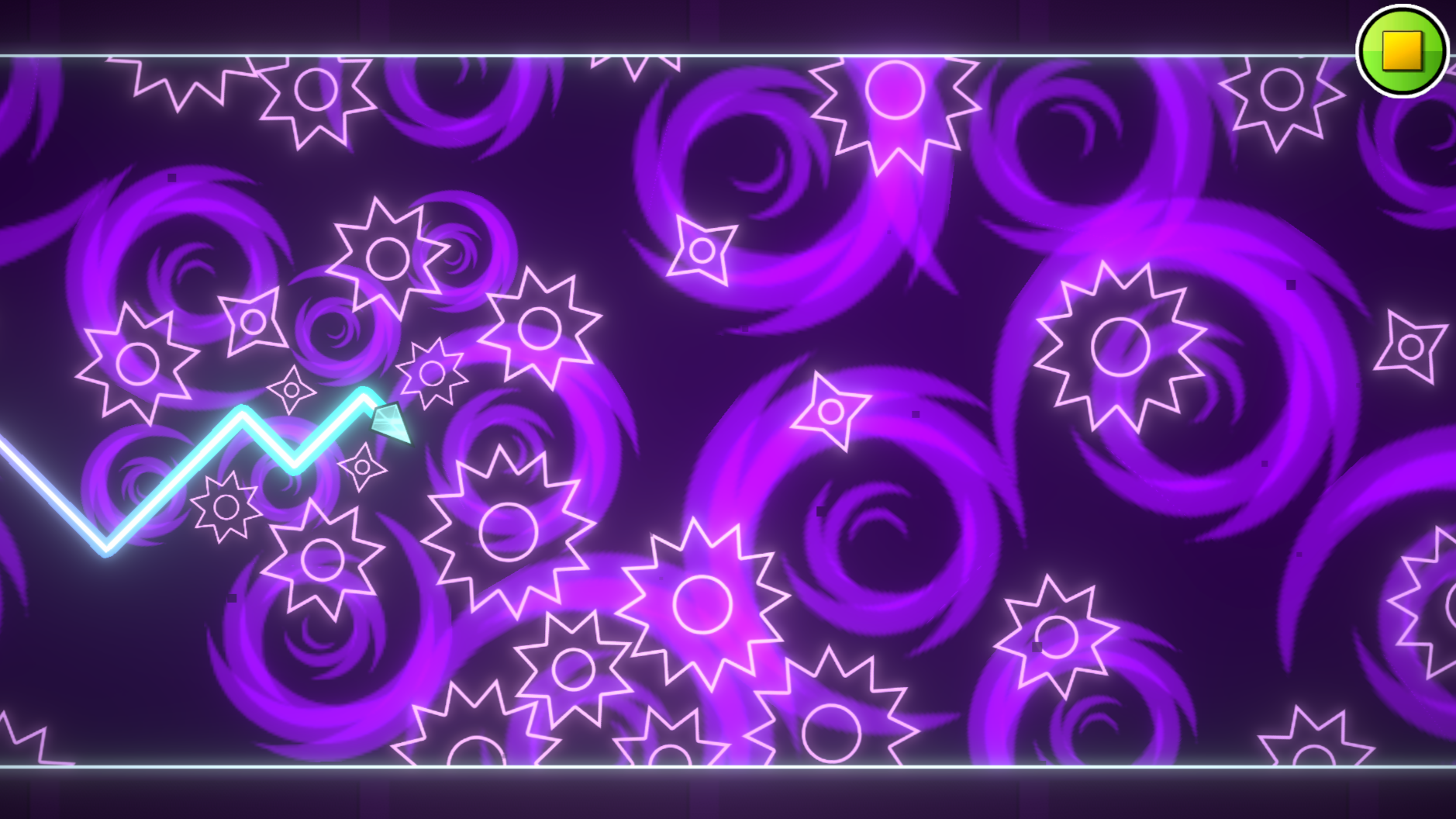
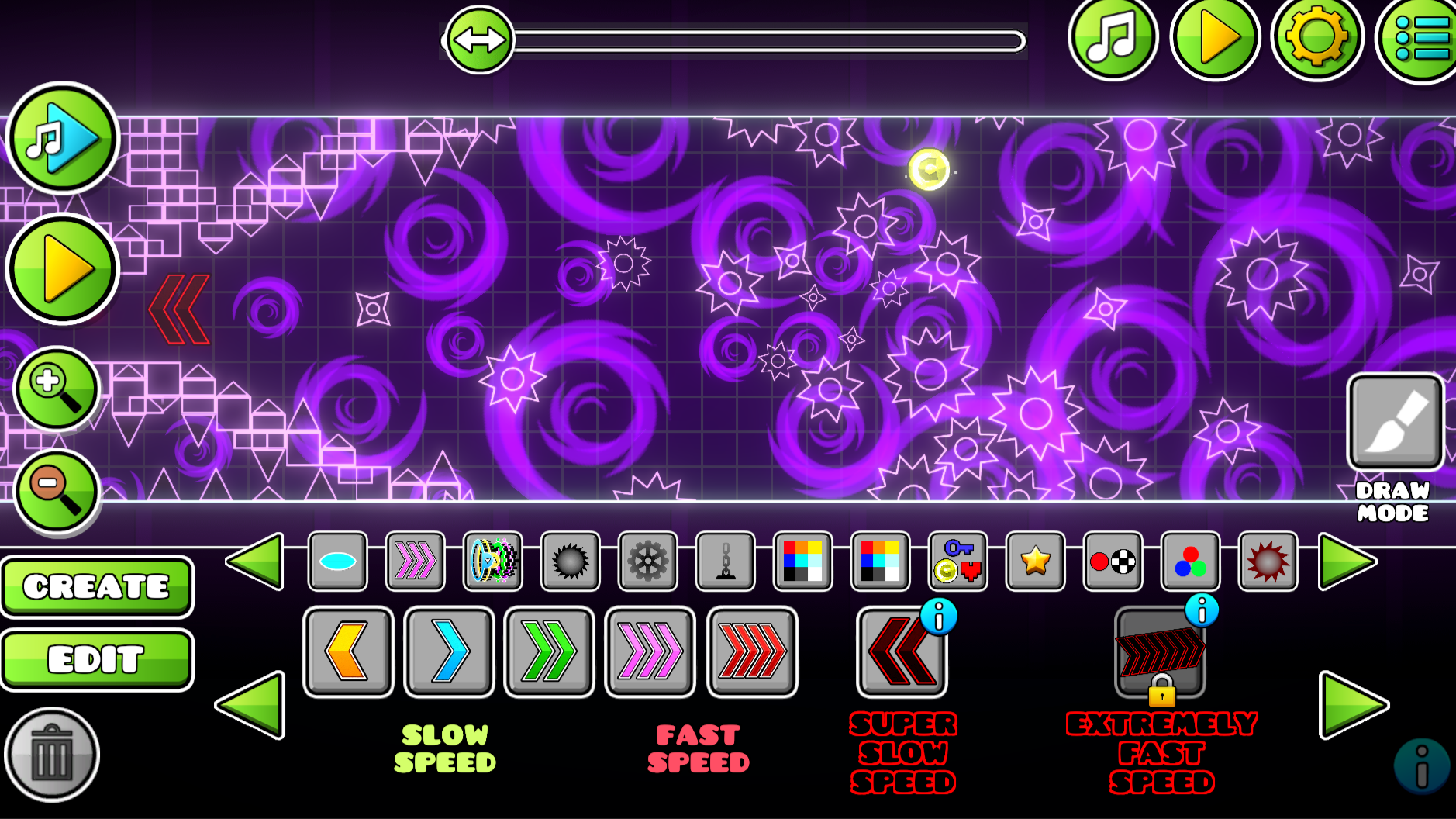
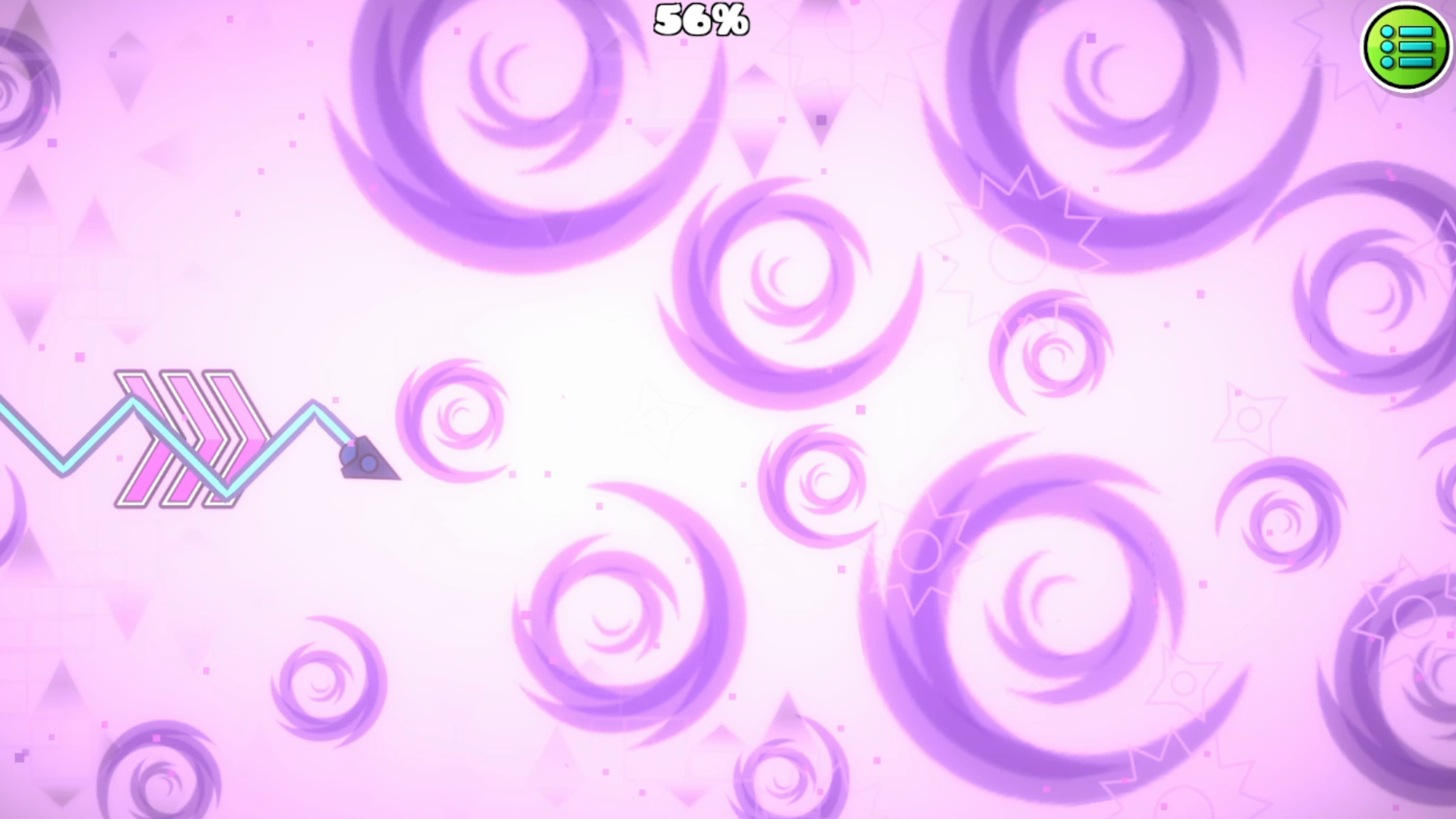
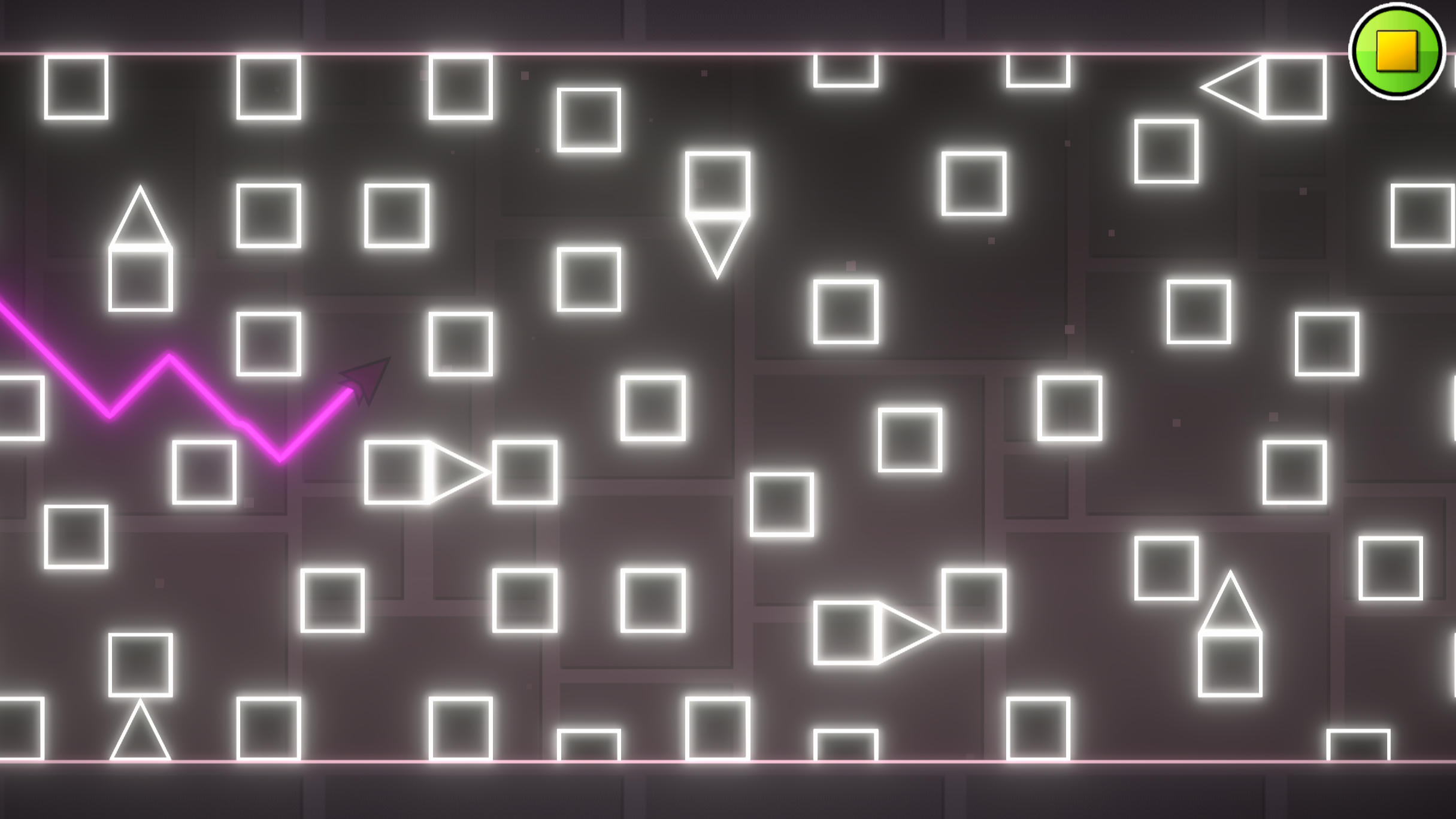
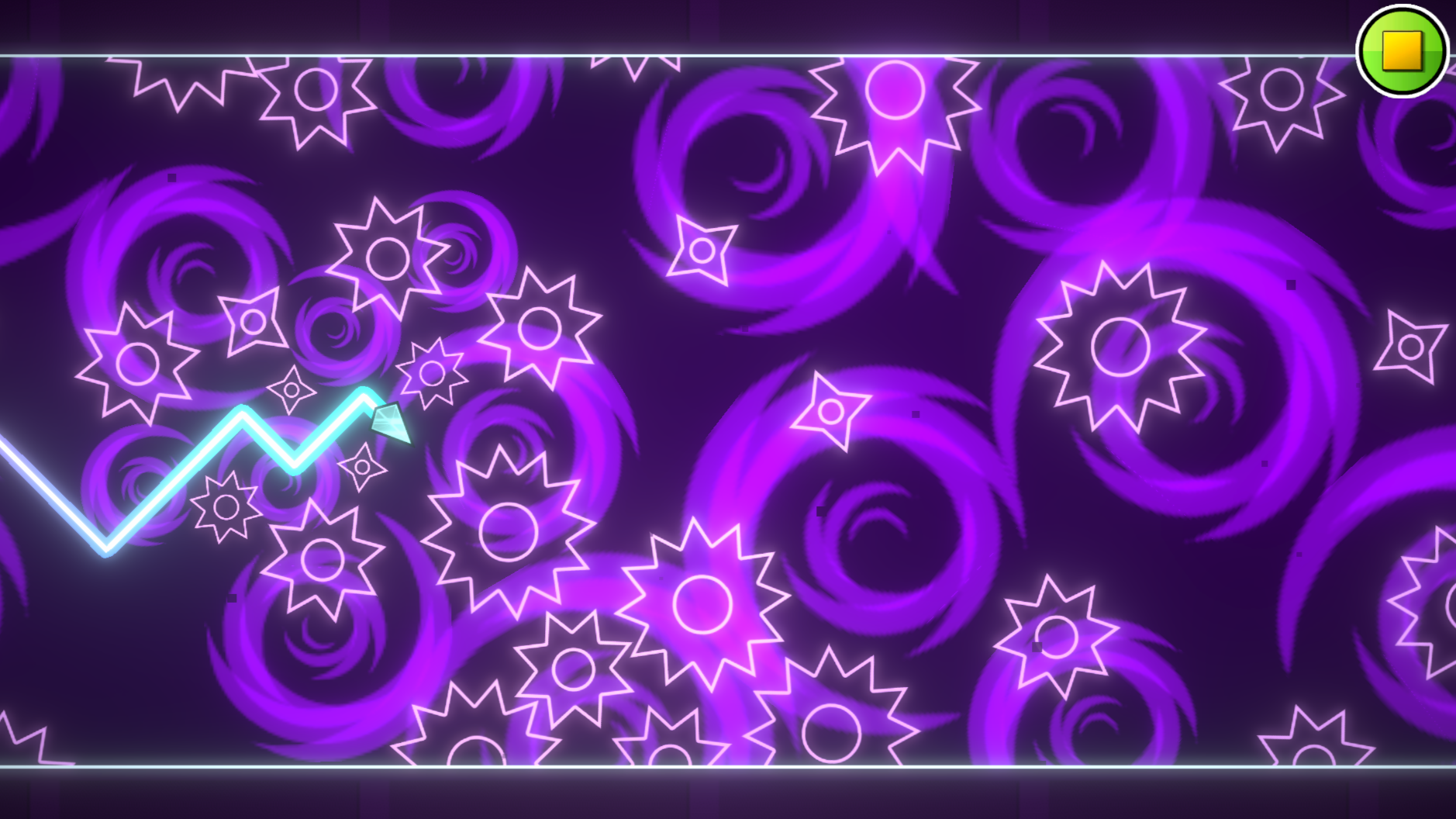
Hardcore platformer enthusiasts will find an addictive challenge in Geometry Wave: Online Editor as they navigate complex obstacles with precision. Players control a fast-moving arrow that must weave through narrow geometry dash gaps to reach the finish line safely. You tap or click to fly upward and release to descend, mastering gravity to avoid deadly spikes and blocks. The core gameplay loop rewards quick reflexes with stars, coins, and crystals that you can spend in the shop. Beyond the 65 included stages, the robust level creator lets you build custom maps and share your geometric nightmares with a global community. Rate and play user-generated content to see if your creation can survive the toughest trials. Geometry Wave: Online Editor stands out by offering a seamless way to express your creativity while enjoying endless arcade action. Play this high-quality challenge for free right in your browser without any downloads required.
How to play
- PC controls:
To make the wave fly up, press any of these keys:
- "W" key
- space bar
- up arrow
- Left mouse button(LMB)
The game also has a practice mode, to activate it, open the pause and press the corresponding button to set checkpoints, press the "Z" key to remove the checkpoint, press the "X" key
- Conrols on mobile devices:
To make the wave fly up, just hold your finger on the screen, to make the wave fly down, release your finger from the screen
The game also has a practice mode, to activate it, open the pause and click on the corresponding button to set checkpoints, click on the left button with the checkpoint image, to remove the checkpoint, click on the right button with the cross
The goal of the game is to reach the finish line by avoiding all obstacles. As you complete the levels, you get stars, coins, and crystals. Crystals are used for shopping in the store and the editor.
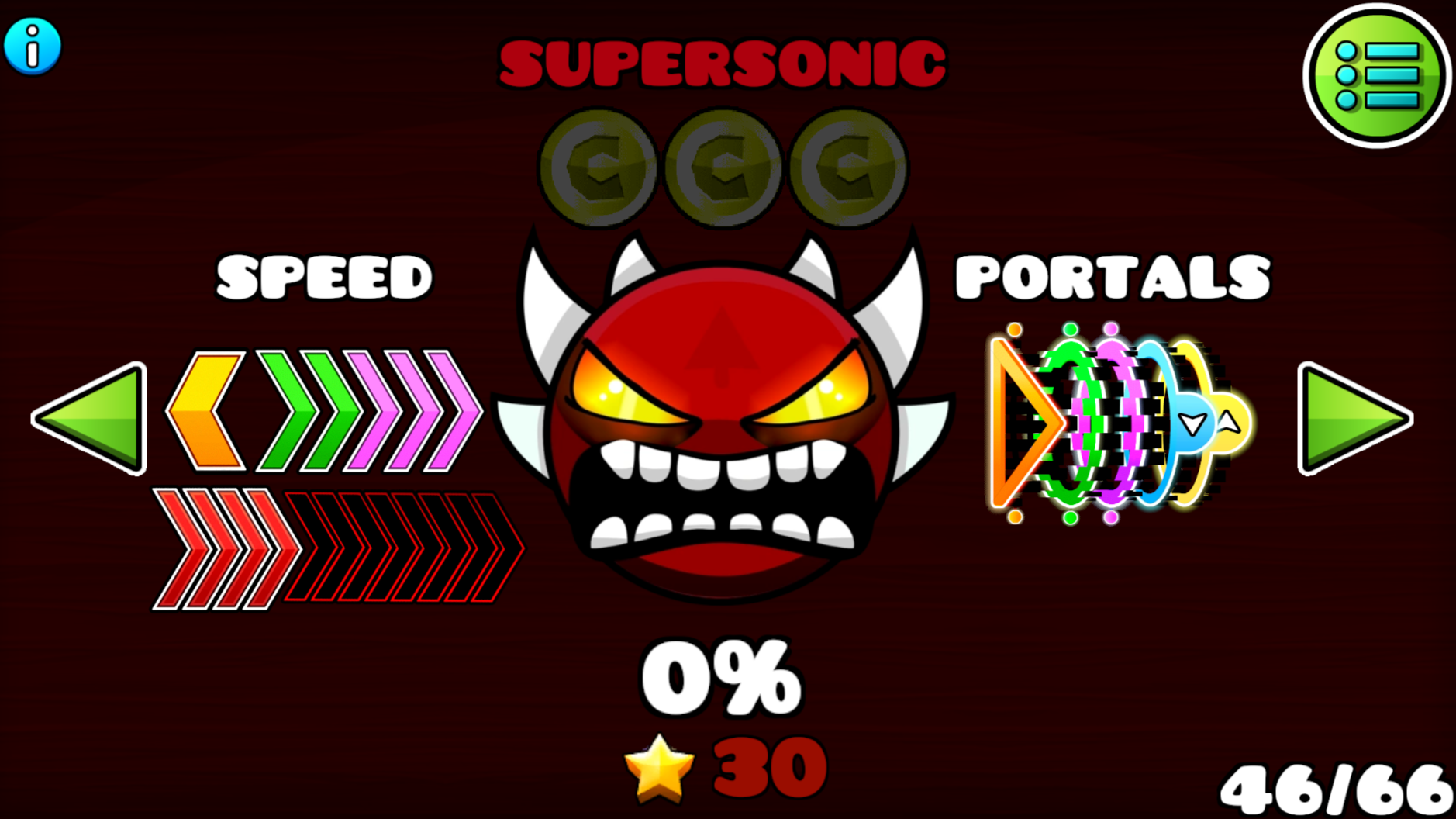
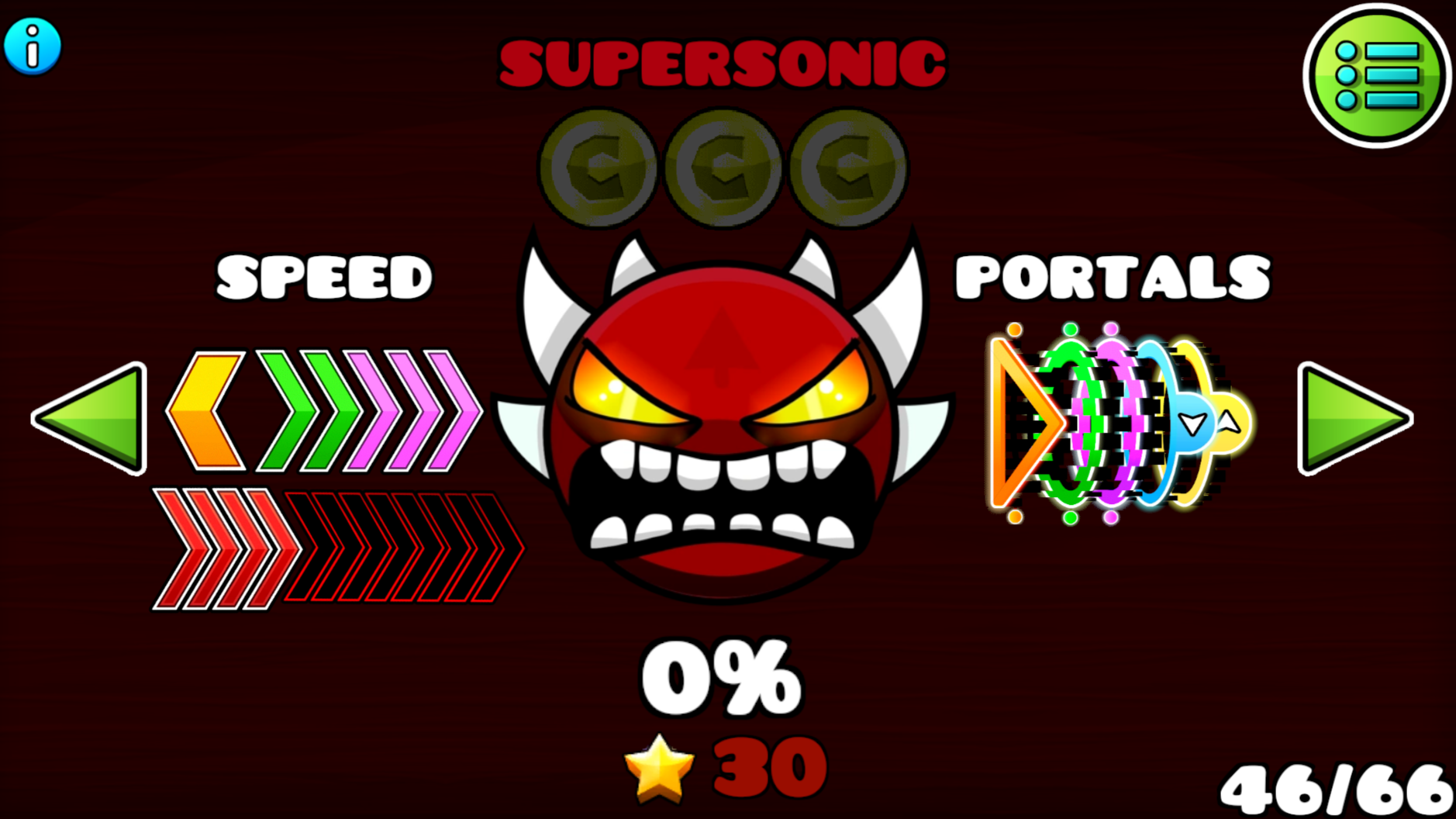
Use the buttons with the "i" icon for more info
Features
- Integrated Level Editor: Design your own complex obstacle courses and publish them for the global player base to attempt.
- Currency Economy: Collect crystals during gameplay to unlock exclusive customization items in the in-game store.
- Community Voting: Rate levels created by other players to help the best designs rise to the top of the leaderboards.
- Practice Mode: Use checkpoint markers to master difficult segments of a map without having to restart from the beginning.
- Progression System: Earn stars and coins by successfully completing levels to track your overall performance and skill level.
Who is it for
Hardcore arcade fans and platformer veterans who enjoy high-difficulty challenges will thrive here. Creative players who love building custom levels will appreciate the versatile editor, while casual gamers can enjoy testing their reaction speeds against a vast library of user-created content available for free on any device.
Controls
Move Up
Hold LMB, space, W, up arrow, or hold finger on mobile screen.
Move Down
Release LMB, space, W, up arrow, or release finger from mobile screen.
Practice Checkpoint
Click the checkpoint icon in the pause menu or tap the checkpoint button on mobile.
Remove Checkpoint
Press X on PC or tap the cross button in the mobile practice menu.
FAQ
Can I play Geometry Wave: Online Editor on my mobile browser?
›
Yes, Geometry Wave: Online Editor is fully optimized for mobile touchscreens and runs directly in your browser.
How do I share my levels in Geometry Wave: Online Editor?
›
After using the built-in level editor to create your masterpiece, you can upload it for other players to find and rate.
Is Geometry Wave: Online Editor free to play?
›
Absolutely, Geometry Wave: Online Editor is completely free to play with no downloads or installations needed.