About game
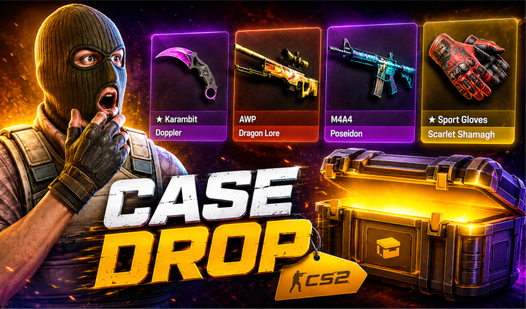
Chasing that elusive rare knife feels like pure magic when the box starts spinning. Skin Drop turns the thrill of high-stakes loot boxes into a smooth digital experience. You pick your favorite collection, tap to reveal the loot, and decide whether to sell your haul or hoard the items in your vault. Building your virtual collection requires smart management of your currency while managing the risk of every single spin. Trying to land a rare upgrade adds an extra layer of tension as you attempt to flip lower-tier items for something legendary. If your balance runs low, you can switch over to the clicker mode to grind out some extra funds. Consistent play helps you knock out daily quests and stack up massive rewards for your inventory. You can play this case simulator directly in your browser right now without downloading a single file.
How to play
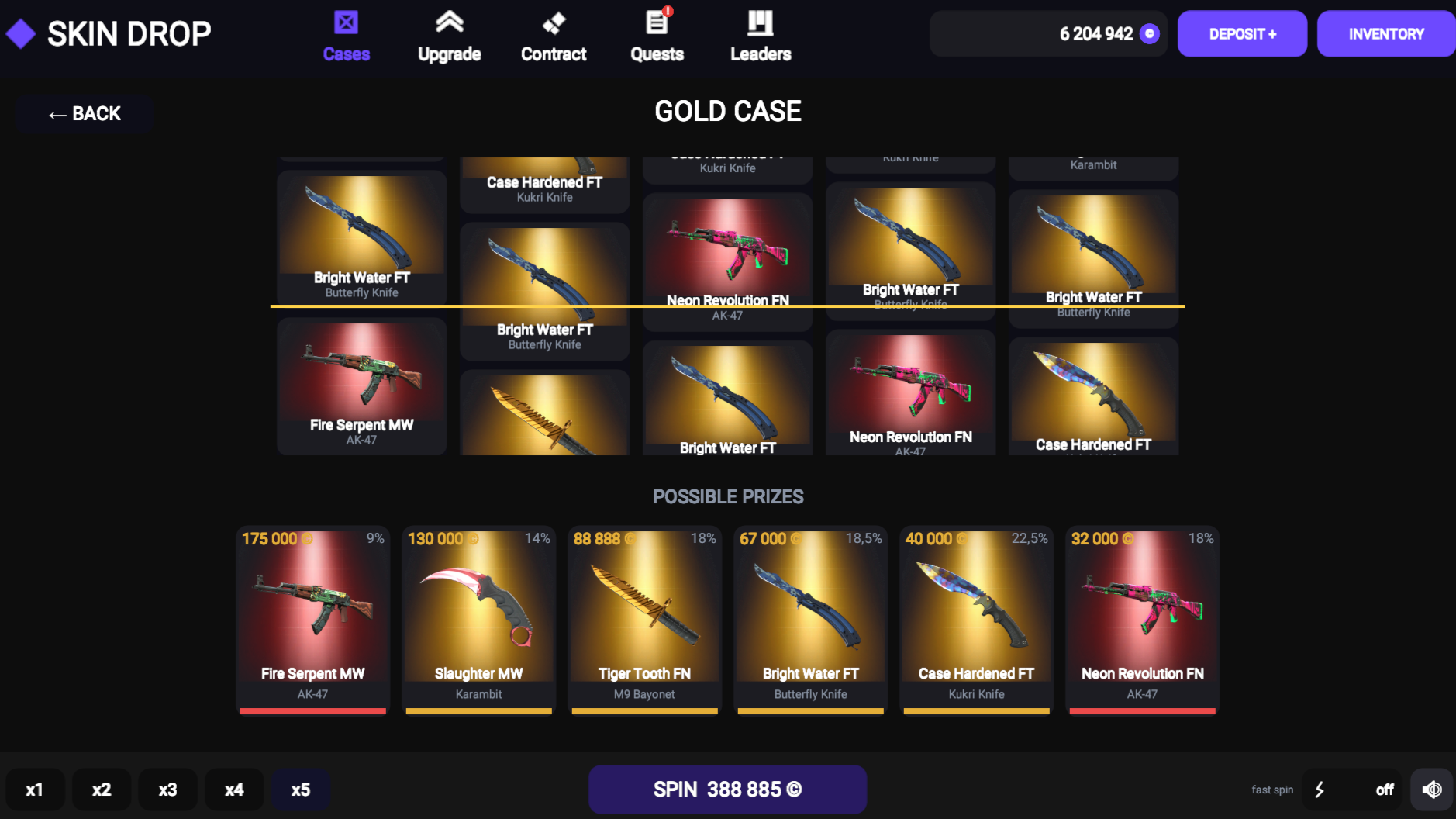
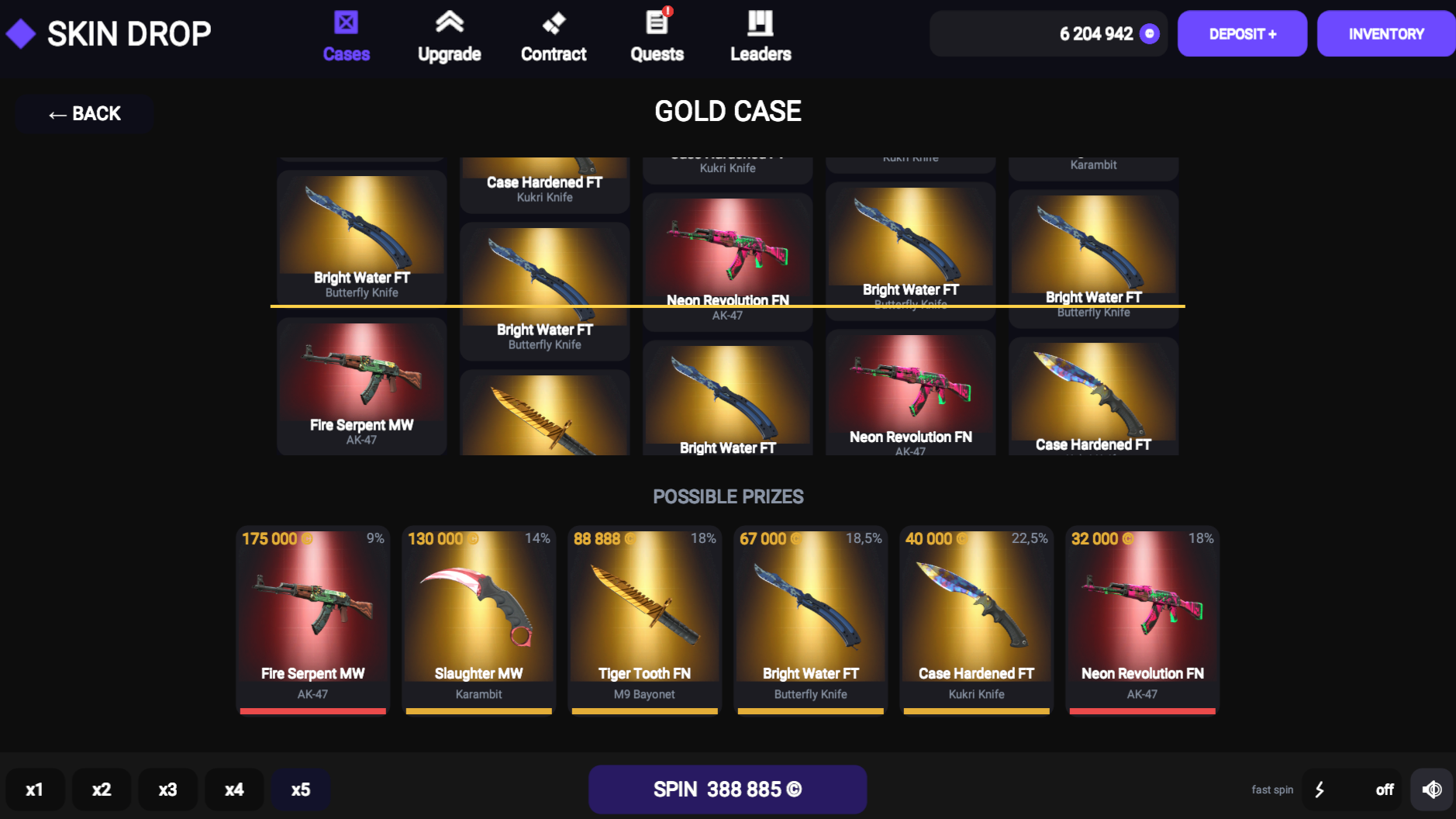
- On the "Cases" screen, select a trash can and press "Spin". If there is not enough currency — open the "DEPOSIT" and hold down the square with the clicker.
- After opening, leave a drop in your inventory or sell it.
- Look at the statistics in the inventory, sort the items and sell them all at once.
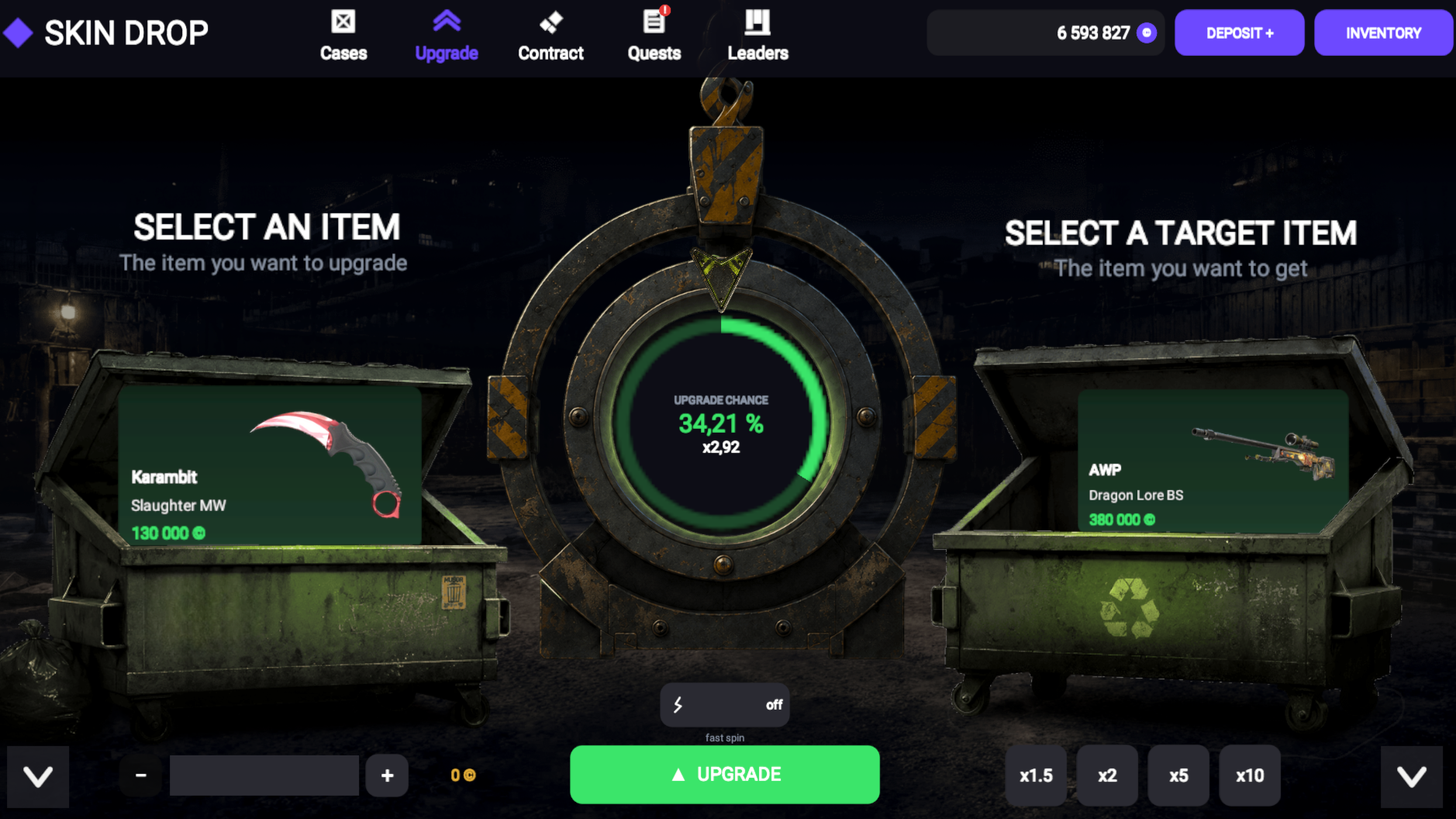
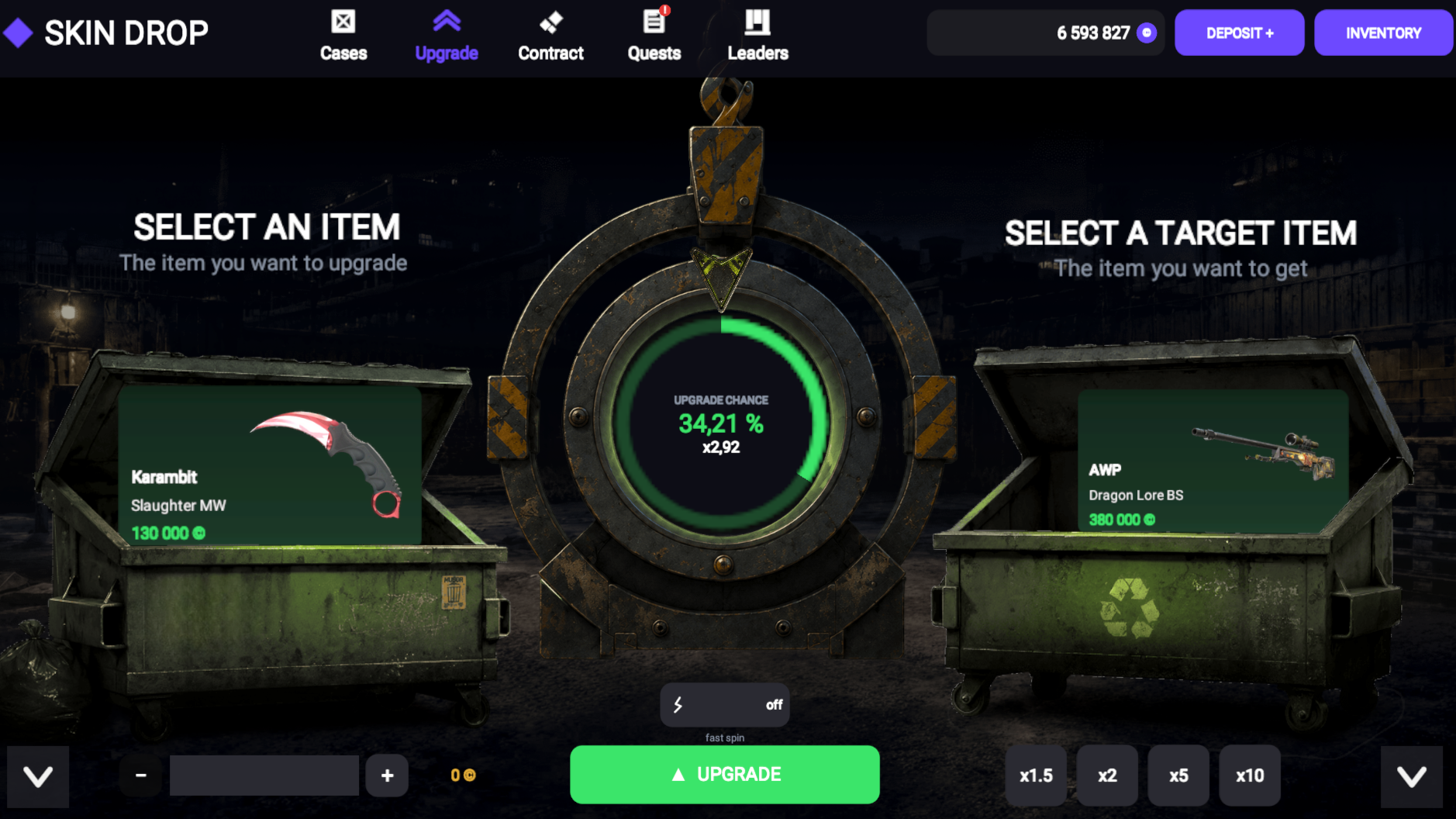
- In the "Upgrade", select your skin on the left and the target on the right, if necessary, add balance with the slider and click "Improve".
- Check out the "Quests": complete the tasks and collect the reward manually. The finished quest is highlighted, and a "!" appears on the tab.
- In the inventory, the gear opens the volume settings and resets the progress.
Tip: start with cheap cases, save up the currency, and aim for the rare drop excitement of stopping in time... or taking another risk.
Features
- Case collections: Choose from varied loot categories ranging from basic boxes to elite weapon caches.
- Inventory management: Organize your accumulated skins and track your total portfolio value through the integrated statistics menu.
- Risk-based upgrades: Use the upgrade mechanic to trade your current items for a chance to win much more valuable pieces.
- Quest system: Complete specific tasks to earn extra currency and keep your progression moving forward.
- Clicker deposit: Generate balance manually by holding the multiplier button whenever you need more funds for your next opening.
Who is it for
Fans of case simulators and idle clickers will enjoy the constant feedback loops and collection mechanics. Enthusiasts who love the tension of gambling simulations without losing real money will find this browser title a perfect way to burn time while building an impressive virtual arsenal of legendary weapon skins.
Controls
Open cases
Click or tap the Spin button on the selected box.
Generate currency
Hold your mouse button or finger on the clicker square in the deposit tab.
Upgrade items
Select a skin, choose a target, adjust the balance slider, and tap Improve.
FAQ
How can I get more currency in Skin Drop?
›
You can earn funds by selling unwanted skins or by using the clicker deposit button to build your balance manually.
Is it possible to lose my progress in Skin Drop?
›
Your progress is saved automatically, though you can use the gear icon in the inventory menu to reset your stats if you want a fresh start.
Where do I see my rewards in Skin Drop?
›
All collected items appear in your inventory tab, where you can sort them, check their values, or sell them in bulk.