About game
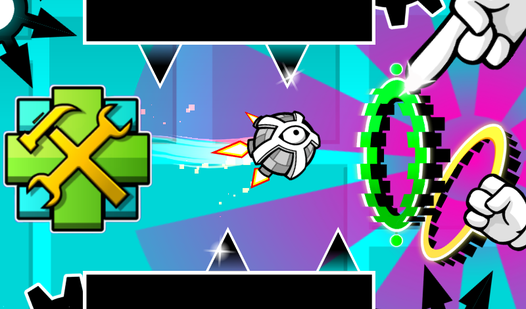
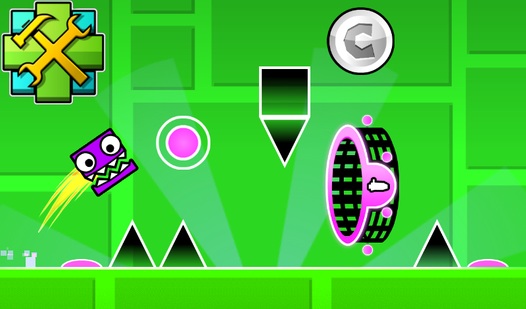
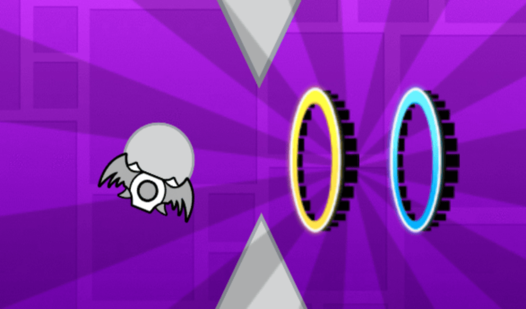
Mastering gravity-defying platformers requires precision and a creative mind to push the limits of what a ball can achieve. Geometry Dash: Ball Editor lets you become the architect of your own chaotic challenges by placing saws, portals, and blocks with total creative freedom. You can build everything from relaxing paths to insane levels that will test even the most skilled players. Use the intuitive drag-and-drop mechanics to spawn objects in the center of the screen and arrange them exactly where you want your ball to bounce. The editing tools allow you to tweak backgrounds, adjust ball speed, and toggle gravity settings to craft a unique experience. Once your masterpiece is finished, simply hit the play button to test your reflexes against your custom obstacle course. If you want to create a professional level or just experiment with GD mechanics, this tool provides everything needed to build a legend. You can play this browser game right now for free with no download required.
How to play
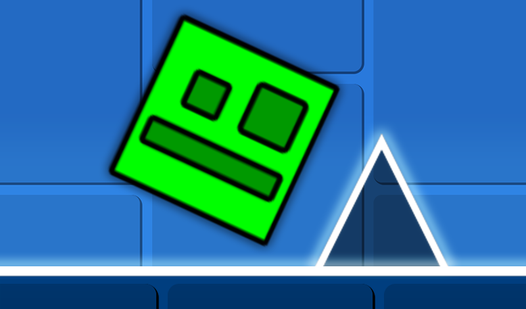
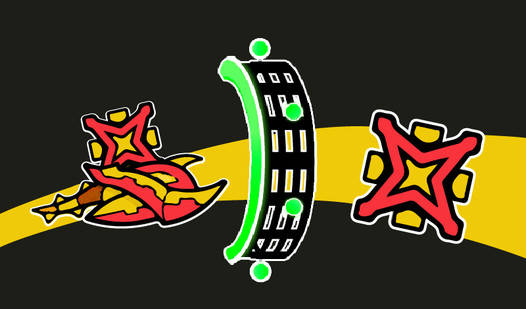
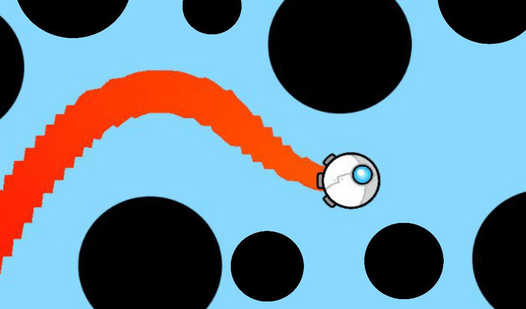
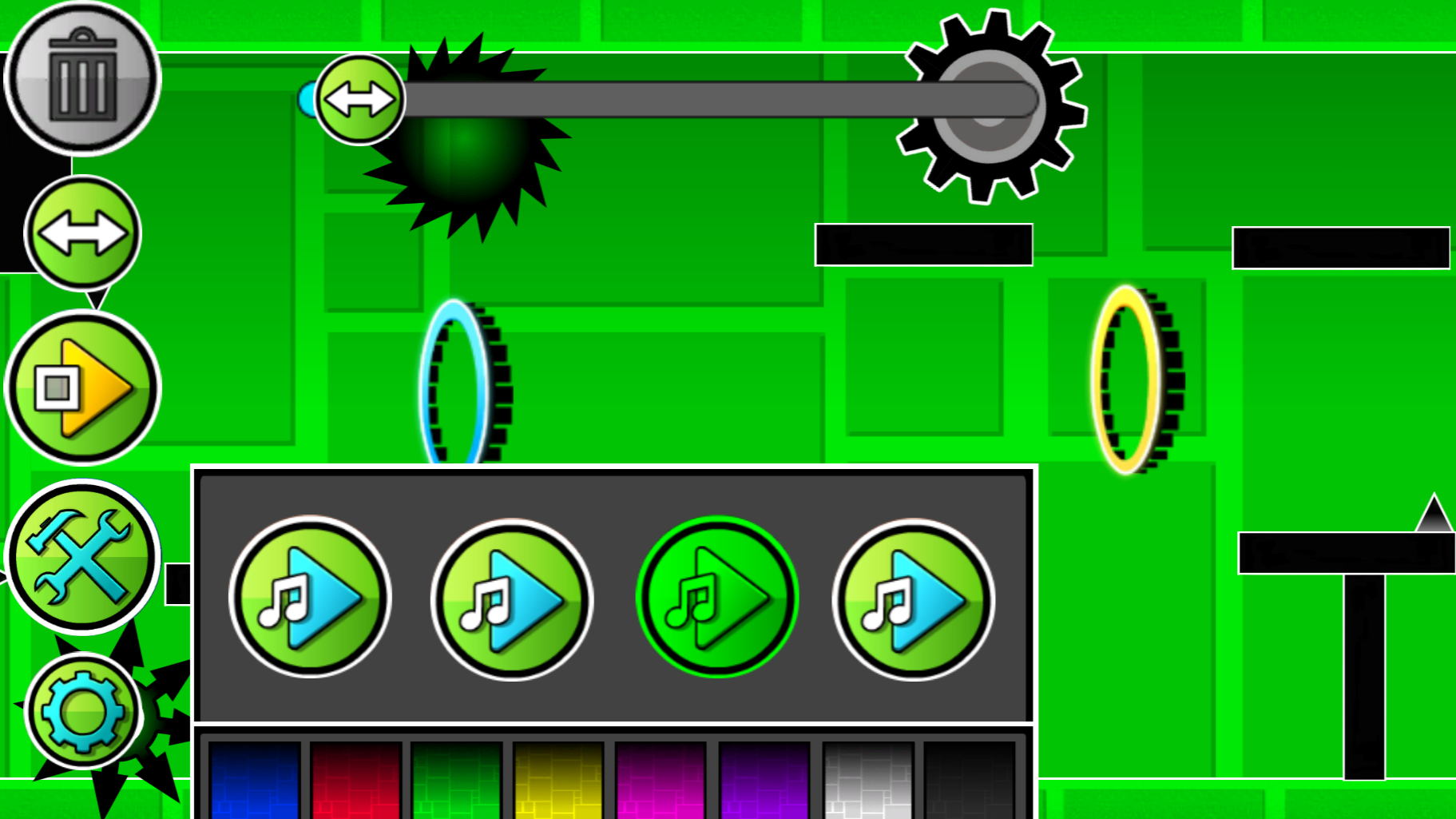
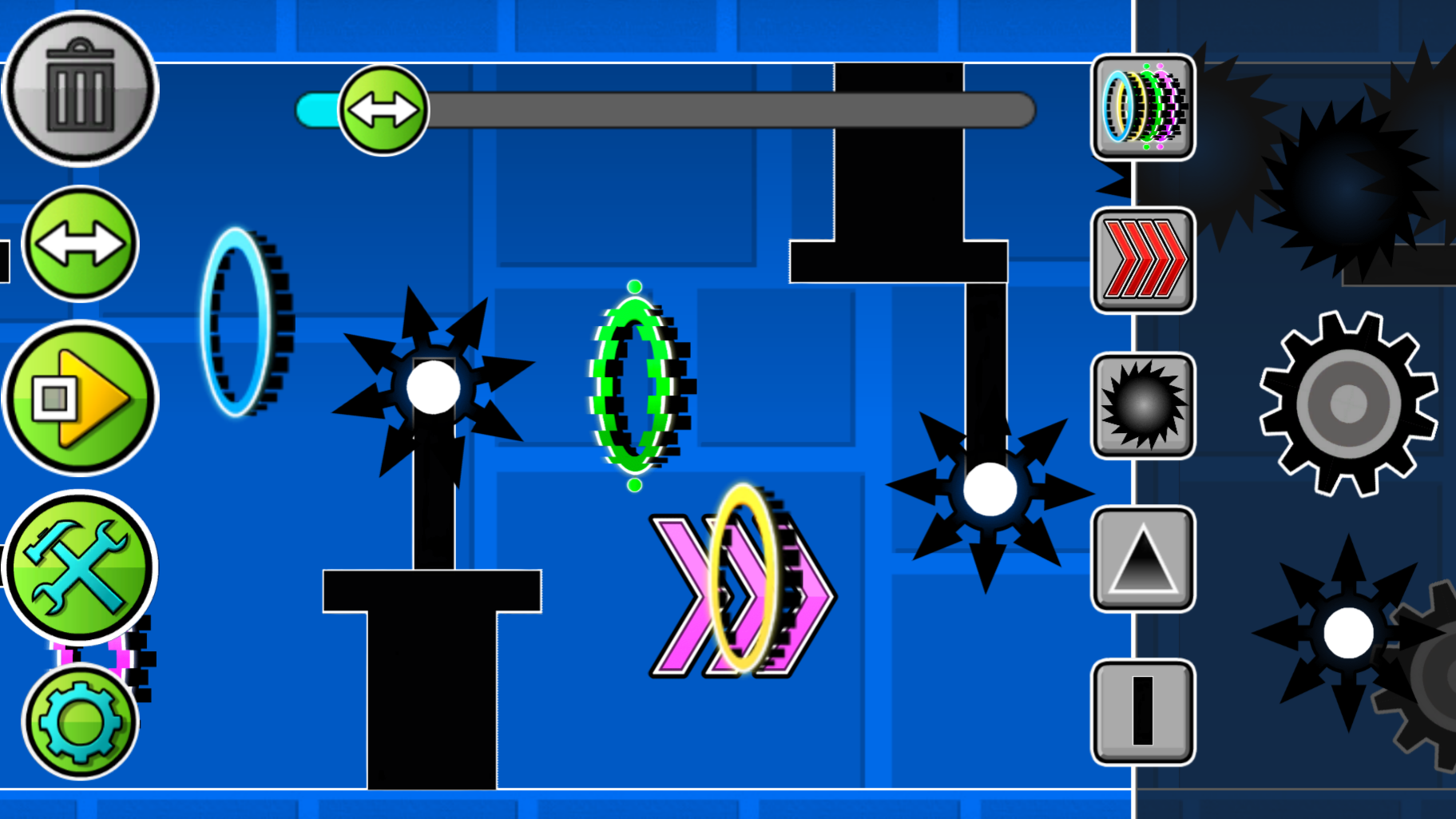
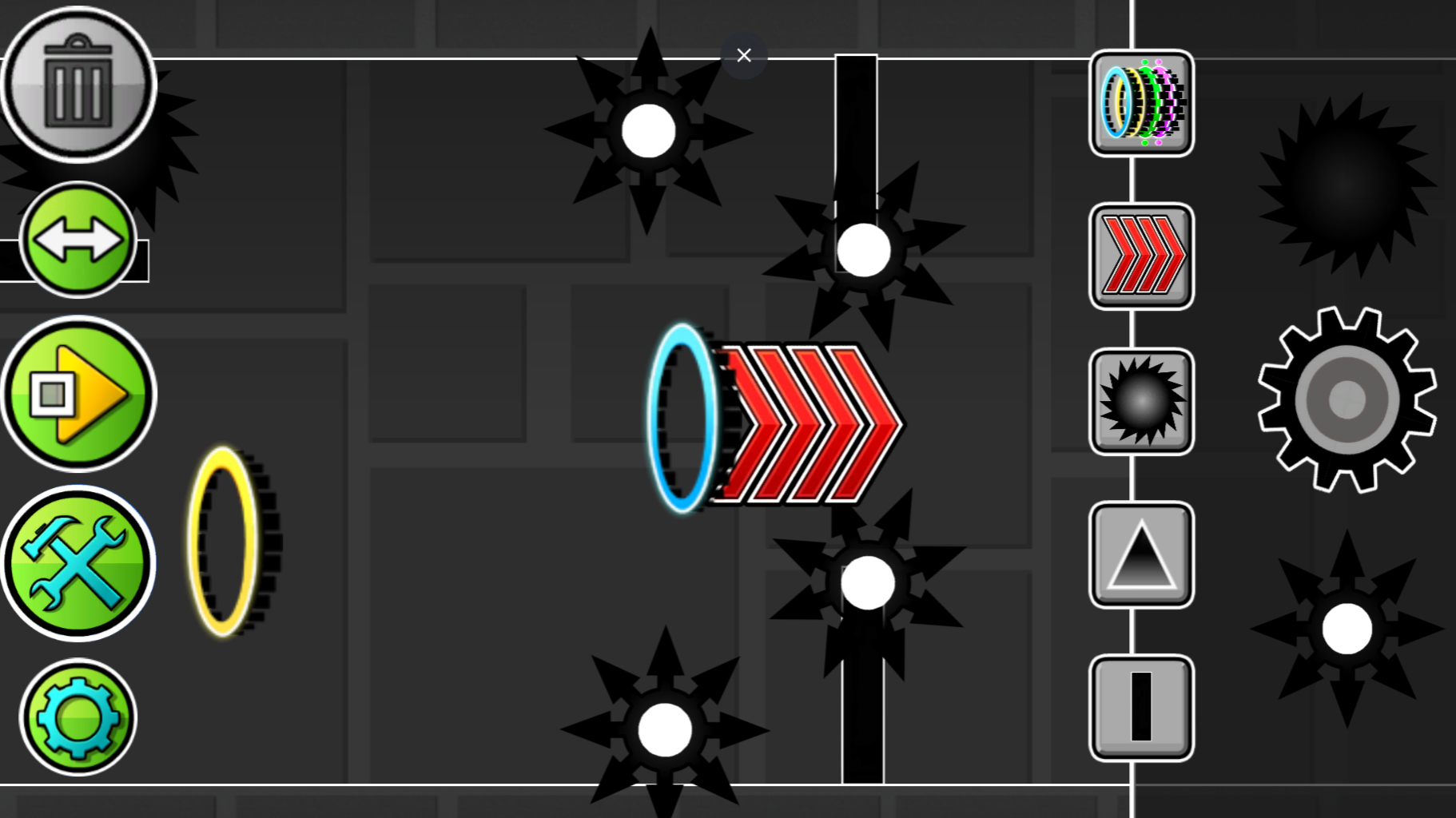
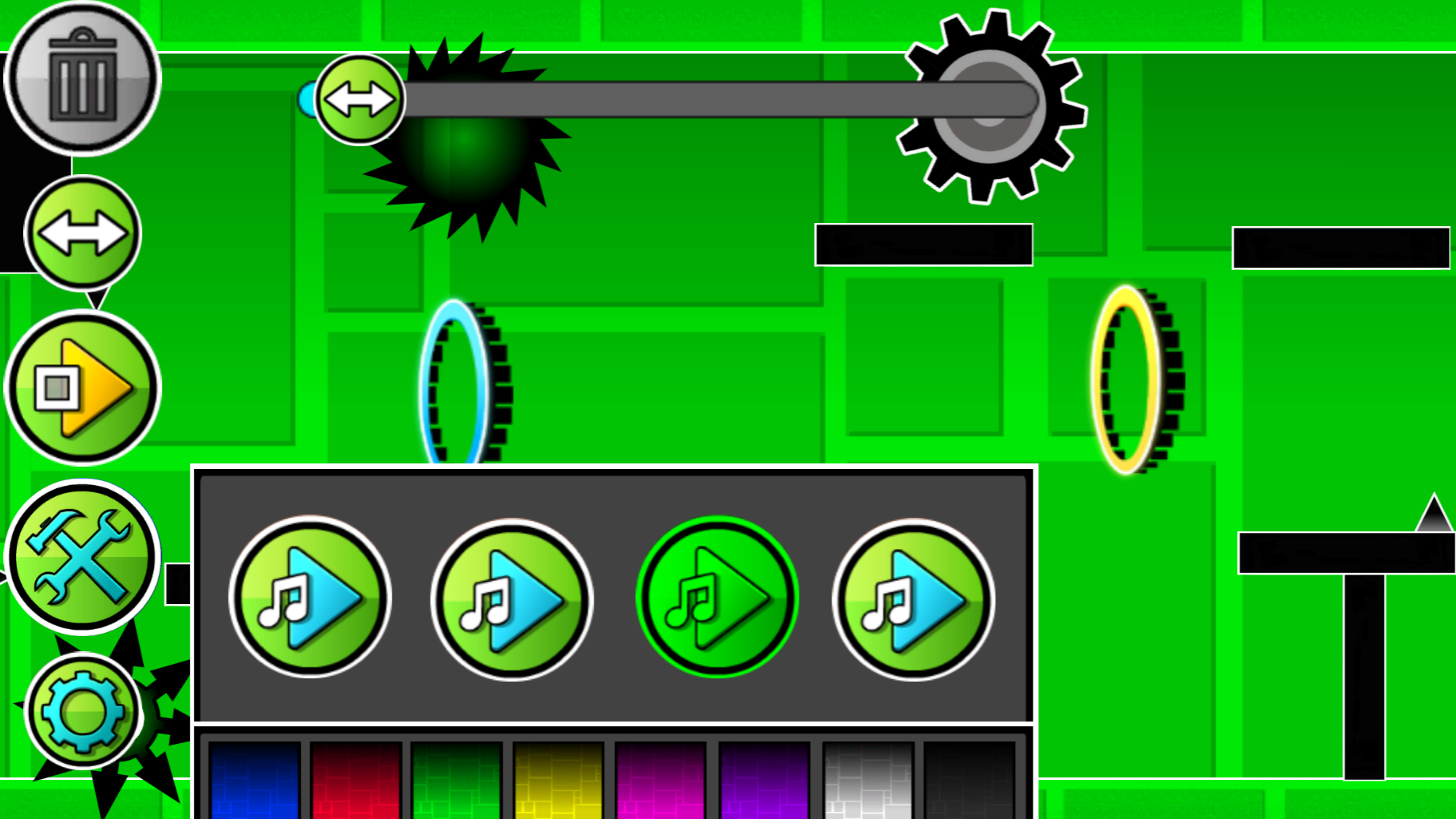
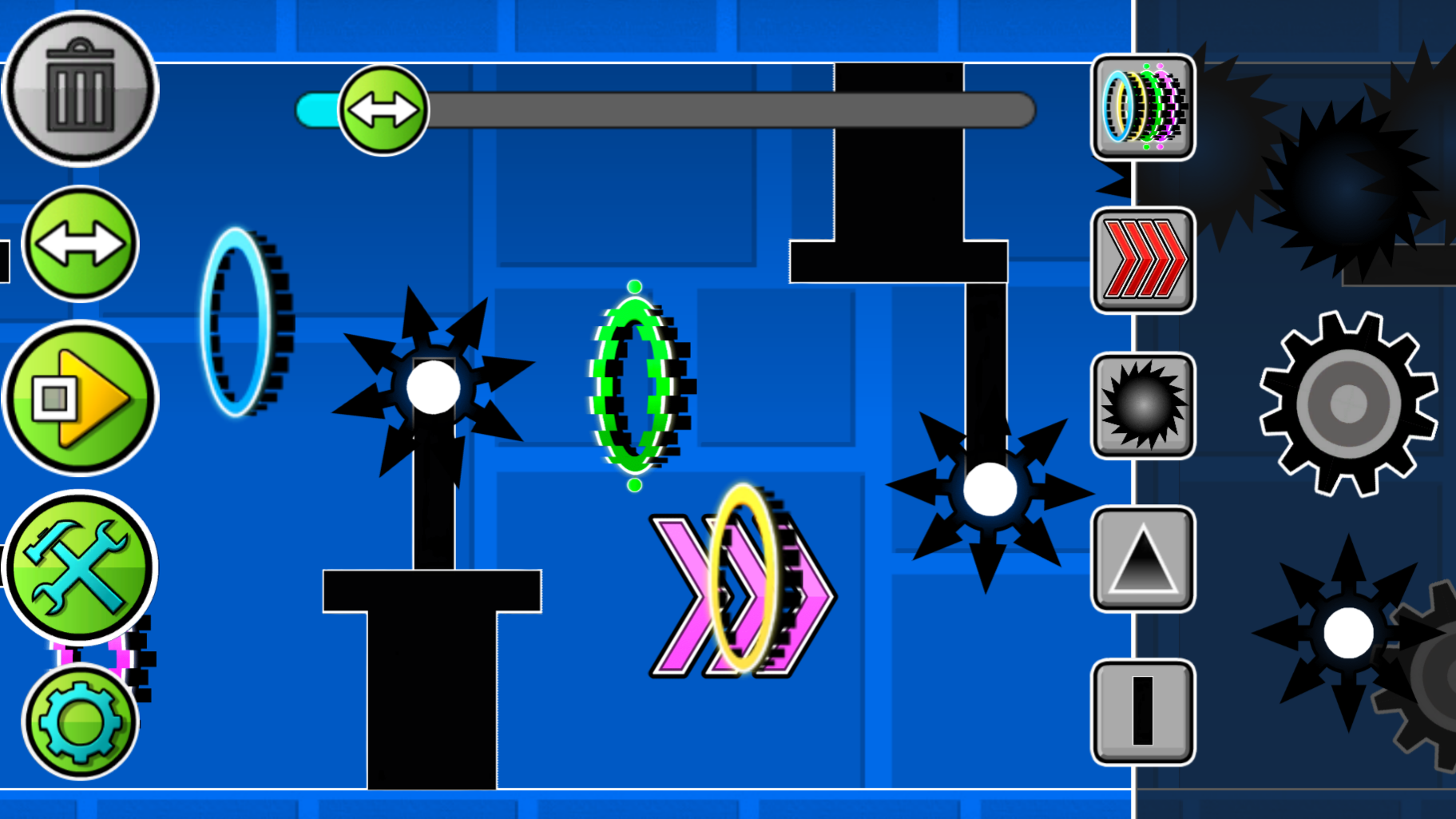
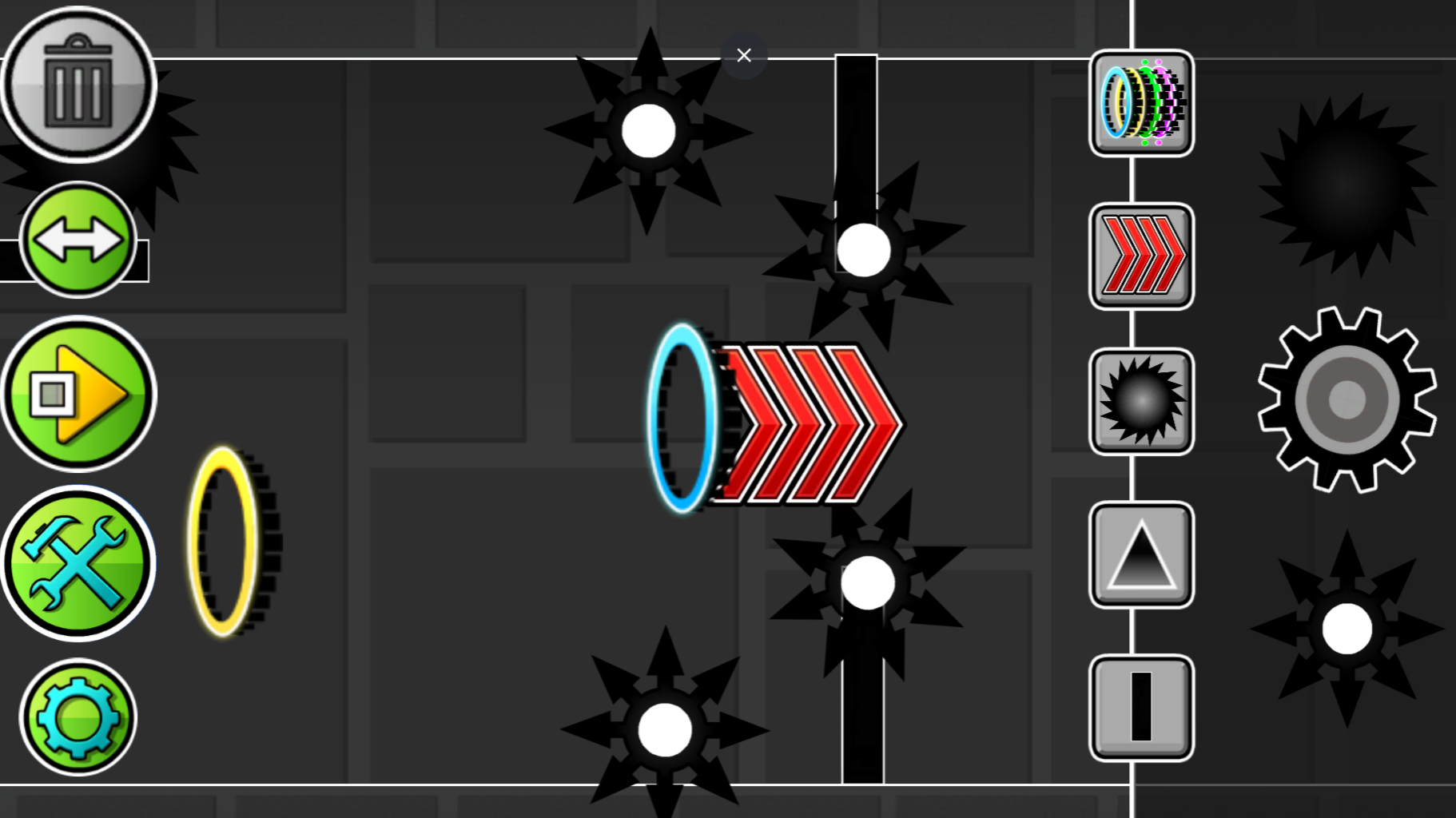
The game is an editor where you can create any kind of levels: easy, difficult, insane and even impossible. There are many buttons visible on the screen, each responsible for its own mechanics. The "Play" button allows you to play your level. You play as a ball that rolls forward, but if you press the LMB or tap on the phone screen when the ball is rolling, the ball will reverse gravity. Using this, control the ball and dodge all the obstacles that you create. There is also a button for creating obstacles and portals. Just click on the image of obstacles and/or portals, and they will be created in the center of the screen, drag them using the LMB or your finger to any place. The two-arrow button allows you to move the screen to build further. The gear-shaped button allows you to change the background color. The trash can button allows you to delete objects, if the button is lit in red, then the objects you click on will be deleted.
Features
- Gravity Manipulation: Toggle gravity settings to force the ball to flip between the floor and ceiling during gameplay.
- Custom Level Design: Drag and drop saws, speed-modifying portals, and solid blocks to build complex obstacle courses.
- Background Customization: Use the gear settings to change the visual atmosphere of your level to match your desired mood.
- Level Navigation: Utilize the arrow tools to pan across the canvas and build long-form stages beyond the initial screen.
- Quick Deletion: Activate the trash mode to instantly remove misplaced objects and refine your layout with one click.
Who is it for
Platformer enthusiasts and creative builders who enjoy the rhythmic challenge of Geometry Dash style games. Fans of level editors will appreciate the freedom to design custom maps, while arcade gamers will enjoy the high-stakes test of skill required to beat the impossible courses they build themselves.
Controls
Change gravity
Left mouse click or tap the screen
Place objects
Click or tap the desired icon and drag to the preferred location
Navigate editor
Use the arrow buttons to scroll across the level design area
FAQ
How do I test my own level in Geometry Dash: Ball Editor?
›
Simply finish placing your obstacles and click the Play button on the interface to start navigating your creation.
Can I delete objects in Geometry Dash: Ball Editor?
›
Yes, select the trash can icon until it turns red, then click or tap on any object you wish to remove from your level.
Is Geometry Dash: Ball Editor free to play online?
›
The game is completely free to play directly in your web browser with no registration or download required.