About game
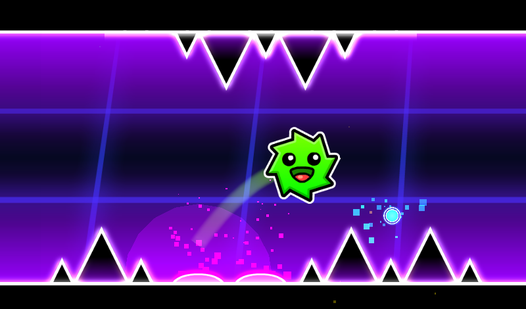
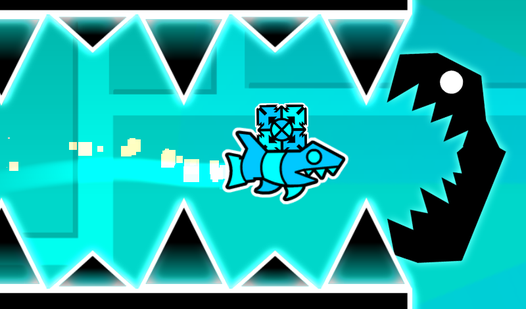
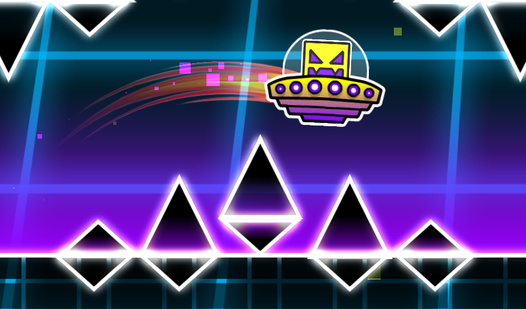
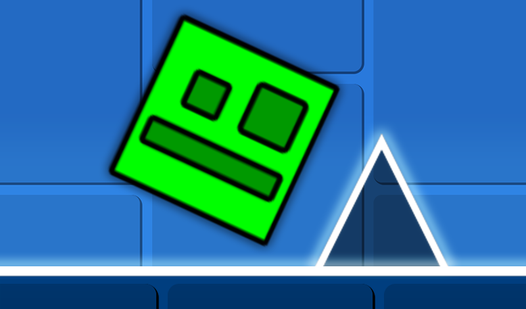
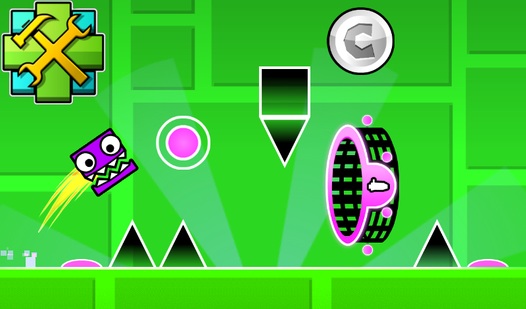
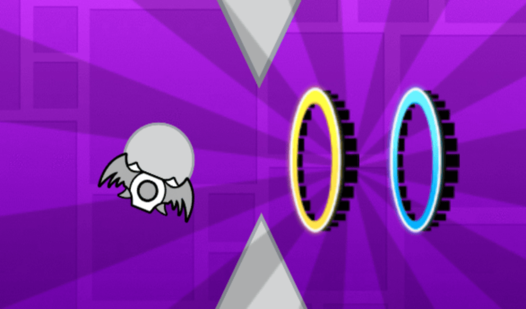
Staring at a blank screen during a midday slump is the worst, but your creative itch needs a serious outlet right now. Wave Editor is the perfect answer, letting you channel your inner level designer to build the ultimate challenge. You act as the architect of a fast-paced wave game, placing blocks, saws, and portals to craft unique paths for your character. Mastering the wave mechanic is key, as you hold to ascend and release to drop, navigating through the traps you personally designed. Want to make a level impossible for others or just a chill practice run for your own skill? This intuitive editor keeps everything at your fingertips, allowing you to experiment with speed changes and gravity-defying maneuvers. You can even customize the background to set the vibe while you test your creation. Whether you are a fan of classic GD style challenges or just want to make a level today, this browser-based tool is incredibly addictive. Play Wave Editor for free in your browser right now with no download required.
How to play
The game is an editor where you can create any kind of levels: easy, difficult and even impossible.
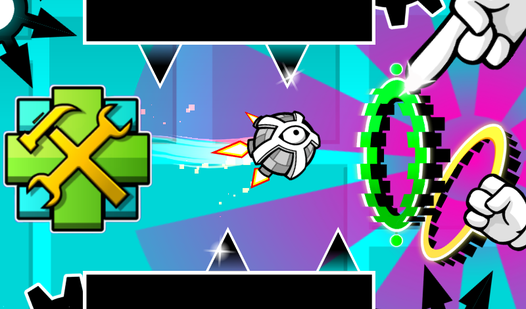
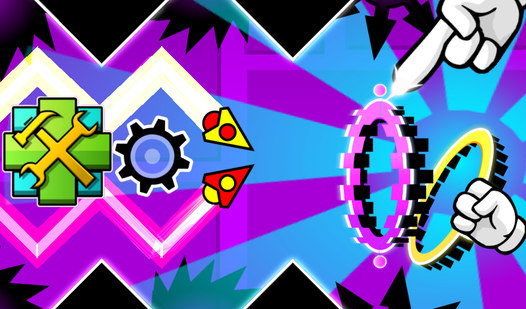
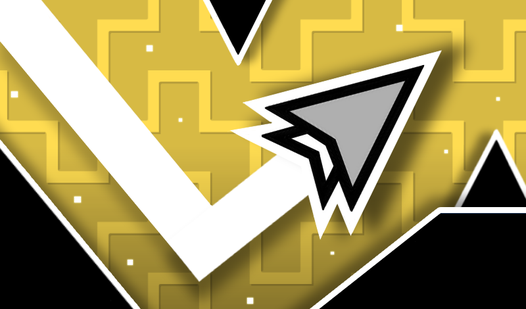
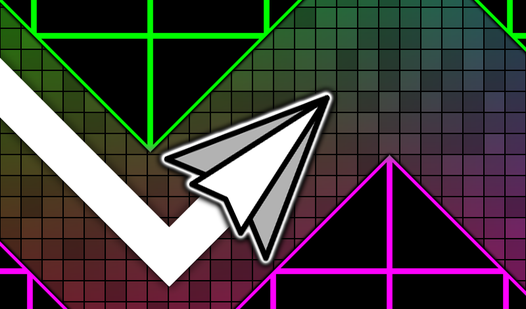
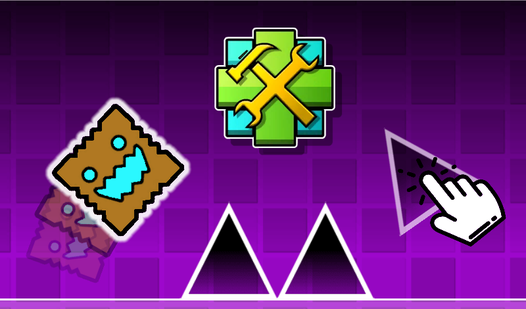
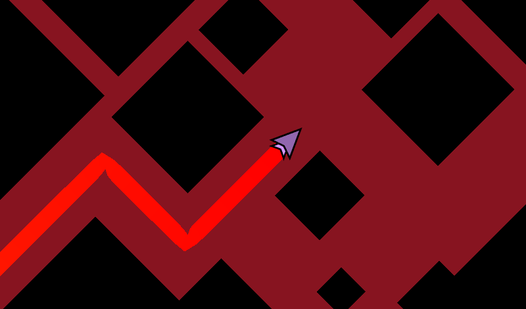
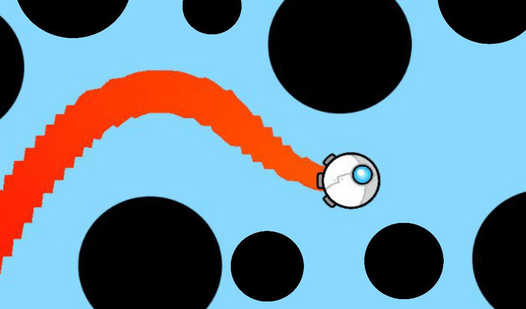
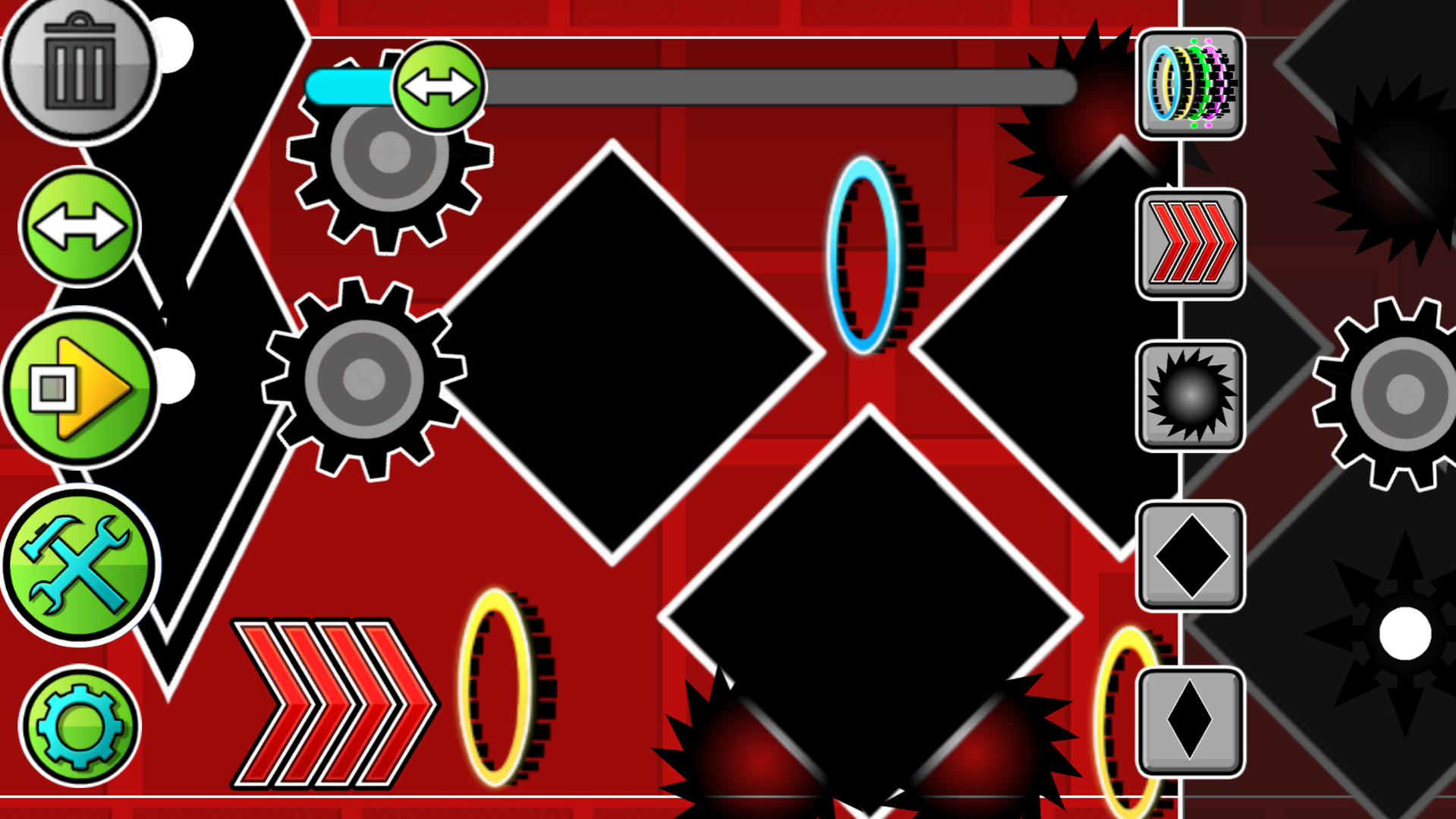
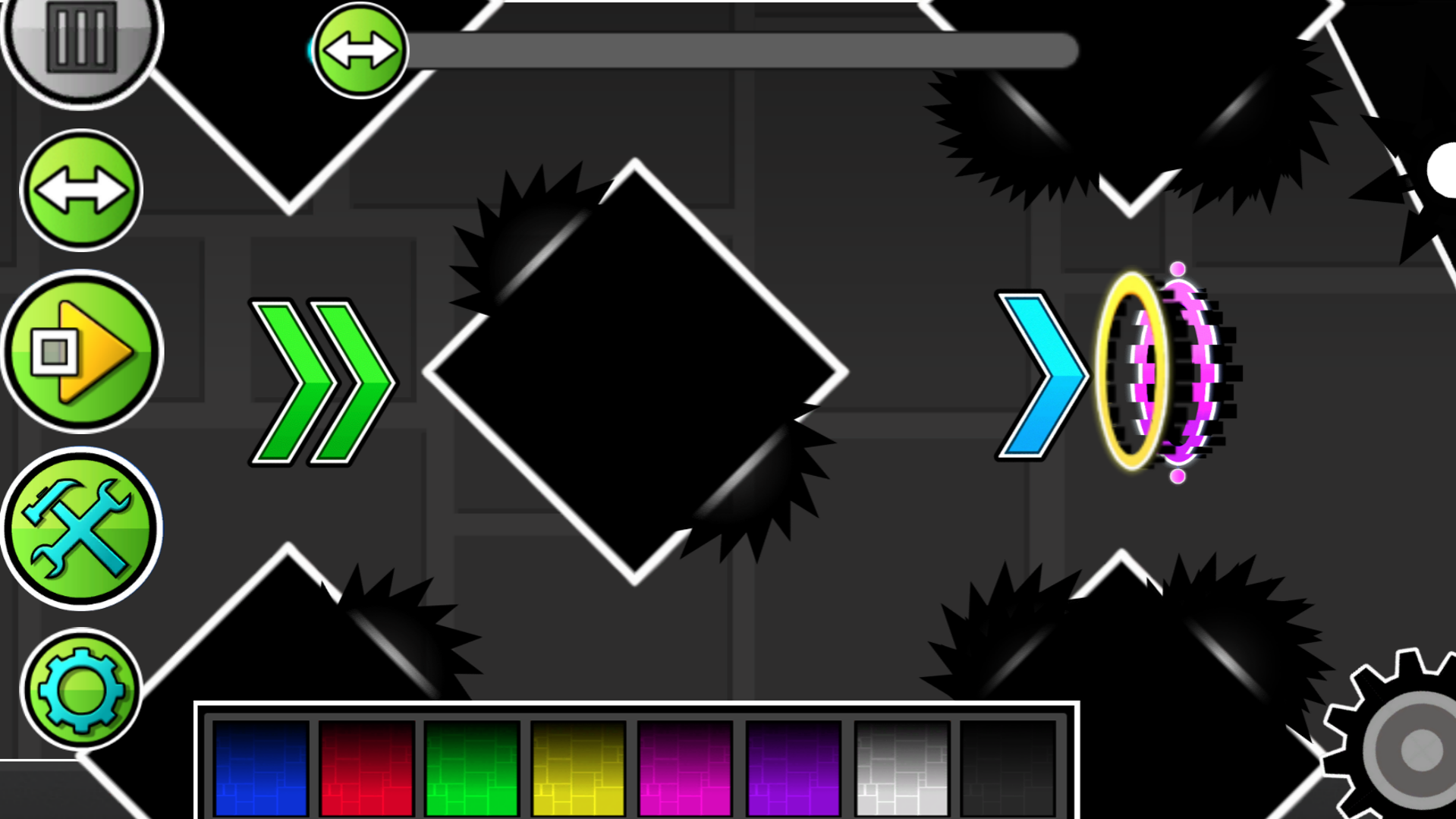
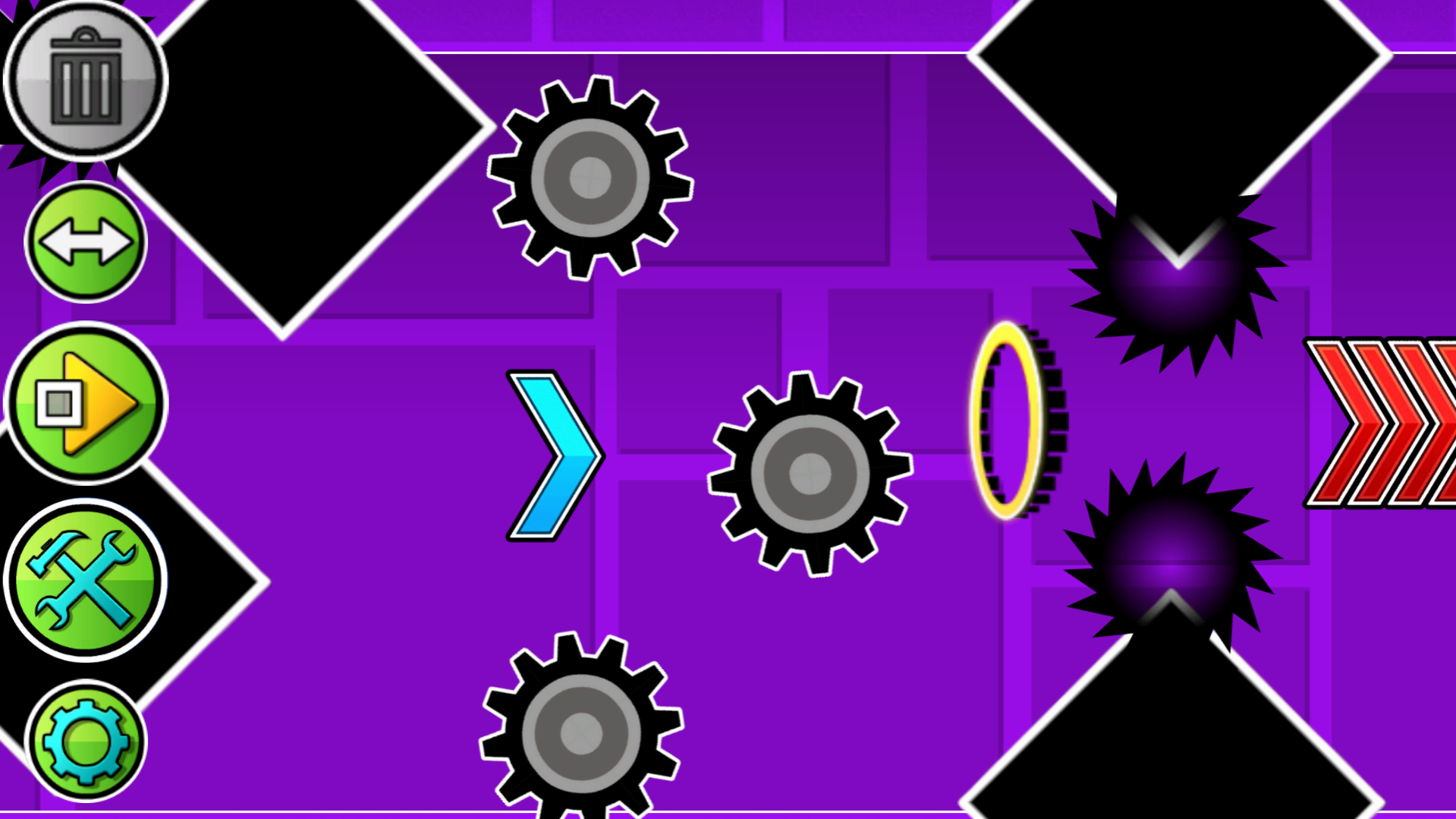
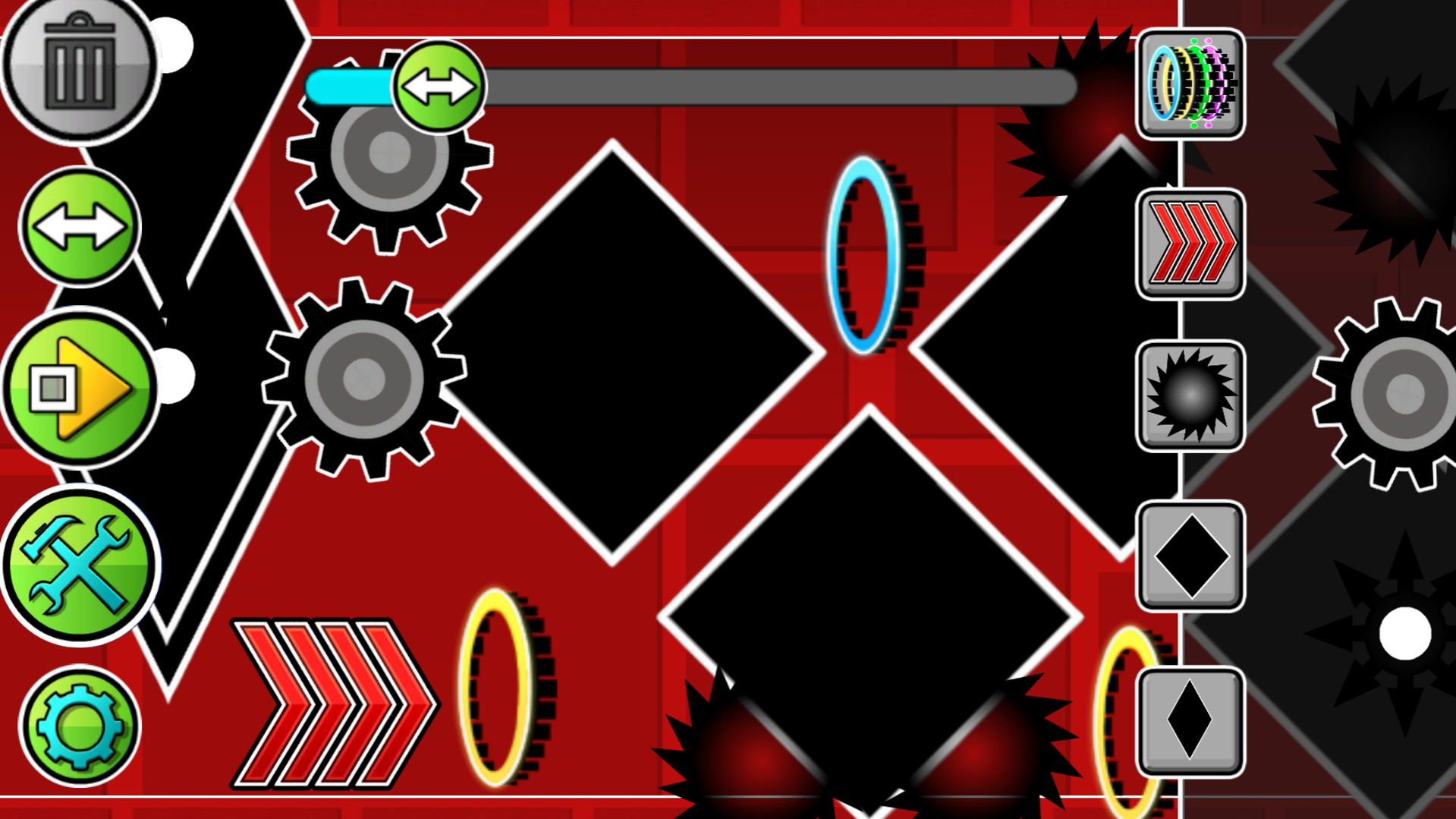
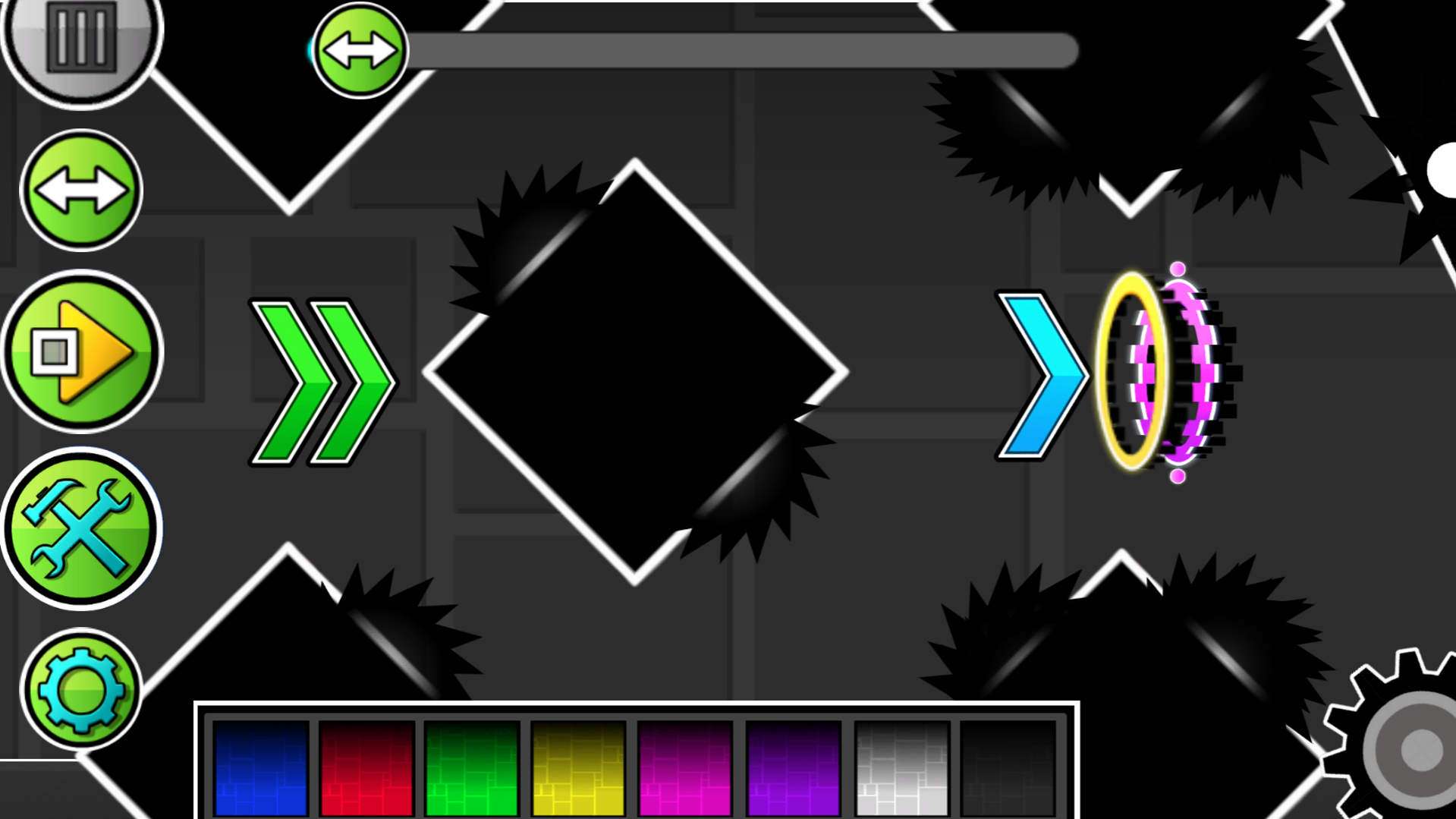
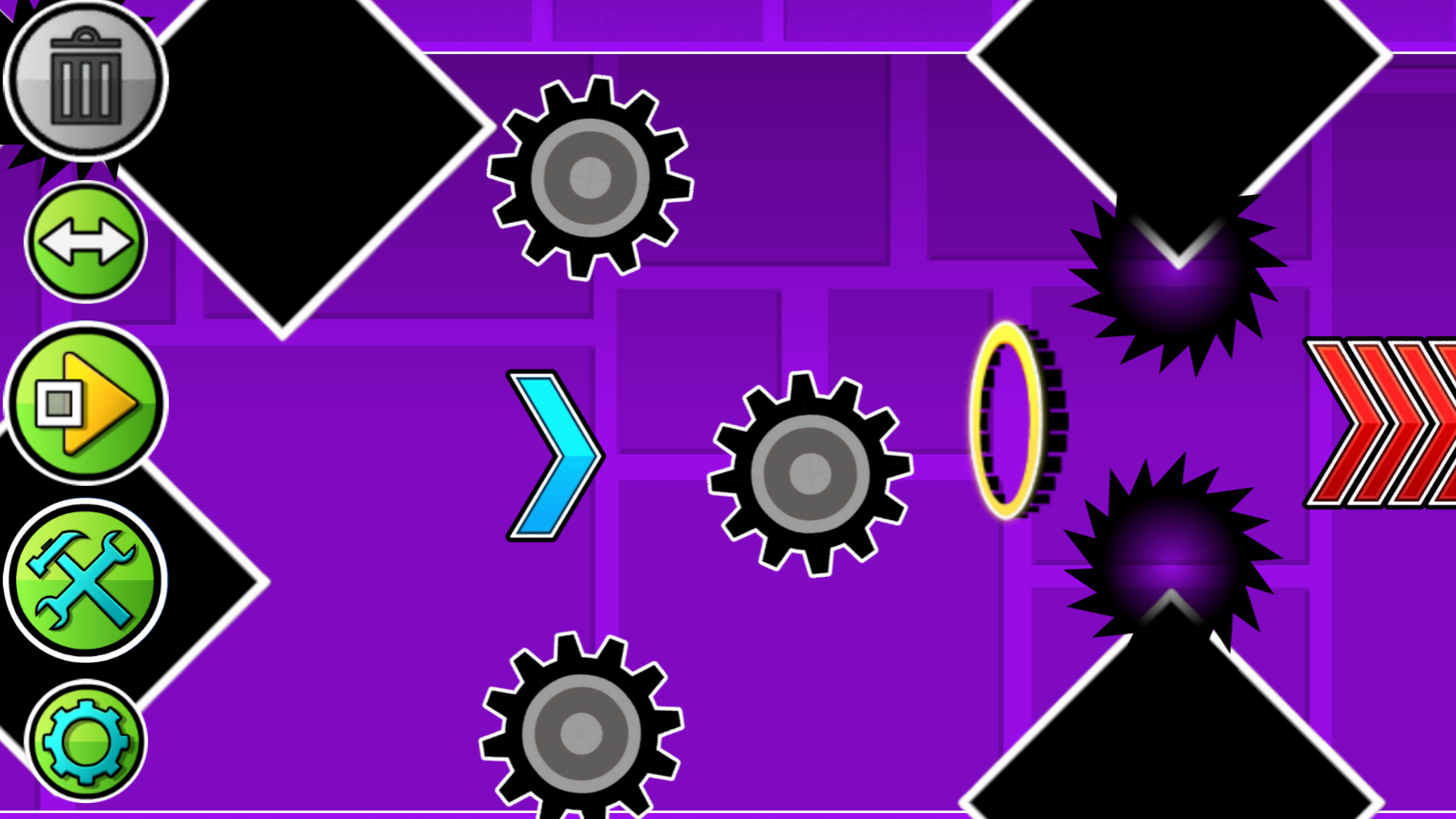
There are many buttons visible on the screen, each responsible for its own mechanics: A button like a "play" button allows you to play your level. You play as a wave that moves diagonally down, but if you hold down the LMB or the phone screen, then you will change your direction and fly up, and when you release, you will fly down again. Using this, control the wave and dodge all obstacles. There is also a button for creating obstacles and portals. Just click on the image of obstacles and portals and they will be created in the center of the screen, drag them using the LMB or your finger to any place. The two-arrow button allows you to move the screen to build further. The button in the form of settings allows you to change the background color. The button in the form of a trash can allows you to delete objects, if the button is lit in red, then the objects you click on will be deleted.
Features
- Object customization: Rotate and resize placed obstacles to create complex patterns and tighter gaps for the wave to navigate.
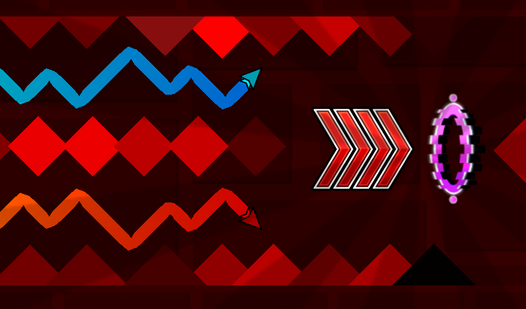
- Speed modifier support: Place specific portals to instantly boost or slow down the wave velocity for intense gameplay segments.
- Drag and drop builder: Use a simple interface to pick items from a library and position them anywhere on your custom grid.
- Background styling: Access a quick menu to swap color palettes and improve the visual aesthetic of your level design.
- Instant playtesting: Switch seamlessly between edit mode and play mode to refine your hitboxes and difficulty curves immediately.
Who is it for
Creative gamers who love challenging their precision skills and fans of rhythm-based arcade titles. Aspiring level designers looking for a quick way to build and share their own custom obstacle courses will find this tool both accessible and deep enough for endless hours of platforming experimentation.
Controls
Navigate wave
Hold LMB or tap the screen to fly up and release to fly down
Place object
Click the obstacle icon then drag it to your desired position
Delete items
Toggle the trash can icon to red and click on any placed object to remove it
Move camera
Click the two-arrow button to scroll the level editor screen forward
FAQ
Can I share the levels I make in Wave Editor with my friends?
›
While Wave Editor allows you to design and play your own custom stages locally in your browser, it does not currently feature a global sharing server.
Is Wave Editor difficult to learn for beginners?
›
The interface in Wave Editor is designed to be intuitive, allowing you to drag and drop elements easily without needing prior experience in level design.
Does Wave Editor require high-spec hardware to run?
›
Wave Editor is optimized to run smoothly in any modern web browser, making it accessible on both desktop PCs and mobile devices without any installation.