About game
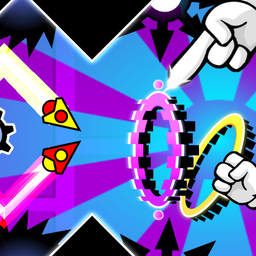
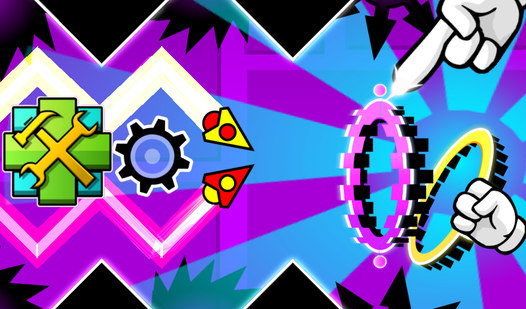
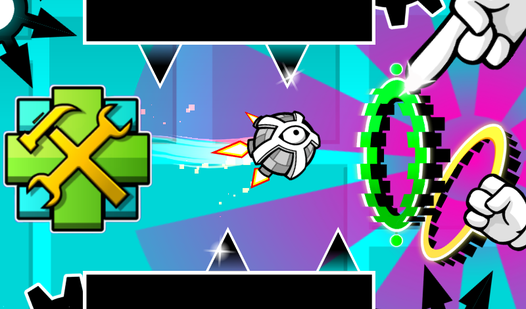
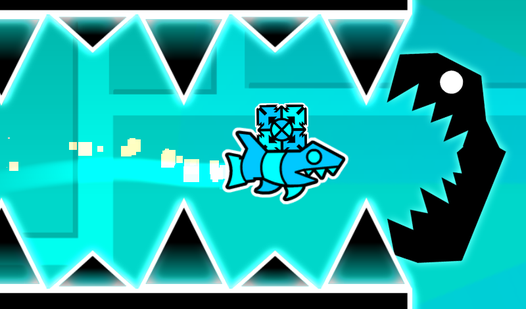
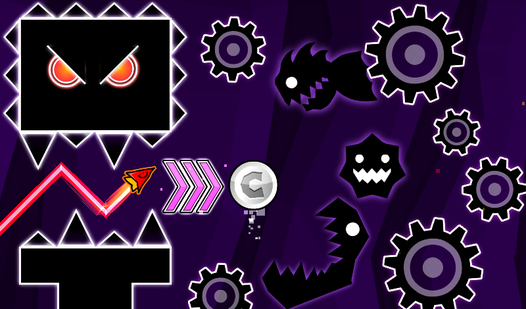
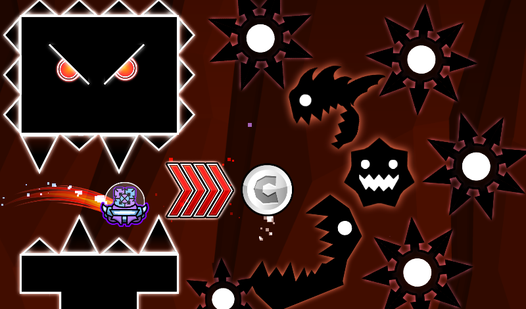
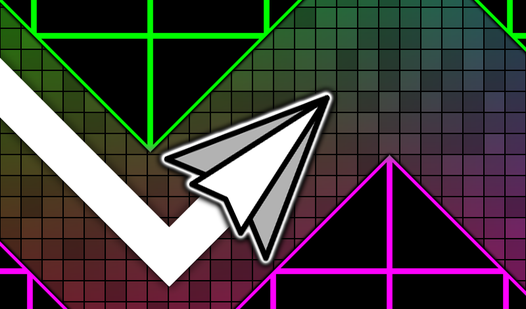
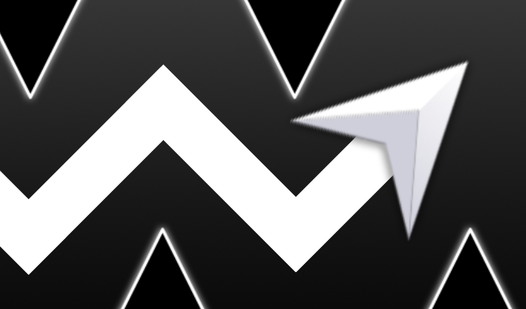
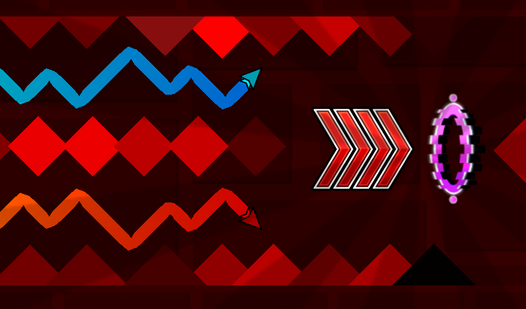
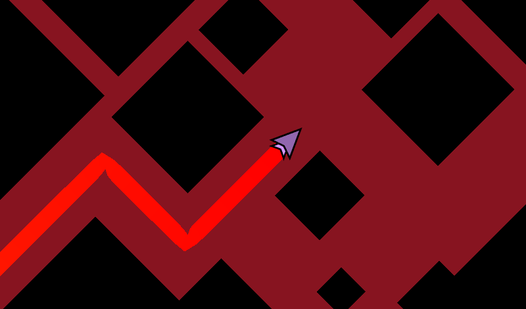
Mastering the rhythmic chaos of Geometry Dash: Dual Wave Editor proves that true skill is built through creation rather than just observation. The mechanics center on controlling two synchronized waves simultaneously, where every tap forces both icons to switch their diagonal trajectory instantly. You start with a blank canvas, placing saws, blocks, and gravity-shifting portals to construct your own custom gauntlet. The creative freedom allows you to build a simple starter course or a truly hard level that tests the limits of human reaction time. Managing the dual wave movement effectively requires precise timing as you weave through narrow passages and complex obstacle patterns. Whether you want to design a relaxing track or a legendary challenge, the editor provides every tool needed to refine your wave control skills. This platform invites you to experiment with speed changes and tricky segments to see if your friends can actually beat your creation. Hop into your browser and start building in Geometry Dash: Dual Wave Editor for free with no download required.
How to play
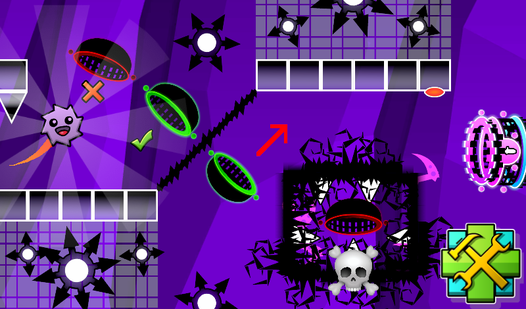
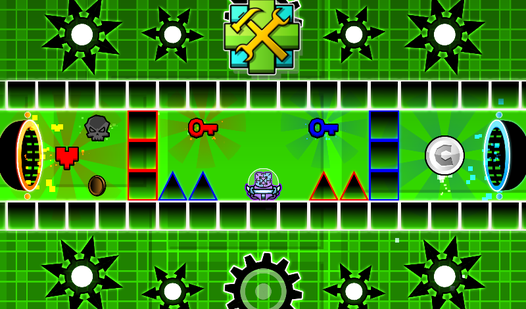
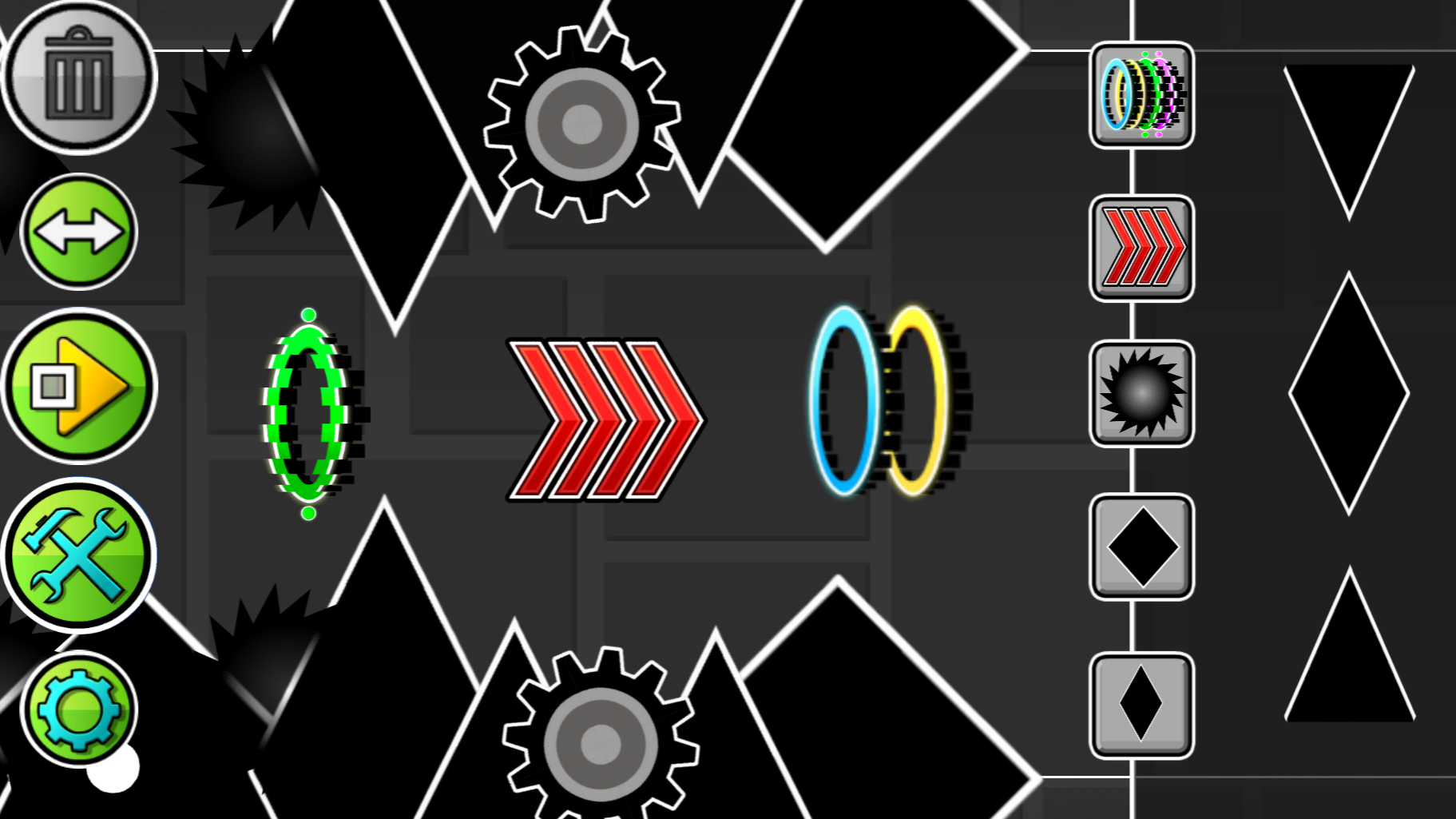
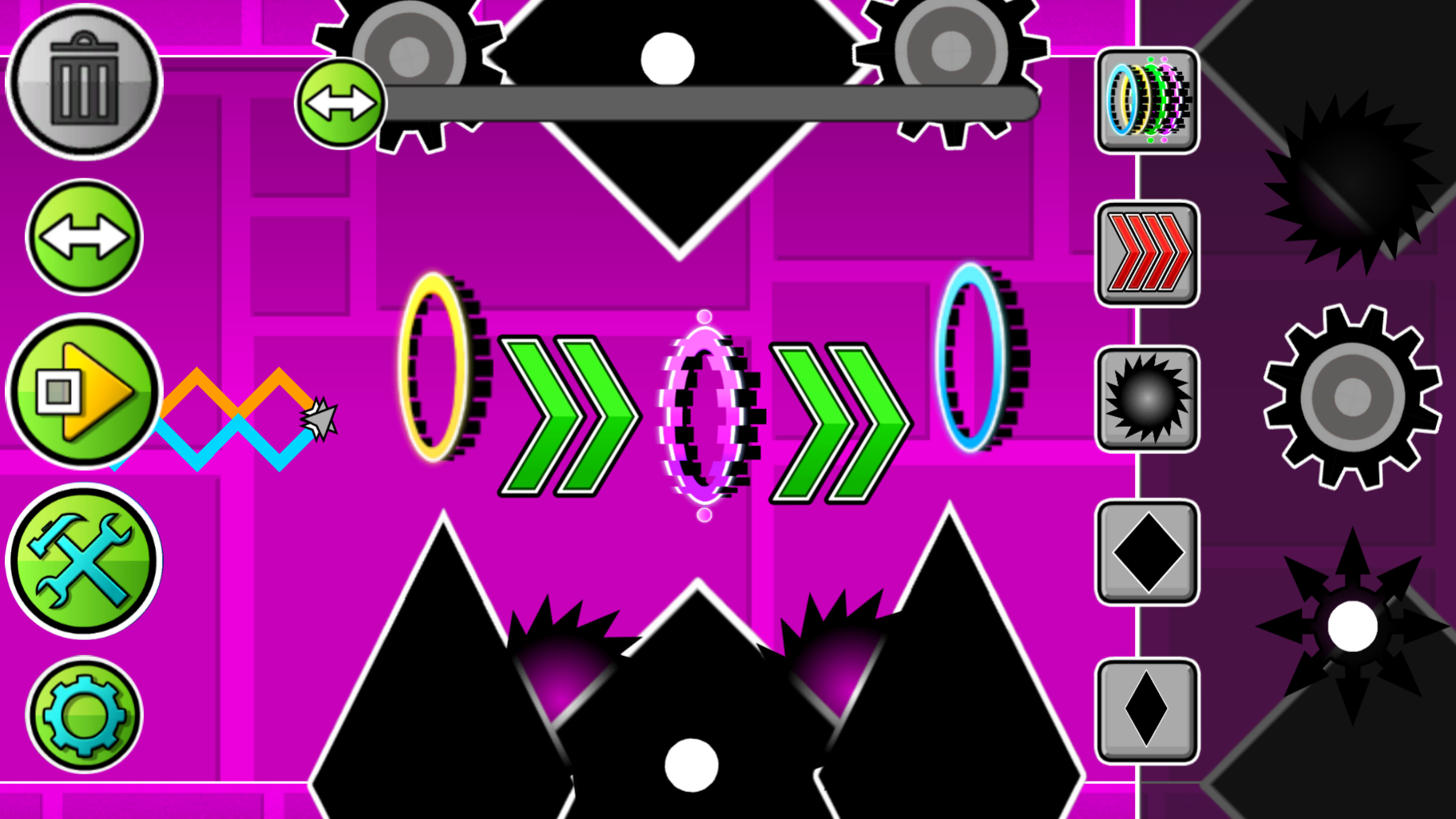
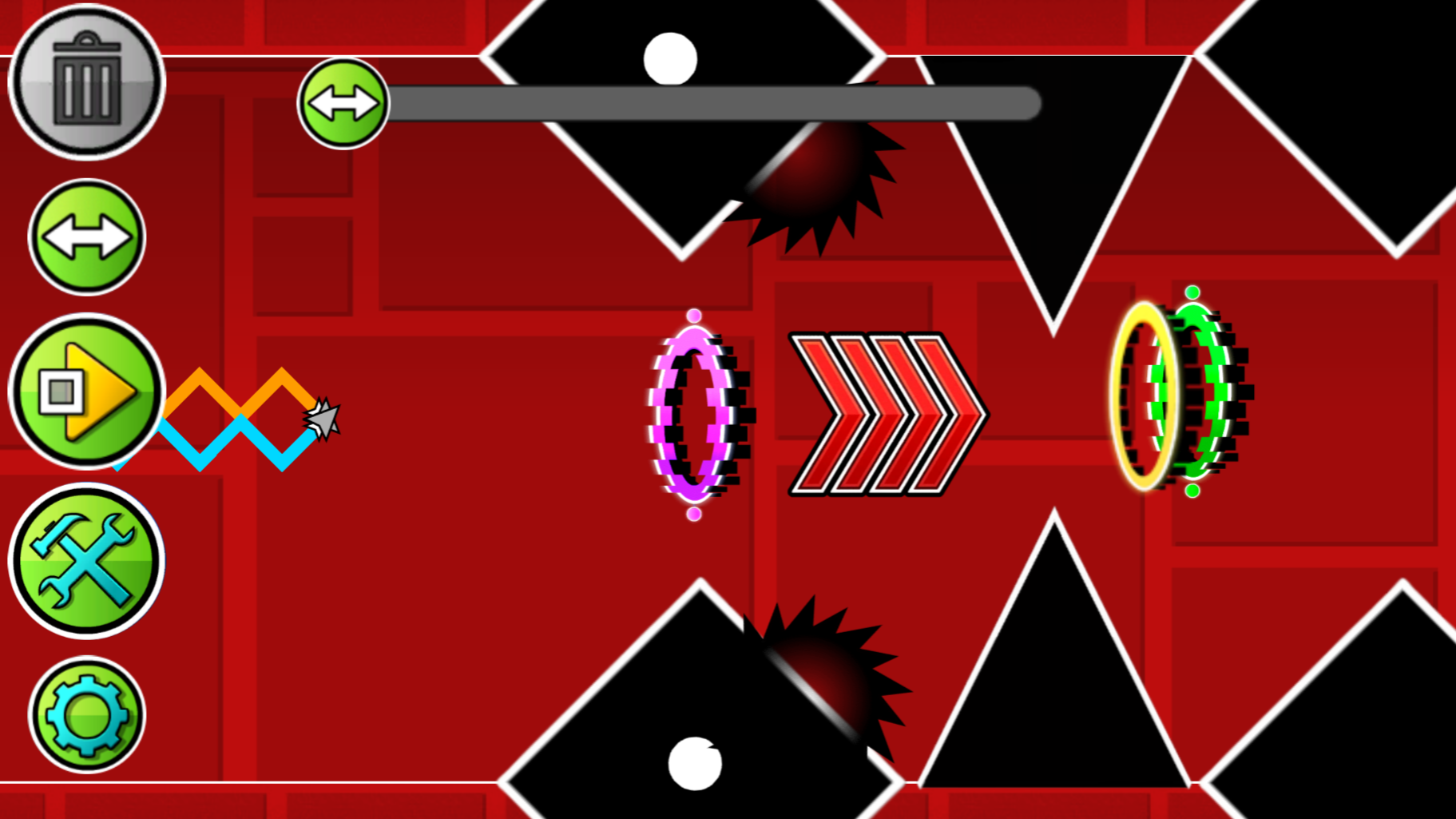
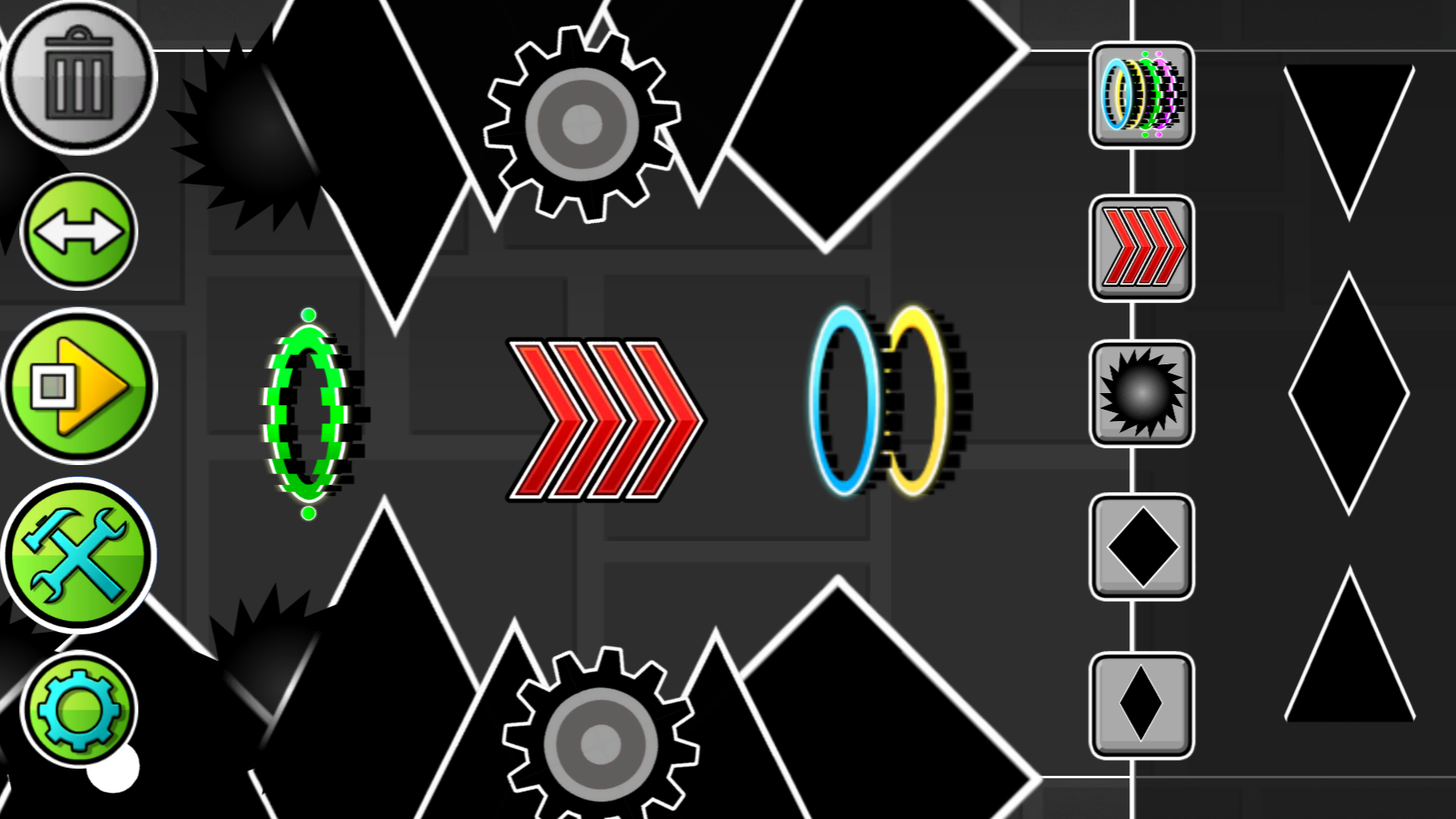
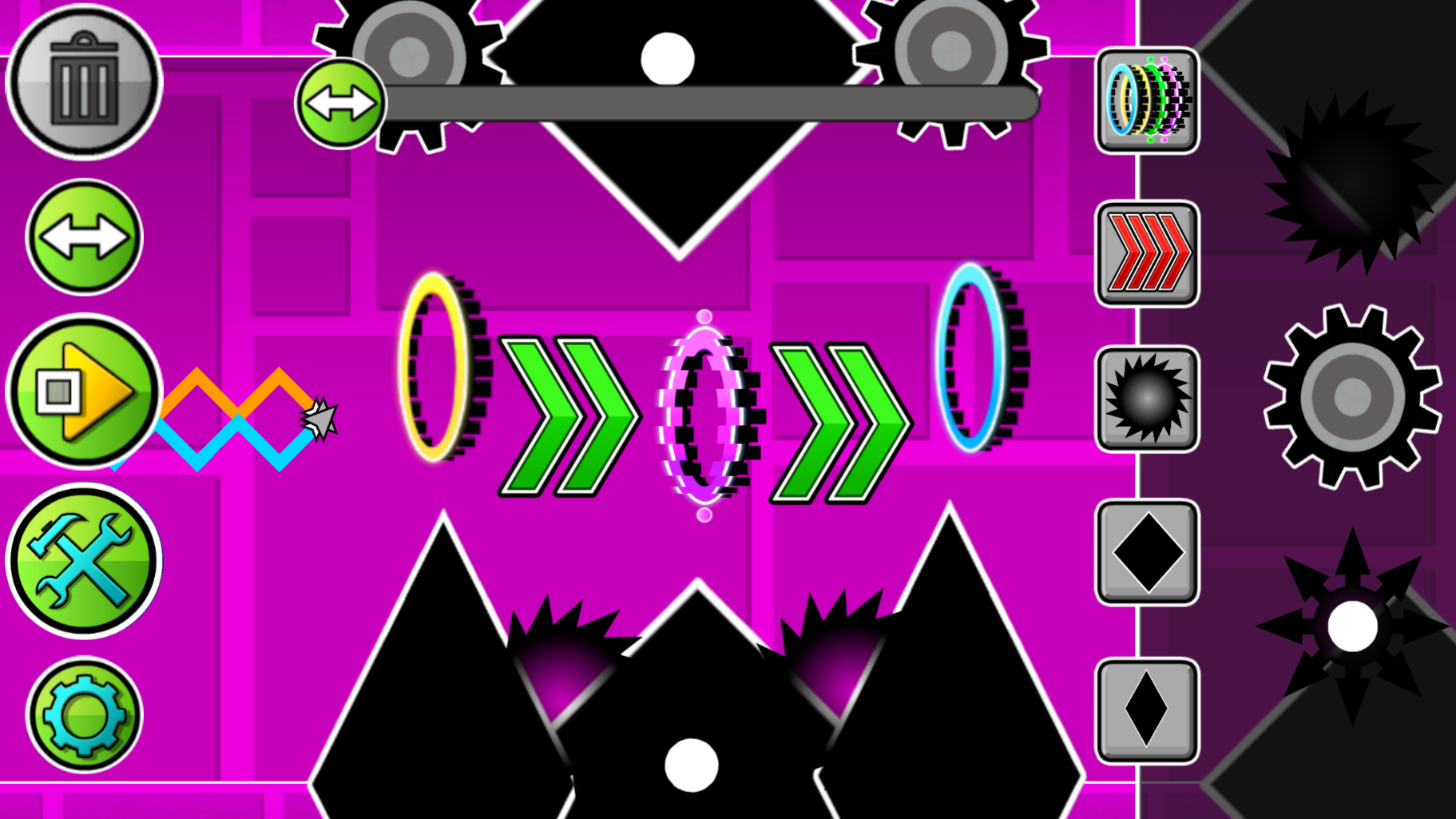
The game is an editor where you can create any kind of levels: easy, difficult, crazy and even impossible. There are many buttons visible on the screen, each responsible for its own mechanics. The "Play" button allows you to play your level. You play as two waves, where one moves diagonally down and the other diagonally up, but if you hold down the LMB or the phone screen, then you change the direction of the waves to the opposite. Using this, control the Dual Wave and dodge all the obstacles that you create. There is also a button for creating obstacles and portals. Just click on the image of obstacles and/or portals, and they will be created in the center of the screen, drag them using the LMB or your finger to any place. The two-arrow button allows you to move the screen to build further. The gear-shaped button allows you to change the background color. The trash can button allows you to delete objects, if the button is lit in red, then the objects you click on will be deleted.
Features
- Custom Level Editor: Utilize a comprehensive palette of tools to drag and drop hazards, portals, and platforms anywhere on the grid.
- Dynamic Dual Movement: Control two independent waves that move in opposite diagonal directions, creating a unique challenge for your coordination.
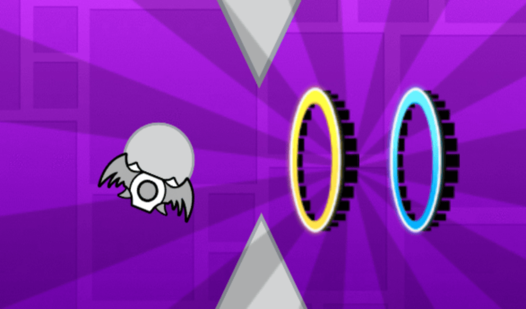
- Speed Modulation: Place specialized portals throughout your level to instantly increase or decrease the travel velocity of the waves.
- Visual Customization: Access the gear menu to toggle background colors and set the aesthetic tone for your personal challenge.
- Instant Testing: Flip between edit mode and play mode with a single click to verify the viability of your custom obstacles.
Who is it for
Hardcore platformer enthusiasts and creative builders who enjoy high-intensity arcade challenges. Players looking for a fast-paced skill test will appreciate the complex geometry, while level designers will love the granular control over obstacle placement and the freedom to craft intense, frame-perfect timing sequences for their custom stages.
Controls
Navigate waves
Hold the left mouse button or tap the touch screen to change wave direction.
Place object
Click the hazard icon then drag it to your desired position on the stage.
Delete objects
Activate the trash can icon and tap any item on the screen to remove it.
Move camera
Select the two-arrow button and drag to scroll through your long-form level layout.
FAQ
How do I save my progress in Geometry Dash: Dual Wave Editor?
›
The game allows you to build and play your levels within the active session, but be sure to finish your design before closing the browser tab.
Can I change the difficulty of Geometry Dash: Dual Wave Editor levels?
›
Yes, you can make levels as easy or hard as you want by manually placing obstacles closer together or adding more speed-changing portals.
Is Geometry Dash: Dual Wave Editor compatible with mobile devices?
›
Absolutely, the game is fully optimized for touch screens so you can design and play levels directly on your phone or tablet.