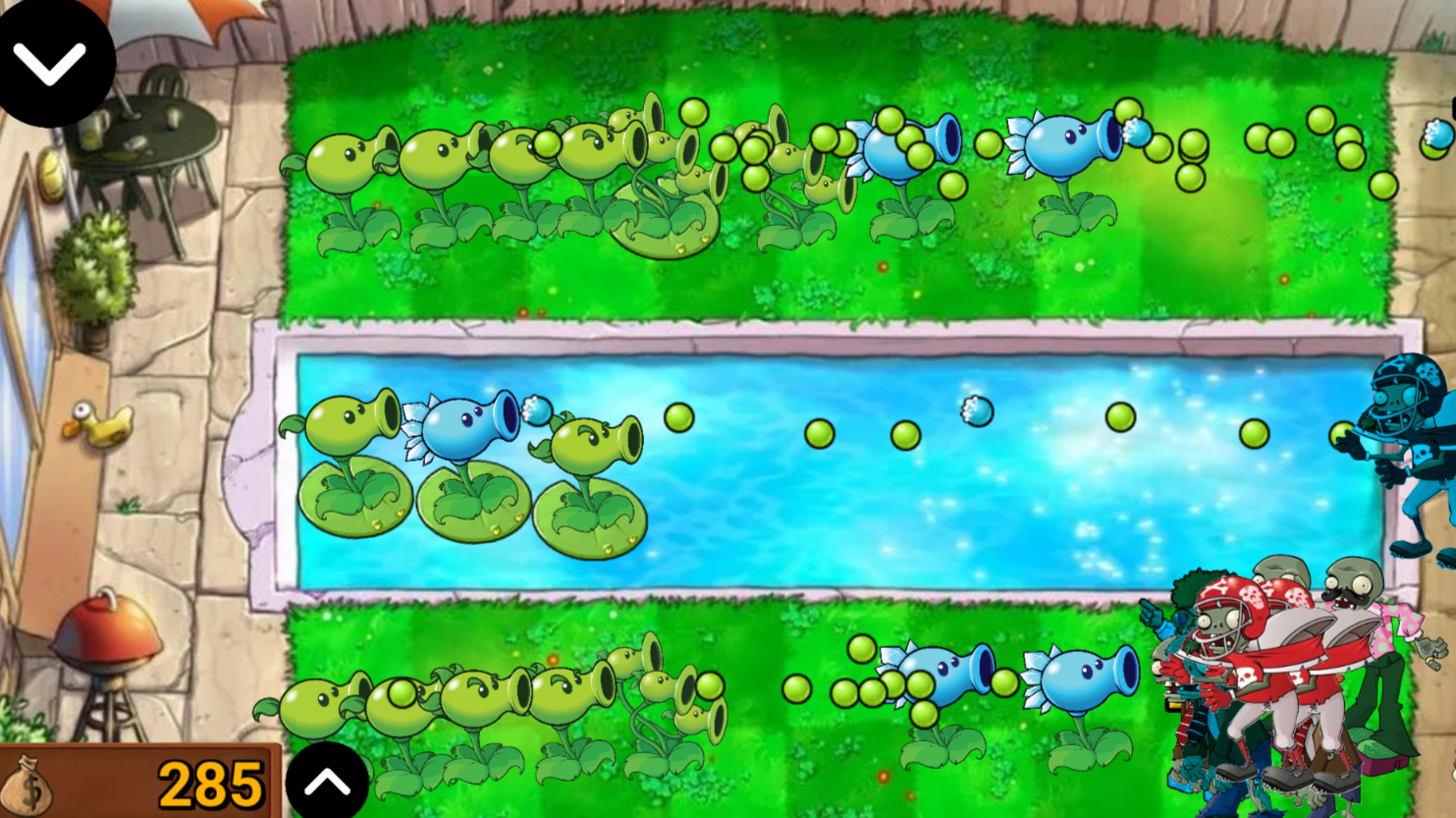
About game
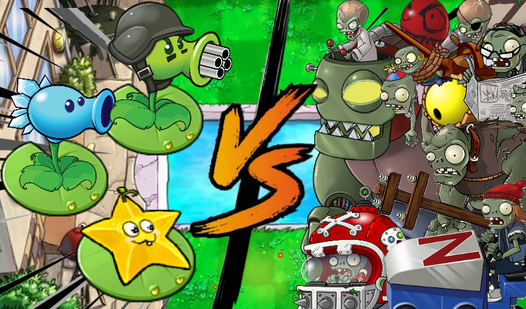
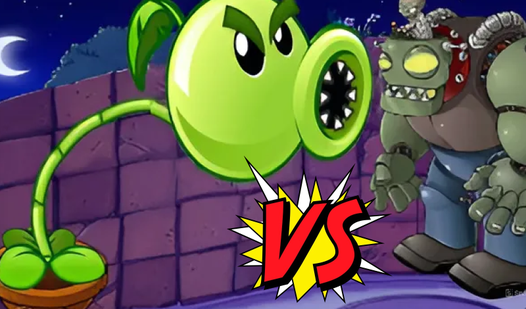
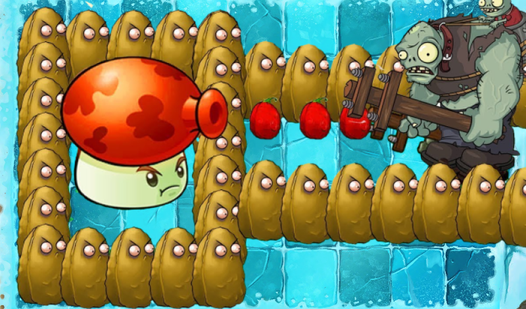
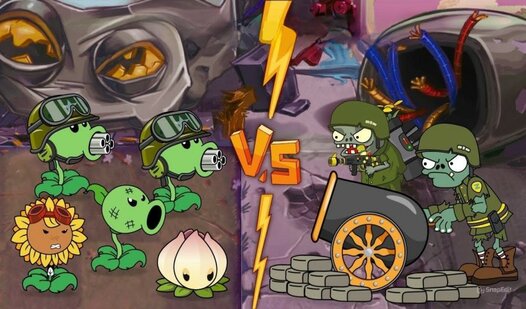
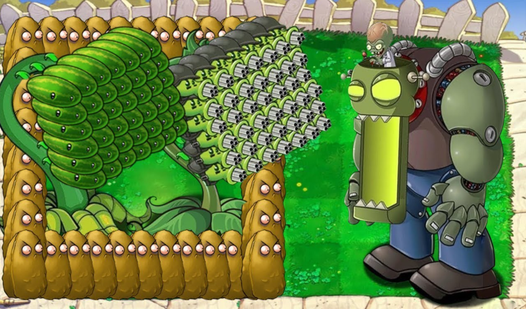
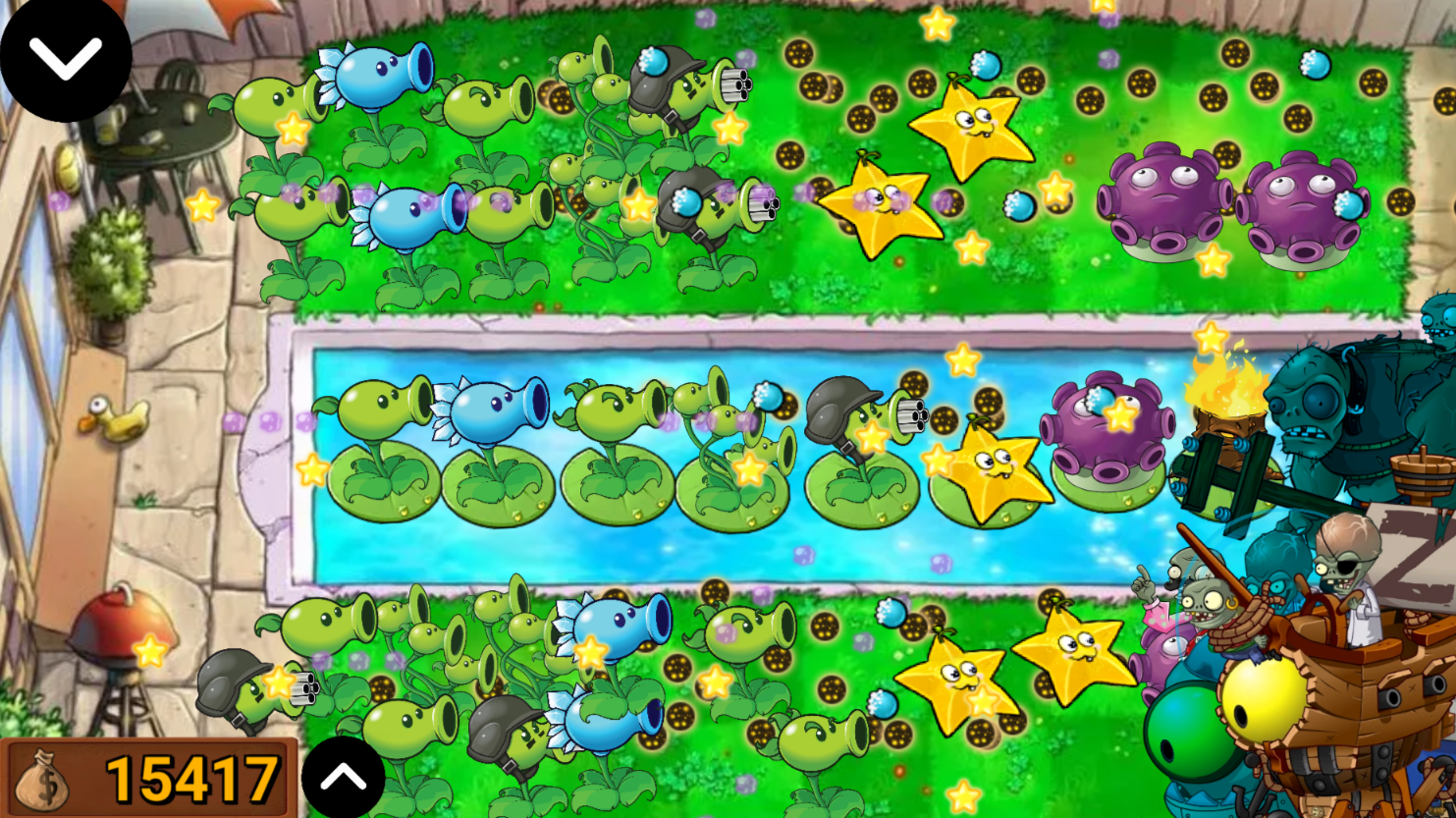
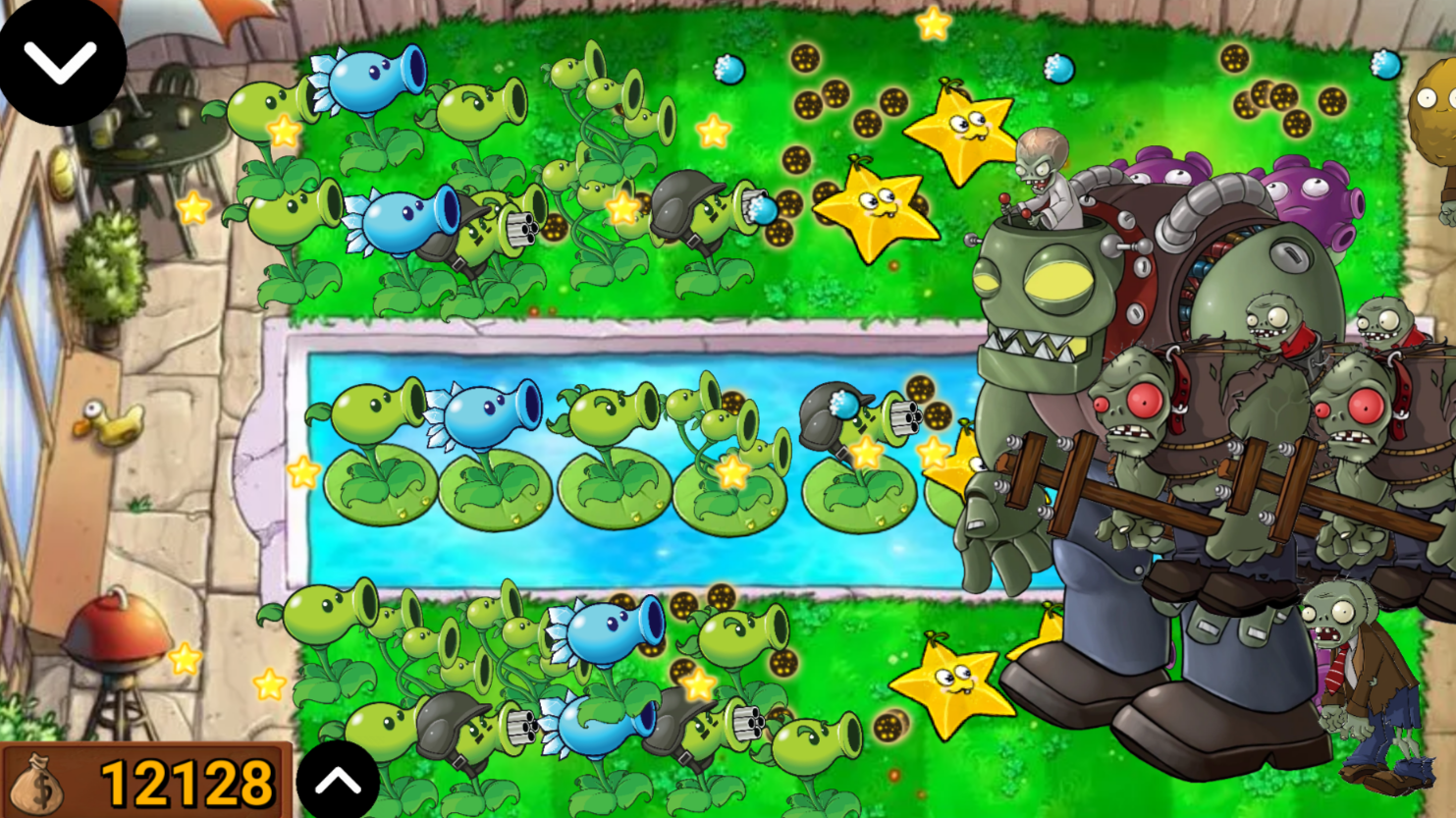
Strategy fans who crave a tactical challenge will find themselves glued to the screen while defending their backyard in Plants VS Zombie: Pool. This addictive experience tests your quick thinking as you strategically place foliage to block waves of encroaching threats. You must manage your resources carefully, earning cash from fallen foes to expand your botanical arsenal against increasingly tough waves. The core loop involves positioning peashooters and specialized flora across your lawn to prevent any undead from reaching your doorstep. What truly sets this title apart is the tricky pool mechanic, which requires you to deploy water lilies before you can establish a defensive front on the water. With limited plant slots and incoming zombie trackers, balancing your budget and placement becomes a high-stakes puzzle. Every session demands smarter tactics as you upgrade your defenses to survive the relentless assault. You can play Plants VS Zombie: Pool for free right in your browser with absolutely no download required.
How to play
To protect your home, plant plants and move them with a LMB or move them with your finger, but keep in mind - you can't plant plants in the pool without a special water lily plant! If the zombie reaches the house, then you will lose. Each zombie killed brings you money depending on how strong it is, and with this money you can buy more and more new plants. Every time you buy plants, zombies become more and more numerous, you can track which zombies are coming to you using the button on the bottom left. To buy a plant, click the button on the top left and select the desired plant, their number is limited.
Features
- Water lily integration: Deploy these floating platforms to bridge the gap and secure your aquatic defenses.
- Resource management: Collect currency from downed zombies to purchase more powerful plants during the heat of battle.
- Zombie tracking: Monitor the bottom-left indicator to see which undead threats are preparing to invade your garden next.
- Strategic variety: Experiment with an array of unique plant types, each offering different damage outputs and defensive capabilities.
- Progressive difficulty: Face a growing number of zombies that intensify in strength as you expand your garden layout.
Who is it for
Strategy enthusiasts and casual gamers who enjoy tower defense challenges will thrive here. Those who love managing limited resources while planning complex defensive grids will find the aquatic obstacles particularly engaging. It is an excellent choice for players seeking quick, tactical rounds that test their long-term planning skills.
Controls
Select plant
Click the top-left button or tap the screen to open the menu.
Place plant
Click and drag with your mouse or tap and drag with your finger to position plants.
Move unit
Click or tap an existing plant to relocate it on the grid.
FAQ
How do I defend the water in Plants VS Zombie: Pool?
›
You must first place a water lily plant to create a platform before you can position any other defensive plants on the water tiles.
Is it possible to play Plants VS Zombie: Pool on my phone?
›
Yes, the game is fully optimized for mobile browsers, allowing you to drag and drop your plants using simple touch controls.
What happens if a zombie enters my house in Plants VS Zombie: Pool?
›
If any zombie successfully reaches the house at the end of the lawn, the level ends and you lose the game.