About game
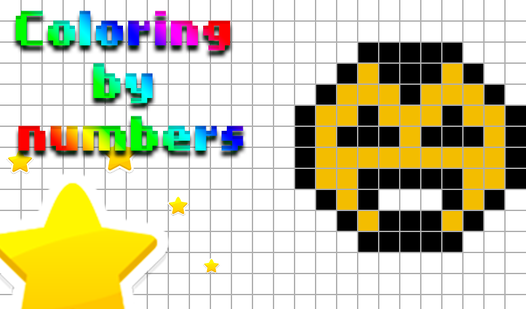
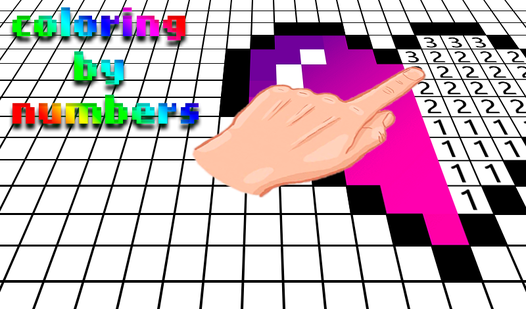
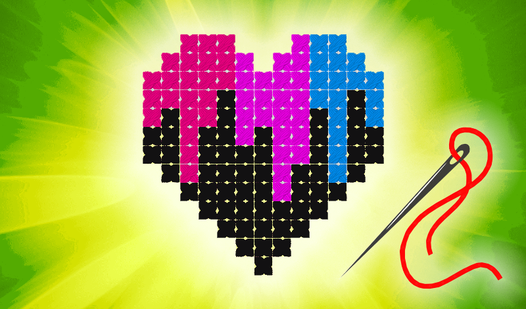
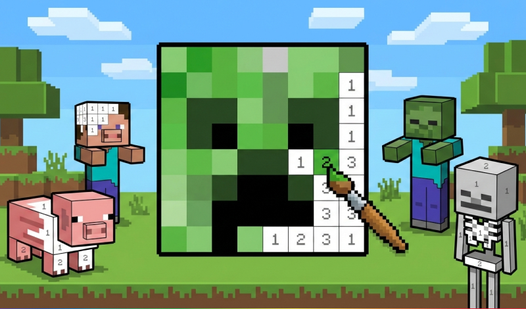
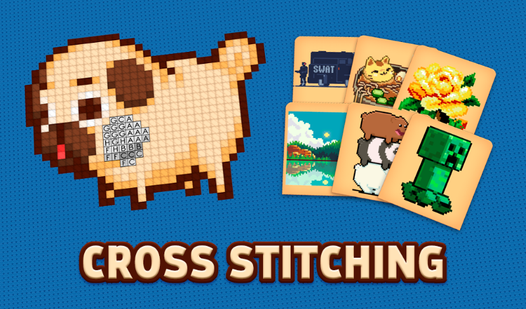
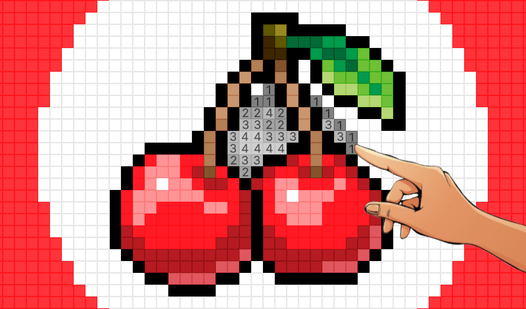
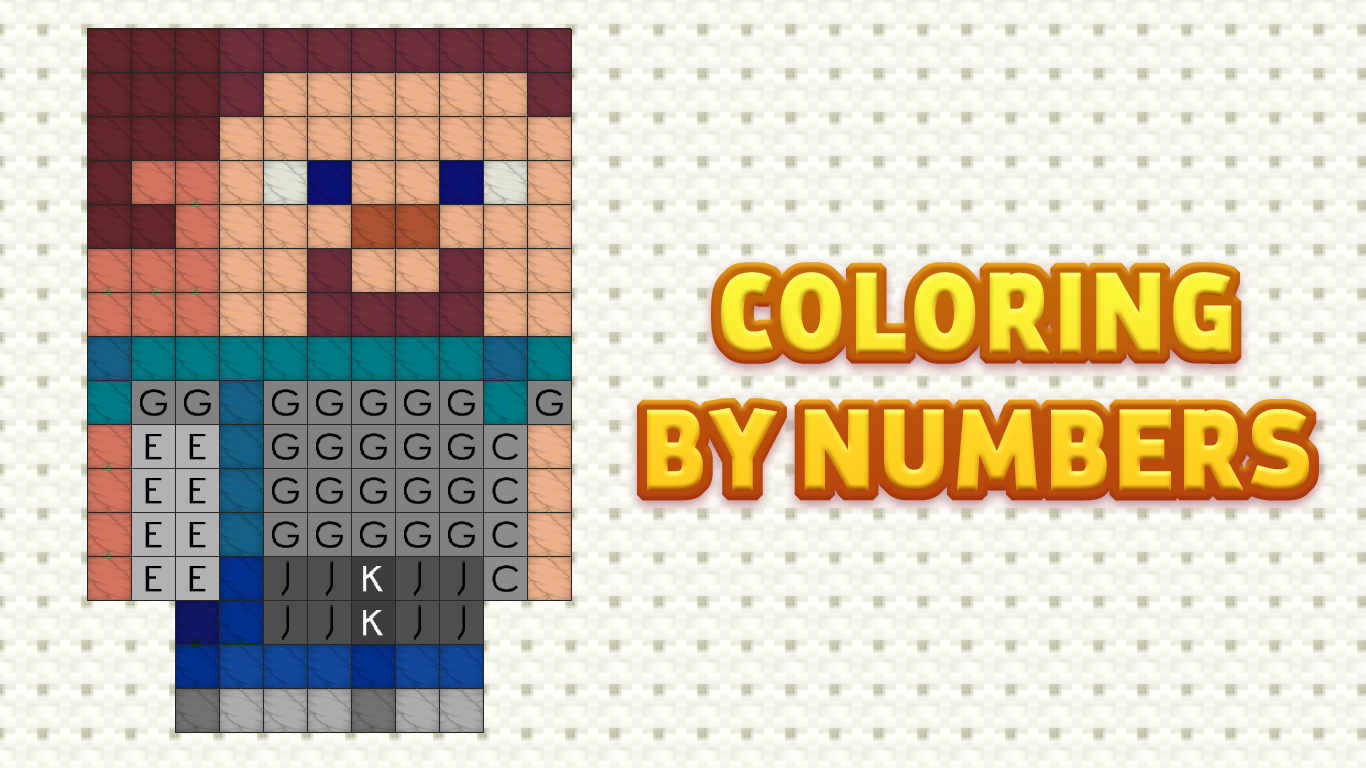
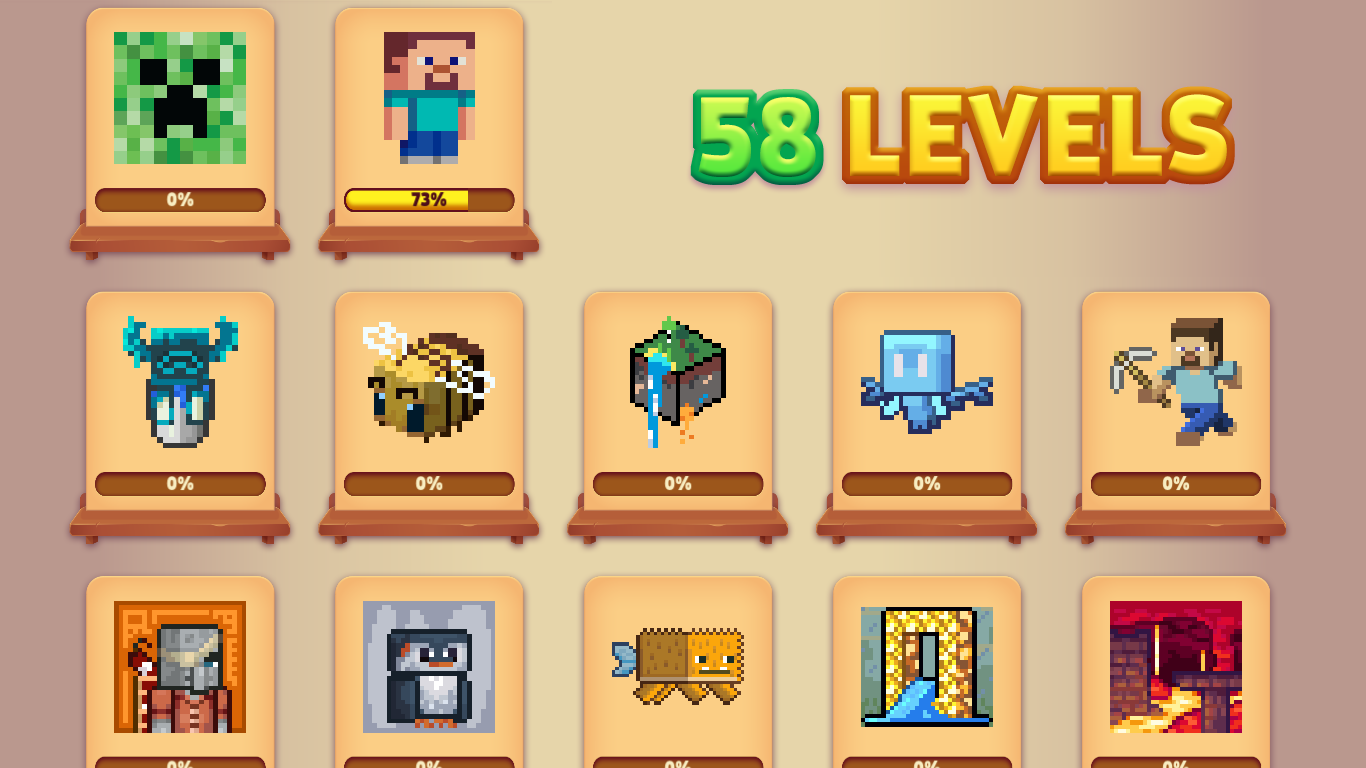
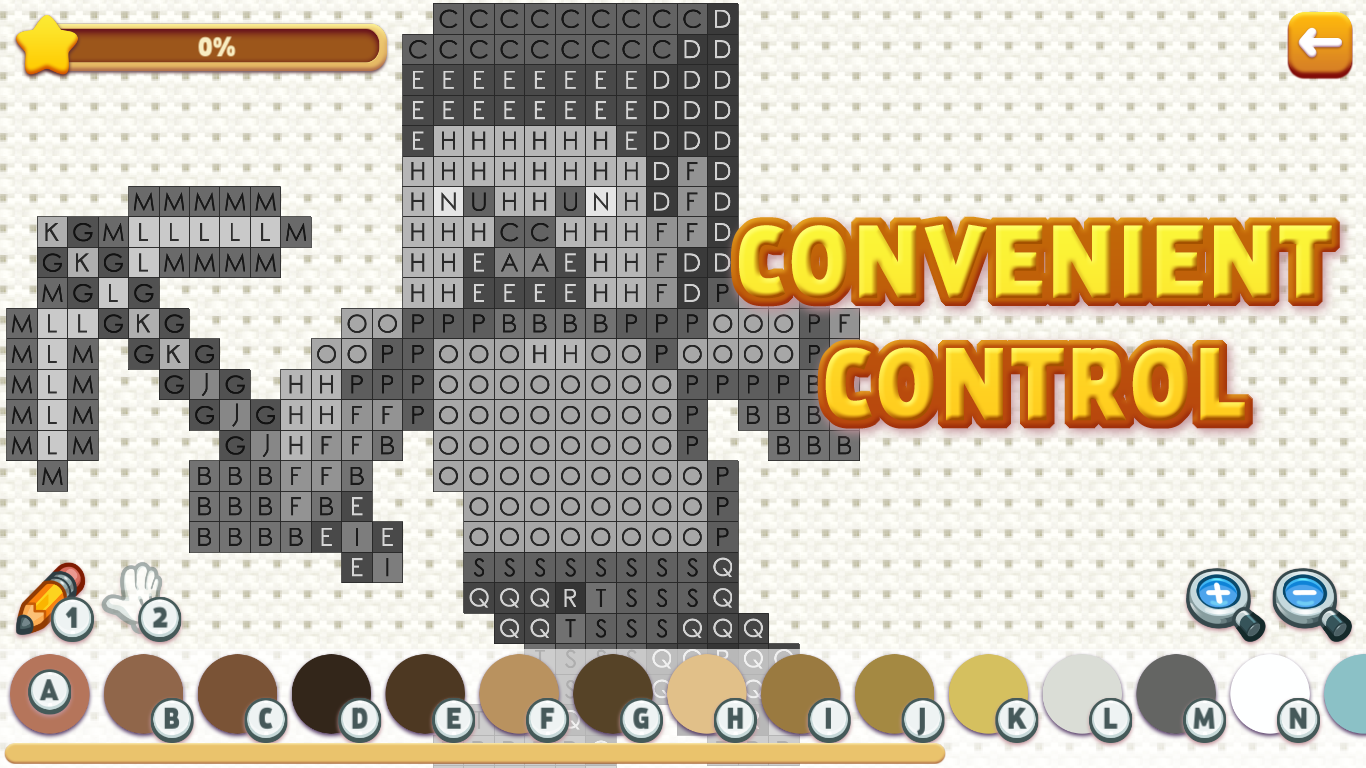
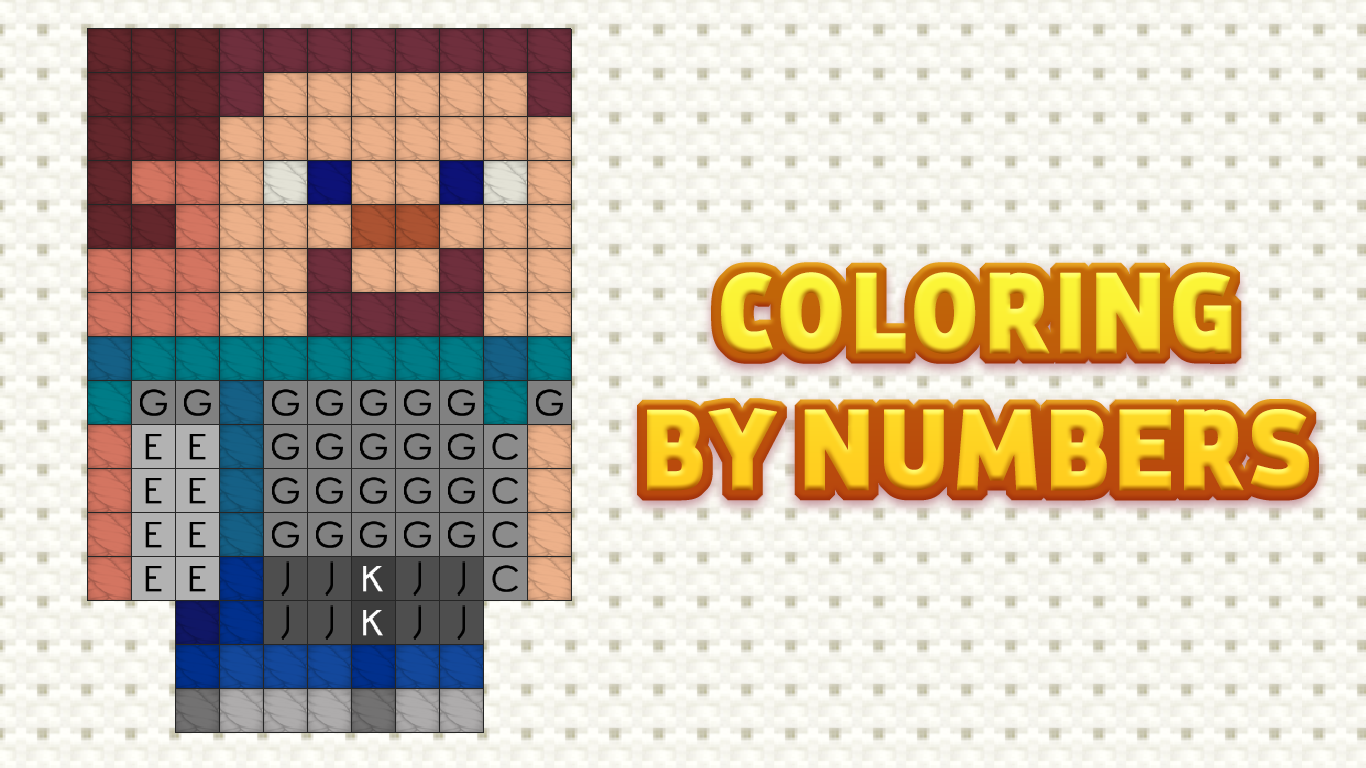
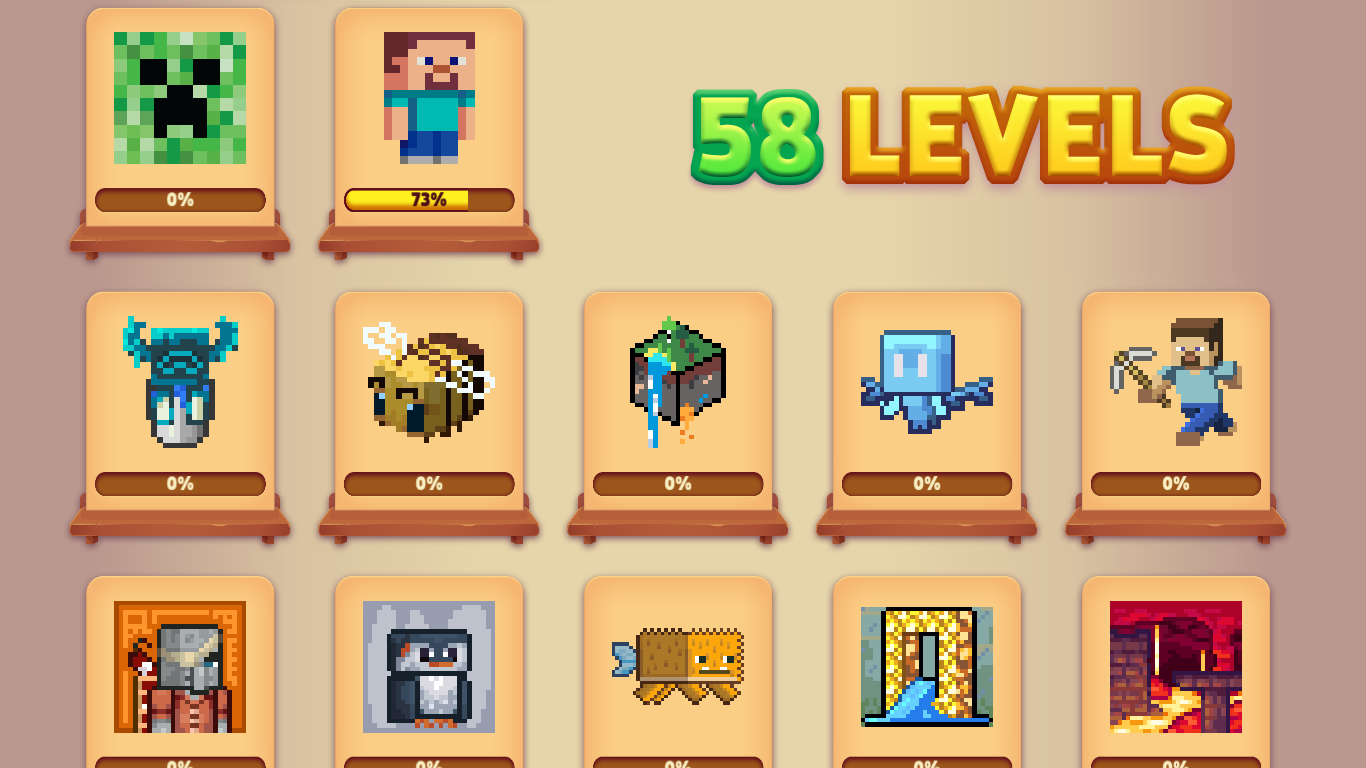
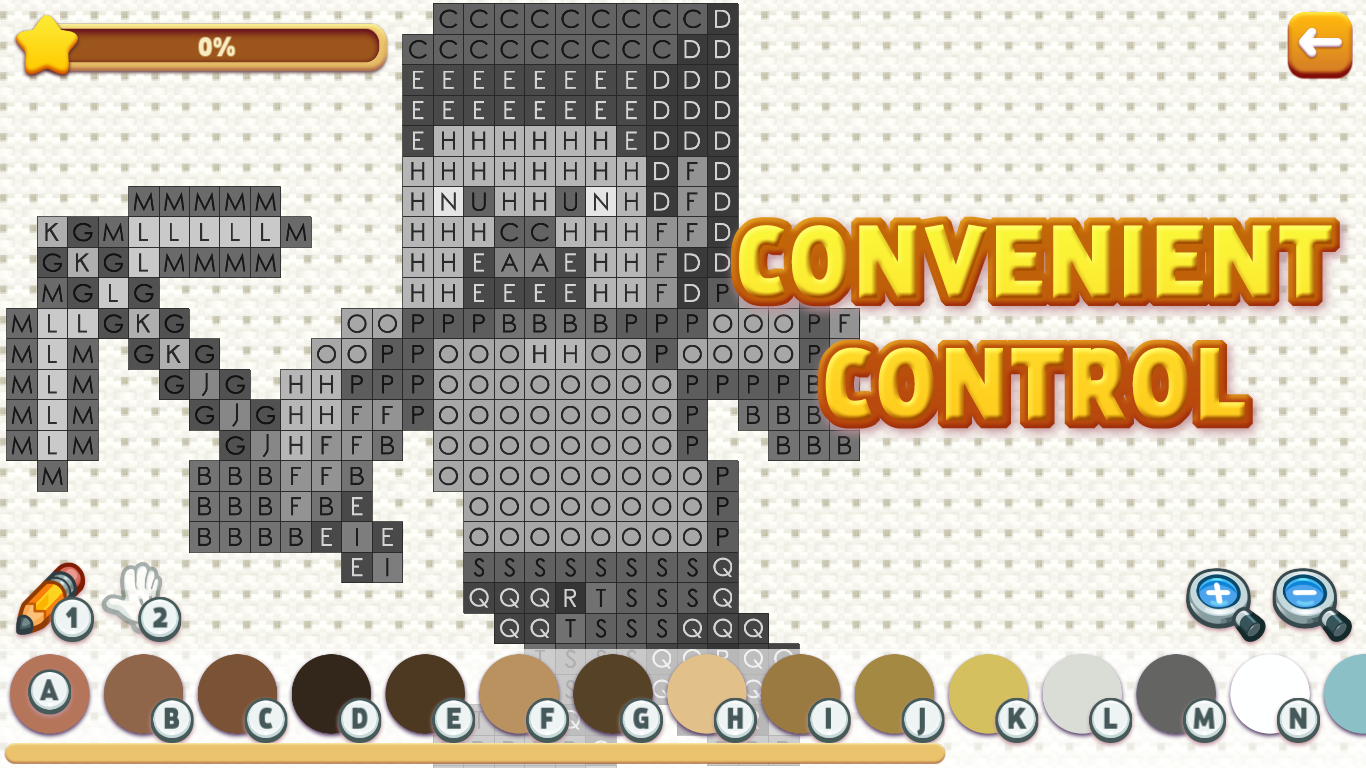
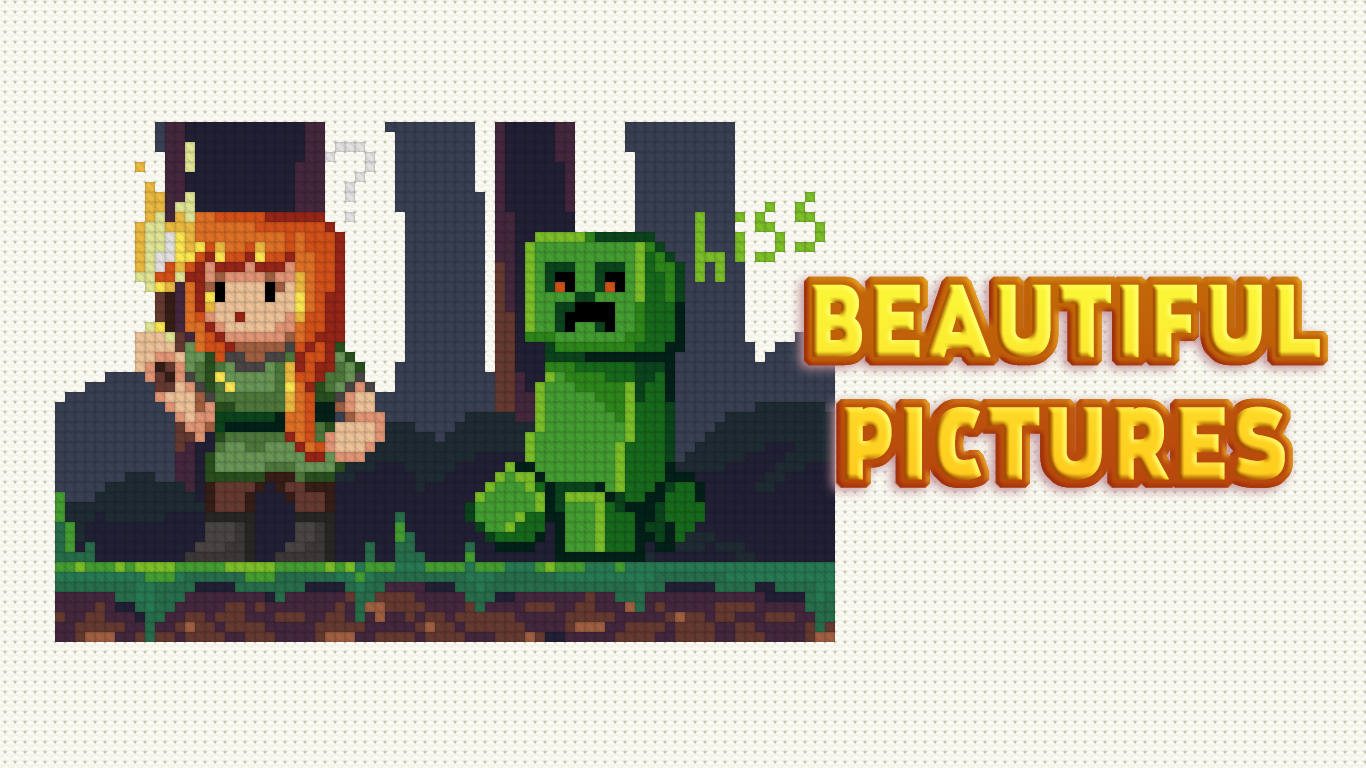
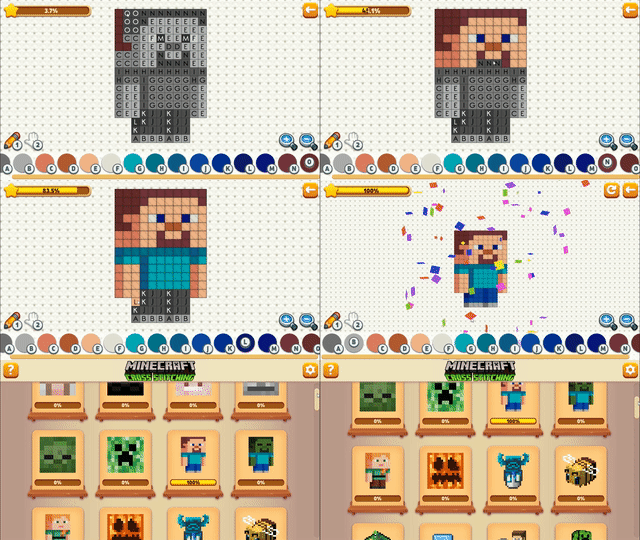
Fill in vibrant grids to create pixelated masterpieces in Cross Stitching: Minecraft. This addictive embroidery simulator turns every pixel into a stress-relieving creative project that feels just like real needlework. Players select colors from the palette to match numbers on the canvas, slowly revealing iconic blocky art one stitch at a time. The game offers 58 distinct patterns ranging from simple shapes to complex scenes that challenge your focus. Smooth touch and mouse controls make the process of cross stitch easy to master for any skill level. Each completed level provides a soothing sense of accomplishment and visual satisfaction. Whether you enjoy digital coloring or classic embroidery, this experience offers a perfect way to unwind during a busy day. Jump into your browser and start crafting your first design today with no downloads required.
How to play
Mouse:
RIGHT mouse button - moves the canvas (must be held and move)
LEFT mouse button - depending on the selected tool draws/moves (you can press once or hold and move)
Keyboard:
1 - brush
2 - move
Other keys on the keyboard - the color from the palette
Touch control:
With one finger - depending on the selected tool, draw/move (you can press once or hold and move)
Two fingers - to zoom and move (it is recommended to do this with the "move" tool so as not to accidentally mess up)
Features
- Progression System: Unlock increasingly complex embroidery patterns as you complete easier levels.
- Palette Management: Select specific shades from a numbered menu to accurately fill in your design.
- Zoom Capability: Use multi-touch gestures or mouse movements to inspect the finer details of your pixel art.
- Difficulty Tiers: Choose from a wide variety of patterns categorized by their intricacy and stitch count.
- Relaxation Mode: Enjoy a zen-like atmosphere designed to help you de-stress through repetitive, creative tasks.
Who is it for
Casual players and fans of relaxing puzzle games will love this digital craft experience. It is specifically designed for Minecraft enthusiasts who enjoy creative building and pixel art. Children and adults alike will appreciate the simple mechanics that provide an engaging way to practice focus and fine motor skills.
Controls
Draw or Move
Left mouse button click or single finger tap on the canvas.
Canvas Navigation
Hold right mouse button and drag or use two fingers to zoom and pan.
Tool Selection
Press 1 for brush mode or 2 for move mode on your keyboard.
Select Color
Use numeric keys on the keyboard to instantly switch to colors from the palette.
FAQ
How many levels are available in Cross Stitching: Minecraft?
›
There are 58 beautiful drawings to complete, sorted by difficulty level.
Can I play Cross Stitching: Minecraft on my mobile phone?
›
Yes, Cross Stitching: Minecraft is fully optimized for mobile browsers with intuitive touch controls.
Do I need to install Cross Stitching: Minecraft to play?
›
No, you can play Cross Stitching: Minecraft directly in your web browser without any downloads.