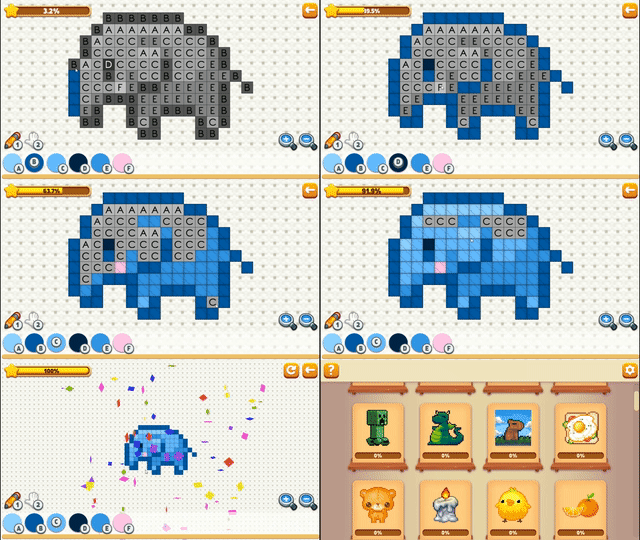
About game
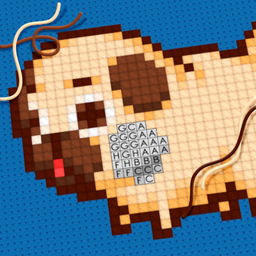
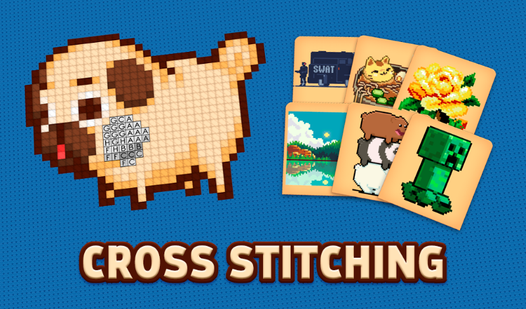
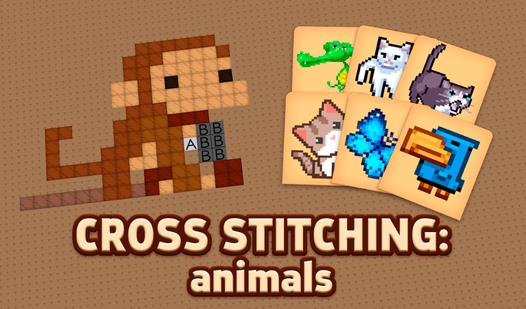
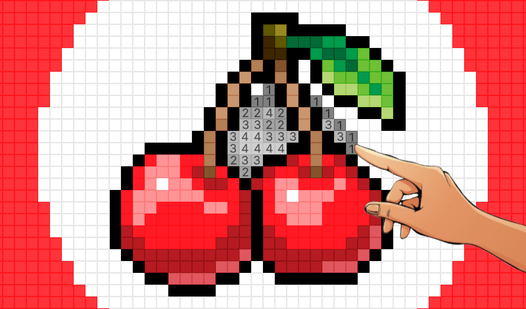
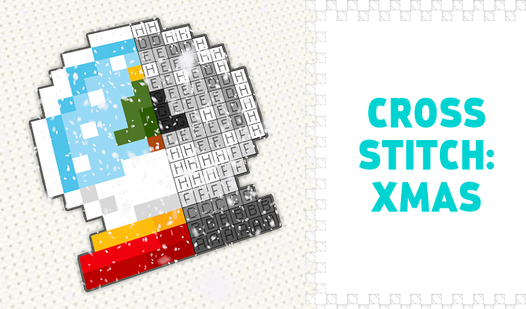
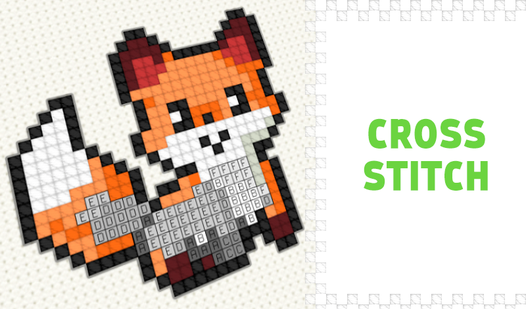
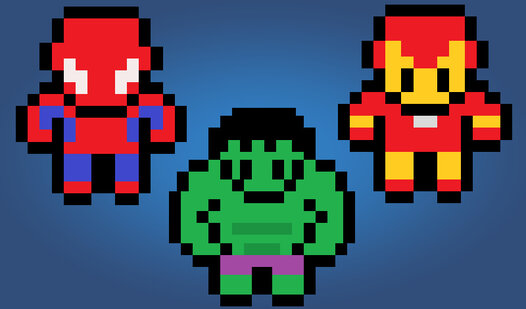
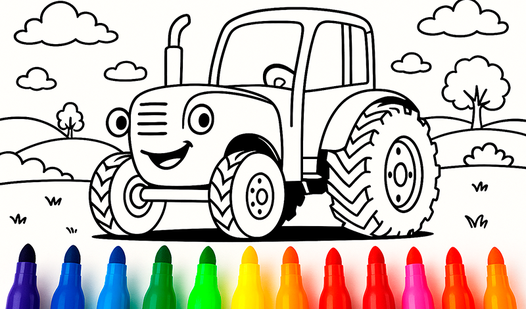
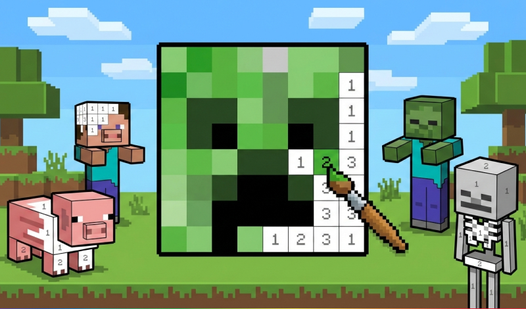
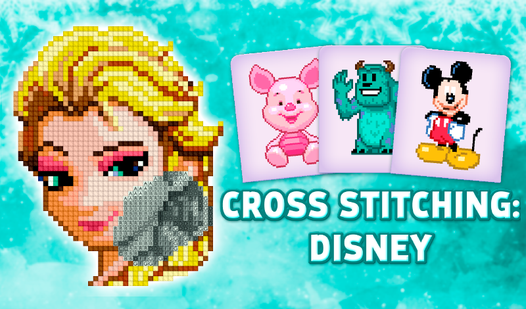
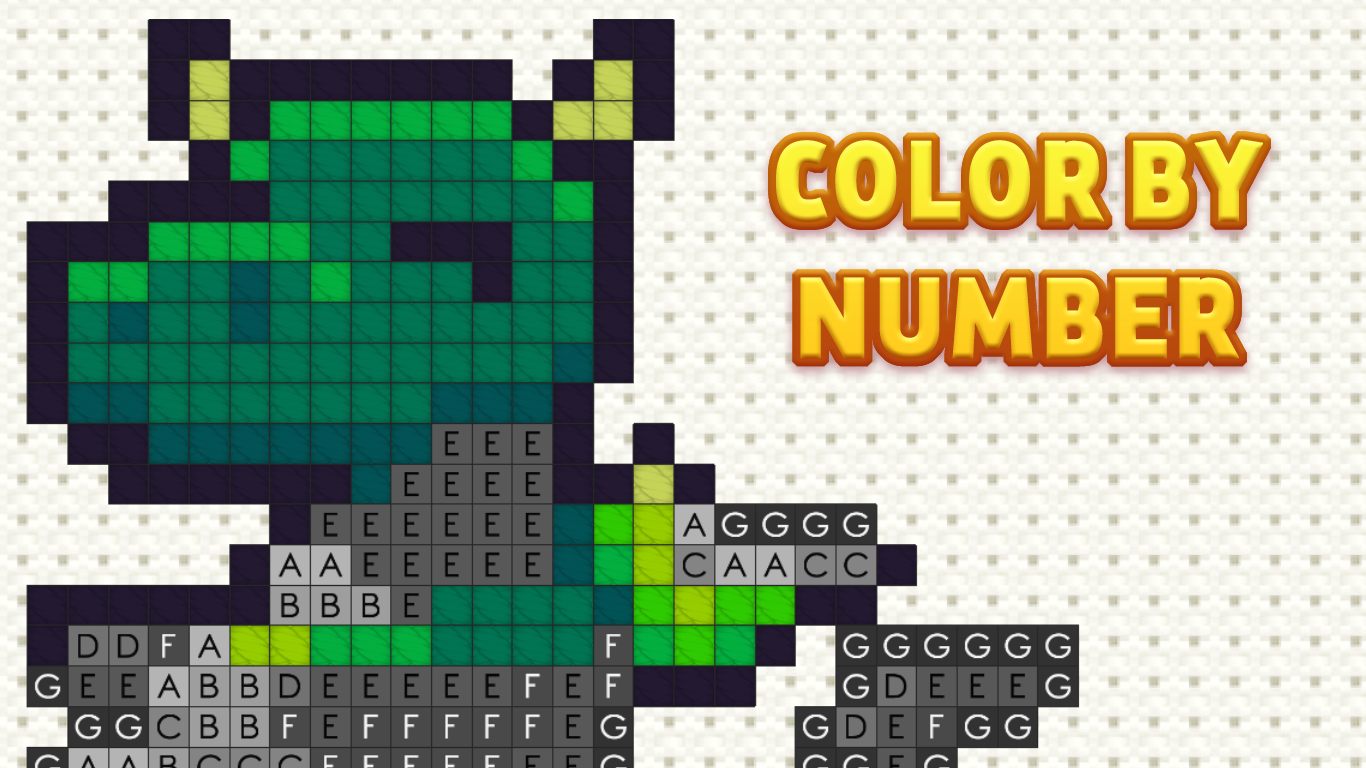
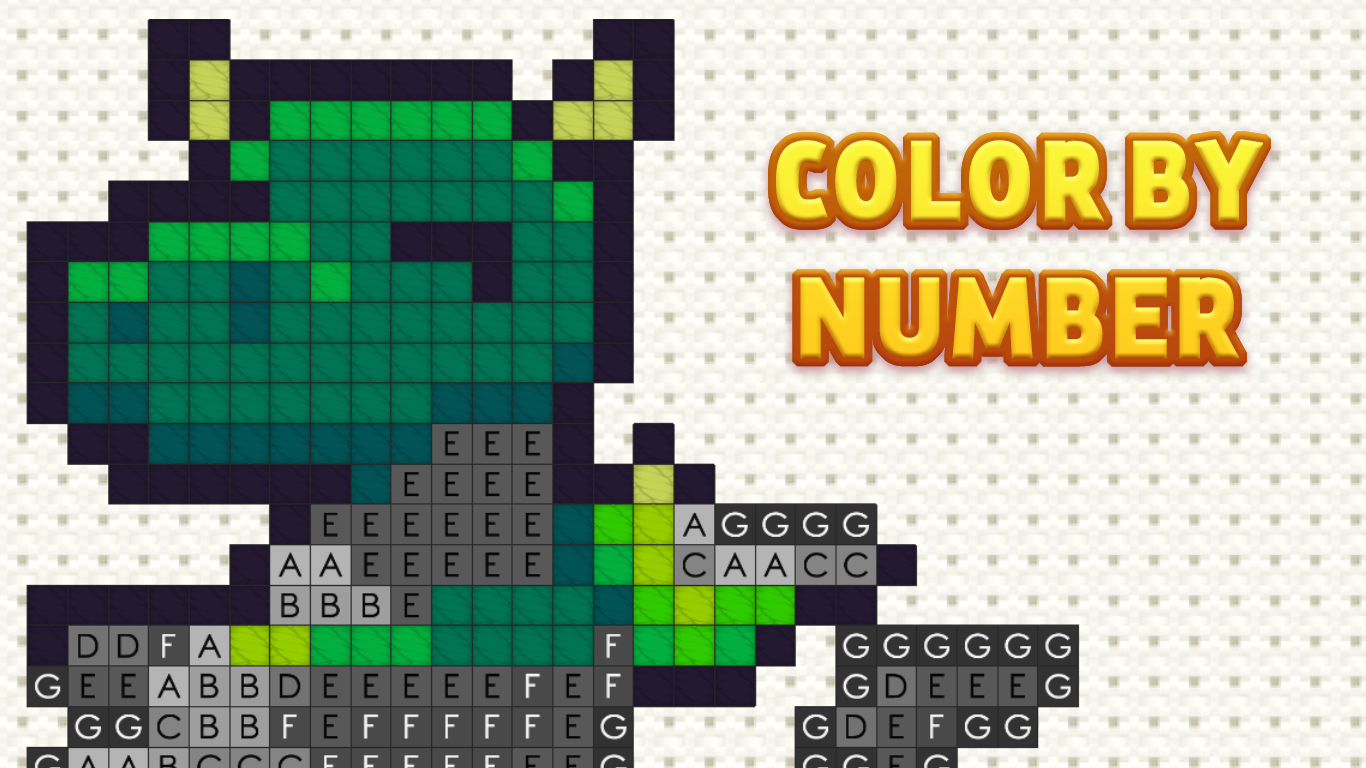
Fans of gentle creativity and digital art will find endless satisfaction in the meditative rhythm of Cross Stitching. This relaxing simulator transforms your screen into a canvas where every pixel counts toward a beautiful final image. You simply select a color from the palette and fill in the corresponding numbered cells to watch your embroidery masterpiece come to life. The gameplay loop is incredibly intuitive, allowing you to switch between precision brushwork and easy navigation with a single click or tap. With 66 unique patterns ranging from simple geometric shapes to intricate designs, the challenge scales perfectly to match your mood. The vibrant embroidery style mimics real-world crafting without the mess, providing a soothing environment for focused play. Every completed design offers a sense of accomplishment, making this coloring by numbers experience a top-tier stress reliever. You can enjoy this charming embroidery game directly in your browser with no download required.
How to play
Mouse:
RIGHT mouse button - moves the canvas (must be held and move)
LEFT mouse button - depending on the selected tool draws/moves (you can press once or hold and move)
Keyboard:
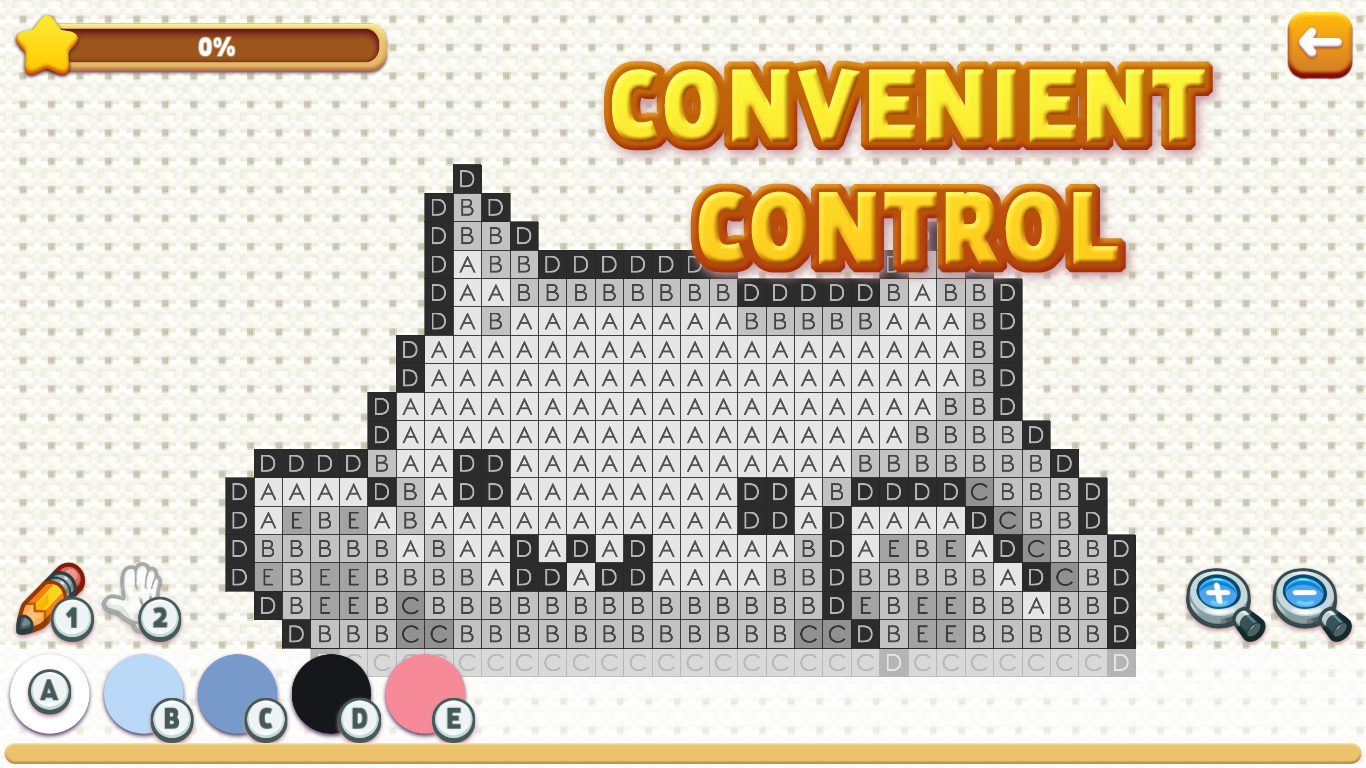
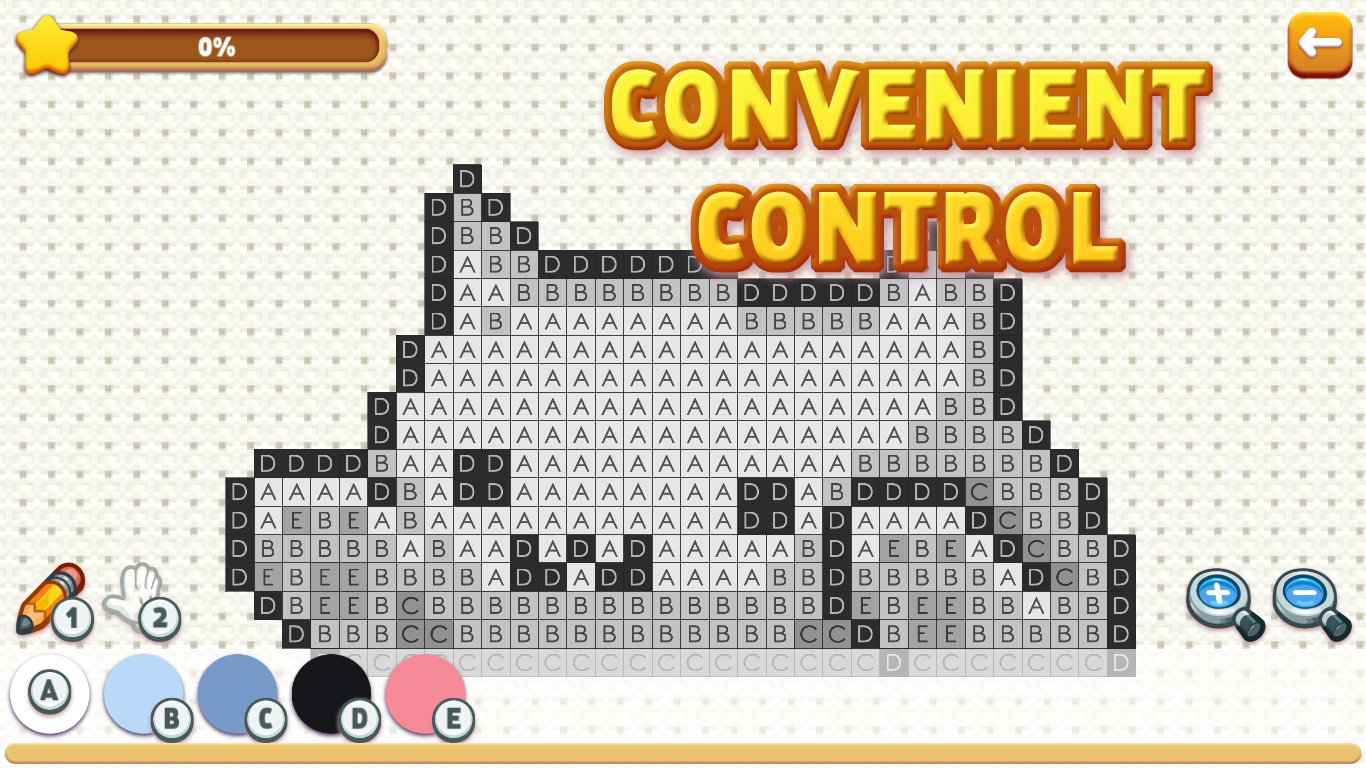
1 - brush
2 - move
Other keys on the keyboard - the color from the palette
Touch control:
With one finger - depending on the selected tool, draw/move (you can press once or hold and move)
Two fingers - to zoom and move (it is recommended to do this with the "move" tool so as not to accidentally mess up)
Features
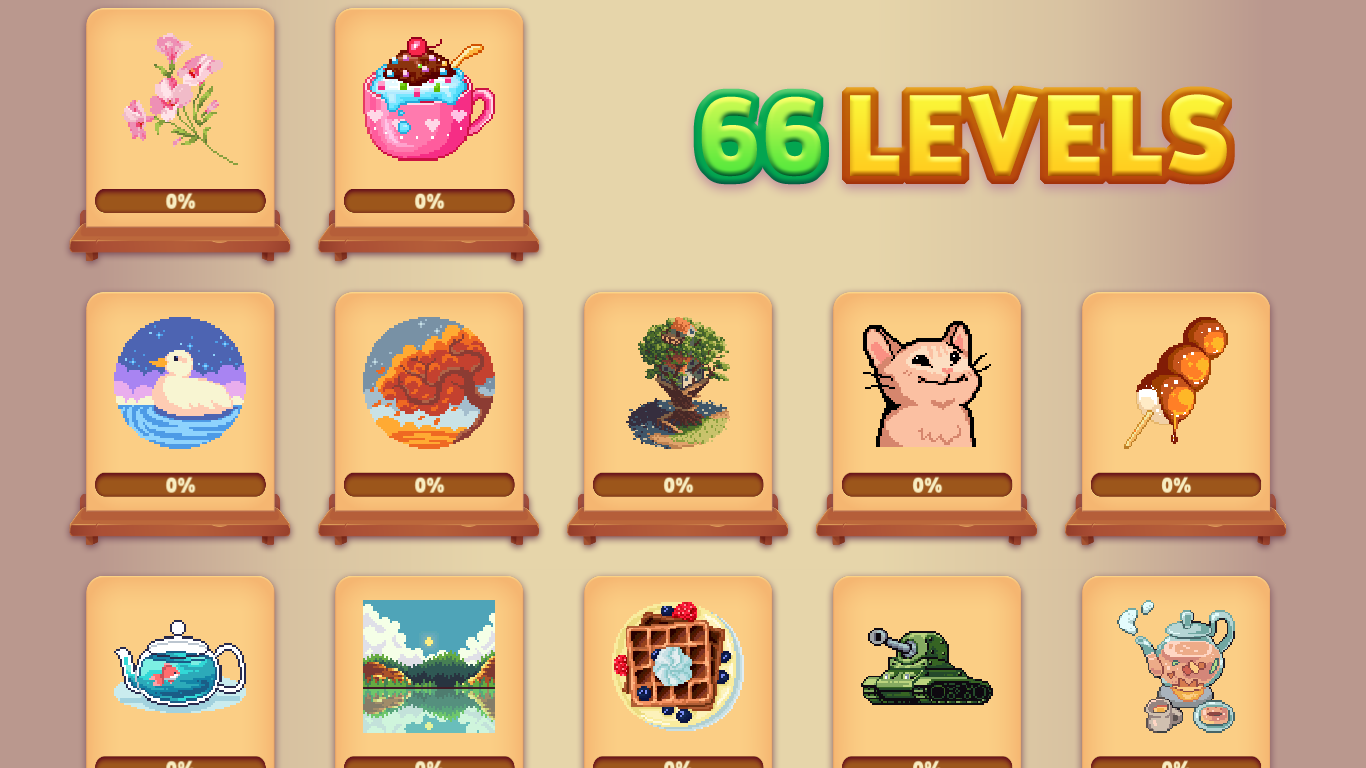
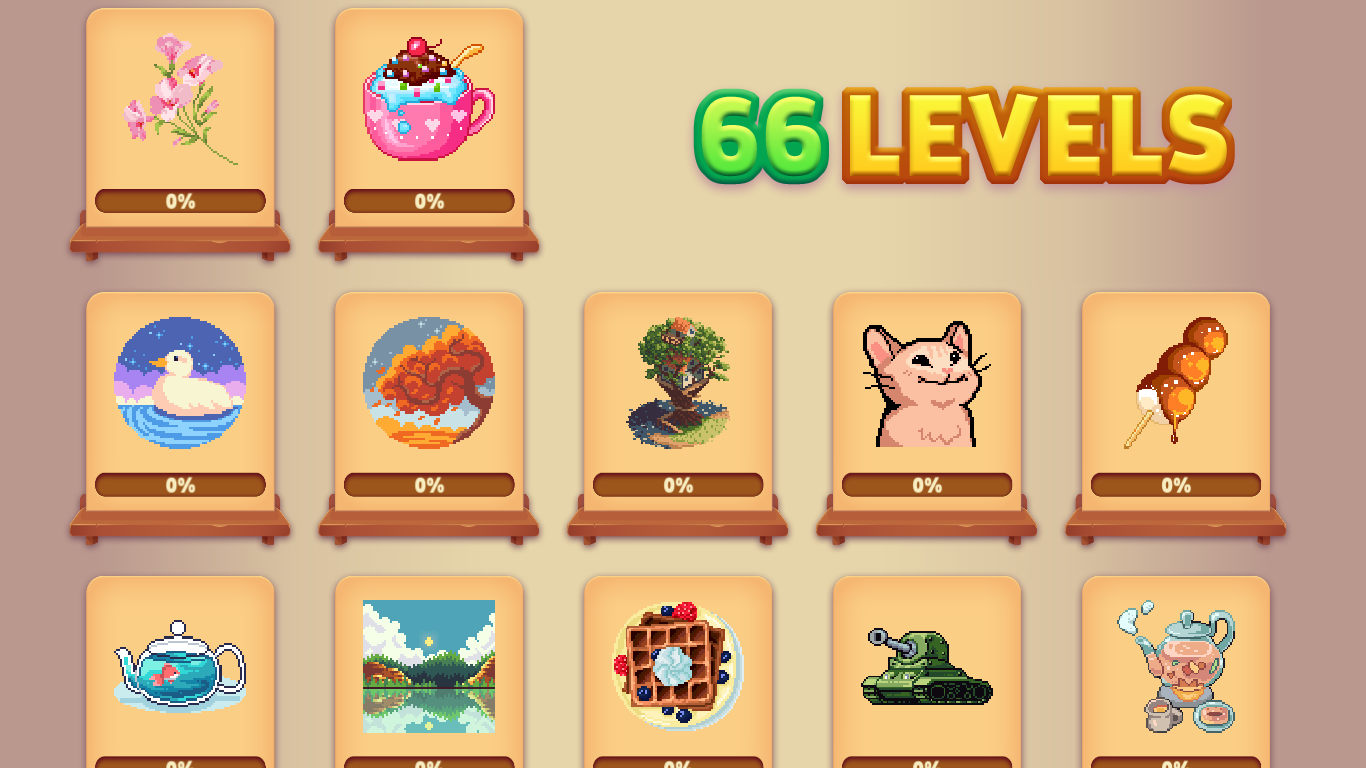
- Difficulty levels: Progress through 66 distinct patterns that evolve from simple entry-level sketches to complex artistic challenges.
- Palette management: Activate different thread colors instantly using keyboard shortcuts or on-screen selection tools.
- Canvas navigation: Utilize smooth panning and zoom controls to inspect the finest details of your digital fabric.
- Precision tools: Toggle between painting mode and movement mode to ensure every stitch is placed accurately.
- Versatile design: Experience a curated collection of cute and colorful themes suitable for all ages and skill levels.
Who is it for
Casual players who enjoy relaxing puzzles and creative hobbies will love this experience. It is perfect for those seeking a calming brain training activity, children looking for artistic expression, or anyone wanting a serene timekiller that mimics the satisfaction of traditional embroidery crafts without the physical setup.
Controls
Select Color
Click a number key on the keyboard or tap the palette color on screen.
Draw Stitches
Use the left mouse button or a single tap on the canvas to fill cells.
Pan Canvas
Hold the right mouse button and drag or use two fingers to move around while zoomed in.
Zoom View
Use two fingers to pinch or spread on your mobile screen for precise detail work.
FAQ
Is Cross Stitching free to play?
›
Yes, Cross Stitching is completely free to play directly in your web browser with no downloads or installations needed.
How many patterns are available in Cross Stitching?
›
Cross Stitching features 66 beautiful drawings, offering a variety of difficulty levels to keep you entertained for hours.
Can I play Cross Stitching on my mobile device?
›
Absolutely, Cross Stitching is fully optimized for touch controls, allowing you to draw and zoom with simple finger gestures.