About game
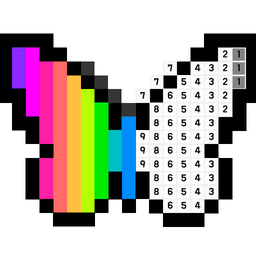
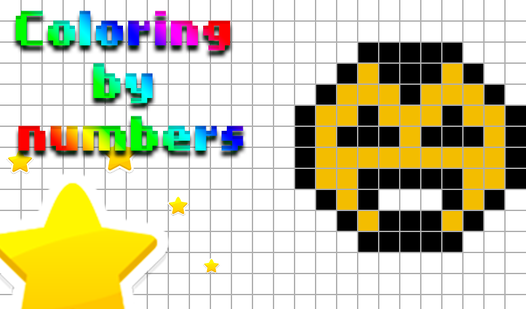
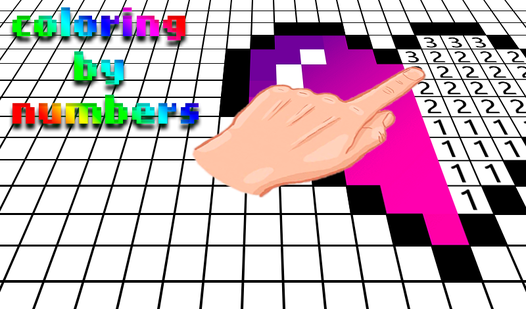
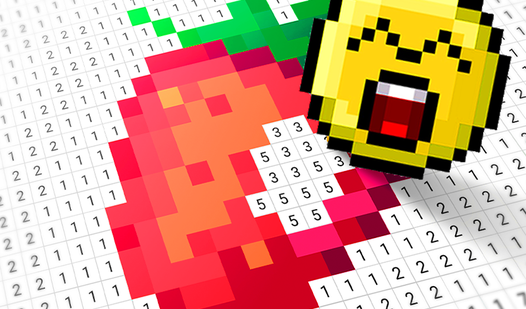
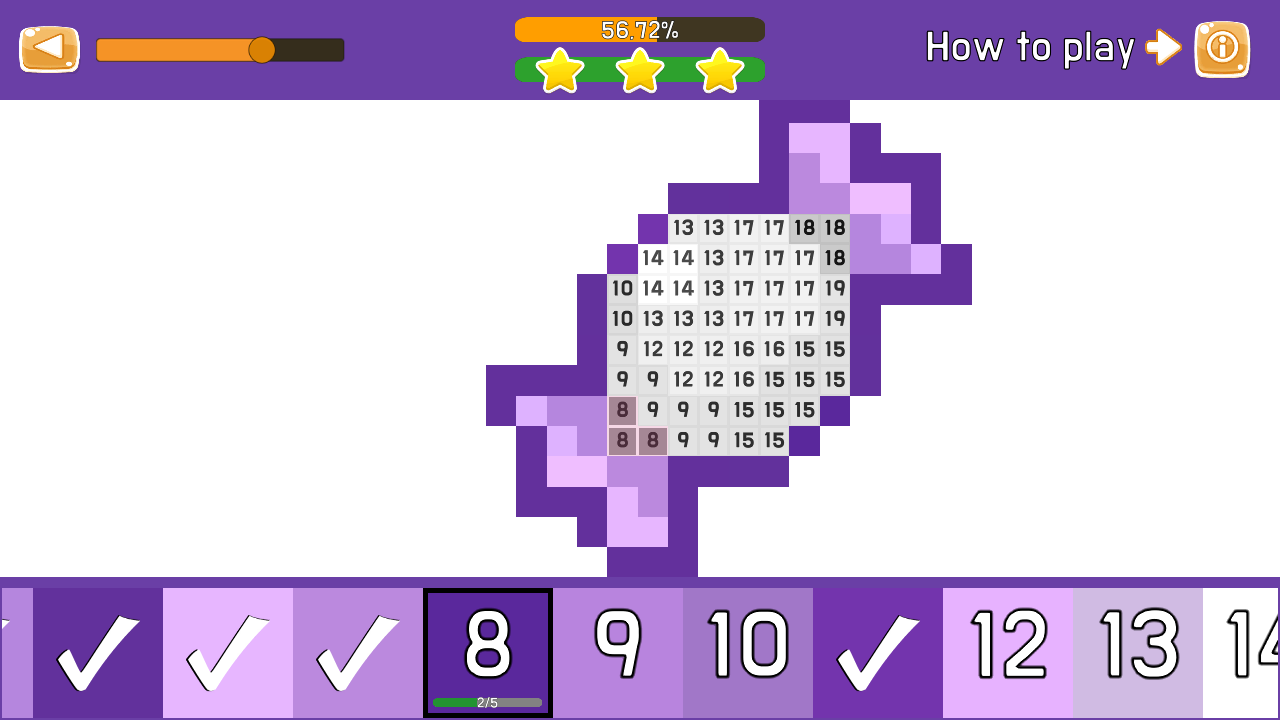
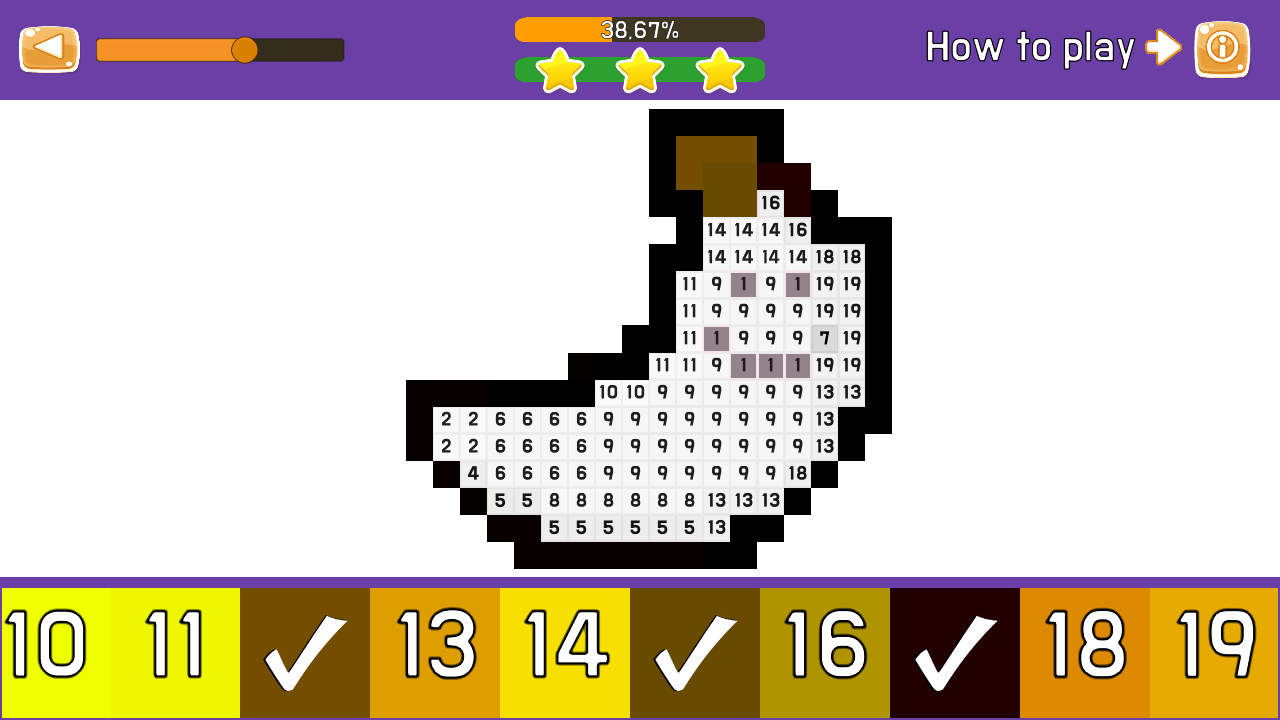
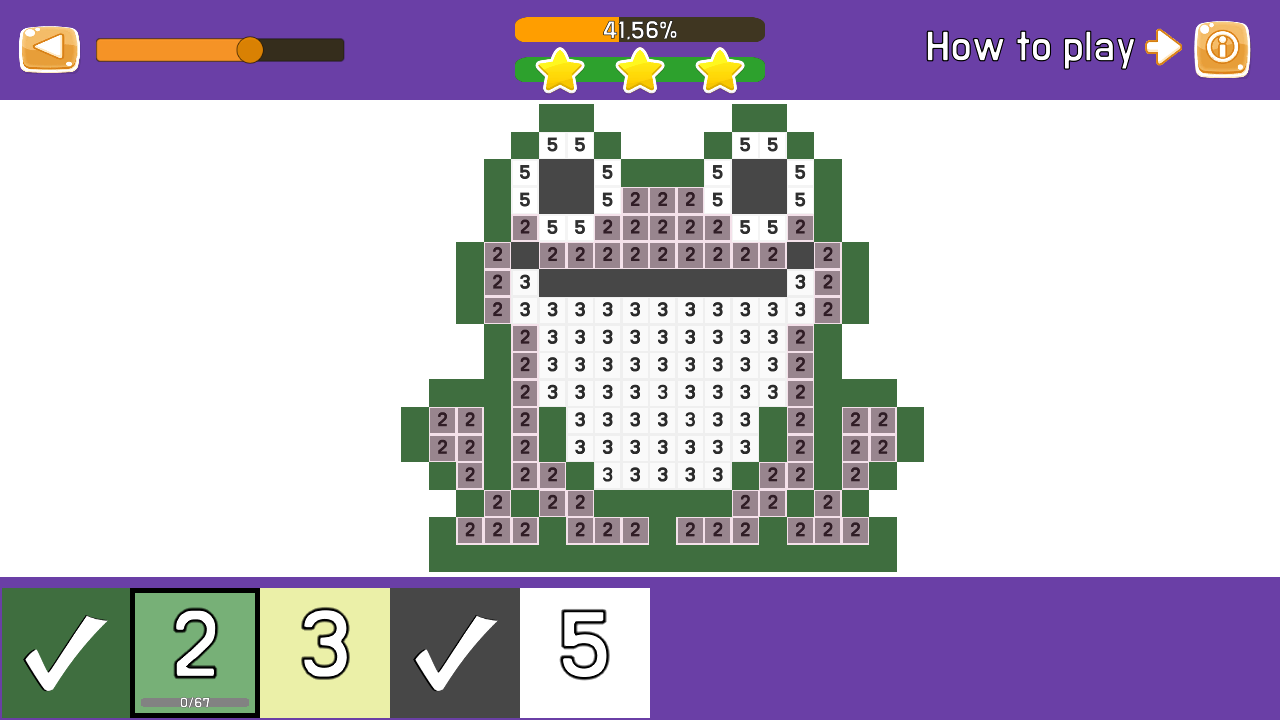
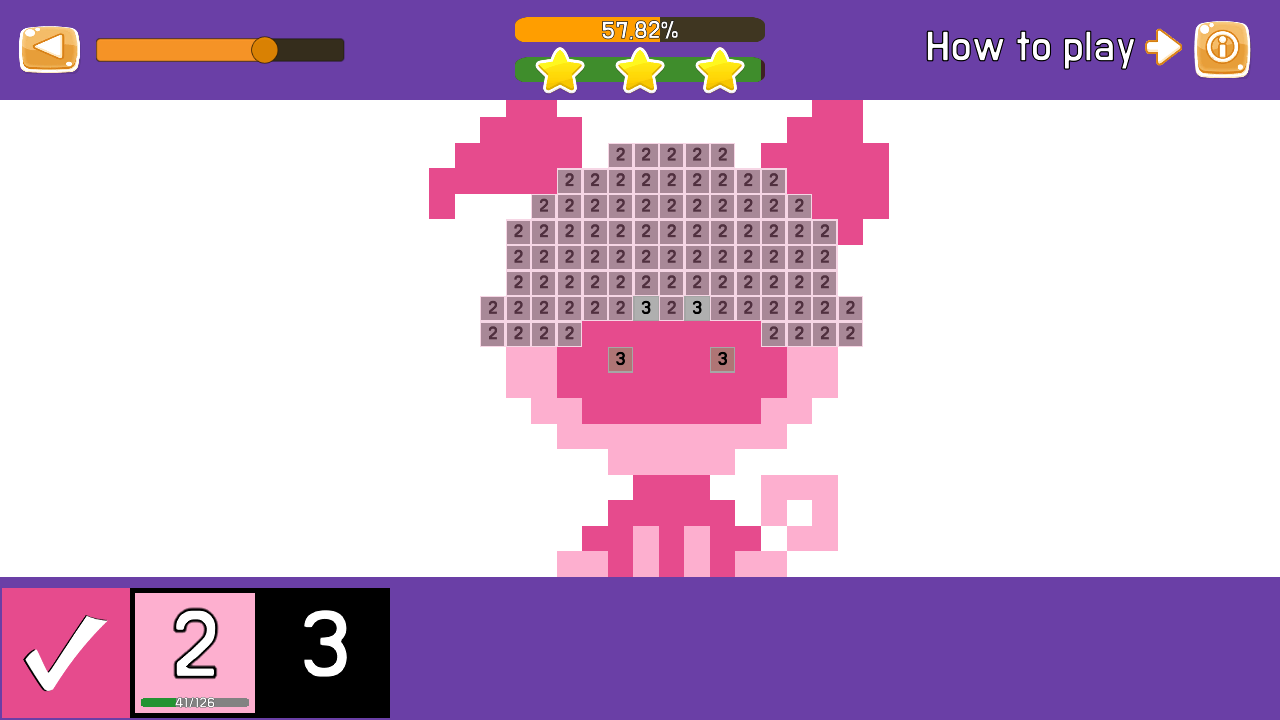
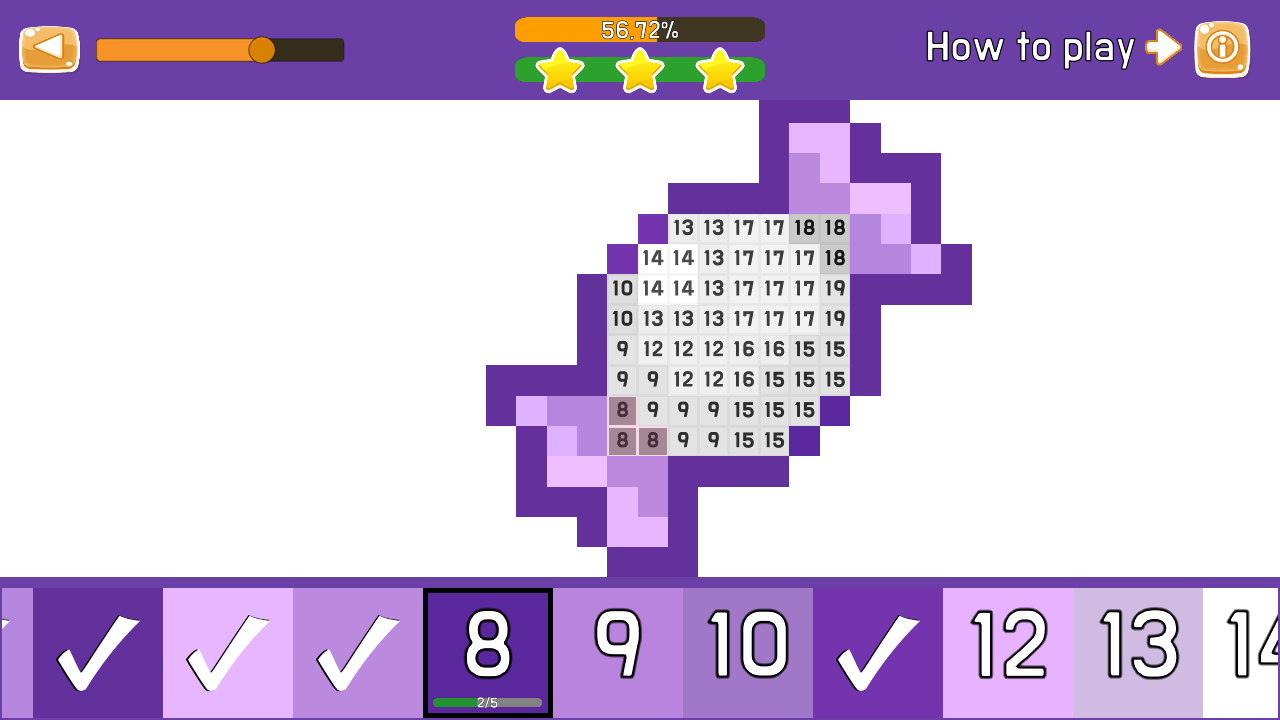
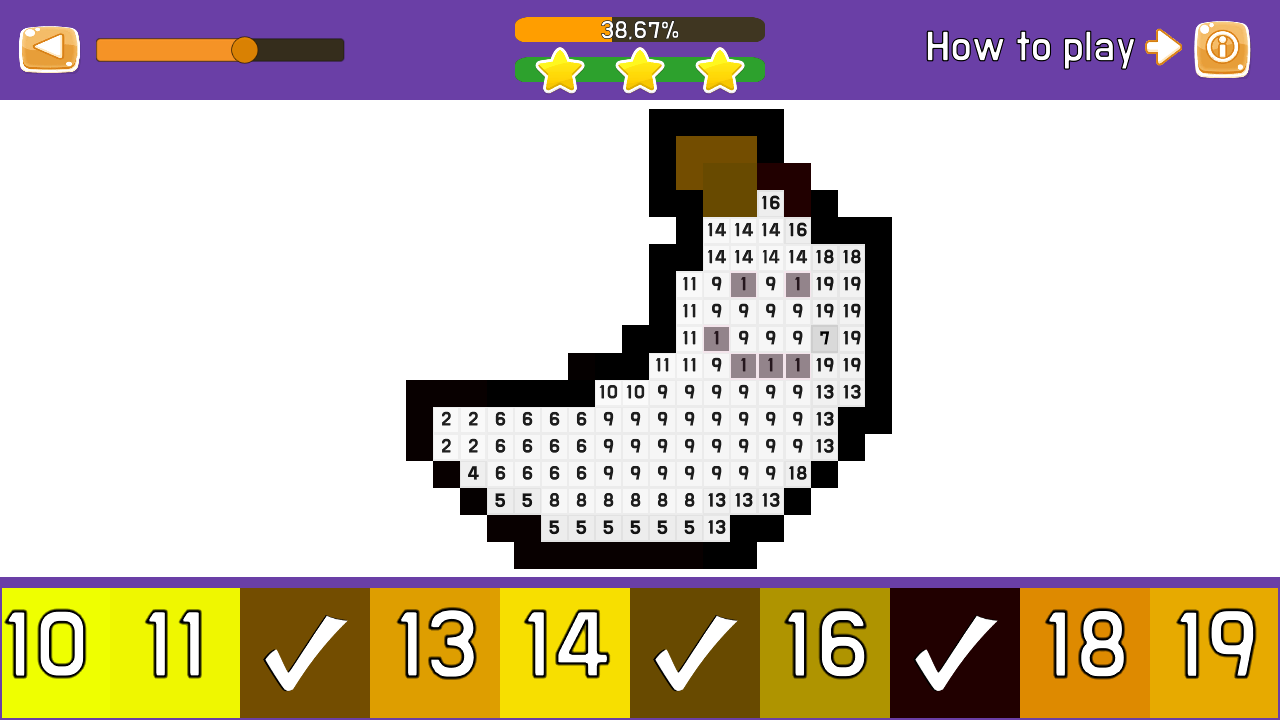
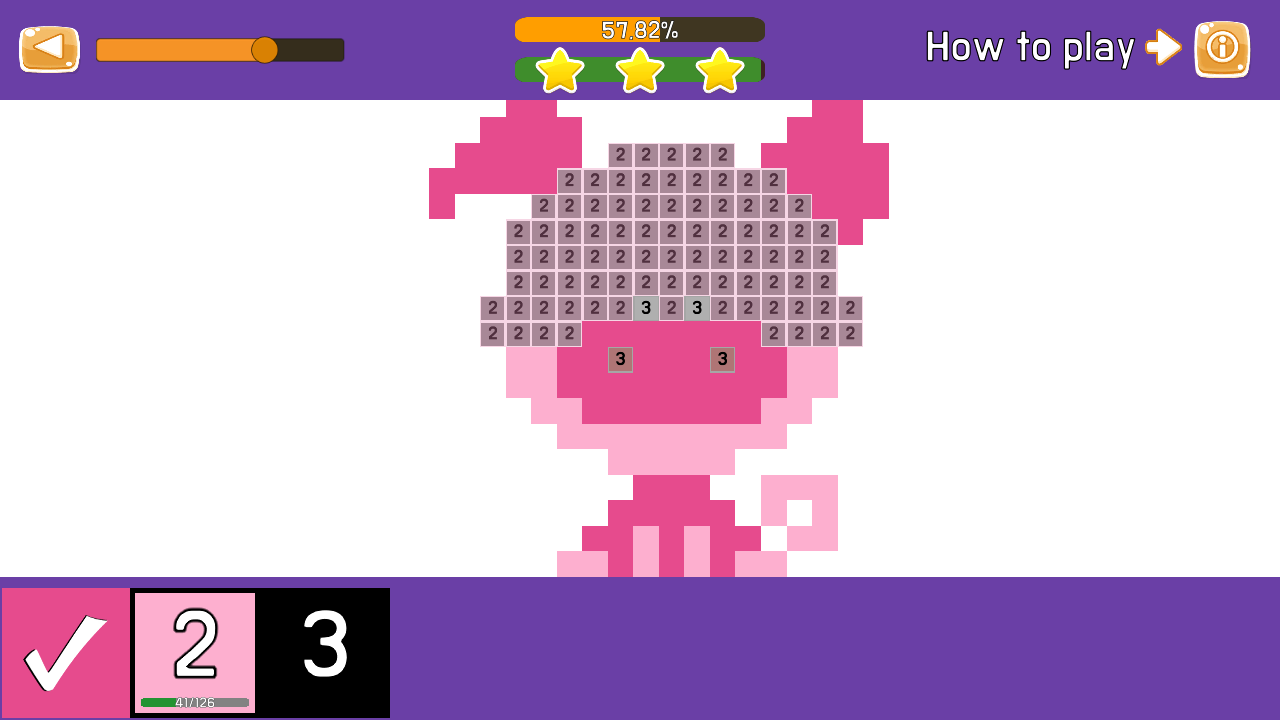
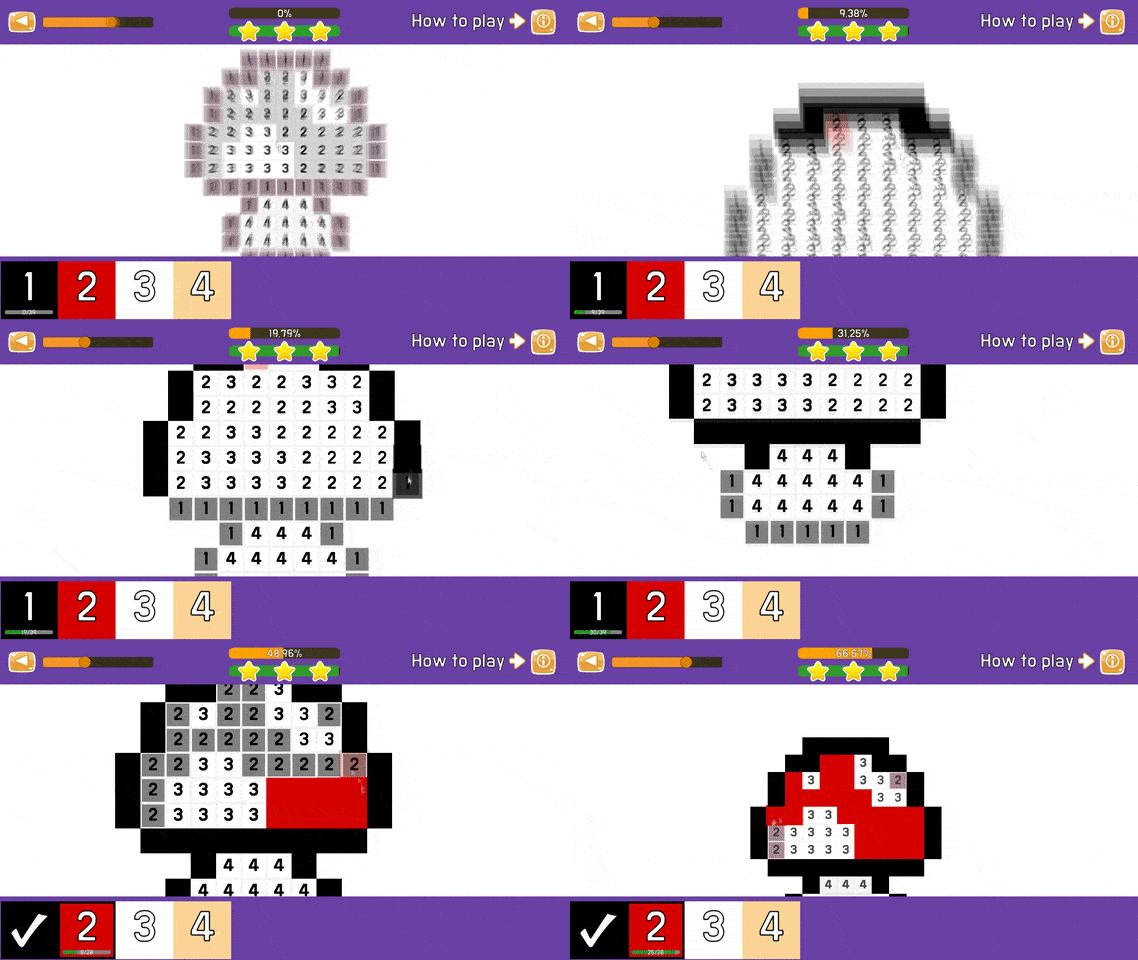
Creative souls who enjoy relaxing activities will find Coloring by numbers the ultimate way to unwind after a long day. This vibrant pixel art experience puts a modern spin on sandbox coloring by allowing you to transform blank grids into stunning masterpieces. Simply select a color from the palette and tap the corresponding numbered cells to fill them in with precision. As you progress, you must carefully manage your focus to earn stars and climb the competitive global leaderboard. The gameplay loop remains incredibly satisfying because every completed section brings a new level of visual detail to your artwork. What truly sets this title apart is the seamless transition between desktop and mobile devices without requiring any complex installations. You can easily zoom in to handle fine details or pan across the canvas to find your next objective. Whether you are a fan of classic paint by numbers or just want a mindful hobby, this browser experience delivers endless fun for free. Jump into Coloring by numbers right in your browser now and start creating your own digital gallery today.
How to play
Control on PC:
The left mouse button is responsible for choosing the color, as well as coloring the field.
Right mouse button - when you hold it and move the mouse, you can move around the playing field.
The mouse wheel, when scrolling, moves away or zooms in on a section of the drawing.
Control on mobile devices:
With a single tap on the screen, you can paint a cell on the field, as well as choose a color. If you click on the screen and hold it a little bit, then you can paint over all the cells under your finger without looking up from the screen.
If you immediately move your finger across the screen, then you can move around the playing field using the movement of your finger.
When pinching with two fingers on the playing field, the picture will move away or get closer.
Features
- Star System: Earn points for every accurately filled segment to climb the ranks and prove your artistic speed.
- Zoom Precision: Utilize the intuitive zoom mechanic to reach tiny pixel clusters without losing your place.
- Diverse Galleries: Explore a massive library of illustrations ranging from cute characters to complex architectural designs.
- Progress Tracking: Monitor your completion percentage on every image to see how close you are to finishing your masterpiece.
- Touch Optimization: Enjoy fluid controls specifically designed for quick swiping and precise cell filling on tablets.
Who is it for
Creative individuals who enjoy relaxing digital art sessions will love the meditative flow of this experience. Casual gamers searching for a low-pressure way to pass the time will appreciate the intuitive mechanics, while completionists will enjoy the challenge of earning stars and climbing the global rankings.
Controls
Select Color
Left click or single tap on the color palette.
Paint Cells
Left click or tap, or hold and drag across cells to paint continuously.
Pan View
Hold right mouse button and drag, or swipe with one finger on mobile.
Zoom
Scroll the mouse wheel or pinch in and out with two fingers on a touchscreen.
FAQ
Is Coloring by numbers free to play?
›
Yes, Coloring by numbers is a completely free game available directly in your web browser.
Do I need to download Coloring by numbers to play?
›
No, you can play Coloring by numbers instantly in your browser without any downloads or registration.
Can I play Coloring by numbers on my phone?
›
Absolutely, Coloring by numbers is fully optimized for mobile devices, allowing you to paint using simple touch gestures.