About game
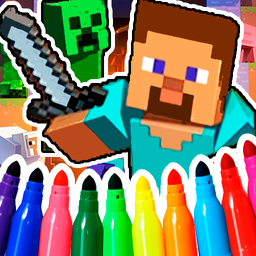
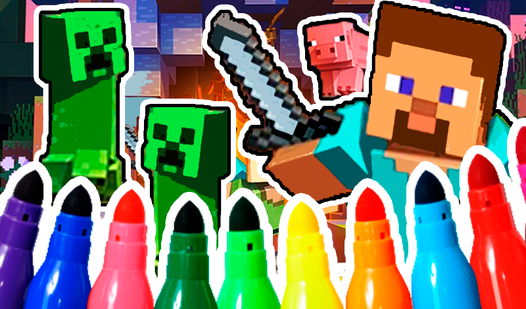
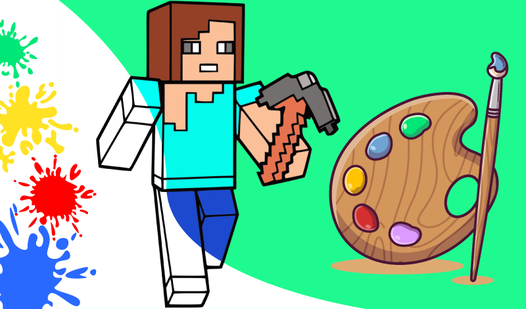
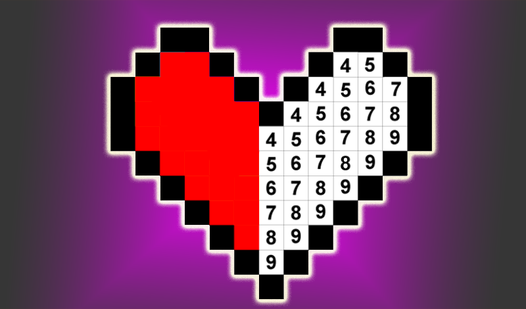
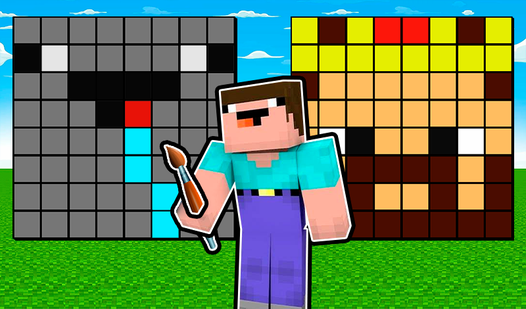
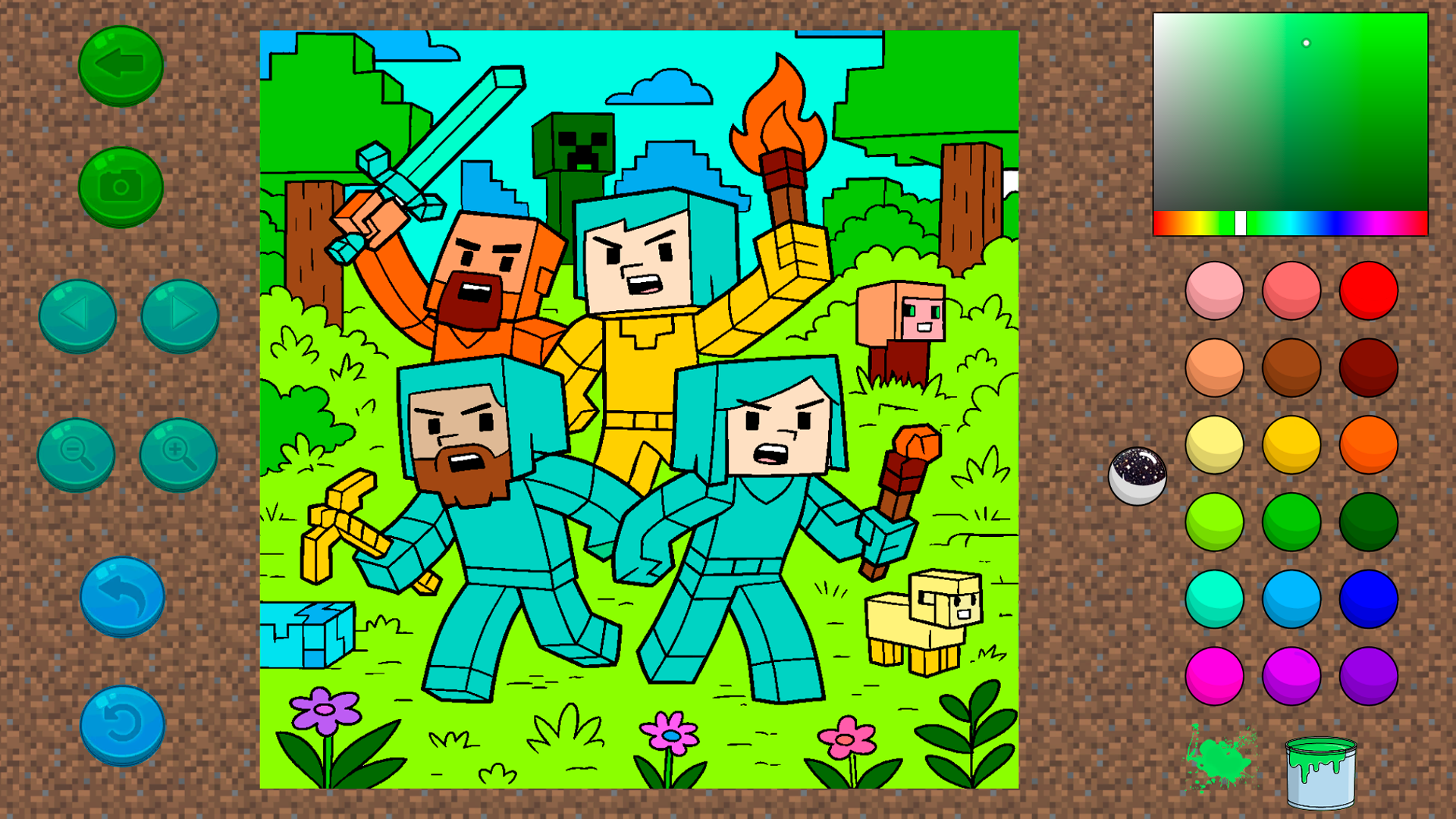
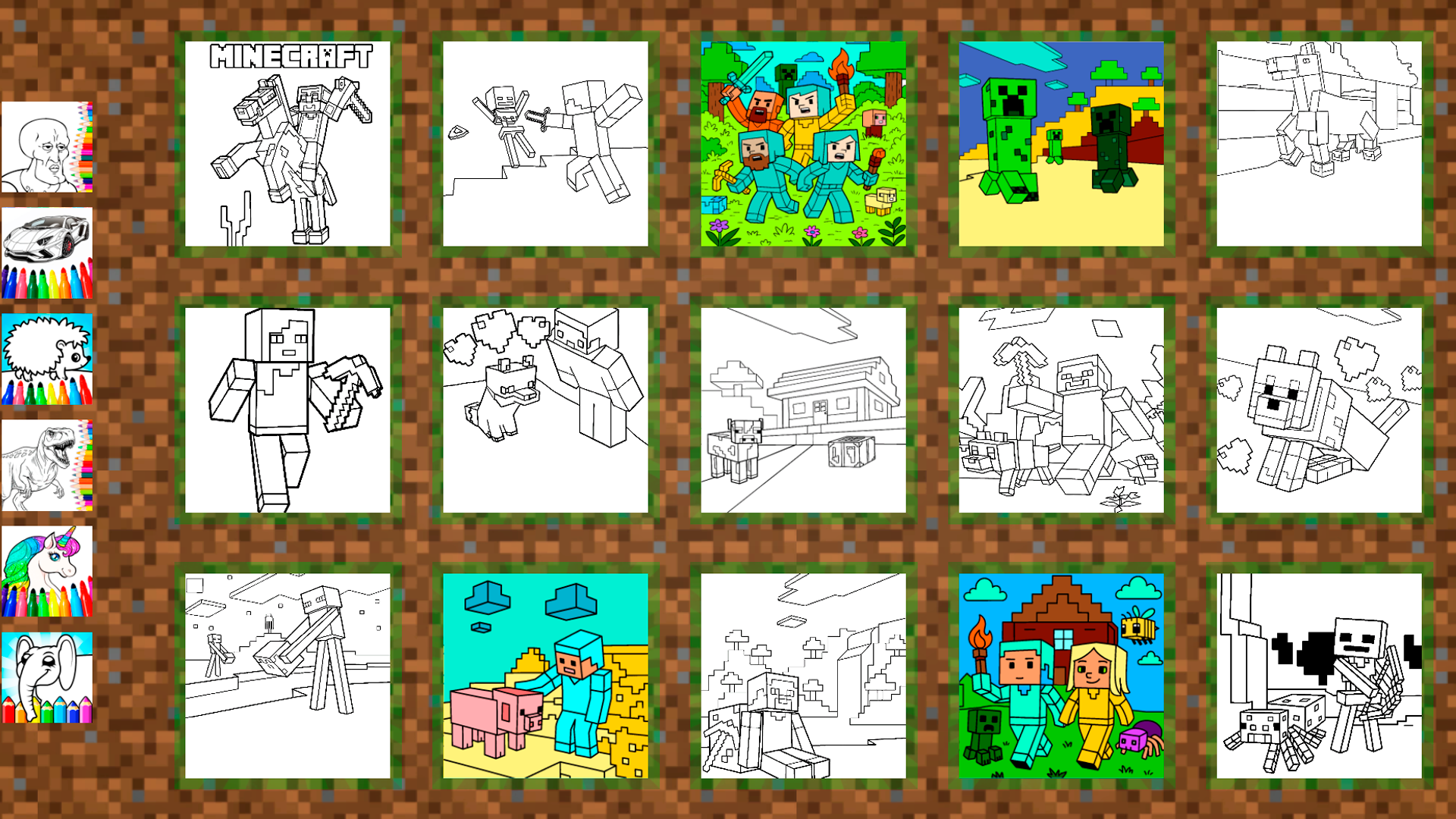
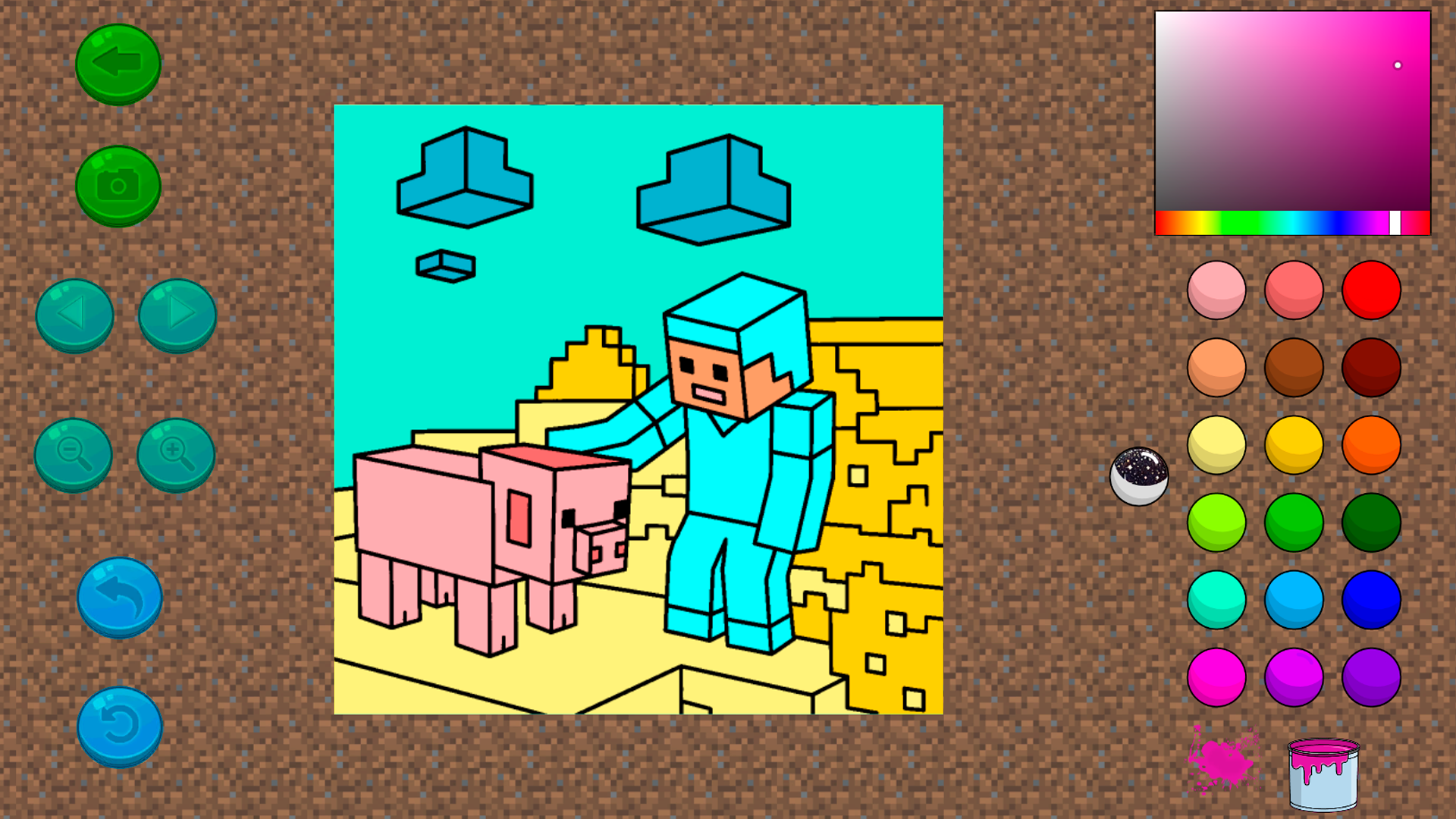
Stuck in a boring meeting or just need a quick creative escape during your break? The best Mine coloring book is the perfect digital canvas to help you unwind and express your inner artist. This pixel-themed coloring game lets you bring iconic characters like the creeper and the noob to life with just a few clicks. Simply select your favorite drawing, pick a vibrant shade from the palette, and use the fill tool to bring classic blocky scenes to life. You can even experiment with the random paint can feature to see if you can trigger unique, unexpected color combinations across your masterpiece. It is an incredibly relaxing way to pass the time while celebrating the aesthetic of your favorite block-based universe. Whether you are a fan of retro pixel art or just want to try a fun minecraft coloring experience, this tool offers endless hours of stress-free entertainment. Best of all, you can jump straight into the action and play The best Mine coloring book for free directly in your browser without any downloads required.
How to play
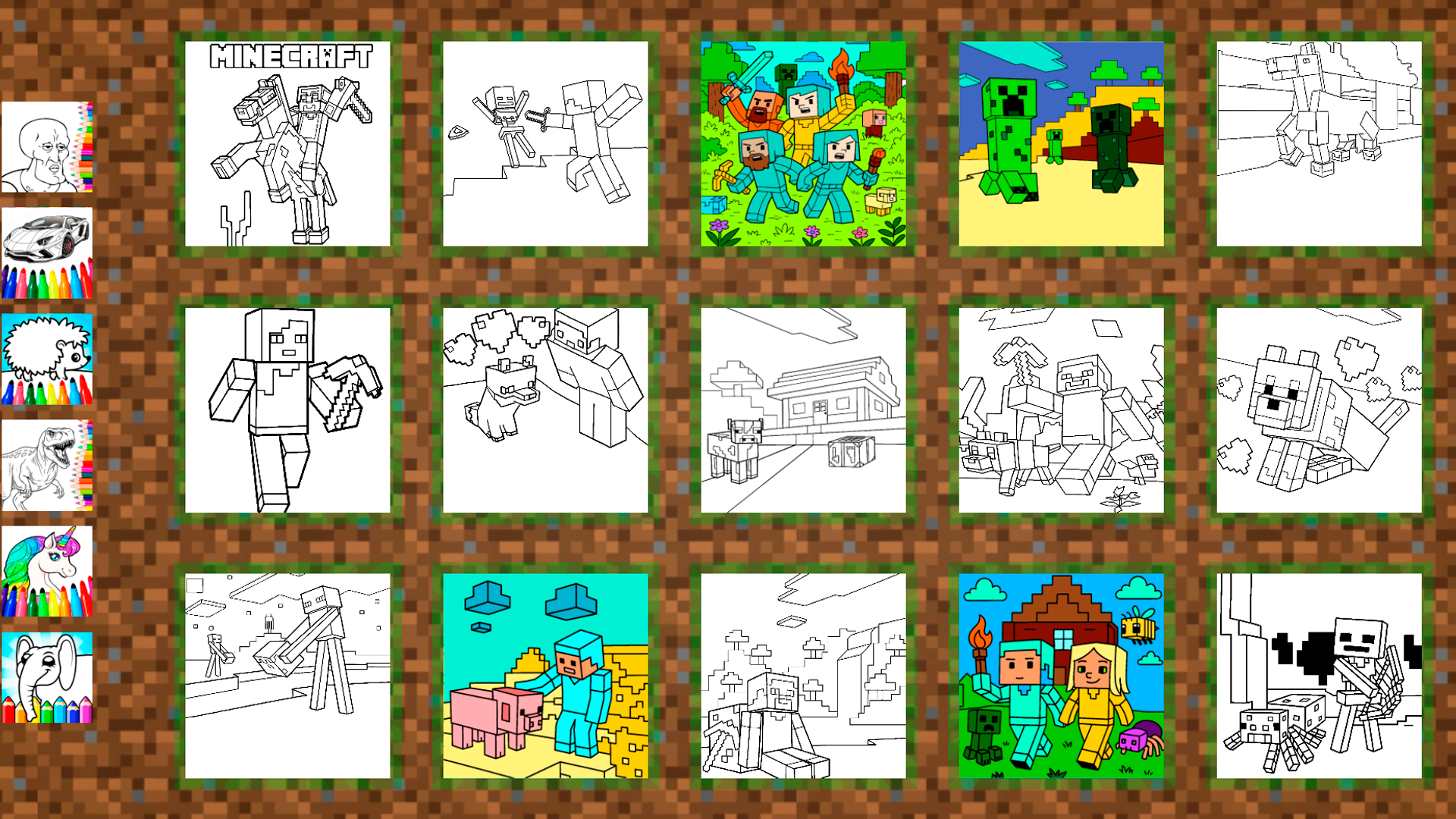
1. Open the coloring page 🎨
2. Choose a color 🔵
3. Color everything you see! 🌉
Control buttons:
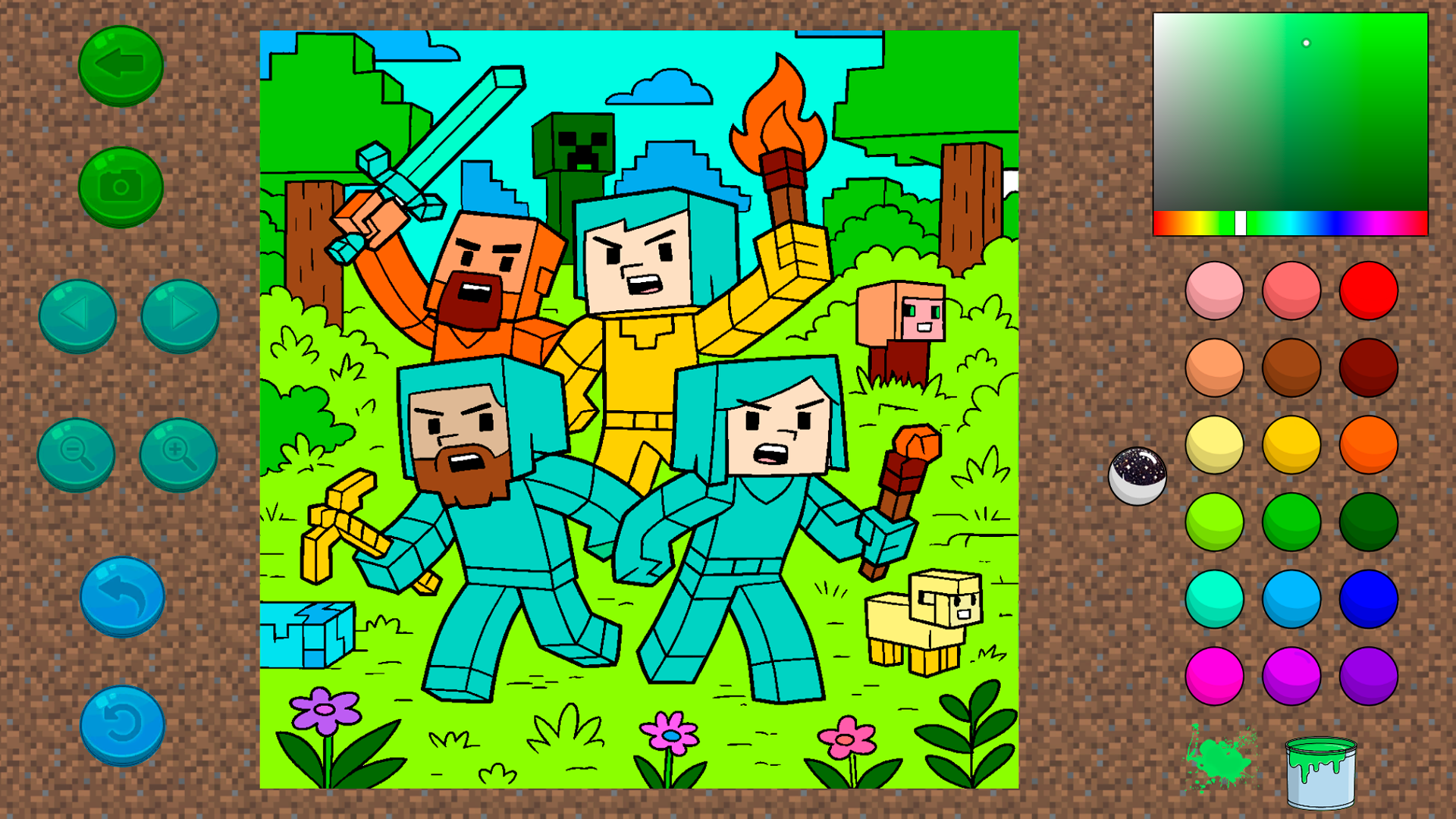
Green arrow ⬅️ - Go back to all drawings
Camera 📷 - Save your drawing
Left/right arrows ⏪⏩ - Go to the next/previous drawing
Blue arrow ↩️ - Undo the last action
Circular arrow 🔄 - Restore the drawing to its initial state
Colors:
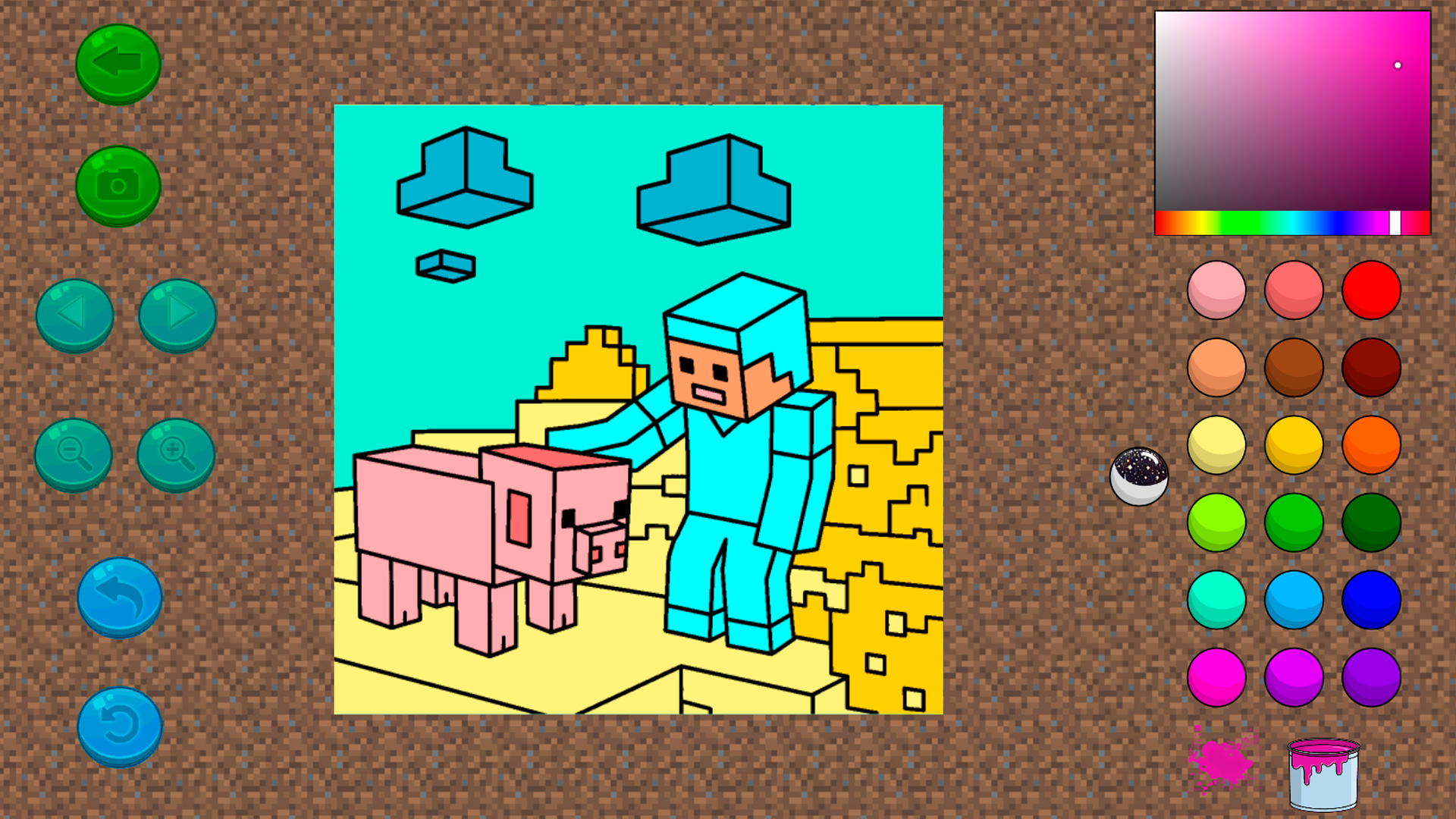
By clicking on any color on the right, you choose it and can color the drawing.
❤️💛💚💙💜🖤
Paint can:
When you press the can, a puddle of paint appears nearby.
You might get lucky, and an interesting and unusual color will spill out of the can
🎉
Features
- Dynamic Palette: Access a wide range of colors that allow you to customize every mob and block exactly how you imagine them.
- Paint Can Surprise: Trigger the special paint can mechanic to spill randomized, hidden colors onto your canvas for a unique artistic twist.
- Undo and Reset: Utilize the intuitive interface to fix mistakes with the undo button or clear your entire progress to start a fresh design.
- Instant Gallery: Use the built-in camera function to save your finished pixel art directly to your device as a digital keepsake.
- Navigation System: Switch between different coloring pages effortlessly using the simple arrow controls to keep the creative flow going.
Who is it for
Creative kids who love pixel art, casual players looking for a relaxing way to de-stress, and die-hard block building fans will find this digital coloring experience highly satisfying. It is also an excellent tool for parents seeking a mess-free, engaging activity for their children during quiet moments.
Controls
Select color
Tap or click on the desired color circle from the right-hand menu.
Fill area
Tap or click on the specific section of the drawing to apply the currently selected color.
Navigate pages
Tap the left or right arrows to browse through the collection of available pixel art templates.
Undo or Reset
Tap the blue arrow to revert your last move or the circular arrow button to clear the canvas.
FAQ
Is The best Mine coloring book free to play?
›
Yes, The best Mine coloring book is completely free, and you can play it instantly in your browser without any registration or downloads.
Can I save my masterpieces in The best Mine coloring book?
›
Absolutely, you can use the camera button within The best Mine coloring book to save your colorful pixel creations to your device.
Does The best Mine coloring book work on mobile devices?
›
Yes, The best Mine coloring book is optimized for touchscreens, allowing you to easily tap and swipe through your coloring process on phones and tablets.