About game
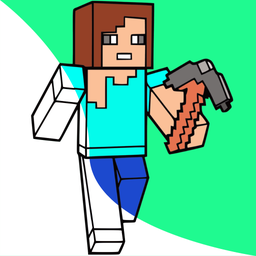
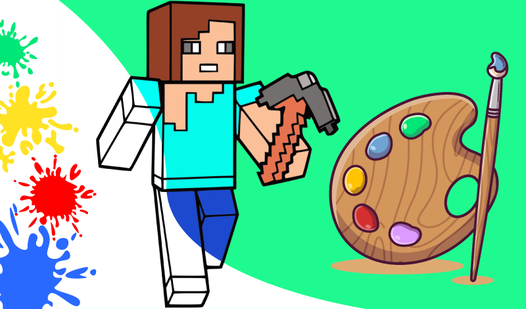
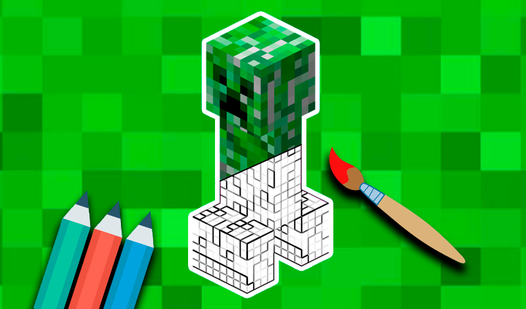
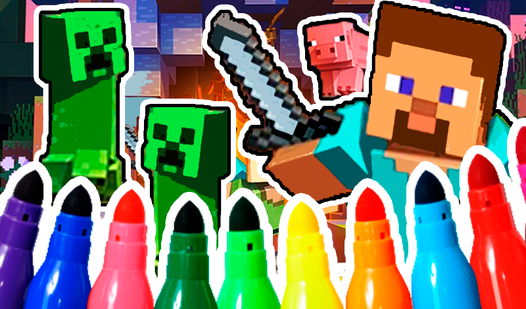
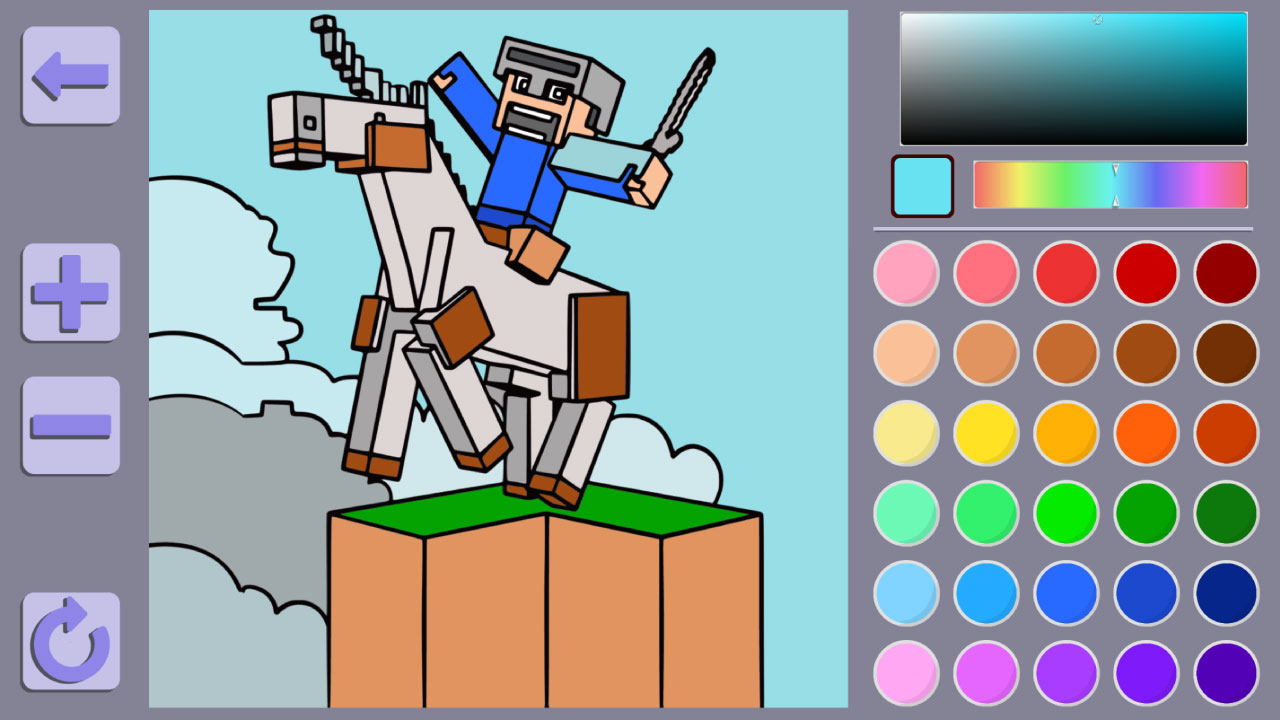
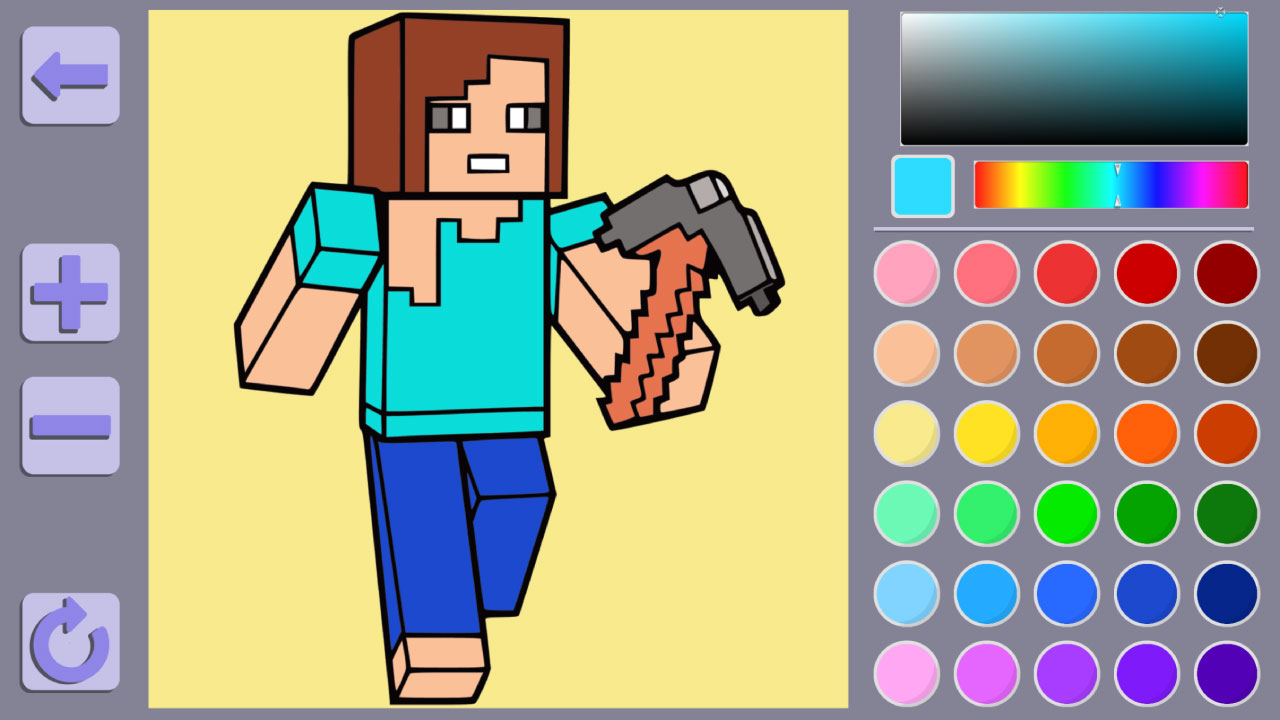
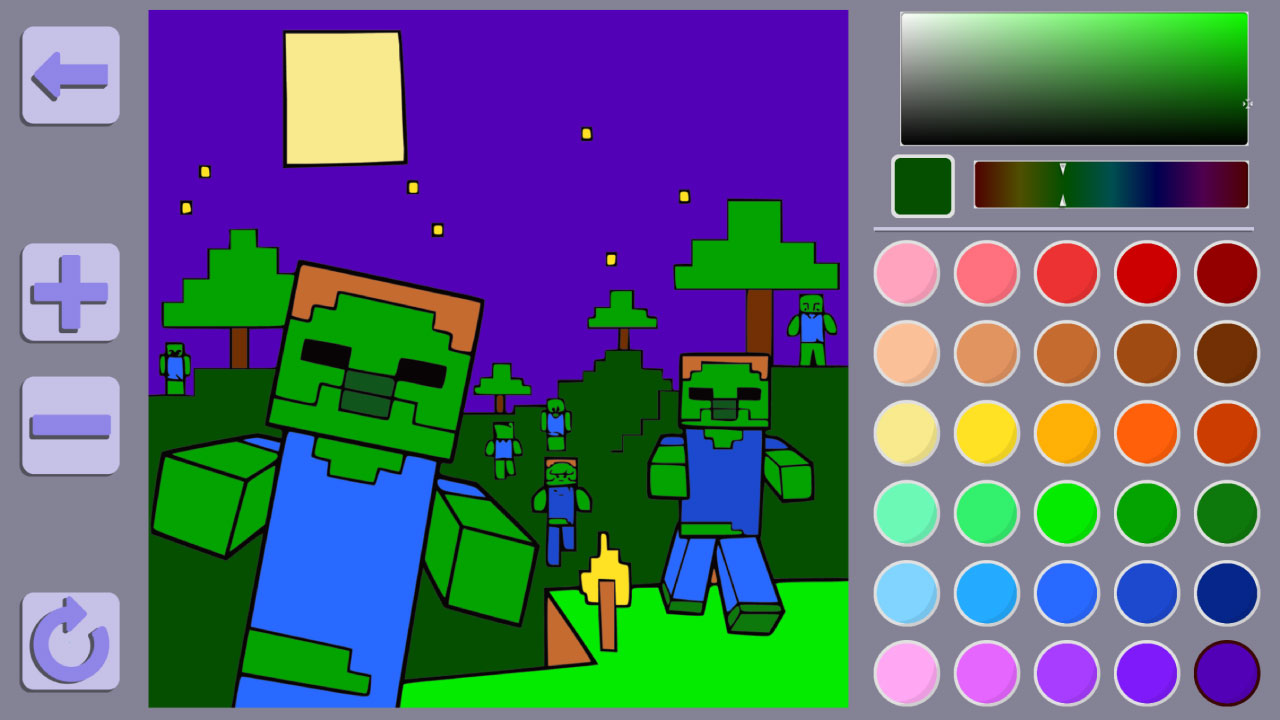
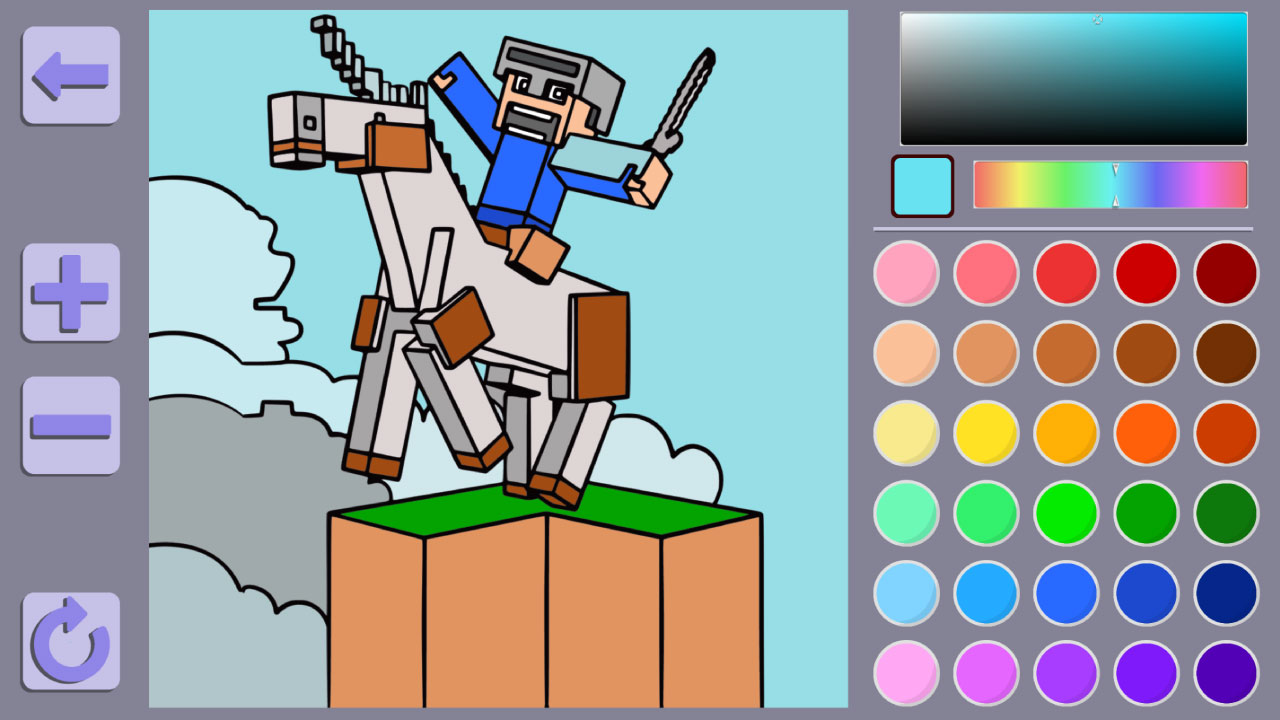
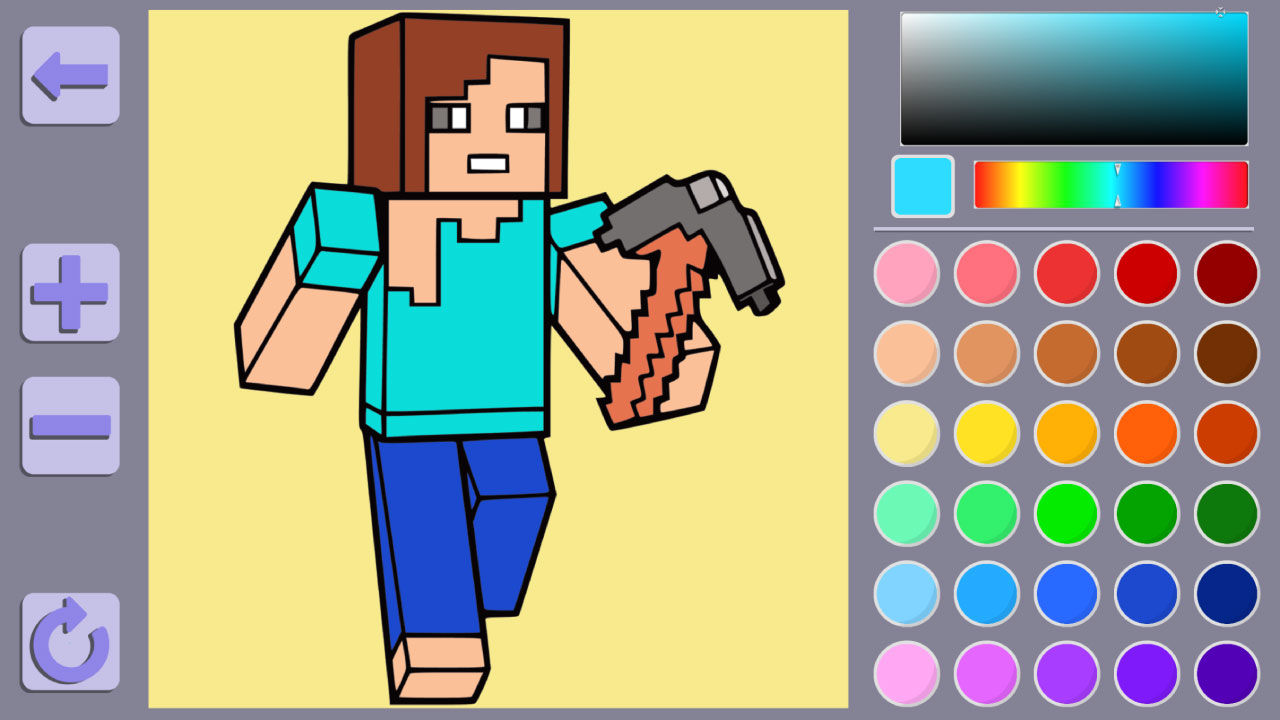
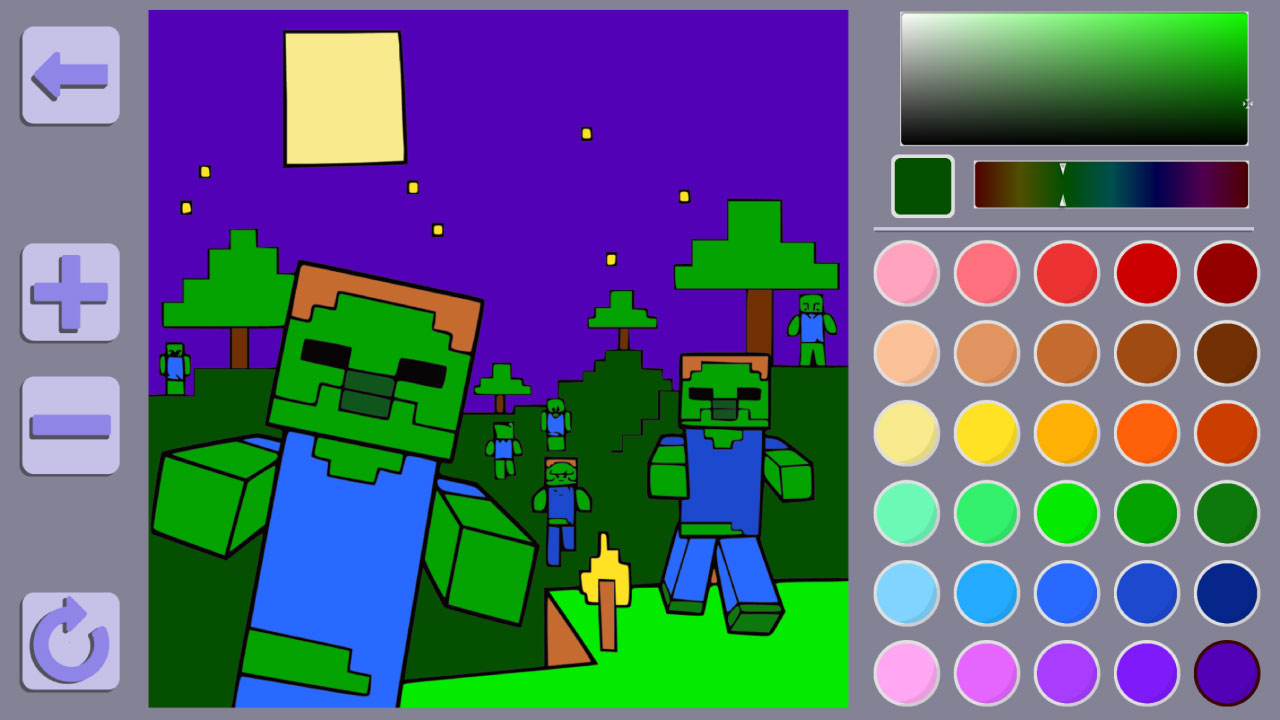
Staring at a blank screen during a midday slump is the worst way to spend your free time. Colouring book Minecraft world turns that boredom into a blocky creative masterpiece with just a few clicks. You get to interact with iconic characters like the Creeper or Noob by filling them with vibrant shades from a massive digital palette. Simply select your favorite brush size and apply colors to every pixelated corner of the scene. Precision is key here, so use the zoom tools to ensure you do not miss a single detail while you perfect your design. The game offers endless possibilities since you can stick to classic Minecraft themes or experiment with your own custom color combinations. It is a relaxing way to unwind that keeps your focus sharp and your imagination running wild. You can play Colouring book Minecraft world right now for free directly in your browser without any downloads or registration required.
How to play
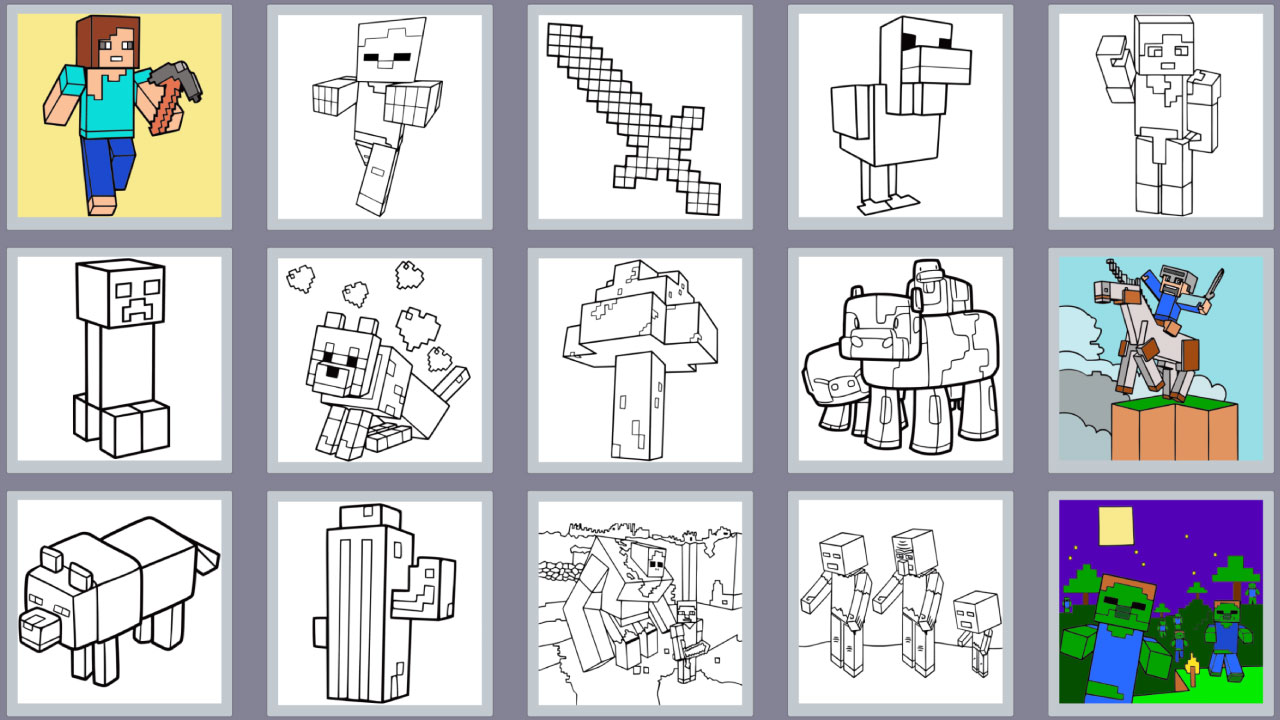
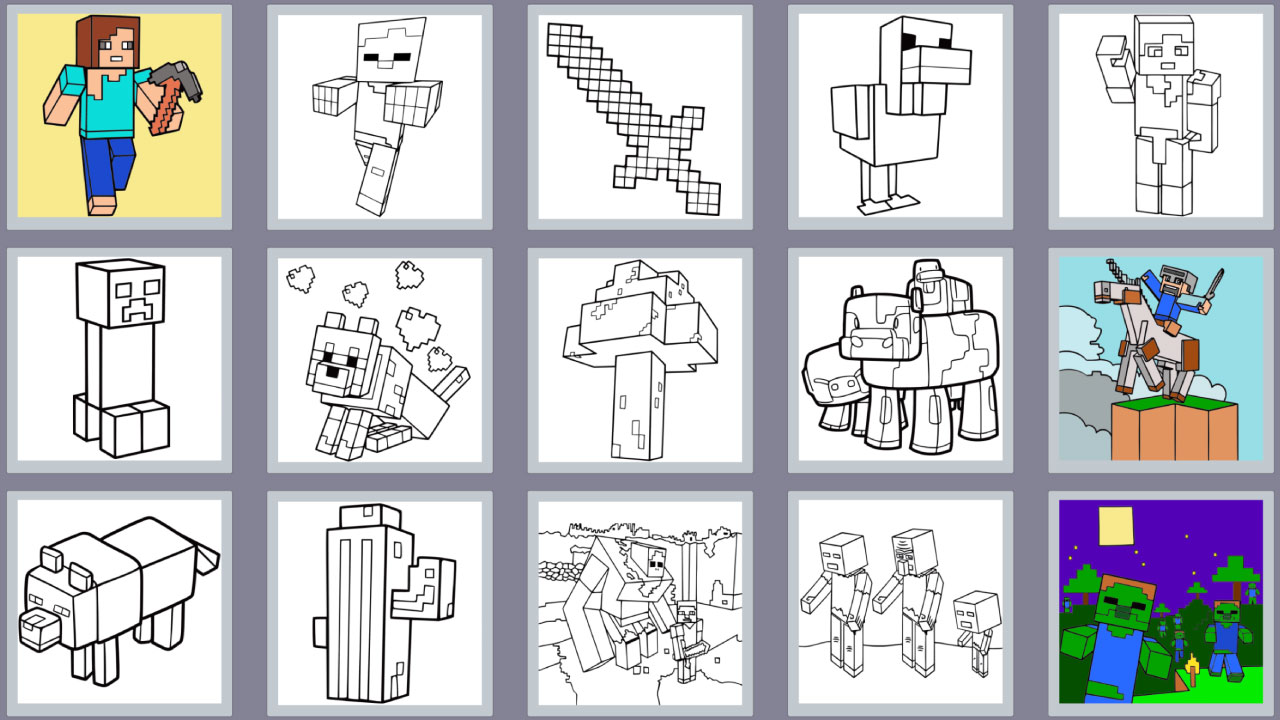
Choose any colouring book and click on it.
Paint this picture using a mouse or touching on the screen of your phone.
You can zoom in the picture using the ➕ and ➖ buttons or the mouse wheel.
You can move the image by holding down the right mouse button or holding down the screen (for mobile devices).
You can clear all and start again clicking on the button ↩️ at the left corner.
Click the button ⬅️ if you want to get back on the menu.
Features
- Advanced Zoom Tools: Navigate intricate pixel art easily using the plus and minus buttons or your mouse wheel for perfect precision.
- Custom Palette Control: Mix and match colors to create your own unique shades beyond the standard selection provided.
- Canvas Reset Option: Utilize the dedicated undo button to wipe your progress and start your masterpiece from scratch whenever you want.
- Intuitive Navigation: Switch between different characters and scenes instantly by using the main menu return button.
- Drag and Drop View: Move your canvas around freely by holding the right mouse button or dragging your finger on mobile devices.
Who is it for
Creative Minecraft fans and casual artists enjoy this relaxing digital experience. Young players interested in blocky characters will find it engaging, while teens appreciate the freedom to experiment with custom color palettes. It serves as a gentle brain training exercise that rewards patience and attention to fine detail.
Controls
Select Color
Tap on the color palette with your finger or click with the left mouse button.
Apply Paint
Tap or click on the specific area of the character you wish to color.
Pan View
Hold the screen or right mouse button and drag to shift the image position.
Zoom
Use the plus/minus buttons on screen or scroll the mouse wheel.
FAQ
Is Colouring book Minecraft world free to play?
›
Yes, Colouring book Minecraft world is completely free and requires no registration or downloads.
Can I play Colouring book Minecraft world on my mobile phone?
›
Absolutely, Colouring book Minecraft world is fully optimized for touchscreens and works in any modern mobile browser.
How do I restart a level in Colouring book Minecraft world?
›
You can clear your current progress at any time by clicking the arrow button located in the left corner of the screen.