About game
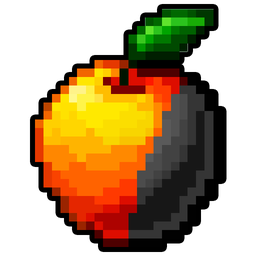
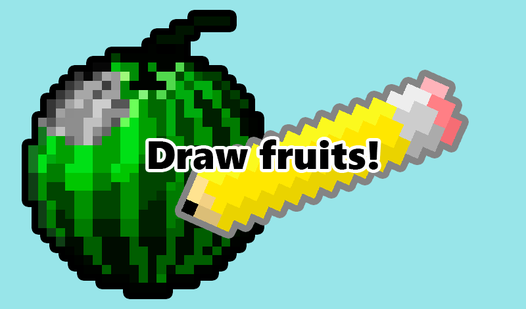
Transform blank canvases into vibrant pixel art masterpieces by carefully filling in every section of your favorite treats. You control the brush to bring various fruits to life while racing against the clock to maintain the highest accuracy possible. Each level challenges your precision because every stray mark subtracts from your final score. Mastering the art of coloring requires a steady hand and a sharp eye to ensure no pixel is painted incorrectly. If you make a mistake, you can always restart the level to pursue a perfect high score and climb the global leaderboard. The game provides a relaxing atmosphere that makes it a great choice for quick sessions of stress relief. With new designs waiting to be unlocked, you will find endless motivation to improve your artistic skills. You can play Draw fruits! for free directly in your browser with no download required.
How to play
The main goal of the game is to color all the images, while making the minimum number of mistakes
The points for each drawing are added as follows:
Drawing points = Shaded pixels - Incorrectly shaded pixels
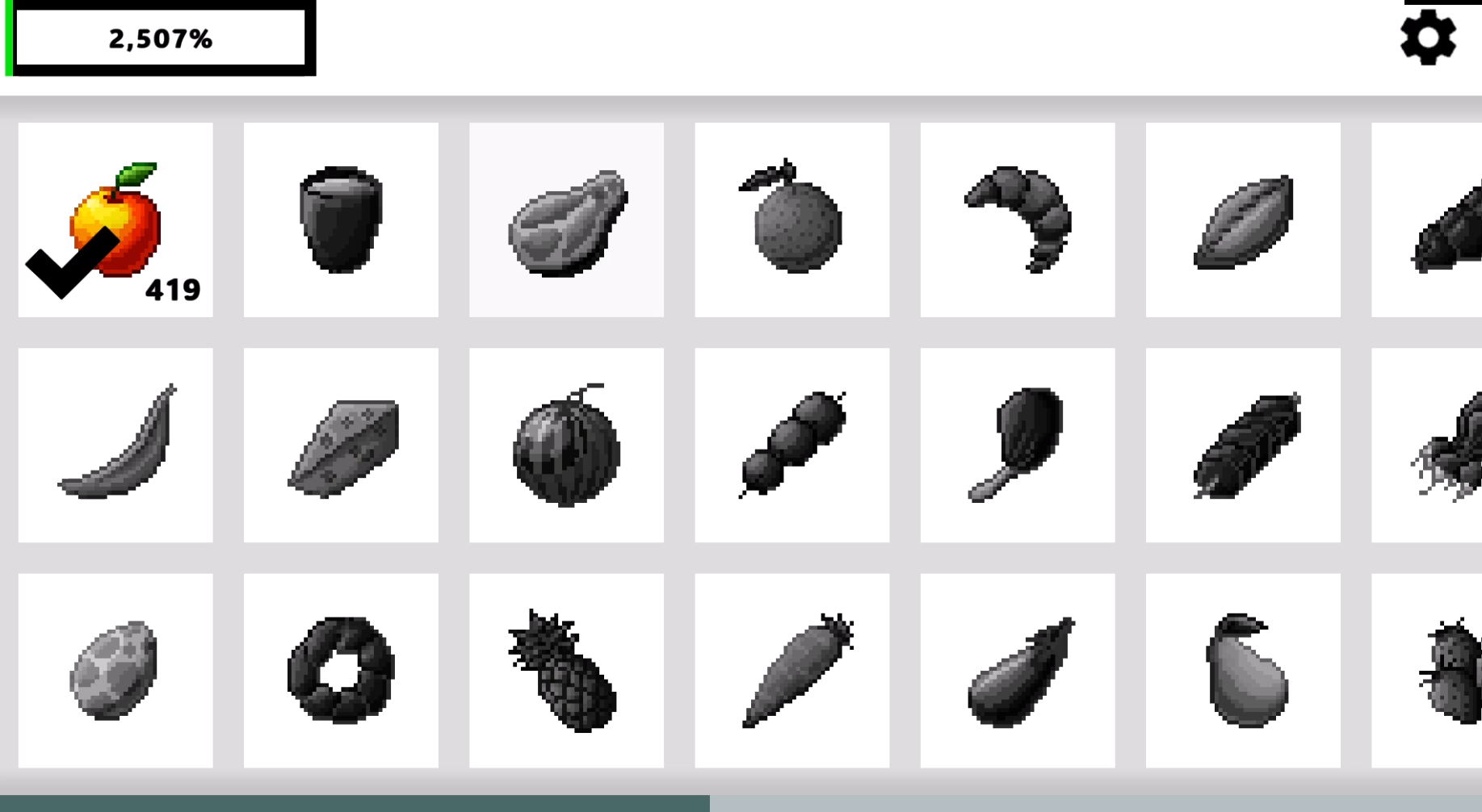
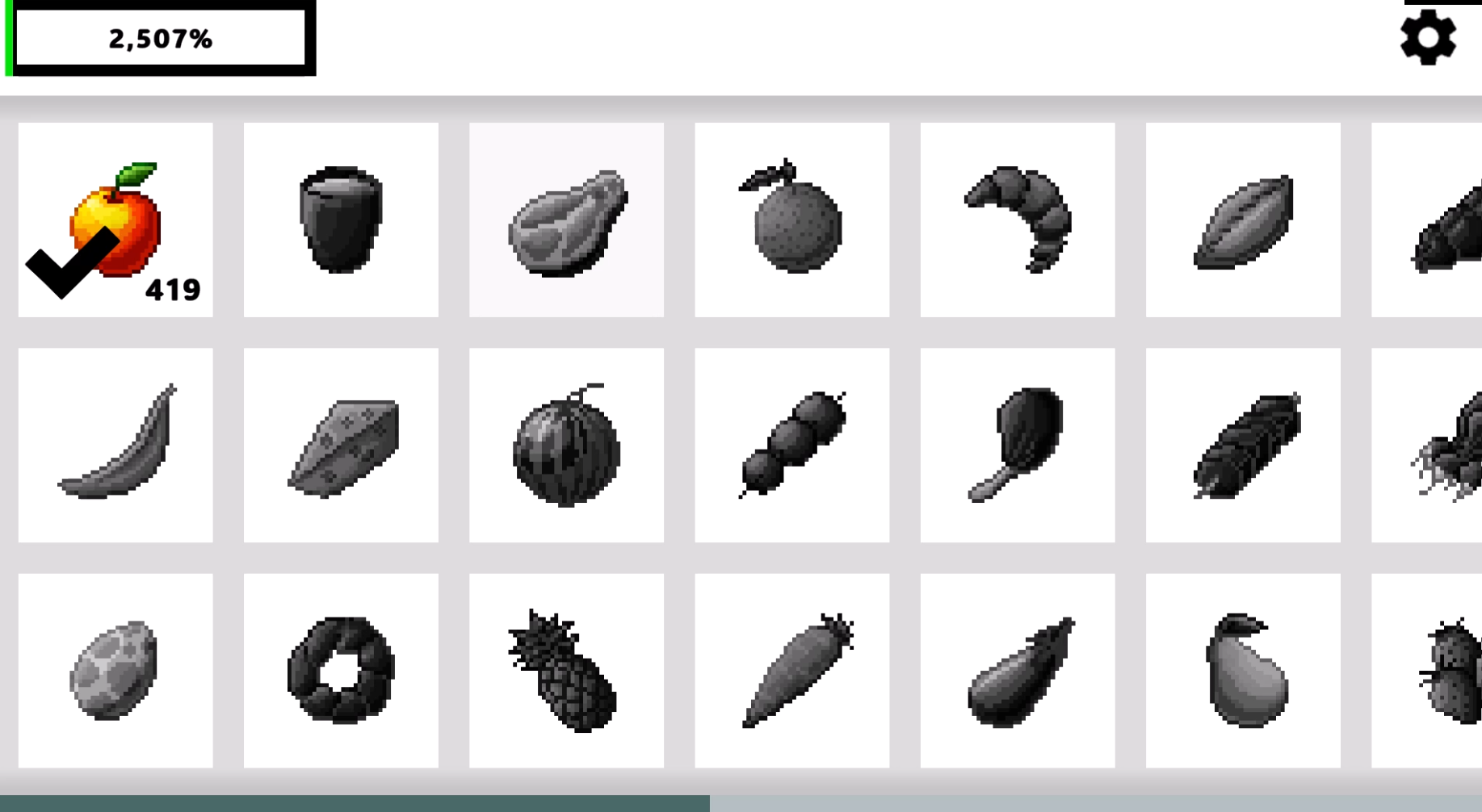
To start drawing, you need to click on the desired drawing in the main menu
Not all drawings are open at once, they can be opened either by getting the required number of points, or by watching an advertisement, or by buying shared access to all levels
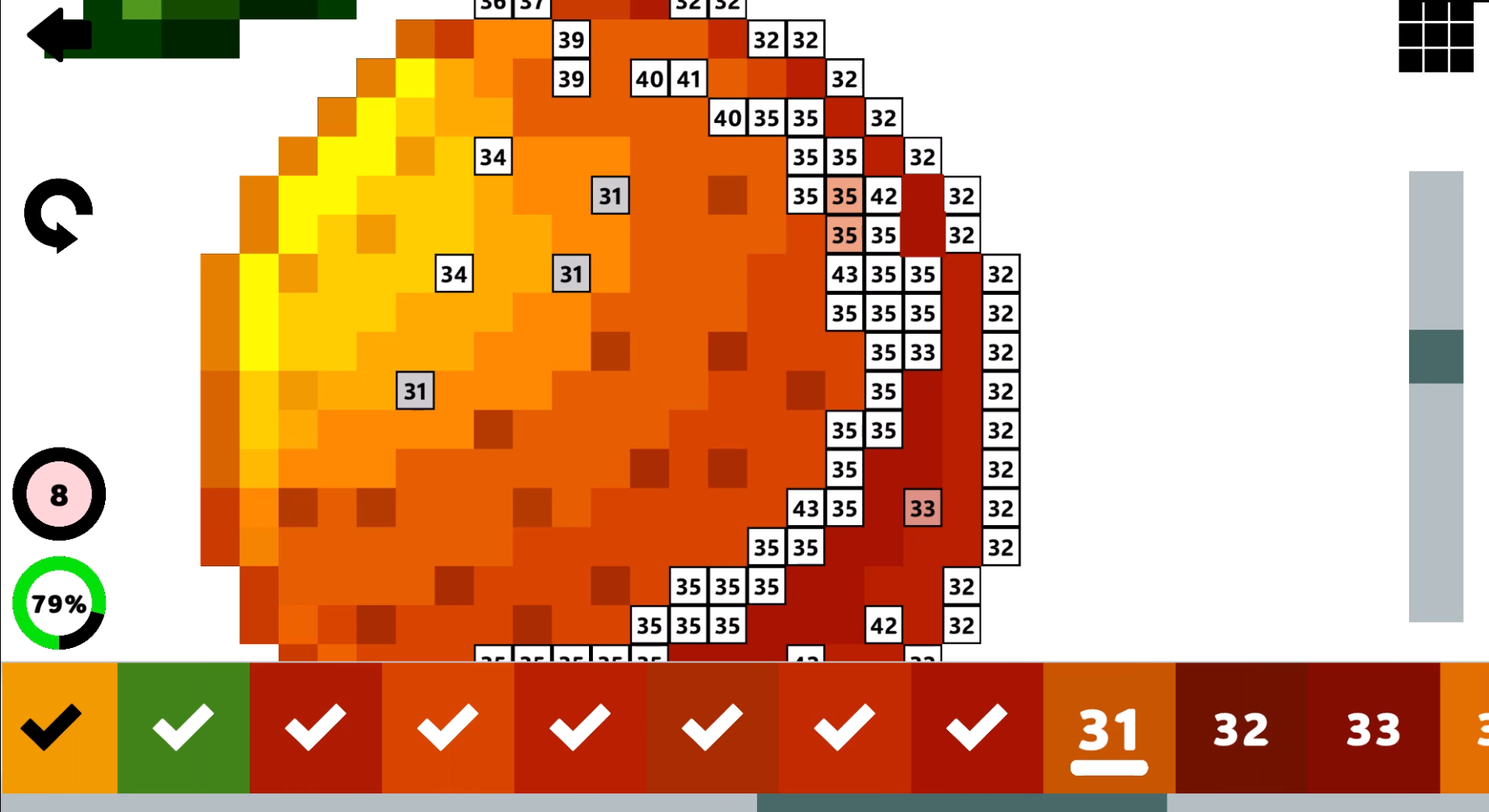
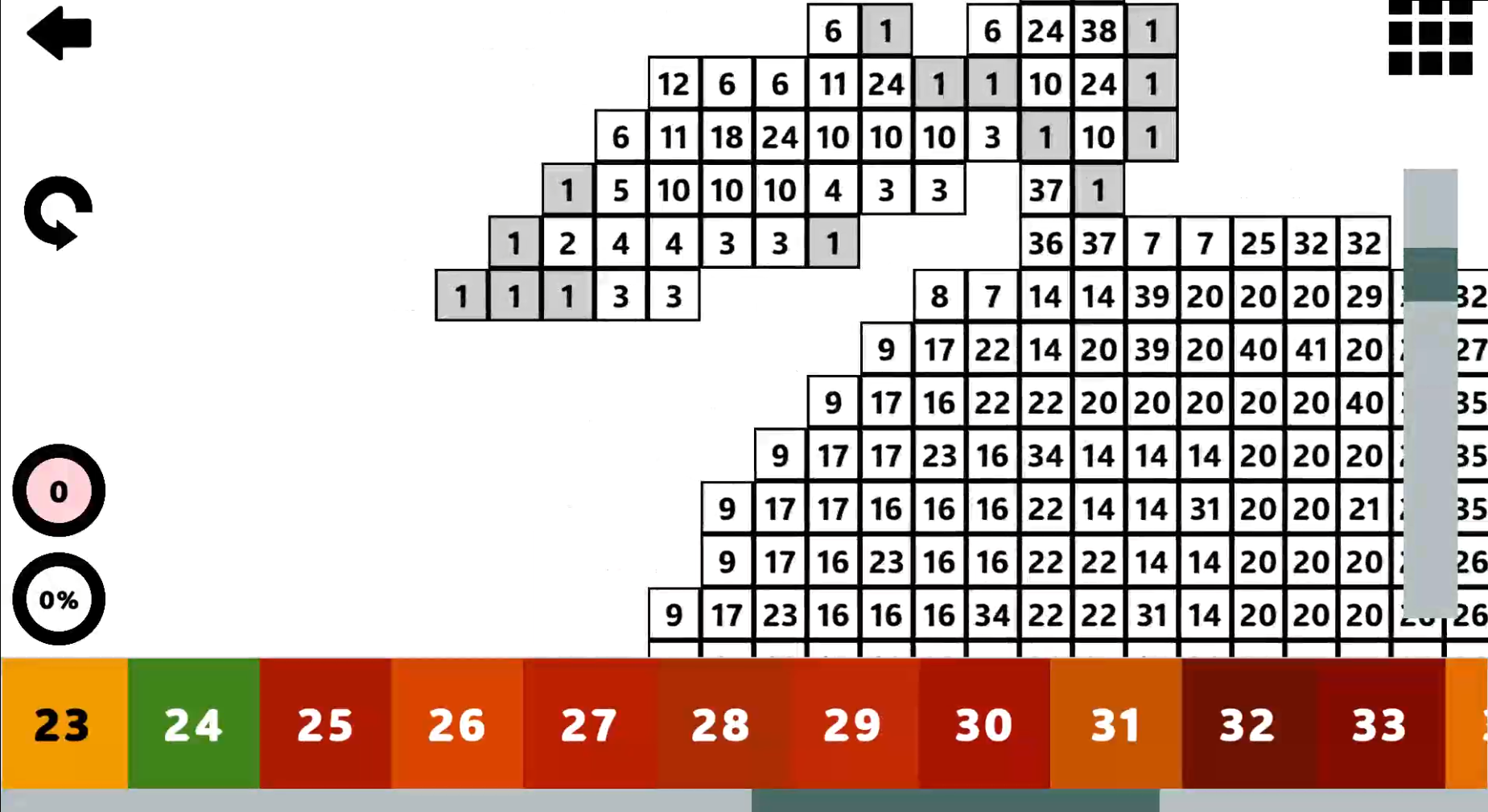
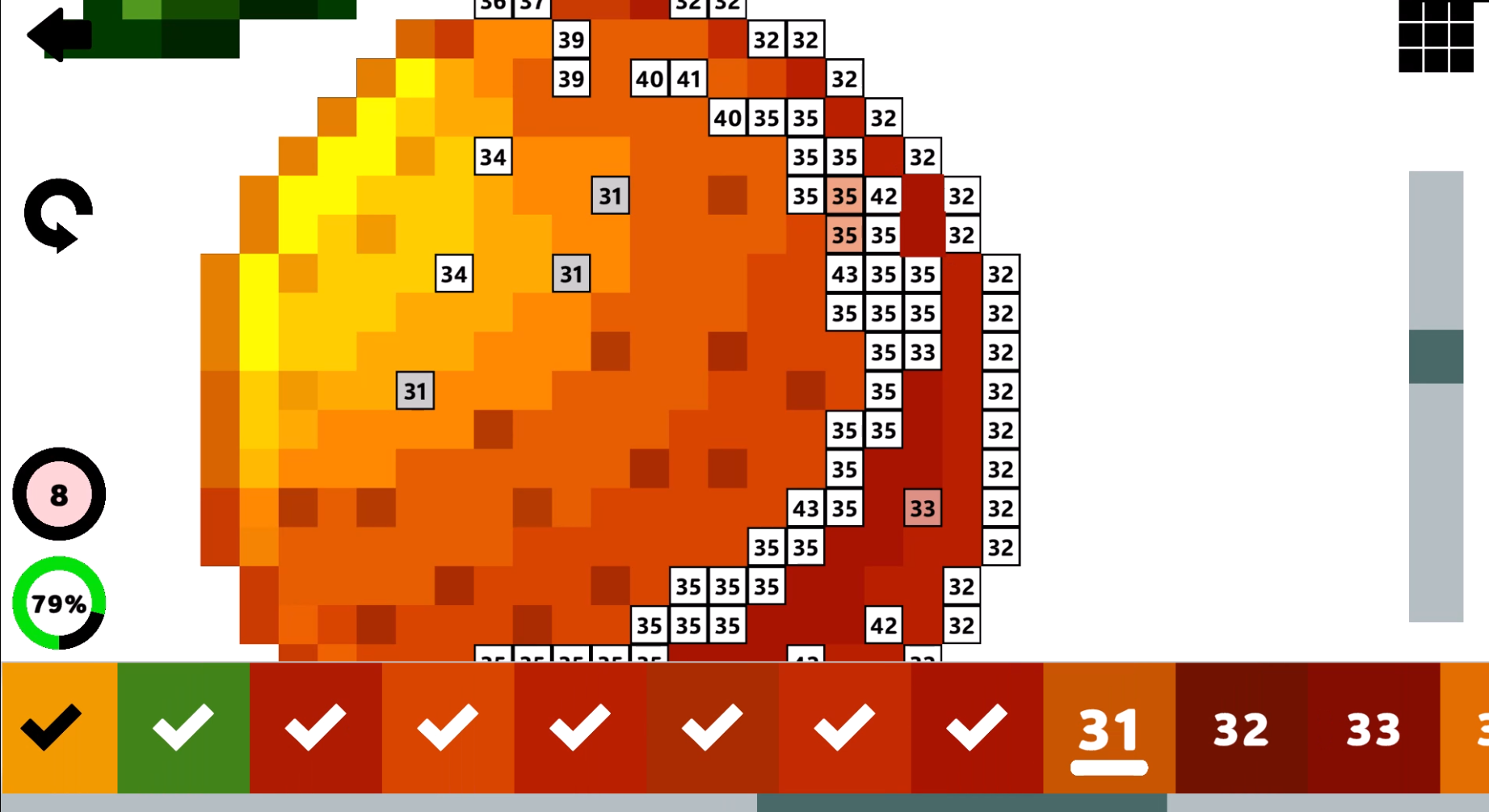
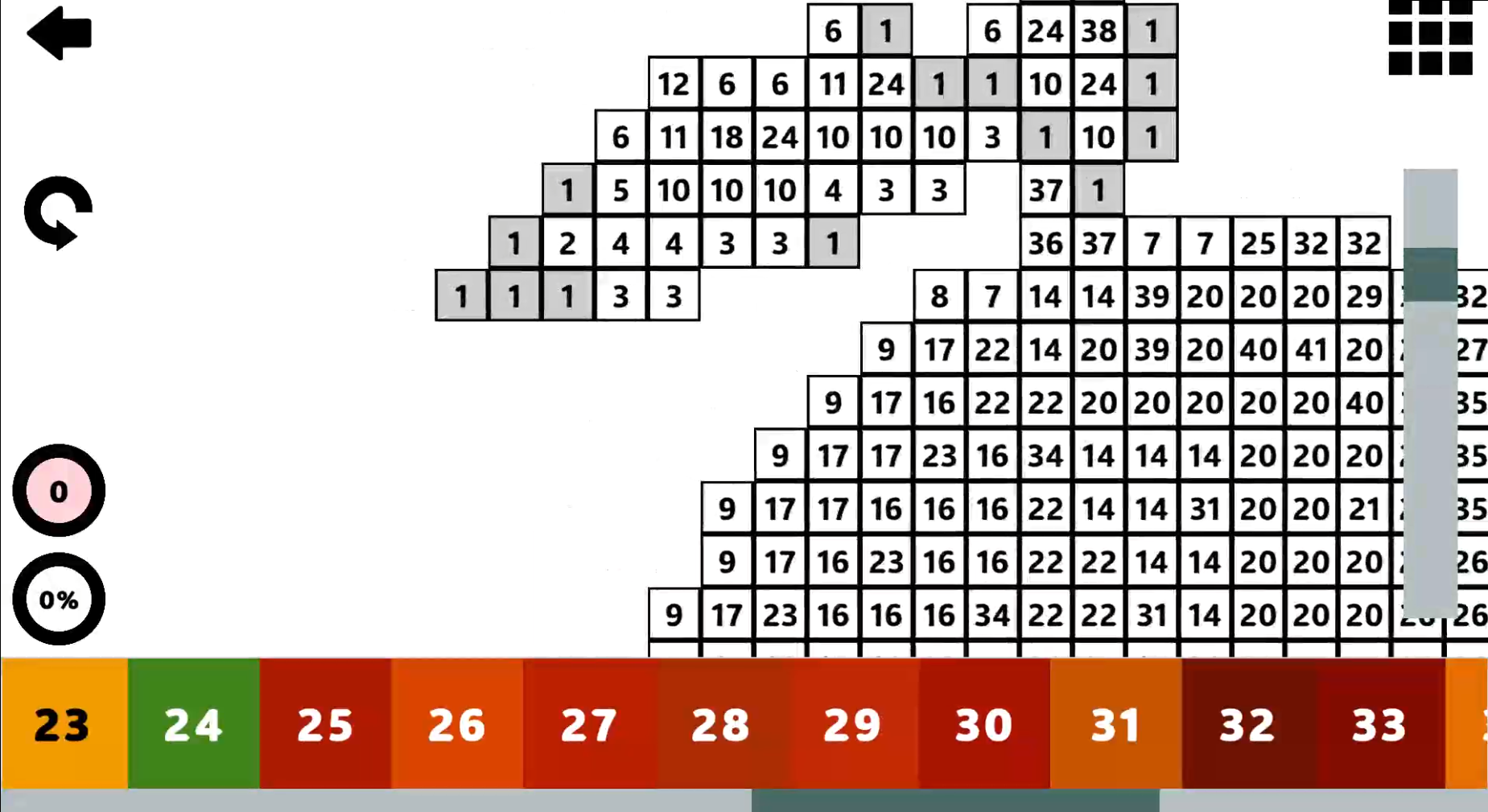
In the coloring mode, you need to select the desired color in the bottom panel and color the corresponding pixel on the playing field
During coloring, you can miss and paint over the wrong pixel, after which you are given error points, which reduce the final points for the drawing.
You can restart the level and then all the errors, along with all the progress of painting will be reset and you can start a new attempt to earn more points
Features
- Precision scoring: Your final result is calculated by subtracting incorrect pixels from your total shaded count.
- Progressive unlocking: Gain access to new fruit templates by accumulating points or completing specific milestones.
- Competitive leaderboards: Track your performance against other players to see who can achieve the most accurate coloring sessions.
- Retry mechanic: Reset your current level instantly if you make too many errors or want to improve your existing score.
- Intuitive palette: Select colors from a convenient bottom panel designed for quick navigation during intense coloring sessions.
Who is it for
Casual gamers and art enthusiasts who enjoy relaxing activities will find this experience incredibly satisfying. It serves as an excellent brain training tool for children while offering enough competitive depth for teens and adults seeking a quick way to practice precision and patience during their daily downtime.
Controls
Select color
Left click on a color in the bottom panel or tap it on your mobile screen.
Fill pixel
Click or tap on the specific grid square you want to color.
Reset level
Use the restart button in the menu to clear progress and start over.
FAQ
How do I unlock more levels in Draw fruits!?
›
You can unlock new images by earning enough points during gameplay, watching ads, or purchasing full access.
Is it possible to play Draw fruits! on my phone?
›
Yes, the game is fully optimized for mobile browsers so you can tap to color on the go.
How is my score calculated in Draw fruits!?
›
Your score is determined by the number of correctly shaded pixels minus the number of incorrect pixels you painted.