About game
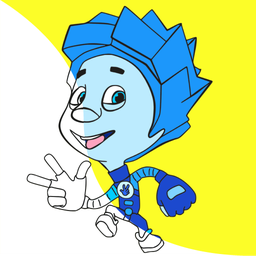
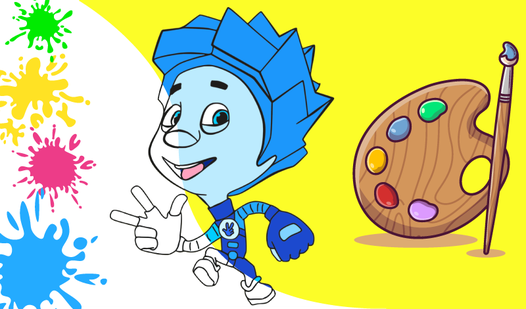
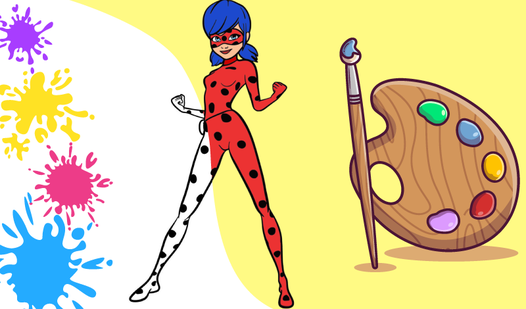
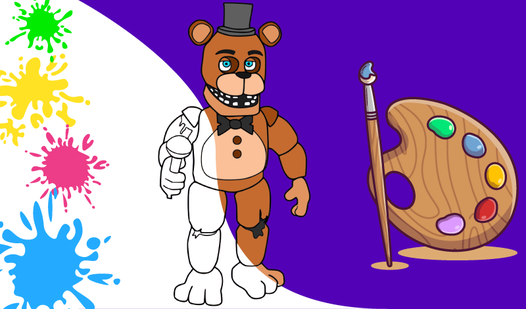
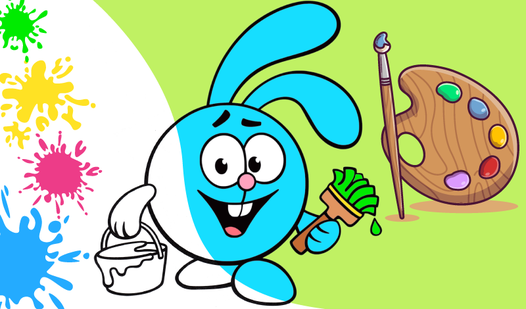
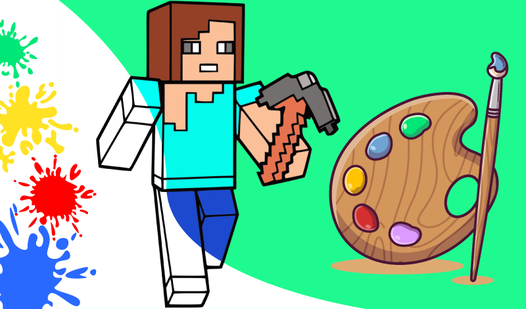
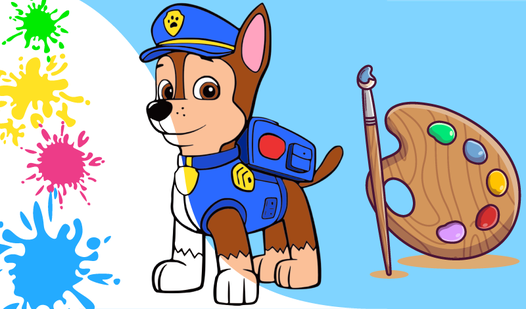
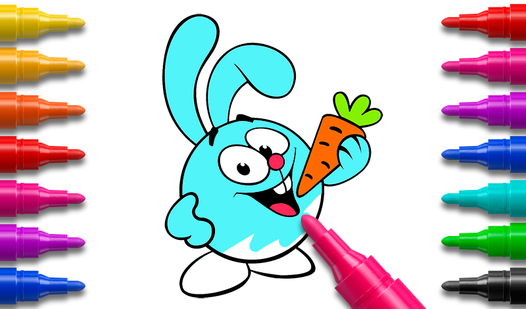
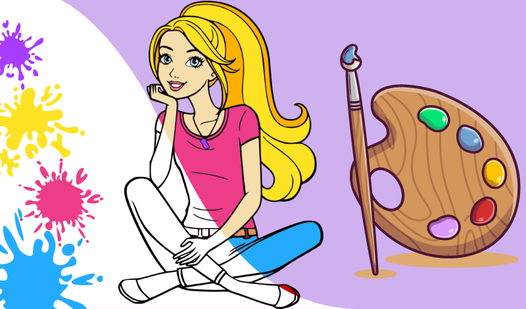
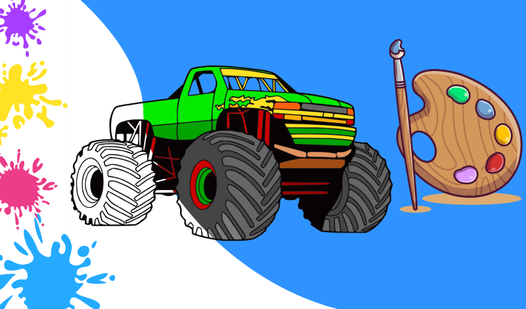
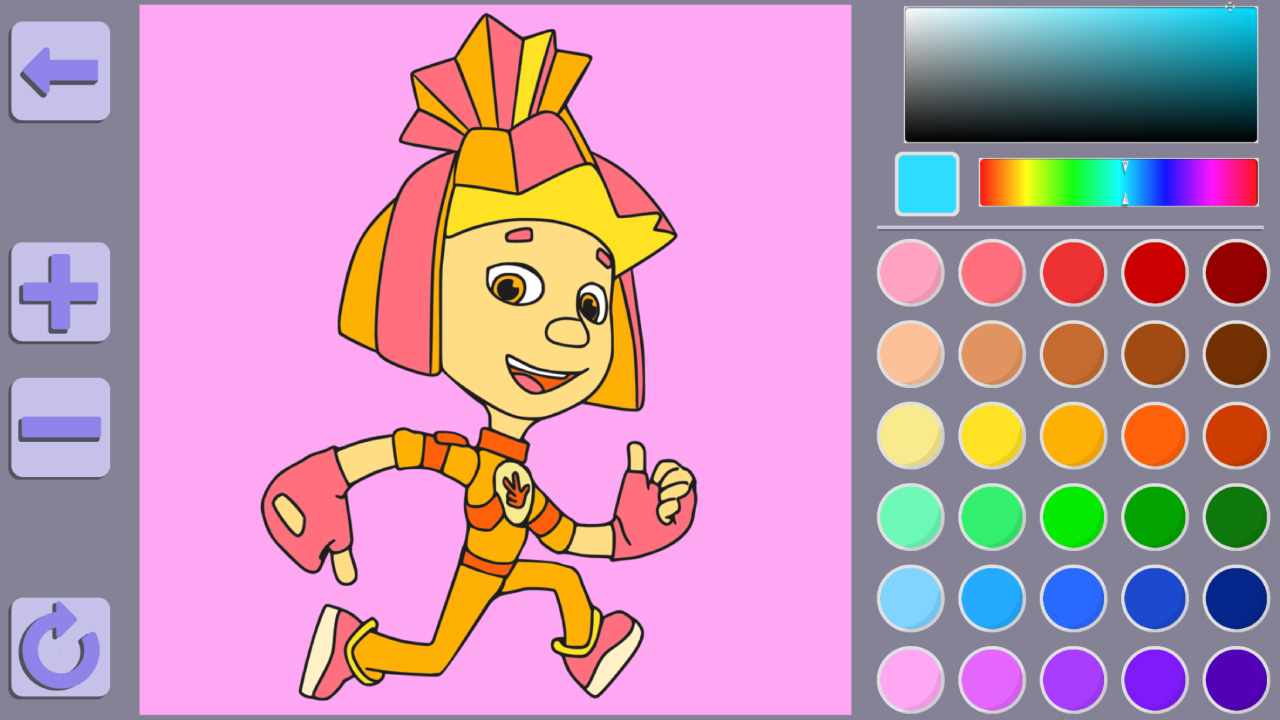
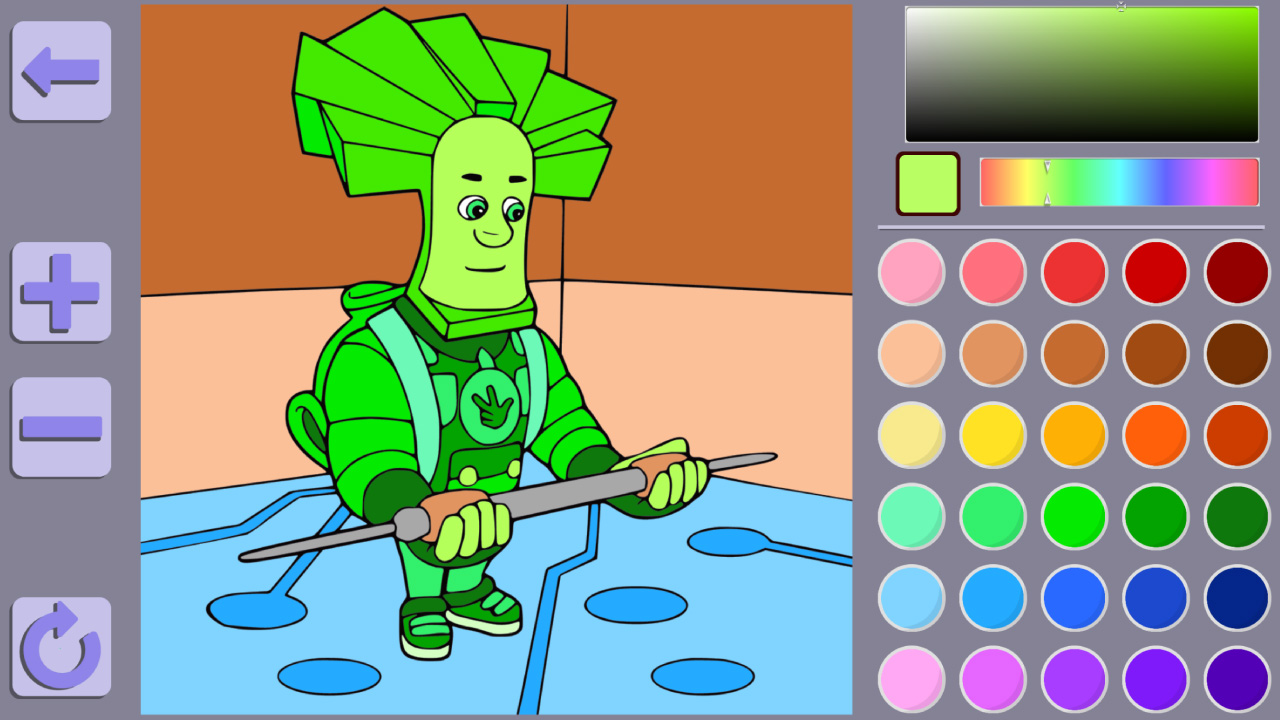
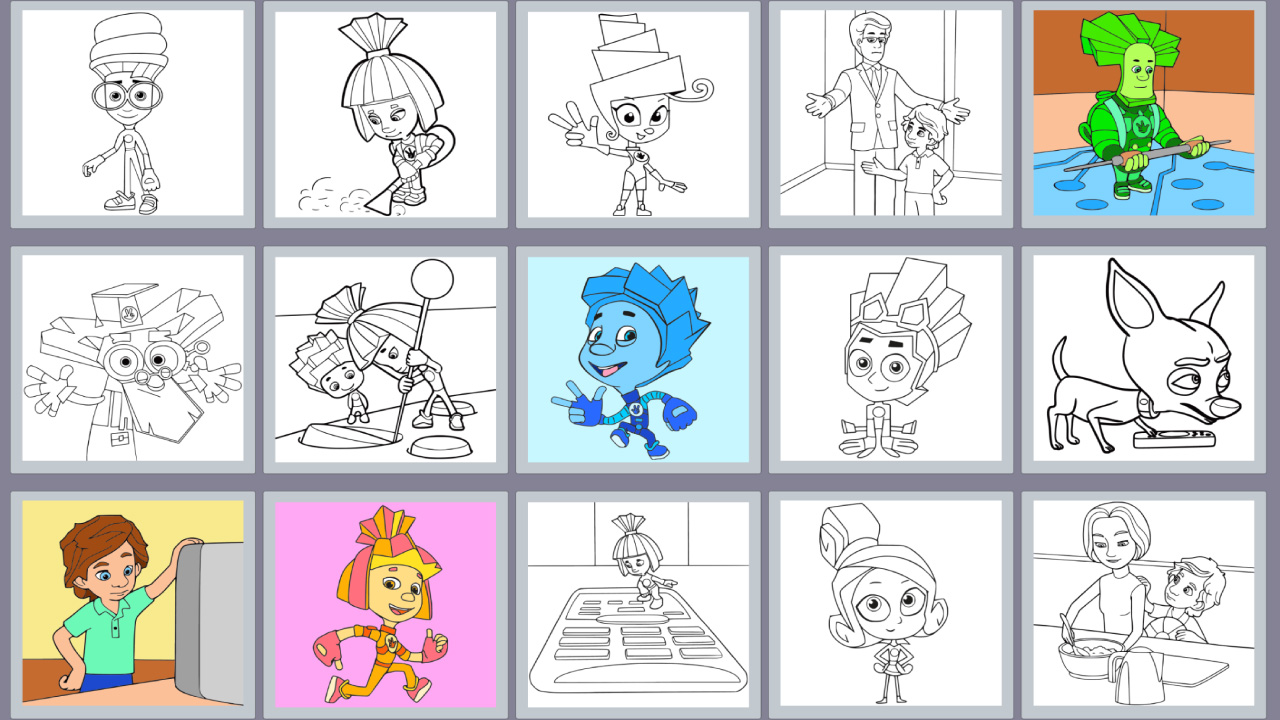
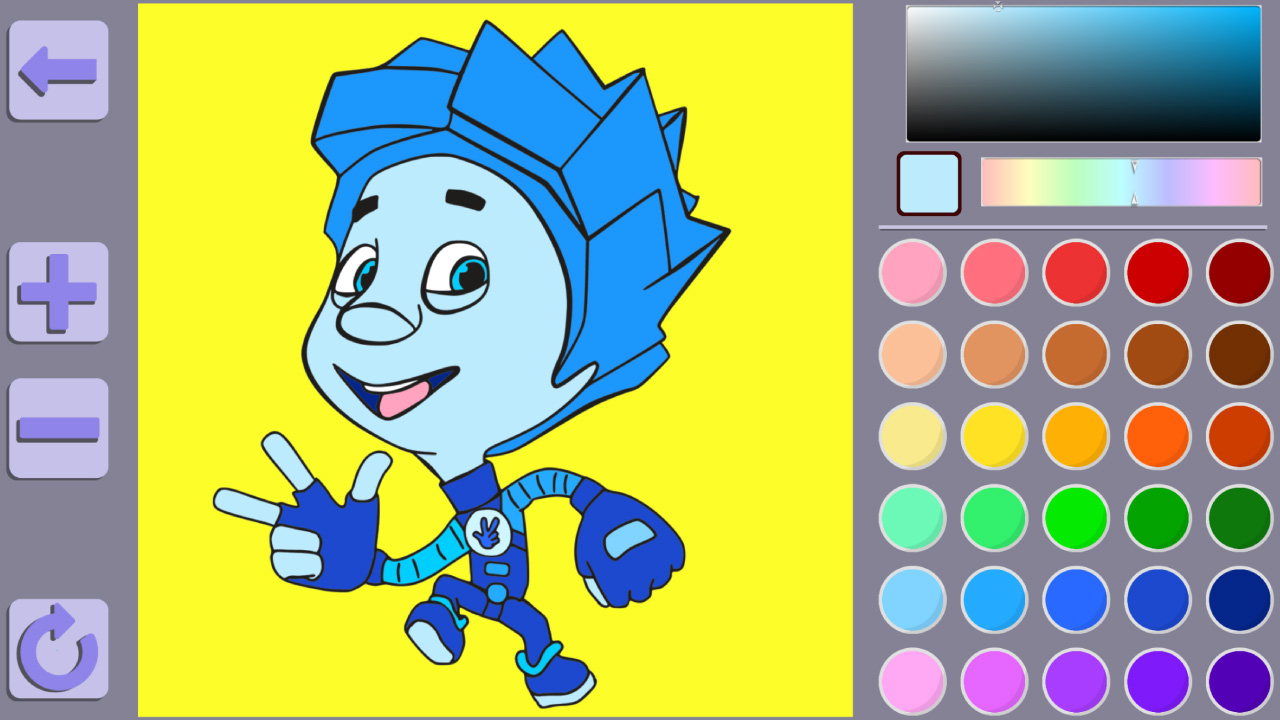
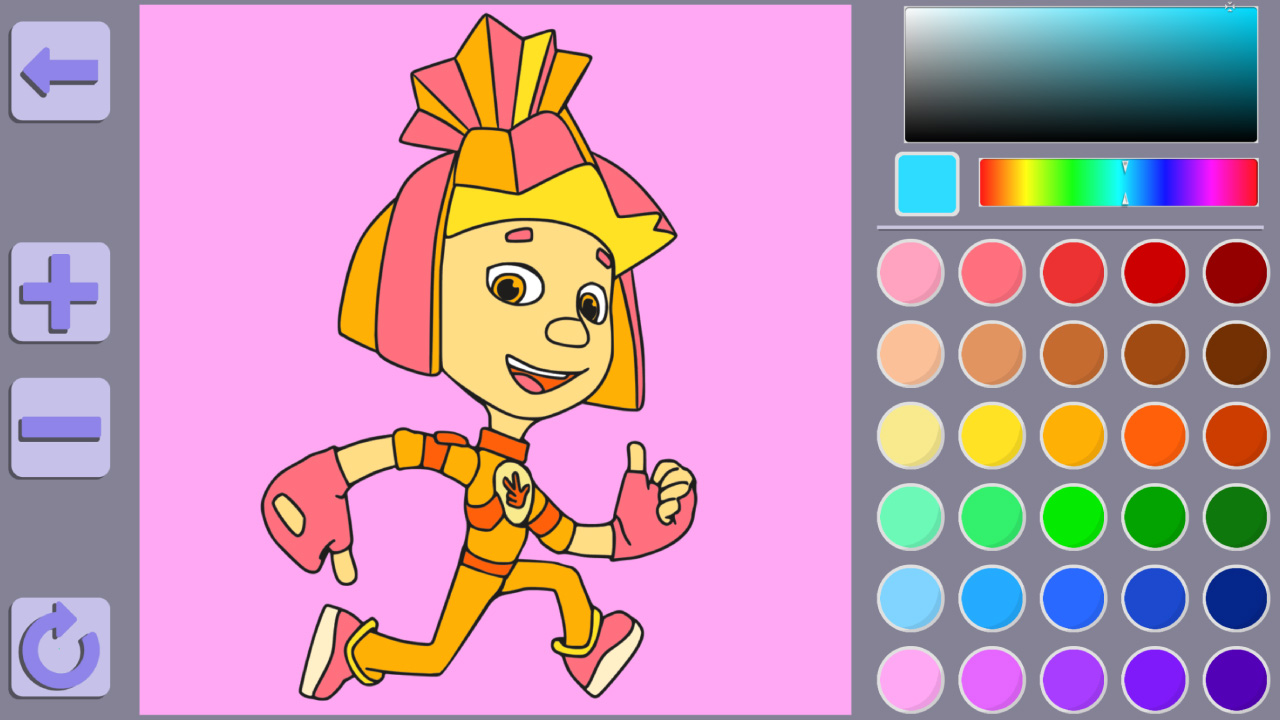
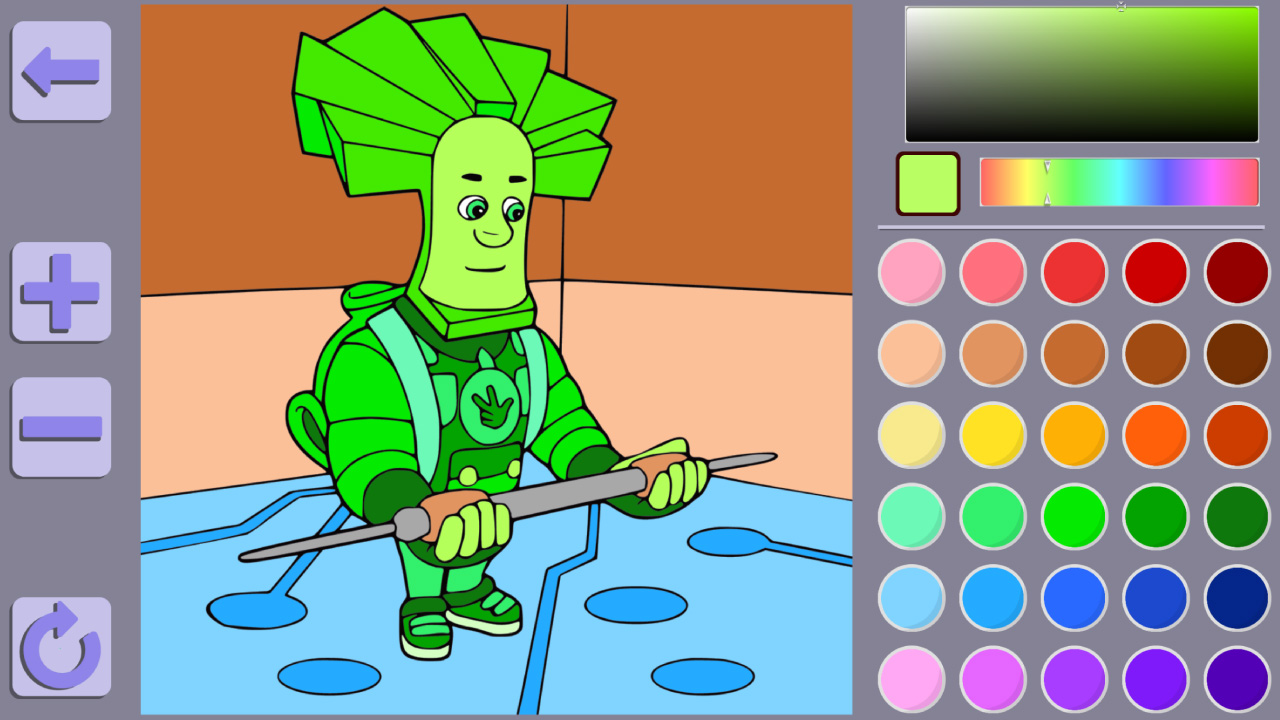
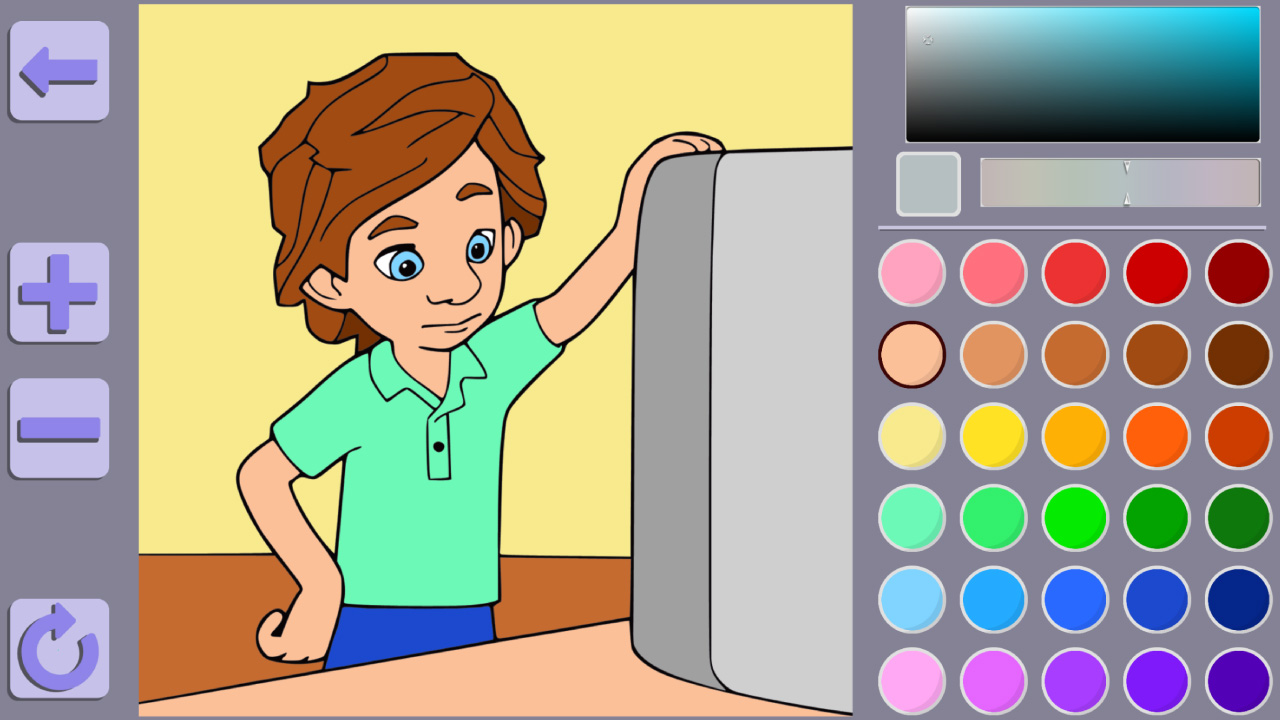
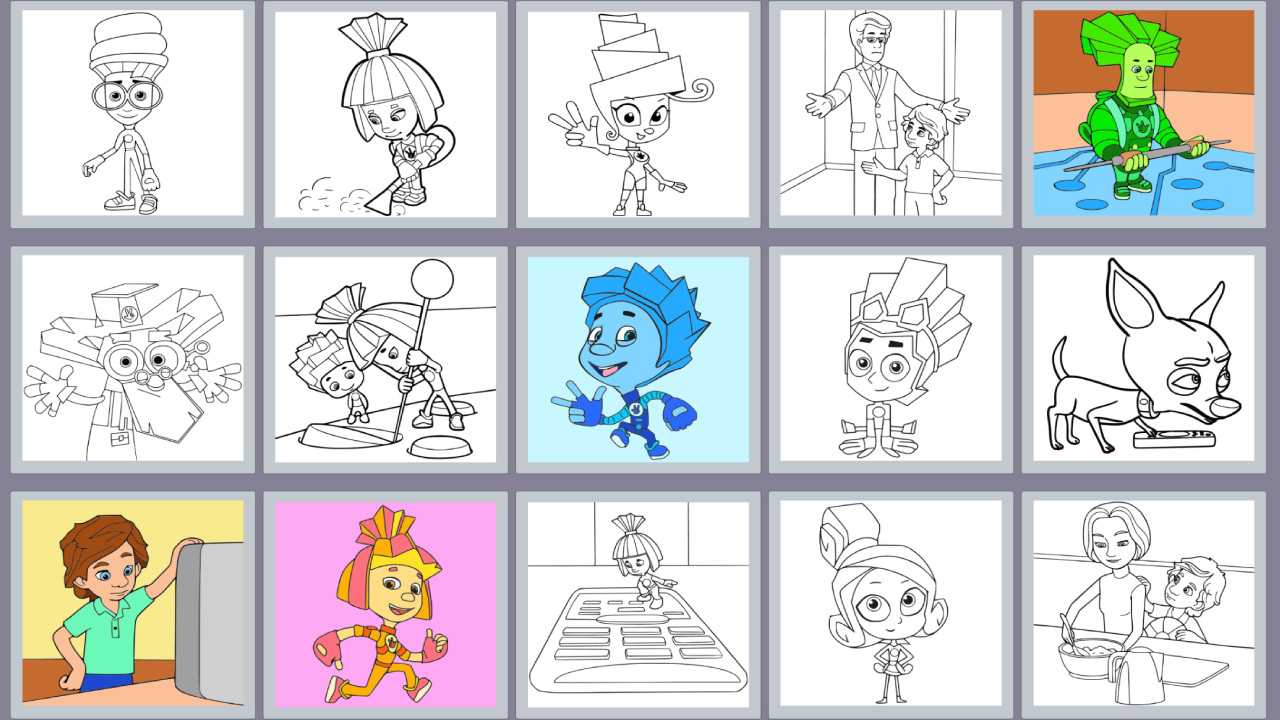
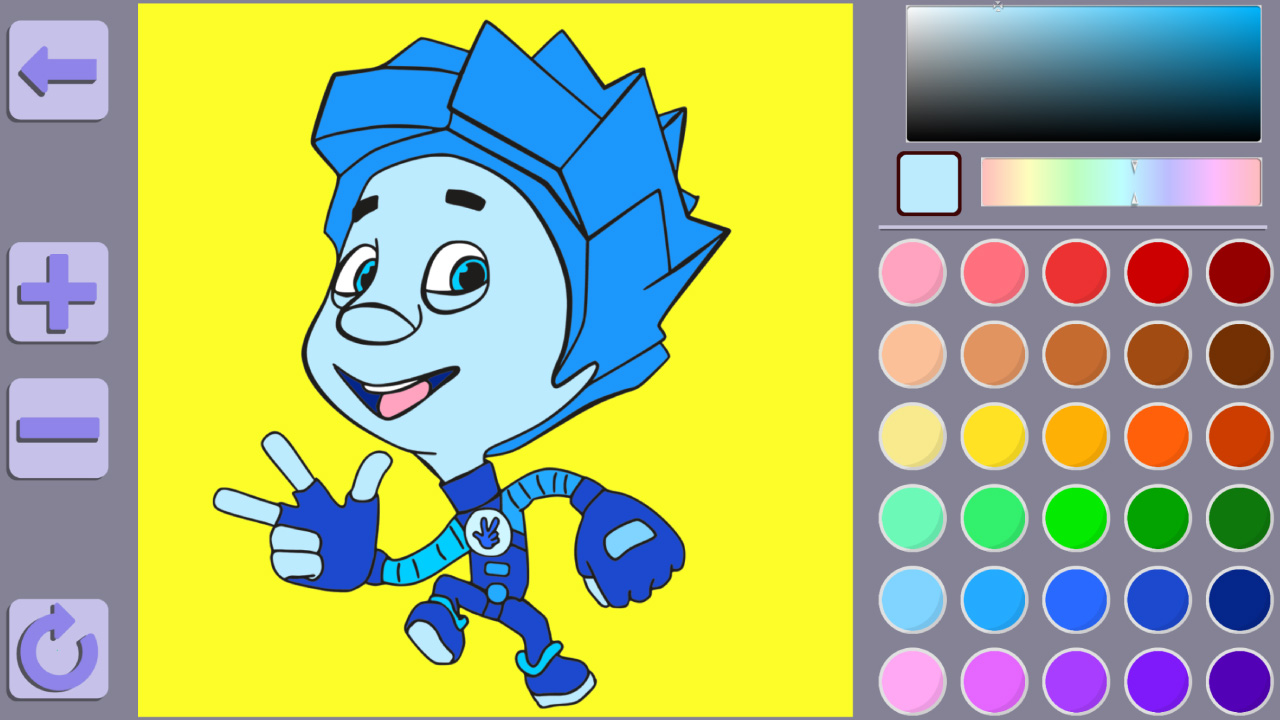
Staring at a blank screen during a short break can feel tedious when you just need a quick mental escape. Colouring book The Fixies and Friends acts as the perfect digital sanctuary to brighten your mood and unleash your creativity instantly. You get to interact with your favorite characters like Nolik and Simka while filling intricate scenes with vibrant hues. Simply select a template from the menu, grab your virtual brush, and start applying colors to every corner of the image. The interface offers both a pre-set palette for quick results and a custom color mixer for those who want to experiment with unique shades. Precision-focused players will appreciate the zoom functionality, ensuring no tiny detail is left uncolored. This relaxing coloring book experience provides a meditative outlet for fans of the show who want to paint their own masterpieces. Whether you are seeking a moment of calm or a creative challenge, everything you need is right here. Play Colouring book The Fixies and Friends for free directly in your browser without any downloads required.
How to play
Choose any colouring book and click on it.
Paint this picture using a mouse or touching on the screen of your phone.
You can zoom in the picture using the ➕ and ➖ buttons or the mouse wheel.
You can move the image by holding down the right mouse button or holding down the screen (for mobile devices).
You can clear all and start again clicking on the button ↩️ at the left corner.
Click the button ⬅️ if you want to get back on the menu.
Features
- Flexible Palette: Choose between a wide array of ready-to-use colors or create your own custom shades.
- Detail Zoom: Use the plus and minus buttons or your mouse wheel to get a closer look at small areas.
- Navigation Tools: Hold and drag the screen or use the right mouse button to pan across larger images.
- Quick Reset: The undo button allows you to clear the canvas instantly if you want to start your artwork from scratch.
- Intuitive Menu: Navigate seamlessly between different character templates using the back button to explore all available scenes.
Who is it for
Creative kids and fans of the Fixies cartoon will love this artistic challenge. It is also excellent for casual gamers seeking a relaxing, stress-free activity. Both boys and girls can enjoy customizing their favorite characters while practicing focus and color coordination in this simple yet engaging digital art experience.
Controls
Select and Paint
Click with your mouse or tap the screen to fill areas with color.
Zoom In and Out
Use the plus and minus buttons or your mouse wheel to adjust the view.
Pan View
Hold down the right mouse button or keep a finger pressed on the screen to move the image.
Navigate
Tap or click the arrow button to return to the main selection menu.
FAQ
Is Colouring book The Fixies and Friends free to play?
›
Yes, Colouring book The Fixies and Friends is completely free to play in your browser with no registration or download needed.
Can I play Colouring book The Fixies and Friends on my phone?
›
Absolutely, Colouring book The Fixies and Friends is fully optimized for mobile devices, allowing you to paint using touch controls.
How do I start a new picture in Colouring book The Fixies and Friends?
›
Simply click the back arrow button to return to the main menu and select any new colouring book page you wish to work on.