About game
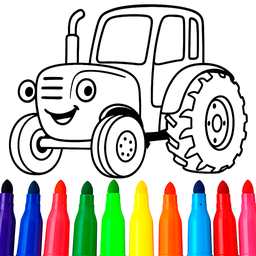
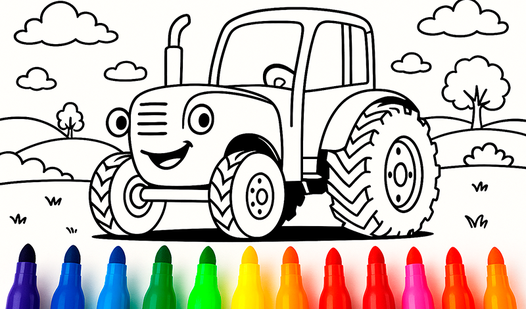
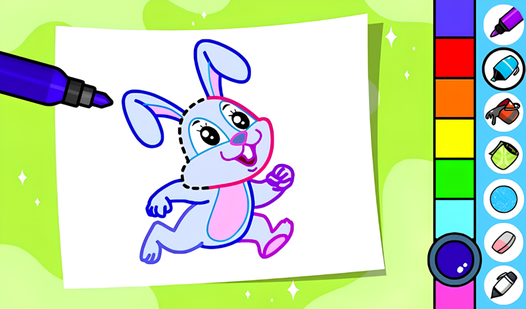
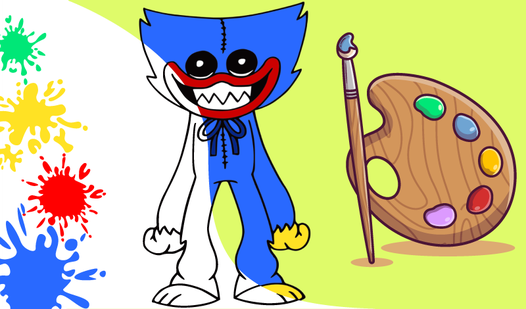
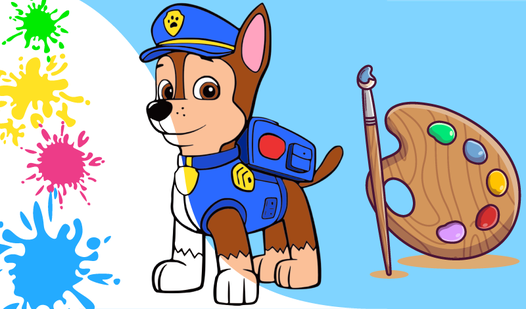
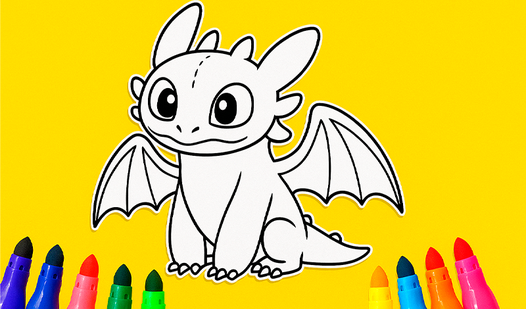
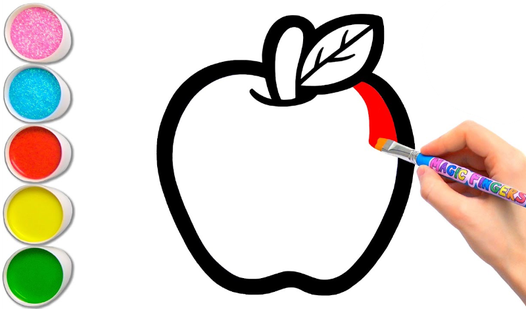
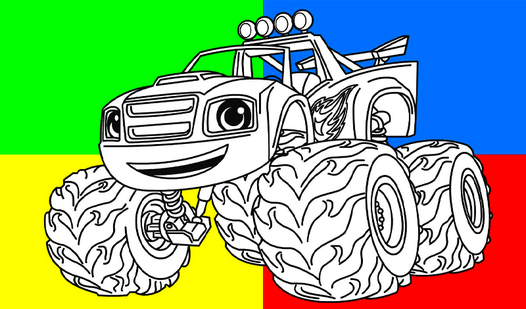
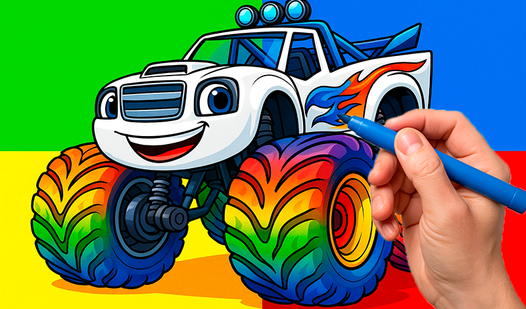
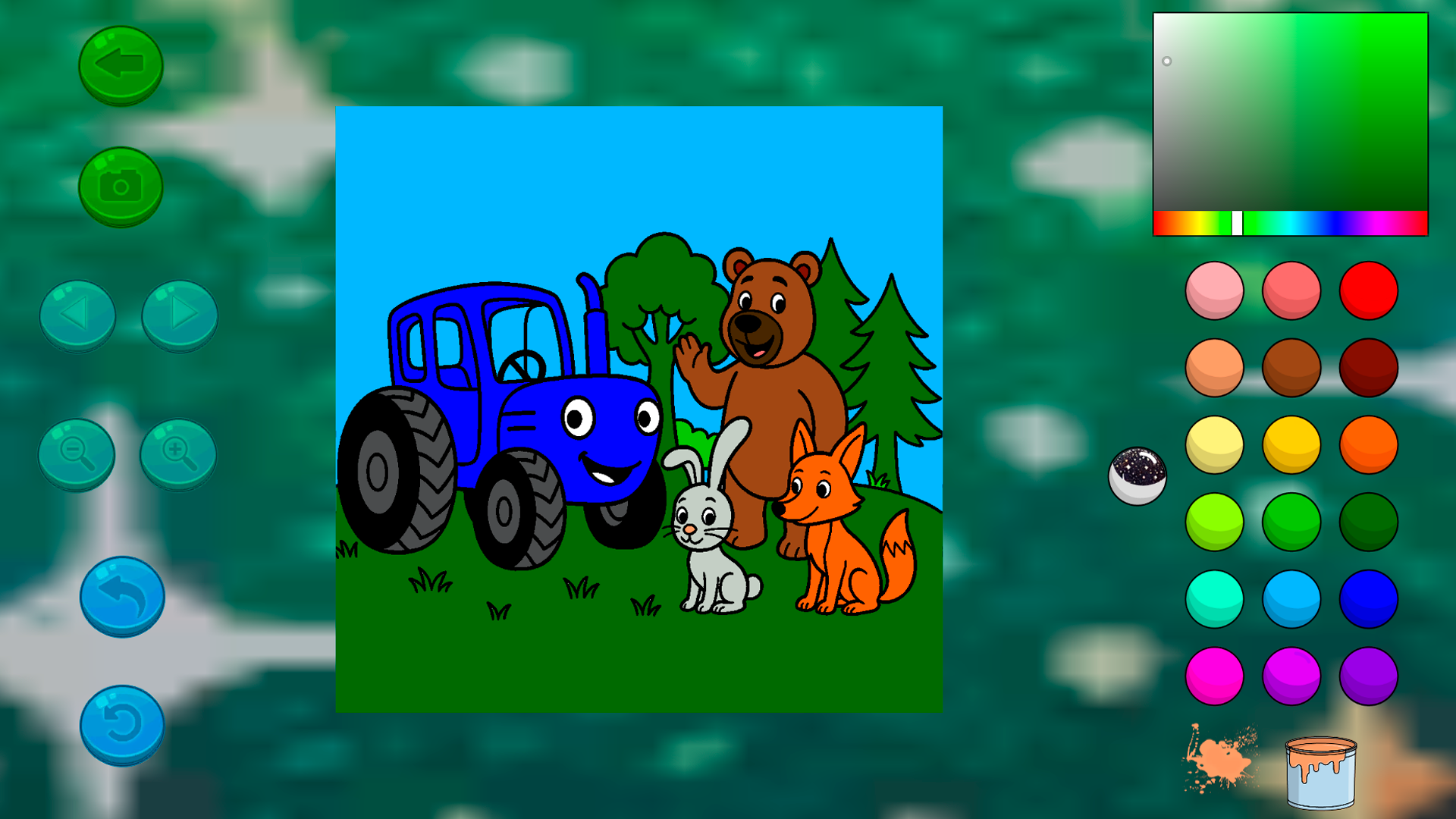
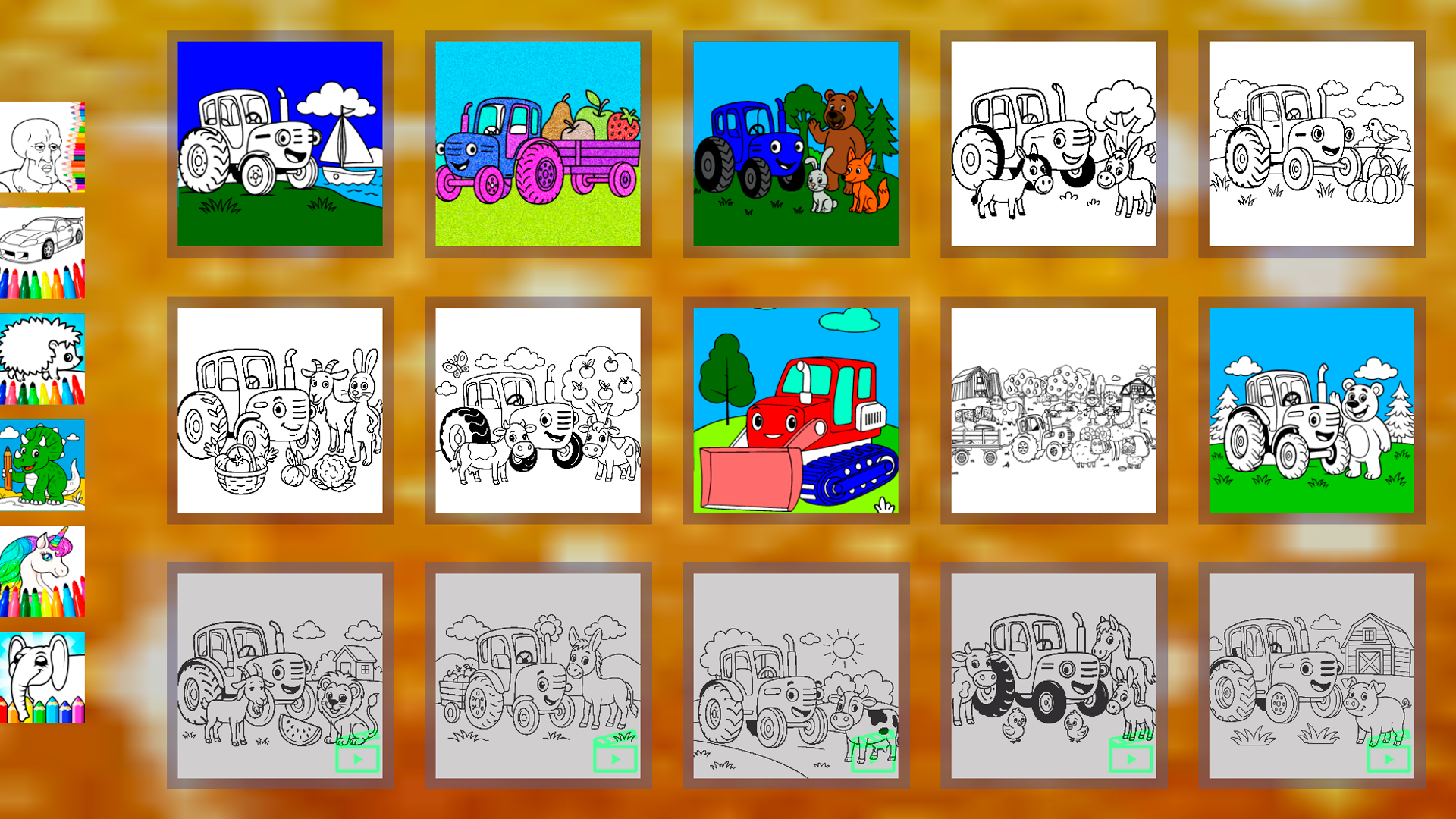
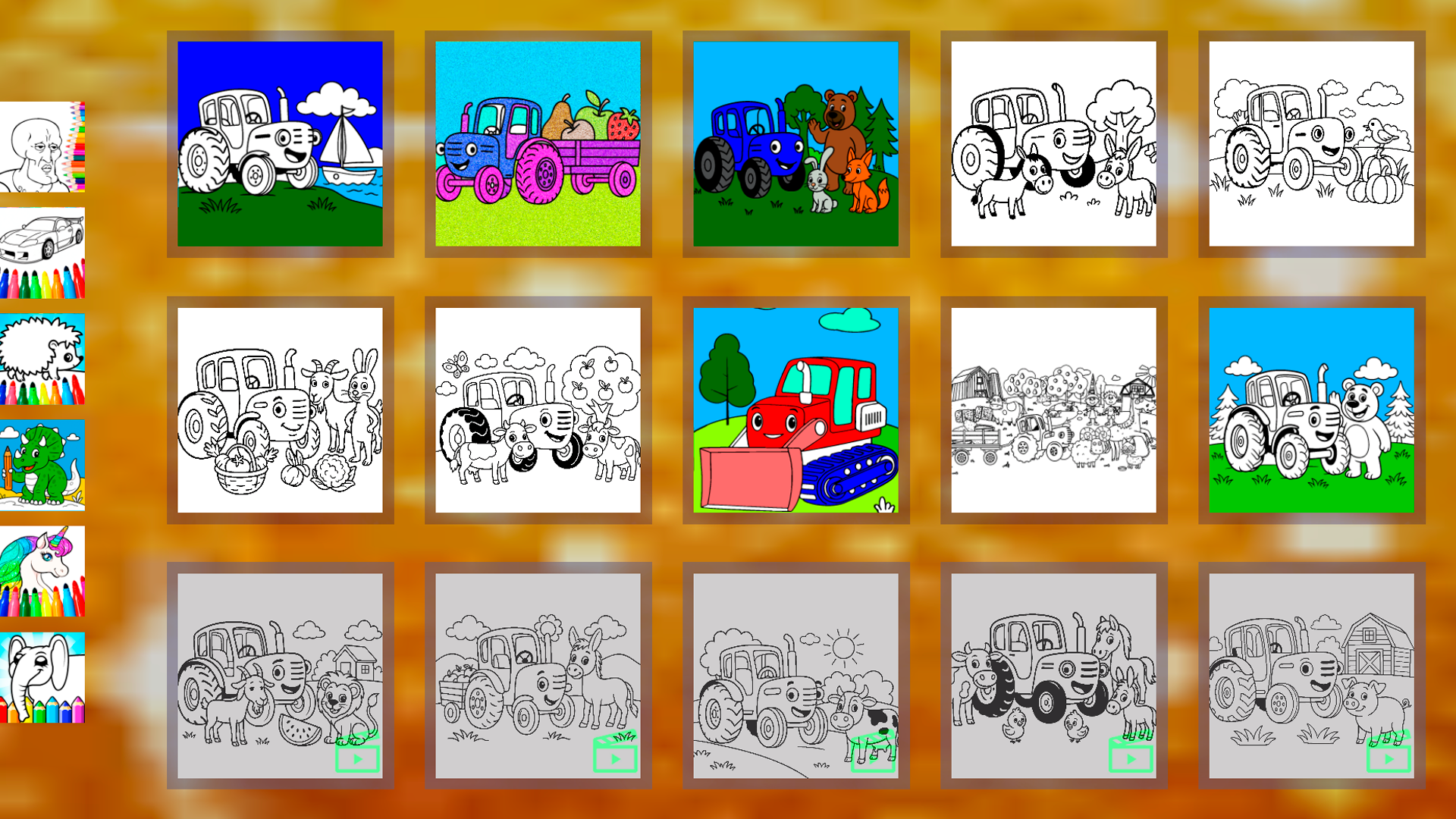
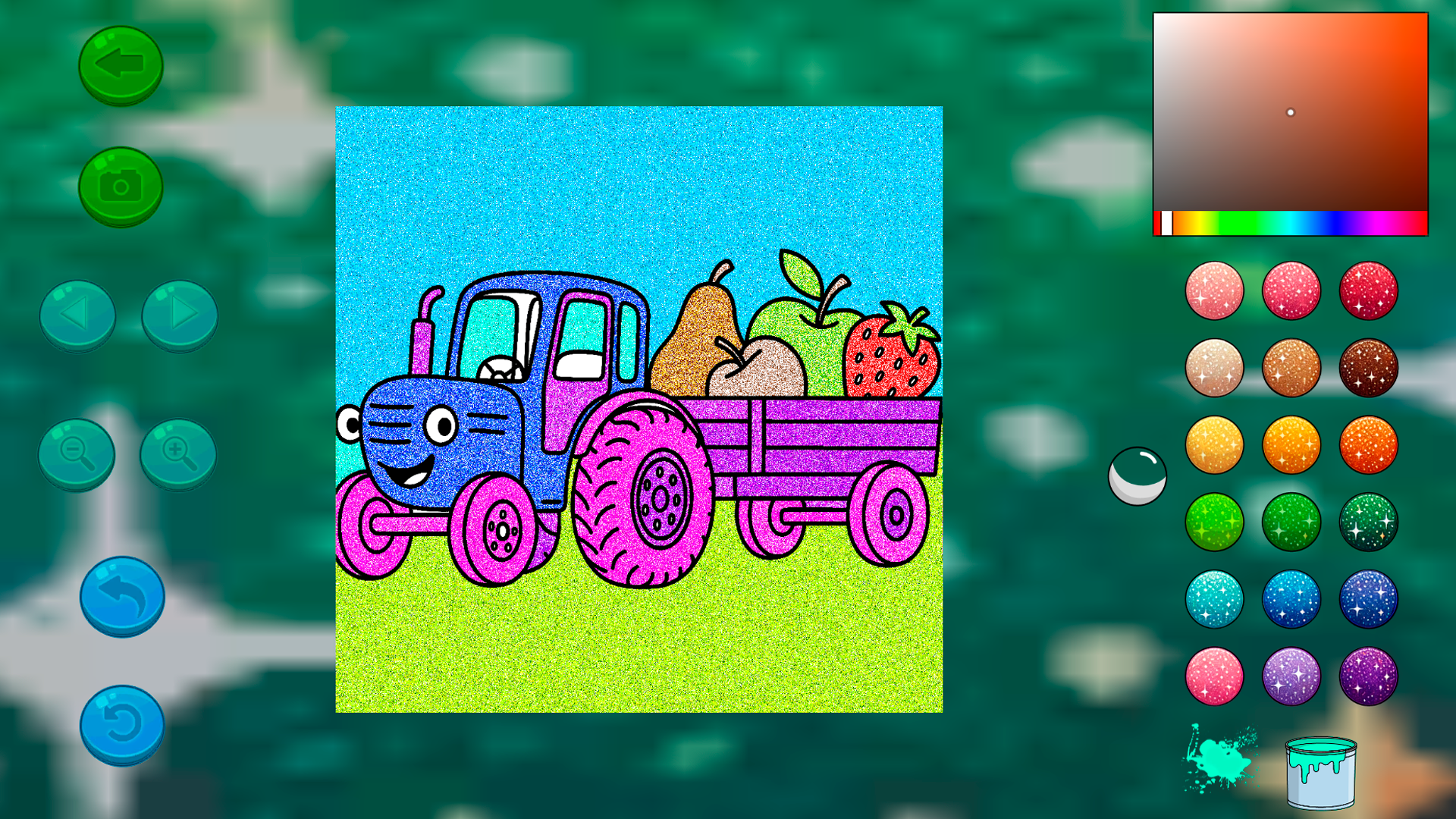
Bring your favorite characters to life as you splash vibrant hues across every scene. Blue Tractor: Coloring book for kids offers a digital canvas where creativity knows no bounds and every tap transforms a blank page into a masterpiece. Select your preferred shade from the palette and watch as the iconic tractor and his cheerful friends pop off the screen with personality. With simple tools like the interactive paint can, you never know what surprise color might appear next to brighten your day. Navigating through the gallery is effortless, allowing little artists to jump between different scenes or undo a mistake with just a single click. This digital coloring experience helps build fine motor skills while keeping young minds entertained for hours on end. It is the perfect creative outlet for toddlers who love the famous tractor character and want to explore their own artistic side. Play Blue Tractor: Coloring book for kids directly in your browser with no downloads or registration required for endless artistic fun.
How to play
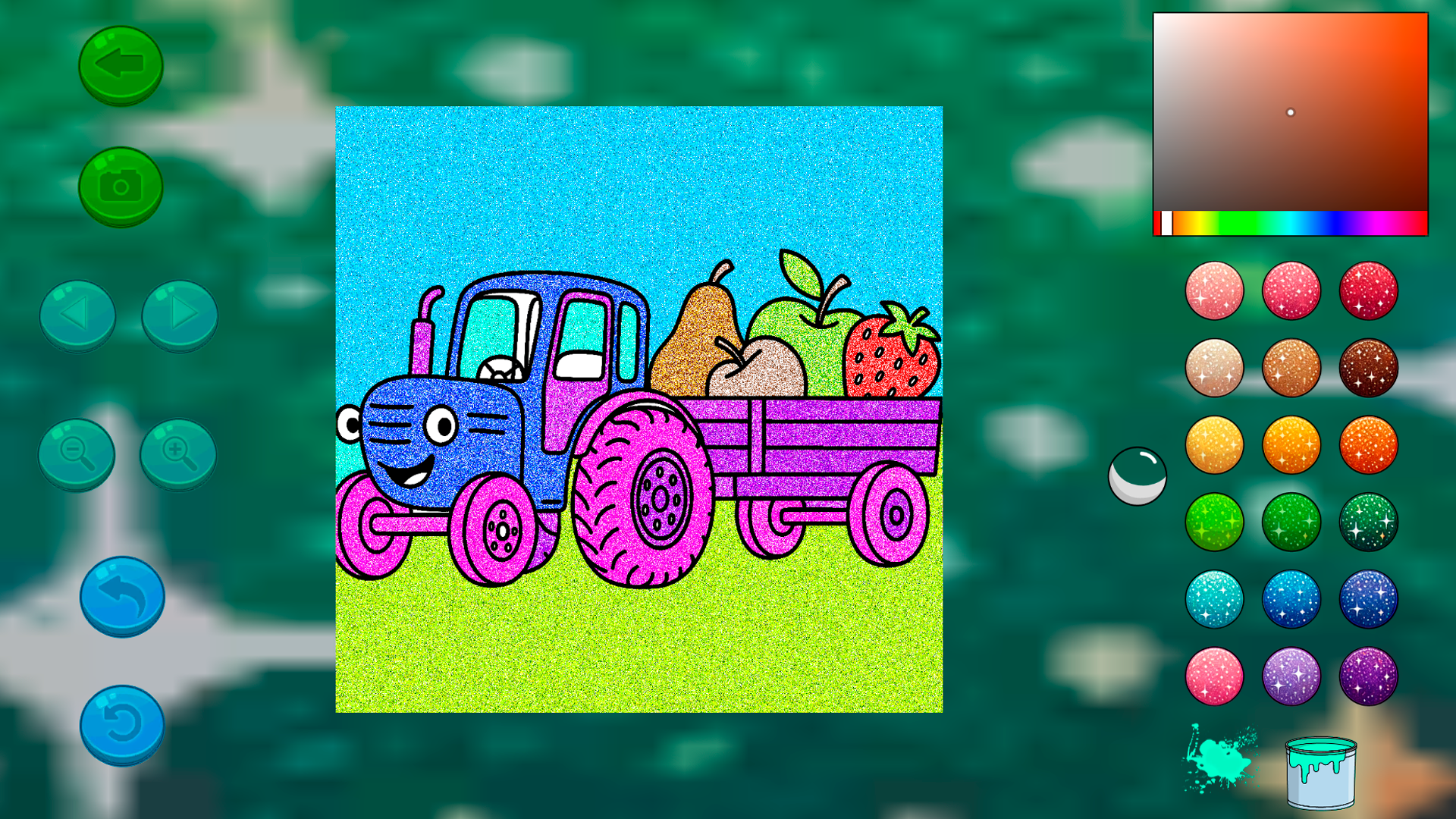
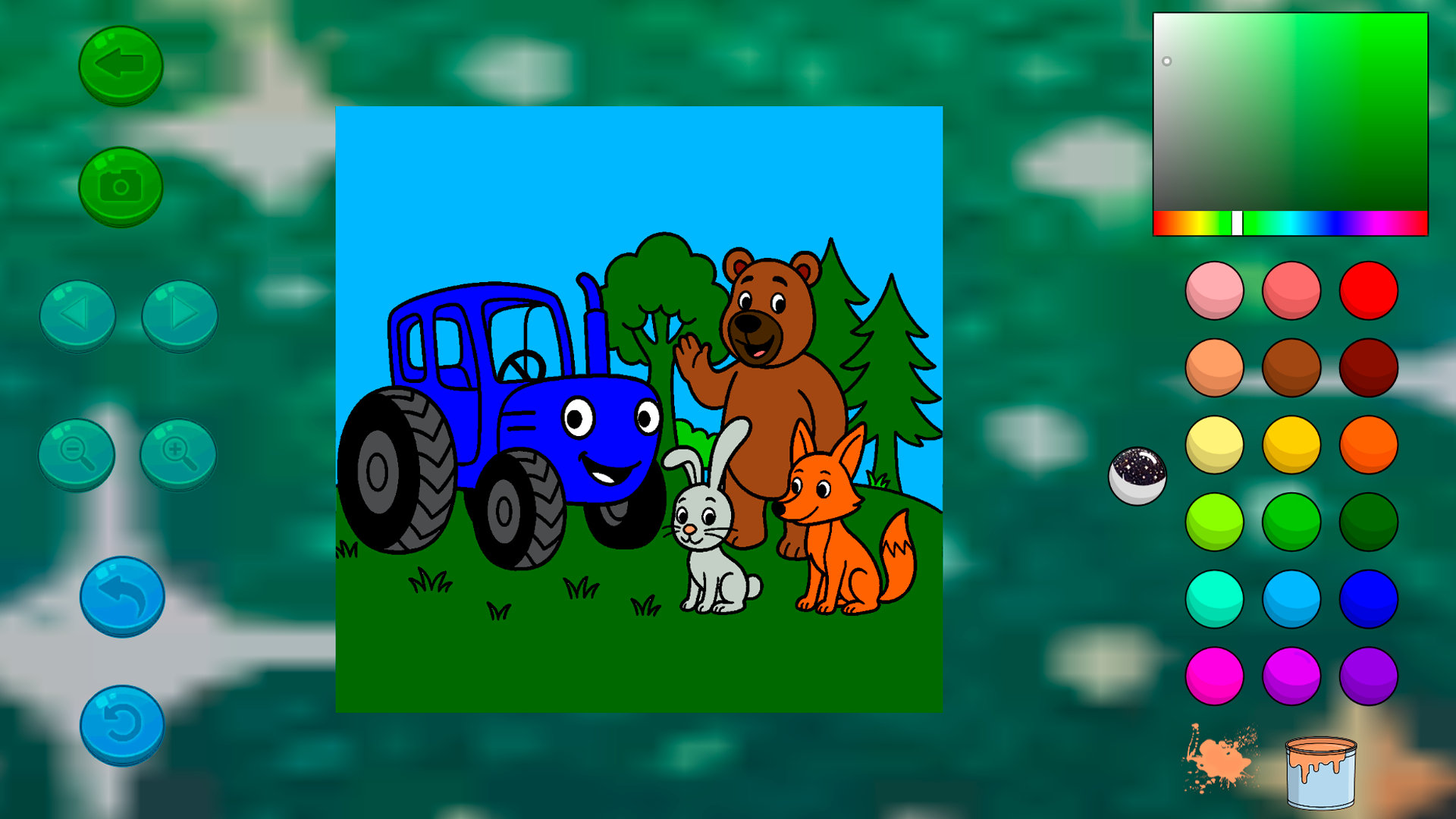
1. Open the coloring page 🎨
2. Choose a color 🔵
3. Color everything you see! 🌉
Control buttons:
Green arrow ⬅️ - Go back to all drawings
Camera 📷 - Save your drawing
Left/right arrows ⏪⏩ - Go to the next/previous drawing
Blue arrow ↩️ - Undo the last action
Circular arrow 🔄 - Restore the drawing to its initial state
Colors:
By clicking on any color on the right, you choose it and can color the drawing.
❤️💛💚💙💜🖤
Paint can:
When you press the can, a puddle of paint appears nearby.
You might get lucky, and an interesting and unusual color will spill out of the can
🎉
Features
- Smart Undo Tool: Use the blue arrow button to instantly remove your last stroke if you want to try a different color scheme.
- Surprise Paint Mechanic: Clicking the paint can triggers a random color spill, adding an element of excitement to every coloring session.
- Image Gallery: Easily switch between various scenes featuring the main tractor character using the intuitive left and right navigation arrows.
- Progress Saving: Capture your finished artwork digitally using the camera tool to keep a record of every creative milestone.
- Reset Function: Use the circular arrow button to clear the canvas completely and start your artistic project over from scratch.
Who is it for
Toddlers and preschoolers who adore creative play will find this a perfect match. Parents looking for a safe, educational, and engaging digital activity for their children will appreciate the simple interface. It is a fantastic tool for developing artistic expression and color recognition in a fun environment.
Controls
Select color
Tap or click on any color from the right-hand palette.
Apply paint
Tap or click the specific area of the drawing you wish to fill.
Navigate
Use the on-screen arrows to swipe or click between different drawing pages.
Save image
Tap the camera icon to save your current coloring progress.
FAQ
Is Blue Tractor: Coloring book for kids safe for toddlers?
›
Yes, Blue Tractor: Coloring book for kids is designed with a simple, intuitive interface that is perfect for young children to use independently.
Do I need to install anything to play Blue Tractor: Coloring book for kids?
›
Not at all, as Blue Tractor: Coloring book for kids runs directly in your web browser with no download or registration required.
Can I save my progress in Blue Tractor: Coloring book for kids?
›
Yes, you can use the built-in camera function within Blue Tractor: Coloring book for kids to save and store your finished drawings.