About game
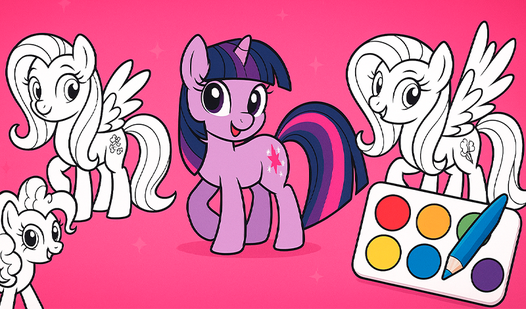
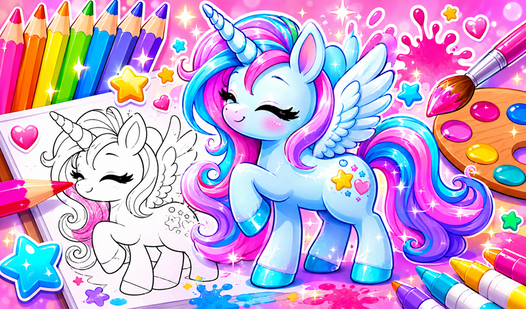
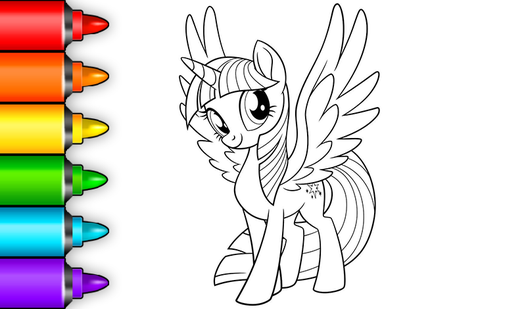
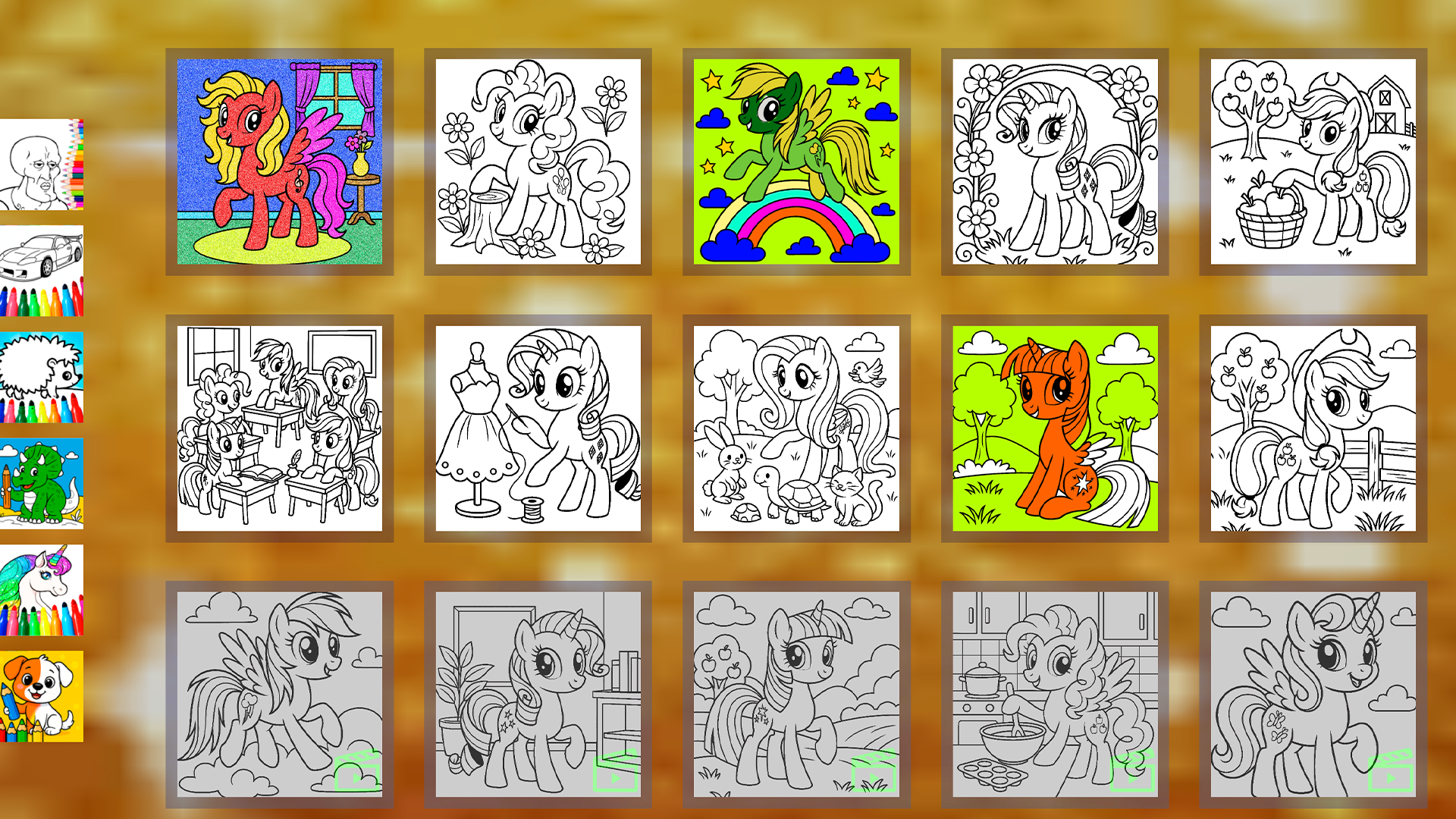
Staring at a blank screen during your coffee break is the perfect sign that you need a spark of creativity to brighten your day. Little Pony: Coloring Book serves as the ultimate digital escape, offering a relaxing space to bring your favorite characters to life. You simply select a page featuring a iconic character and start filling the outlines with a vibrant palette of shades. The intuitive touch interface makes it easy to tap and fill sections with your chosen hues, allowing for endless artistic experimentation. If you are feeling adventurous, the mystery paint can mechanic occasionally spills unexpected and magical colors onto your canvas. This title makes it incredibly easy to express your personal style through digital coloring without any mess or cleanup. You can save your masterpieces to your device or restart the page anytime to try out new color combinations. Experience this delightful my little pony adventure for free directly in your browser with no download required.
How to play
1. Open the coloring page 🎨
2. Choose a color 🔵
3. Color everything you see! 🌉
Control buttons:
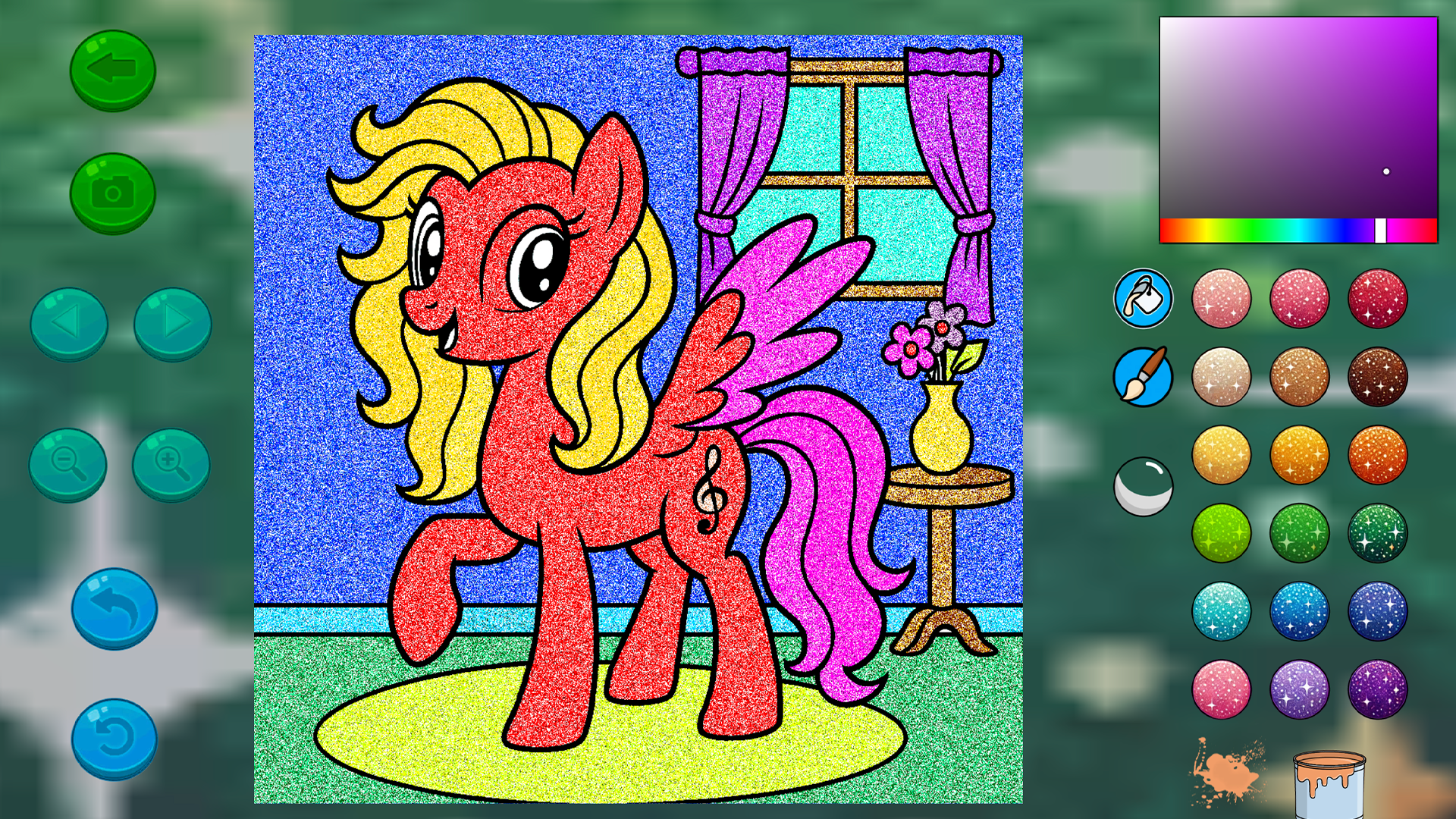
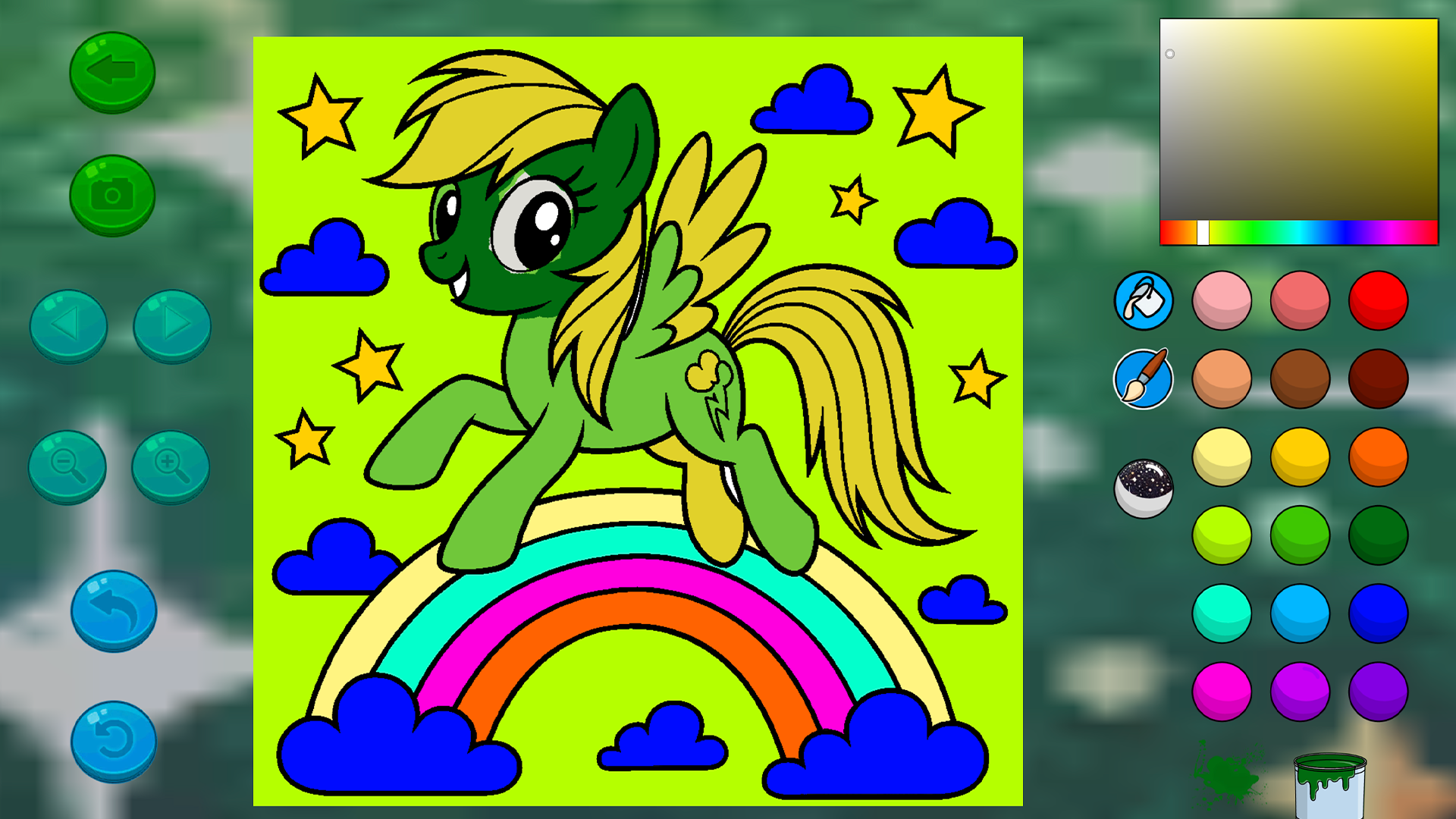
Green arrow ⬅️ - Go back to all drawings
Camera 📷 - Save your drawing
Left/right arrows ⏪⏩ - Go to the next/previous drawing
Blue arrow ↩️ - Undo the last action
Circular arrow 🔄 - Restore the drawing to its initial state
Colors:
By clicking on any color on the right, you choose it and can color the drawing.
❤️💛💚💙💜🖤
Paint can:
When you press the can, a puddle of paint appears nearby.
You might get lucky, and an interesting and unusual color will spill out of the can
🎉
Features
- Magic Paint Can: Activate the special tool to randomly trigger unique and vibrant color splashes across your canvas.
- Image Gallery: Browse through a collection of scenes featuring beloved characters from the popular cartoon series.
- Undo Functionality: Easily correct any mistakes with the dedicated undo button that reverts your last brushstroke.
- Progress Reset: Hit the circular arrow to clear your progress and start fresh whenever you want to test a different style.
- Instant Capture: Use the built-in camera tool to save your completed artwork directly to your device for easy sharing.
Who is it for
Creative children and fans of the beloved cartoon series who enjoy relaxing artistic activities. Young artists will love exploring color combinations, while parents appreciate a mess-free digital outlet for their kids. It is a fantastic way for anyone to unwind during a quick break with simple, rewarding gameplay.
Controls
Select Color
Tap on any color from the palette on the right side of the screen.
Apply Paint
Tap on the desired area of the drawing to fill it with the selected color.
Navigate Pages
Use the left and right arrows to switch between different coloring scenes.
Save Artwork
Tap the camera icon to download your finished creation.
Undo Action
Tap the blue arrow icon to retract your most recent coloring step.
FAQ
Is Little Pony: Coloring Book safe for children to play online?
›
Yes, Little Pony: Coloring Book is designed to be a kid-friendly experience with simple mechanics and no hidden costs.
Can I play Little Pony: Coloring Book on my mobile device?
›
Absolutely, the game is fully optimized for mobile browsers so you can enjoy coloring on your phone or tablet.
Does Little Pony: Coloring Book require a registration to save images?
›
No registration is needed to enjoy the game or save your artwork, as you can play directly in your browser for free.