About game
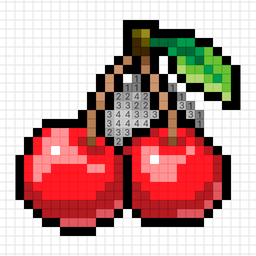
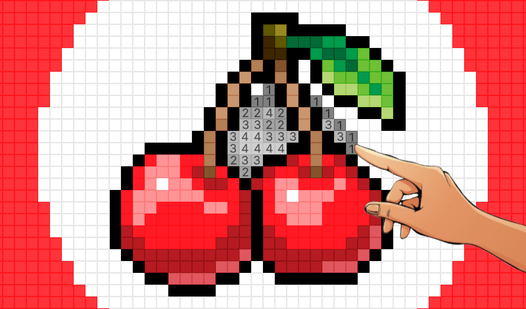
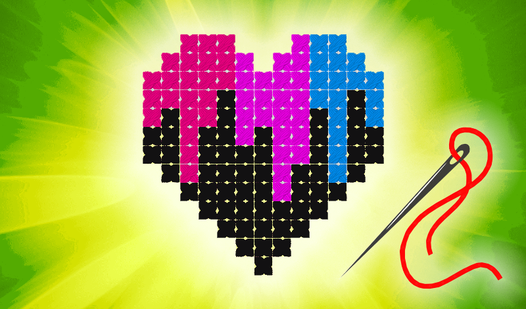
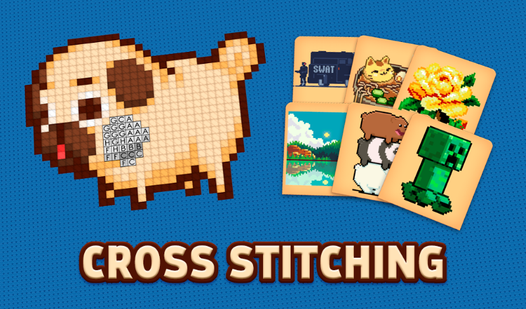
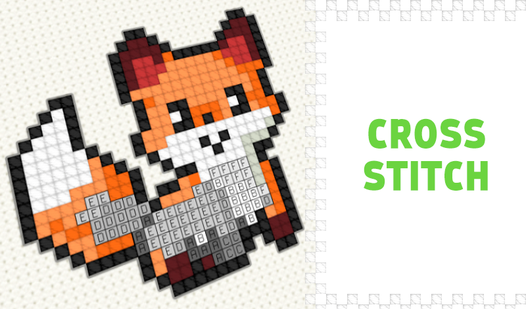
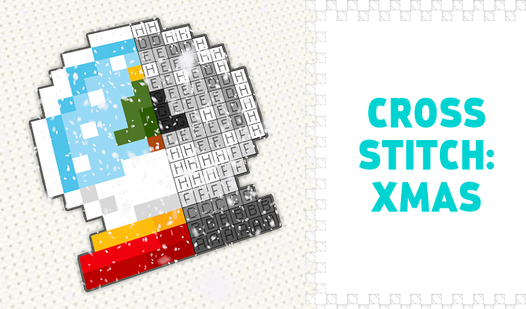
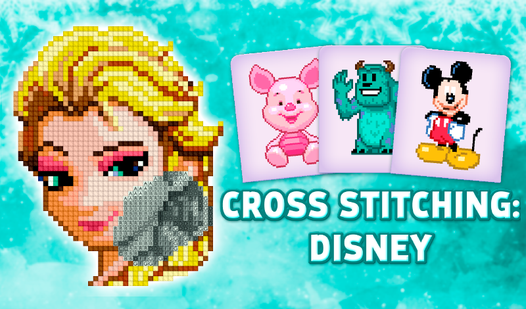
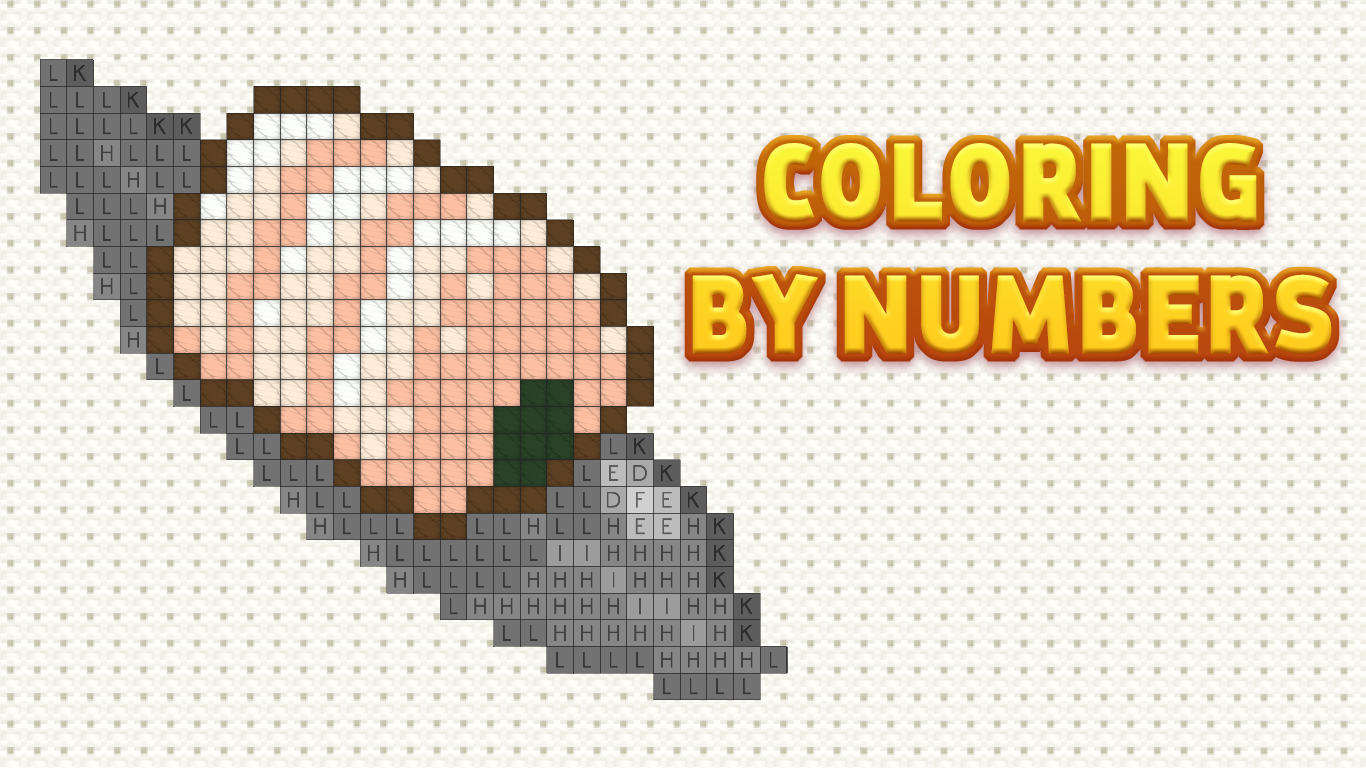
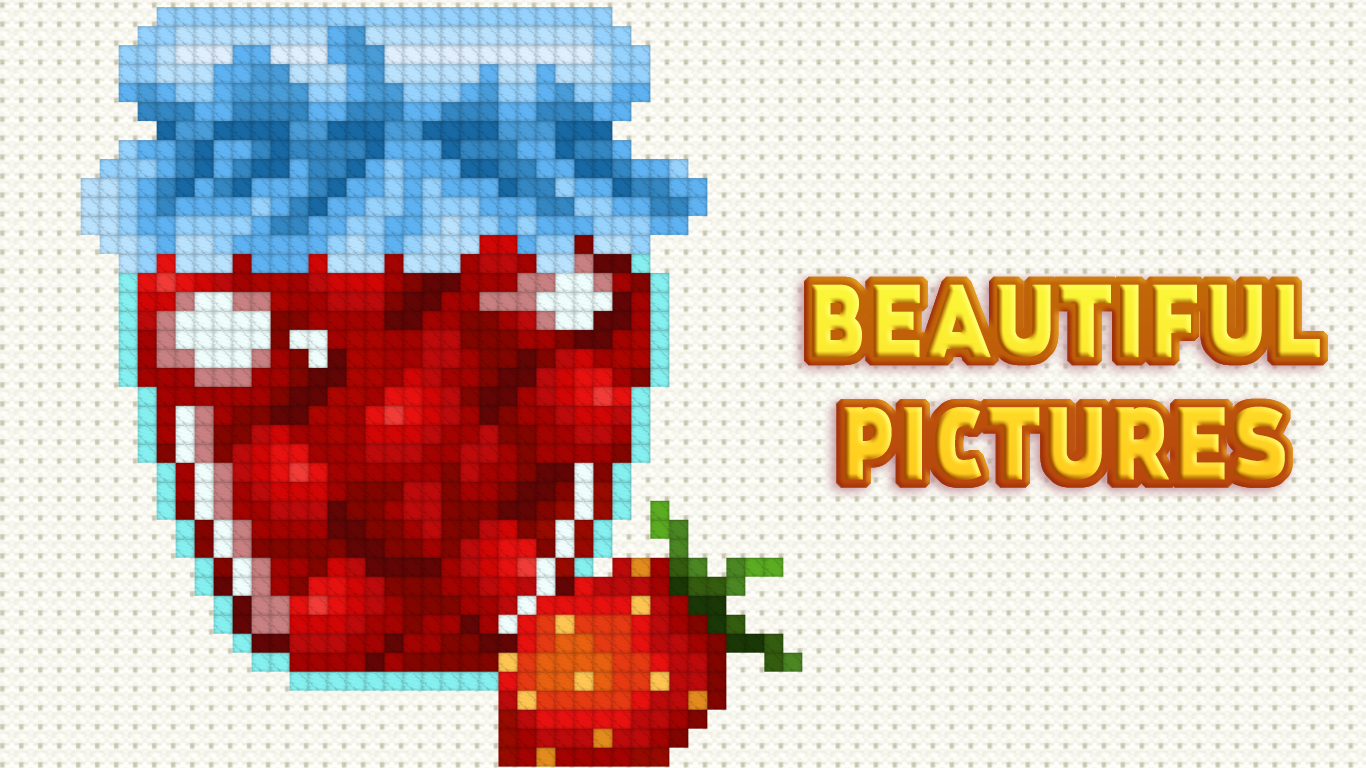
Tap your way to creative bliss by filling individual cells with vibrant colors in Cross Stitching: Food. This meditative embroidery simulator turns your screen into a canvas where counting and patience create stunning digital masterpieces. Each level challenges you to match numbers to specific thread colors, helping you unwind after a long day. You can progress from simple icons to intricate culinary designs that test your focus and precision. The gameplay feels exactly like traditional раскраска по номерам, making it an accessible way to exercise your brain while producing beautiful art. With a wide variety of patterns available, you will always find a new challenge that keeps things fresh and engaging. Whether you are aiming for speed or total accuracy, the satisfying click of each stitch brings your food-themed creations to life. Experience the soothing rhythm of digital вышивка directly in your browser without any downloads required.
How to play
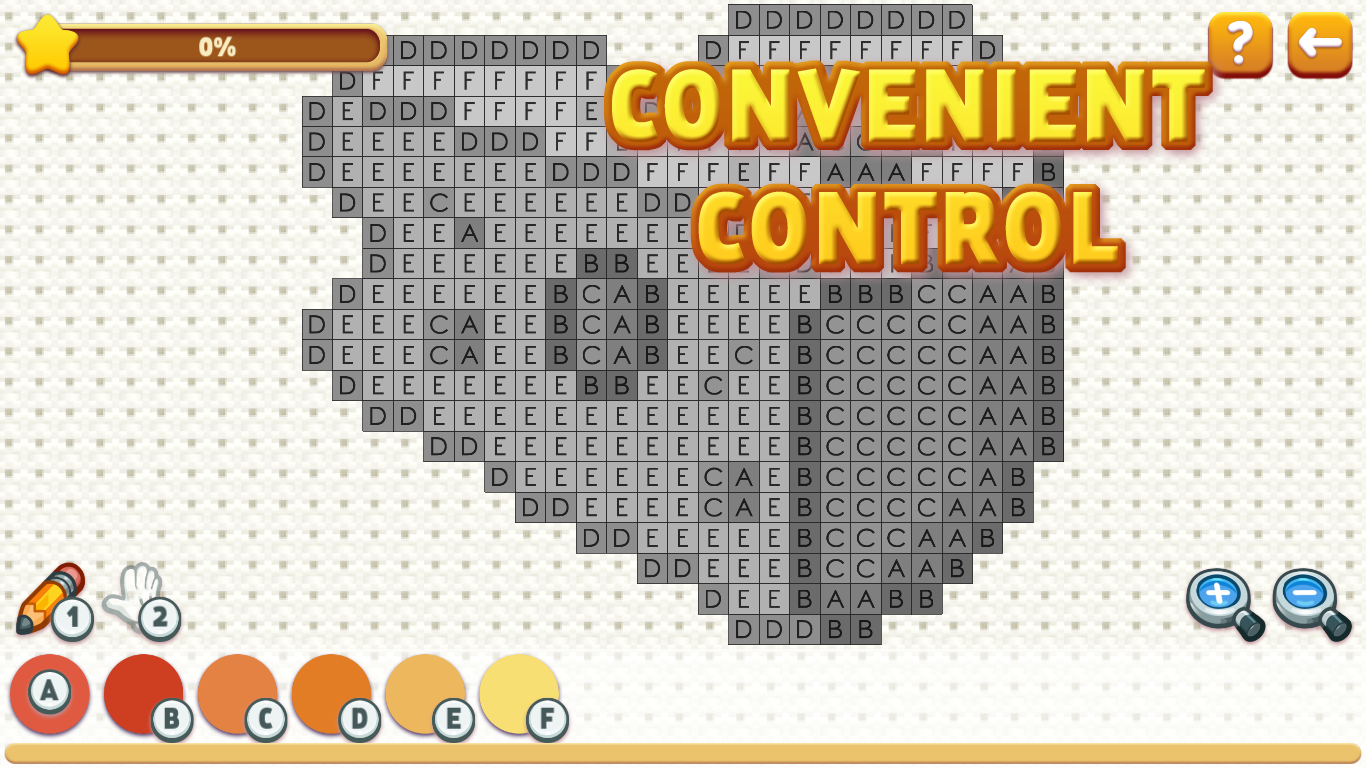
Mouse:
RIGHT mouse button - moves the canvas (must be held and move)
LEFT mouse button - depending on the selected tool draws/moves (you can press once or hold and move)
Keyboard:
1 - brush
2 - move
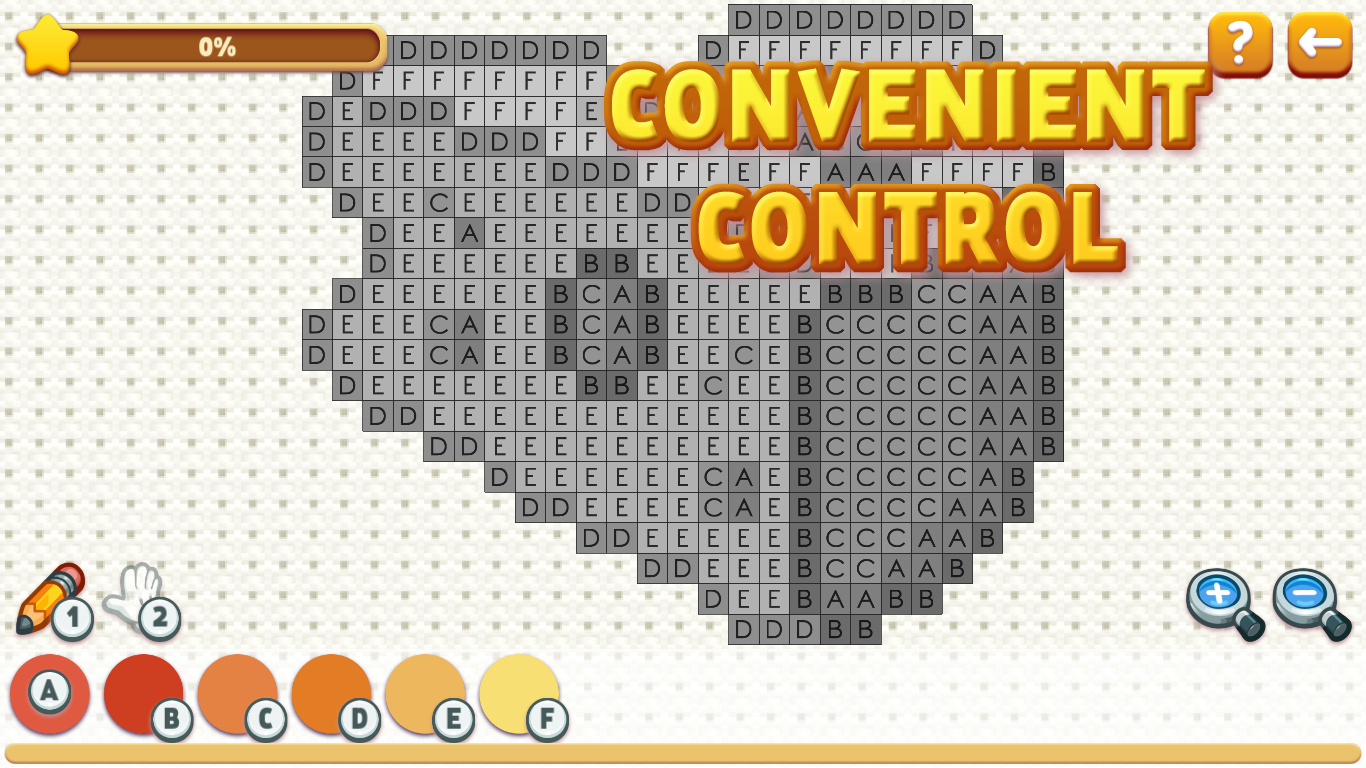
Other keys on the keyboard - the color from the palette
Touch control:
With one finger - depending on the selected tool, draw/move (you can press once or hold and move)
Two fingers - to zoom and move (it is recommended to do this with the "move" tool so as not to accidentally mess up)
Features
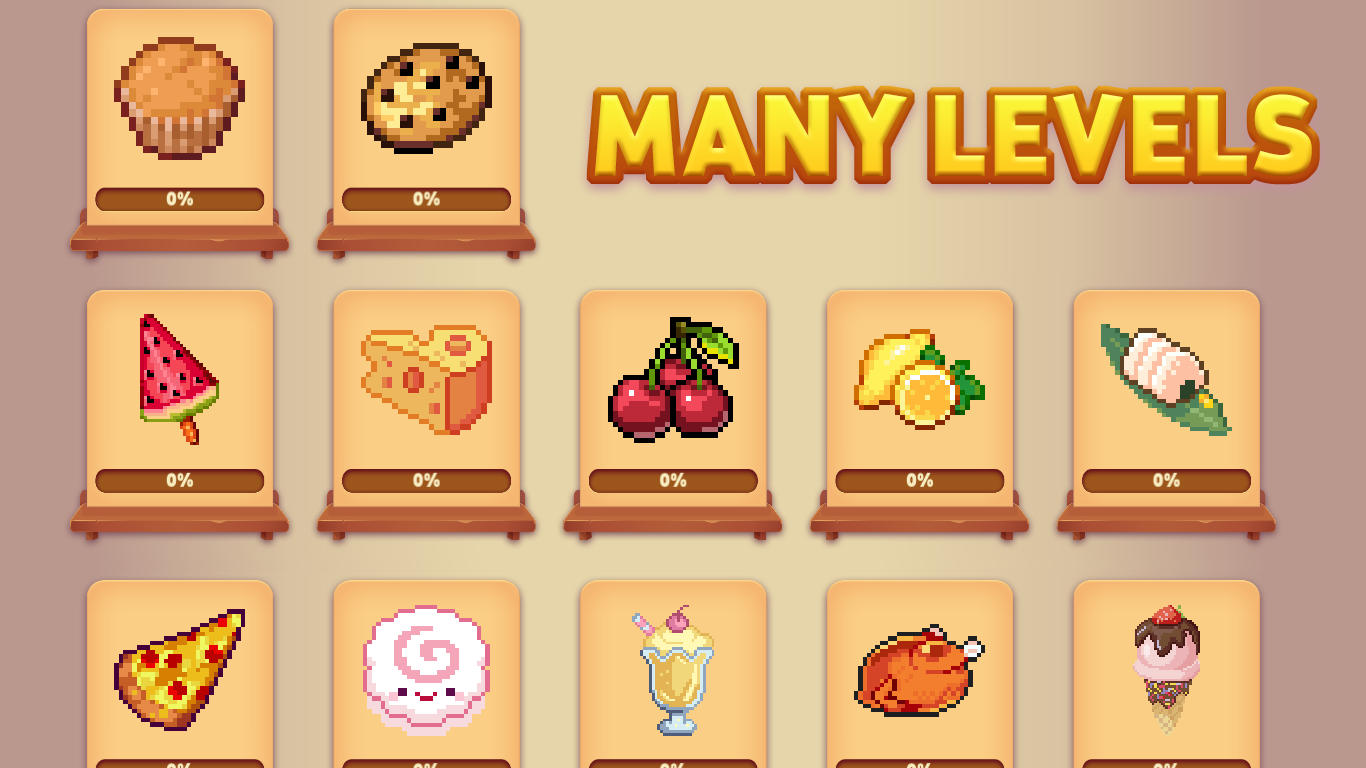
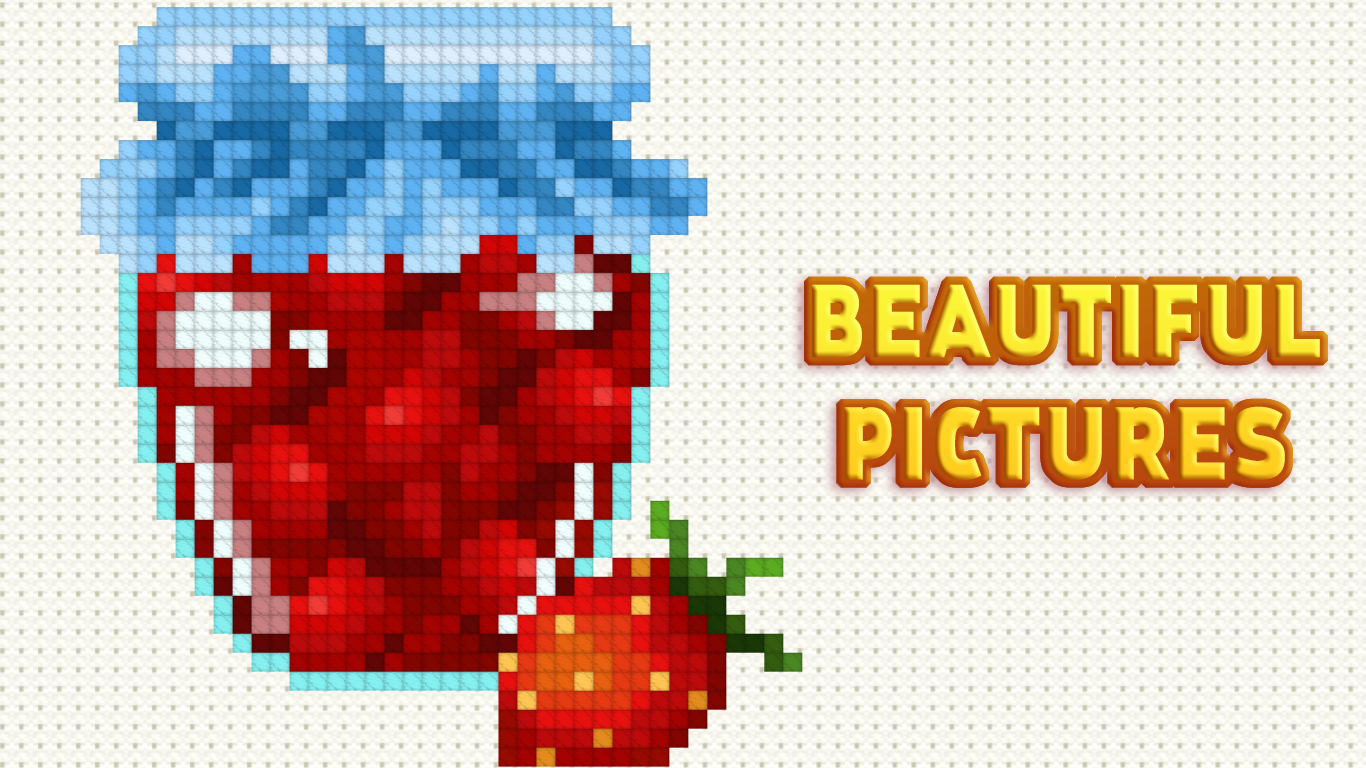
- Palette Variety: Select from dozens of vibrant colors that mimic realistic embroidery threads to complete your masterpiece.
- Difficulty Scaling: Choose between small, simple patterns for quick relaxation or massive, complex grids for a long-term project.
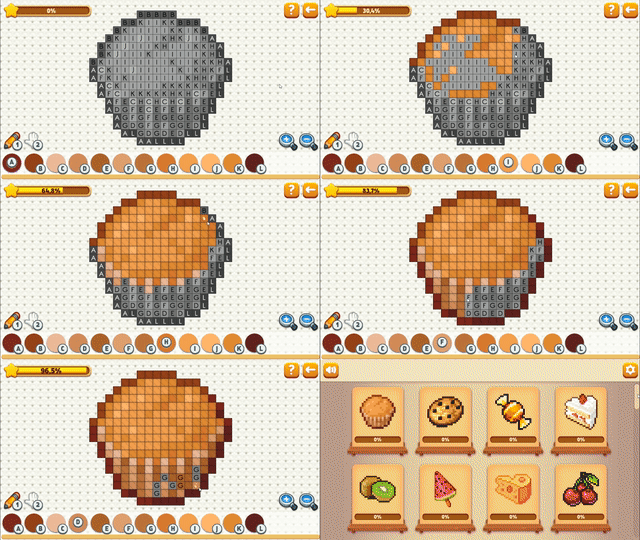
- Progress Tracking: Every cell you fill contributes to the final image, allowing you to see your artistic vision materialize piece by piece.
- Stress Relief: Use the slow, deliberate pace of the game to practice mindfulness and improve your concentration skills.
- Zoom Functionality: Utilize precise pinch-to-zoom controls to ensure every stitch is placed perfectly even on the most detailed designs.
Who is it for
Casual players and fans of creative hobbies will love this relaxing experience. Children and adults who enjoy meditative coloring apps or puzzle games will find the repetitive, satisfying nature of the mechanics perfect for winding down while developing better hand-eye coordination and attention to detail during their free time.
Controls
Select Brush
Press 1 on keyboard or tap the brush icon on screen
Move Canvas
Hold RIGHT mouse button or use two fingers to pan around
Add Stitch
LEFT mouse click or single tap on the desired grid cell
Zoom In/Out
Use two fingers to pinch the screen or scroll the mouse wheel
FAQ
Is Cross Stitching: Food free to play?
›
Yes, Cross Stitching: Food is completely free and runs directly in your web browser with no download needed.
How do I change colors in Cross Stitching: Food?
›
You can select colors from the palette at the bottom of the screen or use the corresponding number keys on your keyboard.
Can I save my progress in Cross Stitching: Food?
›
The game automatically tracks your progress on each pattern, allowing you to return and finish your embroidery at any time.