About game
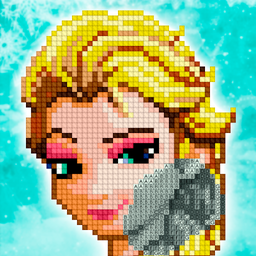
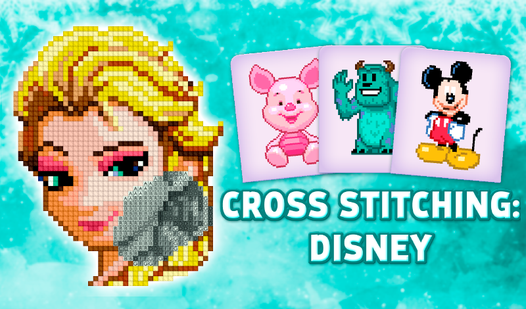
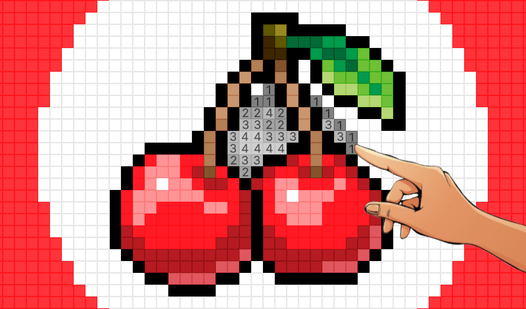
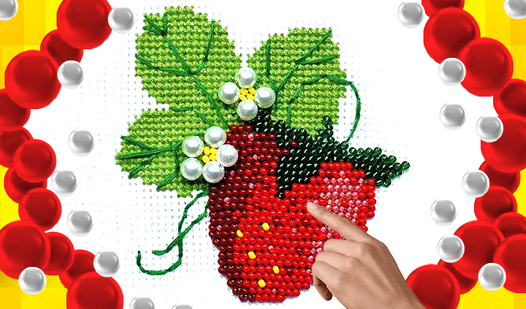
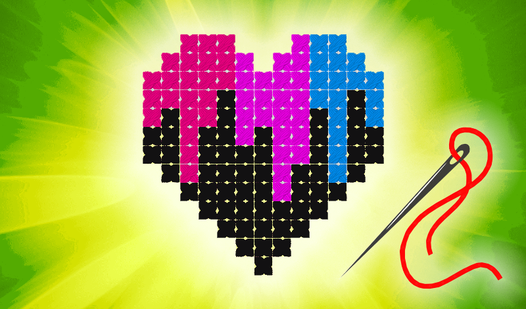
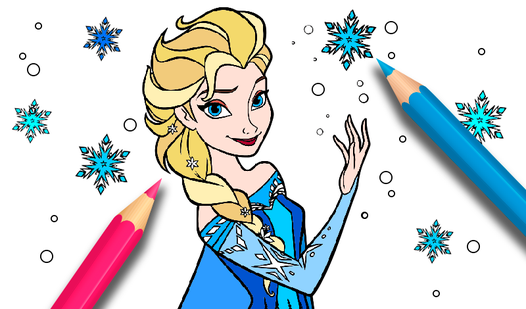
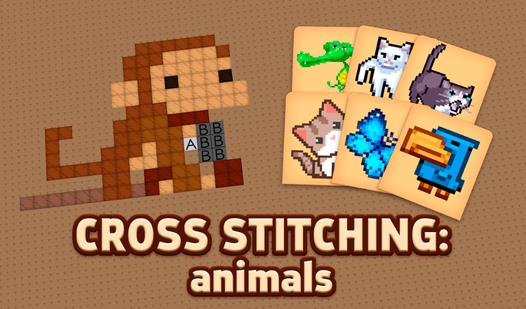
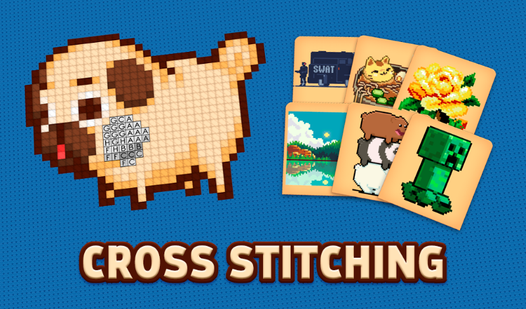
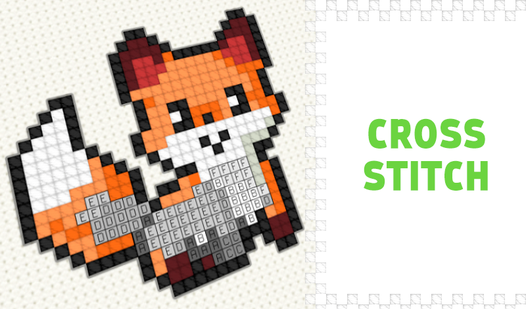
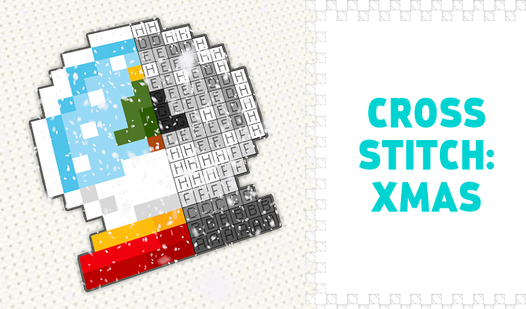
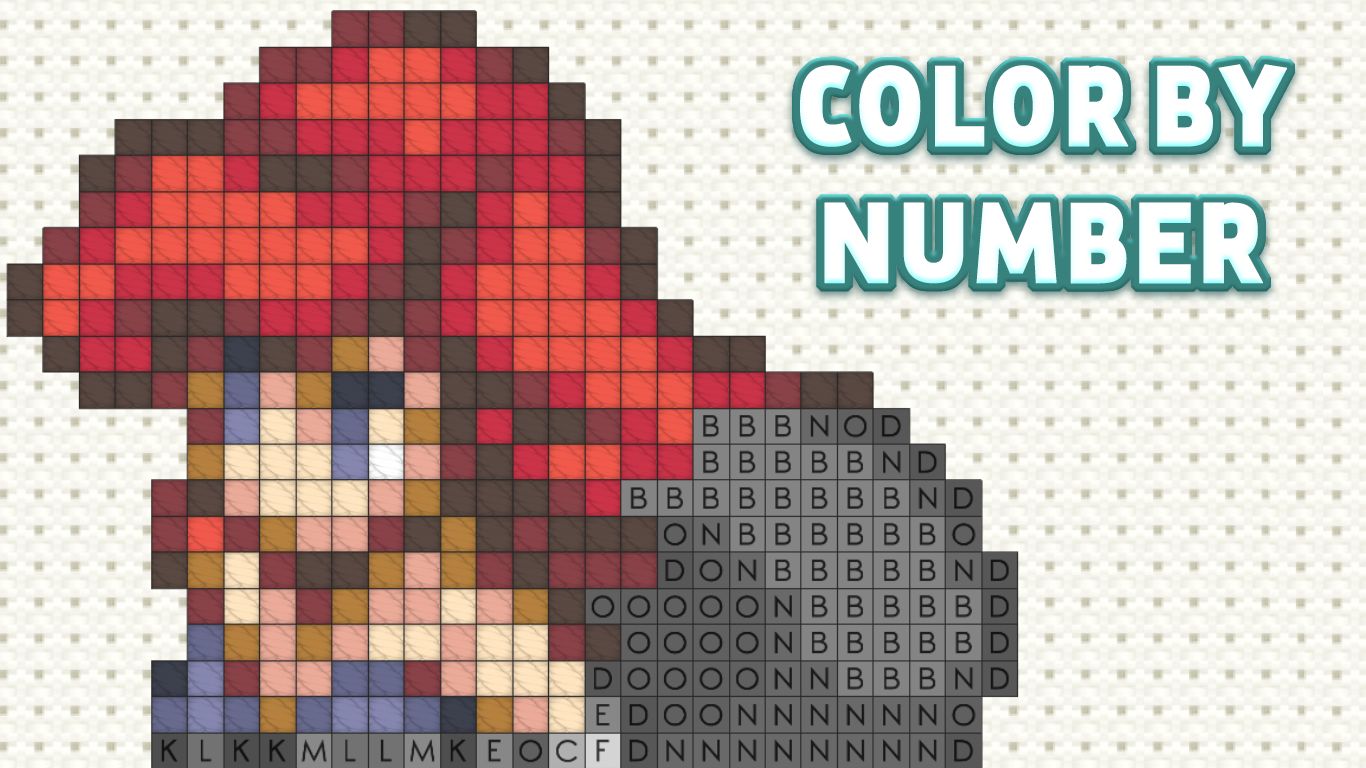
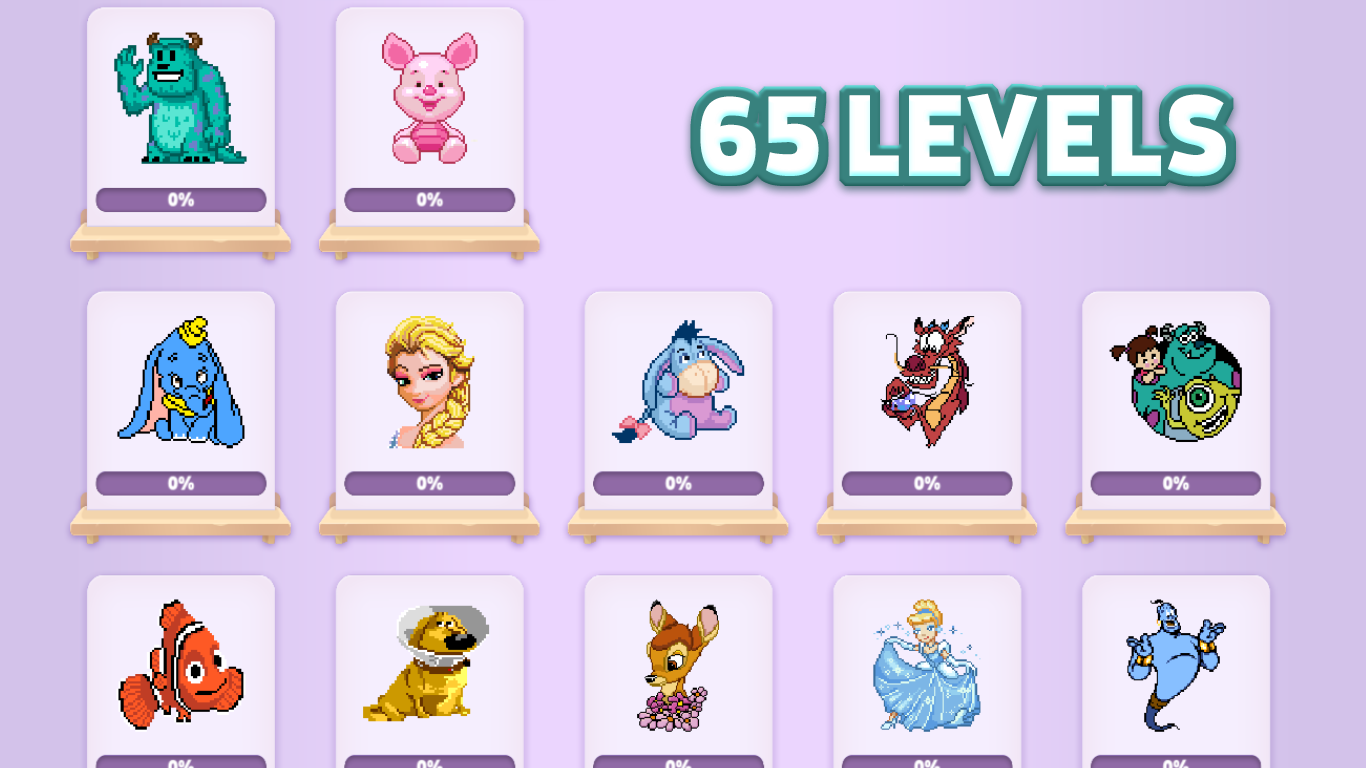
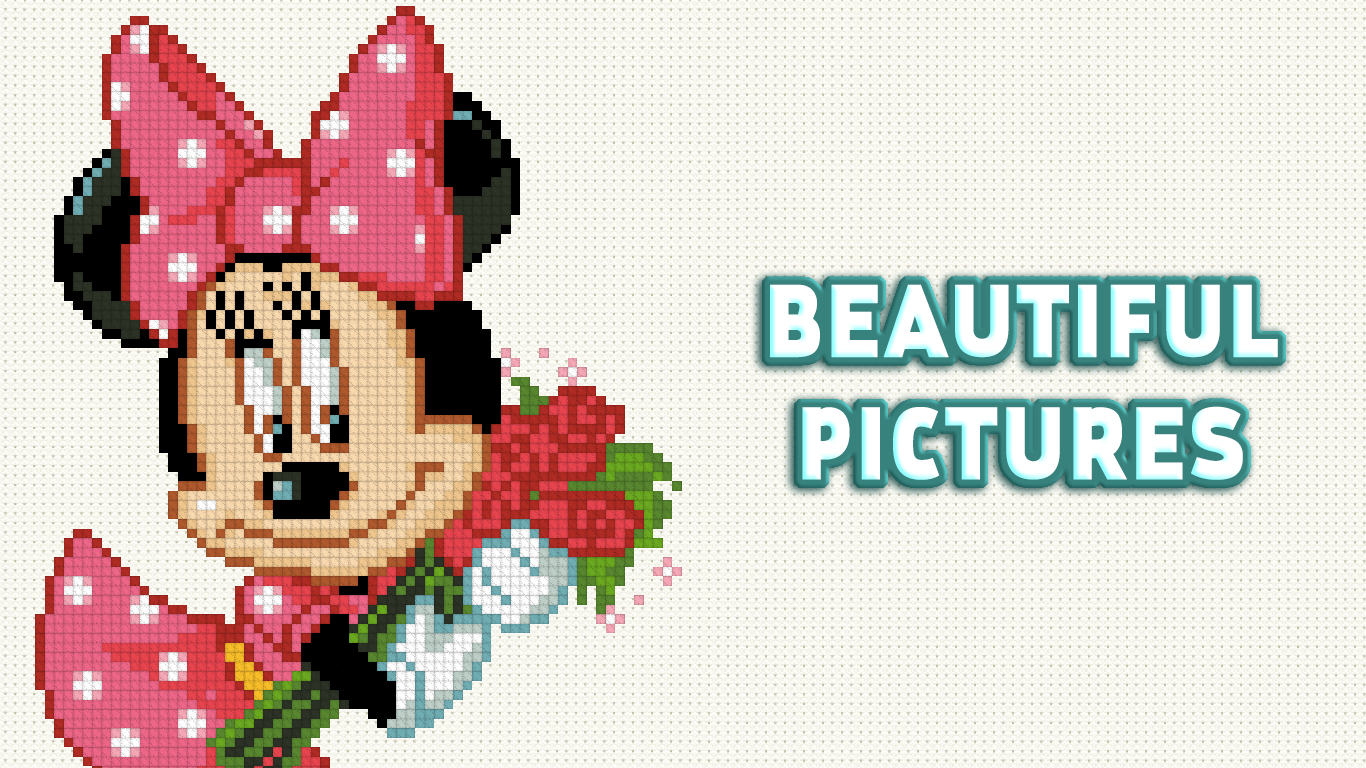
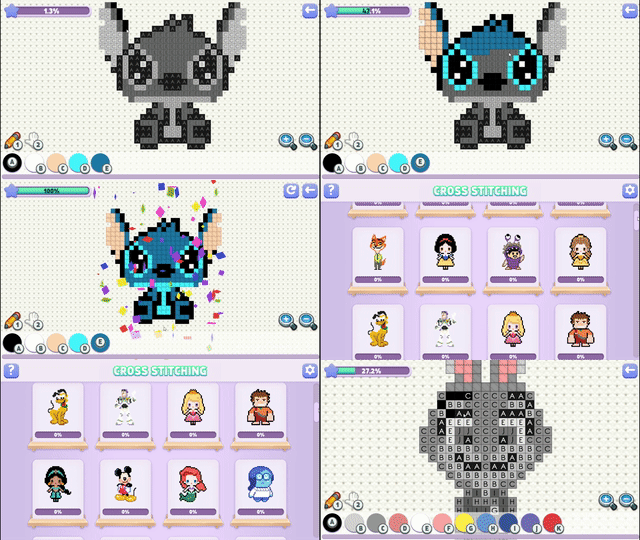
Staring at a blank screen while waiting for your next meeting is the perfect excuse to find a creative distraction. Cross Stitching: Disney transforms your browser into a cozy digital workshop where you can create intricate embroidery designs without the mess of real needles. Each level functions like a relaxing coloring by numbers activity where you tap to fill in cells with vibrant threads. You will navigate through sixty-five lovely illustrations featuring iconic characters from beloved animated stories. The mechanics are incredibly intuitive whether you are using a mouse or a touchscreen device to place your stitches. This embroidery simulator offers a soothing experience that helps you unwind after a long day of work. Progressing through the difficulty levels ensures that every single pattern provides a fresh challenge for your eyes and fingers. You can access this delightful coloring experience directly in your browser without any downloads or complicated installations required.
How to play
Mouse:
RIGHT mouse button - moves the canvas (must be held and move)
LEFT mouse button - depending on the selected tool draws/moves (you can press once or hold and move)
Keyboard:
1 - brush
2 - move
Other keys on the keyboard - the color from the palette
Touch control:
With one finger - depending on the selected tool, draw/move (you can press once or hold and move)
Two fingers - to zoom and move (it is recommended to do this with the "move" tool so as not to accidentally mess up)
Features
- Progressive difficulty: Tackle 65 unique Disney-themed patterns that range from simple layouts for beginners to complex projects for experts.
- Smart palette system: Select colors instantly using keyboard shortcuts, allowing for a seamless workflow as you fill in the grid.
- Precision zoom: Utilize two-finger gestures to inspect every detail of your digital tapestry, ensuring perfect placement of every stitch.
- Canvas flexibility: Easily toggle between drawing mode and movement mode to adjust your view without accidentally coloring outside the lines.
- Stress-free progression: Complete drawings at your own pace to unlock new designs and build a gallery of your favorite cartoon masterpieces.
Who is it for
Casual gamers and art enthusiasts who enjoy relaxing puzzles will find this title highly addictive. Fans of digital coloring, embroidery fans, and children who love classic characters will appreciate the simple interface. It is a calming choice for anyone seeking a low-pressure creative hobby during short daily breaks.
Controls
Draw or move
Use a single finger tap or a left mouse click to apply colors or drag the canvas.
Zoom and scroll
Use two fingers to pinch and zoom in on the canvas for detailed stitching work.
Quick tools
Press 1 to activate the brush, 2 to switch to movement, or number keys to pick colors from the palette.
FAQ
Is Cross Stitching: Disney free to play?
›
Yes, Cross Stitching: Disney is completely free to play directly in your web browser with no downloads necessary.
Can I play Cross Stitching: Disney on my tablet?
›
Absolutely, Cross Stitching: Disney is fully optimized for touchscreens, allowing you to stitch with your fingers on mobile devices or tablets.
How many levels are in Cross Stitching: Disney?
›
There are 65 beautiful drawings for you to complete, which are organized by difficulty level to keep the experience engaging.