About game
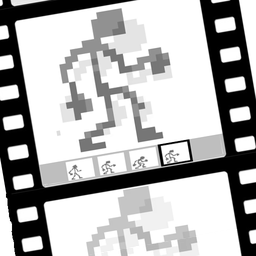
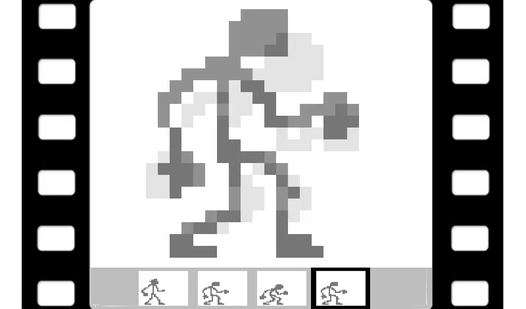
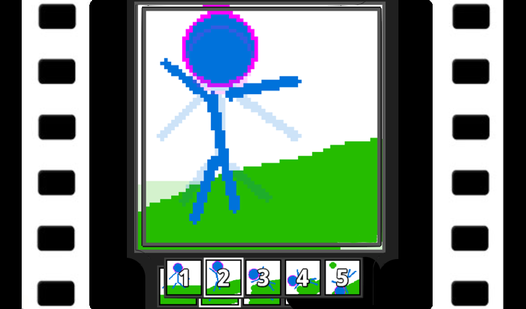
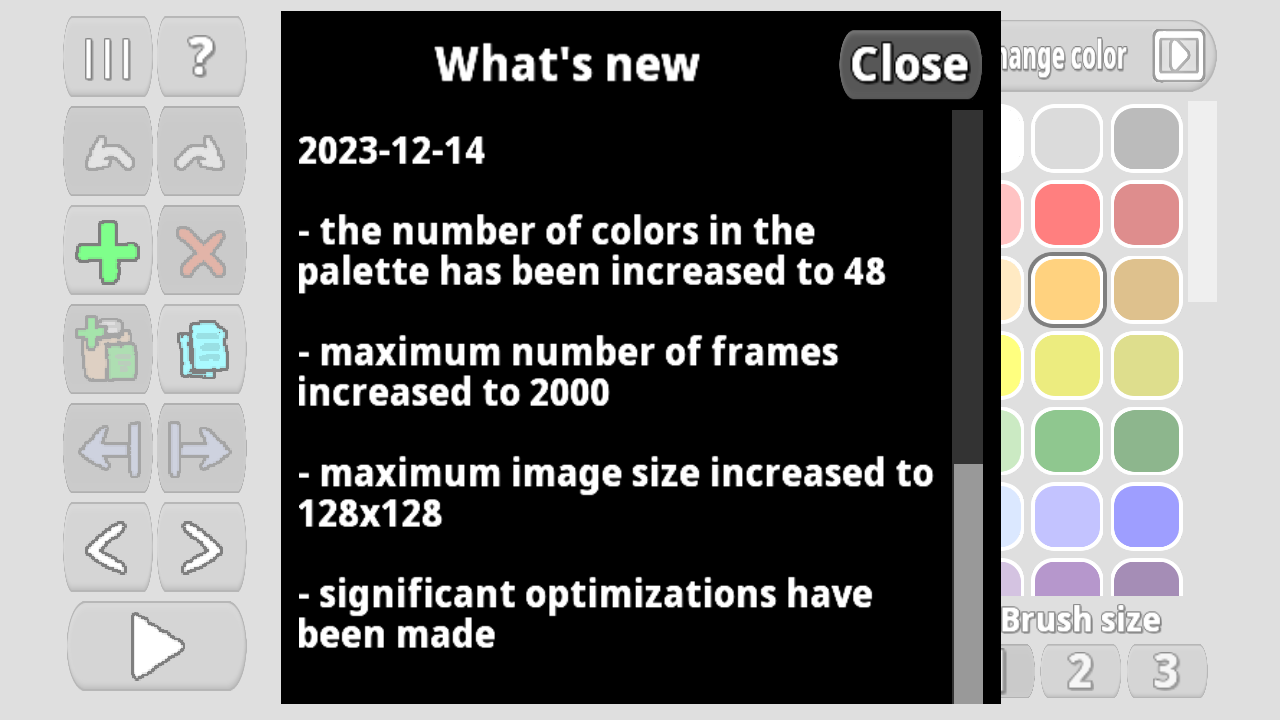
Craft your own vibrant visuals by painting pixel by pixel on a digital canvas. Pixel Animator: creating GIF animation lets you build complex sequences from scratch using a wide range of grid sizes. You have complete control over every movement as you master the art of frame by frame animation with precision tools at your fingertips. The interface allows for adjusting frame rates and using onion skinning to ensure your motion looks smooth and professional. Whether you are a beginner or a digital artist, you can create up to 2000 frames to bring your creative vision to life. This powerful tool simplifies the creation of animation by offering reliable undo functions and easy frame management. Once your work is finished, export it directly to a GIF file to share your unique creations with the world. You can play Pixel Animator: creating GIF animation for free right in your browser without any downloads required.
How to play
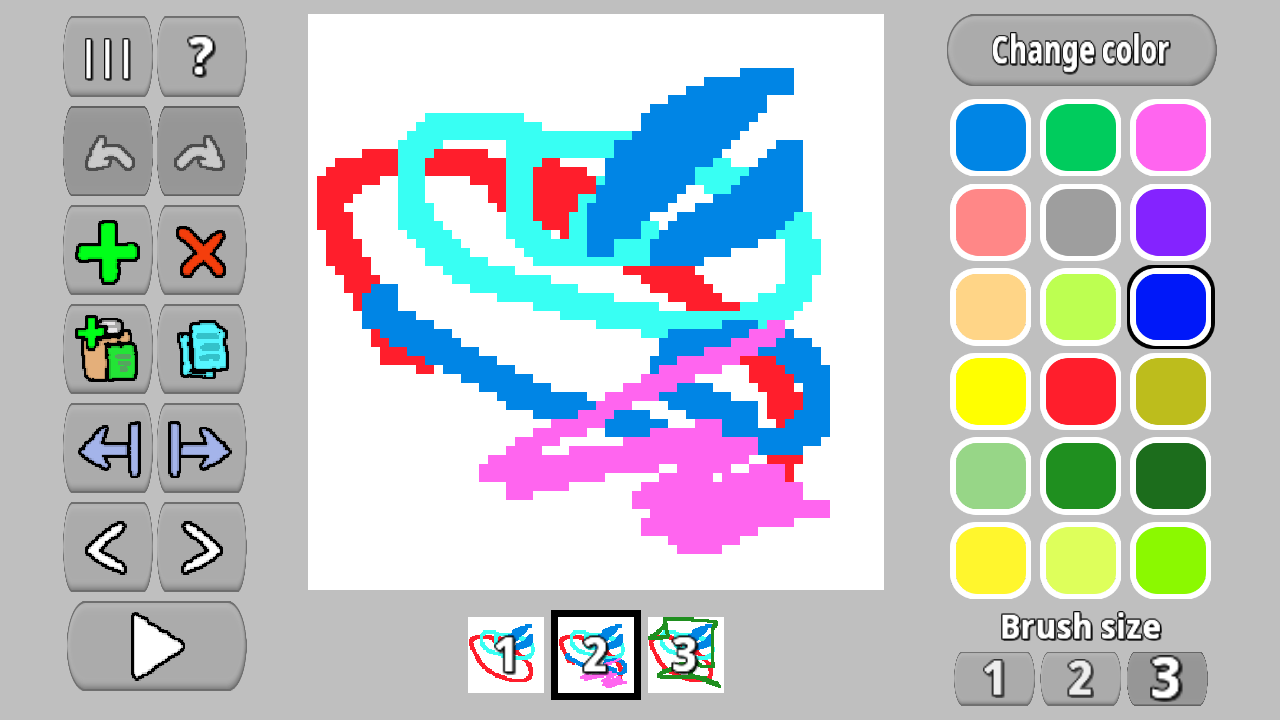
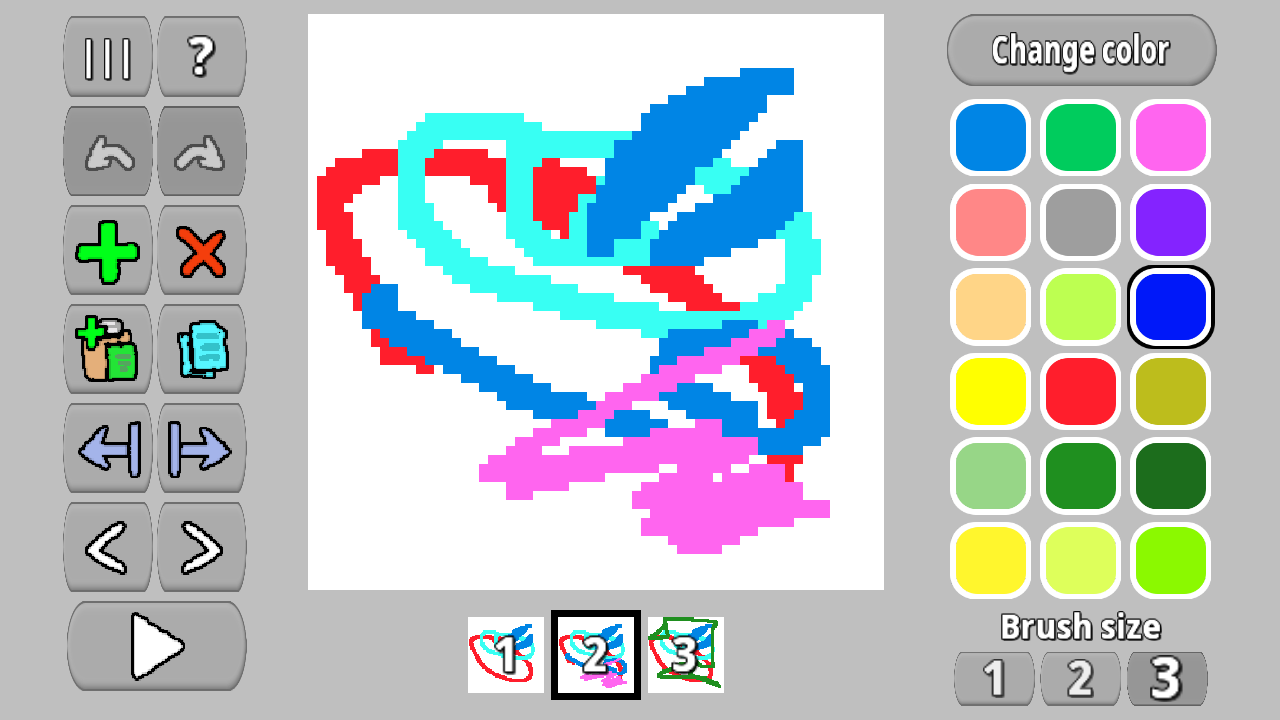
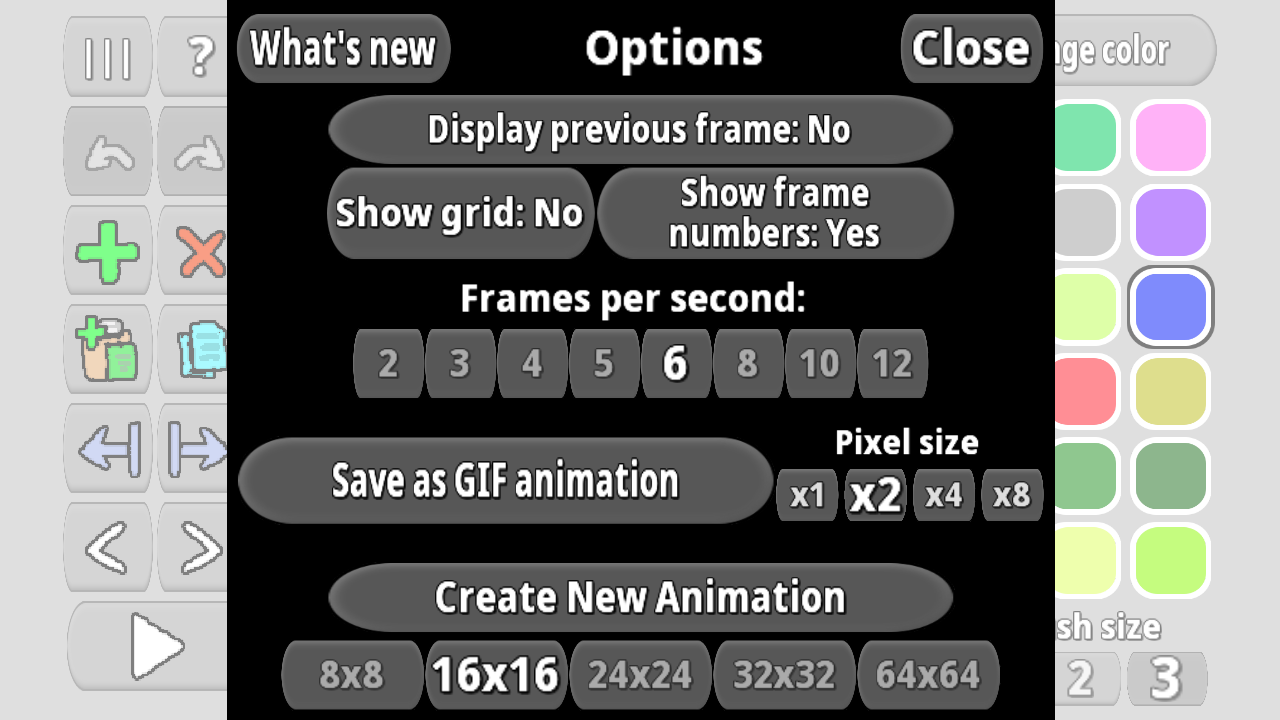
Choose a color from the color palette and paint with it. Add new frames or copy and paste them. Adjust the number of frames per second. Save the result as a GIF animation.
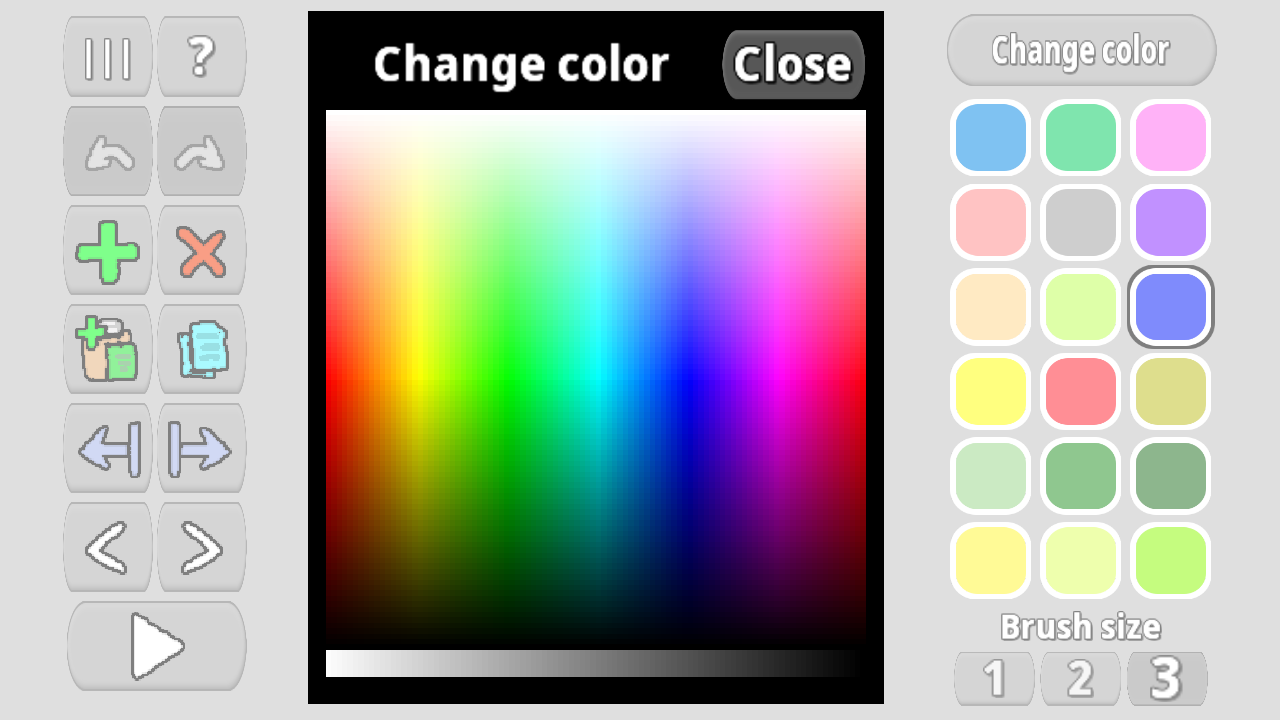
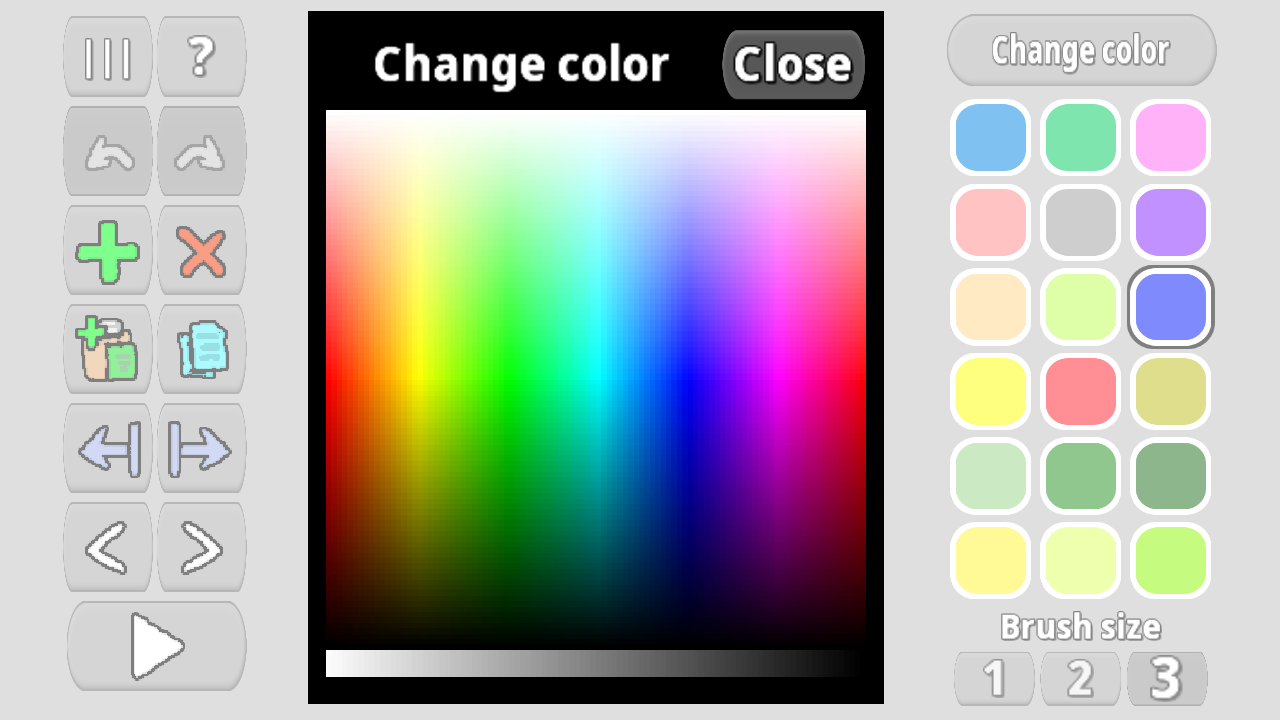
There is a color palette. You can fill it with the colors you need and paint with them.
Features
- Grid Customization: Choose from eight distinct canvas sizes ranging from 8x8 up to 256x256 pixels to suit your project style.
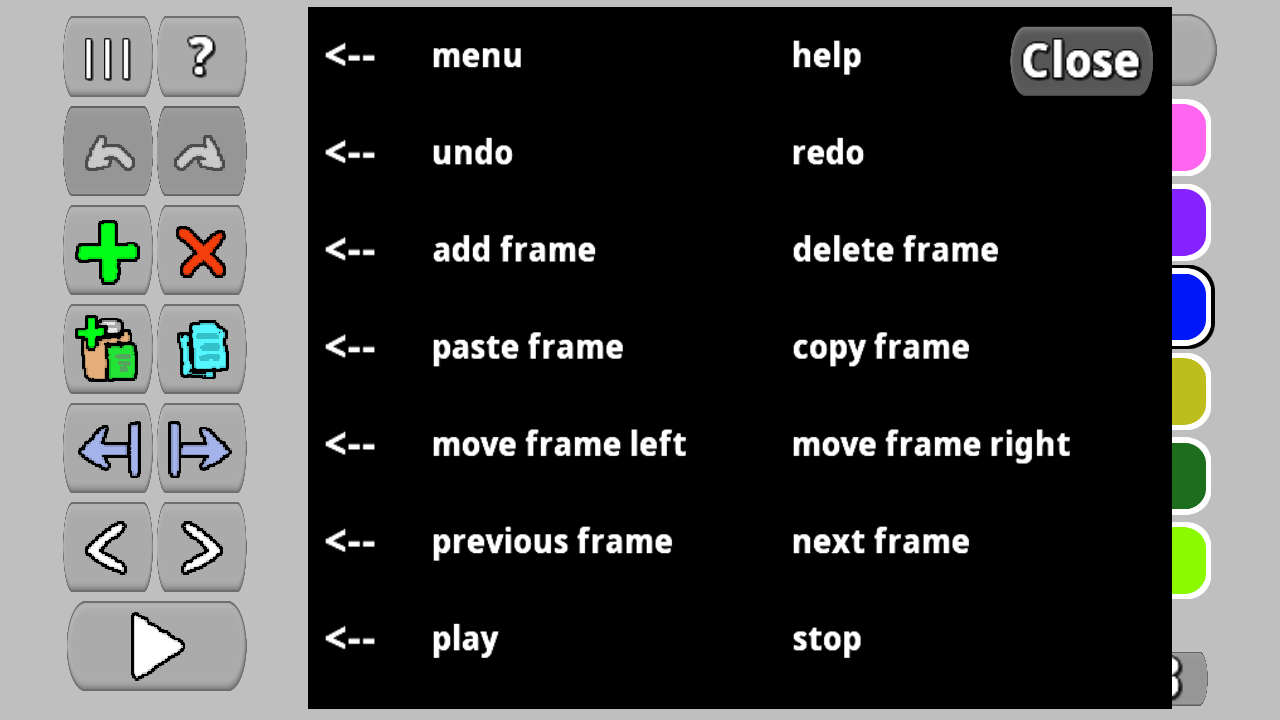
- Layer Management: Easily copy, paste, and reorder individual frames to maintain consistent motion throughout your sequence.
- Onion Skinning: Toggle the previous frame highlight to perfectly align your drawings and ensure fluid transitions between frames.
- Export Options: Save your projects as high-quality GIF files with the ability to multiply the pixel size for better visibility.
- Action History: Benefit from an undo and redo system that saves up to 20 of your most recent creative steps.
Who is it for
Digital artists, creative students, and retro gaming enthusiasts will love this tool for exploring pixel art. It provides a simple yet deep environment for hobbyists who want to learn the basics of motion design or create custom animated avatars for their social media profiles and online projects.
Controls
Select Color
Tap on the color palette to choose your paint brush color.
Draw
Tap and drag your finger or mouse across the grid to place pixels.
Manage Frames
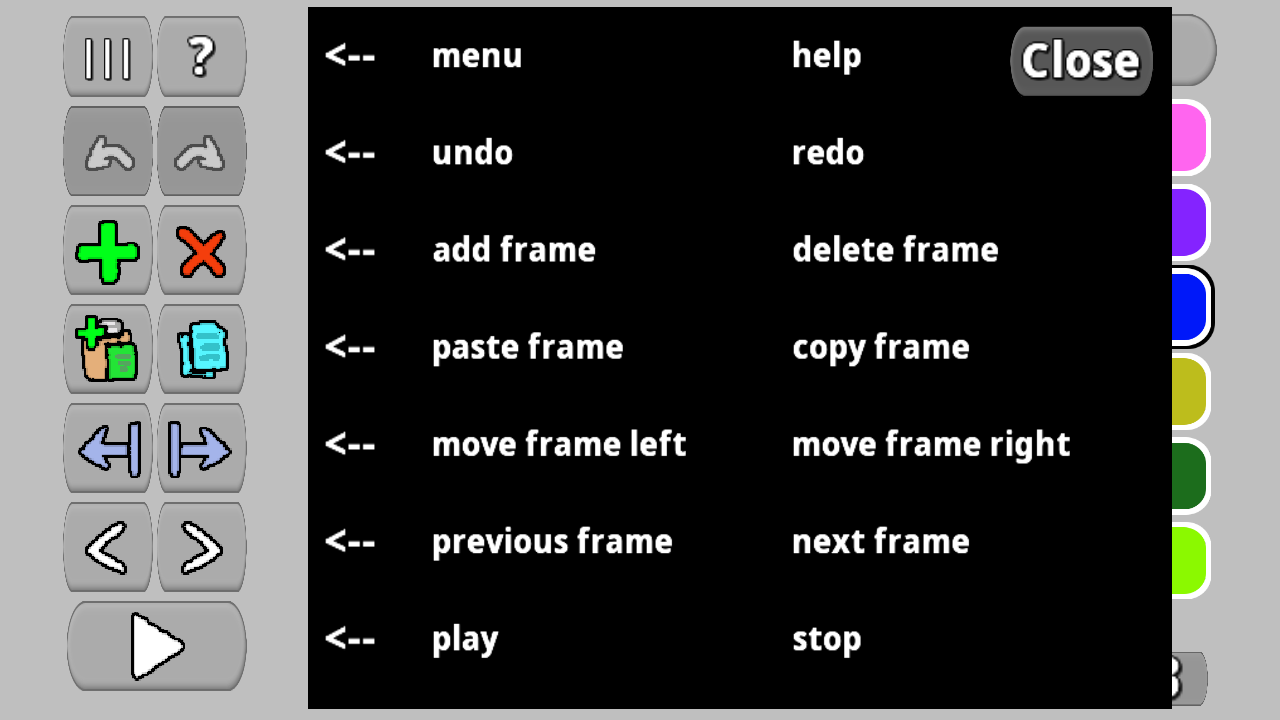
Use the frame bar buttons to add, duplicate, or delete animation frames.
Adjust Speed
Select the desired FPS value from the menu to change playback speed.
FAQ
Is Pixel Animator: creating GIF animation free to use?
›
Yes, the game is completely free and requires no registration or downloads to start creating.
Can I export my work from Pixel Animator: creating GIF animation?
›
Absolutely, you can save your final project directly as a GIF file to your device.
How many frames can I add in Pixel Animator: creating GIF animation?
›
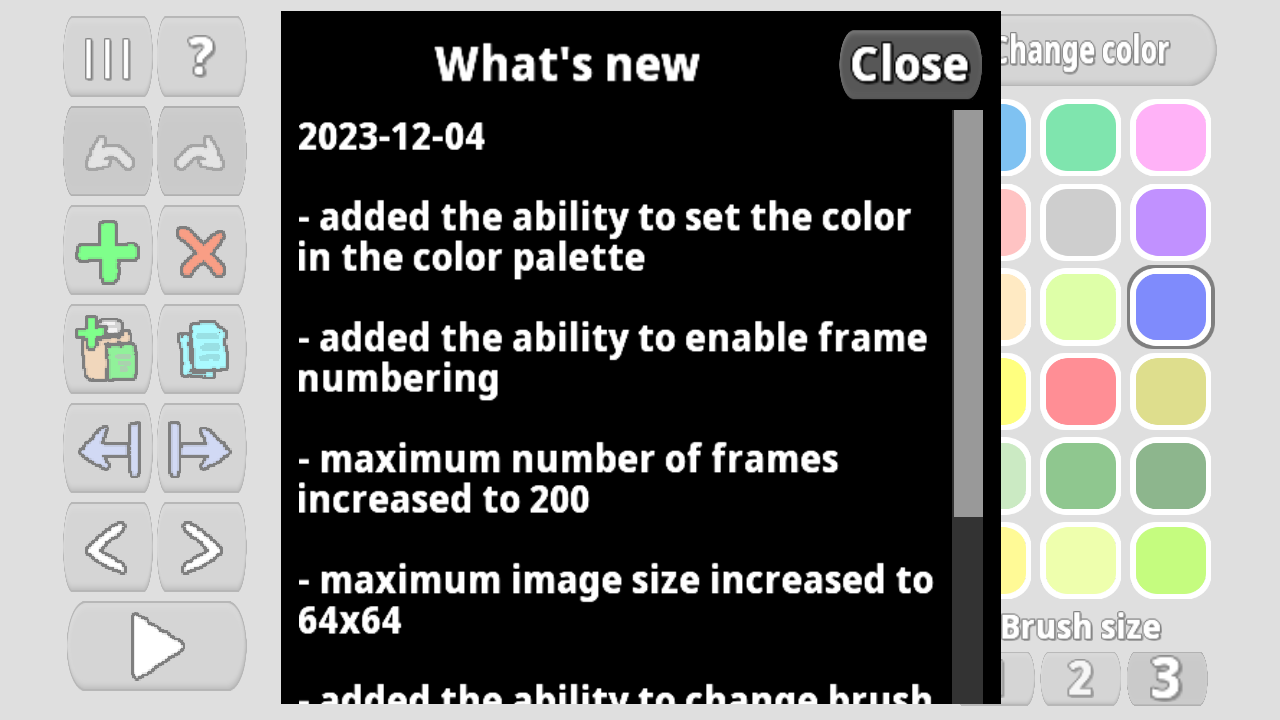
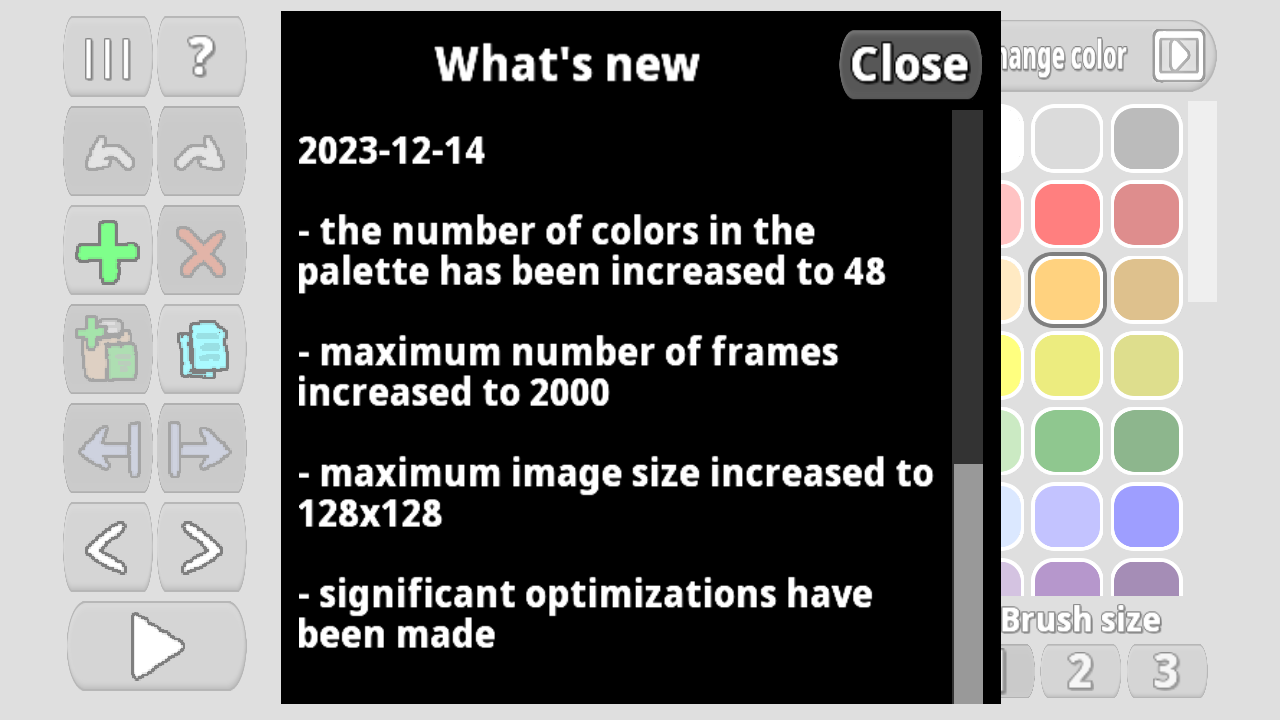
You can build detailed sequences containing up to 2000 individual frames within a single project.