About game
Crafting custom animations becomes a seamless experience when you use Pixamator to bring your creative vision to life. This powerful tool allows you to draw character movements frame by frame, giving you total control over every pixel in your design. You can easily manage complex scenes by utilizing independent layers, which makes покадровая пиксельная анимация much simpler to handle for beginners and pros alike. Whether you need custom assets or professional анимация для игр, the built-in brush, eraser, and shape tools provide everything required for high-quality results. The interface supports exporting your work into formats like GIF, PNG, and sprite sheets, ensuring your creations are ready for any project. You can even design your own fonts or avatars and save your progress directly to the cloud or local storage. With its intuitive frame-duplication features and flexible canvas settings, this tool is the ultimate hub for digital art production. Experience the freedom of creating high-quality graphics right in your browser without needing to download any heavy software.
How to play
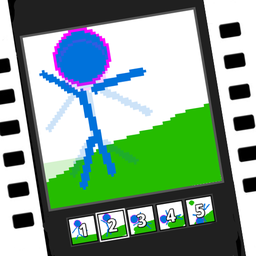
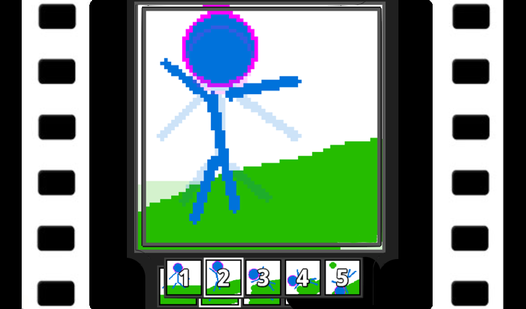
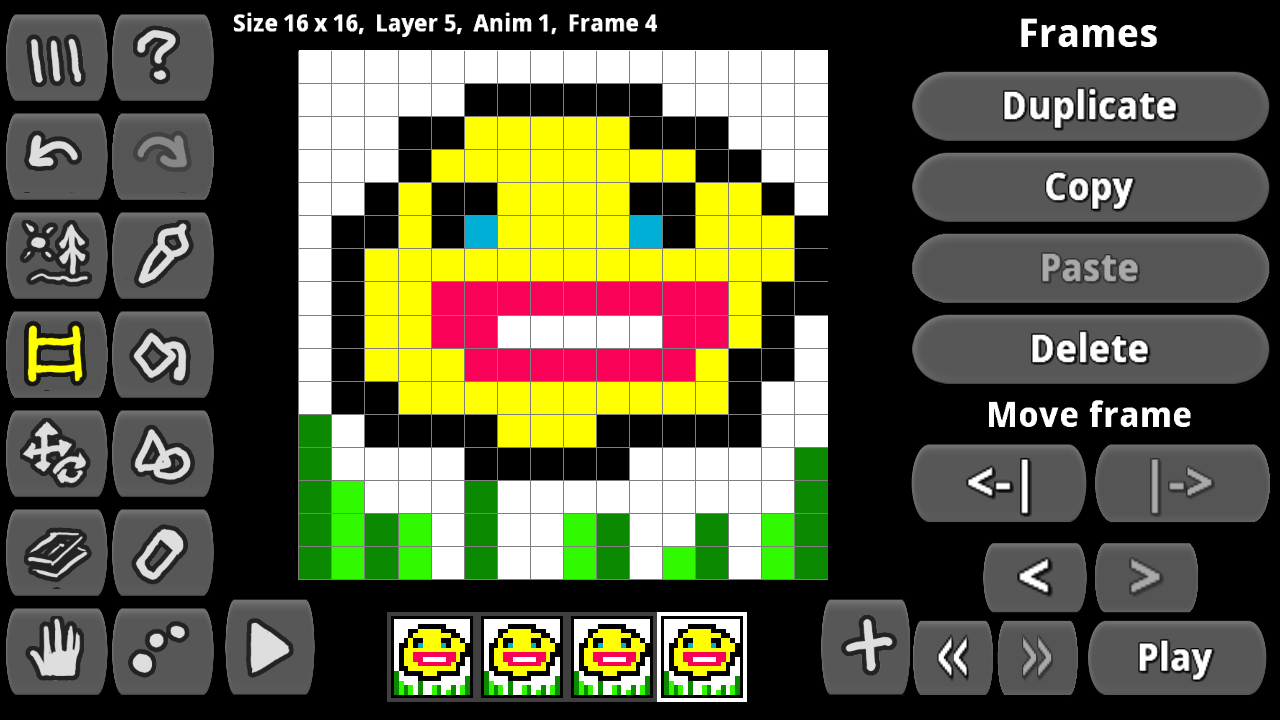
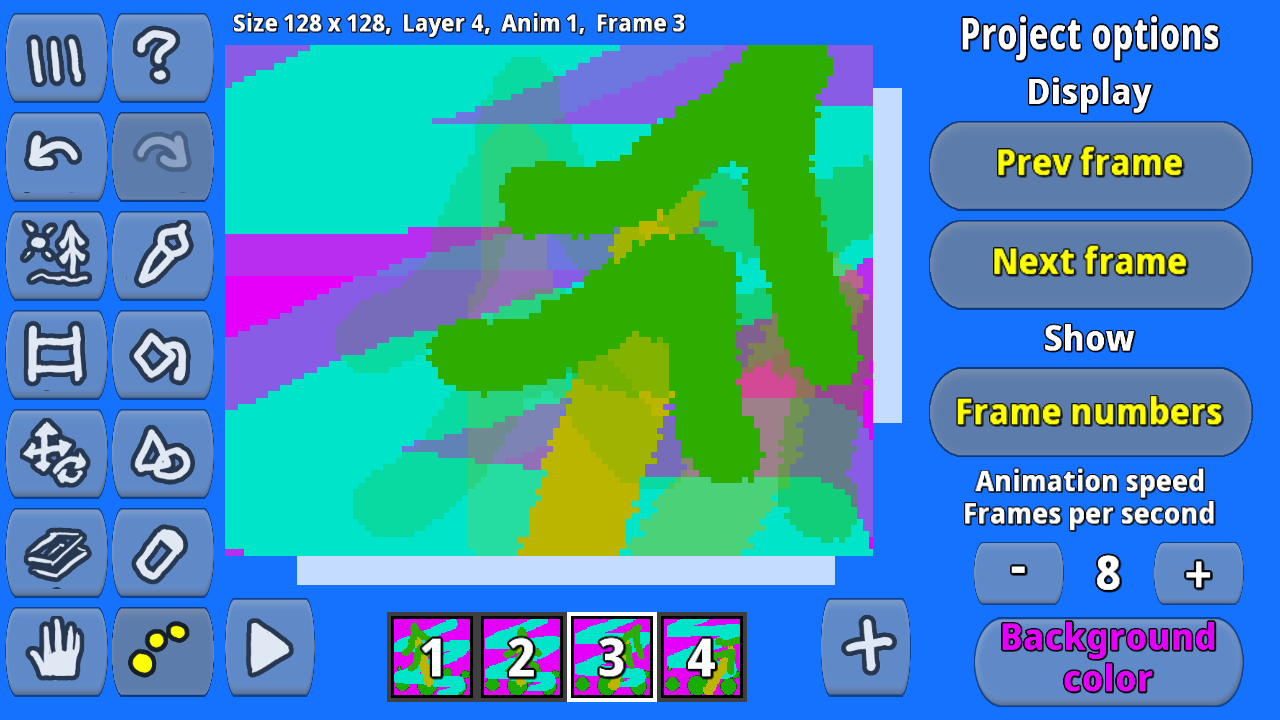
Сreate a new project, choose a canvas size, choose a brush, color, brush size, and you paint. Create new animation frames and draw on them. Adjust the animation speed (fps).
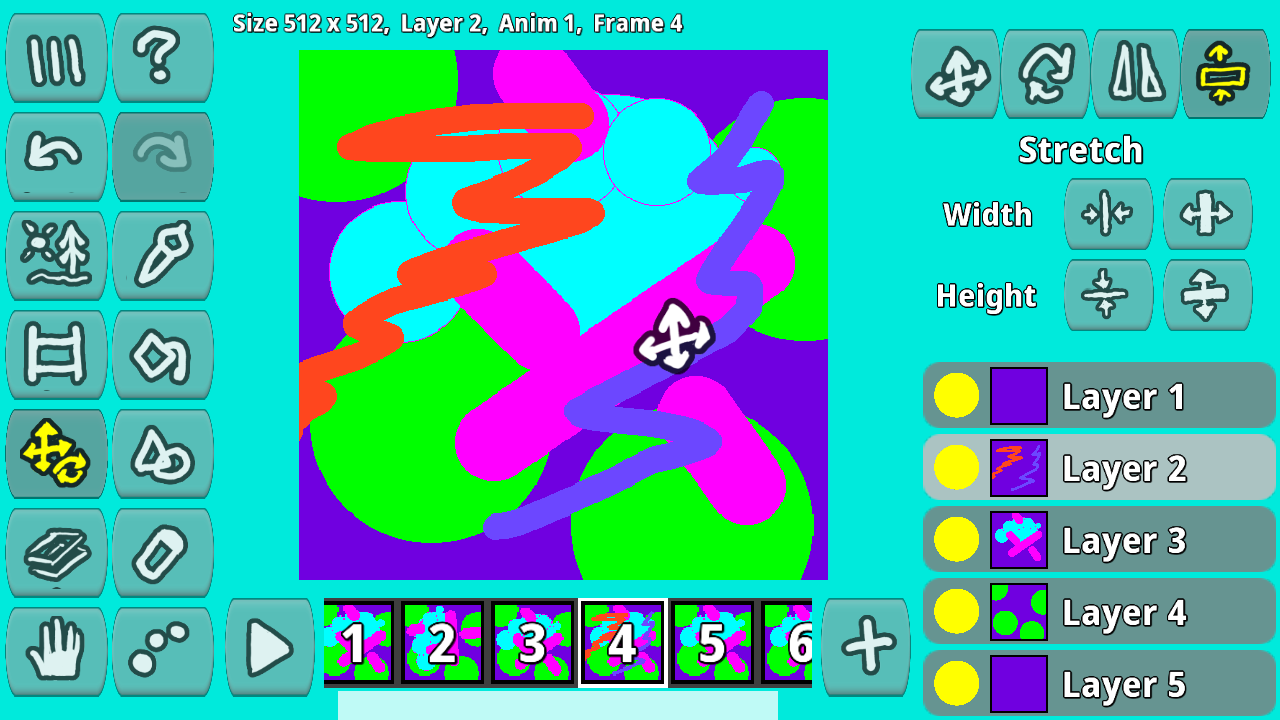
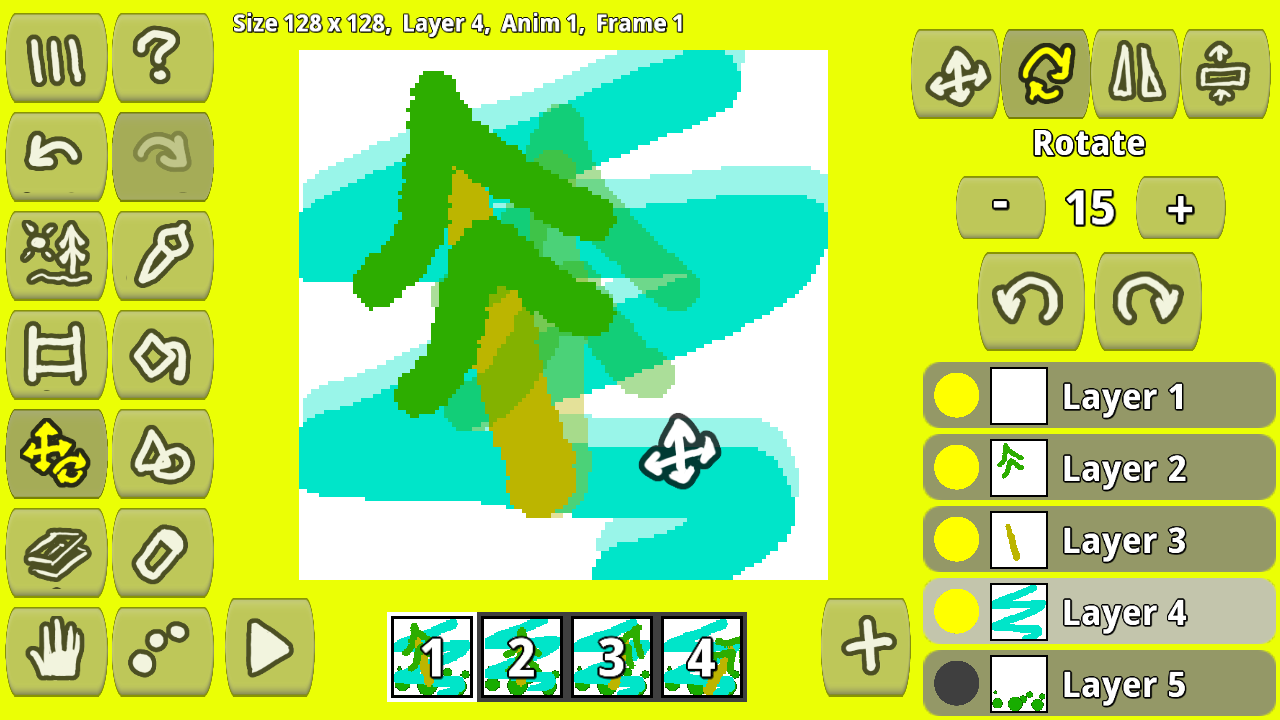
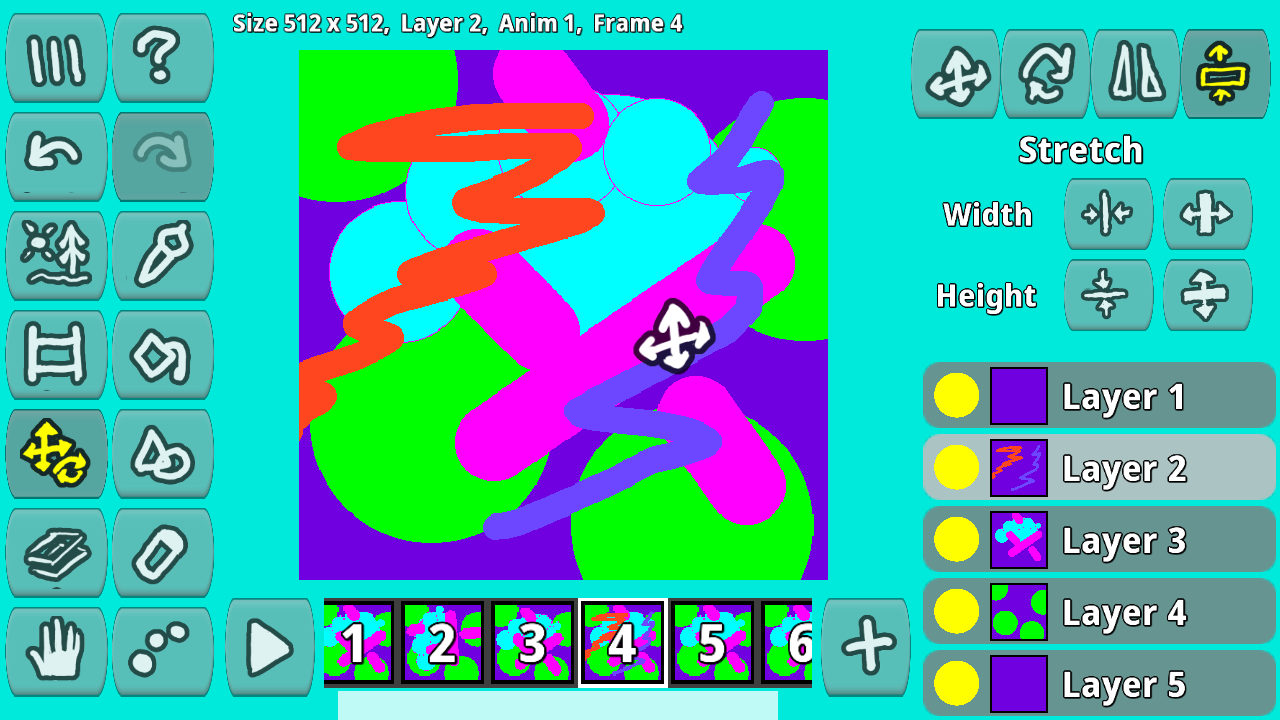
You draw individual image elements on separate layers so that they can be moved and transformed independently.
Once your animation is complete, you can export it to a set of frames, spritesheettilemap, or animated GIF.
From time to time, save your animation project to a file on your computer, local storage, or cloud storage so that you can later download the project and continue working on it.
Features
- Layer management: Work with multiple transparent layers to move and transform specific elements without affecting the rest of your frame.
- Multi-format export: Save your final creations as animated GIFs, individual PNG frames, or dense sprite sheets for immediate game engine integration.
- Font creation: Design custom typography and pixel-art fonts tailored specifically for your game development projects.
- Project storage: Secure your design progress using browser local storage, cloud services, or direct file downloads to your computer.
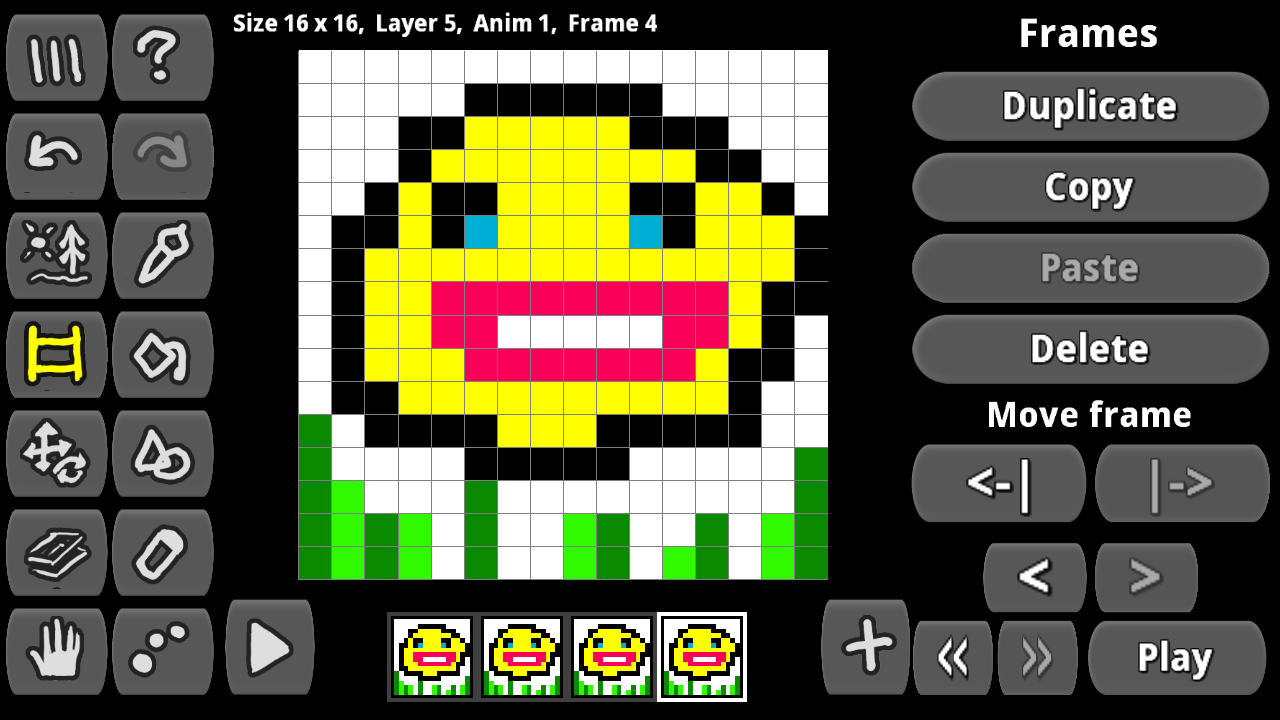
- Frame manipulation: Utilize simple copy, duplicate, and paste commands to speed up the process of creating consistent character movement.
Who is it for
Digital artists, independent game developers, and creative students seeking a lightweight tool to produce sprite animations. It also suits hobbyists who enjoy designing pixel-art avatars or custom icons and want an accessible platform to learn the basics of frame-by-frame movement without complex software requirements.
Controls
Draw and select
Click and drag with your mouse or tap and swipe on your touchscreen to paint pixels.
Navigate frames
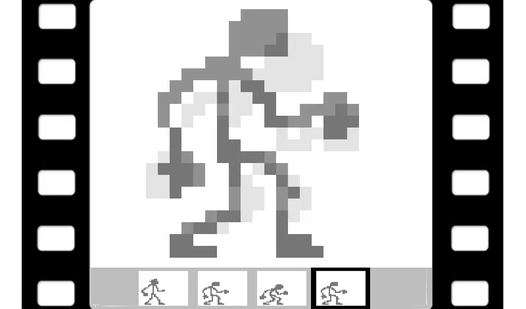
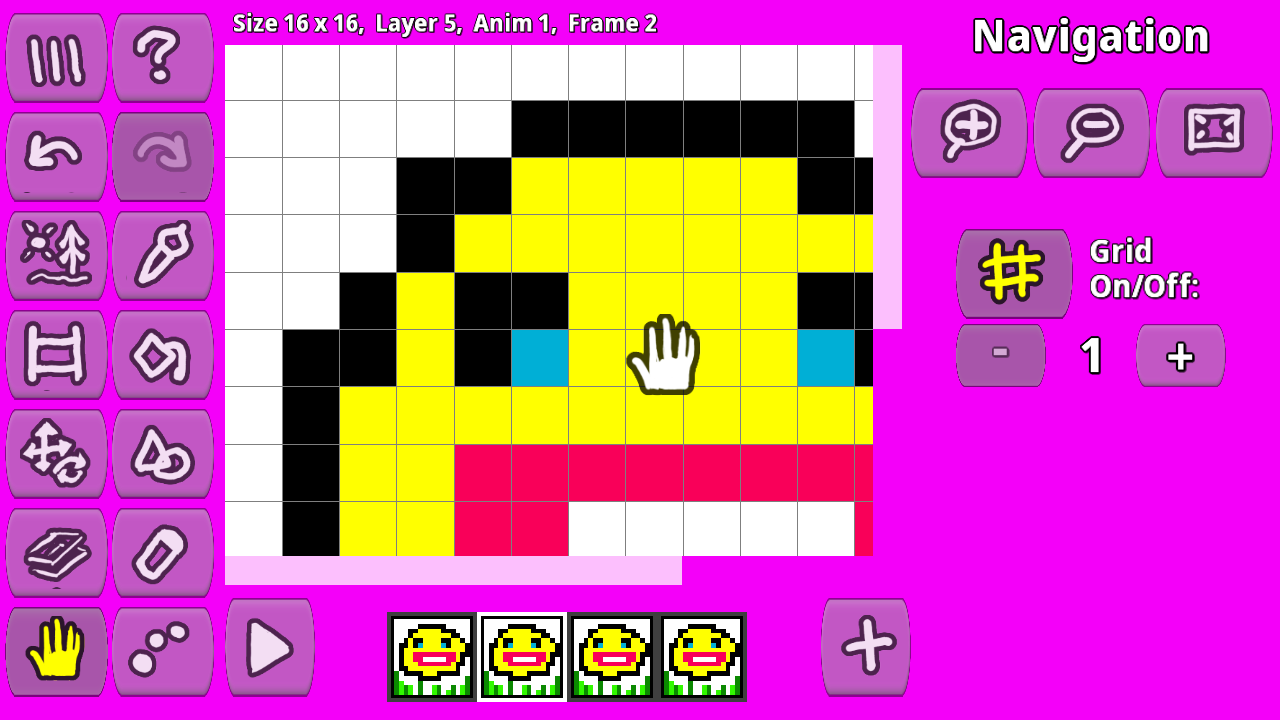
Click the frame thumbnails at the bottom or tap on mobile to switch between animation sequences.
Tool selection
Select icons from the sidebar using a single click or tap to switch between brush, eraser, or fill tools.
FAQ
Can I use Pixamator to create assets for my own games?
›
Yes, Pixamator is designed to export sprite sheets and tile maps that are fully compatible with most major game engines.
Is Pixamator suitable for beginners interested in pixel animation?
›
Absolutely, Pixamator provides a user-friendly interface that makes learning frame-by-frame animation accessible to anyone.
How do I save my projects in Pixamator?
›
You can save your work locally to your computer, store it directly in your web browser, or use cloud storage to resume later.