About game
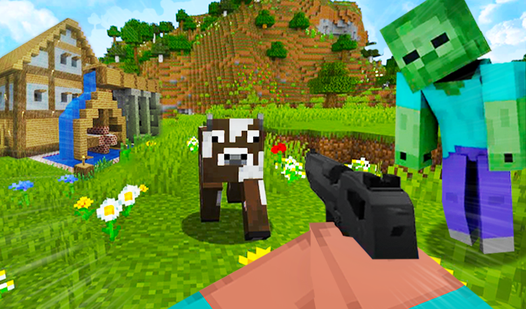
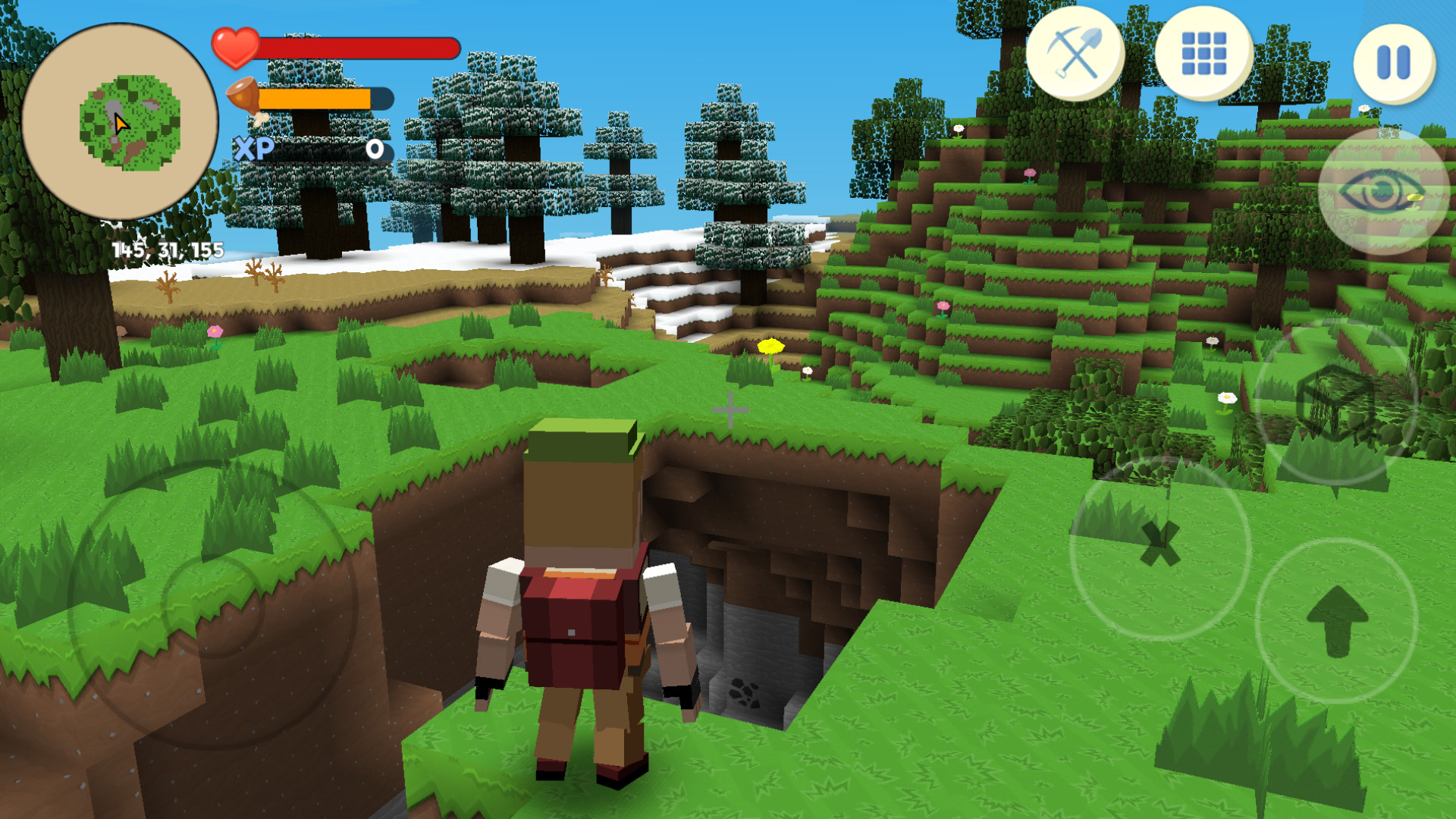
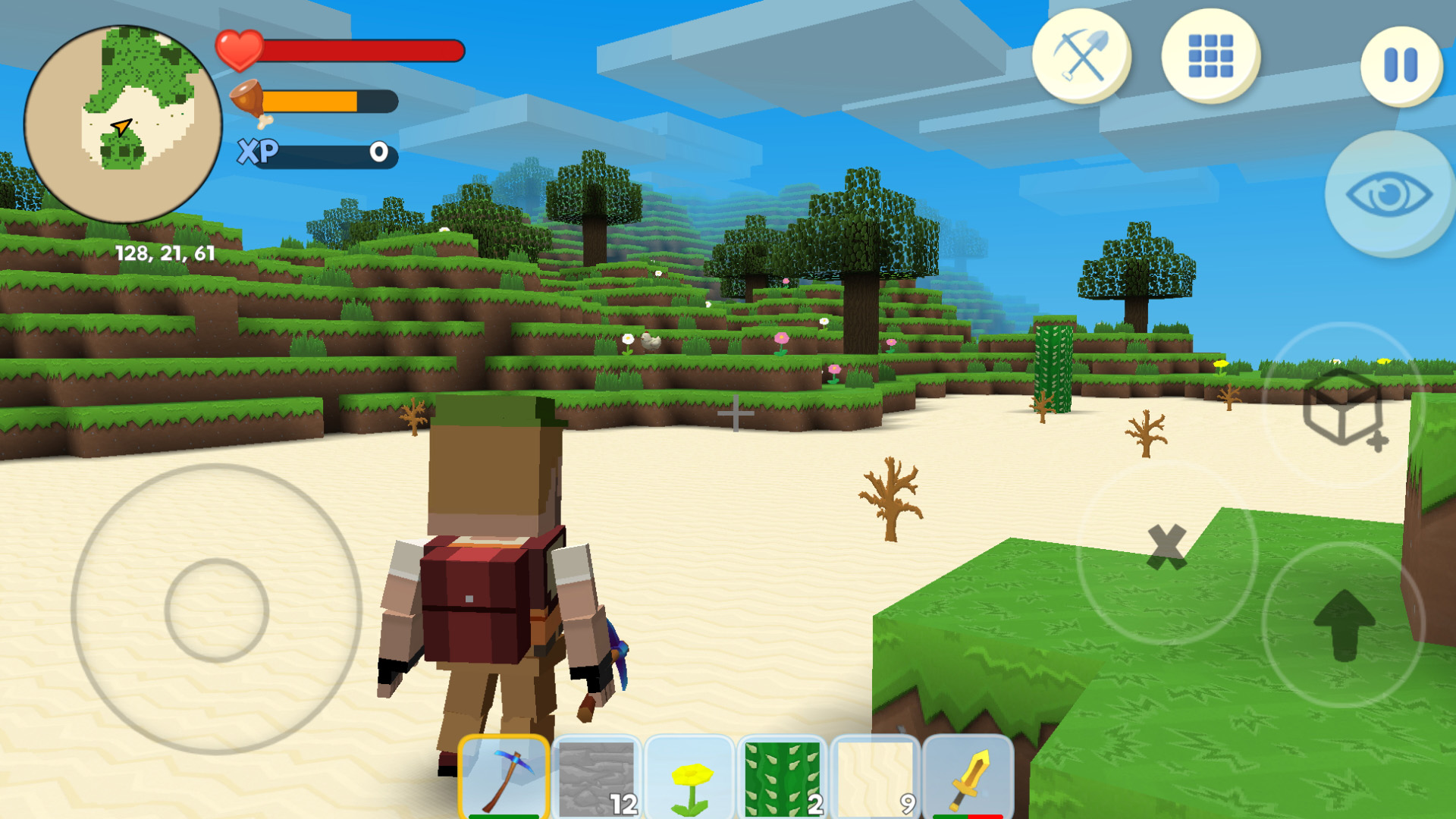
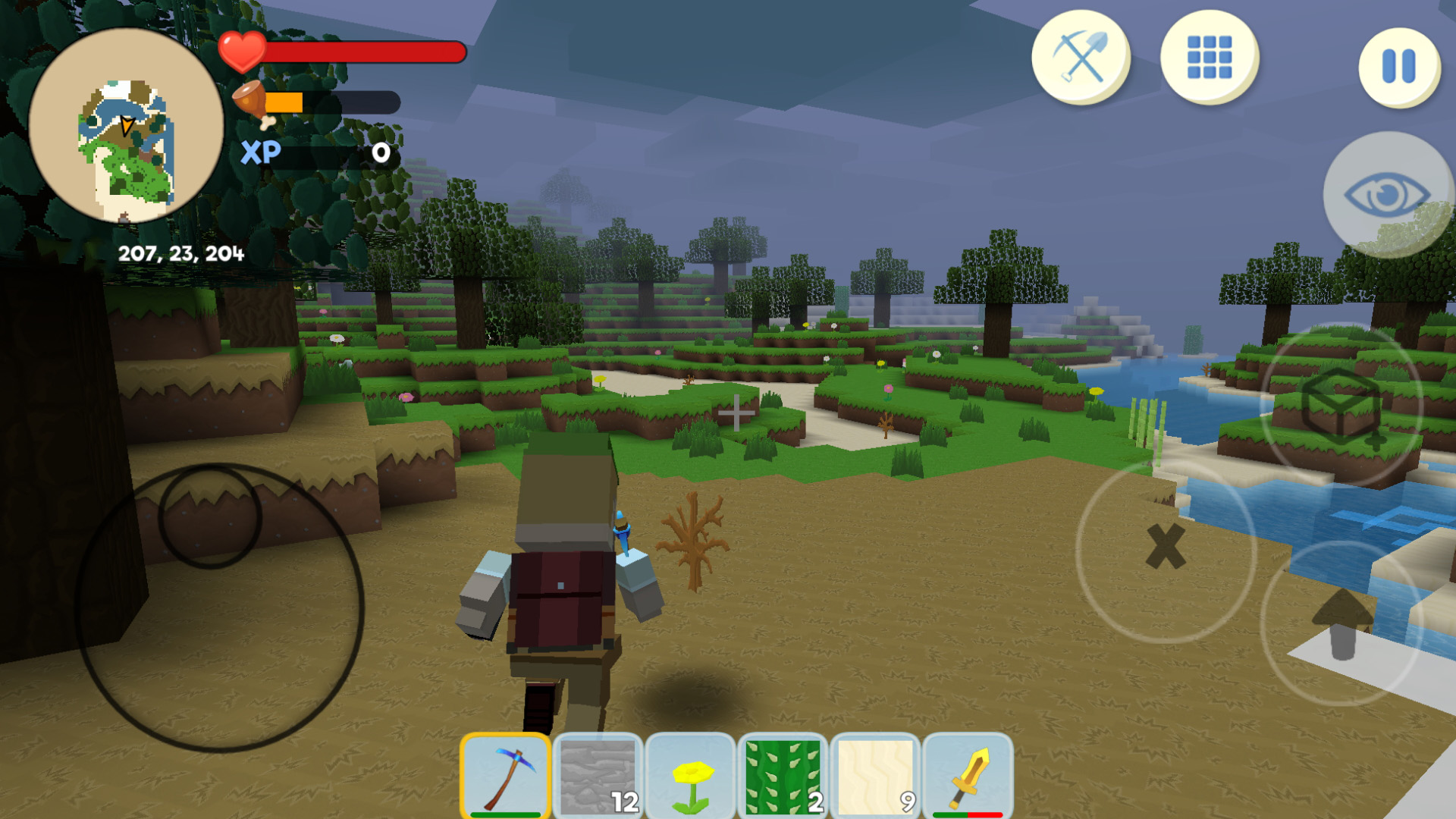
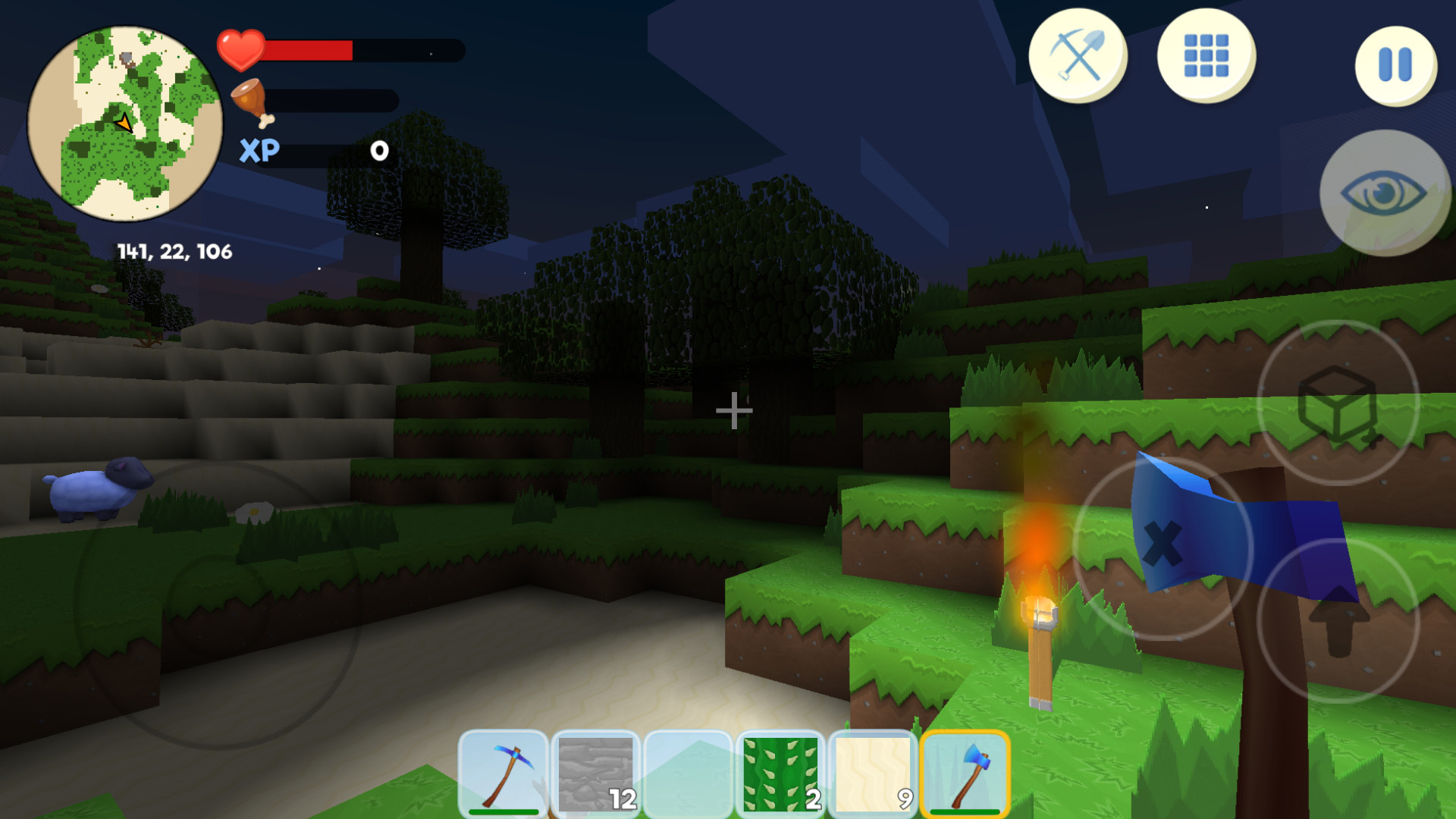
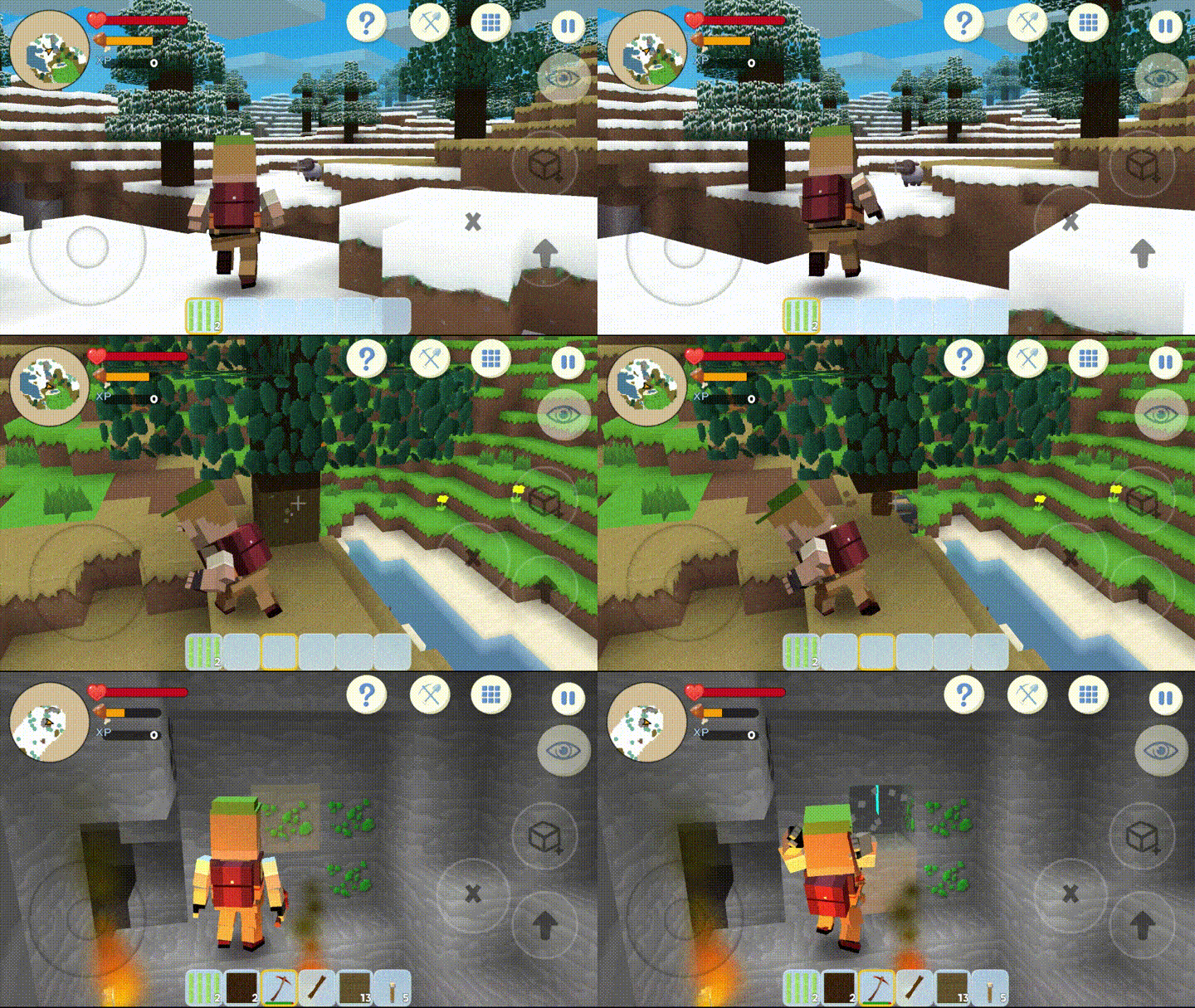
Staring at the clock and waiting for your shift or class to end is the ultimate productivity killer. Creative Craft 3D turns those dull moments into an epic challenge where you navigate vast blocky landscapes to stay alive. You start with nothing but your determination, needing to gather resources and hunt for food to keep your hunger meter in check. Mining through the terrain for rare ores and experience points feels deeply satisfying as you watch your inventory grow. You must master the craft menu to build shelters that protect you from the creatures lurking in the shadows. Whether you are swinging a pickaxe at stone or using a shovel to clear dirt, every action brings you closer to dominance in this world of cubes. Progression is constant, rewarding your strategic decisions with better tools and stronger gear to face tougher environments. Playing Creative Craft 3D right in your browser requires no downloads or registration, so you can jump into the survival action instantly.
How to play
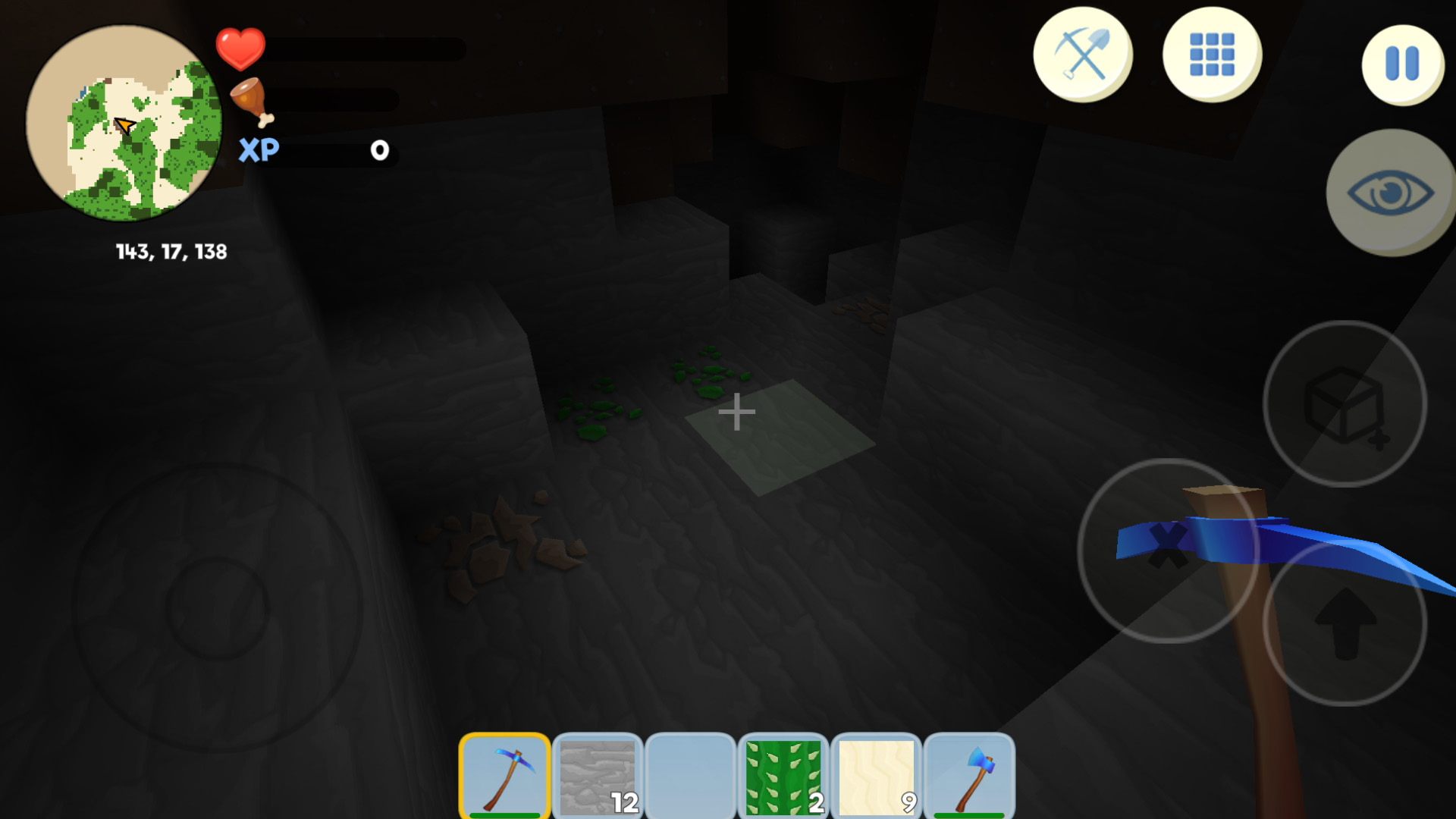
Move using the joystick on the left side of the screen
Destroy blocks - hold down the button with the "X" icon
Place a block - button with a cube icon
Jump - press Up button
Change view - button with an eye
To see the purpose of the buttons, click on the button with the "?" icon
In game you must survive and build
Find and eat food so as not to l - find animals or go fishing
To create items, open the Recipes menu - there you will find recipes for new items
Use Inventory for select items
For gather XP use instruments: axe for wood blocks, pickaxe for stones and ores, showel - dirt, grass, sand.
In Pause menu you may save game
If game fps (frames per seconds) is low or you have stutters - disable "High graphics" in main menu
Features
- Tool specialization: Use the axe for wood, pickaxe for stone, and shovel for soft earth to maximize your mining efficiency.
- Hunger mechanics: Hunt wild animals or try your hand at fishing to maintain your health and stamina levels.
- Recipe system: Access the integrated crafting menu to combine raw materials into advanced survival gear and building blocks.
- Customizable performance: Toggle high graphics settings in the main menu to ensure smooth gameplay on any device.
- Save functionality: Utilize the pause menu to store your progress and return to your world whenever you choose.
Who is it for
Survival enthusiasts and fans of block-based building games who enjoy resource management and open-world exploration. Creative gamers who love to construct intricate bases while fending off nocturnal threats will find endless replayability in these procedurally generated landscapes that test your ability to thrive under pressure.
Controls
Movement
Use the virtual joystick on the left side of the screen.
Mine blocks
Hold down the button with the X icon to destroy objects.
Place blocks
Tap the button displaying the cube icon to build.
Jump
Press the Up button to navigate vertical terrain.
Camera control
Tap the eye icon to switch your perspective view.
FAQ
Is Creative Craft 3D free to play in my browser?
›
Yes, Creative Craft 3D is completely free and runs directly in your web browser without requiring any downloads.
How do I save my progress in Creative Craft 3D?
›
You can save your current world state by opening the pause menu and selecting the save option.
Can I improve performance if Creative Craft 3D lags?
›
If you experience stuttering, simply disable the High graphics option in the main menu to boost your frames per second.