About game
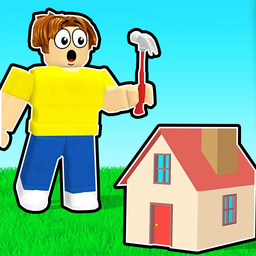
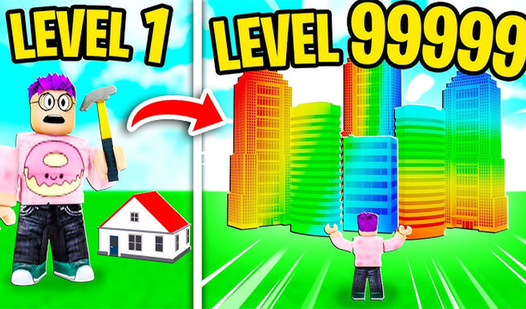
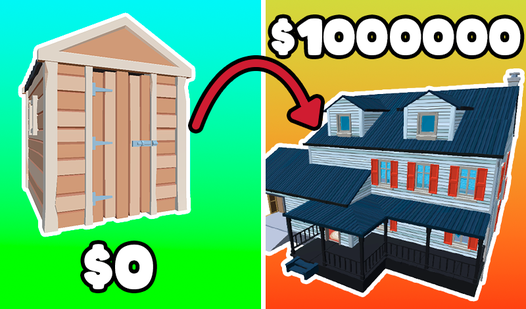
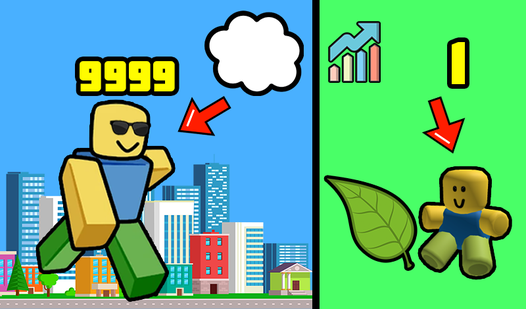
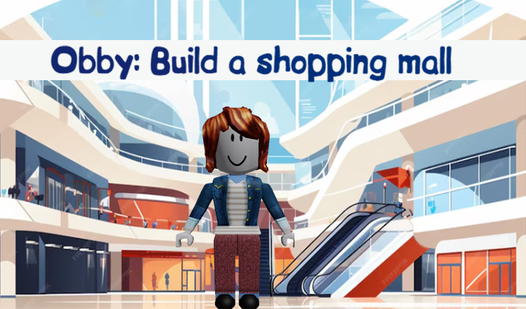
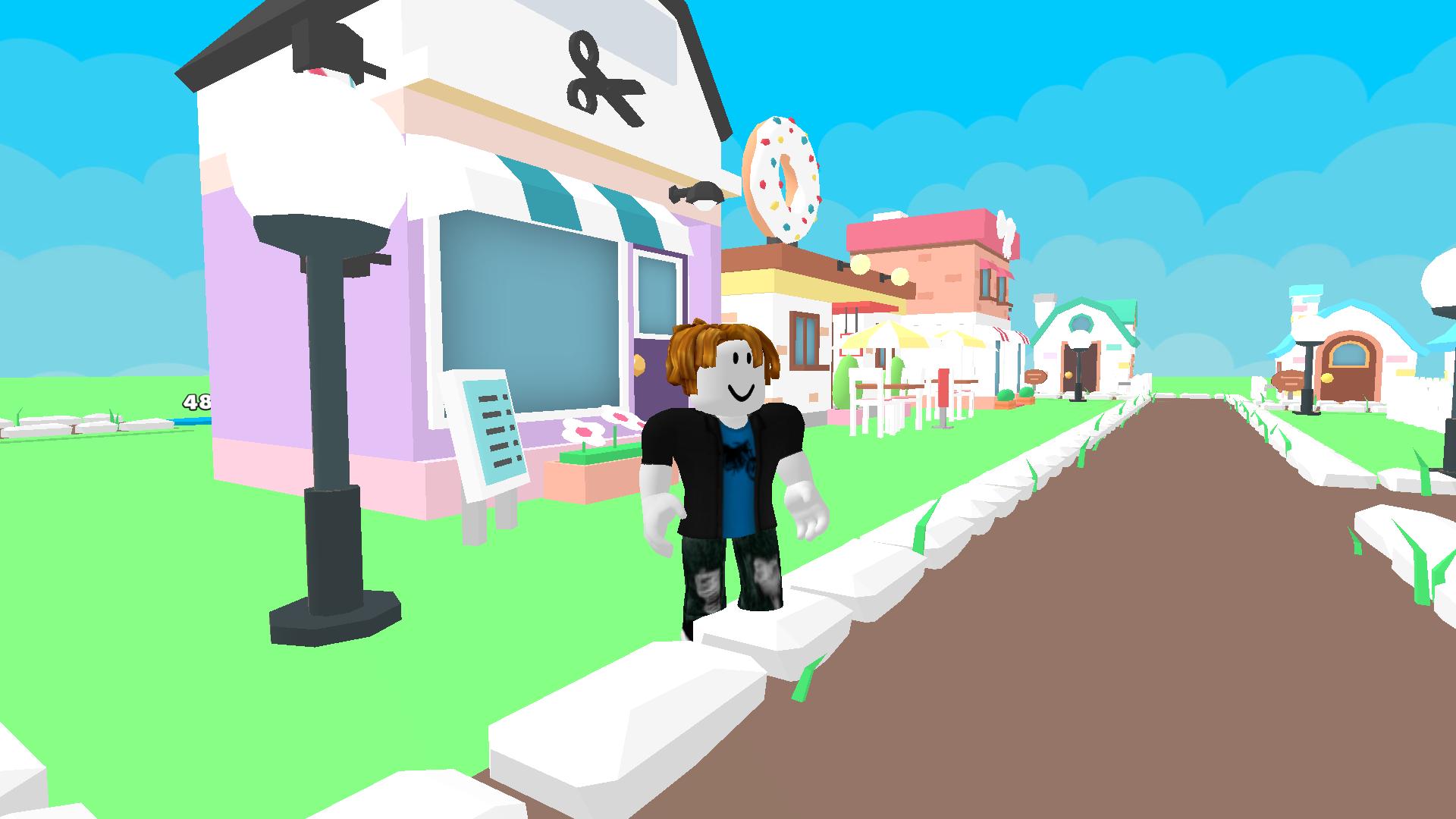
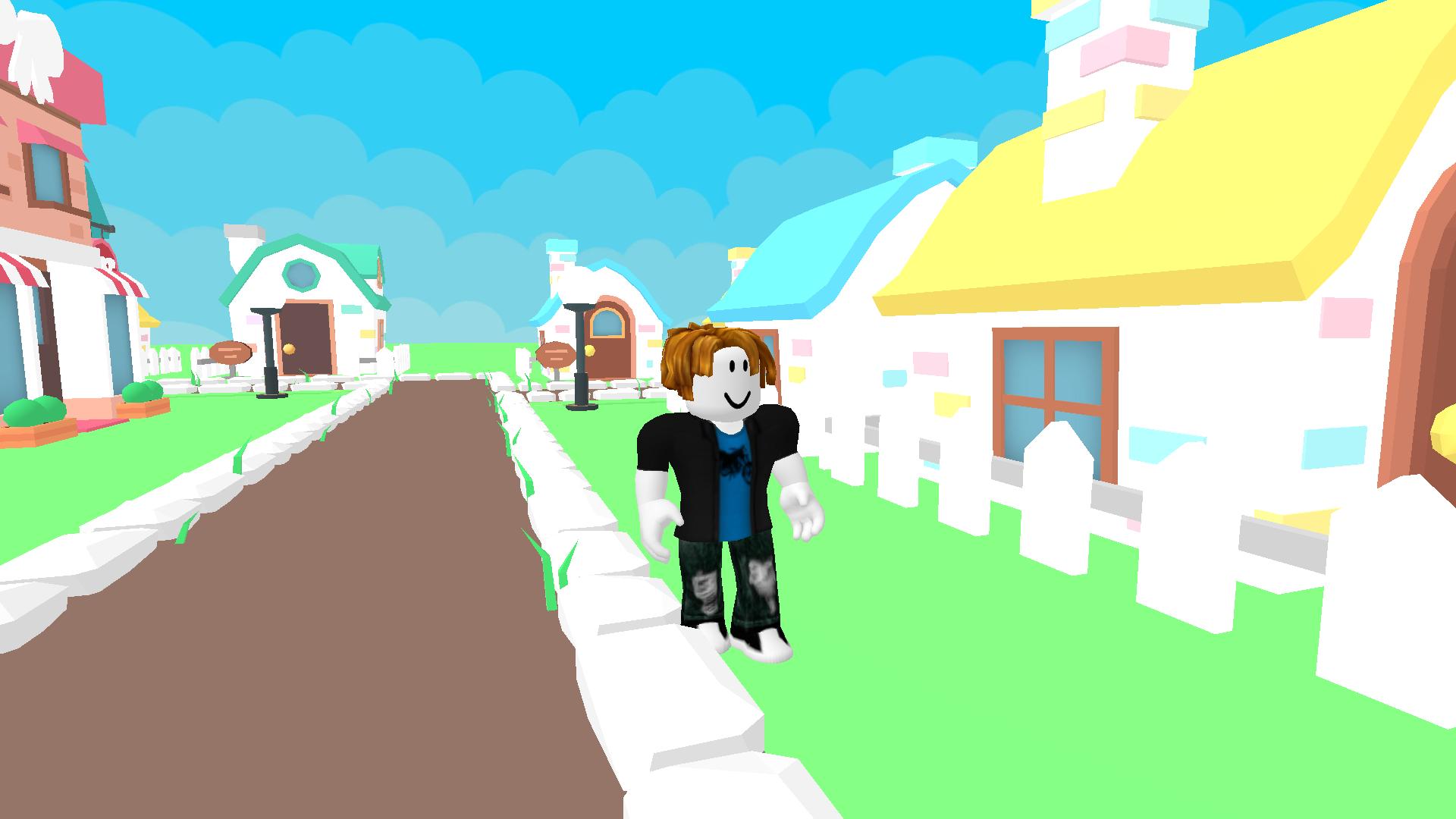
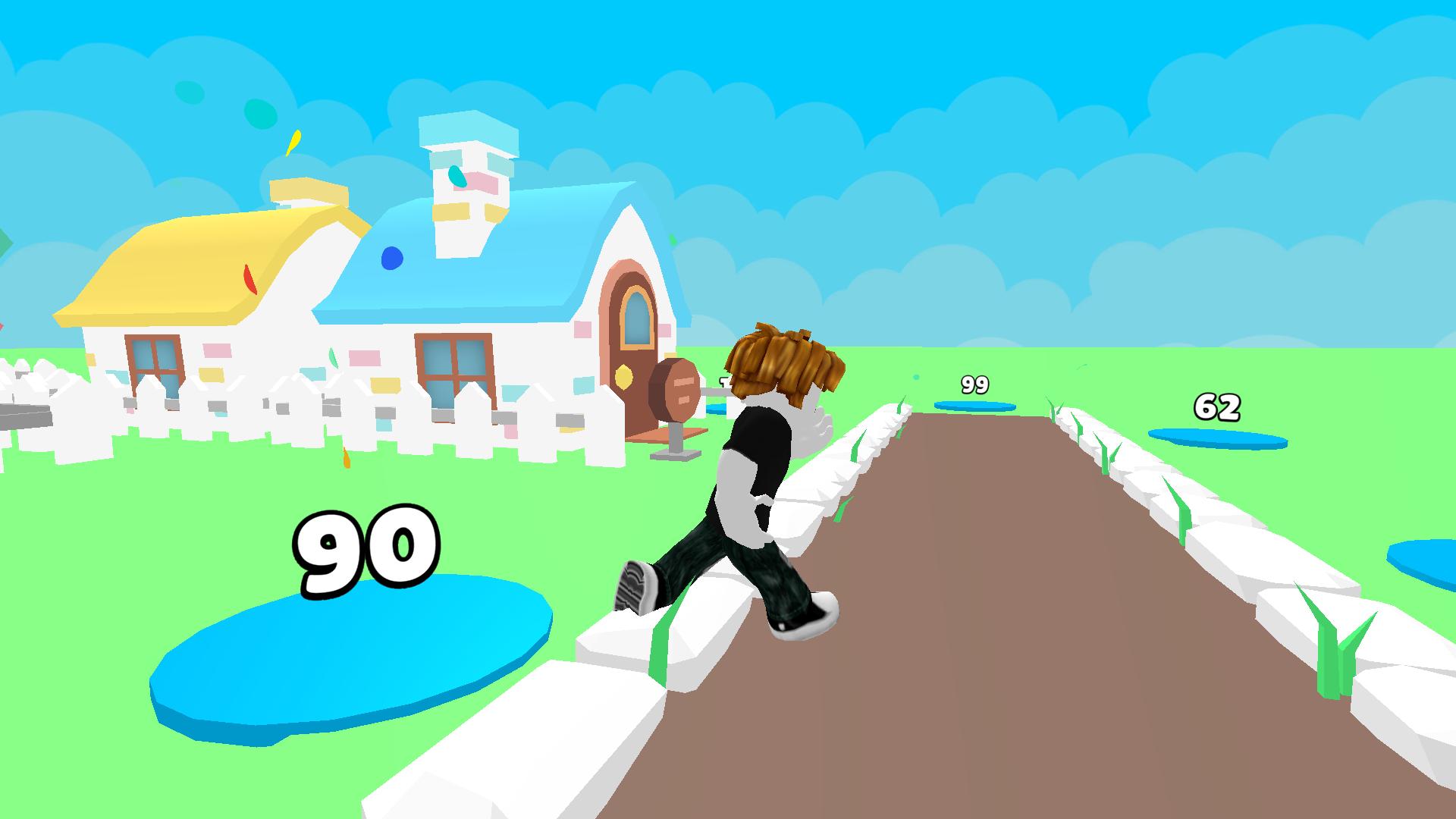
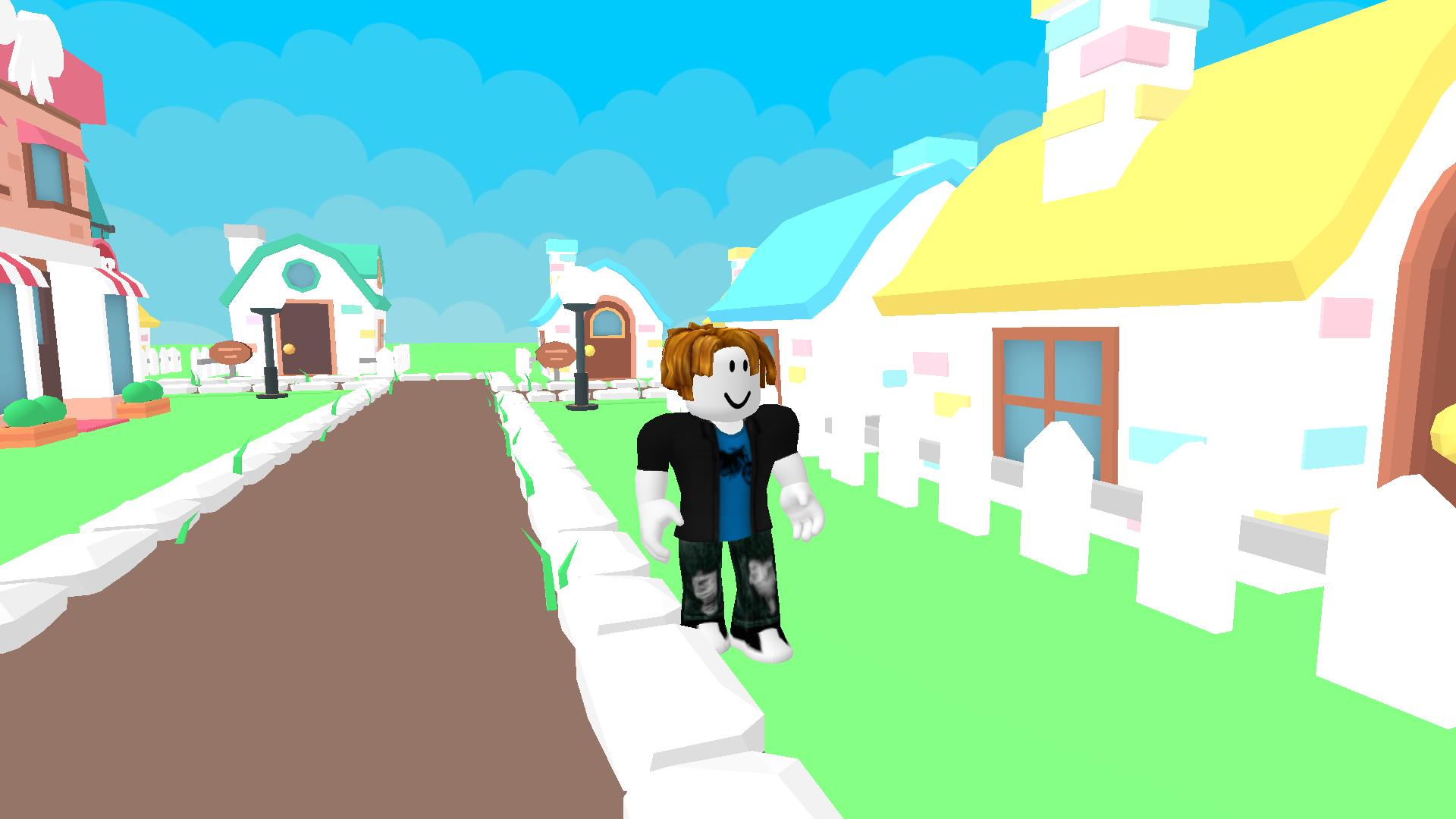
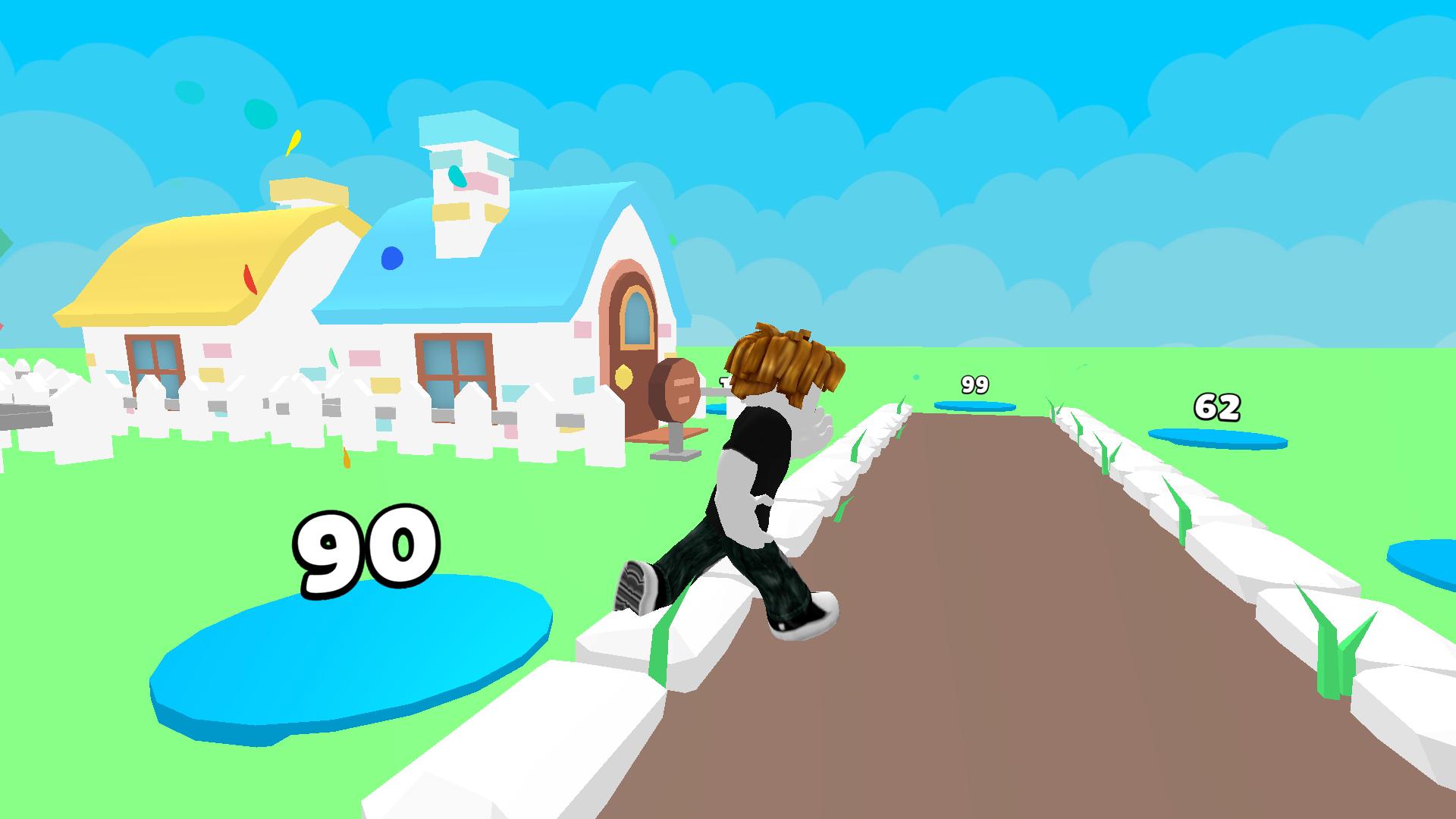
Urban planning is often seen as a dry chore, but transforming a plot of land into a bustling metropolis is pure adrenaline for any digital architect. Robbie: Tycoon Build a City lets you experience the thrill of watching a humble foundation evolve into a complex urban landscape right before your eyes. You start your journey by placing foundational structures and managing your resources to expand your reach. As you progress, you unlock specialized buildings that bring vibrant energy and unique charm to your growing streets. The gameplay loop centers on strategic placement and optimization, ensuring that every new addition contributes to the overall success of your skyline. You will handle everything from basic infrastructure to elaborate playgrounds, constantly upgrading your assets to maximize efficiency. Robbie: Tycoon Build a City keeps things fresh with continuous progression paths that reward your creativity and management skills. This addictive tycoon experience offers a sandbox-style environment where your vision dictates the final outcome. Jump into the action instantly in your browser without any downloads or registration requirements.
How to play
WASD - character control
Space - jump
Press RMB and control the mouse to rotate the camera
Mouse cursor hides
TAB - show mouse cursor
Mobile device control:
Joystick - character control
Button on the right side of the screen - jump
Swipe - camera rotation
Button in the upper left corner - settings
Features
- Resource Management: Balance your income and expenses to ensure your city expansion never hits a snag.
- Architectural Variety: Choose from a wide array of unique building types that each offer specific benefits to your urban layout.
- Dynamic Camera: Use intuitive rotation controls to inspect your city from every angle and appreciate your high quality construction work.
- Progression System: Earn rewards and unlockable content as you hit milestones throughout your city building journey.
- Endless Growth: Enjoy a limitless gameplay environment that allows you to build as big and as detailed as your strategy permits.
Who is it for
Strategy enthusiasts and simulation fans who love the classic tycoon loop will find hours of entertainment here. Casual players looking for a relaxing yet engaging builder will appreciate the straightforward mechanics, while younger gamers interested in creating their own 3d worlds will find this project highly rewarding and accessible.
Controls
Character movement
Use WASD on PC or the virtual joystick on mobile devices.
Jump
Press Spacebar on desktop or the dedicated jump button on the right side of the screen.
Camera rotation
Hold Right Mouse Button and drag, or swipe across your mobile touchscreen.
Cursor toggle
Use the TAB key on your keyboard to switch between game control and mouse interaction.
FAQ
How do I start playing Robbie: Tycoon Build a City?
›
Simply open the game in your web browser to start building immediately as no download or registration is required.
Is Robbie: Tycoon Build a City available on mobile?
›
Yes, the game is fully optimized for mobile devices with touch controls like joysticks and gestures.
Can I save my progress in Robbie: Tycoon Build a City?
›
Since this is a browser-based tycoon game, your progress is typically maintained within your current session, allowing for endless building fun.