About game
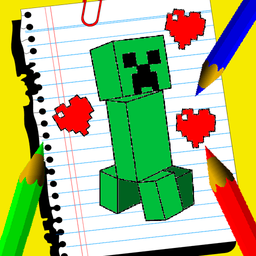
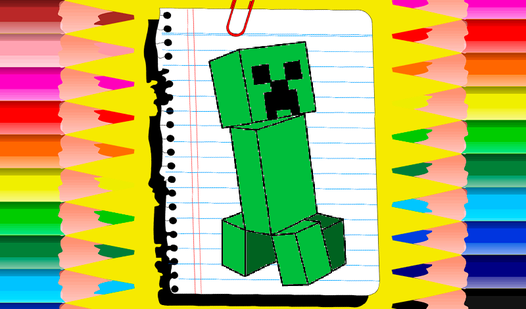
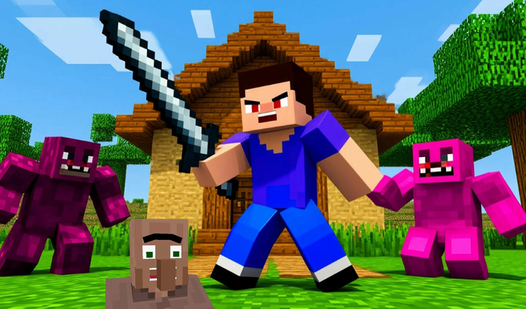
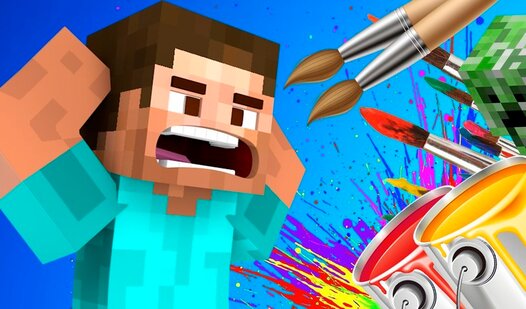
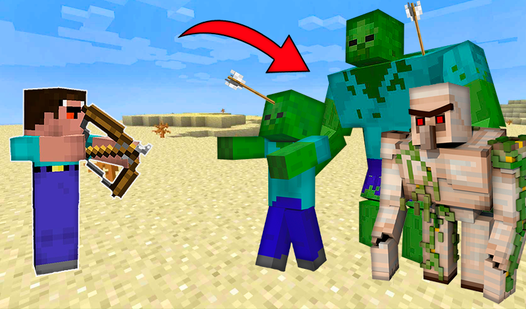
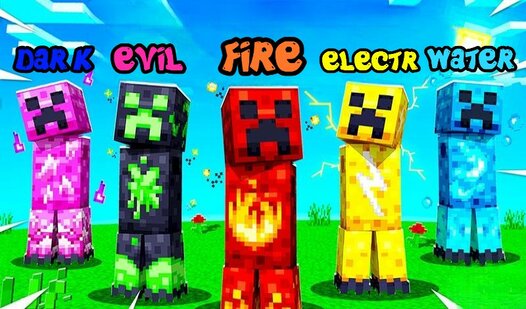
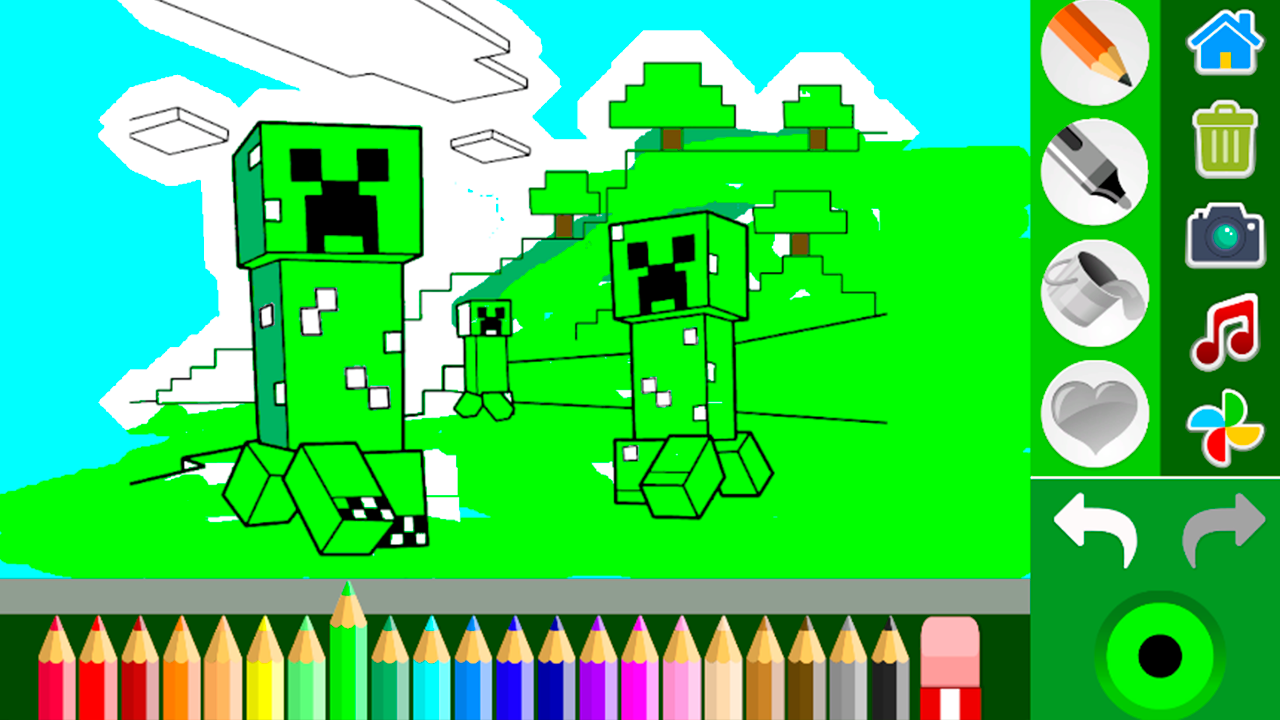
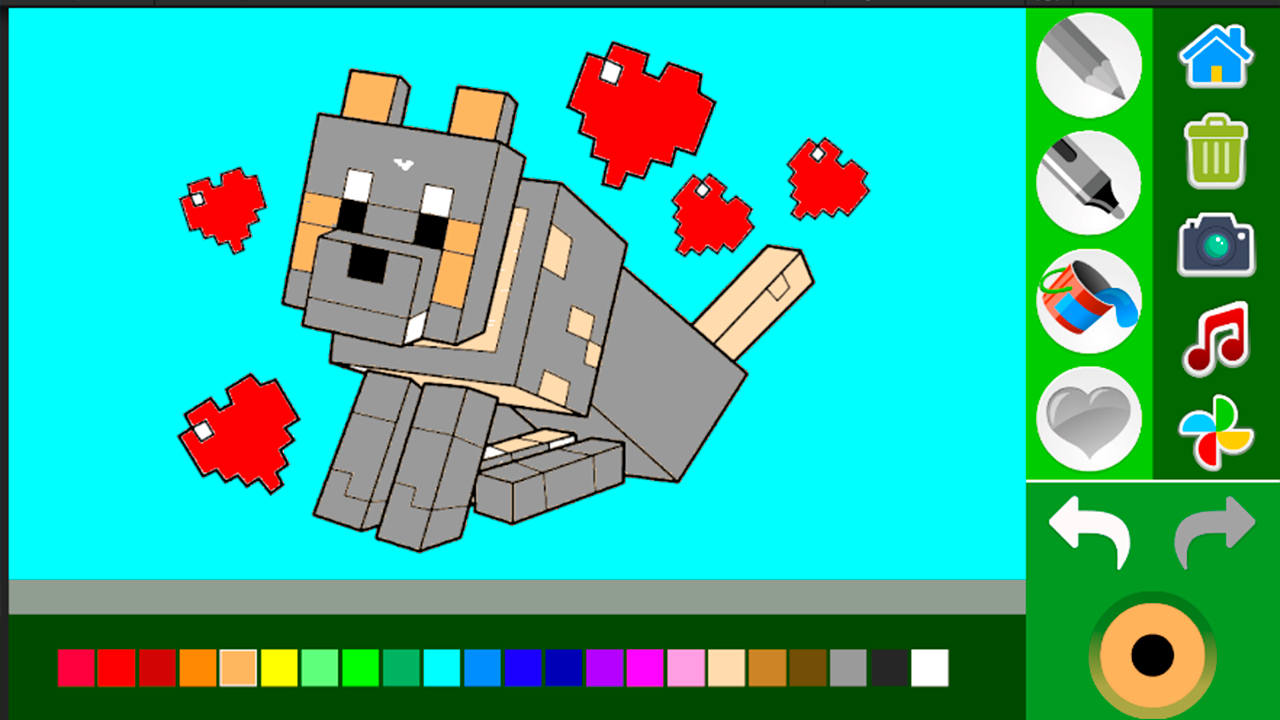
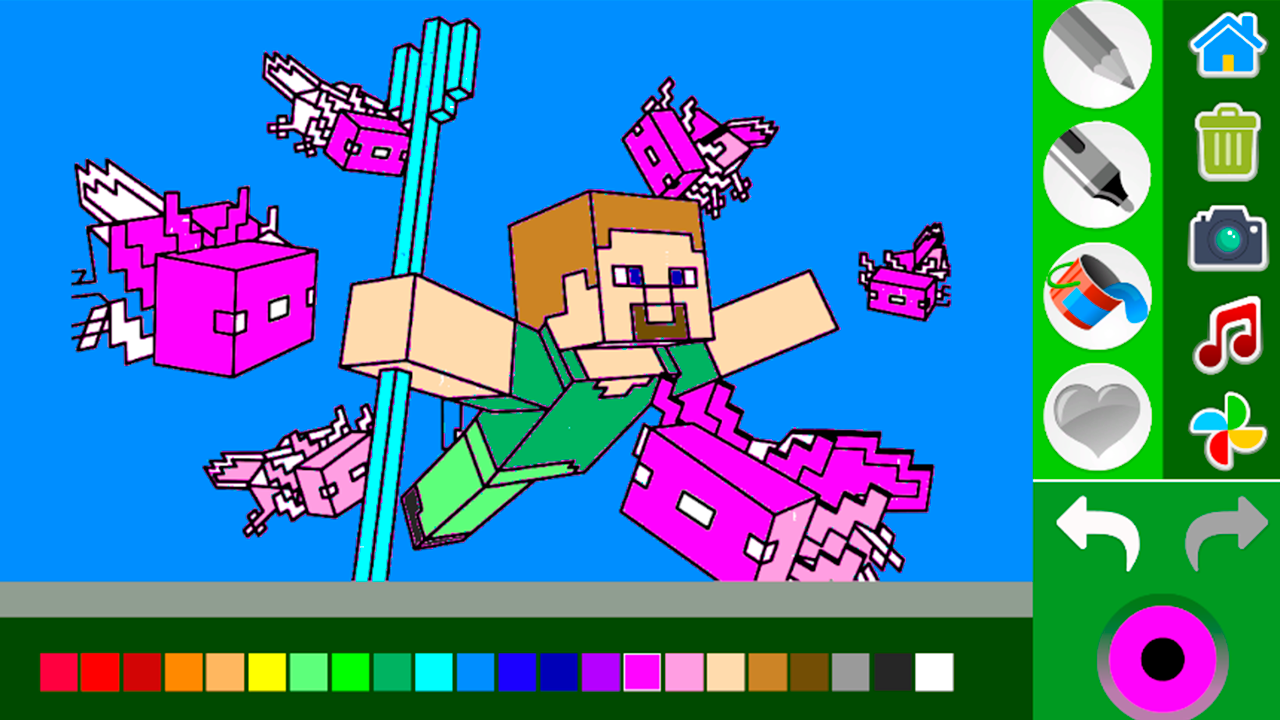
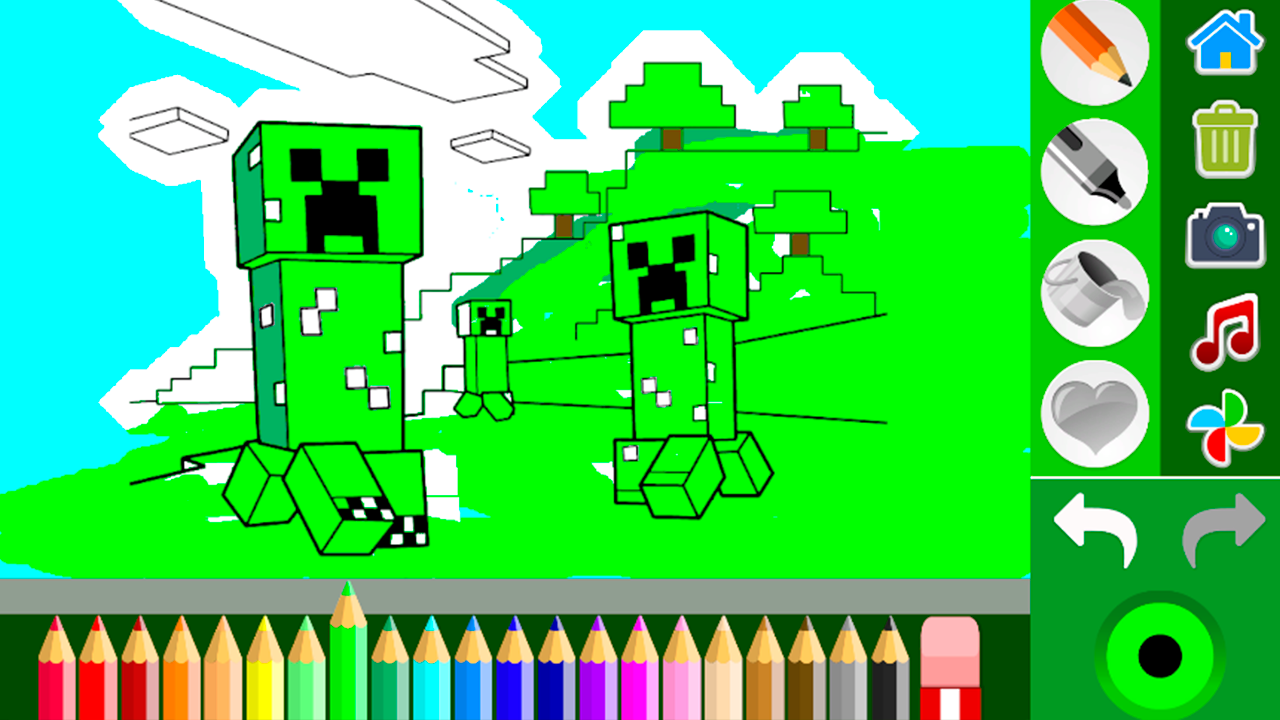
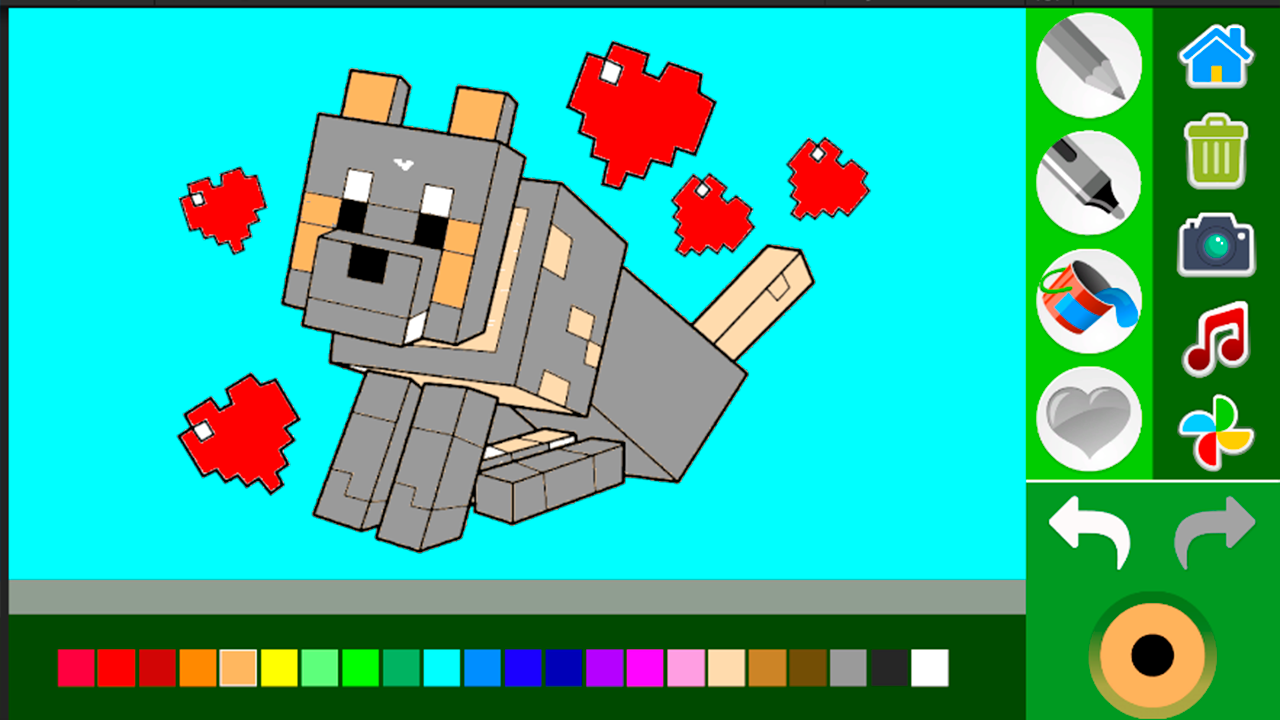
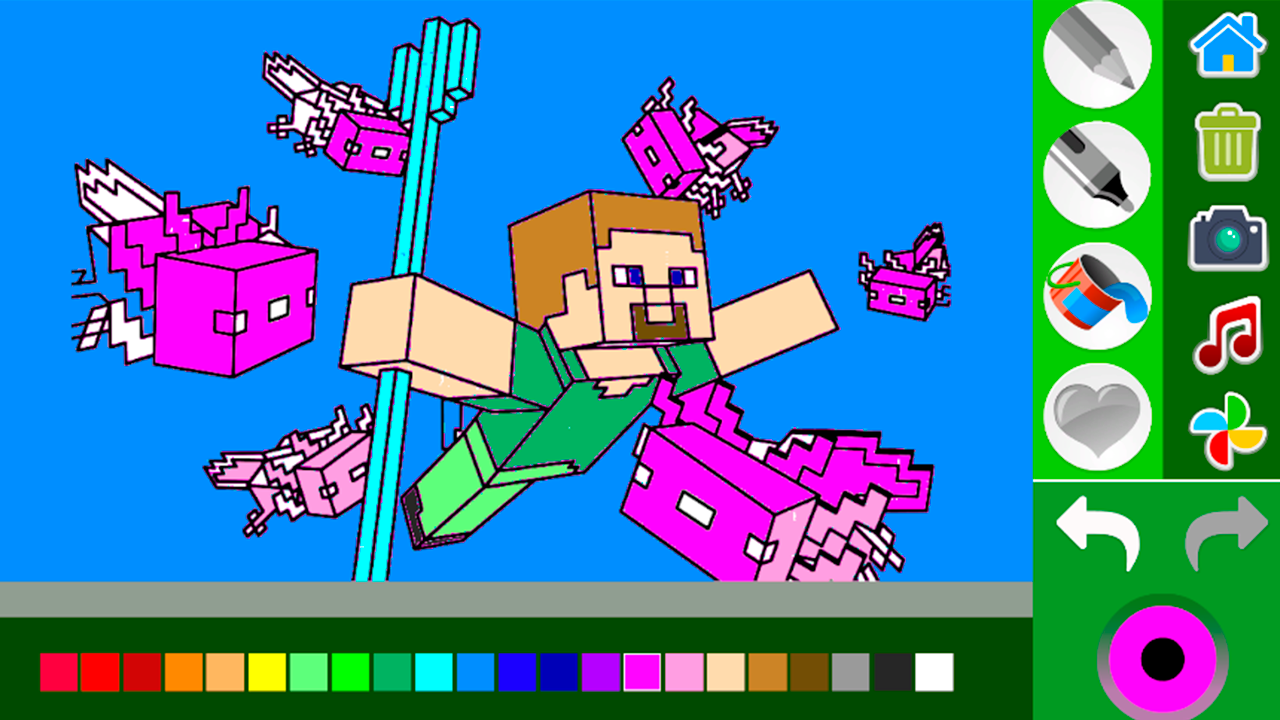
Staring at a blank screen during a short break can feel like a total drag when you just need to unwind. Coloring book: Minecraft turns that idle moment into a creative escape by bringing your favorite blocky world to life with vibrant colors. You can pick from a variety of iconic characters like the sneaky creeper or heroic Steve, filling them with shades that match your imagination. If you feel like pushing your artistic boundaries, the game includes a special mode where you can draw your own unique creations from scratch. Using digital карандаши and a wide palette of краски makes every session feel like a fresh masterpiece. This раскраска experience is perfect for relaxing while building your own version of the famous pixelated landscape. Whether you are a fan of building structures or just love the aesthetic of the game, you will find endless hours of fun here. You can jump into this Minecraft adventure directly in your browser with no download required.
How to play
Color the picture the way you want.
Control on a mobile device - tap on the screen
PC control - mouse
Features
- Creative Canvas: Utilize a freestyle sketching mode to design your own characters outside of the pre-made templates.
- Interactive Palette: Access a vast selection of colors that mimic the iconic textures found in the blocky world.
- Save Feature: Capture your finished digital artwork to keep a gallery of your favorite pixel-art creations.
- User-Friendly Interface: Navigate through simple menus designed to make filling in intricate patterns smooth and stress-free.
Who is it for
Fans of blocky sandbox adventures, young artists looking for digital creative outlets, and casual players seeking a relaxing browser hobby. Kids and teens who love pixel art will find this tool perfect for expressing their style without the mess of traditional physical art supplies and real-world coloring books.
Controls
Select Color
Tap on the screen with your finger or click with the mouse on the desired color palette icon.
Apply Color
Tap a specific area on the image or click and drag to fill in the blocky sections.
Draw Freehand
Use your finger or mouse cursor to sketch custom lines and shapes in the special drawing mode.
FAQ
Is Coloring book: Minecraft free to play in my browser?
›
Yes, Coloring book: Minecraft is completely free to play directly in your web browser without needing any downloads or installations.
Can I save my progress in Coloring book: Minecraft?
›
You can enjoy the coloring experience and take screenshots of your artwork, though the game is designed for quick, repeatable creative sessions.
Is Coloring book: Minecraft suitable for younger players?
›
Absolutely, Coloring book: Minecraft features simple controls and a friendly interface that makes it a great choice for children and teens alike.