About game
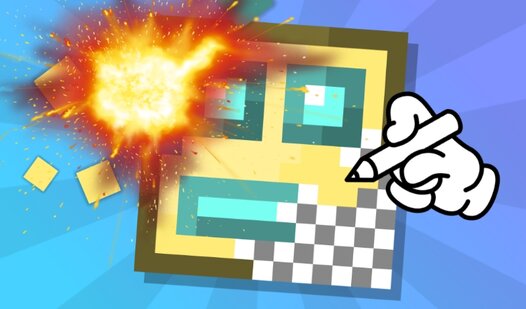
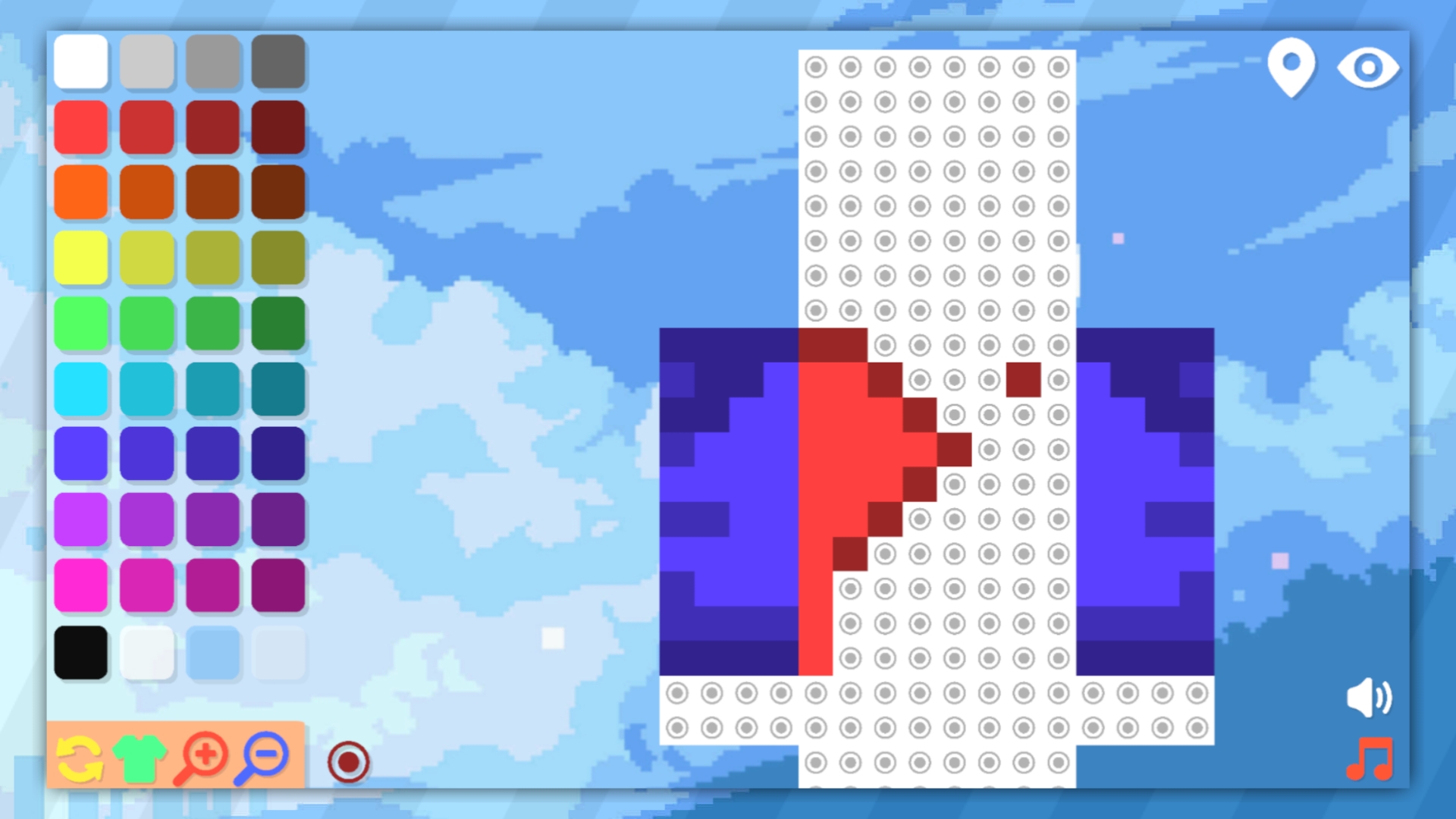
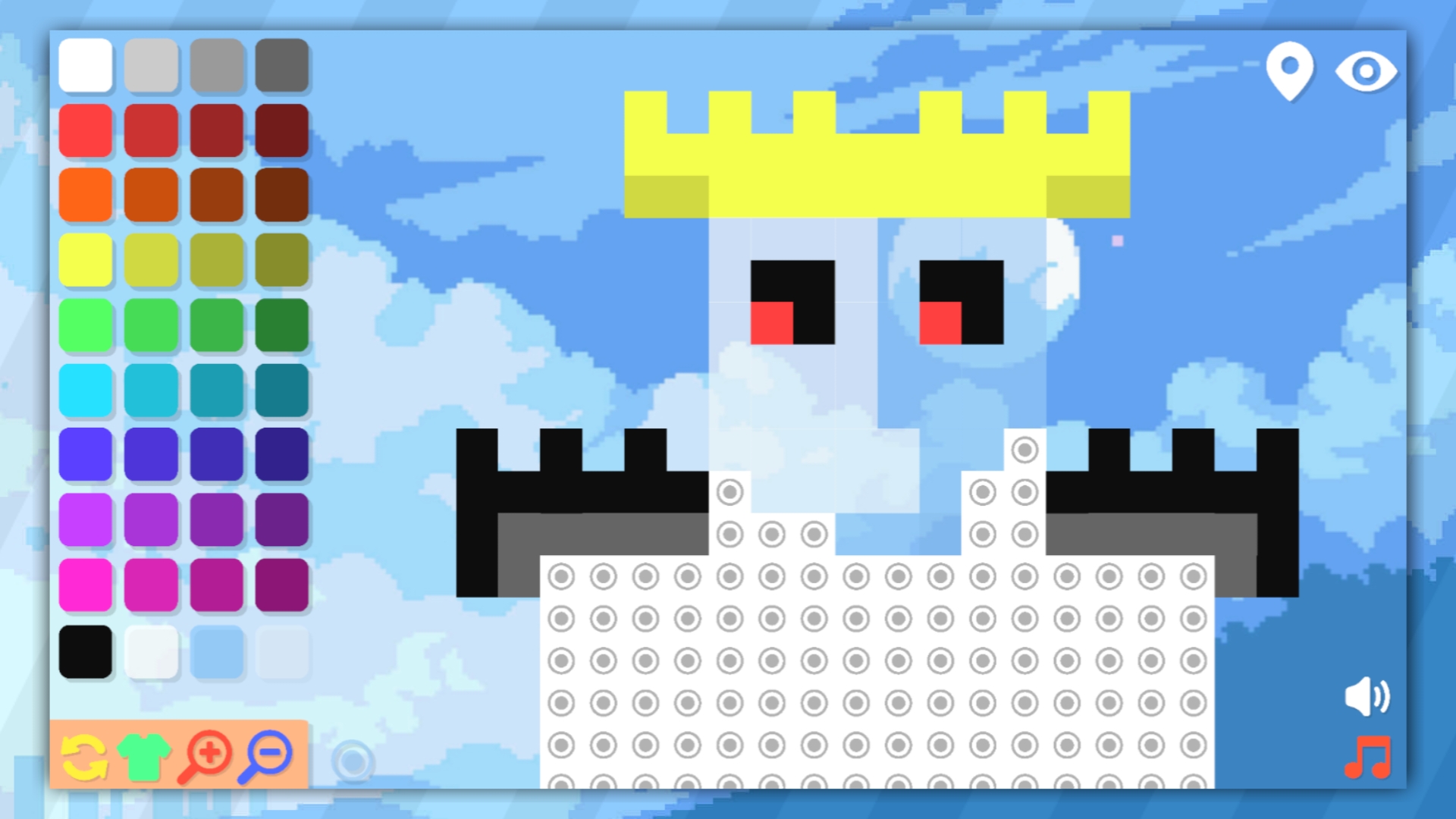
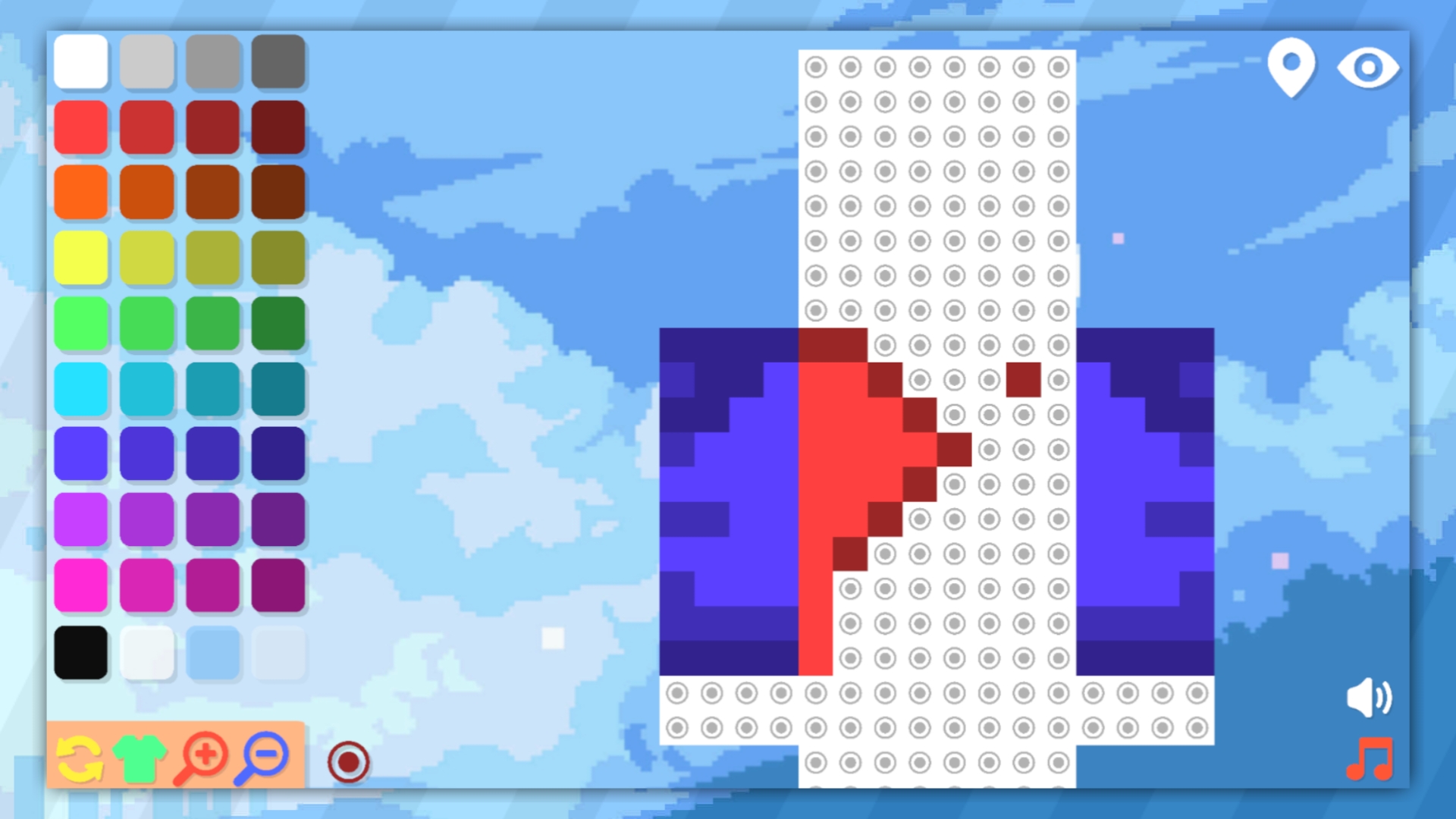
Creative minds who love building in the world of майн will find endless inspiration with Create a Skin for Mine!. This browser-based editor lets you design custom looks without any complex software or heavy installations. You start by selecting a base template and then dive into a massive palette of colors to bring your vision to life. Use the precise digital brush to fill in every pixel, or toggle the large canvas mode to experiment with more complex artistic designs. If you make a mistake, simply use the invisible paint feature to clear space or hit the reset button to start fresh from scratch. The interface includes handy zoom controls so you can perfect even the smallest details of your unique майн скины design. Every session offers a relaxing yet focused way to express your creativity. Play this engaging редактор скинов directly in your browser without any downloads or registration requirements.
How to play
To begin, select the template you are going to use. Then choose a color or shade and start painting on your ready-made palette!
You can zoom in and out of your drawing using special magnifying glass buttons.
If you don't have enough space in your drawing, you can choose a large canvas; by painting over the unnecessary parts with invisible paint, you can use this space for your creative tasks.
The game does not have the ability to save a drawing. If you quit the game, you will have to draw again. You can also reset the drawing by pressing the reset button.
Features
- Template selection: Choose from various character bases to provide a solid foundation for your custom artistic creations.
- Precision zoom: Utilize the magnifying glass buttons to inspect intricate details and ensure pixel-perfect color placement.
- Canvas expansion: Use the large canvas mode to provide extra space for complex patterns and detailed character outfits.
- Invisible paint: Clear away mistakes or unwanted sections easily by using the transparent color option to reset specific pixels.
- Interface simplicity: Enjoy an intuitive design that prioritizes a distraction-free environment for pure artistic expression.
Who is it for
Creative players who enjoy digital pixel art and customizing characters will appreciate this tool. It is perfect for fans of sandbox games who want to visualize their own unique avatars. Casual gamers seeking a relaxing, artistic outlet will find the simple painting mechanics both satisfying and easy to master.
Controls
Select color
Click or tap on the desired color square from the palette.
Paint pixel
Click or tap on the specific area of the character model you wish to color.
Zoom view
Tap the magnifying glass buttons to zoom in or out on the canvas.
FAQ
Can I save my creations in Create a Skin for Mine!?
›
Currently, Create a Skin for Mine! does not support saving files, so your work will clear if you exit the browser session.
Is Create a Skin for Mine! compatible with mobile devices?
›
Yes, Create a Skin for Mine! is built with HTML5 technology and works perfectly on mobile browsers using simple touch controls.
Does Create a Skin for Mine! require any software installation?
›
No, you can play Create a Skin for Mine! directly in your web browser with no download or registration required.