About game
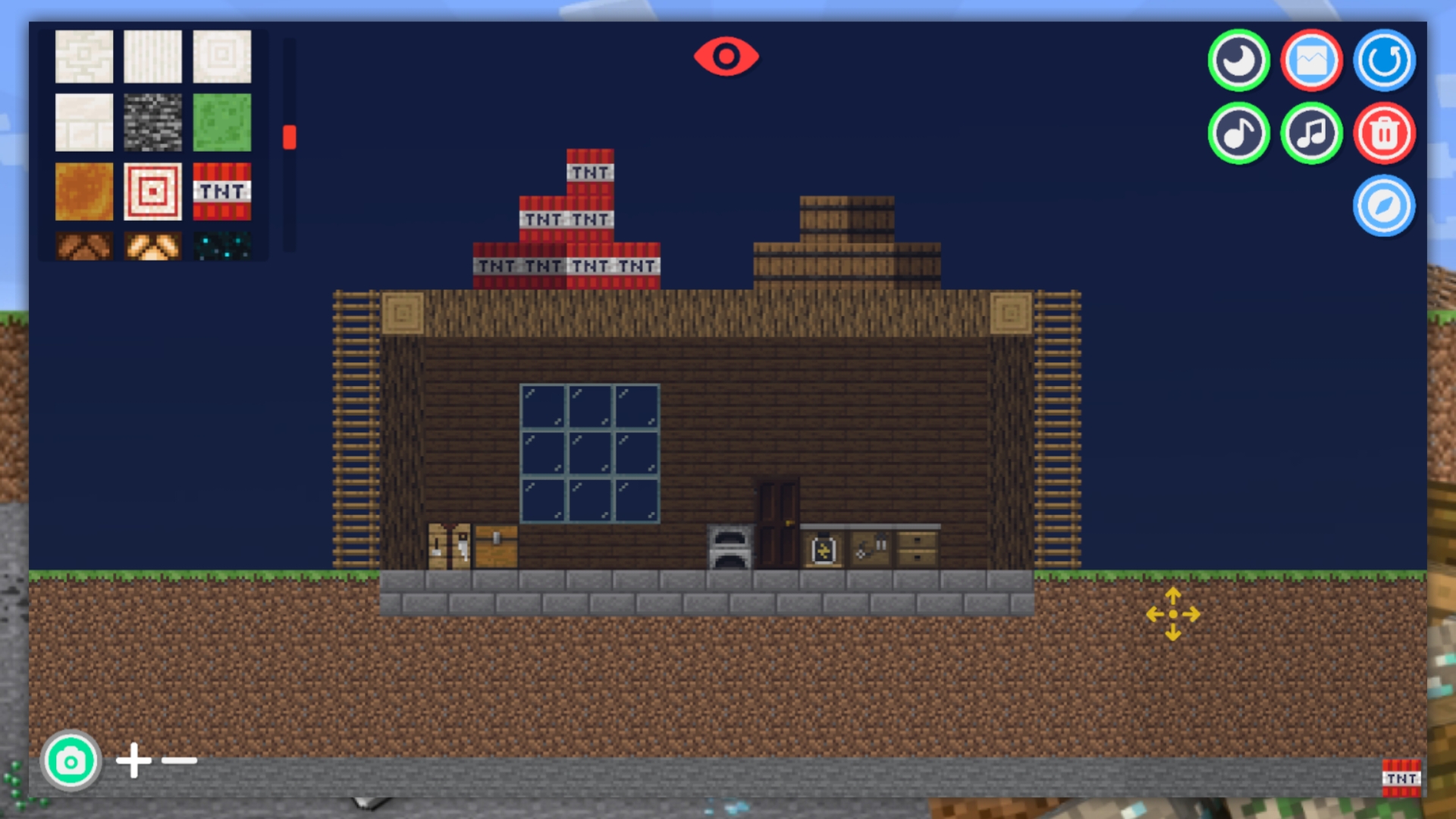
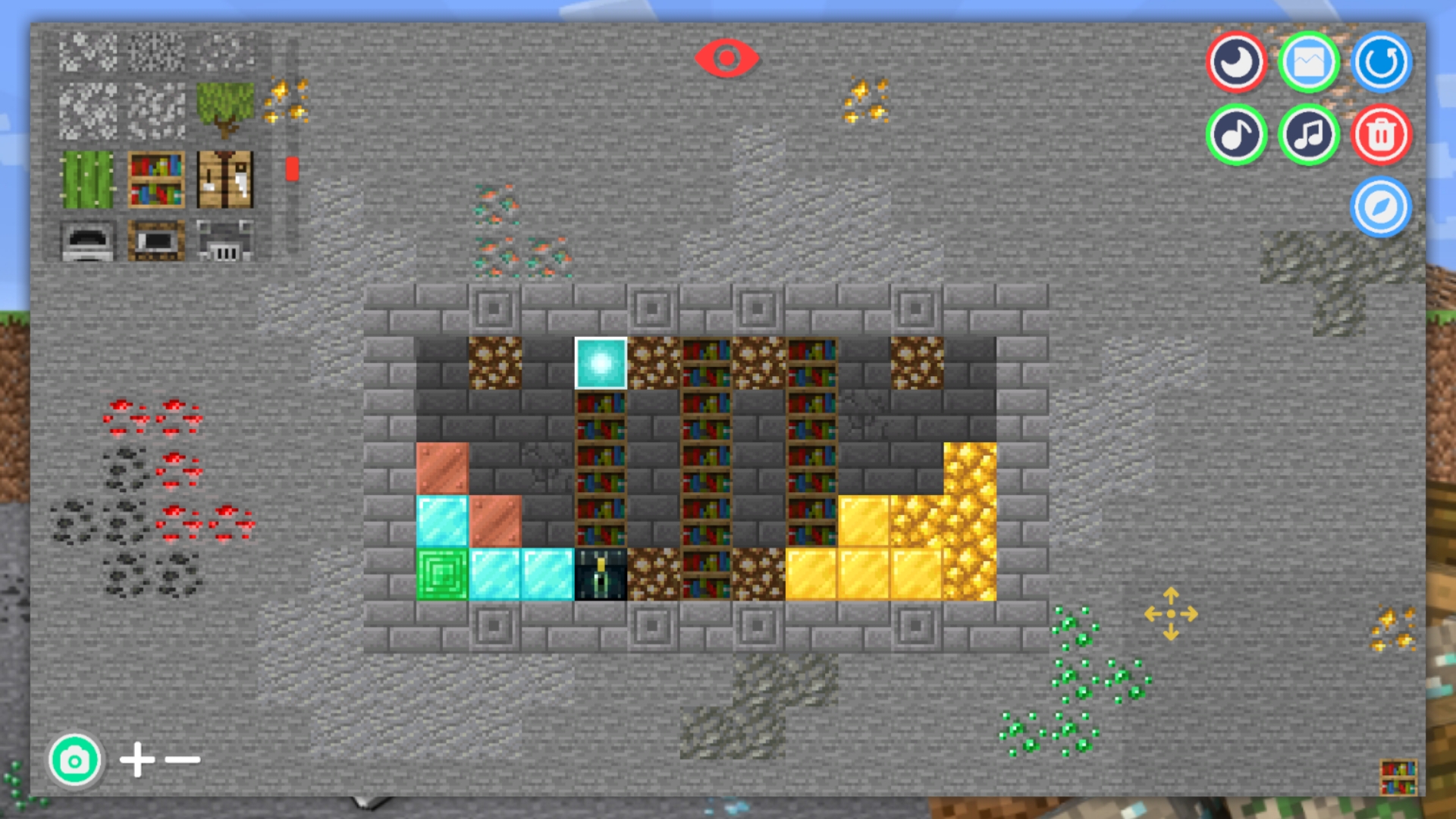
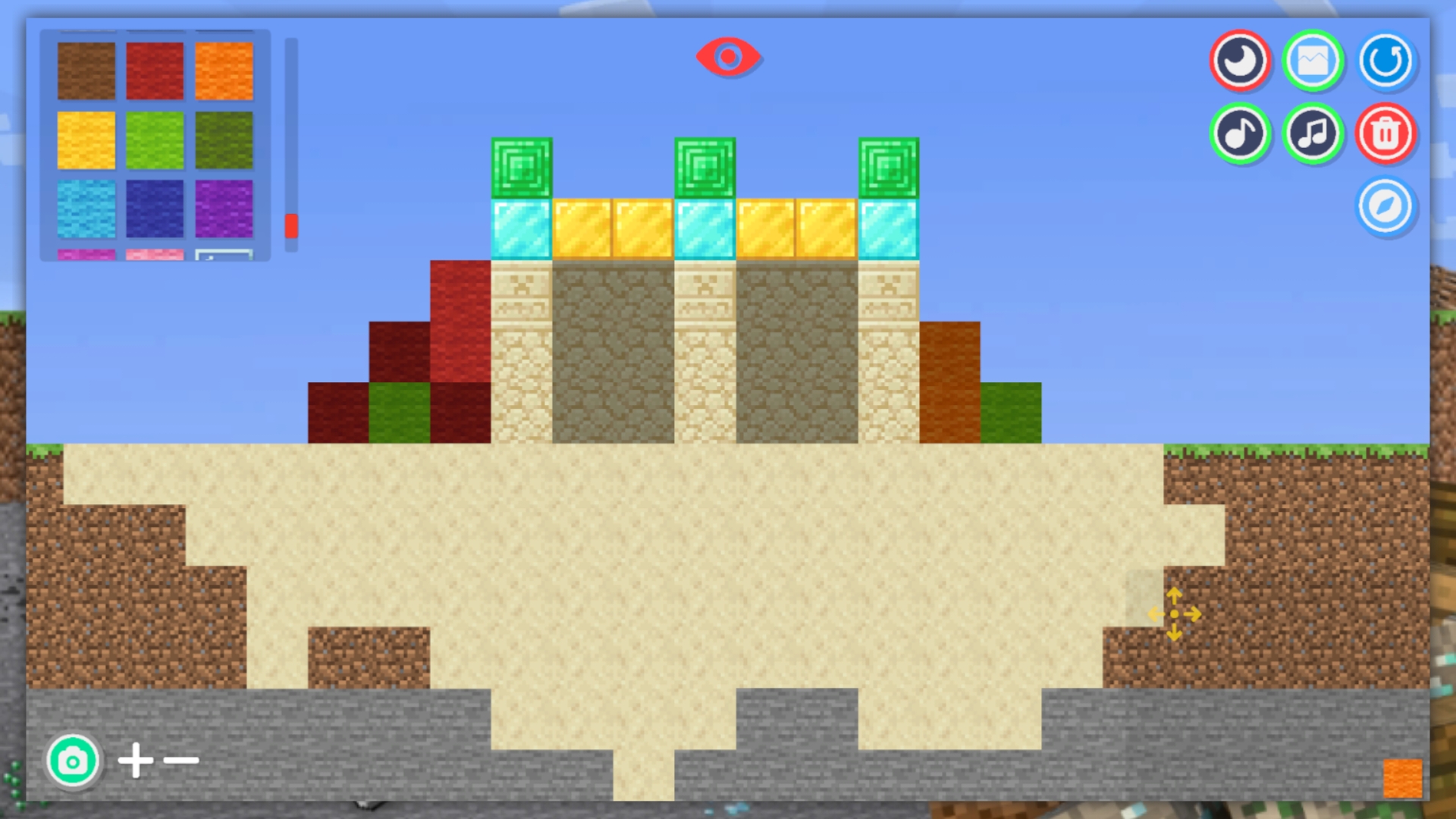
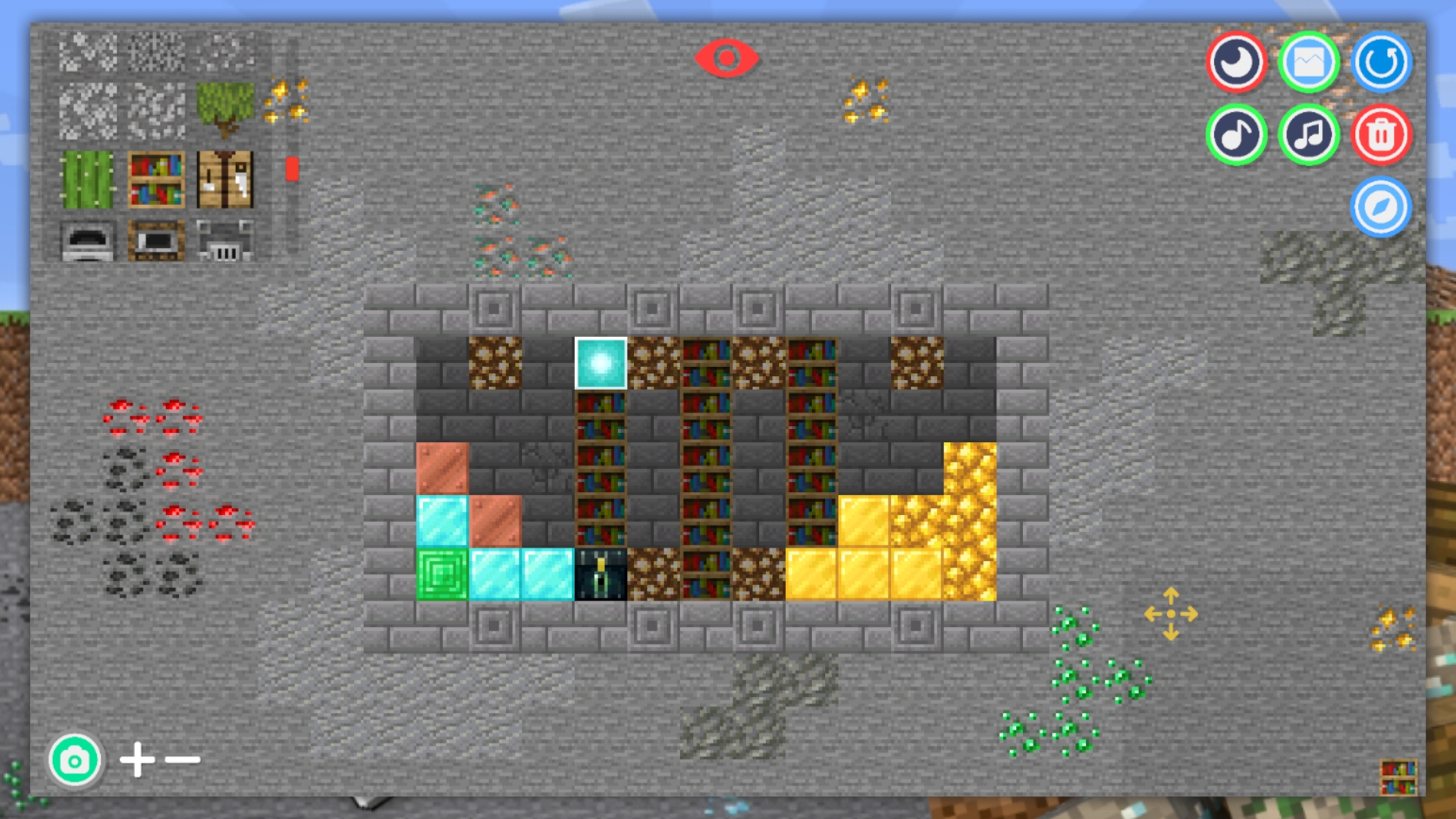
Staring at a blank screen during your lunch break is the perfect sign that you need a creative escape. Create your own world in Mine 2D offers the ultimate sandbox experience to turn that boredom into a masterpiece of digital architecture. You start with an endless canvas and a vast inventory of blocks designed for infinite building possibilities. Simply select your materials, click to place them, and start constructing anything from cozy cabins to sprawling fortresses. The game lets you toggle the time of day to see your creations under sunlight or moonlight for added atmosphere. You can easily remove blocks or add back walls to give your designs depth and professional flair. Competing for the top spot on the leaderboard adds a layer of thrill to these relaxing building games. Everything you build is a direct reflection of your vision, making every session feel unique. Visit FreeJoy.games to play this creative browser hit instantly without any downloads or registration required.
How to play
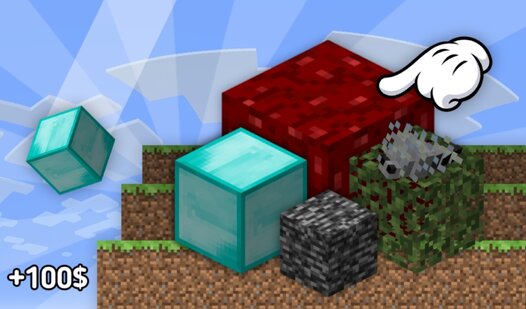
The game has a huge number of different blocks available to you, which you can place on the playing field.
Select the block you need and place it in the place you need.
You can change the time of day, place back walls from all available blocks, remove unnecessary blocks, and also control the camera.
Use a special zone to move the camera.
Please note that the game does not have a save progress function. If you exit the game, your progress will be lost.
Features
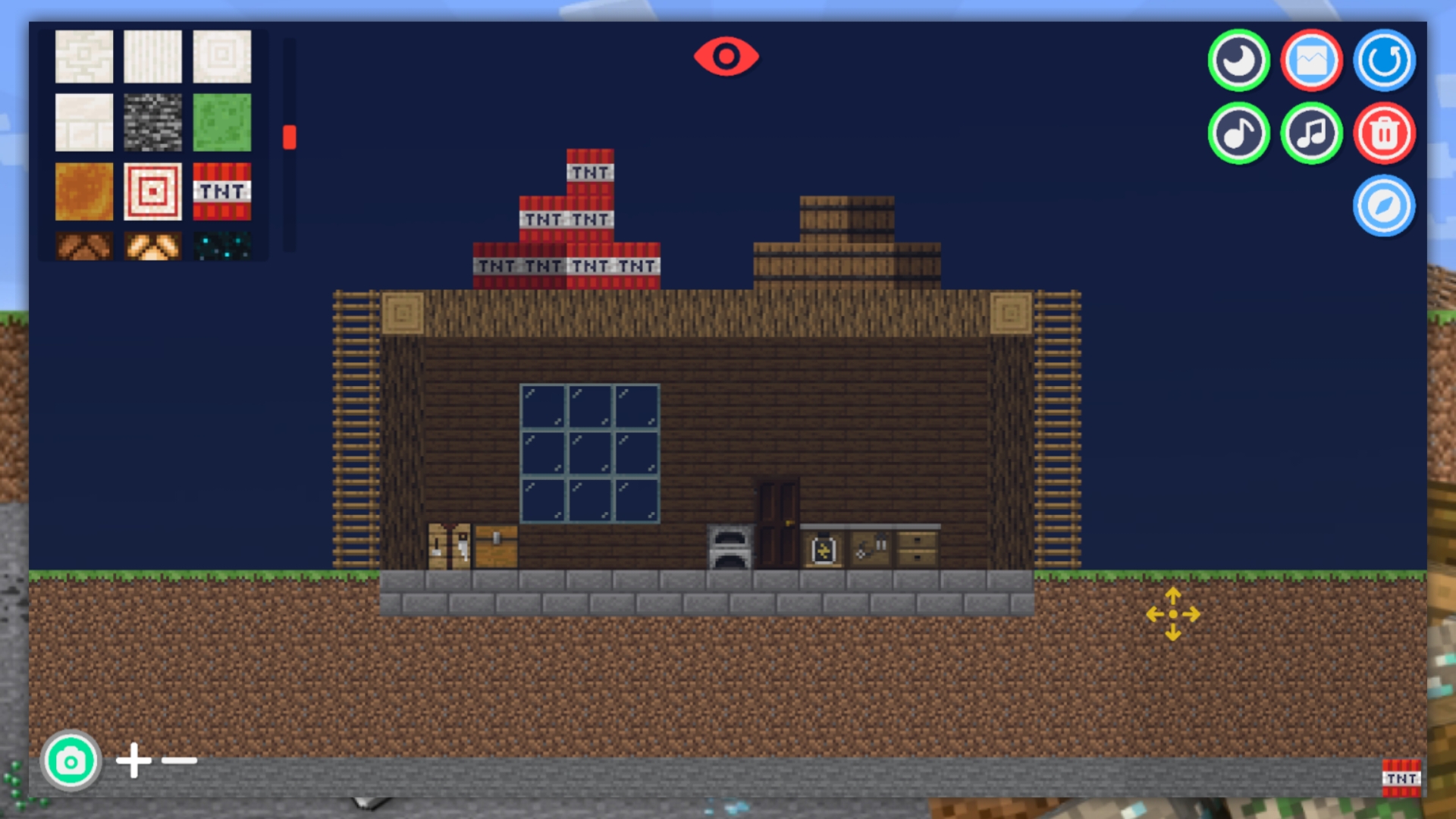
- Dynamic lighting: Toggle between day and night cycles to view your structures under different aesthetic conditions.
- Layered construction: Utilize back wall placement to add structural depth and detail to your architectural projects.
- Camera control: Use the dedicated navigation zone to pan across your map and inspect your world from every angle.
- Tool flexibility: Easily swap between adding blocks and clearing space to refine your designs in real time.
- Leaderboard integration: Track your progress and compete against other builders to prove your creative prowess.
Who is it for
Creative minds who love sandbox builders and casual players seeking a stress-free environment to design structures. Fans of classic block-placing mechanics will appreciate the intuitive controls, while competitive builders will enjoy the challenge of climbing the rankings to become the top architect in this virtual universe.
Controls
Place blocks
Click or tap on the grid to add the selected block type.
Remove blocks
Select the clear tool and click or tap on existing blocks to delete them.
Move camera
Use the designated camera control zone or swipe on mobile to pan the view.
Select items
Tap the inventory menu to choose different block types and materials.
FAQ
Can I save my progress in Create your own world in Mine 2D?
›
No, the game does not support saving progress. Once you exit or refresh the page, your current build will not be preserved.
Is Create your own world in Mine 2D free to play?
›
Yes, you can play this game for free directly in your browser at FreeJoy.games without any downloads or hidden costs.
How do I change the time of day in Create your own world in Mine 2D?
›
You can use the in-game UI buttons to toggle the day and night cycles, allowing you to see your construction projects in different lighting.