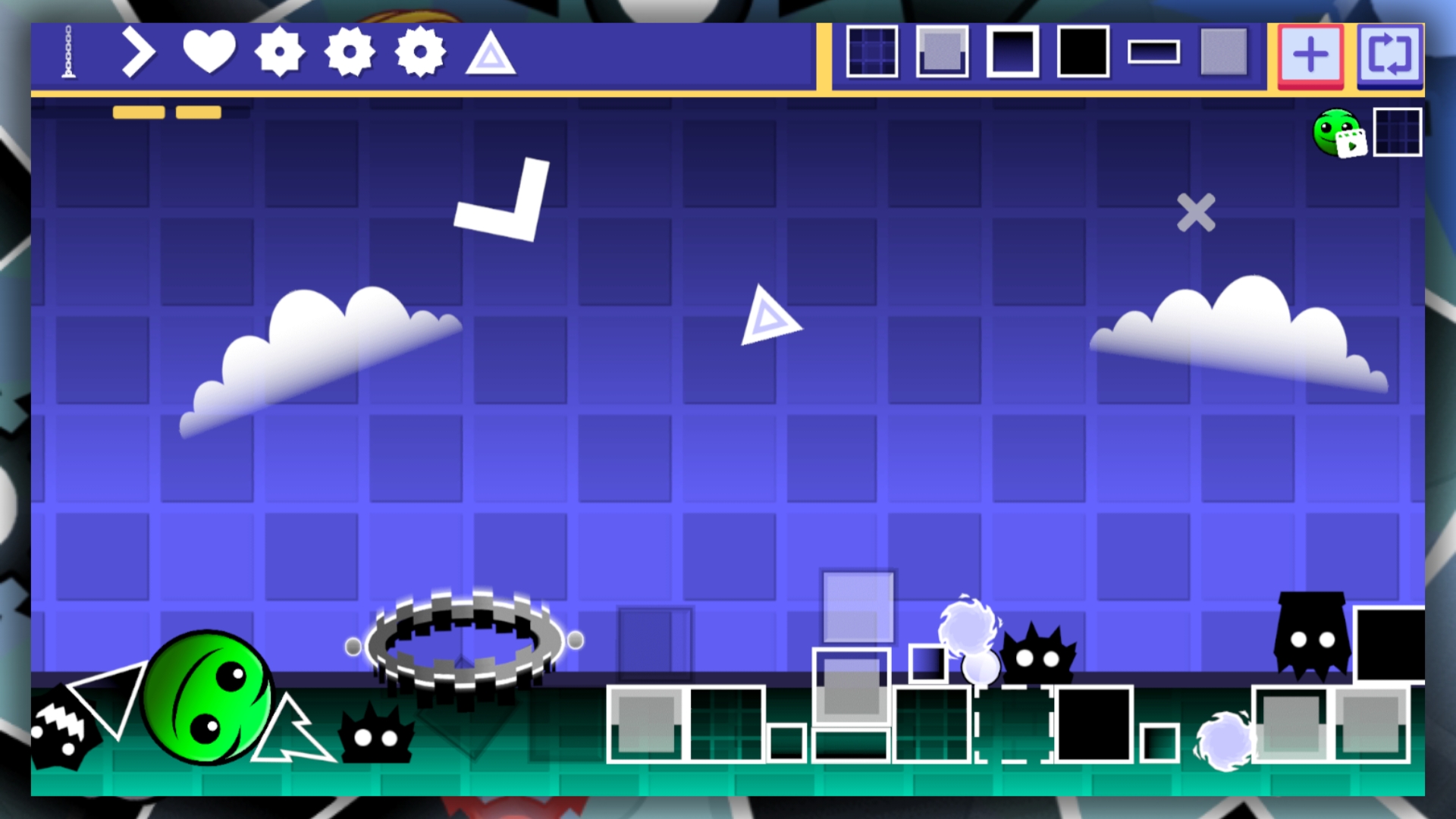
About game
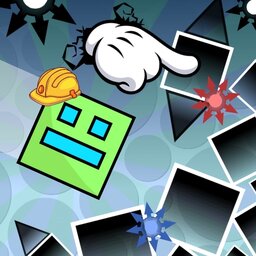
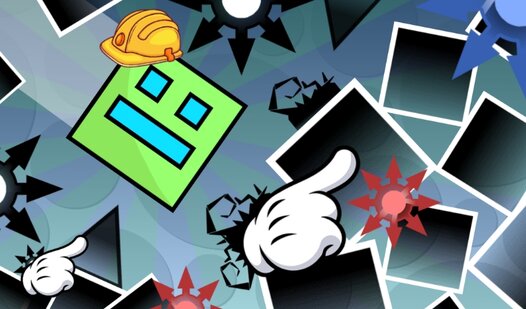
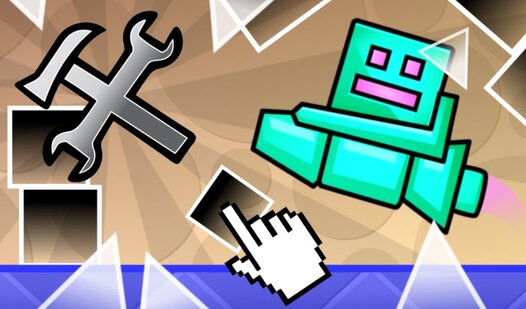
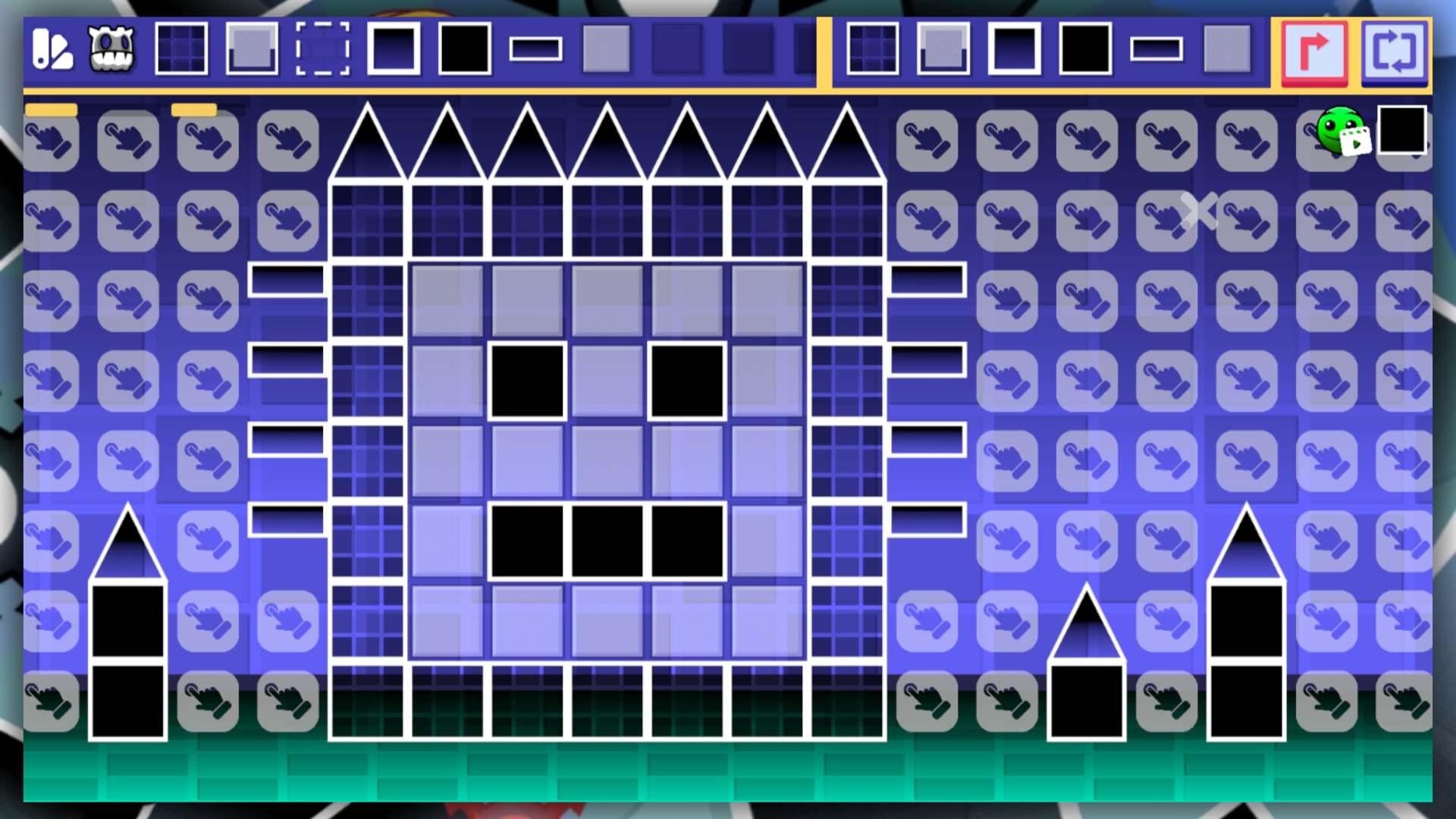
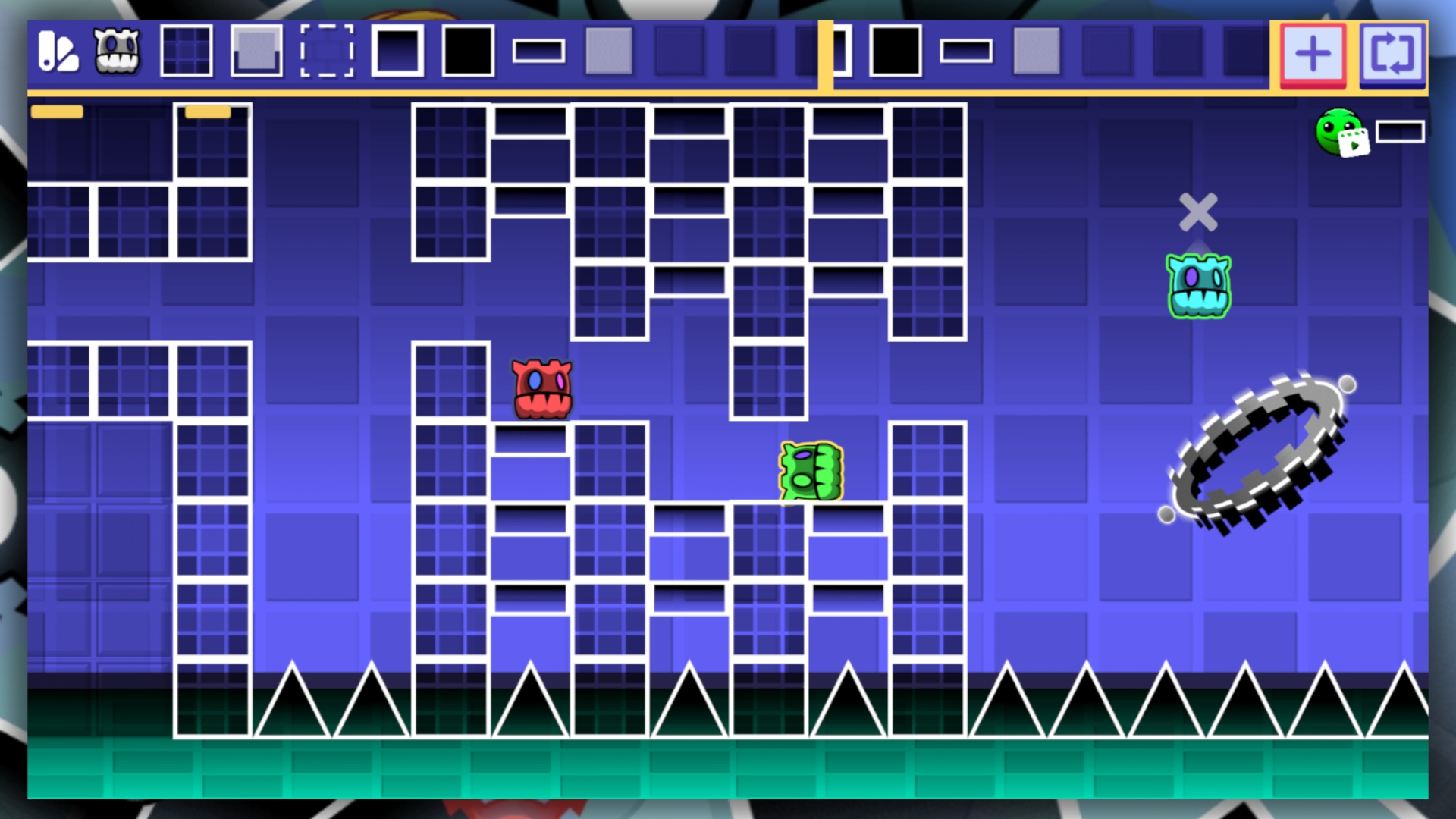
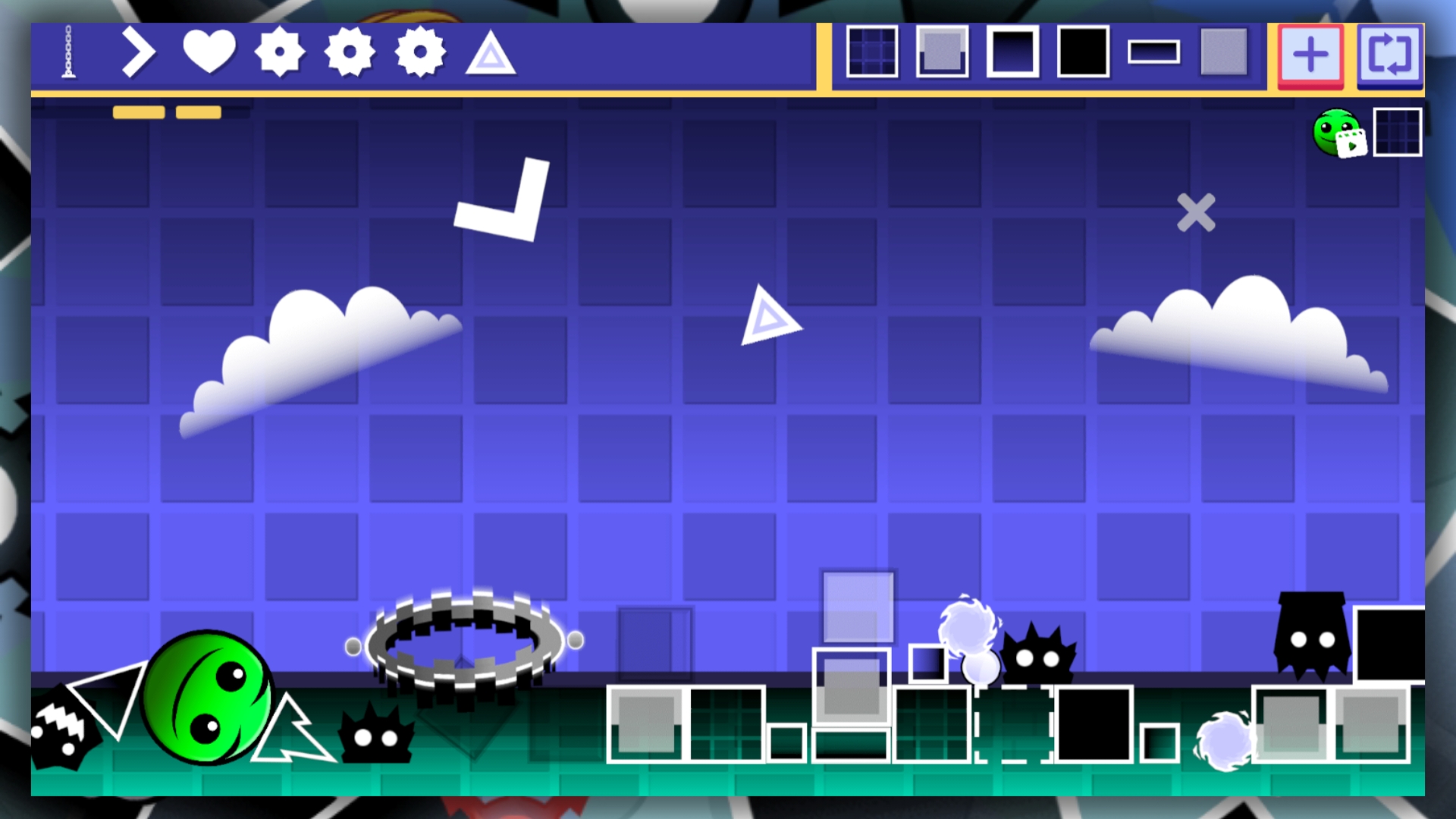
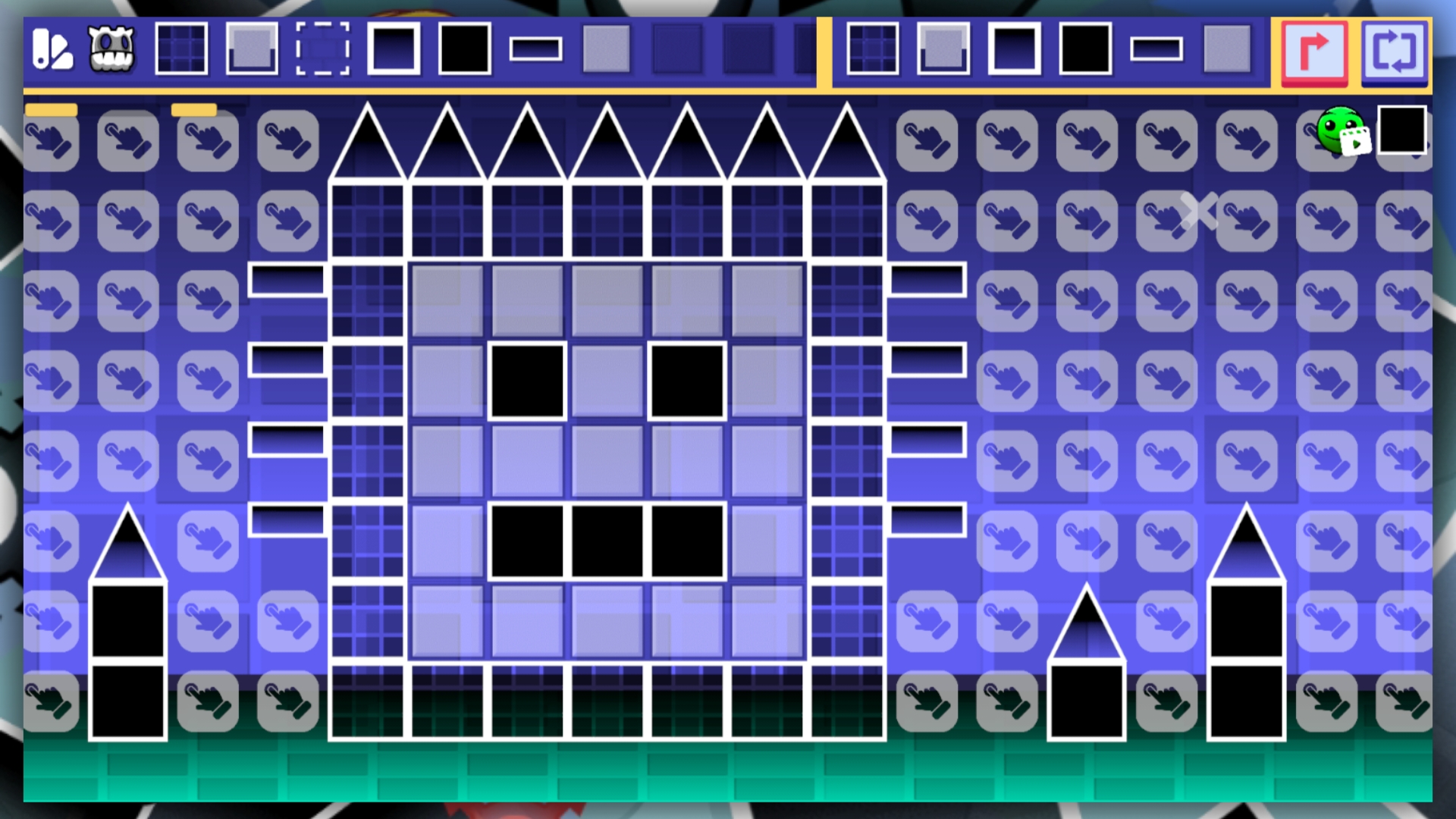
Staring at the clock waiting for your shift to end or just need a mental escape during a dull afternoon? Geometry MOD 5: Create a Playground map is the ultimate solution for turning downtime into a creative frenzy. You start by selecting from a deep inventory of blocks and lethal traps to construct your own custom challenge levels. The core mechanic involves placing static and physics-based objects on a precise grid to craft complex obstacle courses. Once your masterpiece is built, you must navigate your cube through the chaos without a single collision. Mastering the physics-based gameplay requires patience, especially when objects react realistically to your every move. It is a fantastic way to show off your building skills and climb toward the top of the leaderboard against other players. This creative take on the classic gd style lets you experiment with level design without needing complex software. Experience all the fun of a top-tier building simulator directly in your browser without any download required.
How to play
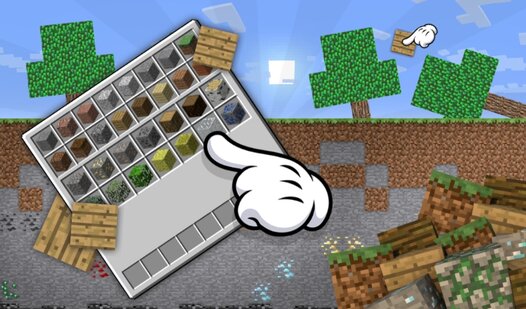
First, select the block you want to place and click on it. This will open a grid where you can place blocks.
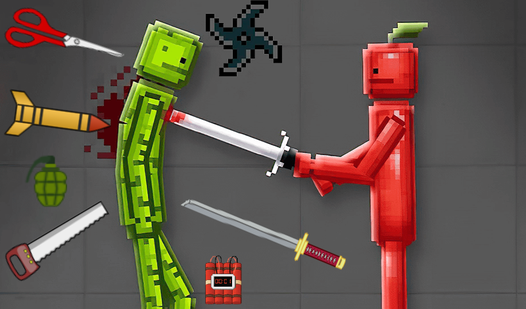
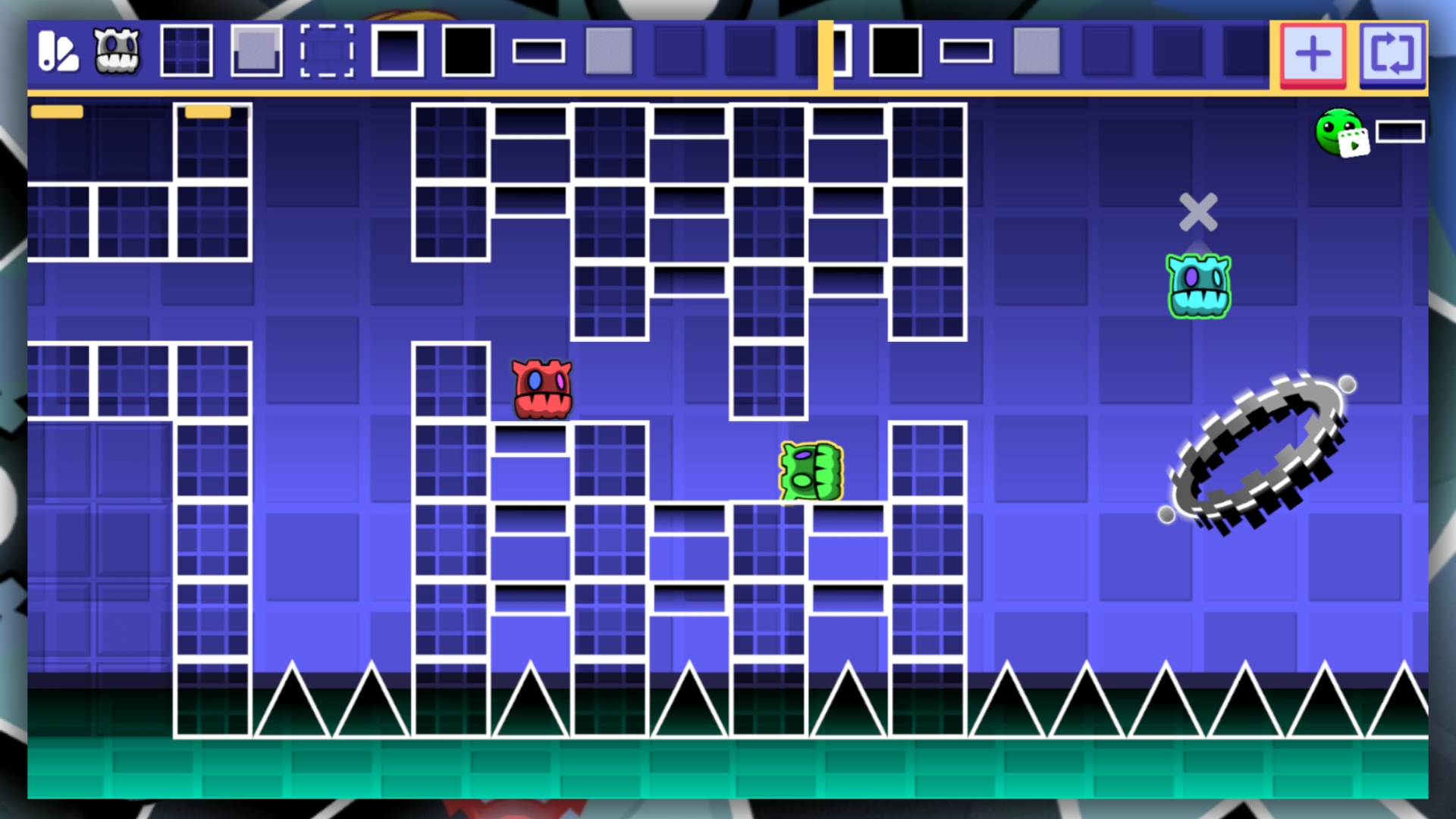
The game also features physical objects that you can place, which will add more variety to your map.
There is no save function in the game, so if you exit it, your progress will be lost forever.
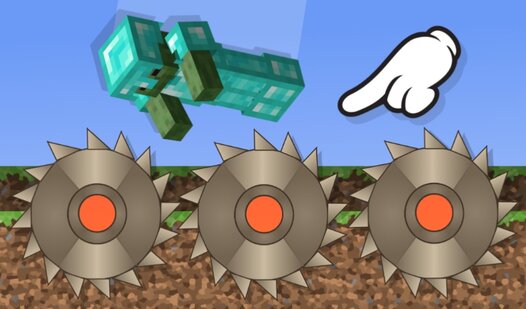
There are also various traps in the game that can destroy your cube. Moving physical objects is very simple: just hold them down and move them around the playing field!
Features
- Creative Sandbox: Access a massive library of blocks and deadly traps to build custom levels from scratch.
- Physics Interaction: Utilize dynamic, movable objects that react to your cube for unpredictable level challenges.
- Leaderboard Competition: Showcase your best maps and compete for the highest score against global players.
- Precision Grid System: Use the intuitive placement grid to ensure your constructions are perfectly aligned for gameplay.
- High-Stakes Navigation: Test your platforming skills by navigating the hazards you created yourself.
Who is it for
Creative builders who love constructing obstacle courses and casual gamers who enjoy physics-based puzzles will find this title engaging. Fans of the gd genre who want to step into the designer's shoes will appreciate the freedom to create their own unique challenges and compete for high scores.
Controls
Select object
Click or tap on the desired block in the menu
Place object
Click or tap anywhere on the grid
Move object
Click and hold or tap and drag the object across the screen
FAQ
How do I save my progress in Geometry MOD 5: Create a Playground map?
›
The game does not include a save feature, so all current progress will be reset if you close your browser.
Can I share my levels in Geometry MOD 5: Create a Playground map?
›
While you can build and test your own maps, the game focuses on local creation and leaderboard competition rather than level sharing.
Is Geometry MOD 5: Create a Playground map free to play?
›
Yes, you can play the full version of Geometry MOD 5: Create a Playground map directly in your browser without any registration or downloads.