About game
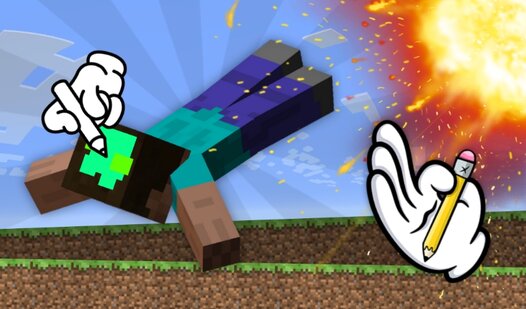
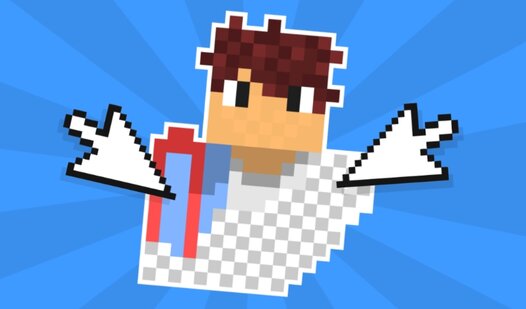
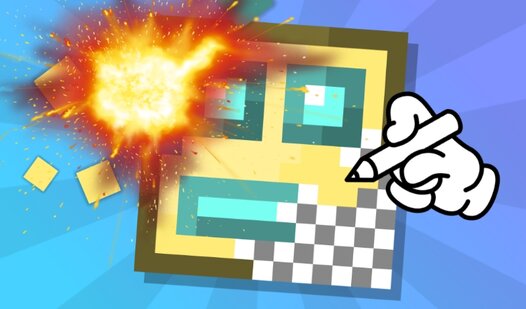
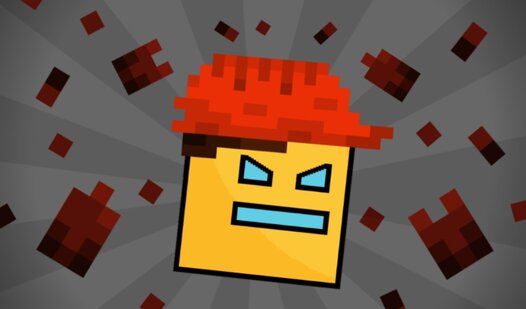
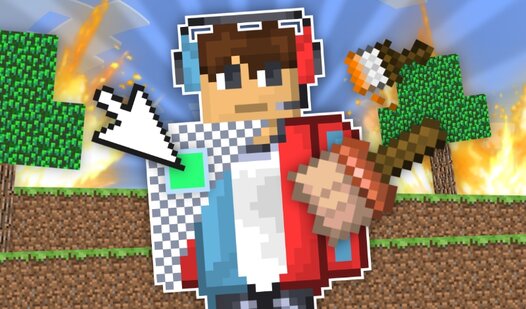
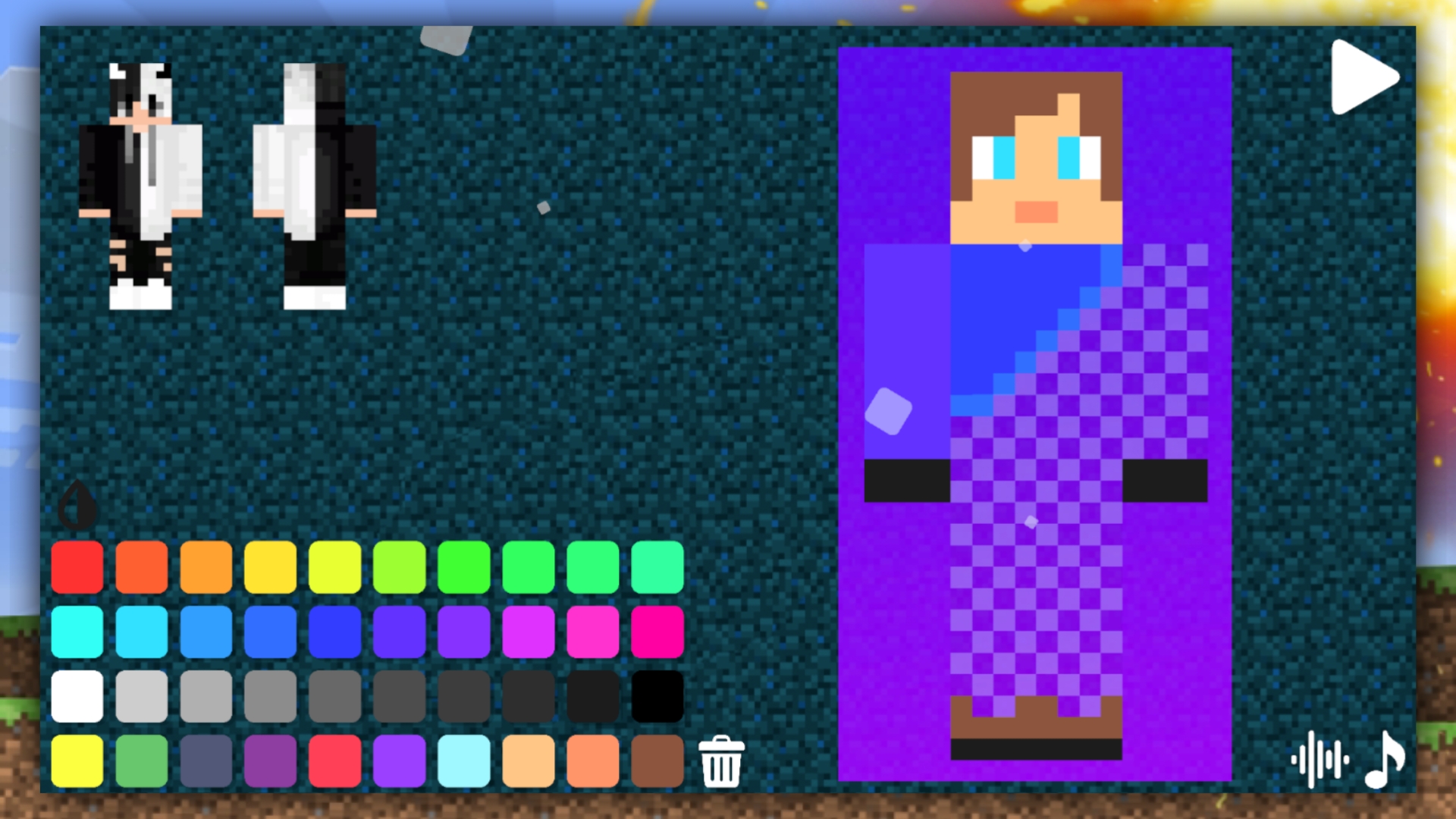
Design custom pixelated outfits by sketching directly onto your character model to bring a fresh look to the blocky world. Create a Ragdoll Skin in Mine lets you unleash your artistic side before sending your creation into a chaotic physics playground. You start by painting your unique character design using a variety of brushes and colors on a blank grid. Once your masterpiece is complete, shift gears from artist to scientist by dropping various items onto the map to see how your ragdoll reacts. These experiments are perfect for testing out your custom style against gravity and tricky obstacles. Climbing the global leaderboard is the ultimate goal, showing off your skills as the premier designer in this vibrant environment. You can even experiment with different aesthetic styles to ensure your character stands out among the crowd. The game offers endless possibilities for creative expression and physics-based fun in every session. Experience the full sandbox freedom right now in your browser with no download required.
How to play
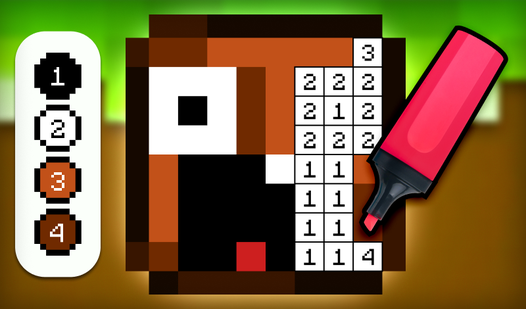
To start, create your own skin that will be displayed on your Ragdoll character. You can use the example at the top of the screen to help you understand what kind of skin you can draw.
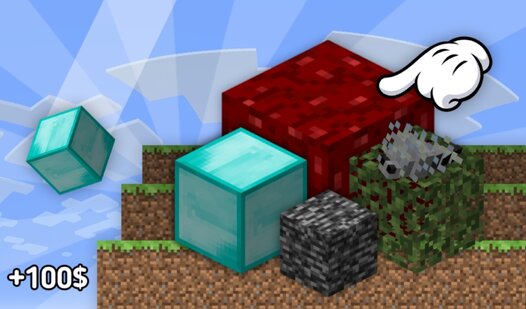
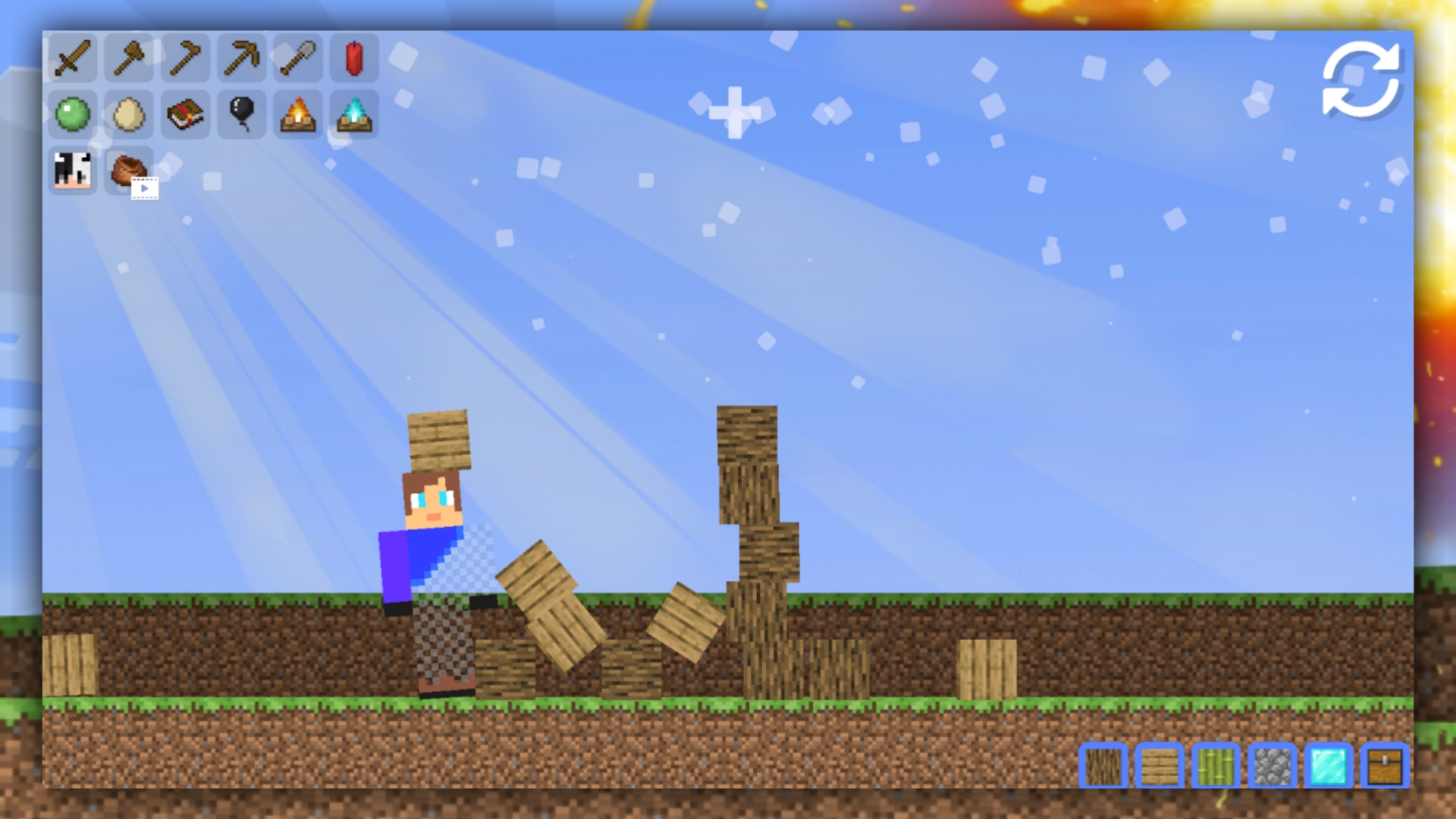
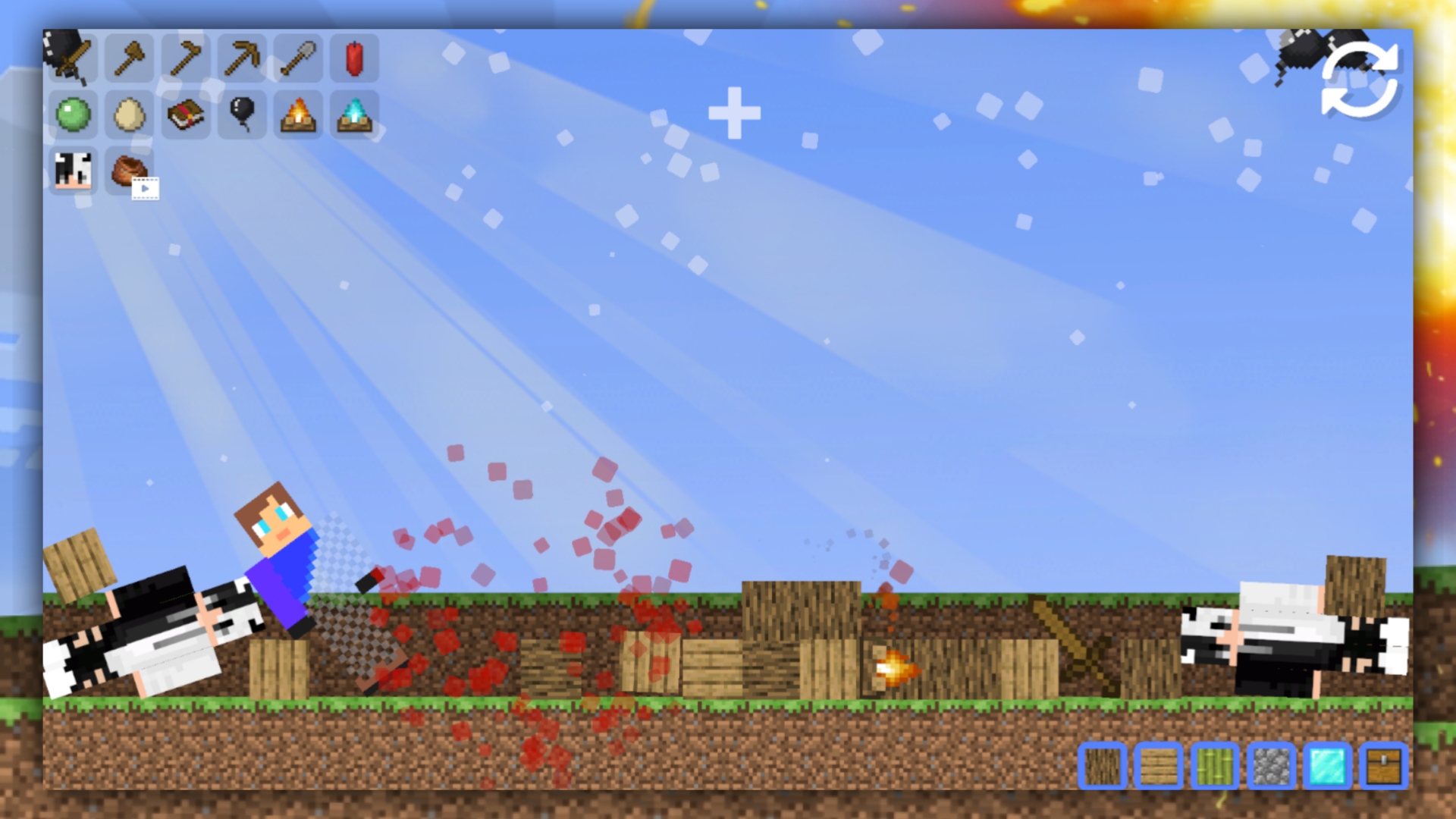
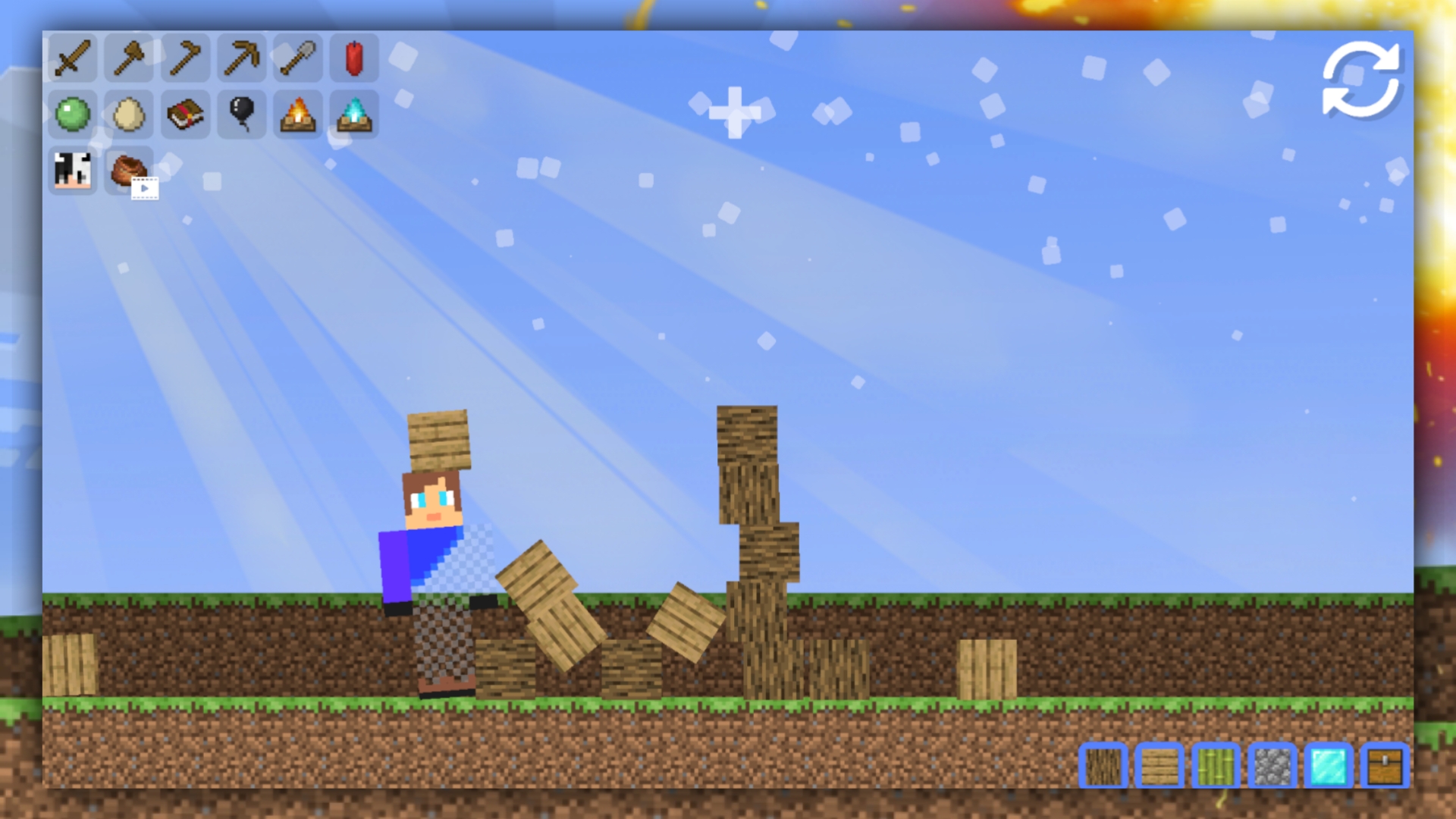
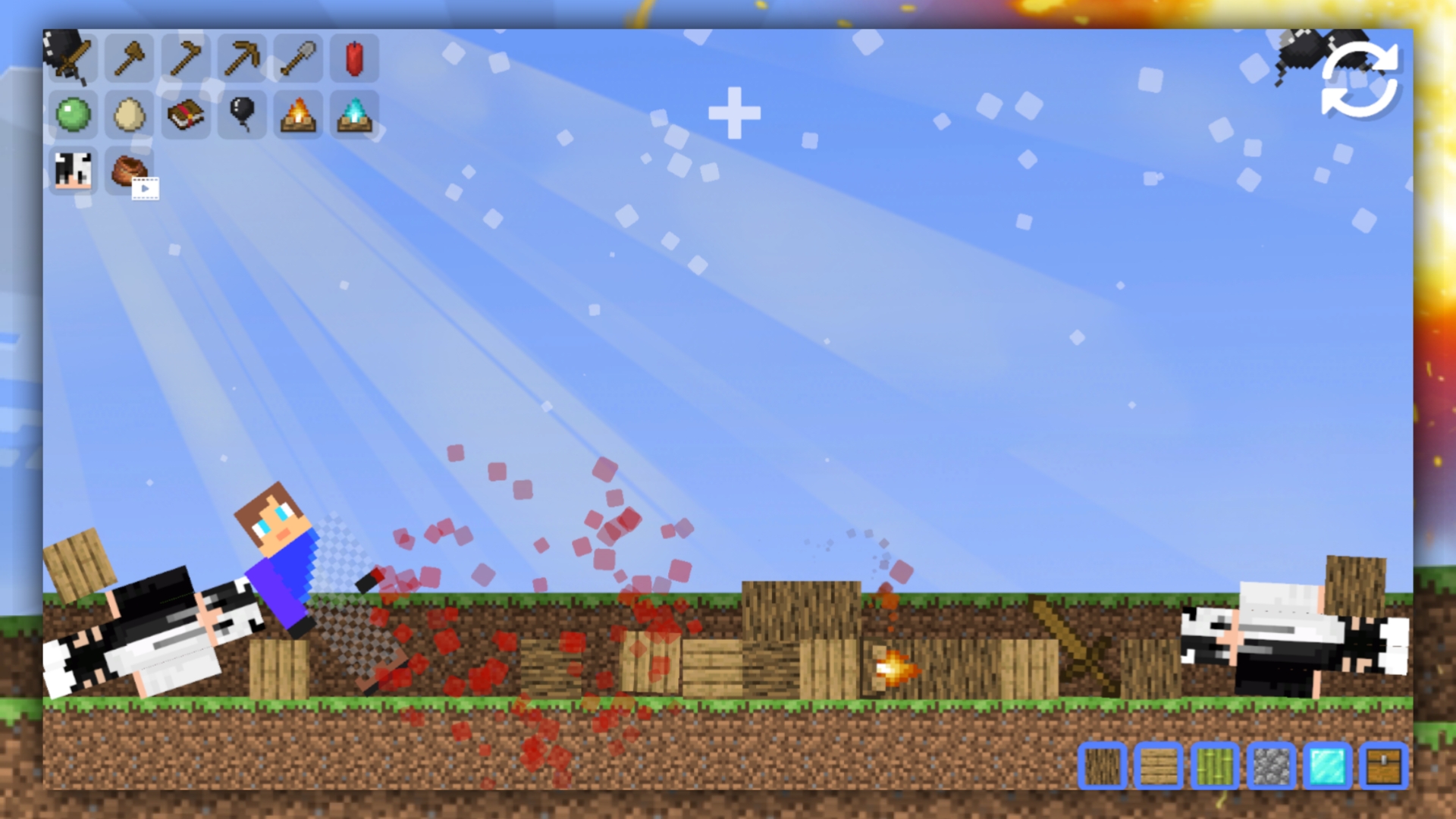
Once you have finished the skin, you can test it on the map. To do this, click the "Play" button. Select the item you want and click on it to place it on the playing field. Objects can be moved by simply holding them.
Features
- Pixel Art Editor: Utilize a dedicated drawing grid to craft detailed textures for your character model.
- Physics Sandbox: Place interactive objects and obstacles on the map to trigger hilarious ragdoll reactions.
- Global Leaderboard: Compete against other creators to see whose skin and experiment setups earn the highest score.
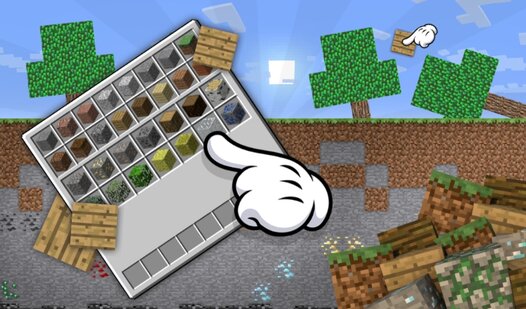
- Dynamic Items: Access a wide library of props that can be positioned and moved freely across the playground.
- Creative Gallery: Save and apply your unique looks to test them in real-time simulation environments.
Who is it for
Creative players who enjoy pixel art design and physics-based sandbox simulations. Fans of blocky aesthetics and customization tools will find hours of entertainment here. Those who love testing game mechanics through creative experimentation will appreciate the freedom to build their own scenarios and climb the ranks.
Controls
Draw Skin
Use your mouse or tap the screen to select colors and fill in pixels on the character grid.
Place Objects
Select an item from the menu and tap or click the map area to spawn it.
Move Items
Click and hold, or tap and drag, to reposition objects anywhere on the playground.
FAQ
Can I save my progress in Create a Ragdoll Skin in Mine?
›
You can focus on creating your designs and testing them during your session, as Create a Ragdoll Skin in Mine is designed for quick, creative bursts of fun.
Is Create a Ragdoll Skin in Mine free to play?
›
Yes, Create a Ragdoll Skin in Mine is completely free to play directly in your web browser with no registration or downloads needed.
How do I climb the leaderboard in Create a Ragdoll Skin in Mine?
›
To rank up in Create a Ragdoll Skin in Mine, you must create impressive designs and execute high-scoring experiments within the sandbox map.