About game
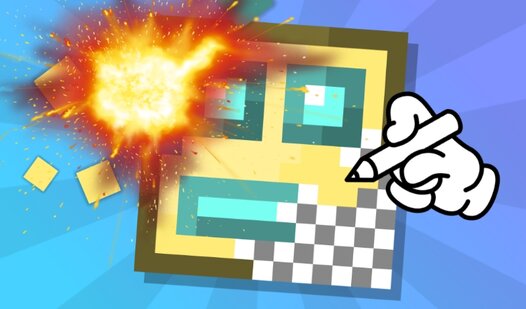
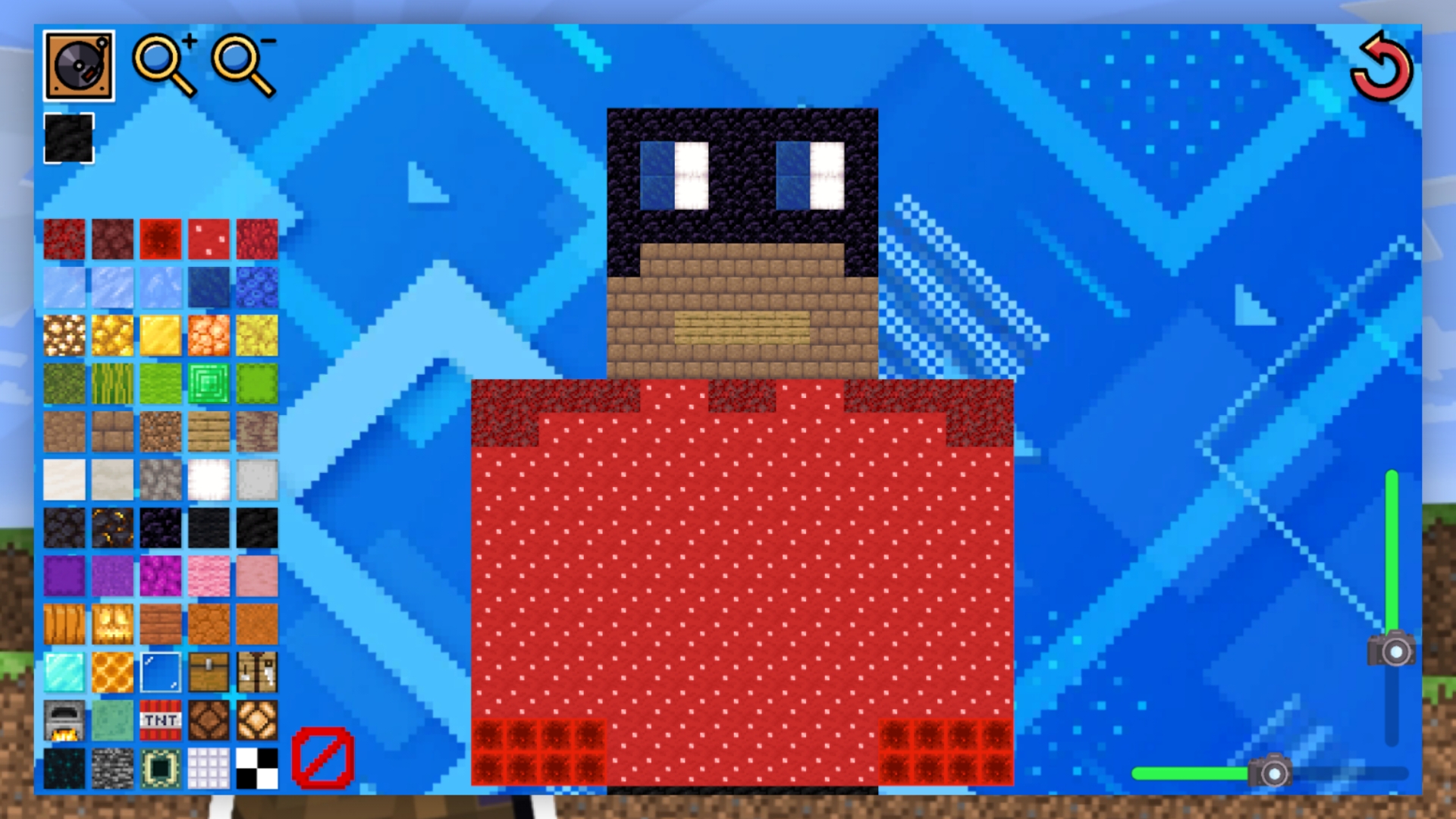
Creative minds who love building will find endless inspiration in Create a skin from blocks in Mine. This pixel art experience lets you design custom looks for your favorite blocky characters using a simple palette of materials. You simply select a block type and fill in the character outline provided on the canvas to bring your vision to life. Each pixel you place earns you points, pushing you higher toward the top of the competitive leaderboard. If you make a mistake, just use the transparent block to wipe it clean and start over. The interface includes handy zoom tools and sliders to ensure every detail of your masterpiece is perfect. Mastering the art of pixel design is the best way to stand out from other players in this digital sandbox. Create a skin from blocks in Mine stands out because it turns standard character customization into a high-stakes drawing challenge. Play this browser game for free right now without any downloads required.
How to play
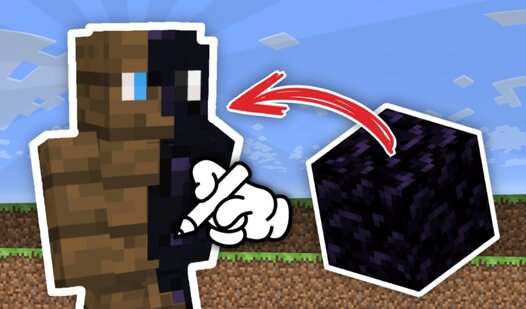
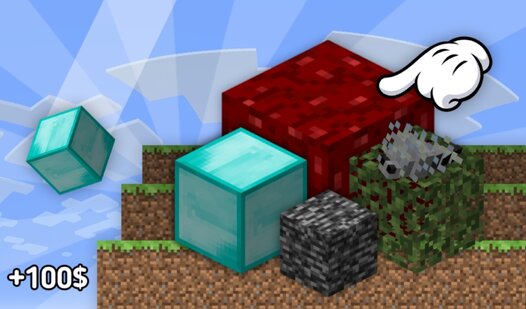
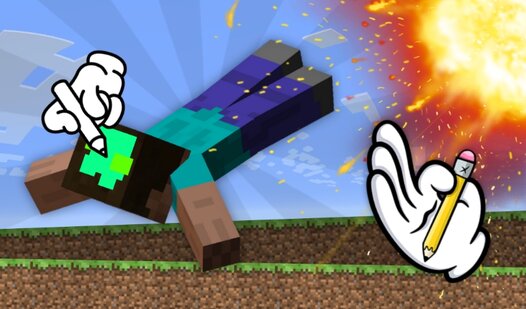
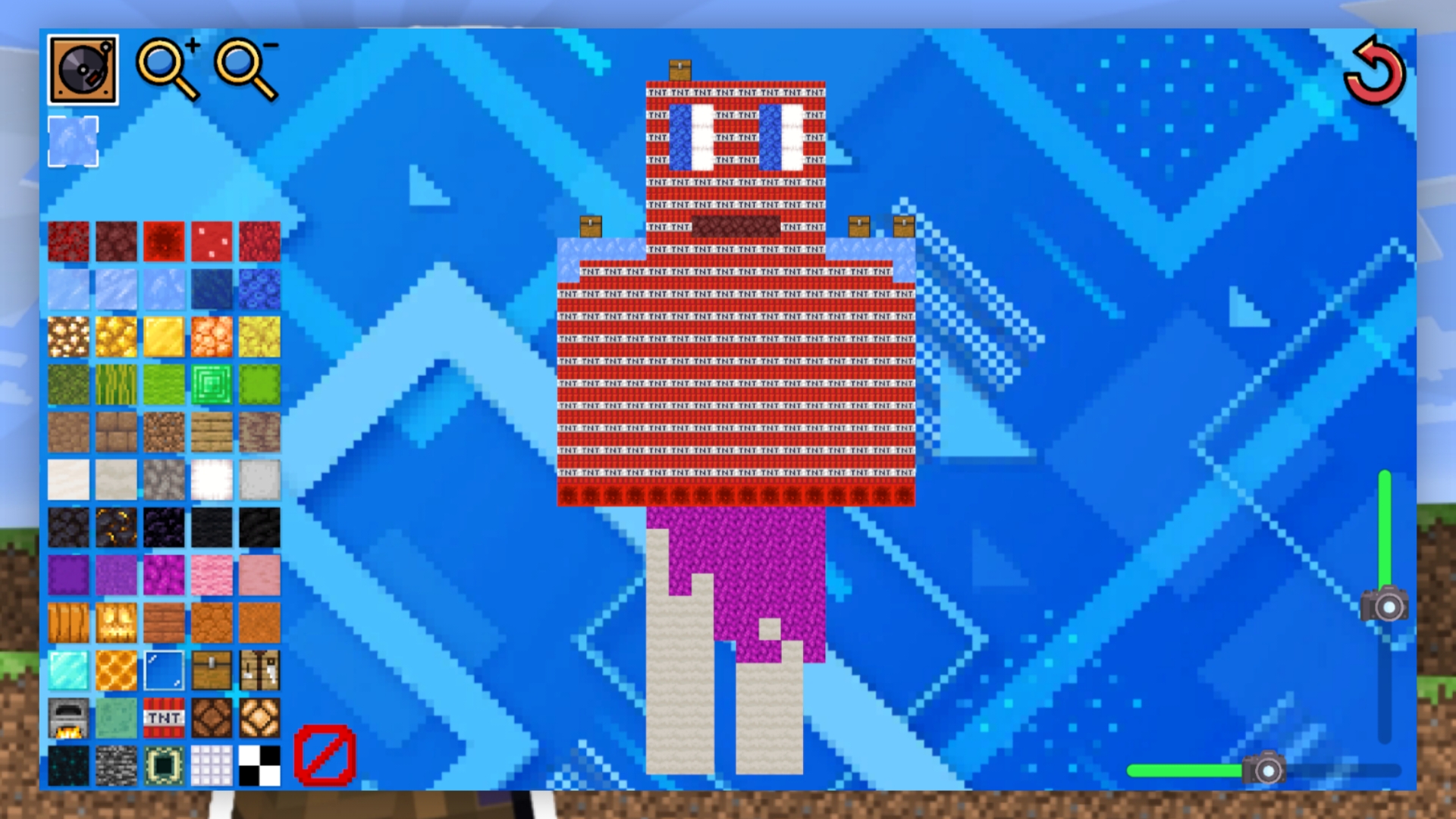
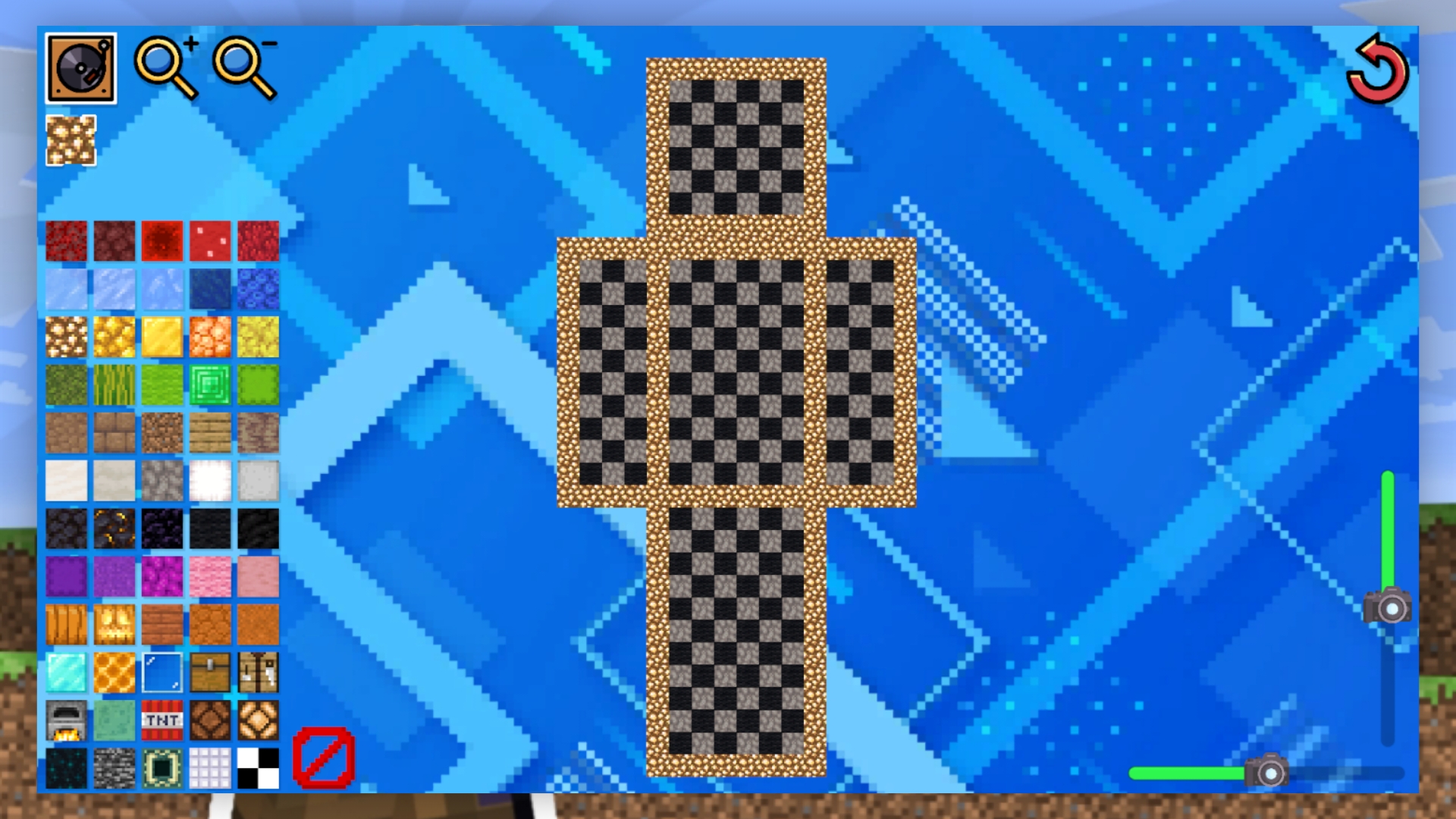
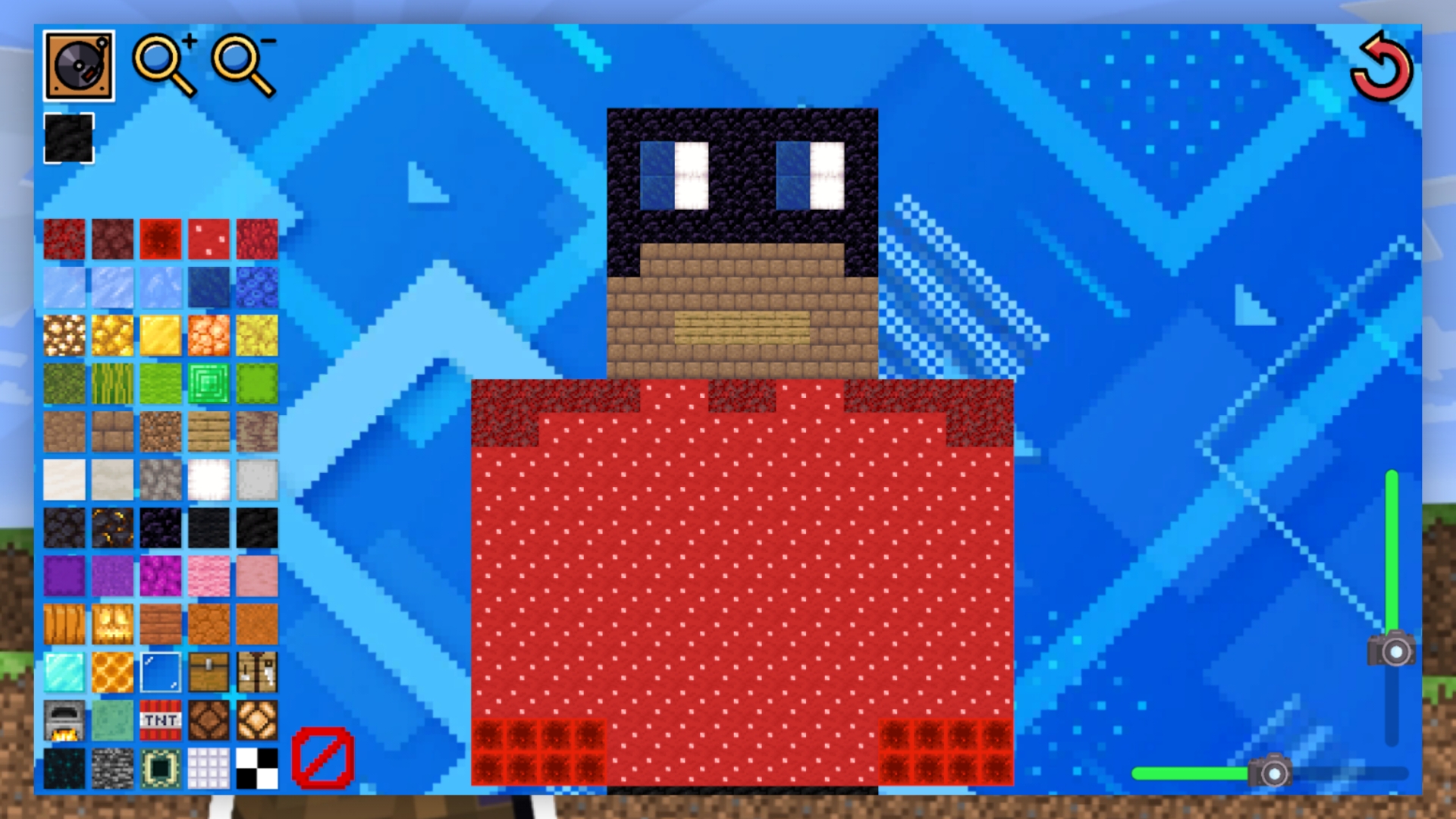
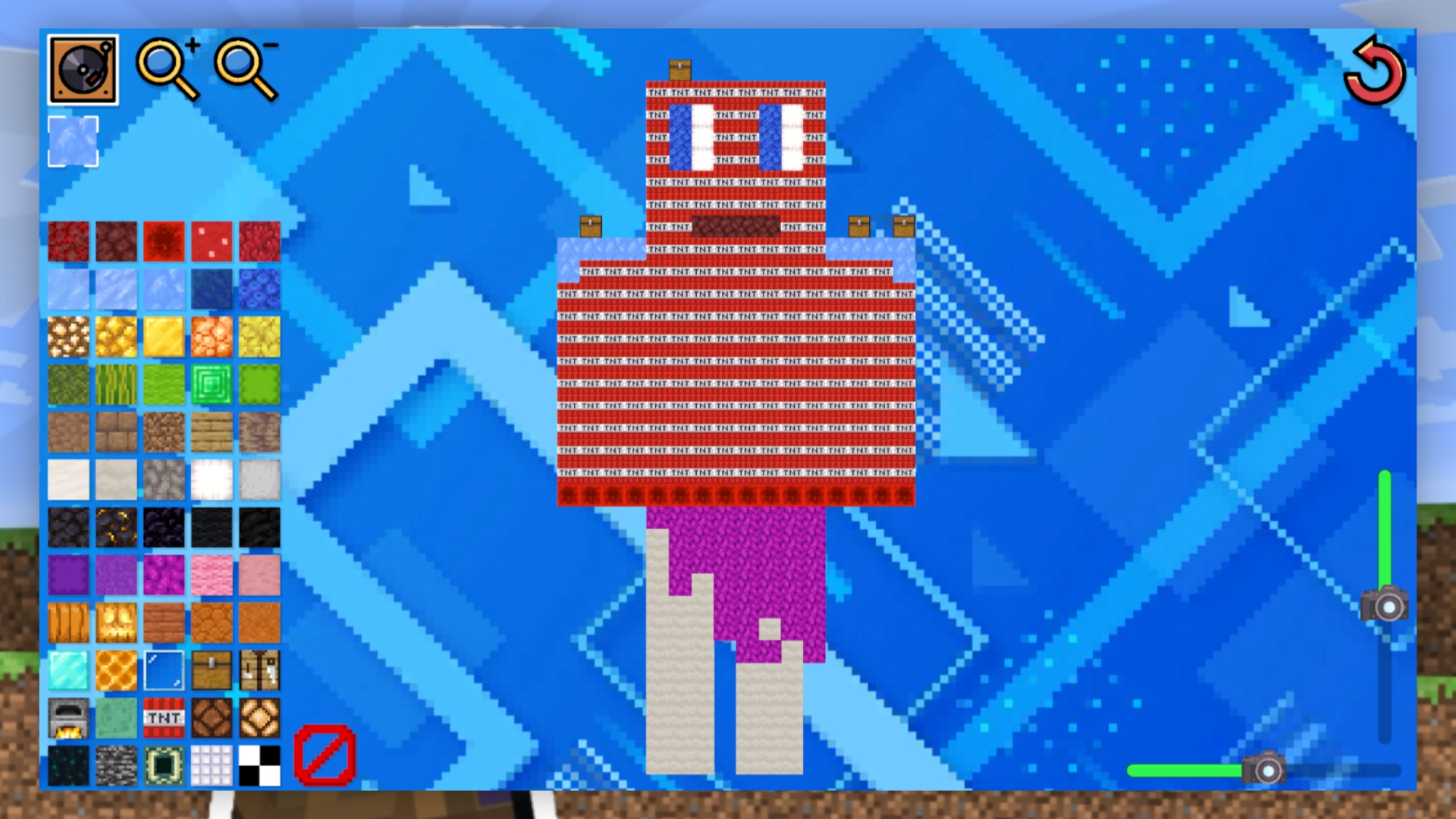
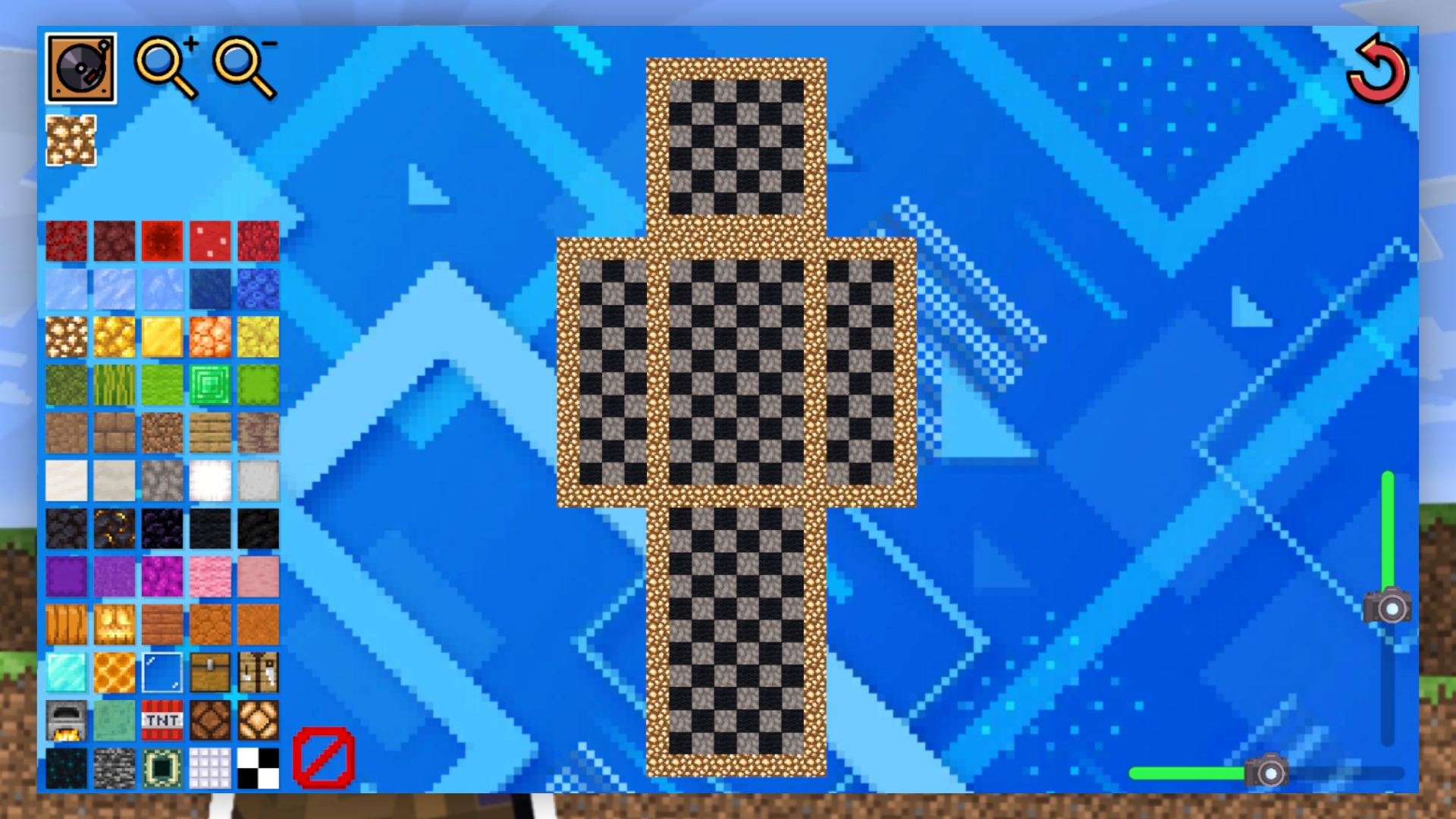
First, select the block you want to draw and click on it. Then start drawing on the canvas: you will be given a skin outline that you can paint over to get a full-fledged cube character skin. Unneeded pixels can be painted over with transparent blocks.
You can zoom in and out with the magnifying glass buttons, and change its location with the sliders.
If you exit the game, your progress will be permanently deleted. If you want to reload the canvas, click the reload button.
Features
- Point System: Earn scores for every pixel added to your creation to climb the global leaderboard rankings.
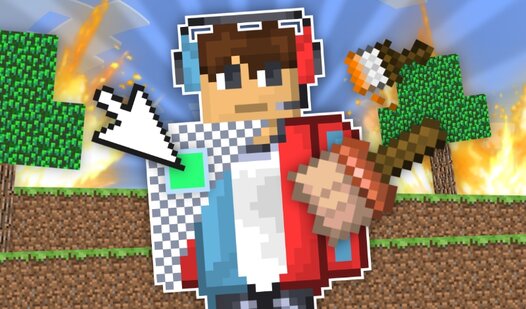
- Transparent Tool: Utilize clear blocks to easily erase mistakes and refine your character design with precision.
- Zoom Controls: Manipulate your view with magnifying glass buttons and sliders to focus on intricate head or body details.
- Session Persistence: Enjoy a focused creative session where you can reload your canvas instantly if you want a fresh start.
- Pixel Art Interface: Work within a structured grid system that makes character design accessible to all skill levels.
Who is it for
Creative players who enjoy pixel art and block-based building games will feel right at home here. Fans of character customization and sandbox aesthetics will appreciate the simple, relaxing gameplay loop. It is a great choice for anyone looking to spend time designing unique visuals without needing complex software.
Controls
Select block
Tap on the block icon in the menu.
Draw on canvas
Tap or swipe on the grid squares to fill them.
Zoom view
Click the magnifying glass buttons or use pinch-to-zoom on mobile.
Adjust position
Drag the sliders to move your focus area across the canvas.
FAQ
Can I save my progress in Create a skin from blocks in Mine?
›
No, your progress is not saved locally or on a server, so exiting the game means your current design will be deleted.
Is Create a skin from blocks in Mine compatible with mobile devices?
›
Yes, the game is fully optimized for mobile browsers, allowing you to draw your designs using touch controls and swipes.
How do I get a high score in Create a skin from blocks in Mine?
›
You earn points for every filled pixel on the canvas, so focus on completing your skin using as many blocks as possible to maximize your ranking.