About game
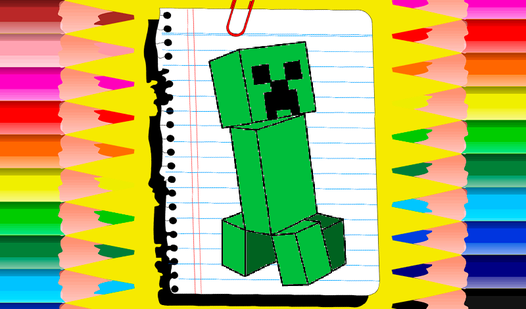
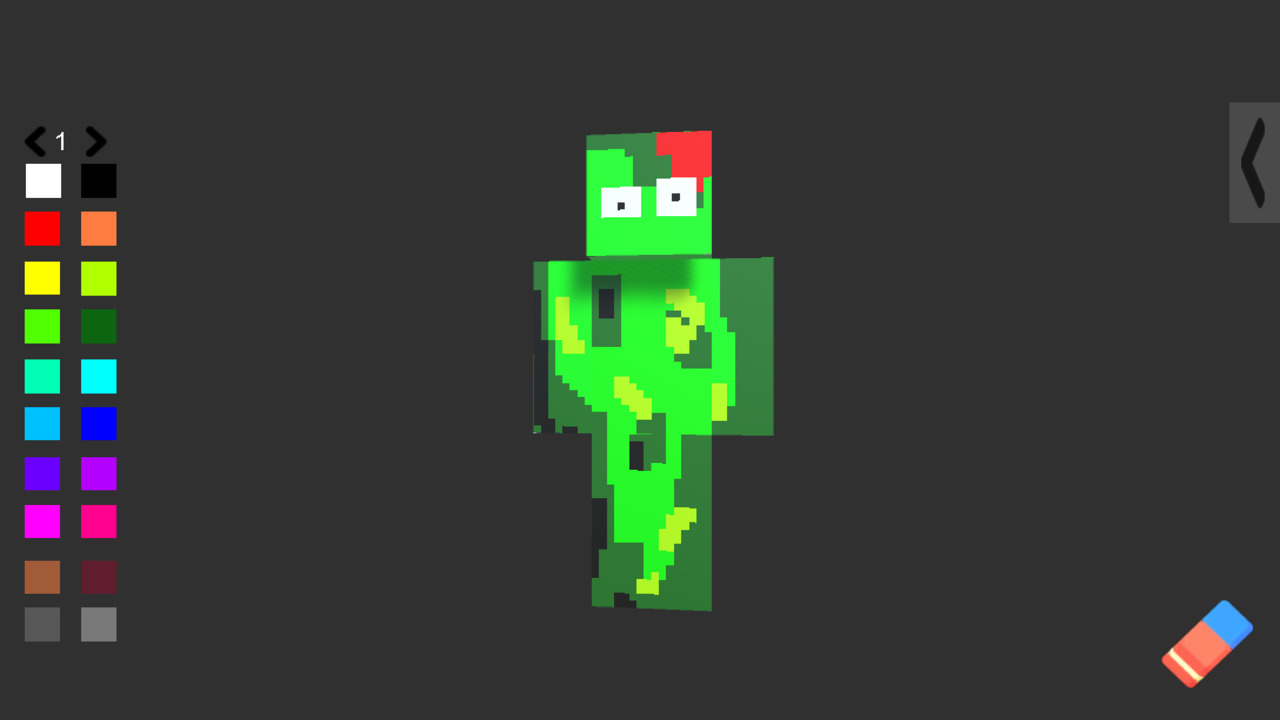
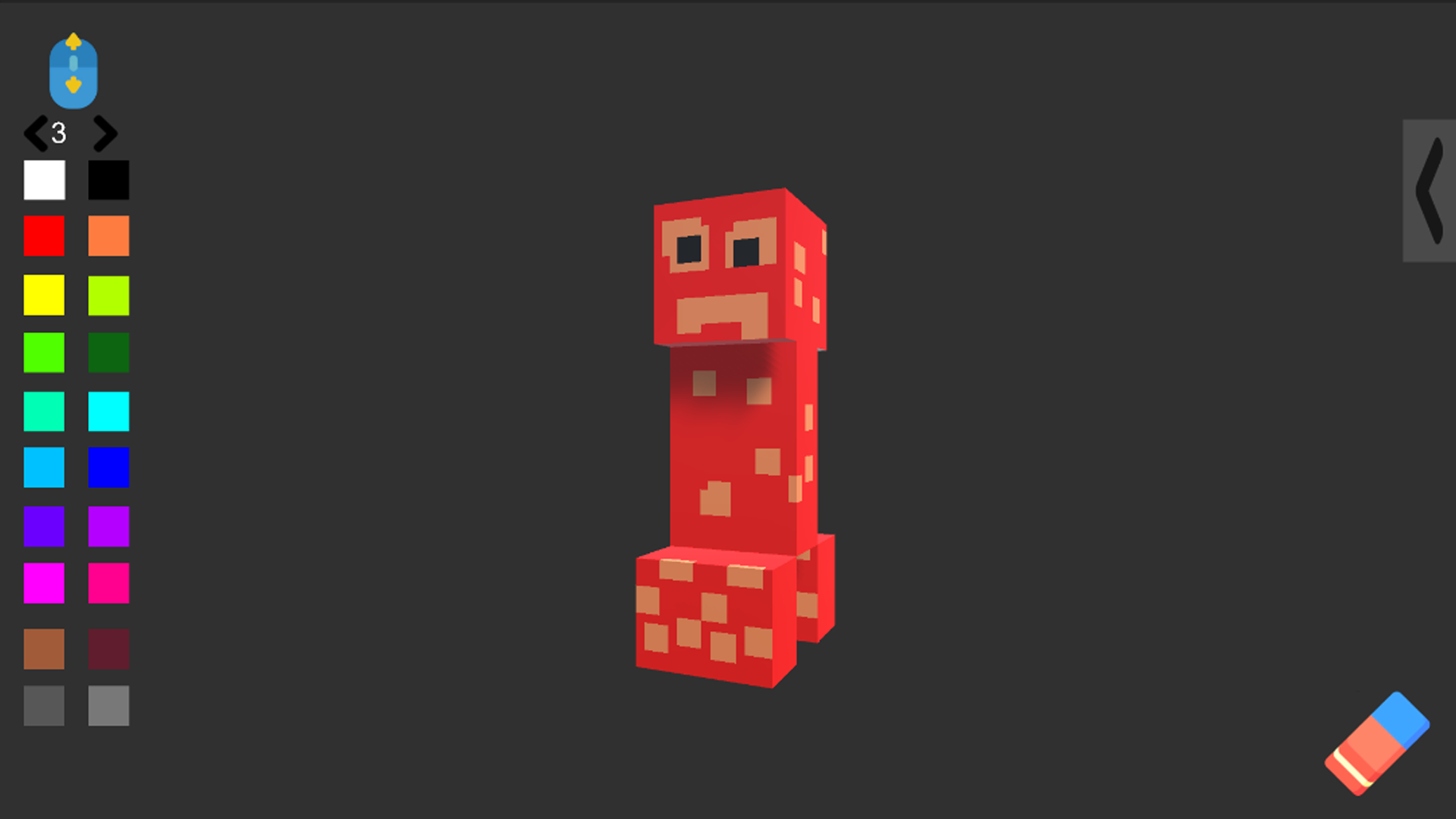
Minecraft fans looking for a fresh creative outlet will spend hours customizing their favorite blocky icons. Create Skin lets you unleash your inner artist by painting iconic mobs and characters from your favorite universe. Simply pick from eight legendary figures like Steve or a Creeper and start applying your custom designs. You have twenty vibrant colors and one hundred brush sizes at your disposal to ensure every detail is pixel-perfect. Use the intuitive rotation mechanics to reach every angle of your chosen mob for a total makeover. The eraser tool makes it easy to wipe the slate clean if you decide to try a completely different color scheme. This unique experience stands out by offering total freedom to customize minecraft legends exactly how you imagine them. Whether you want to make a golden wolf or a neon enderman, the possibilities for your skin design are truly endless. Play Create Skin for free directly in your web browser with no downloads required.
How to play
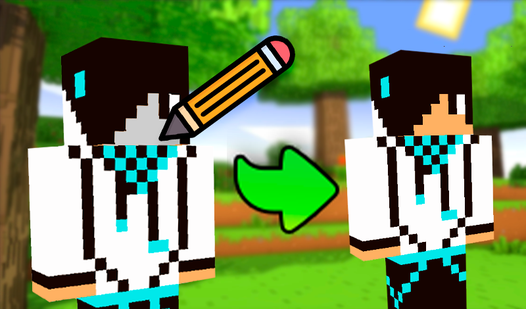
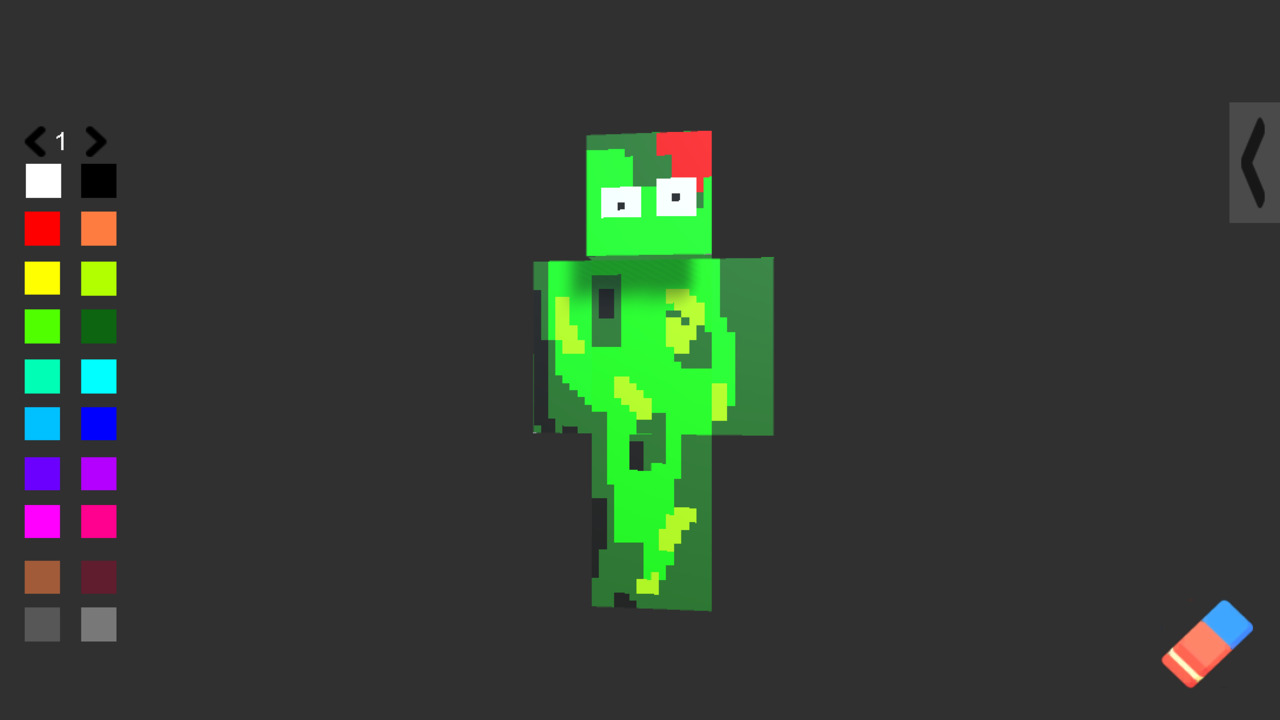
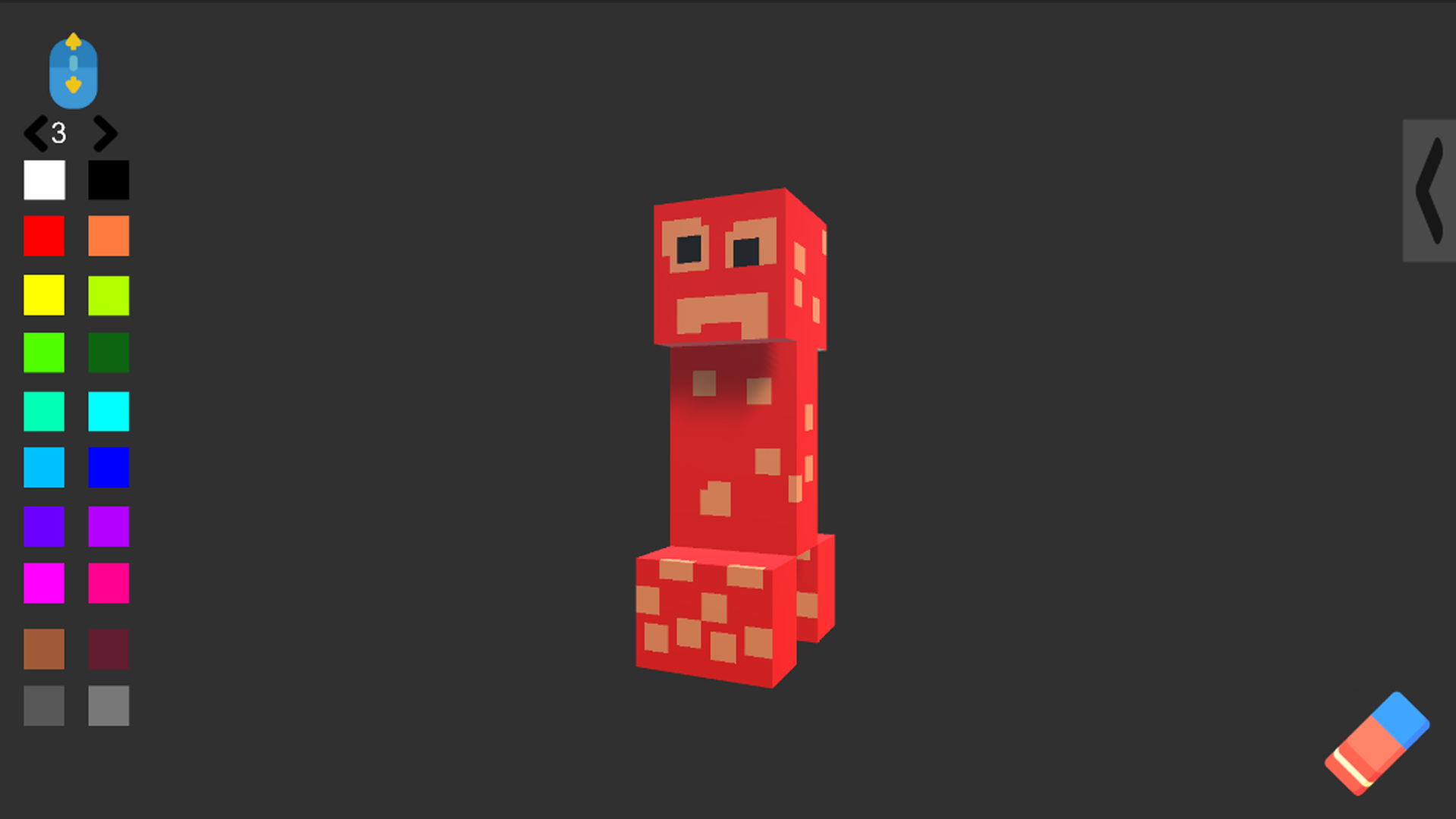
In this game you can draw a skin or decorate a mob from the Minecraft game!
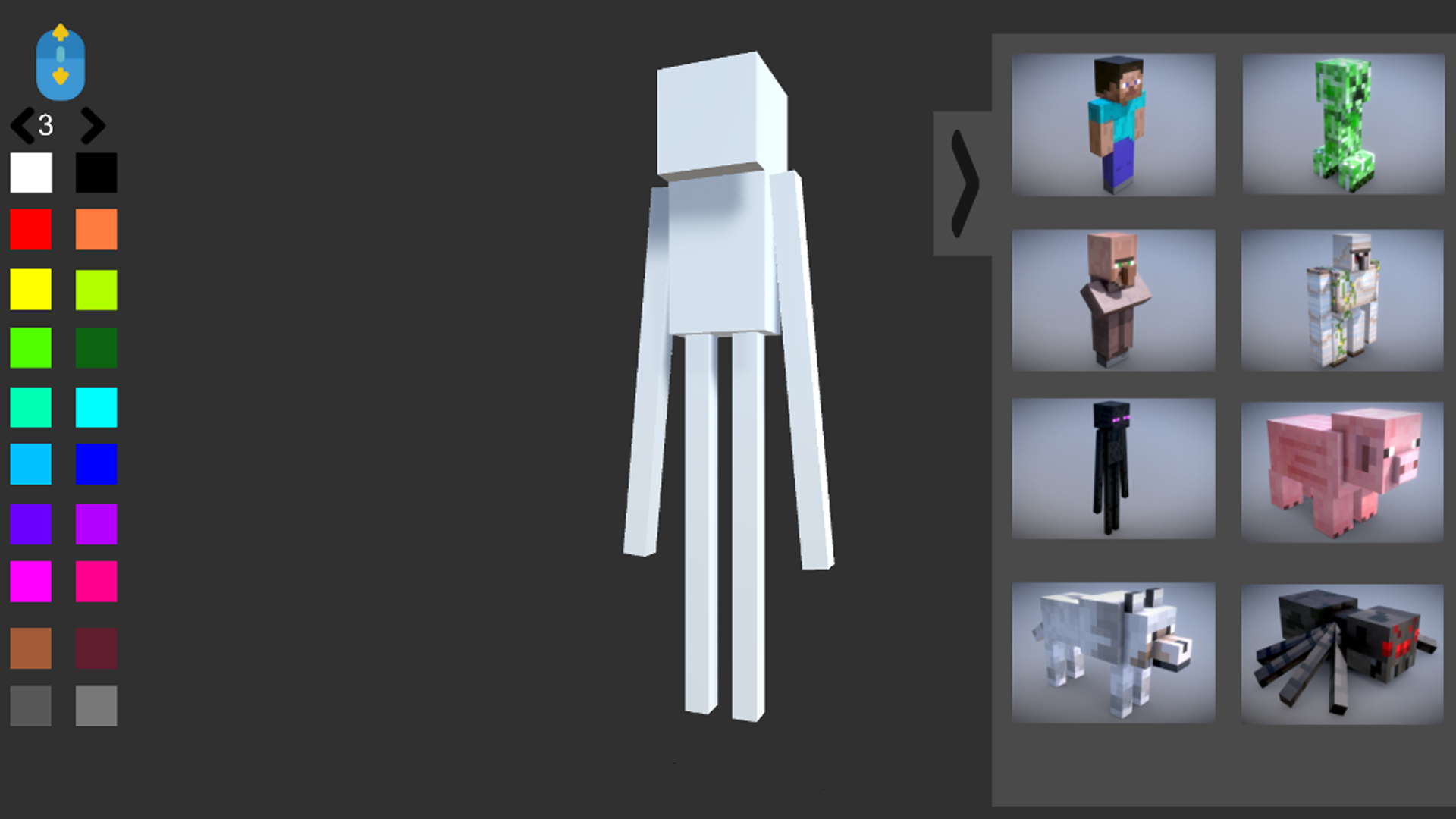
To do this, select 1 of the 8 characters and click on it, then you can start coloring.
To choose a color, click on the square buttons on the left, and to clear the whole picture, click on the eraser, which is located on the bottom right.
To change the size of the brush, rotate the mouse wheel or switch the size to the arrows that are located above the colors.
On the computer:
Rotate the character on the A and D keys
On the Phone:
Rotate the character on the buttons under the character
Features
- Character Selection: Choose from eight unique models including Steve, Enderman, and Golem to start your design.
- Advanced Brush Controls: Toggle between 100 different brush sizes to handle everything from fine pixel details to large area fills.
- Color Palette: Access 20 distinct color swatches to give your mobs a brand new aesthetic look.
- Full 3D Rotation: Perspective controls allow you to view your character from all angles while you paint.
- Quick Reset: Use the dedicated eraser feature to instantly clear your work and start a fresh artistic project.
Who is it for
Creative players who enjoy sandbox design tools and fans of the block-building genre will appreciate this coloring experience. It is a fantastic choice for younger gamers wanting to express their visual style or older fans looking for a relaxing way to customize their favorite in-game legends.
Controls
Rotate character
Use A and D keys on keyboard or buttons on the screen for mobile
Paint
Click or tap the character to apply colors
Adjust brush size
Rotate mouse wheel or use the arrow buttons above the colors
Erase all
Click the eraser icon located at the bottom right
FAQ
Can I save the designs I make in Create Skin?
›
Create Skin is designed for immediate creative fun, allowing you to experiment with colors and designs in real-time within your browser.
Which characters are available in Create Skin?
›
You can choose from eight recognizable characters, including Steve, Creeper, Resident, Golem, Enderman, Pig, Wolf, and Spider.
Is Create Skin compatible with mobile devices?
›
Yes, Create Skin is fully optimized for mobile play, allowing you to tap and swipe to rotate and color your favorite mobs on the go.