About game
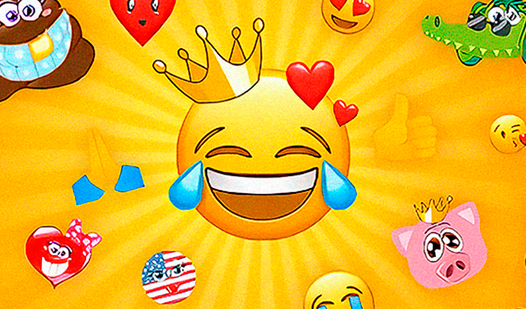
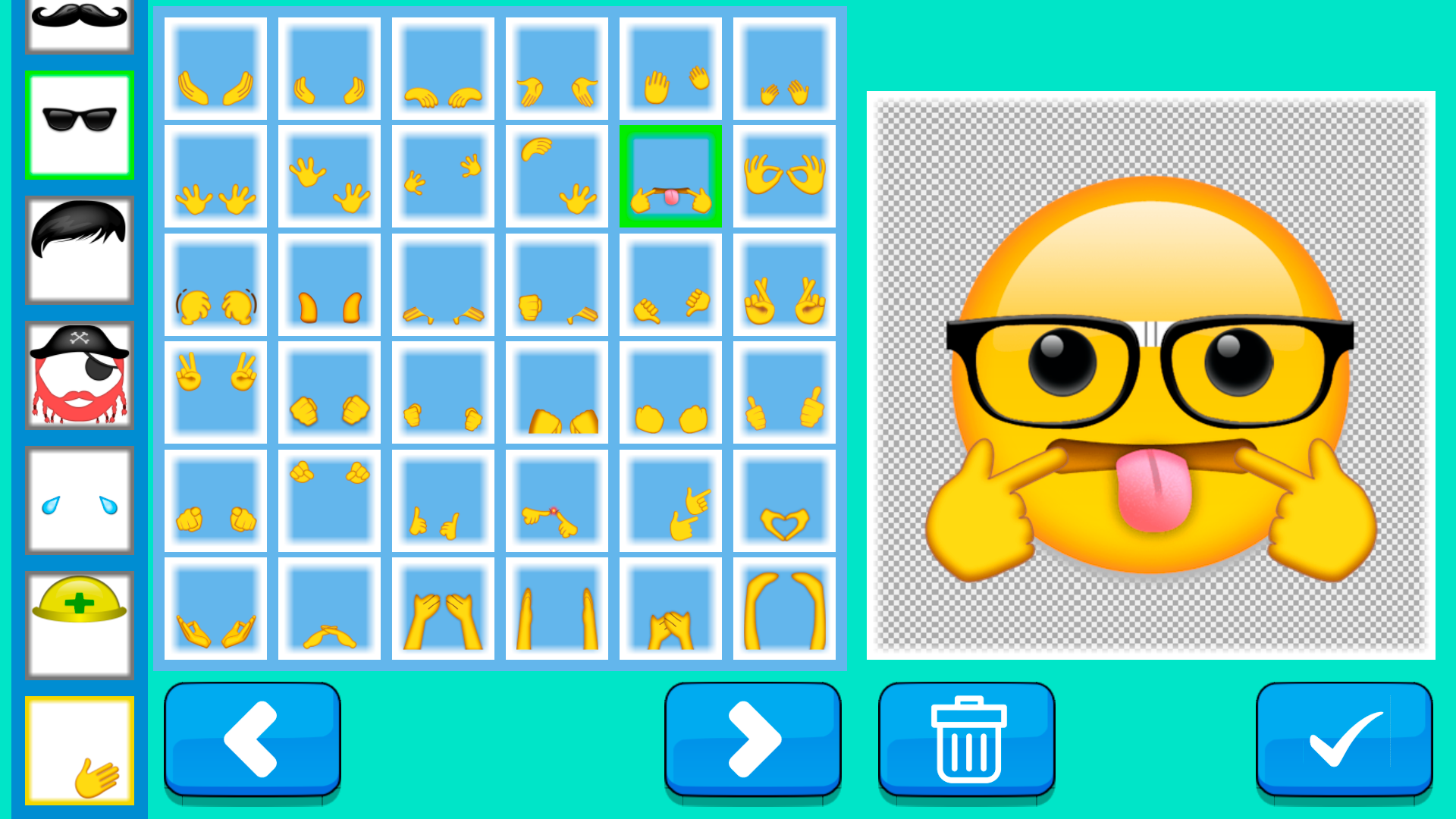
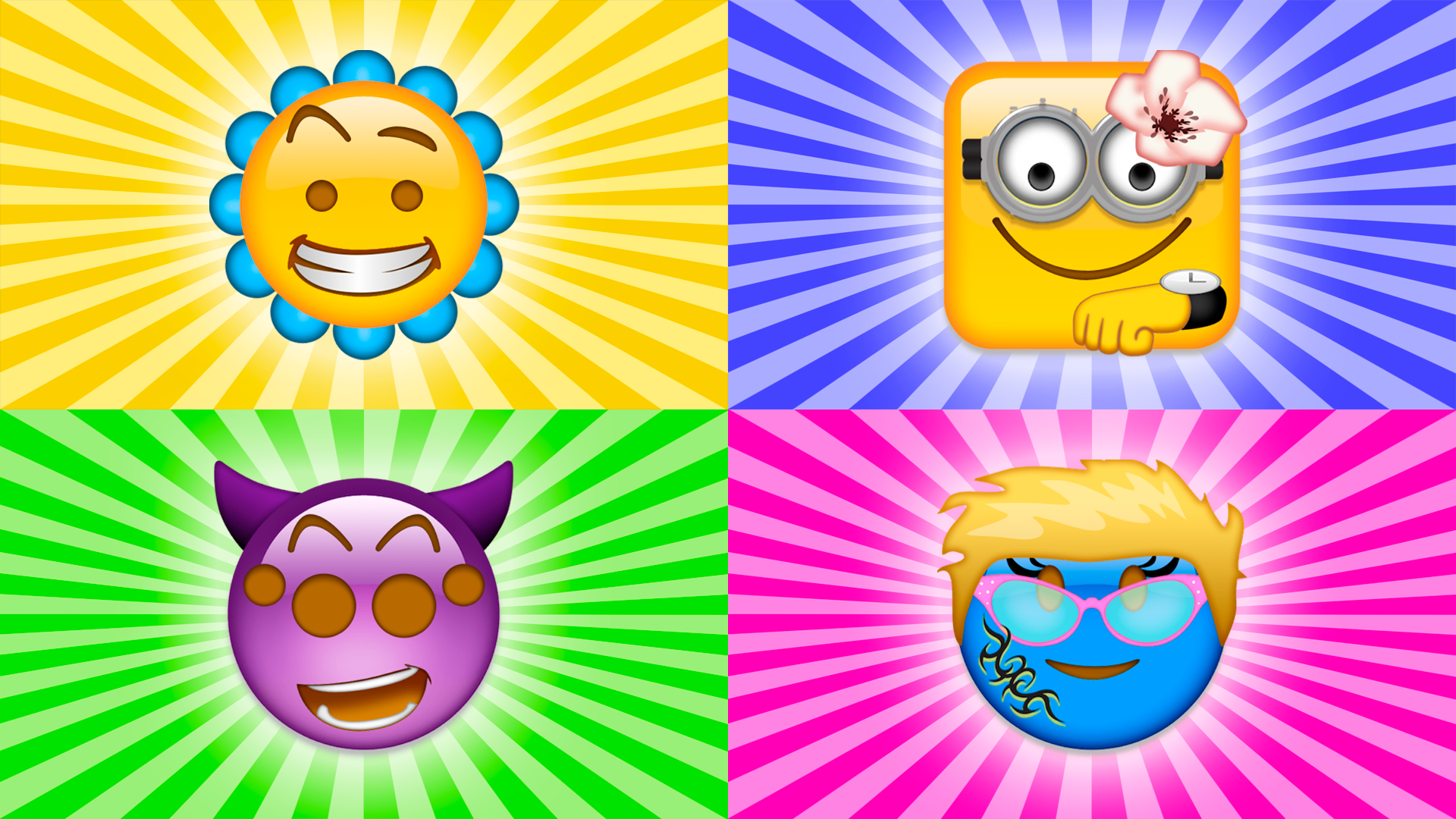
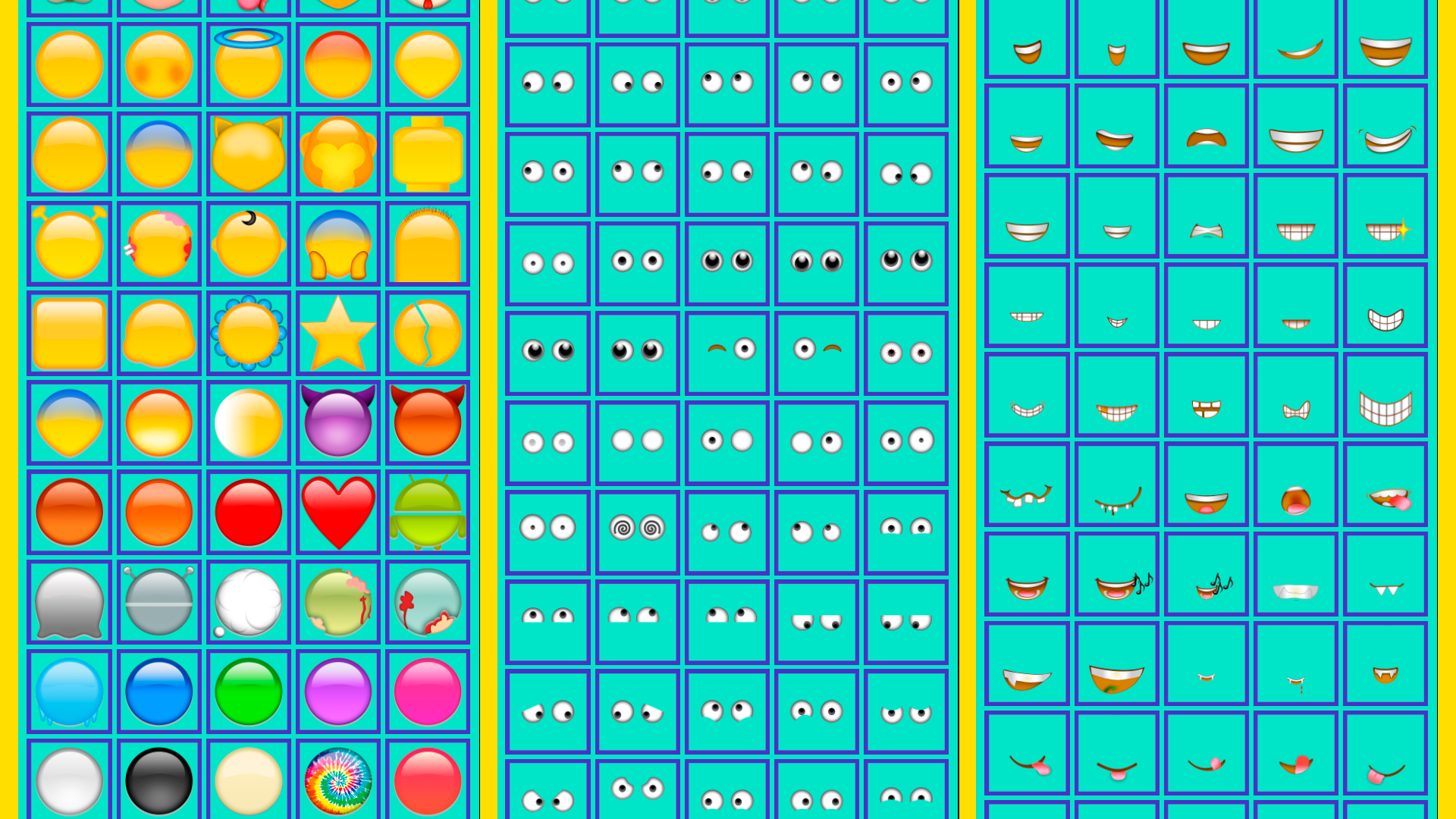
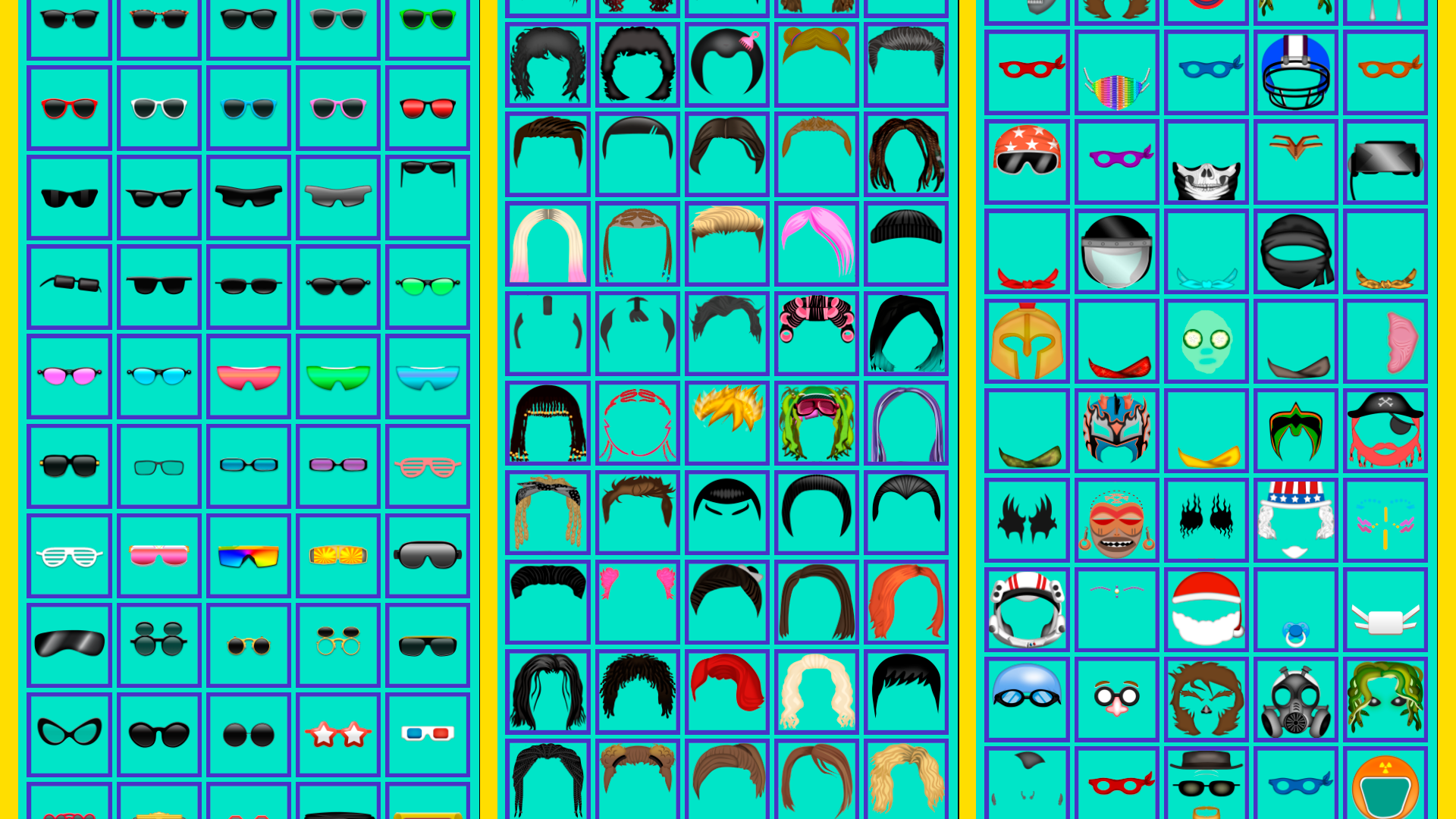
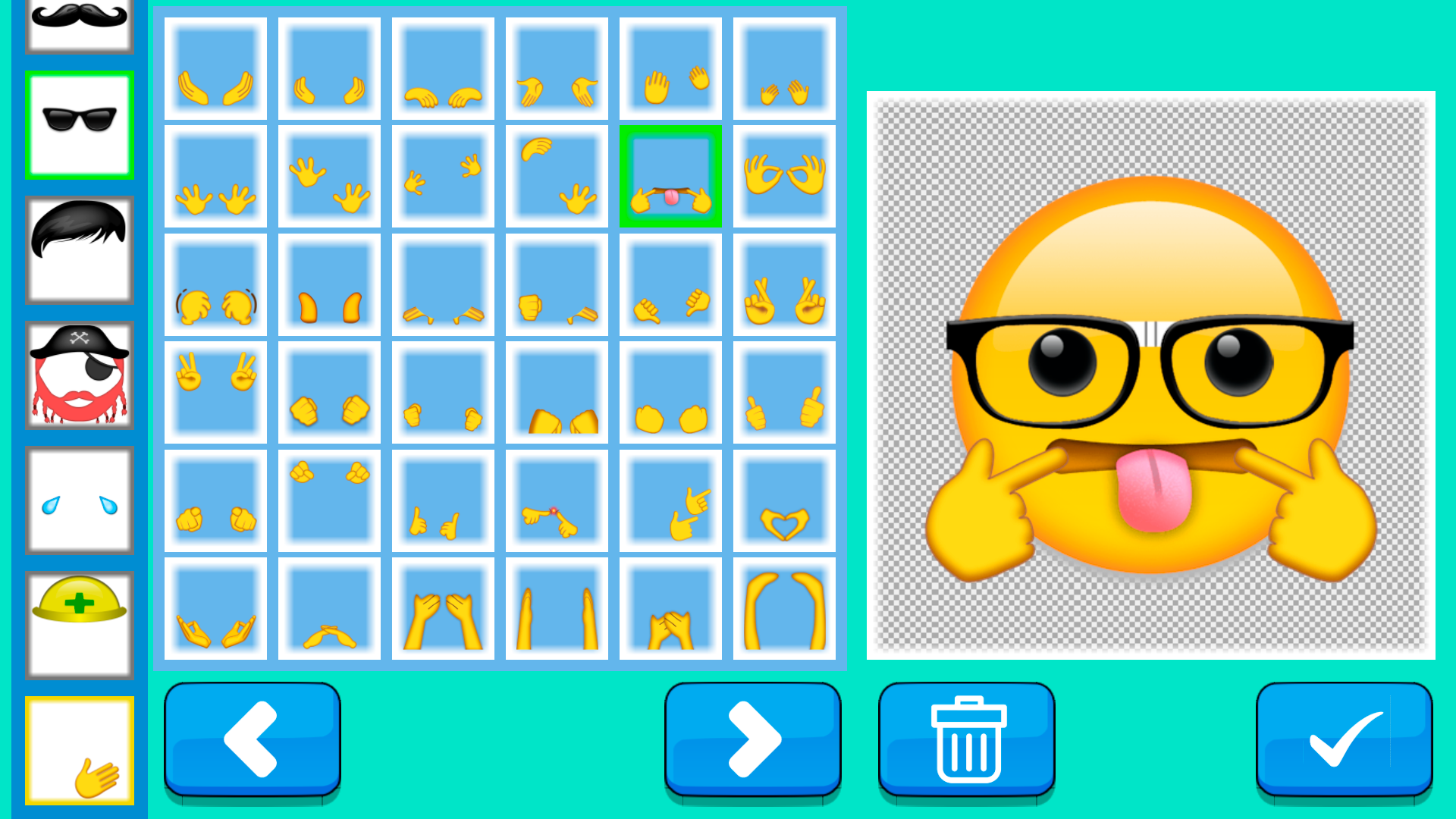
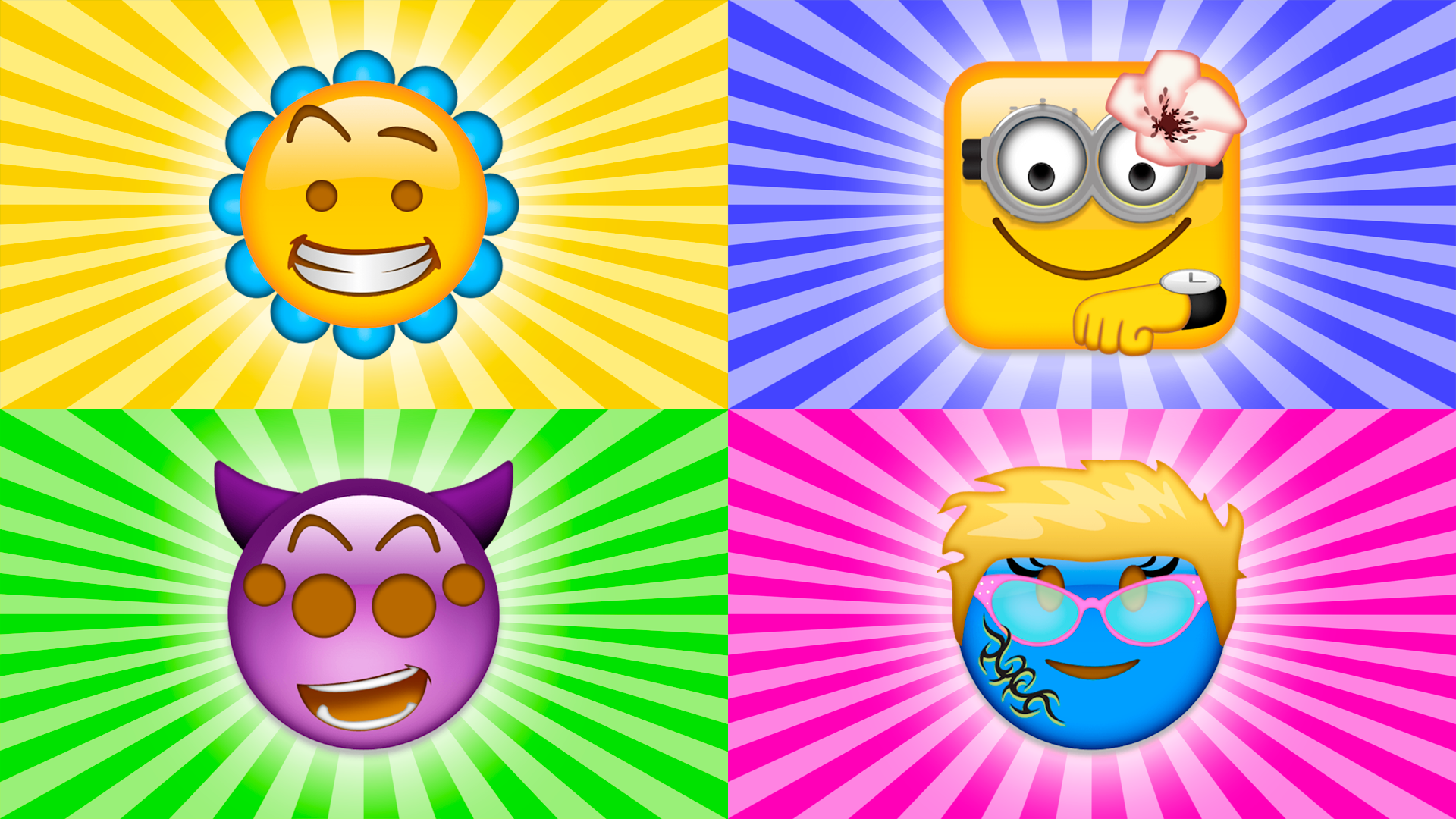
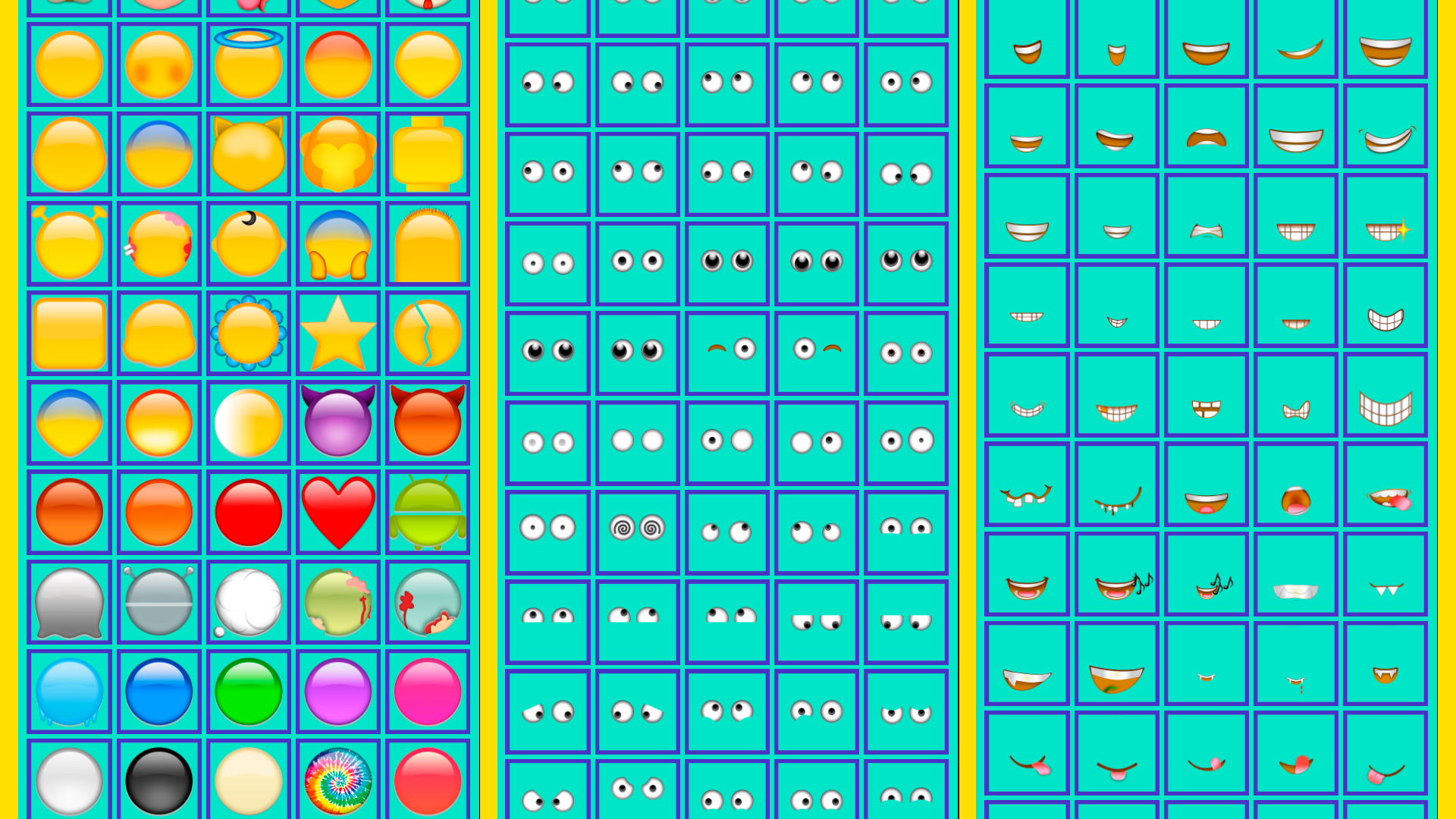
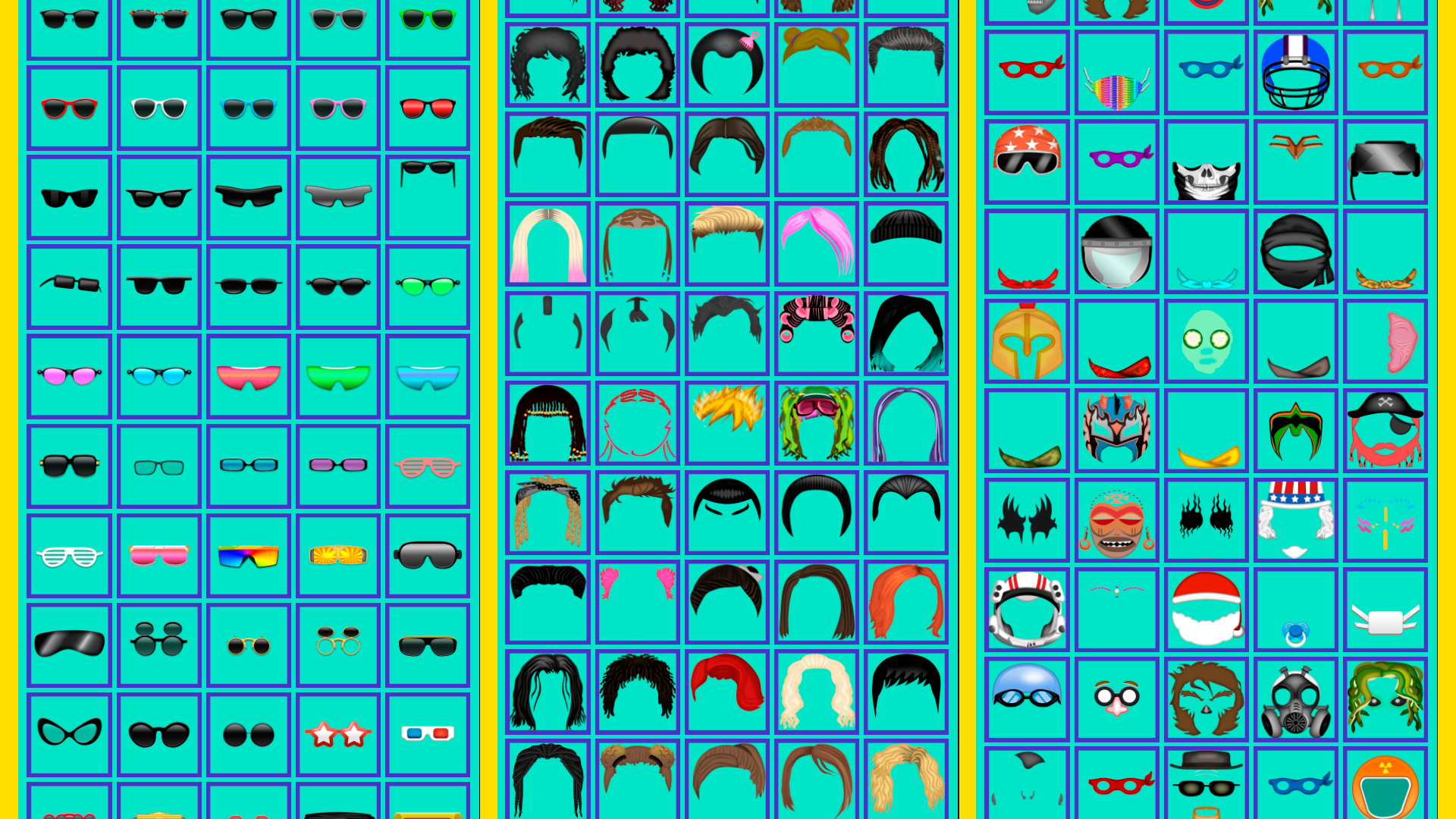
Staring at a blank screen during a midday slump is the worst, but a quick creative distraction is exactly what your brain needs to reset. Create Your Emoji: ASMR 2 turns your browser into a playground where you can design the ultimate custom smiley from scratch. Select a unique base shape to start your design before scrolling through a massive library of eyes and mouths to capture a specific mood. Whether you want to build a cheeky grin or a dreamy stare, the drag-and-drop interface makes it incredibly satisfying to assemble your masterpiece. Once the expression is locked in, you can add hilarious accessories like fancy hats or quirky glasses to give your creation extra personality. Every session feels like a relaxing art project where you create your own emoji to match any vibe imaginable. Play with endless combinations to see how many wild characters you can bring to life. You can jump right into the action and play Create Your Emoji: ASMR 2 for free in your browser with no download required.
How to play
Goal: create your own emoji, choosing from a variety of elements. The user will be able to select the shape of the face, the type and location of the eyes, mouth, nose and other details to get a unique and personalized emoji. Each element will be presented in several versions, which will allow you to create many combinations and options.
Features
- Shape Customization: Select from a variety of unique geometric bases including stars and hearts beyond the standard circle.
- Accessory System: Unlock and equip funny hats, glasses, and mustaches to give your character a distinct look.
- Mood Engine: Mix and match diverse eye and mouth sets to convey specific emotions with precision.
- Layering Mechanics: Place additional miniature emojis or symbols on your character to create a layered sticker effect.
- ASMR Visuals: Enjoy smooth, responsive animations that provide a relaxing and tactile design experience.
Who is it for
Creative minds who love designing custom avatars and stickers will find this title perfectly suited for their tastes. Casual gamers seeking a relaxing, low-pressure outlet will enjoy the endless variety. It is also an excellent tool for those who want to express their daily mood through unique digital art.
Controls
Select element
Click or tap on the desired icon in the menu.
Position item
Drag and drop the selected part onto the emoji face.
Adjust size
Pinch the screen or use the slider to scale accessories.
FAQ
Can I save the designs I make in Create Your Emoji: ASMR 2?
›
While you can design as many characters as you want during your session, the game is designed for endless creative play rather than local file storage.
Is Create Your Emoji: ASMR 2 suitable for children?
›
Yes, the interface is simple and intuitive, making Create Your Emoji: ASMR 2 a great creative tool for players of all ages.
Do I need to sign up to play Create Your Emoji: ASMR 2?
›
No, you can jump straight into the fun immediately without any registration or account creation.