About game
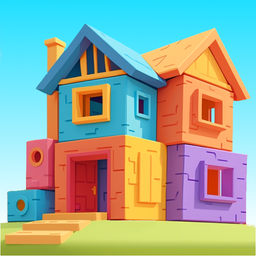
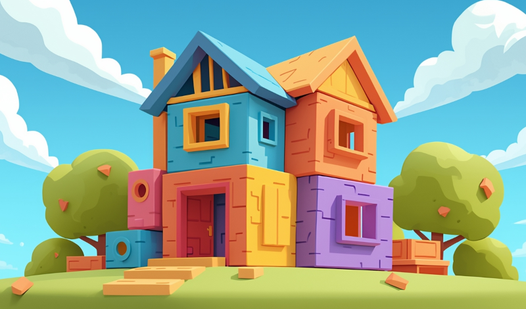
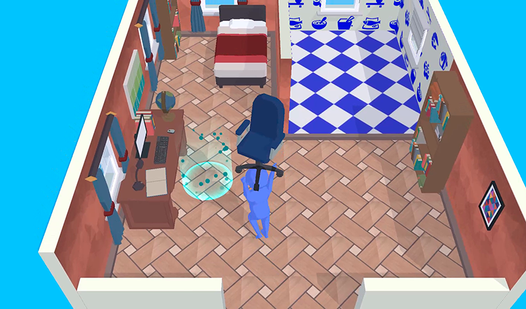
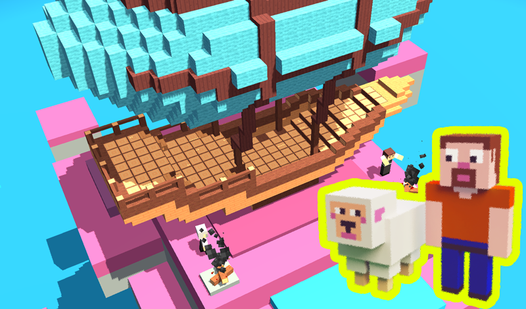
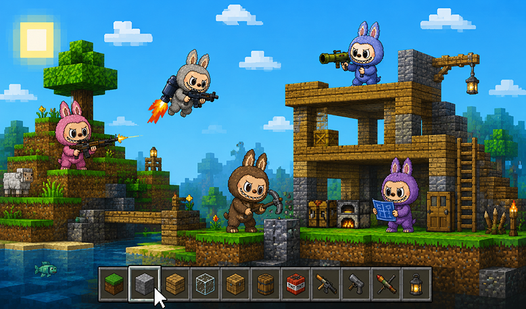
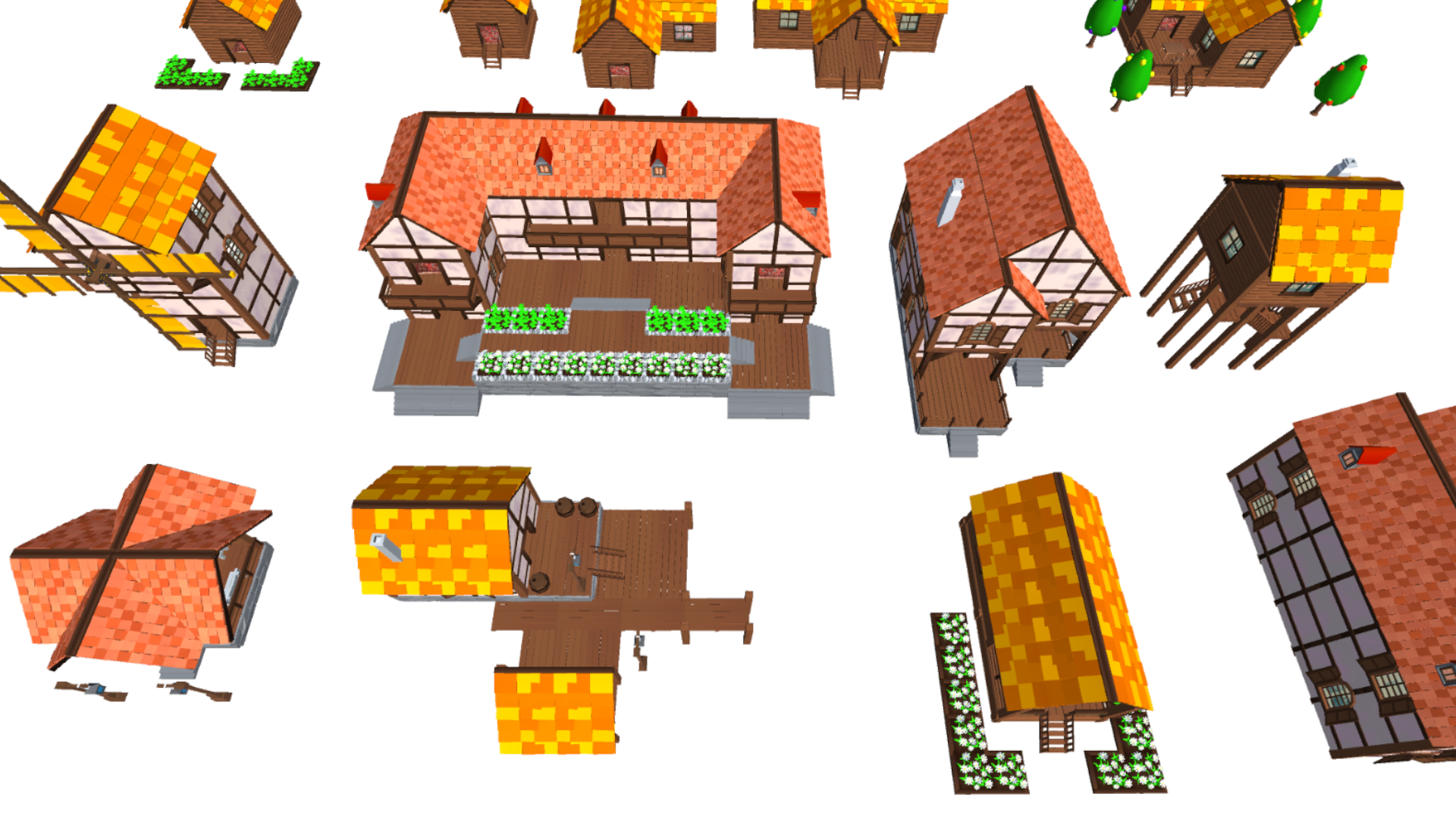
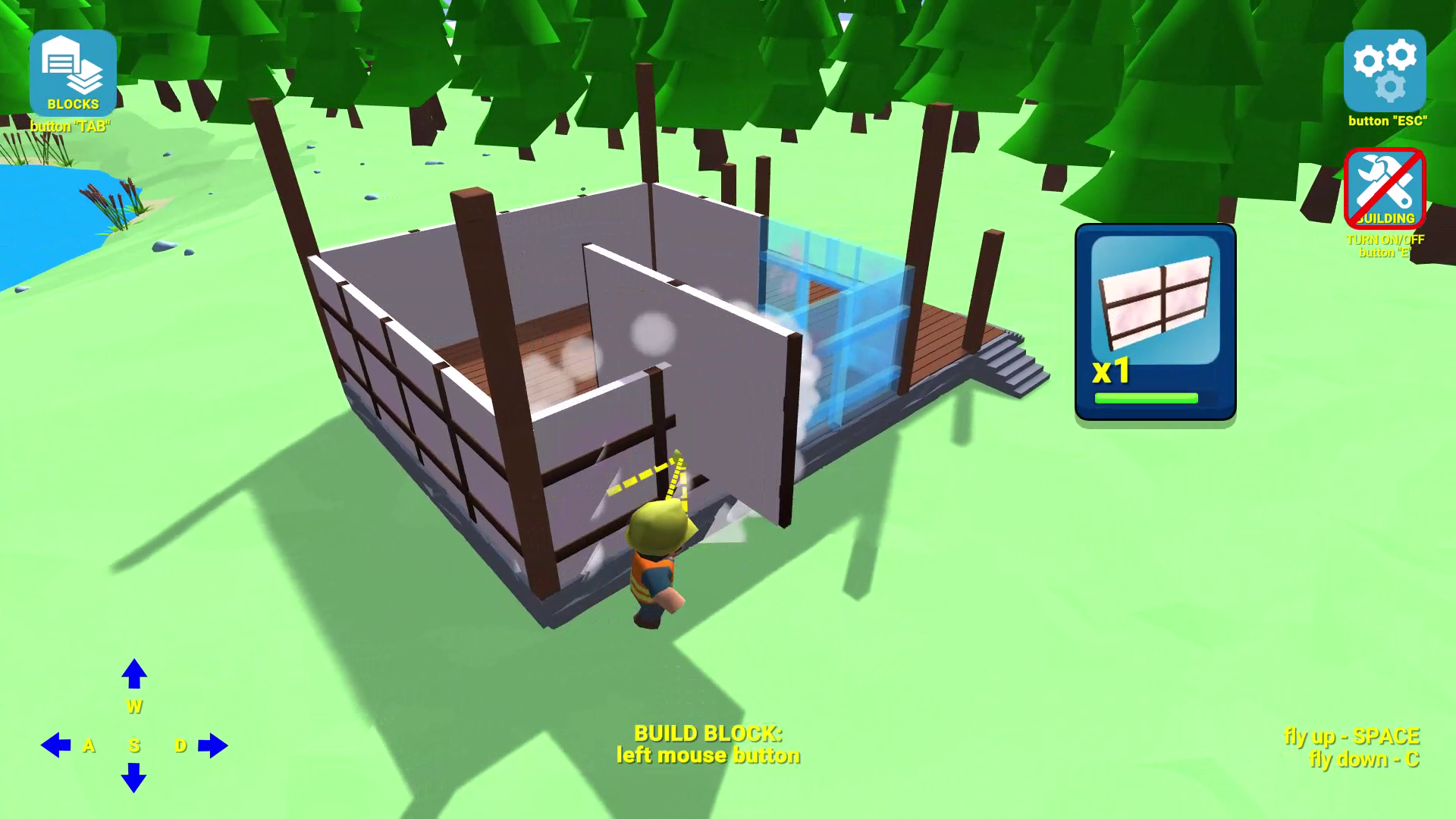
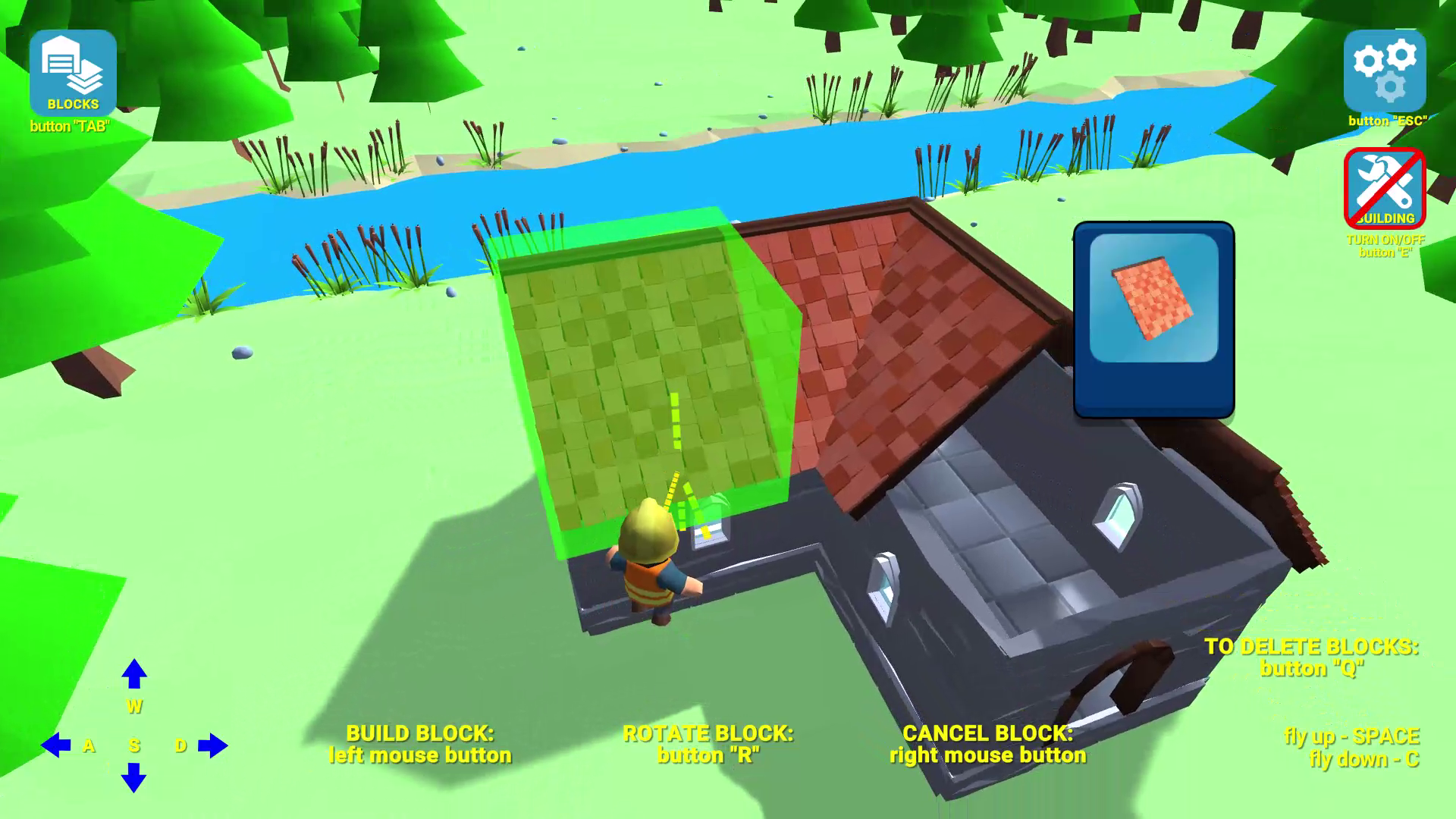
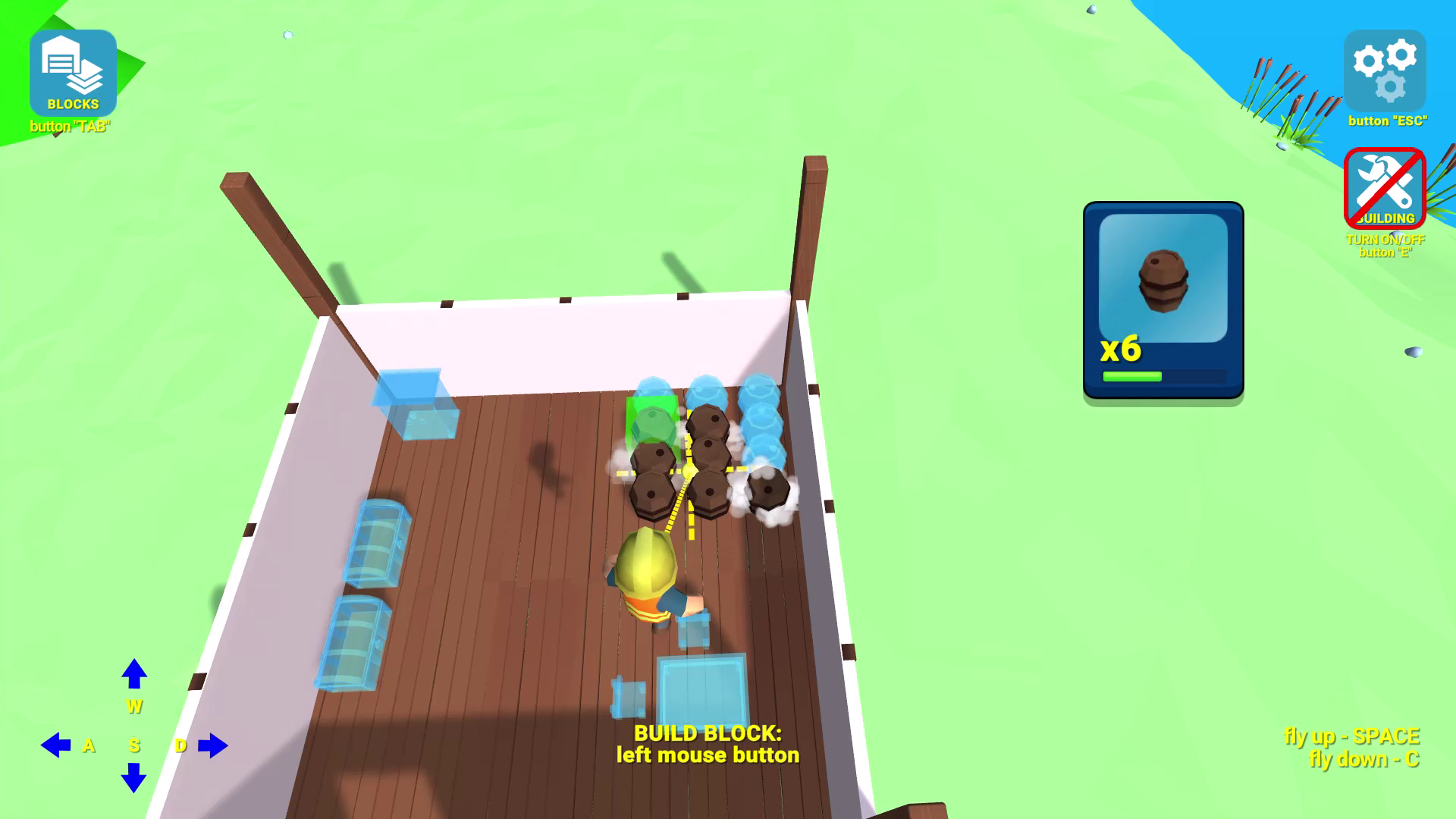
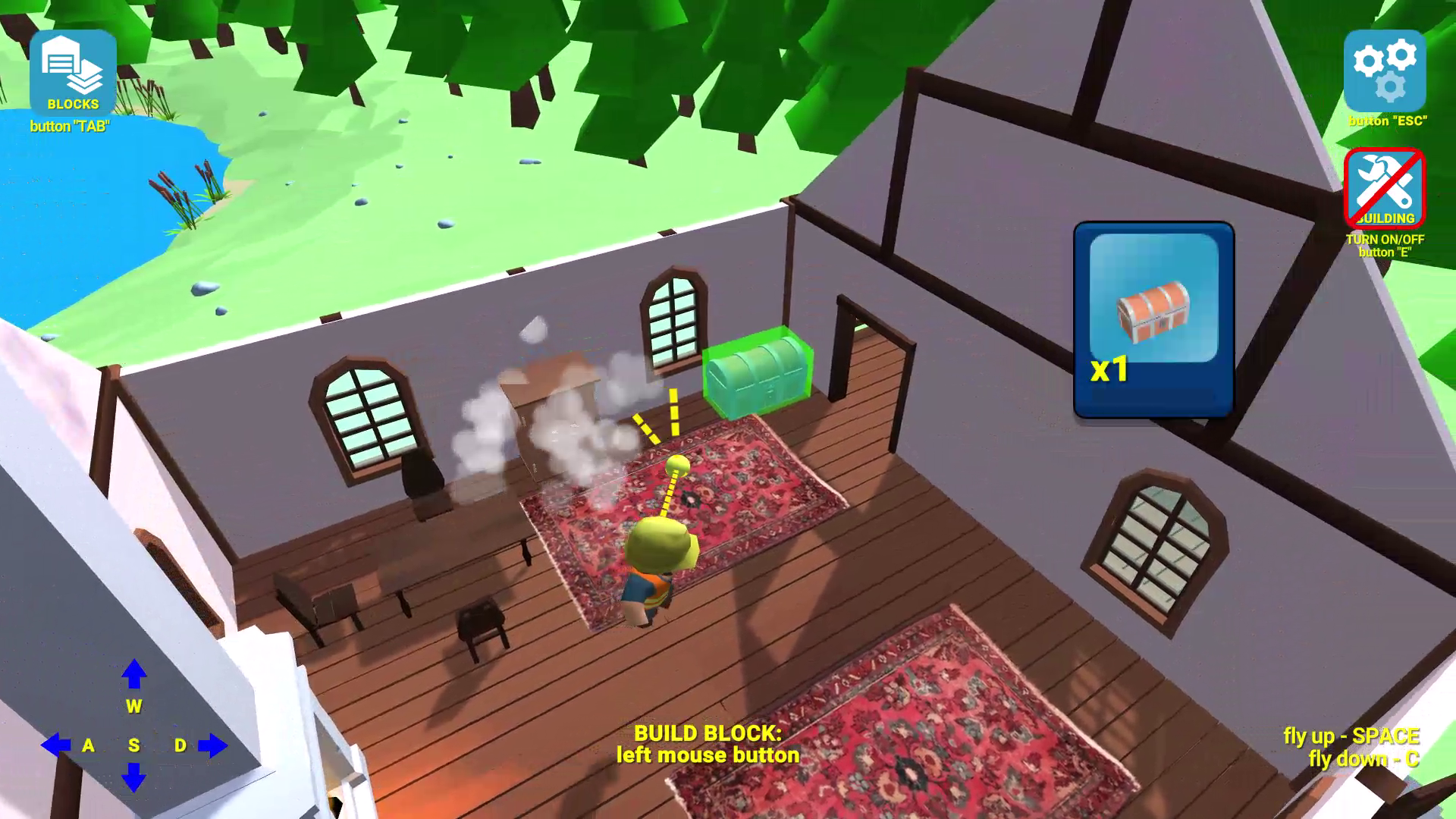
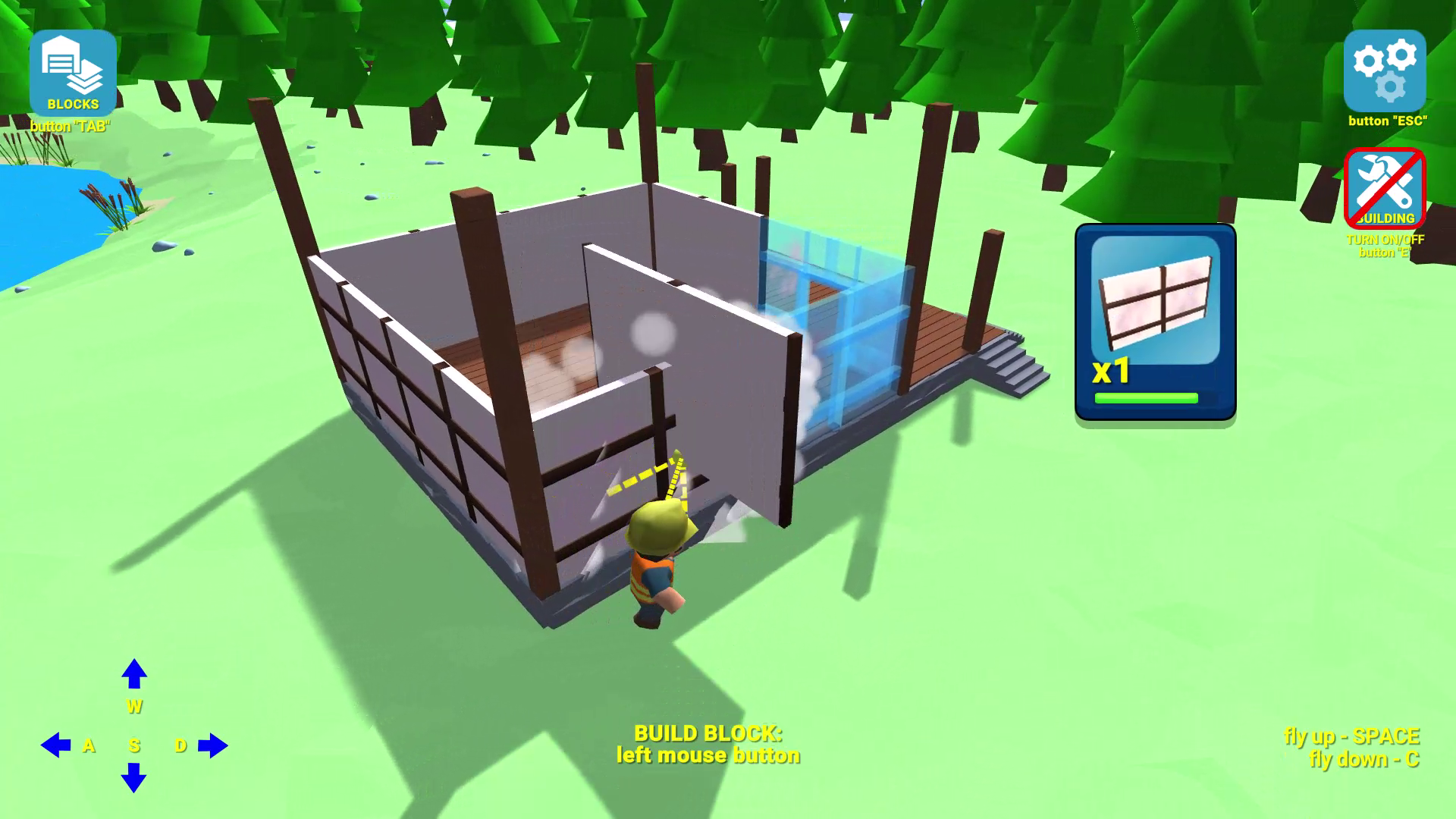
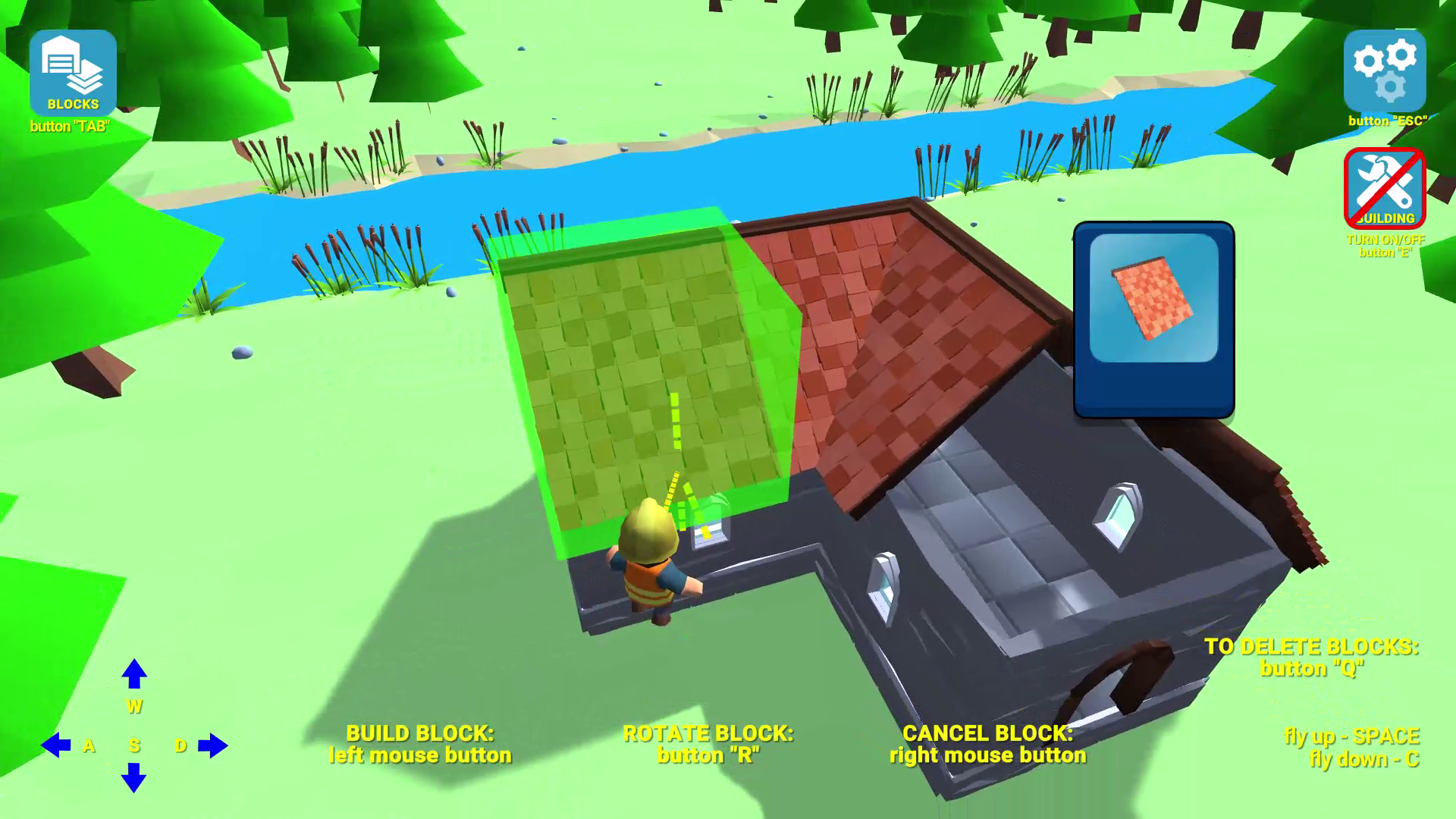
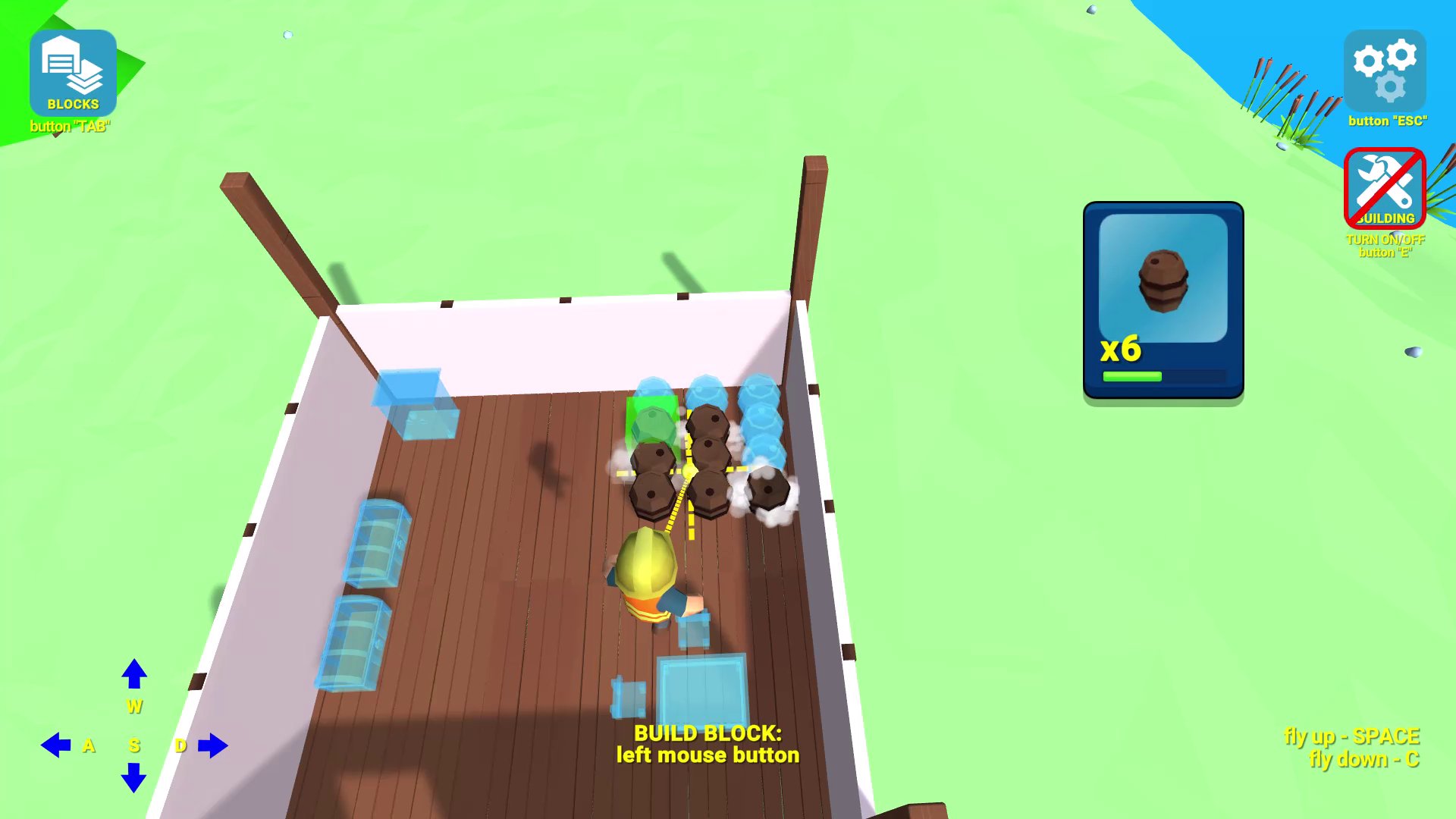
Creative builders who love perfecting every detail will find endless joy in Building Simulator. This experience focuses on pure architectural freedom, allowing you to construct stunning structures without the tedious task of gathering resources. You start by selecting from a vast catalog of shapes, colors, and building materials to bring your vision to life. The intuitive construction mechanics let you rotate, place, and delete blocks with precision for complete control over your project. When the walls are up, you can dive into interior design by adding furniture and garden decorations to finalize your masterpiece. Challenge yourself in the walkthrough mode where you replicate complex designs, or unleash your imagination in the custom sandbox environment. As a top-tier строительный симулятор, the game offers a relaxing alternative to survival games like майнкрафт. You can enjoy the satisfaction of дизайн дома projects directly in your browser with no download required.
How to play
Mobile:
Switching to building mode or spectator mode - the "BUILDING" button on the right side of the screen;
Open a menu with a selection of blocks for building - the "BLOCKS" button at the top left of the screen;
Install the current block - the "BUILD" button on the screen;
Rotate the current block - the "ROTATE" button on the screen;
Cancel the last block - the "CANCEL" button on the screen;
Go to delete mode - the “deleting regime” button on the screen;
Movement - joystick at the bottom left;
Jump - button at the bottom right;
Flying up and down - buttons at the bottom right;
PC:
Switching to building mode or spectator mode - button "E";
Open a menu with a selection of blocks for building - the "TAB" button;
Install the current block - left mouse button;
Rotate the current block - button "R";
Cancel the last block - right mouse button;
Go to delete mode - button "Q";
Movement - buttons "W" "A" "S" "D"
Jump - "SPACE" button;
Flight up - "SPACE" button;
Flight down - button "C".
Features
- Progression System: Unlock new specialized blocks and materials as you complete increasingly difficult architectural challenges in walkthrough mode.
- Dual Gameplay Modes: Choose between structured level-based building tasks or total creative freedom in an unrestricted sandbox environment.
- Comprehensive Decoration Library: Access dozens of furniture pieces and landscaping elements to transform a simple house into a cozy home.
- Precision Building Tools: Manipulate your environment easily with dedicated rotation, deletion, and spectator camera options.
- No Resource Grinding: Gain instant access to all building supplies from the start, letting you focus entirely on your artistic vision.
Who is it for
Creative minds who enjoy sandbox design and architecture enthusiasts will love this title. Fans of construction games seeking a stress-free experience without inventory management will find it perfect. It is also great for casual gamers looking for a quick, high-quality creative outlet directly within their web browser.
Controls
Movement
Use the on-screen joystick on mobile or WASD keys on PC.
Place Block
Tap the BUILD button on mobile or left-click on PC.
Rotate Object
Press the ROTATE button on mobile or R key on PC.
Delete Mode
Select the deleting regime button on mobile or press Q on PC.
Menu Navigation
Tap the BLOCKS button on mobile or use the TAB key on PC.
FAQ
Is Building Simulator free to play?
›
Yes, Building Simulator is completely free and requires no registration or downloads to enjoy in your browser.
Can I save my house in Building Simulator?
›
The game allows for endless construction in custom mode, where you can build and modify your architectural masterpiece as much as you like during your session.
What is the goal of Building Simulator?
›
You can either complete structured challenges where you replicate specific designs or simply use Building Simulator to create your own unique structures from scratch.