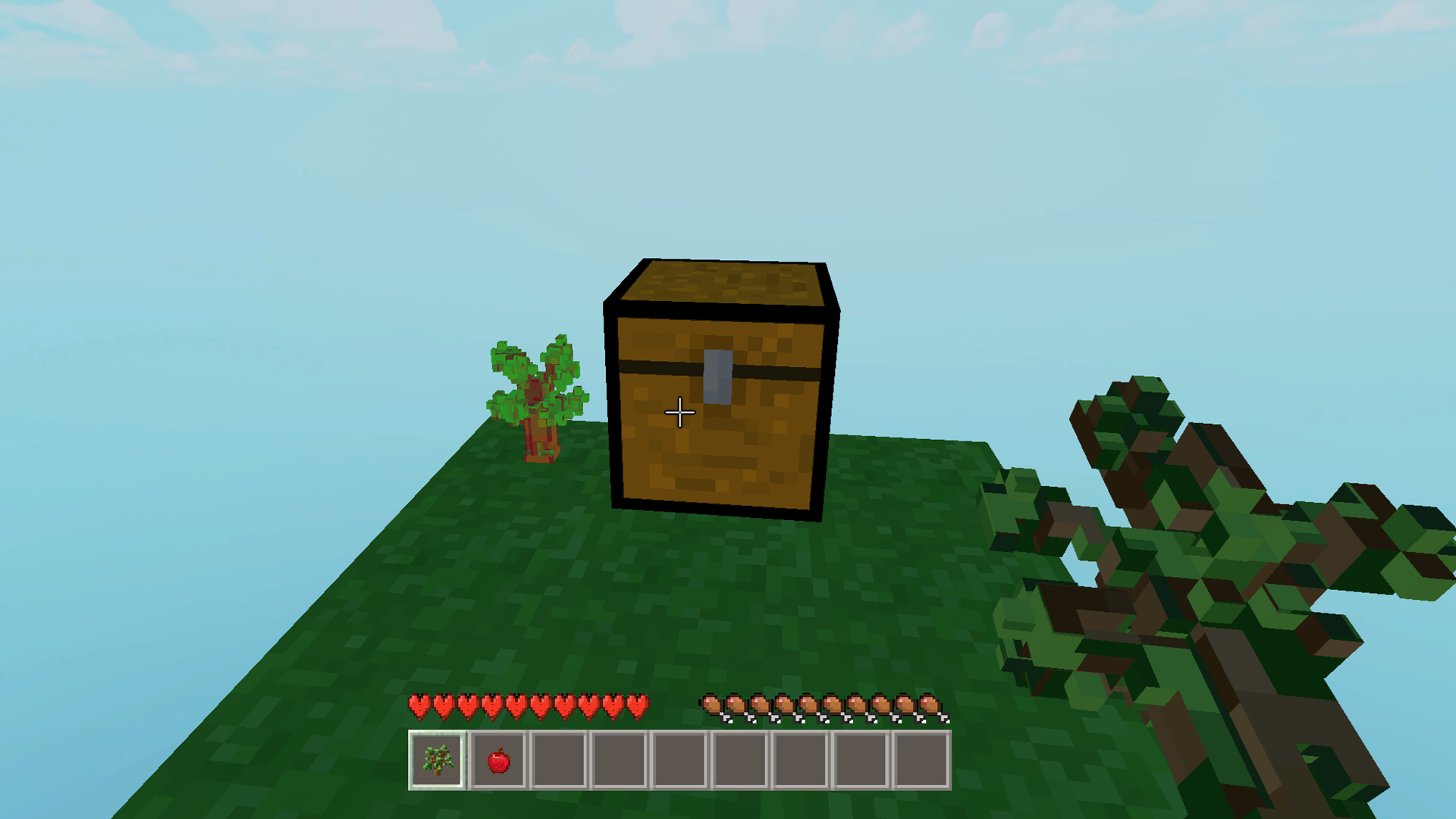
About game
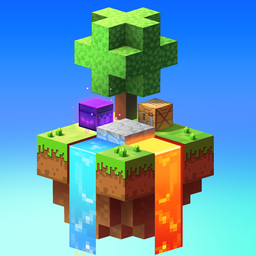
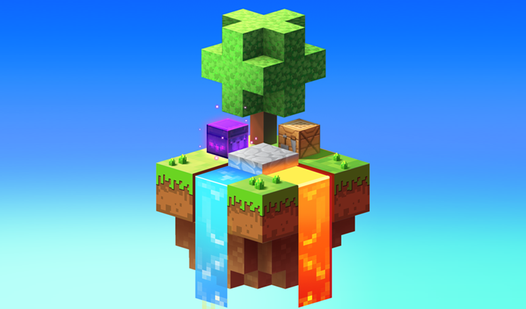
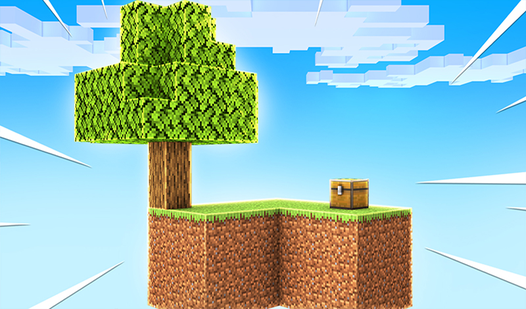
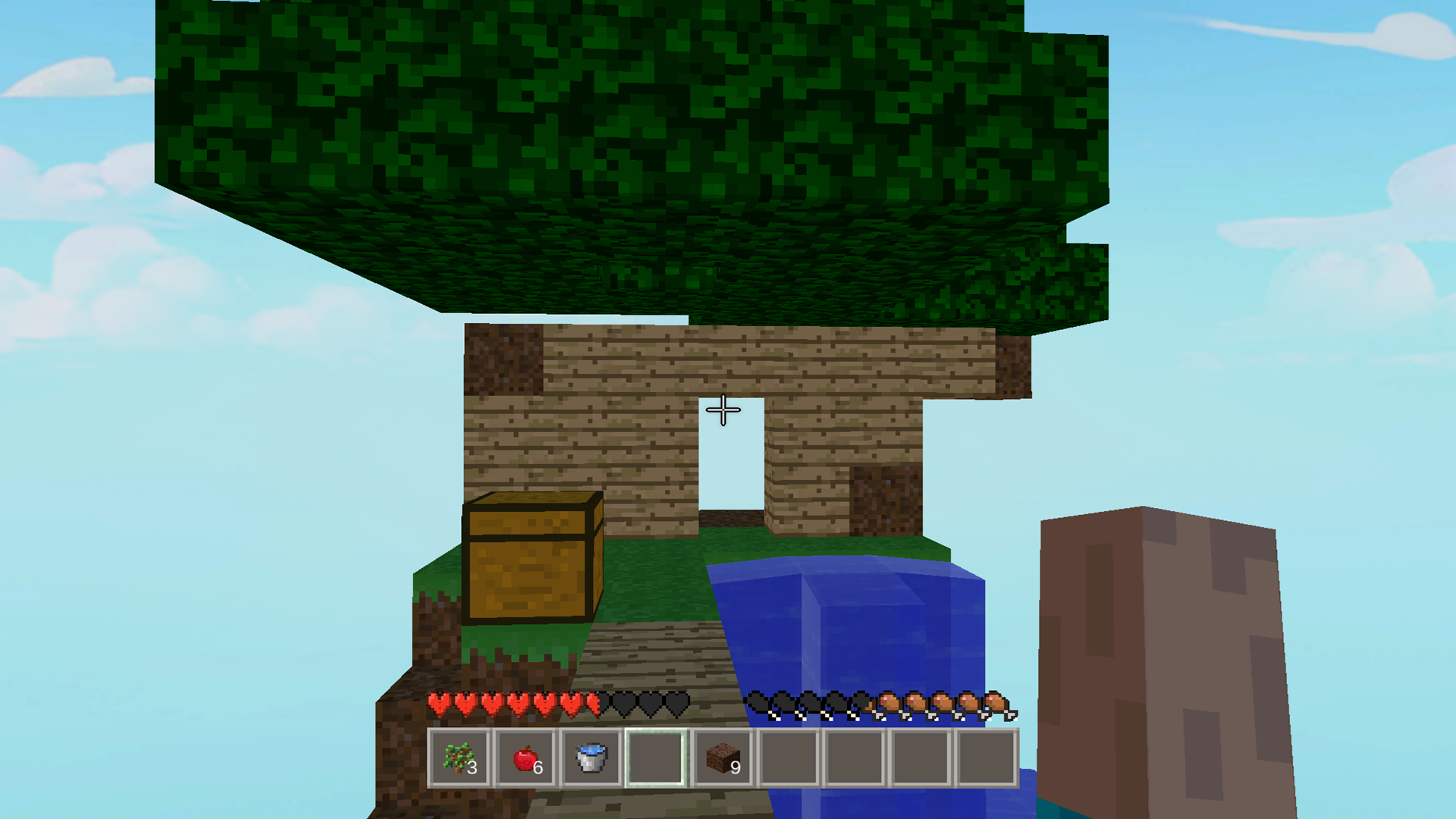
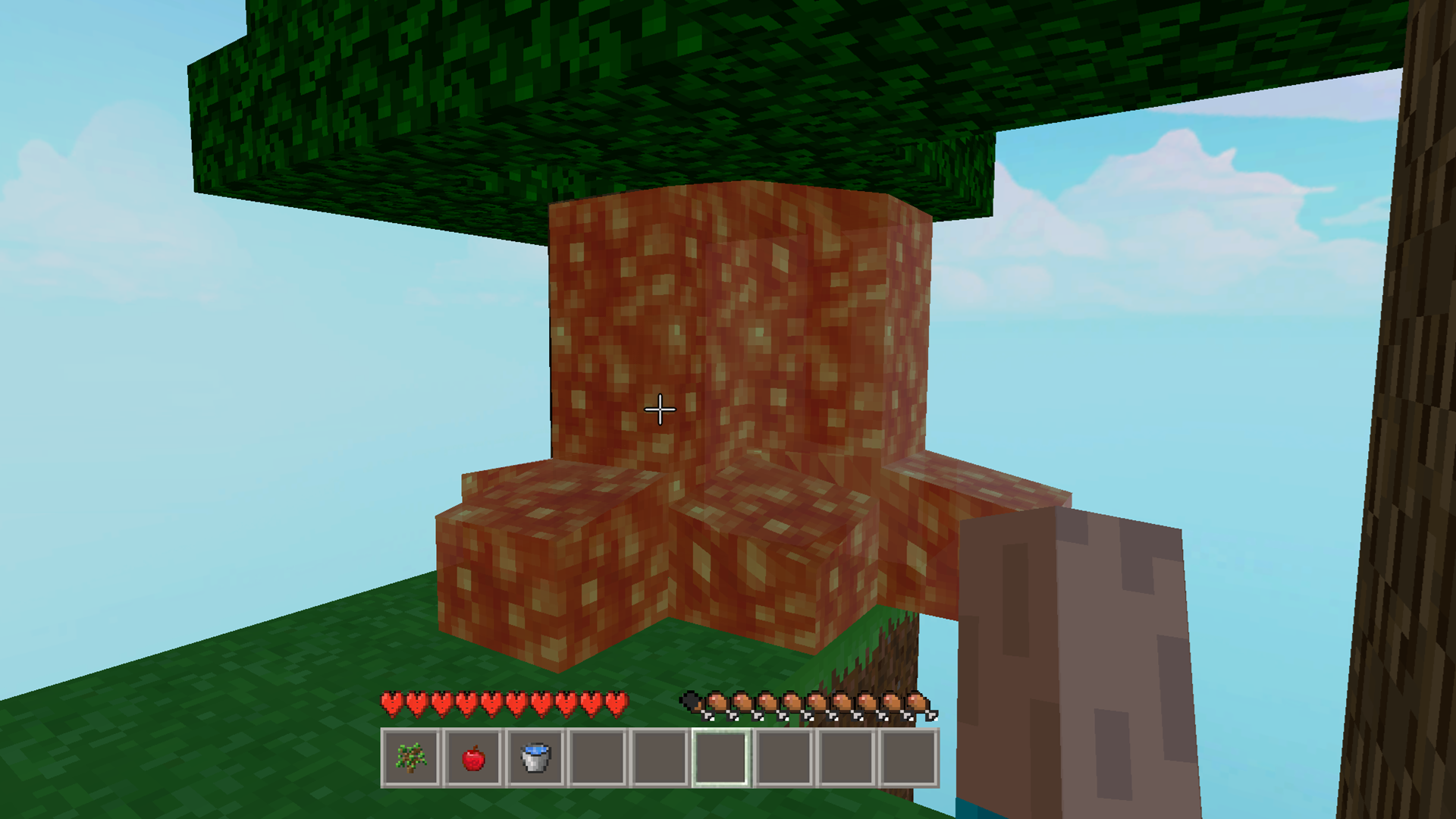
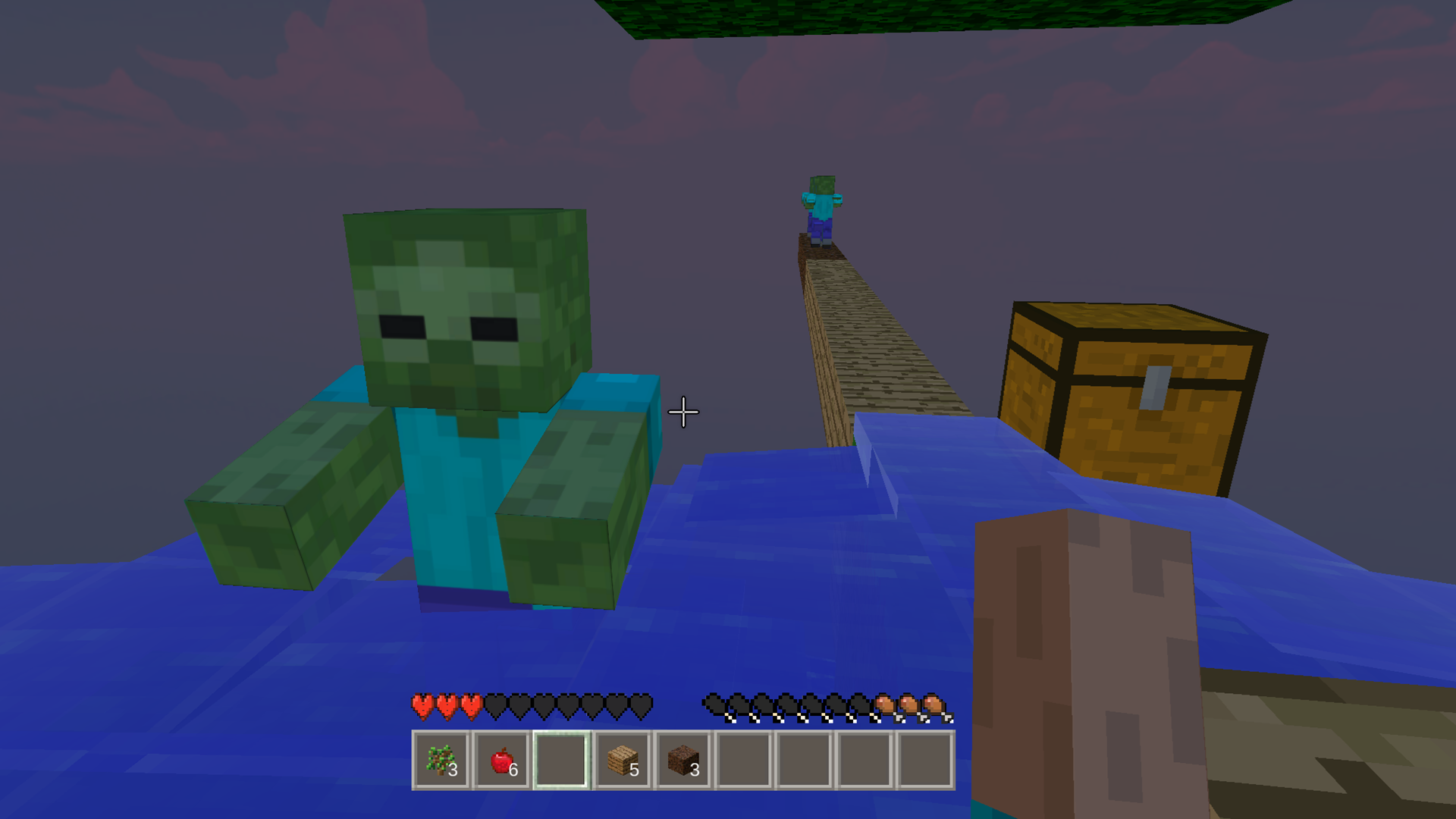
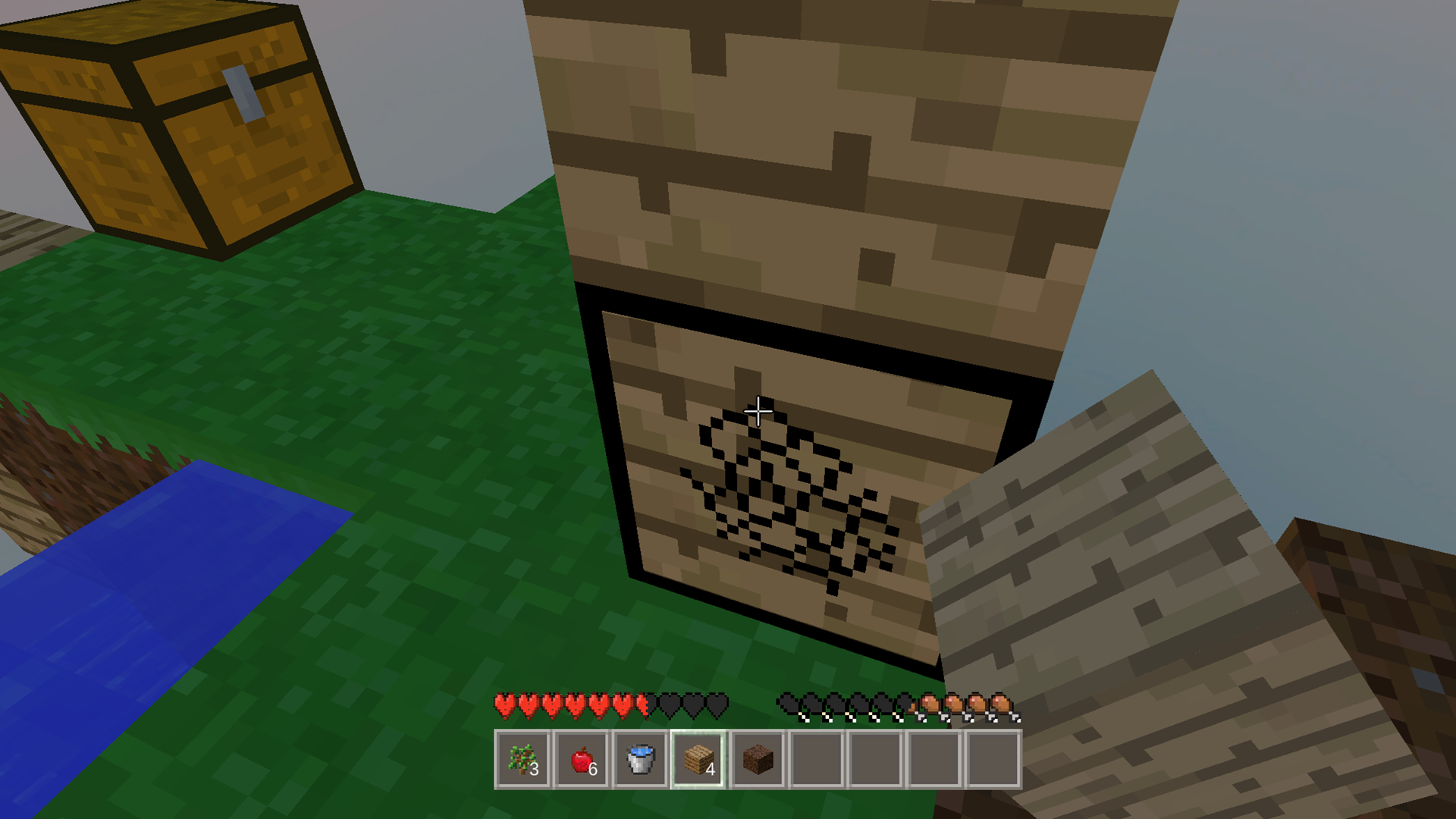
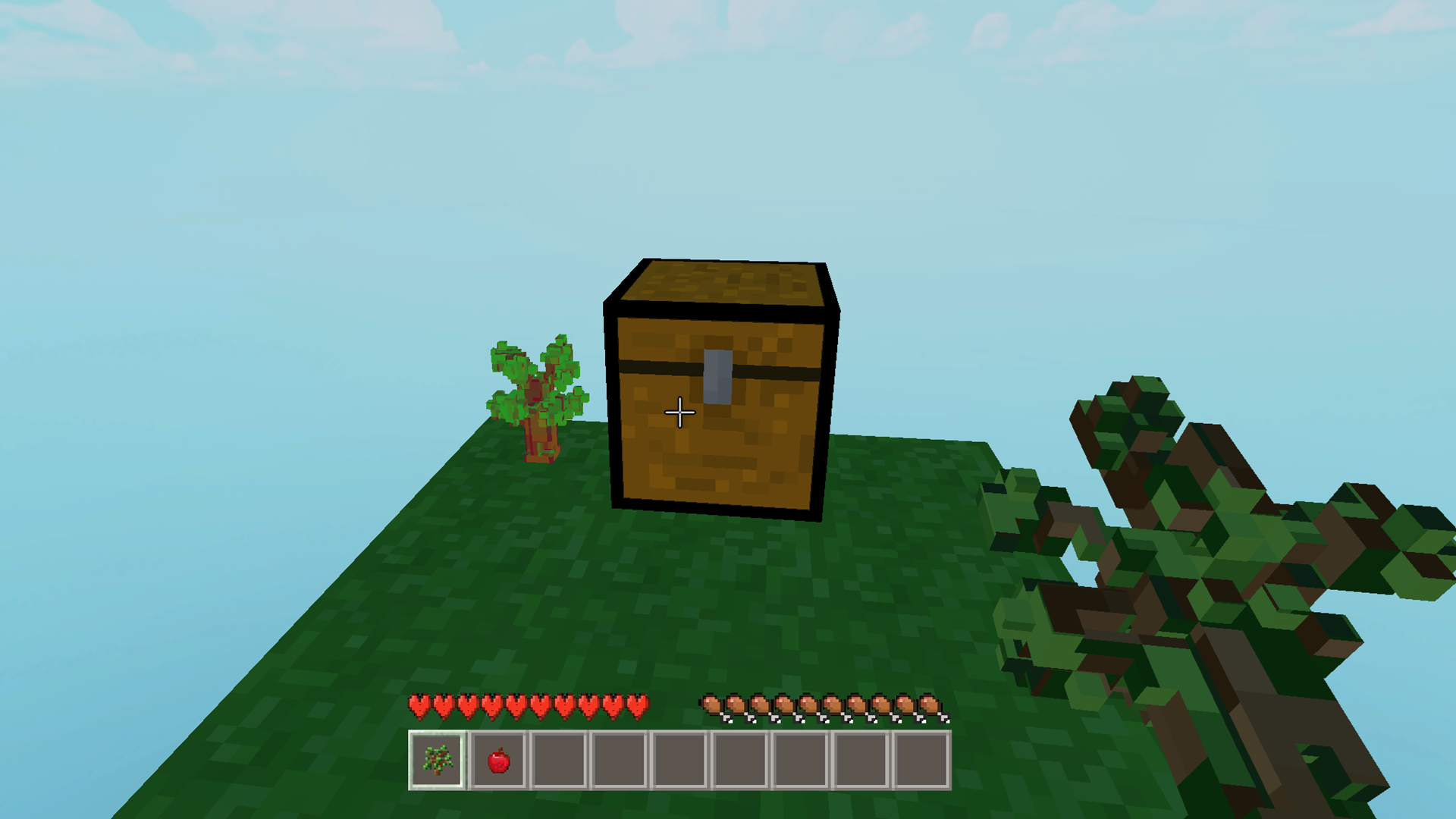
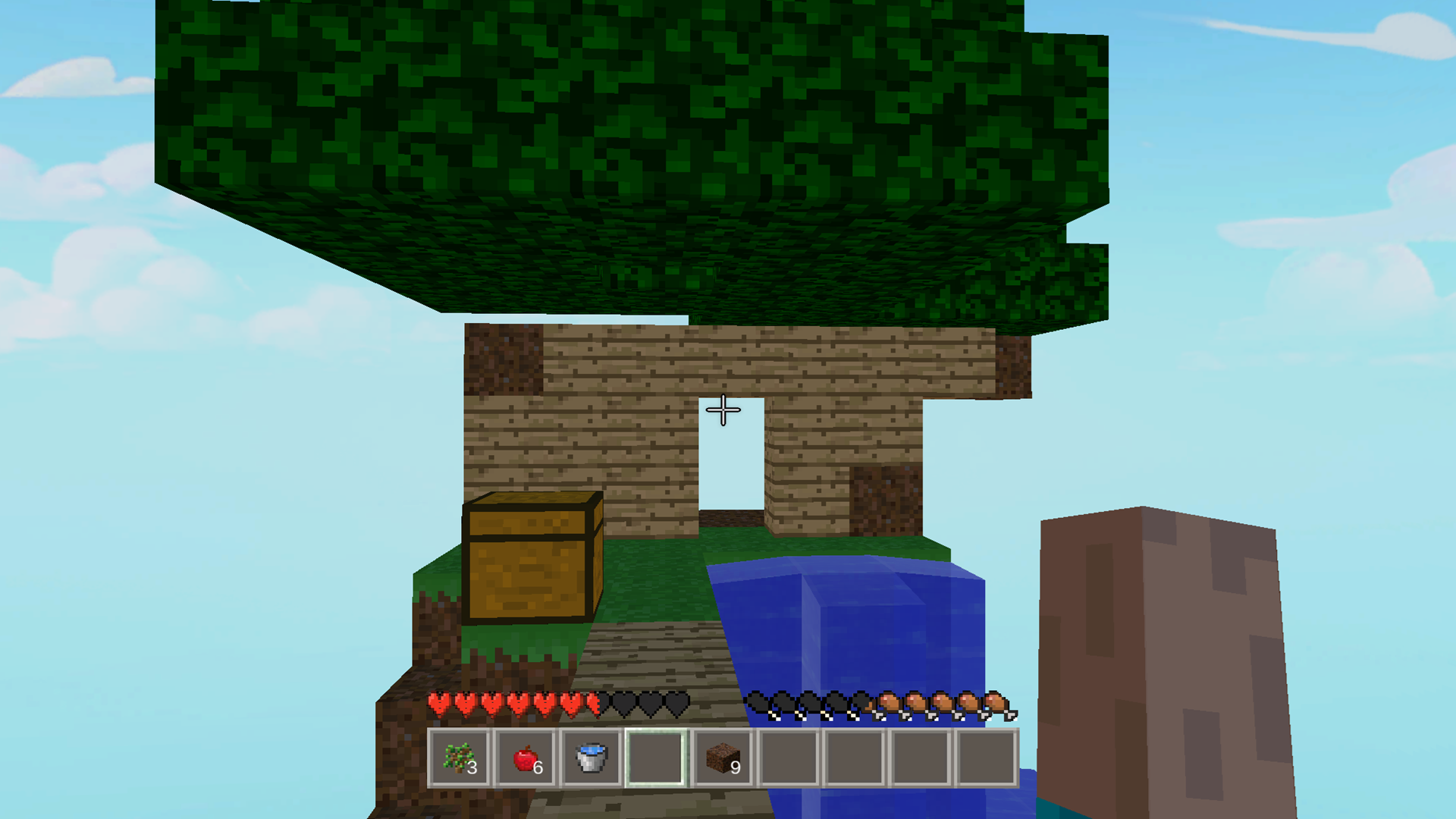
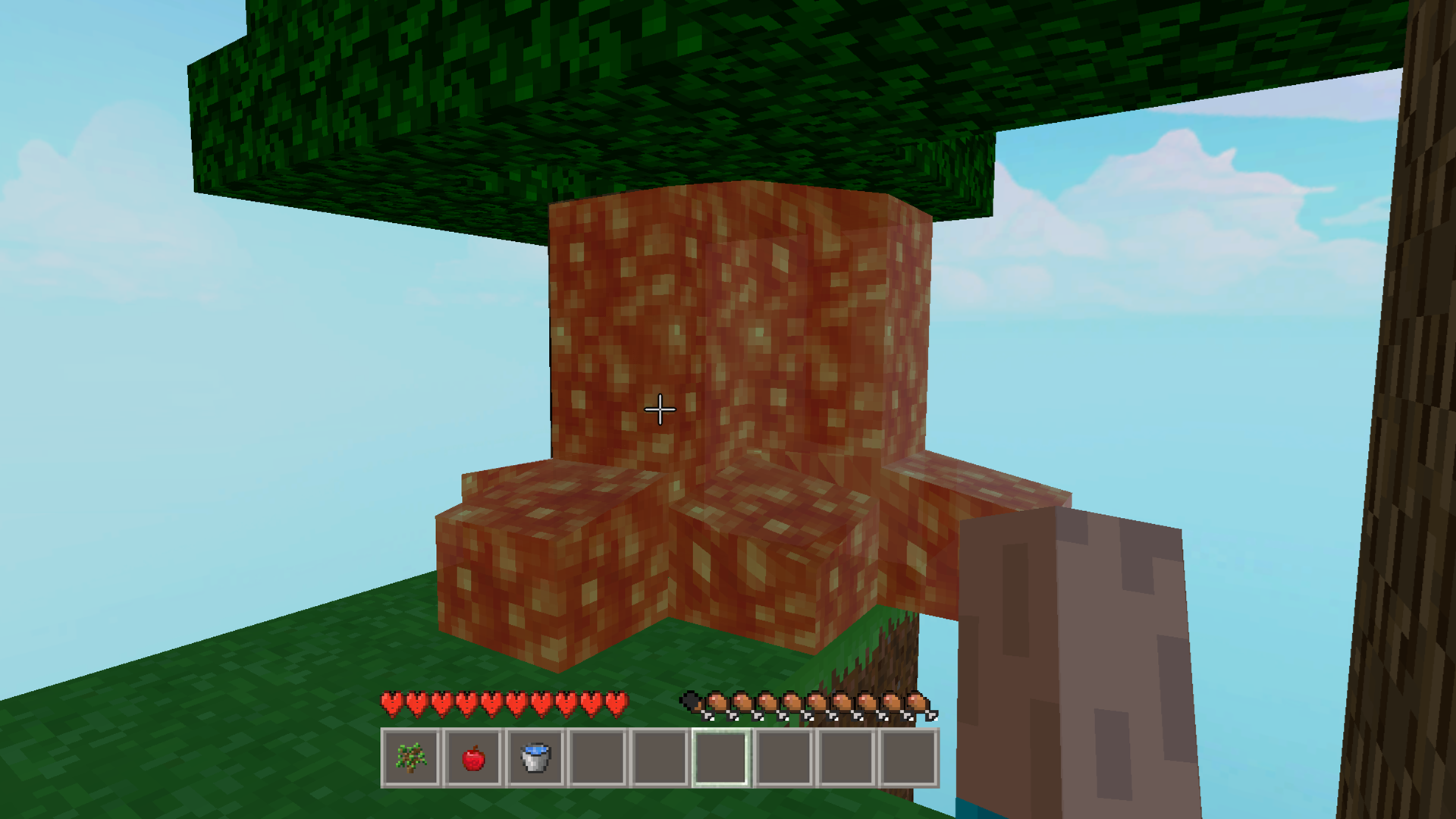
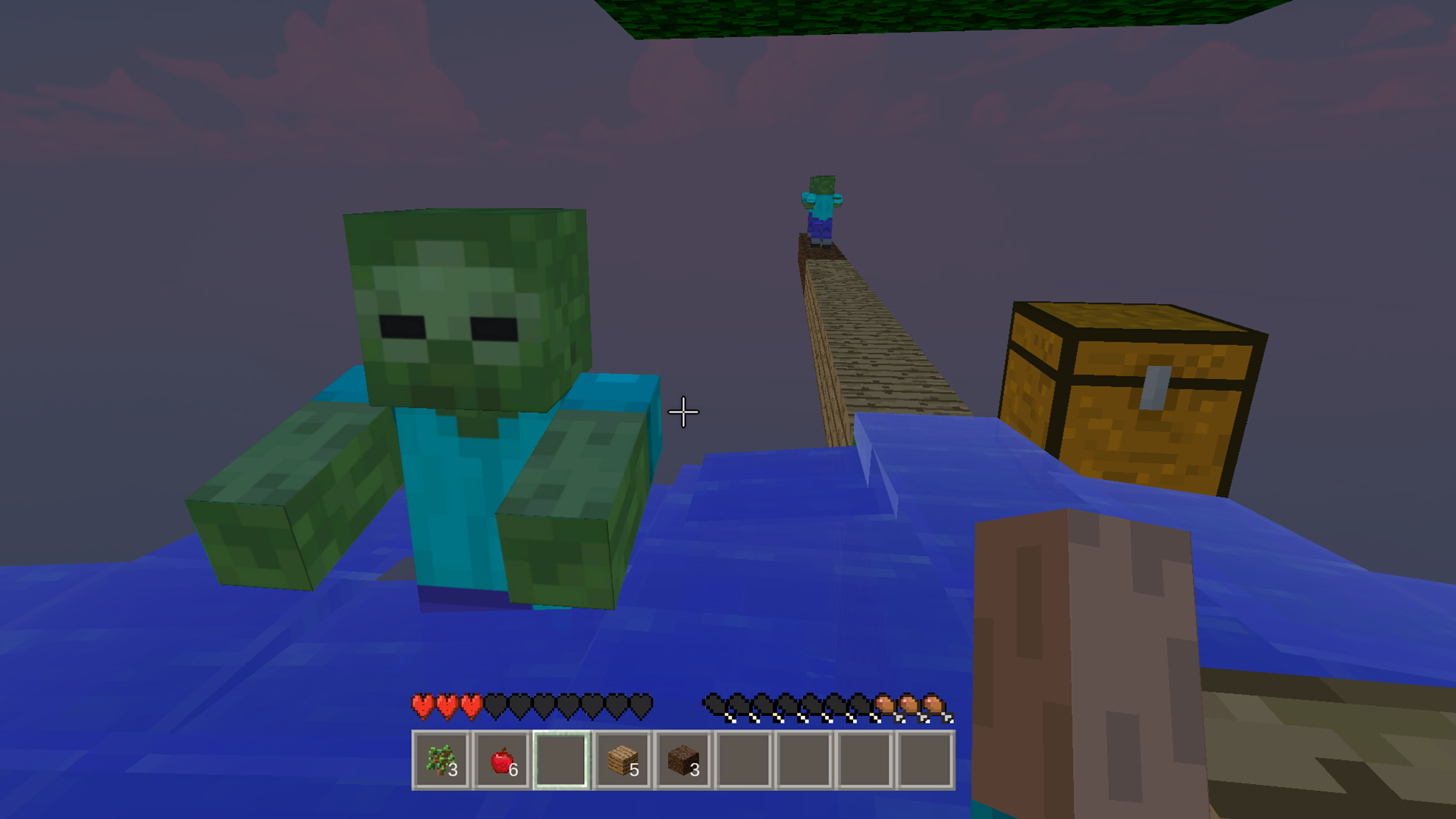
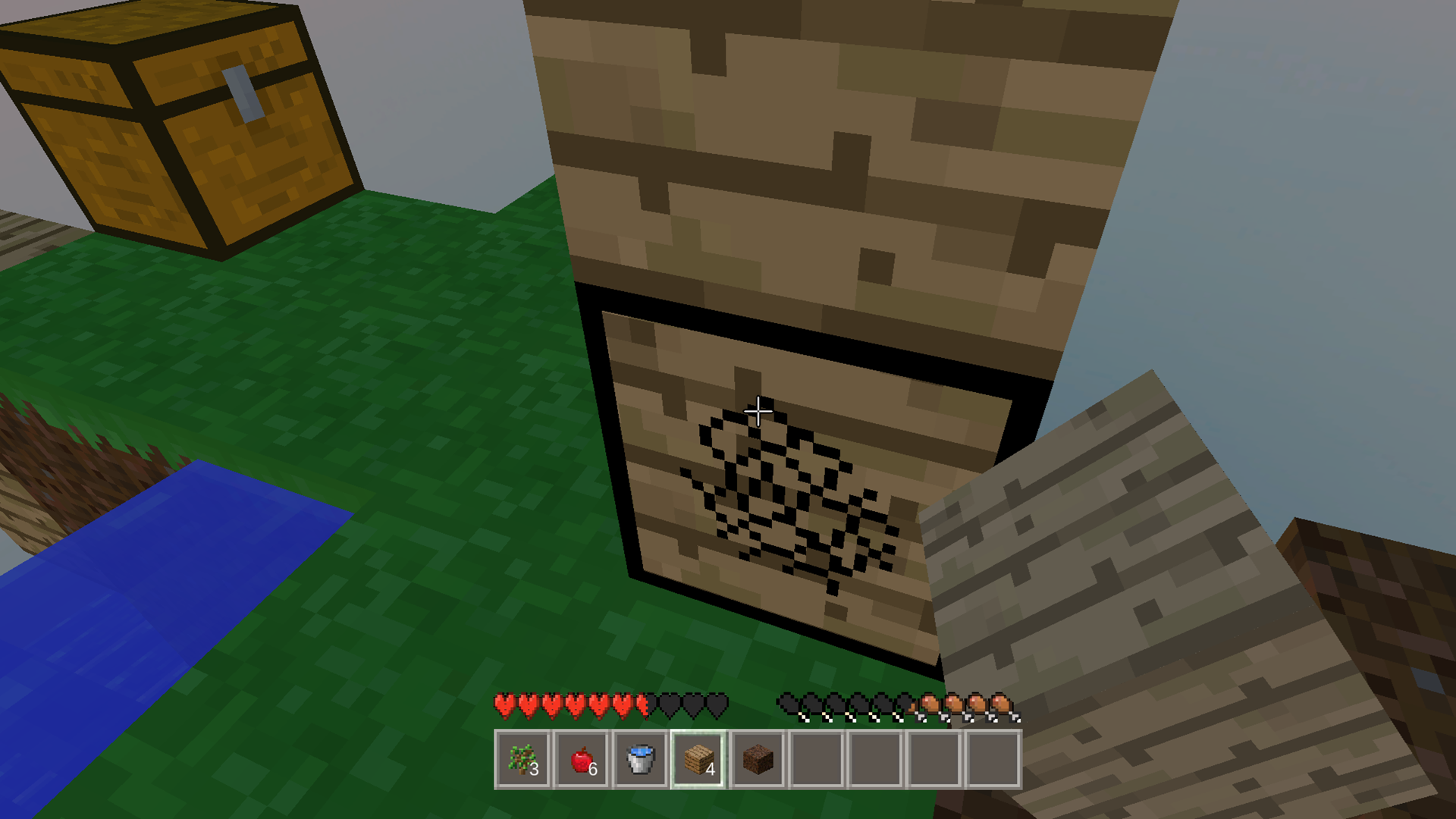
Staring at a blank screen during your lunch break is the perfect sign that you need a quick gaming escape. Skycube Craft: Mine Survival turns your idle time into a high-stakes adventure on a floating island. You start with nothing but a pickaxe and a mission to survive in a vast, blocky world. Your primary task is to dig block by block to gather resources and expand your tiny territory. You can plant wheat and trees to sustain yourself while carefully managing your limited space. Mastering the environment is key because you will need to combine lava and water to generate stone for your base. Skycube Craft: Mine Survival tests your crafting skills as the threat of zombies looms closer with every expansion. You can play this engaging 3d sandbox directly in your browser without any downloads or registration. Challenge yourself to build the ultimate fortress and show everyone what a true digger can achieve.
How to play
Controls:
Use WASD (for PC) or virtual buttons on the left (for phone/tablet) to walk.
Use the mouse (for PC) or move your finger along the right side of the screen (for phone/tablet) to look around.
Press the left mouse button (for PC) or press the right side of the screen (for phone/tablet) to build (if pressed) or break (if held).
Press the space bar (for PC) or virtual button on the right (for phone/tablet) to jump.
Game objective:
Plant seedlings in the ground to grow a tree. Combine lava and water to get stone. Dig the ground with a hoe, plant wheat and get grain from which you can craft bread.
And most importantly - develop and expand your island, build a cool house and survive in these harsh conditions on a flying island!
Features
- Resource Alchemy: Create stone by strategically mixing flowing water with lava buckets.
- Agricultural Growth: Cultivate your own food supply by hoeing soil and harvesting wheat for bread.
- Dynamic Base Building: Expand your floating plot of land outwards to create more room for traps and structures.
- Zombie Defense: Prepare your island defenses to withstand waves of incoming enemies as you progress.
- Intuitive Crafting: Utilize simple interactions to turn raw materials into essential survival tools.
Who is it for
Survival game enthusiasts and sandbox fans who enjoy building on limited platforms. Casual players seeking a quick, satisfying loop of mining and crafting will find the block-based mechanics addictive. It is also well-suited for those who appreciate endless, goal-oriented island expansion games that run smoothly on any browser.
Controls
Movement
Use WASD keys on PC or the virtual joystick on the left for mobile.
Look around
Move your mouse on PC or swipe your finger across the right side of the screen.
Mine and build
Left-click or tap the right side of the screen to interact with blocks.
Jump
Press the Space key or the dedicated jump button on the right side of your mobile screen.
FAQ
How do I expand my island in Skycube Craft: Mine Survival?
›
You must dig blocks and carefully place them at the edges of your island to create more surface area for building and farming.
Can I play Skycube Craft: Mine Survival on my phone?
›
Yes, the game is fully optimized for mobile devices and requires no downloads to play directly in your mobile browser.
What is the main goal of Skycube Craft: Mine Survival?
›
The goal is to survive, expand your floating island, build a secure house, and successfully defend your territory against zombies.