About game
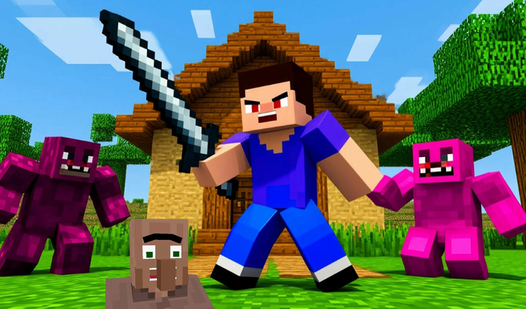
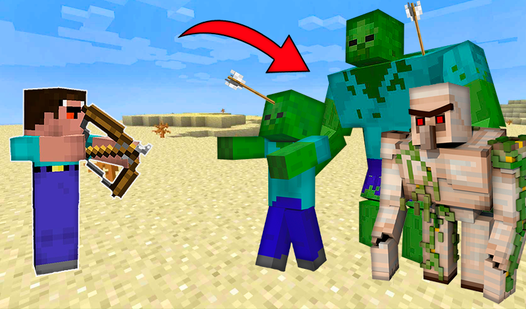
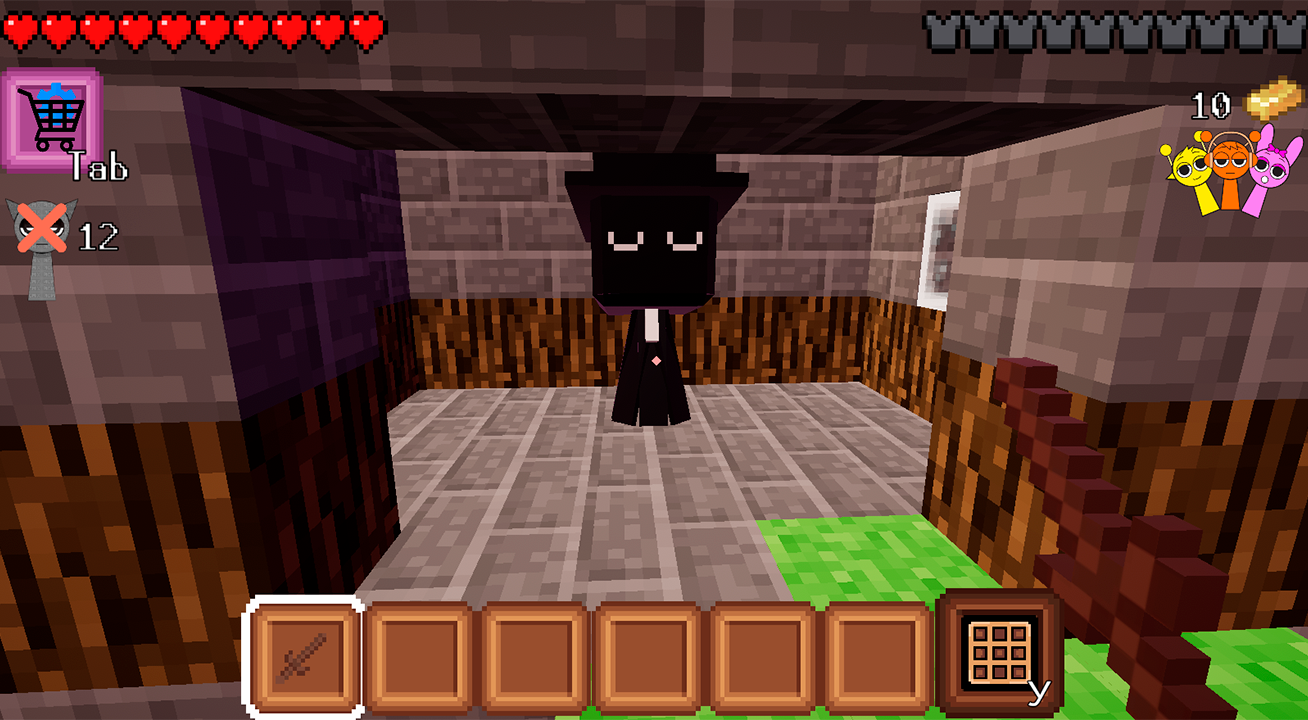
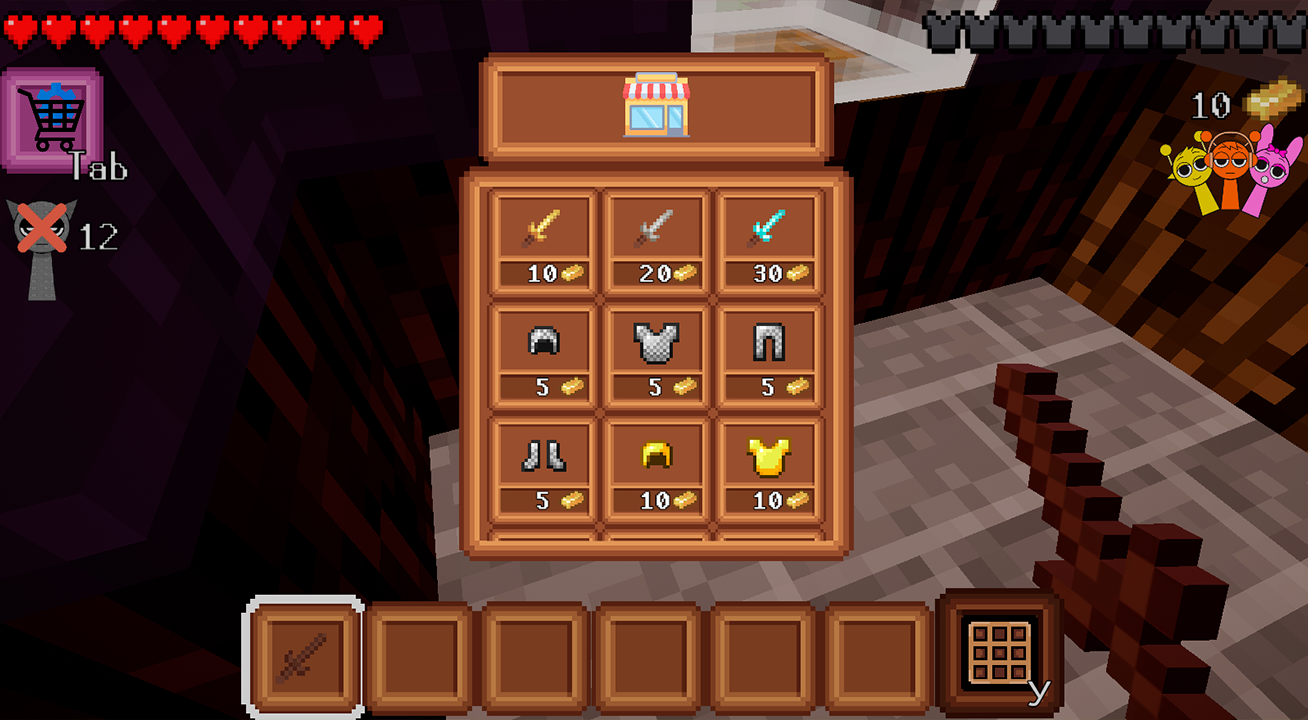
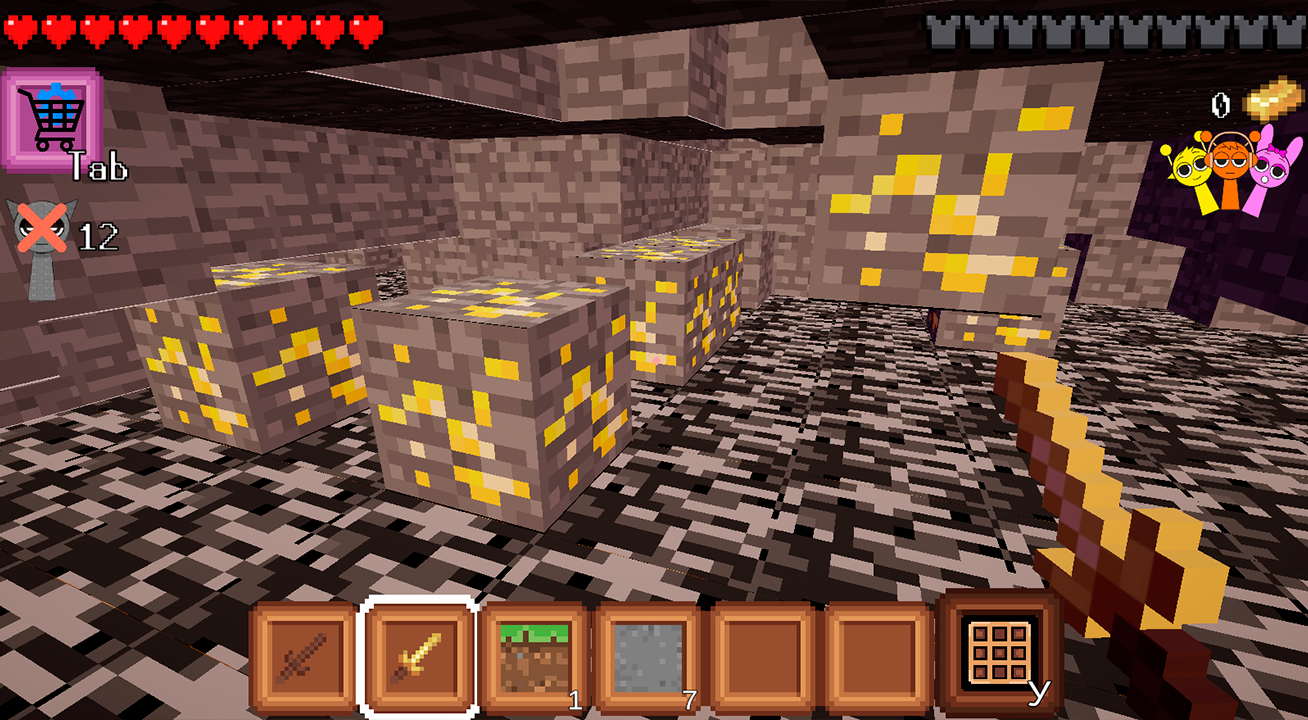
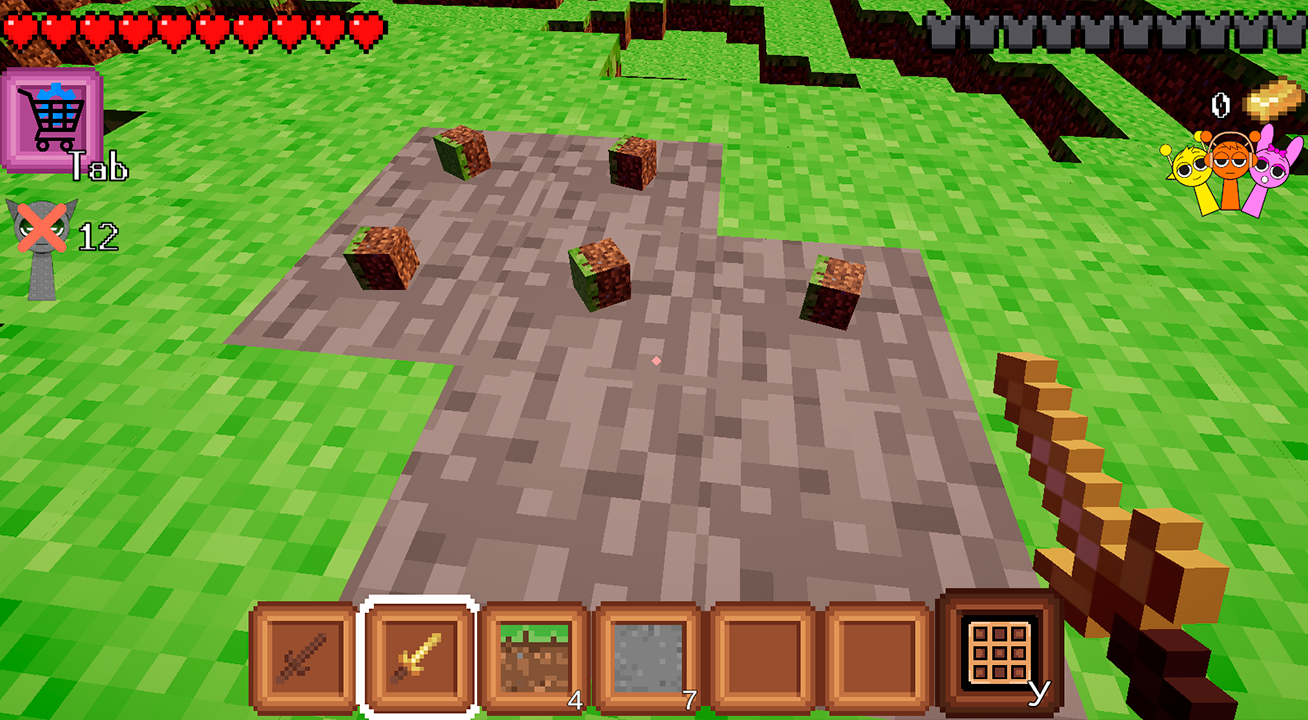
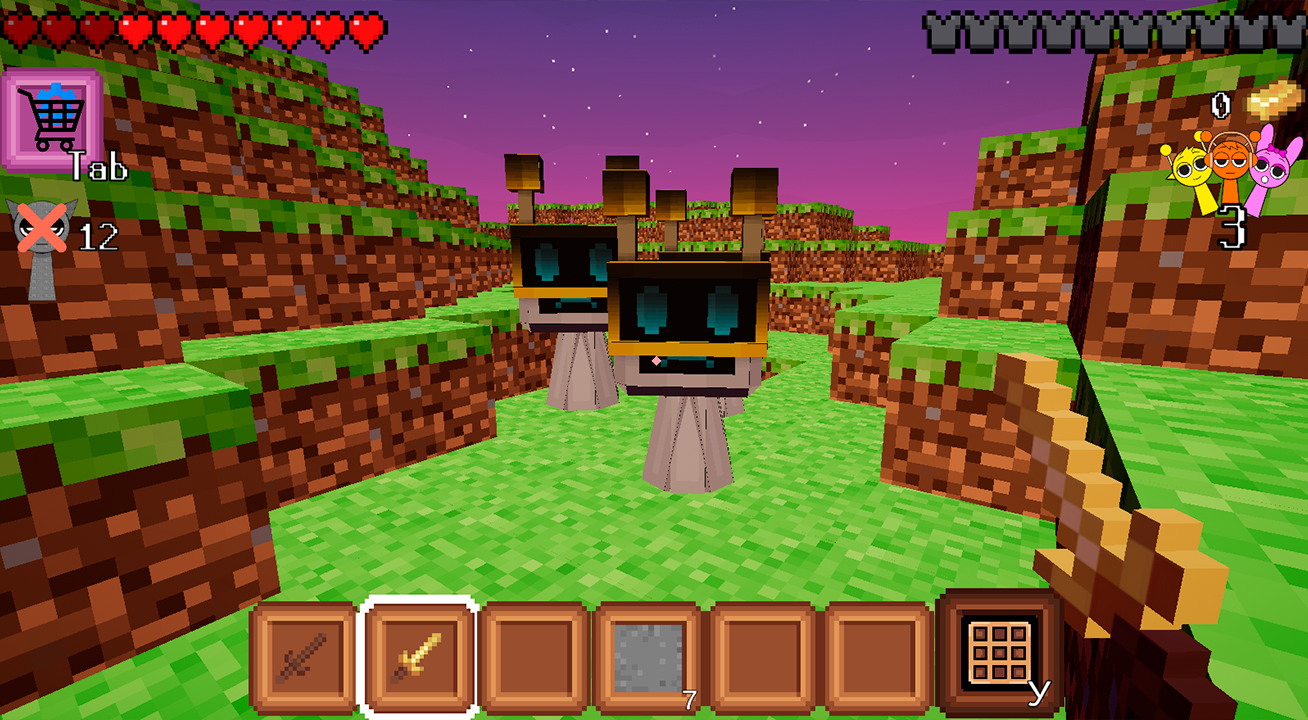
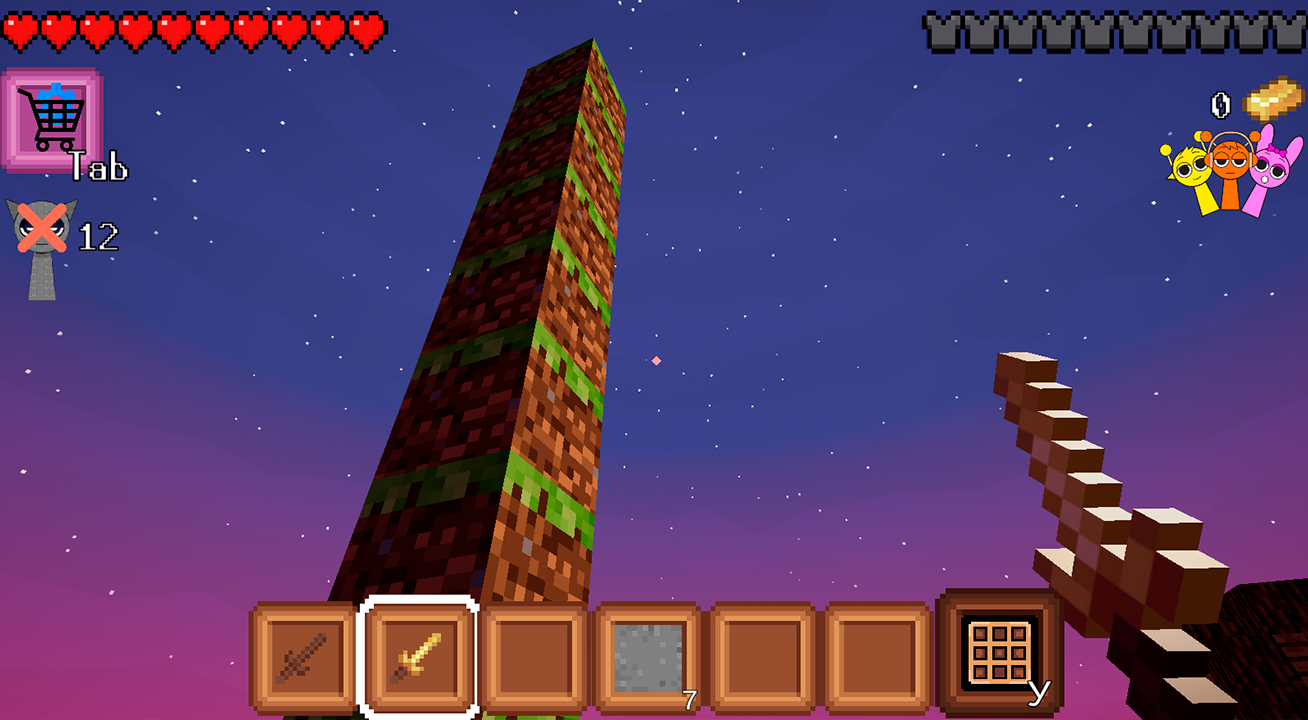
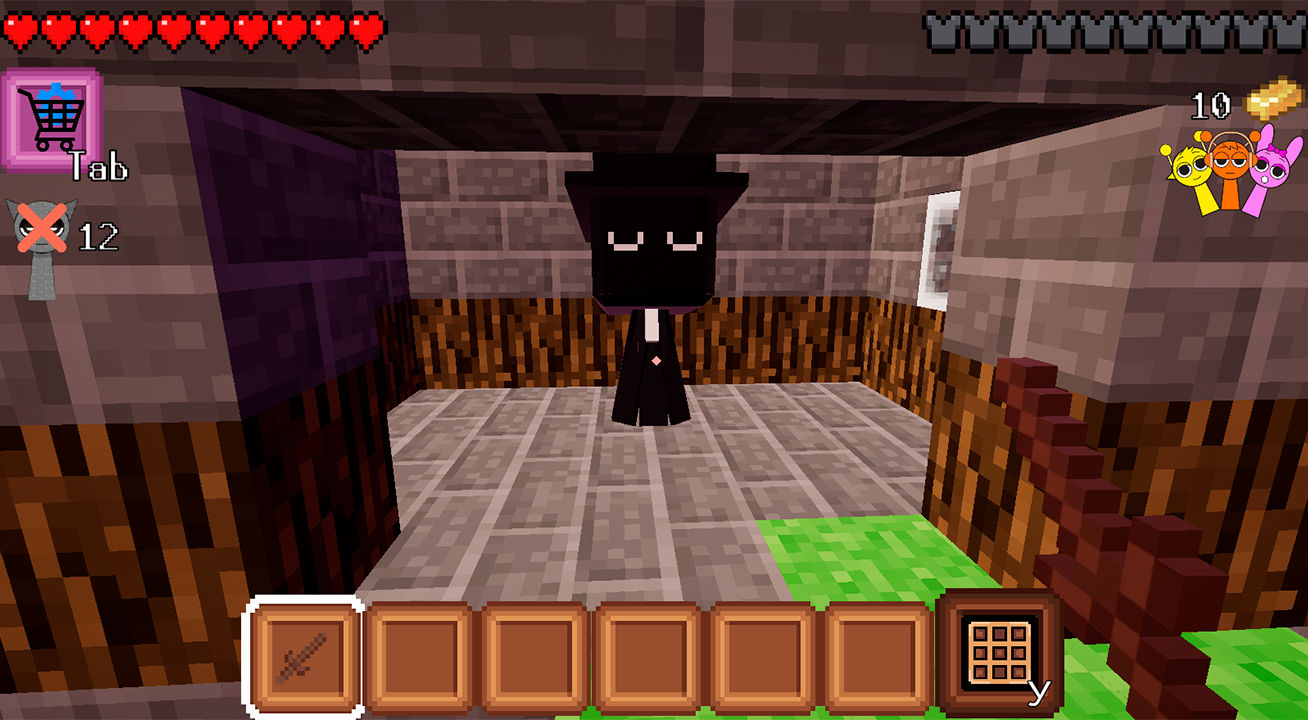
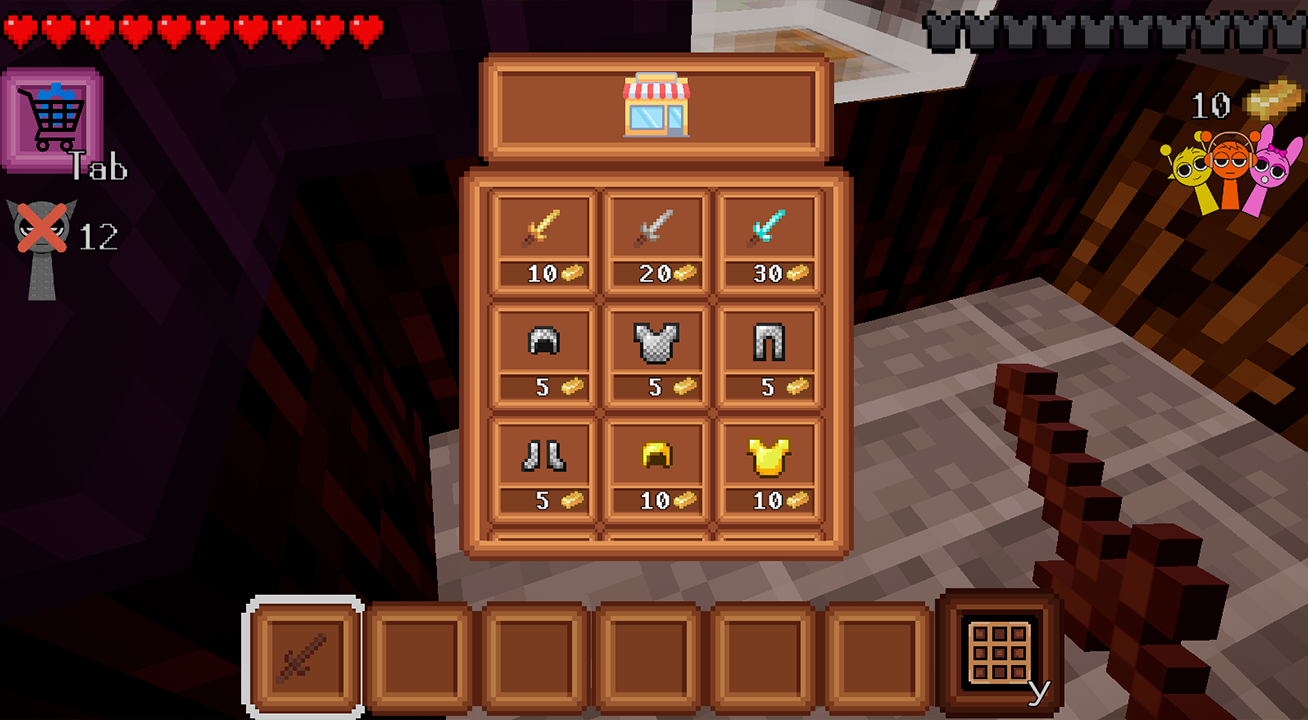
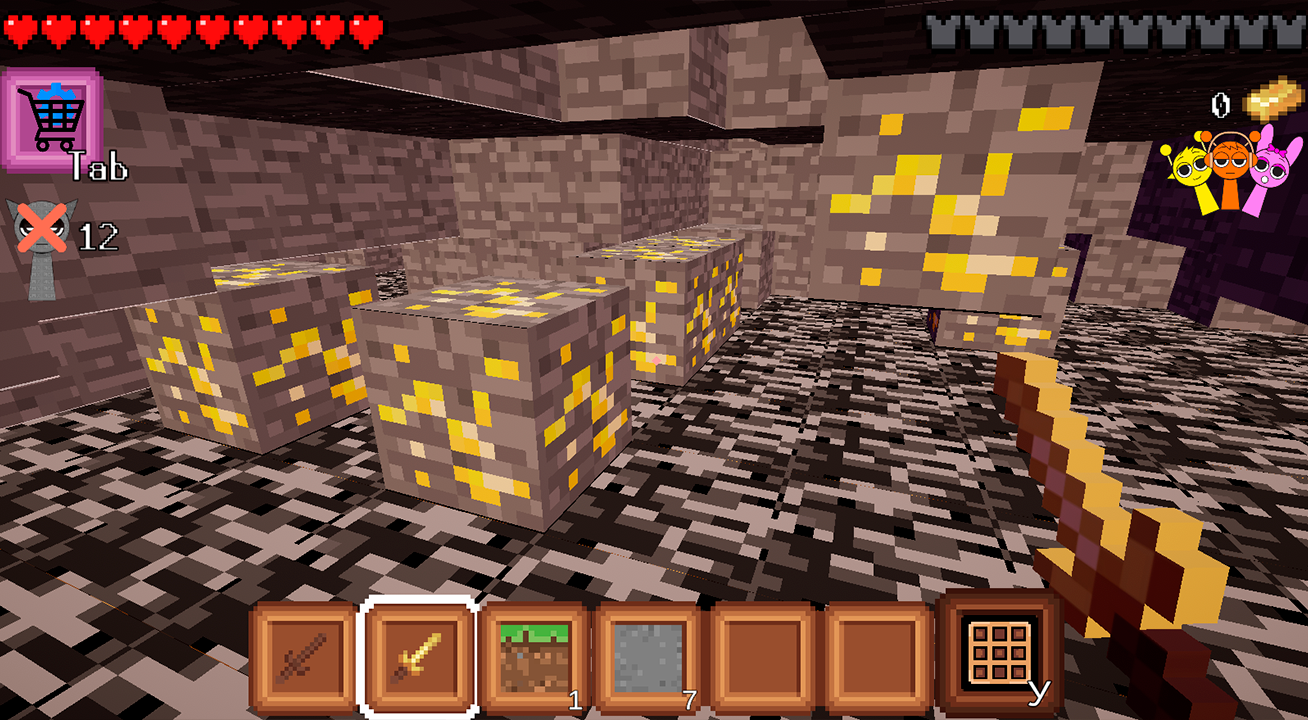
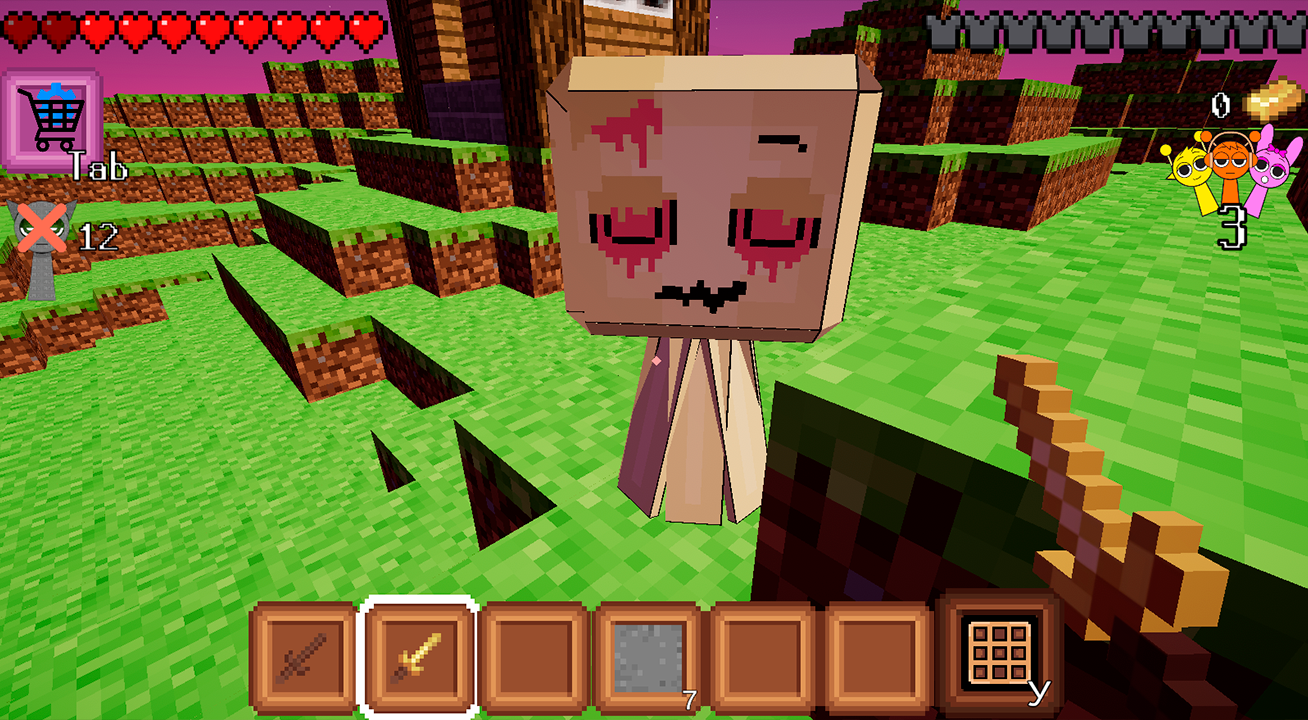
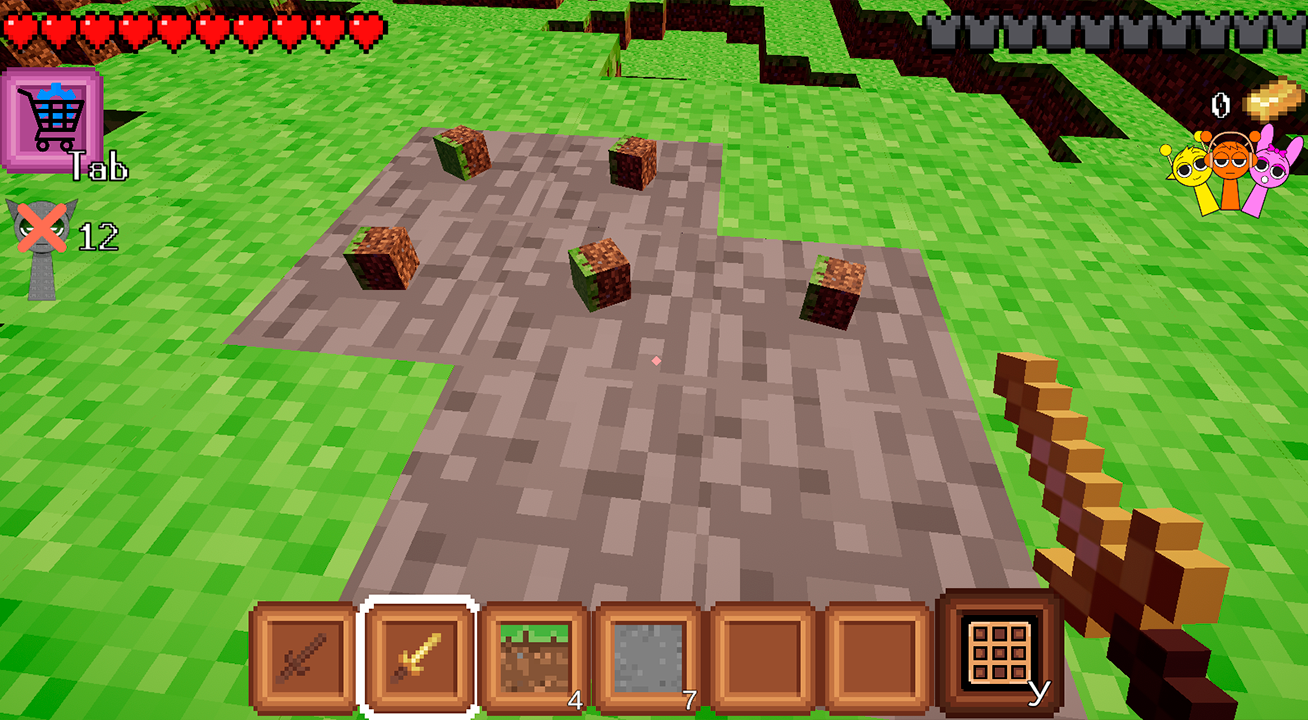
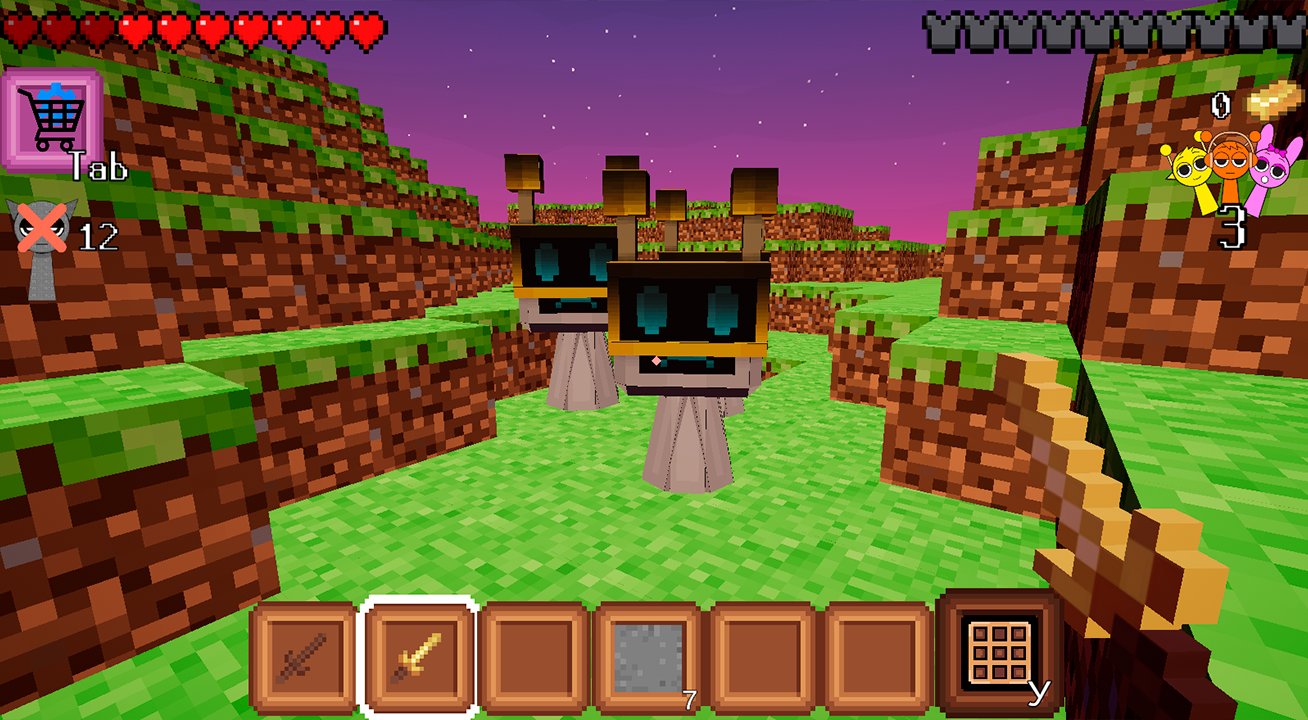
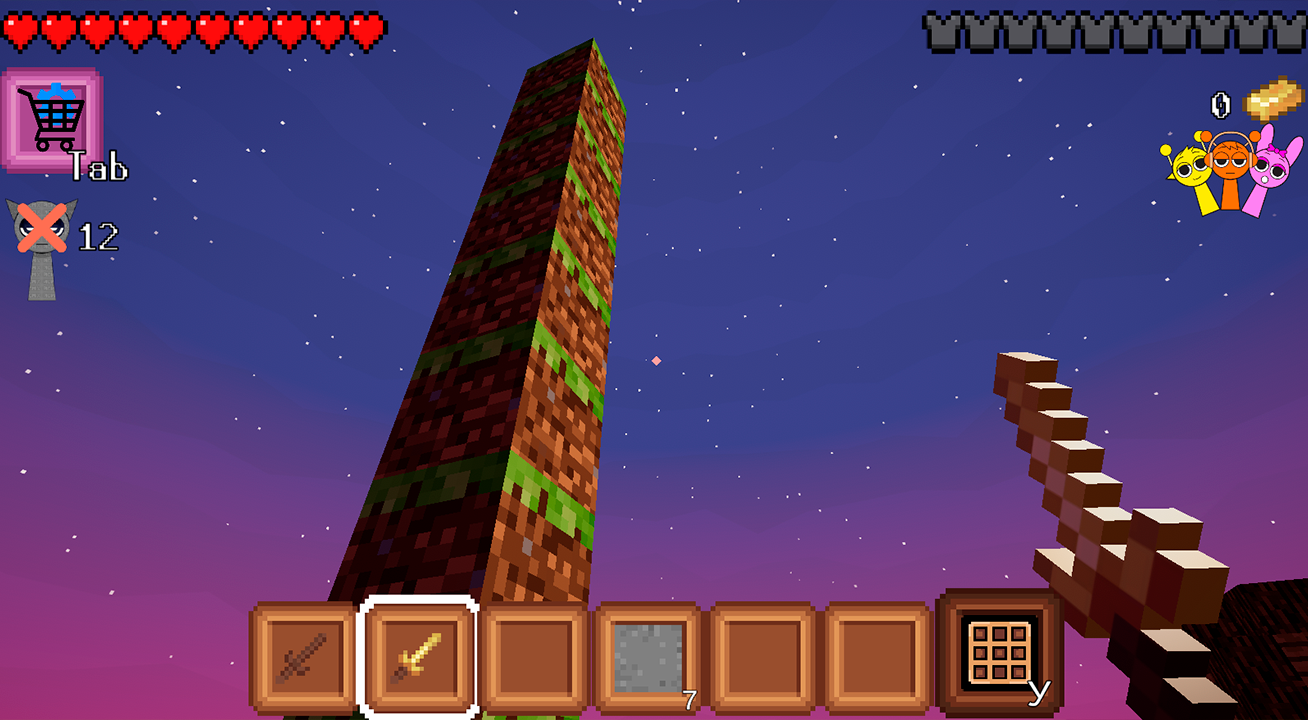
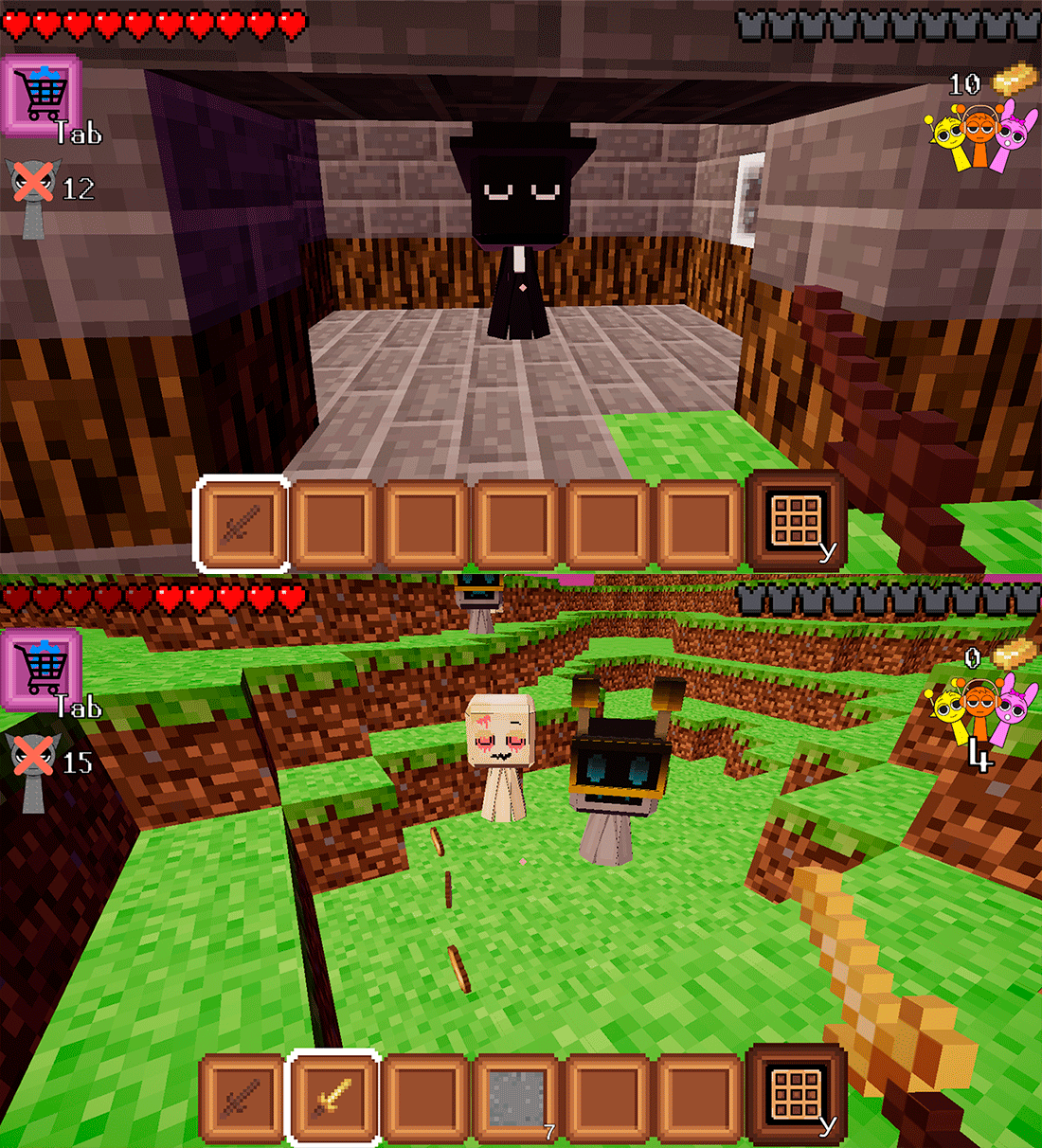
Fans of minecraft and sandbox adventures will feel right at home in Sprunki Protect the village!. This action-packed experience tasks you with defending a peaceful settlement against waves of hostile creatures that threaten your home. You start by mining blocks and gathering gold to upgrade your gear, ensuring you are prepared for the escalating difficulty of each raid. The crafting system allows you to build defensive walls or customized shelters to fortify your position against the invading forces. Once you have polished your equipment with powerful weapons and armor purchased from the local villager, you can trigger the next wave of combat. Climbing the leaderboard depends on your tactical prowess and your ability to harvest resources efficiently beneath the surface. Every block you mine and every enemy you defeat brings you closer to becoming the ultimate protector of the realm. Jump into the action right now for free directly in your browser with no download required.
How to play
PC controls:
Control the character with the WASD keys or arrows.
To look around, move the camera in the desired direction with the mouse.
Jump on the Space key.
E button - Call the interface or interact with a local resident
Z button - Show and hide the mouse cursor
Left Shift button - Acceleration of the character
Left mouse button - Attack or Destroy the location block
Right mouse button - Place a block of material
Mouse wheel - Change weapons or items in the bottom panel
On mobile devices:
- Use the left joystick on the screen to control the character's movement.
- On the right is an area for controlling the camera view - move your finger along this area to look around.
- Button with a little man - Character jump
- Button with a sword - Attack
- Button with a block - Place a block of material
- Button E on the screen - Interact with the resident Sprunka
Features
- Dynamic Mining System: Dig deep into the voxel terrain to uncover hidden gold deposits and rare crafting materials.
- Strategic Base Building: Utilize collected blocks to construct custom fortifications, walls, and houses to protect your villagers.
- Progression-Based Combat: Purchase advanced armor and specialized weaponry from the local merchant to survive increasingly difficult enemy waves.
- Global Leaderboard: Compete against other players by racking up points through successful defense and high kill counts.
- Interactive NPC System: Engage with the resident villager to initiate combat waves and manage your inventory upgrades.
Who is it for
Minecraft enthusiasts and fans of survival games will find this title highly addictive. It caters to players who enjoy a mix of creative building and intense combat mechanics. Anyone looking for a quick, high-quality session of base defense and resource gathering will love the endless gameplay loop.
Controls
Movement
Use WASD/arrows on PC or the left on-screen joystick on mobile.
Combat and Mining
Left mouse button on PC or the sword icon button on mobile.
Building
Right mouse button on PC or the block icon button on mobile.
Interaction
Press E on your keyboard or tap the E button on the mobile interface.
Camera
Move the mouse on PC or drag your finger across the right side of the screen on mobile.
FAQ
How can I get better gear in Sprunki Protect the village!?
›
You need to mine gold from underground blocks and trade it with the villager to purchase stronger weapons and armor.
Is Sprunki Protect the village! available on mobile devices?
›
Yes, you can play the game directly in your mobile browser with intuitive touch controls for movement, building, and combat.
How do I trigger new waves in Sprunki Protect the village!?
›
You must interact with the Sprunki resident in the village, who will allow you to activate the next wave of enemies when you are prepared.