About game
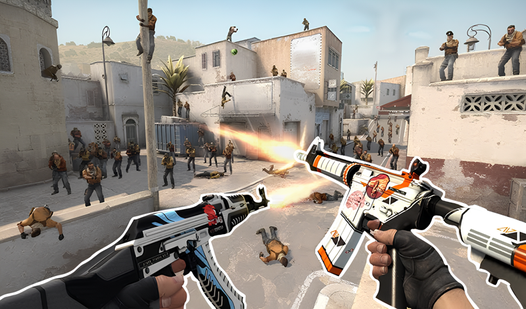
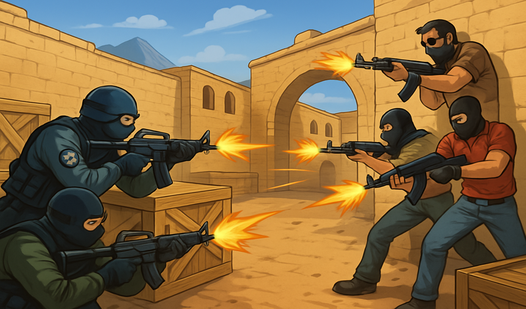
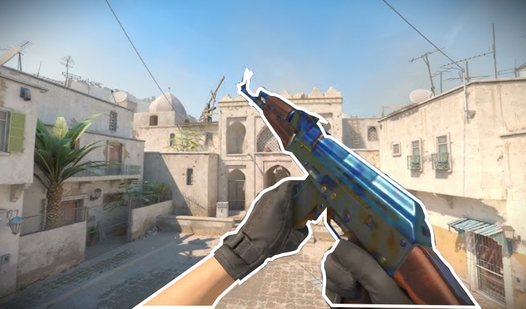
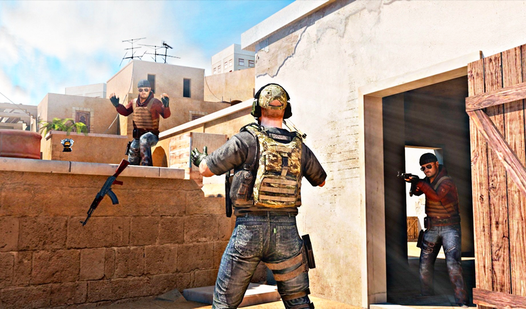
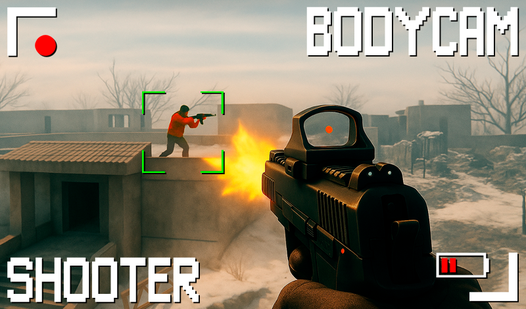
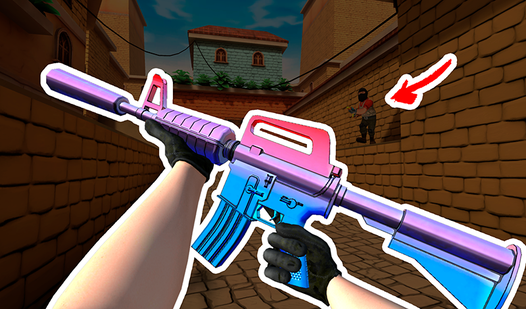
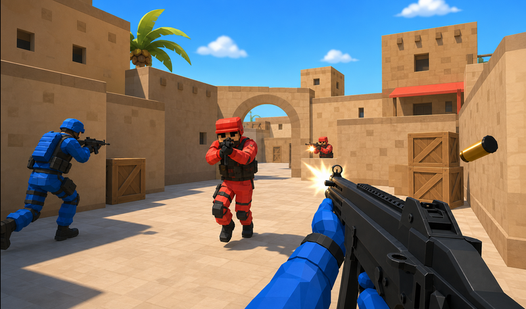
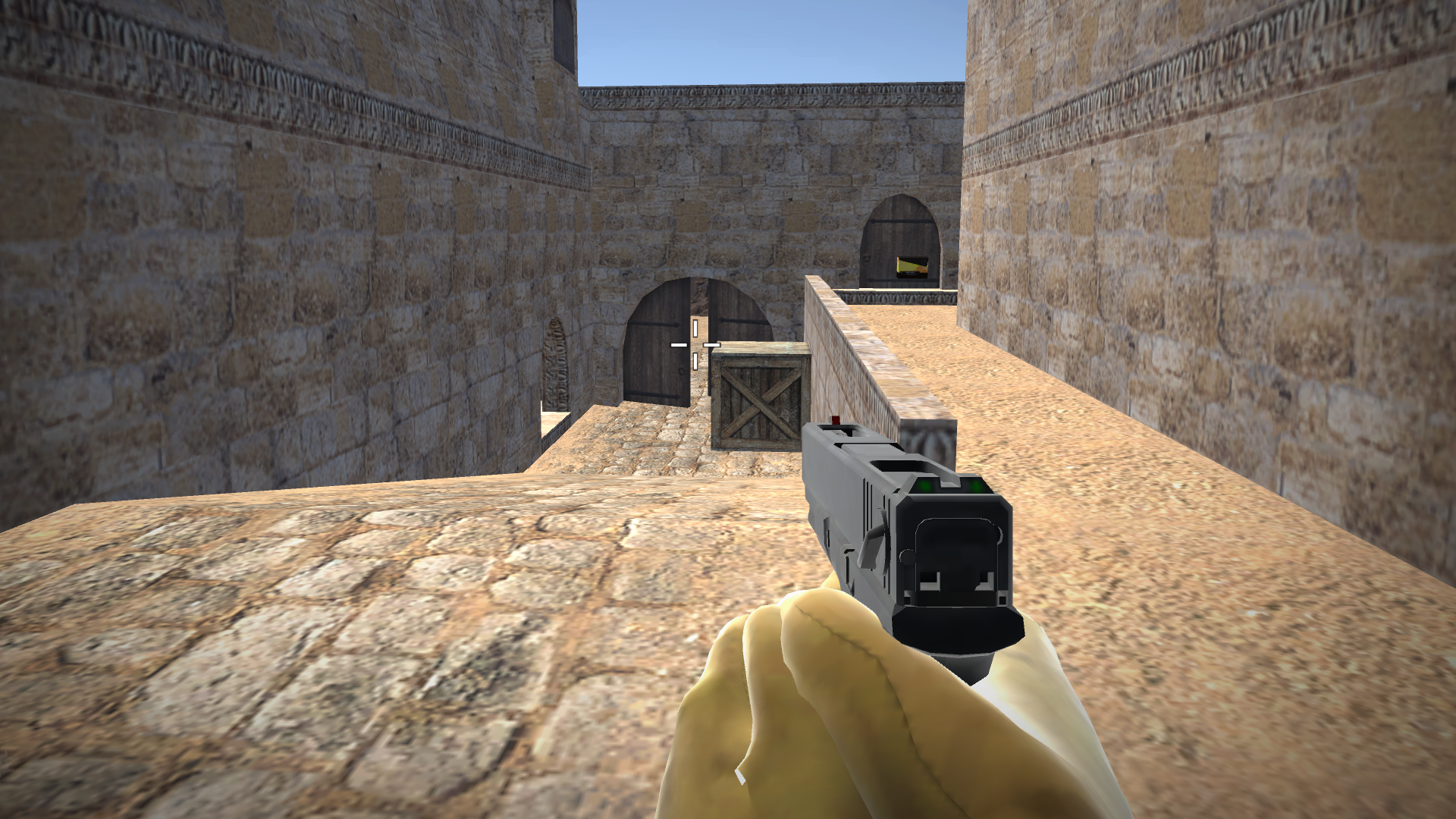
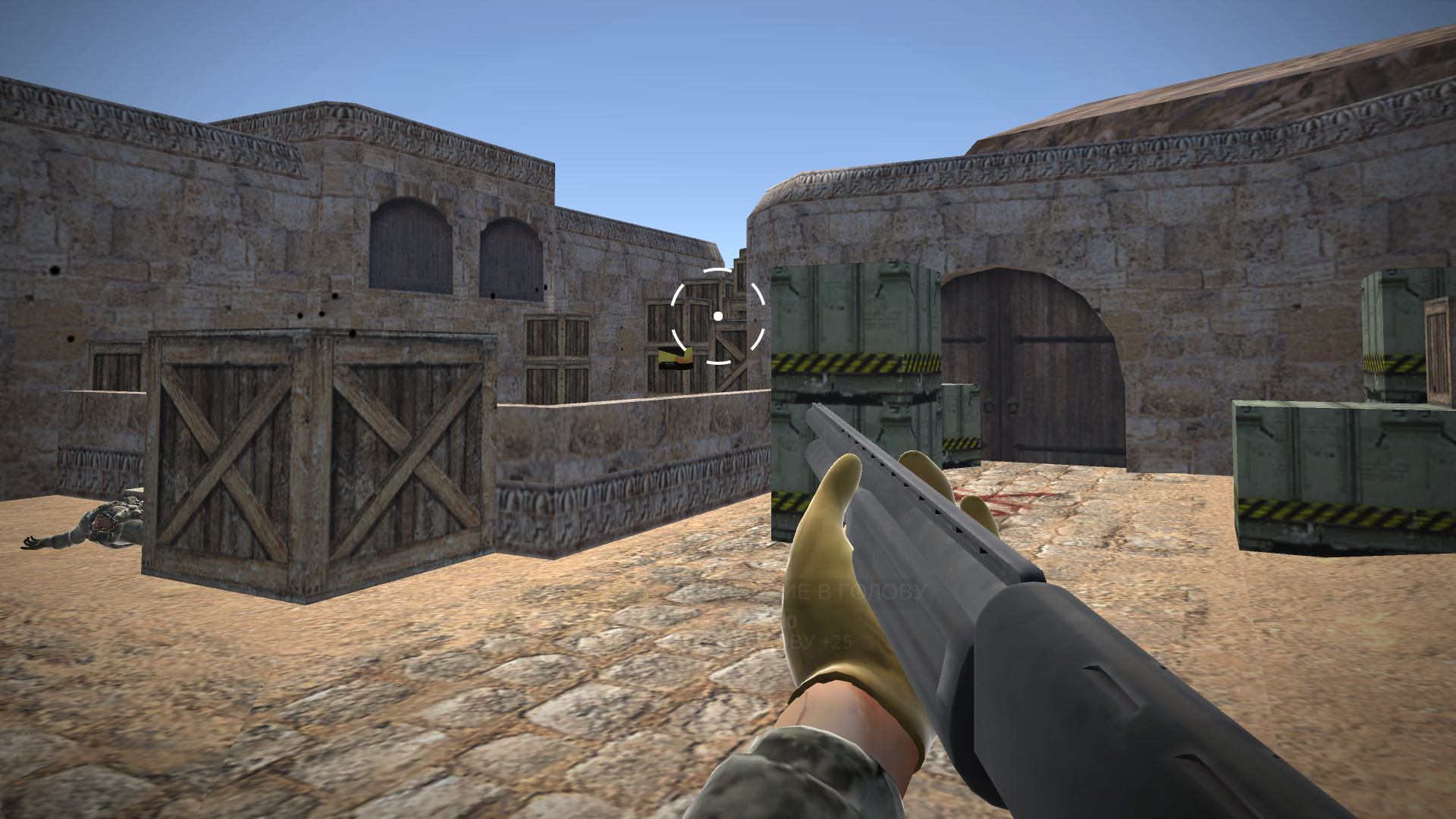
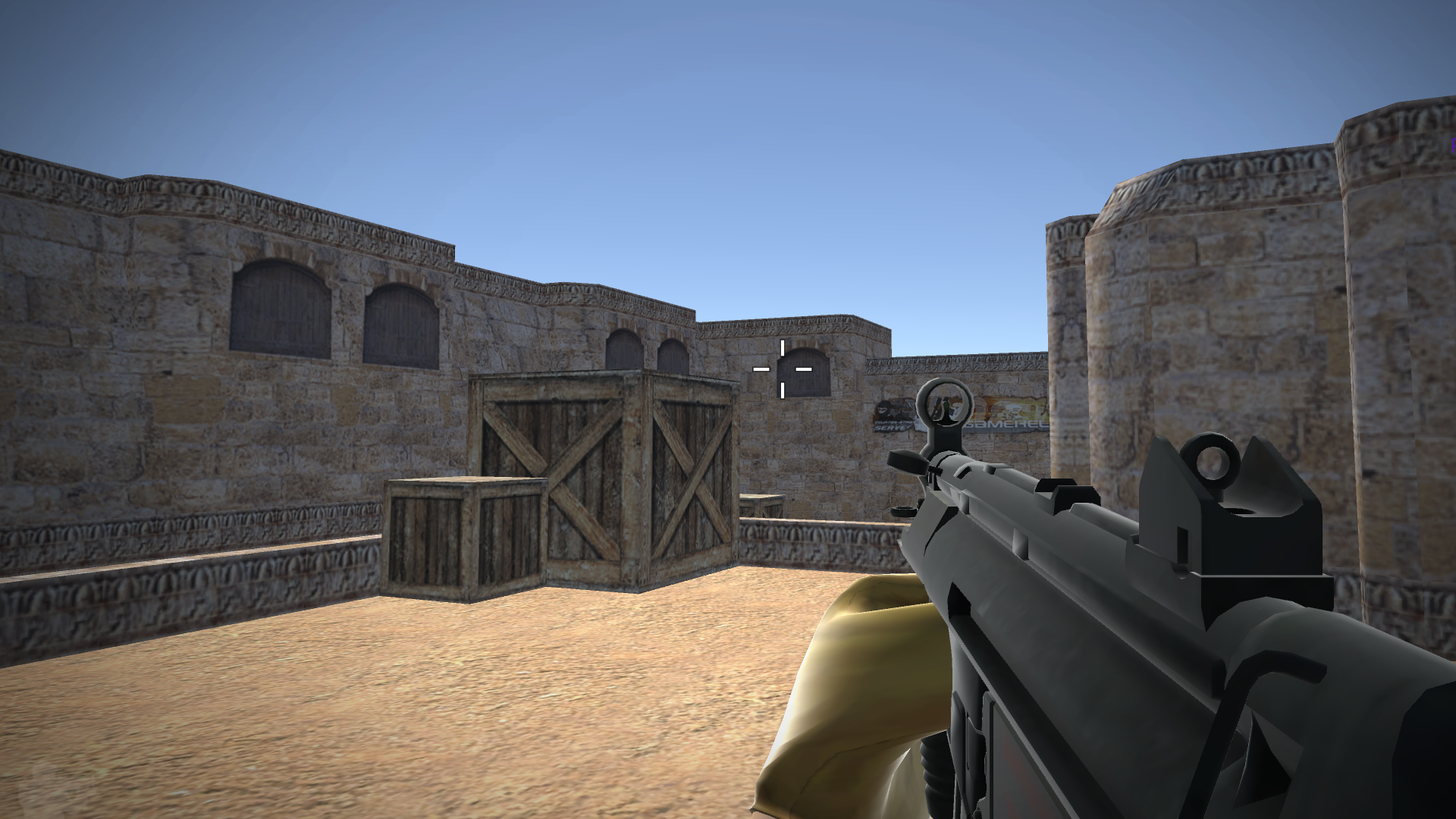
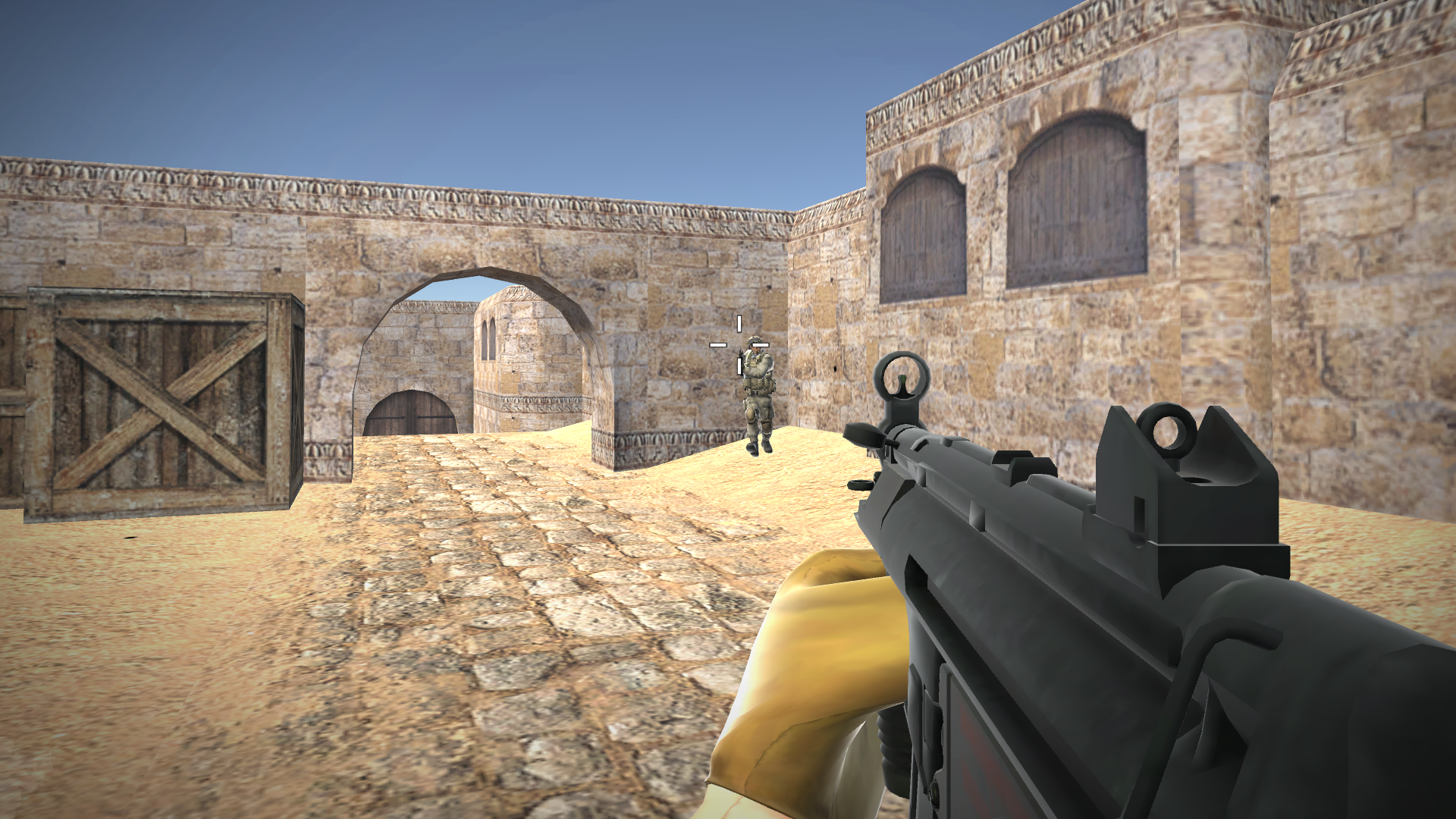
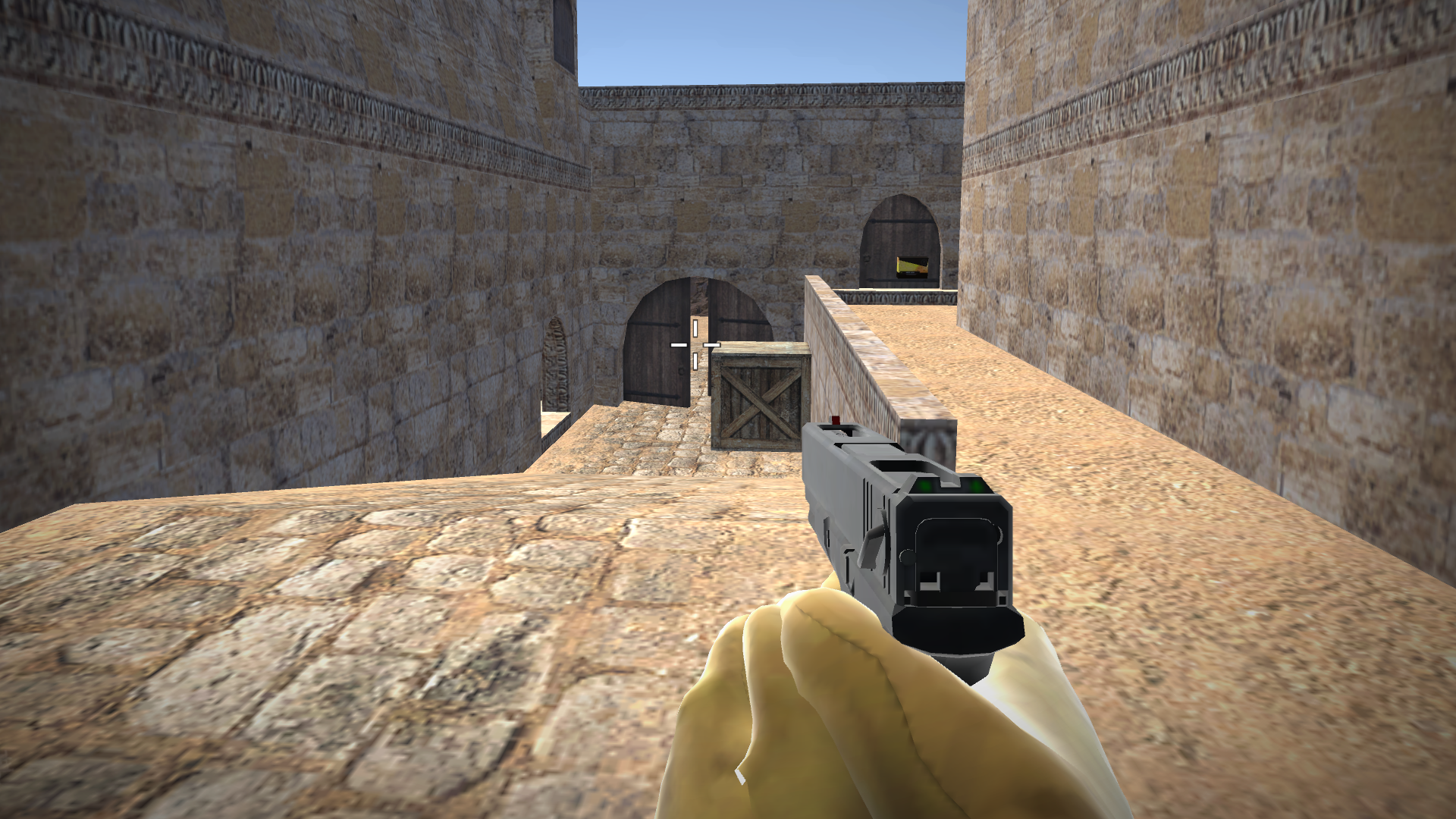
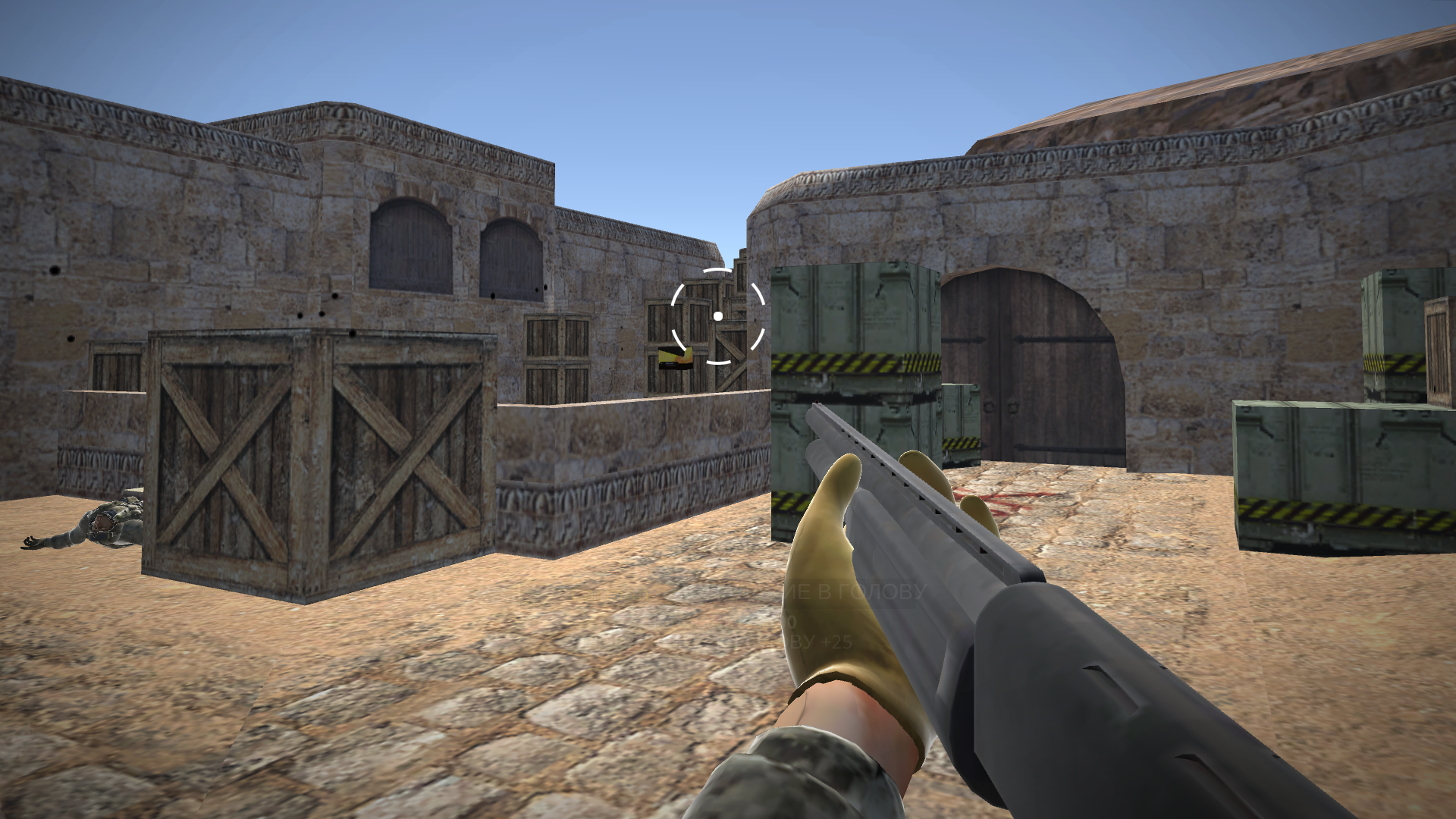
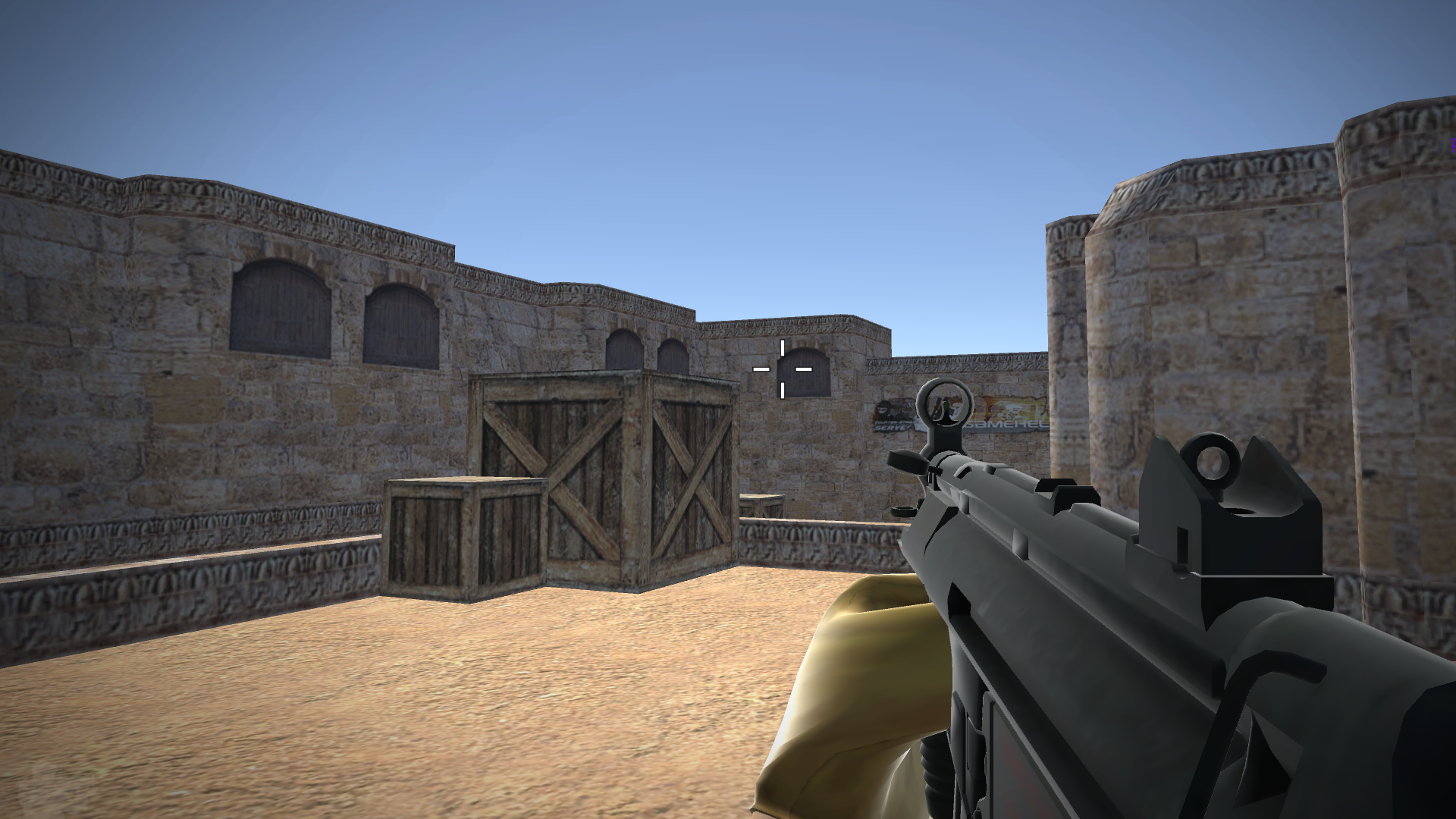
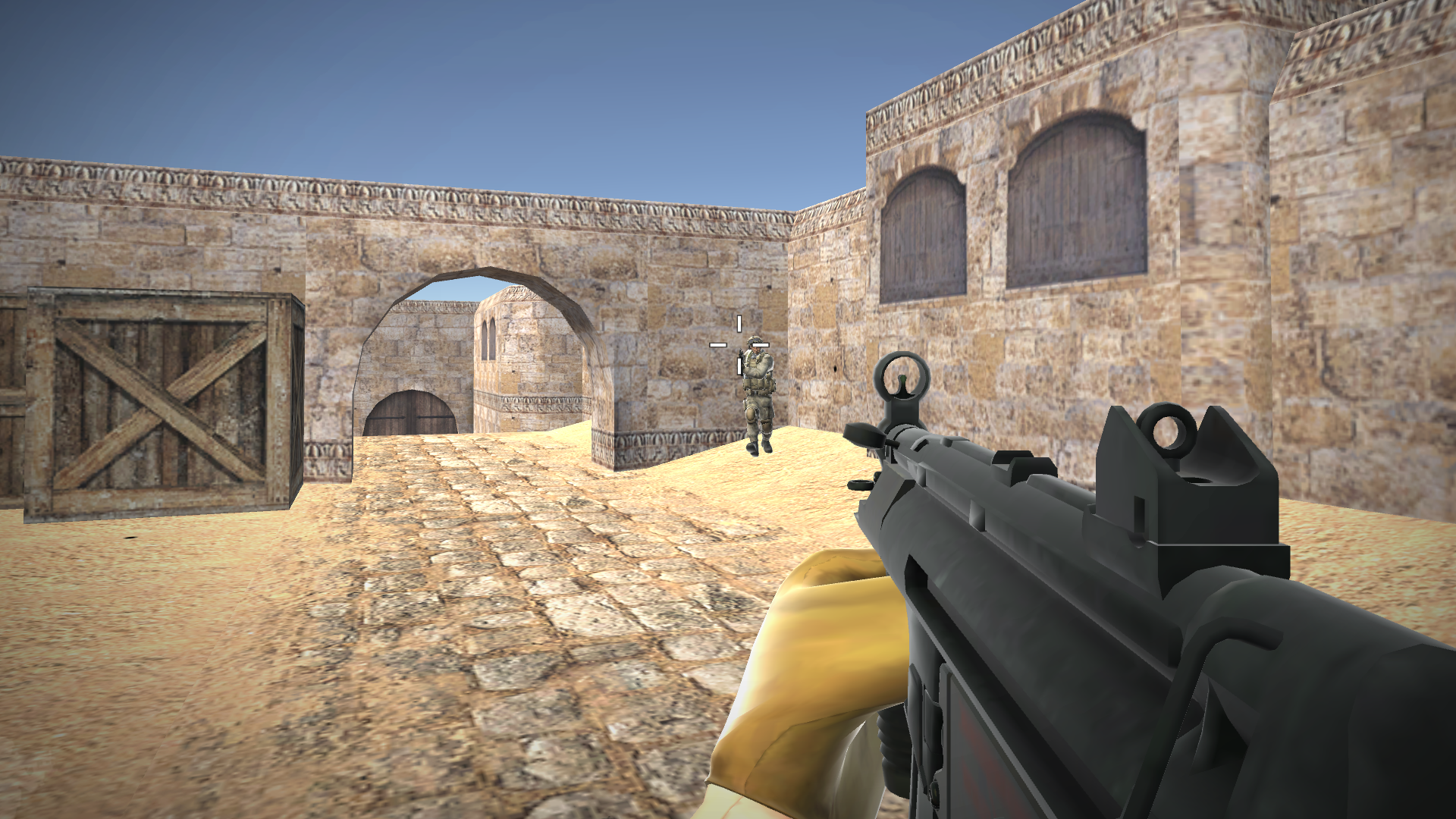
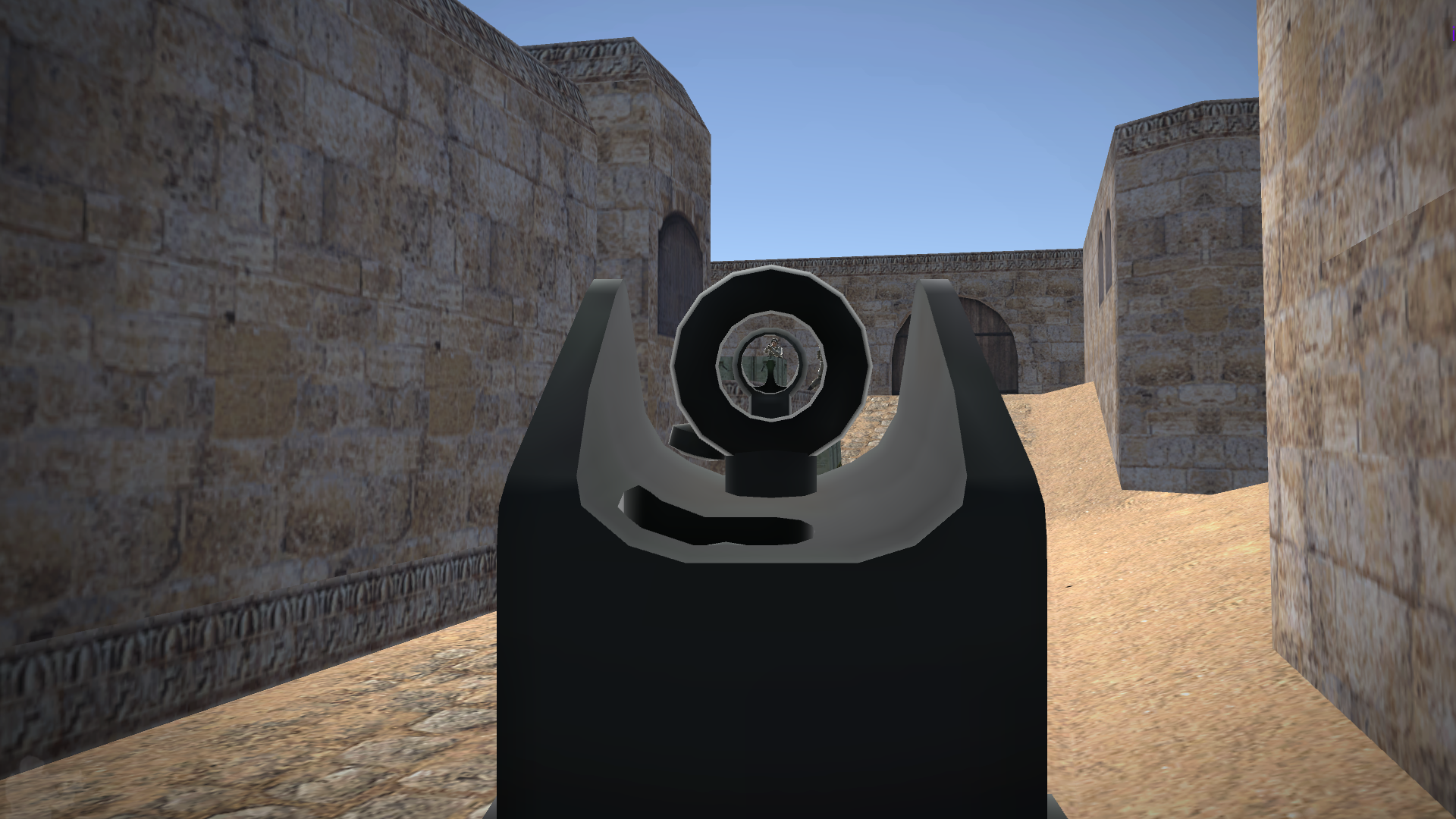
Tactical shooters define the modern era of competitive gaming, pushing your reflexes and strategic thinking to the breaking point. Counter captures this intense eSports atmosphere by putting you in the shoes of a rising professional player aiming for the top. You will assemble your own squads, navigate complex battlefields, and master recoil patterns reminiscent of the legendary cs go experience. Every mission requires precise coordination to outsmart opponents while managing your economy and weapon loadouts. Progression feels deeply rewarding as you upgrade your character, turning a rookie recruit into a battle-hardened veteran of the arena. Fans of the classic cs 1.6 tactical depth will appreciate the snappy controls and high-stakes combat mechanics. Whether you prefer aggressive flanking or holding tight angles, this simulator offers the perfect environment to climb the ranks. Test your aim and tactical prowess today by playing Counter for free in your browser with no download required.
How to play
Character Control:
PC:
• WASD - walk;
• Left shift - run;
• Space - jump;
• C - sit down.
Phone\Tablet:
• Left joystick - walk;
• Hold the left joystick forward - run;
• Virtual button with the image of a jumping person - jump;
• Virtual button with the image of a crouching person - sit down.
Weapon interaction:
PC:
• Left mouse button – shoot;
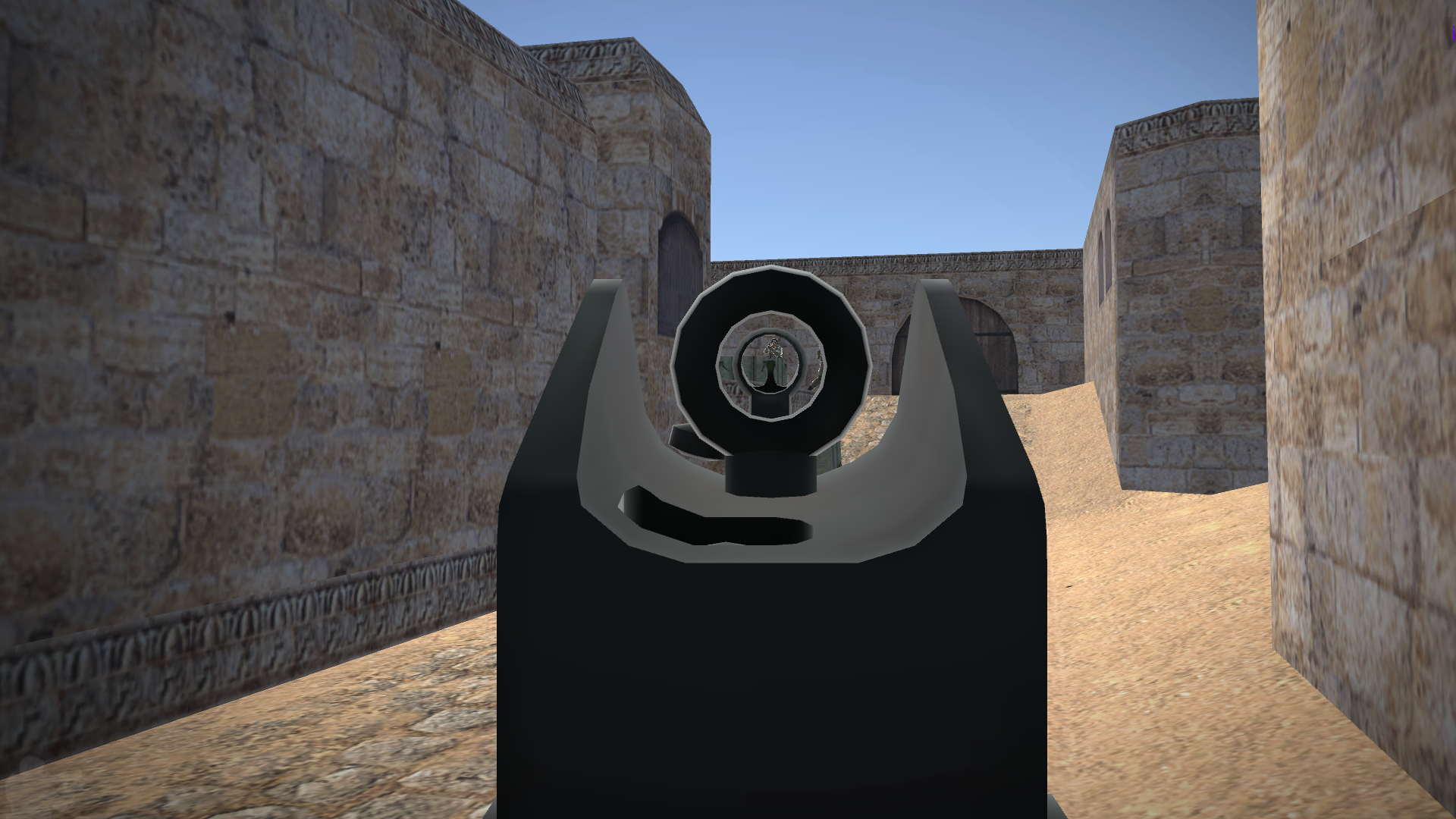
• Right mouse button – aim;
• R — reload;
• You can change weapons using keys 1, 2, 3, 4.
Phone\Tablet:
• Point at an enemy or press the button with the image of a bullet - shoot;
• Button with a picture of an aim - take aim;
• Button on the right with two arrows - reload;
• You can change weapons using the arrows below
Interface:
PC:
• Esc - menu
• Tab - score
Phone\Tablet:
• Pause button on top - menu and score
Features
- Squad Management: Build and customize your own competitive team to tackle increasingly difficult tactical challenges.
- Progression System: Earn experience points to upgrade your character stats and unlock specialized combat gear.
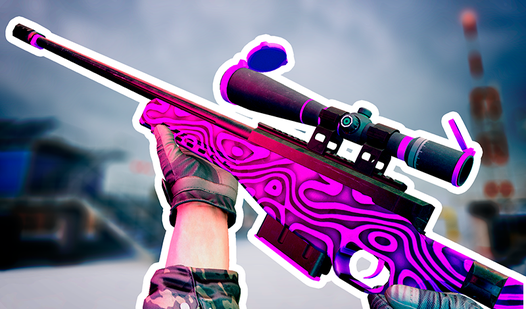
- Dynamic Combat: Experience realistic weapon physics and recoil patterns that test your mastery of long-range and close-quarters engagements.
- Strategic Simulation: Manage your in-game resources and team positioning to outmaneuver intelligent AI opponents.
- Competitive Ranking: Climb through the ranks to prove you have the skills to dominate the virtual eSports leaderboard.
Who is it for
FPS enthusiasts who enjoy the tactical intensity of competitive shooters will find a home here. Strategic thinkers who love managing squads and casual gamers looking for a quick, high-quality browser-based combat experience will appreciate the fast-paced gameplay and progression systems built into this exciting mobile and desktop simulation.
Controls
Movement
Use WASD or the left joystick on mobile to navigate the arena.
Shooting and Aiming
Click the left mouse button or tap the dedicated bullet/aim buttons on your mobile screen.
Weapon Switching
Press keys 1-4 on your keyboard or use the on-screen arrows on your mobile device.
Reloading
Press R on PC or tap the reload icon with two arrows on mobile.
Tactical Movement
Use Shift to run and C to crouch, or use the corresponding on-screen virtual buttons.
FAQ
Is Counter free to play on browser?
›
Yes, you can access the full experience of Counter directly in your browser without any downloads or registration required.
Does Counter support mobile devices?
›
Absolutely, Counter is fully optimized for mobile and tablet play with intuitive touch controls for movement and combat.
Can I play Counter with friends?
›
Counter focuses on a comprehensive single-player eSports simulator experience where you manage your own team against various challenging opponents.