About game
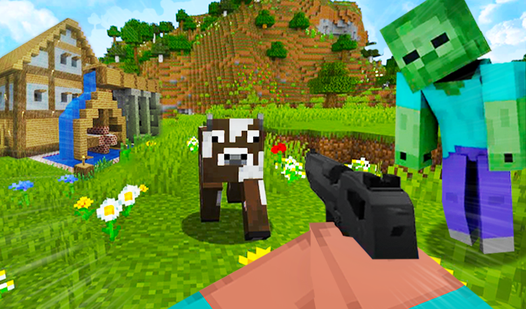
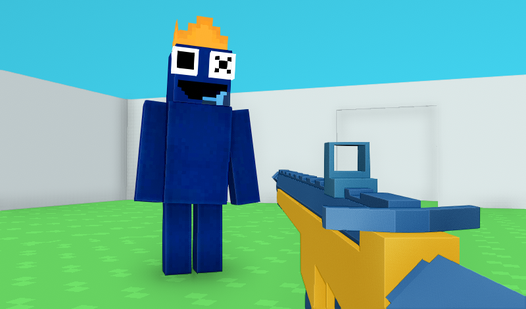
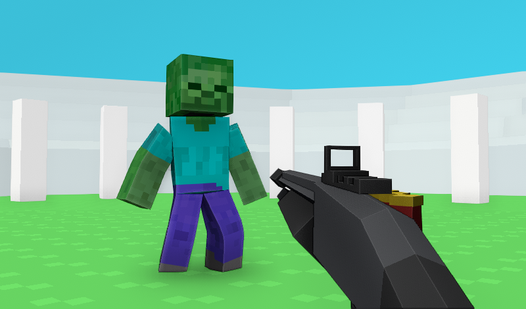
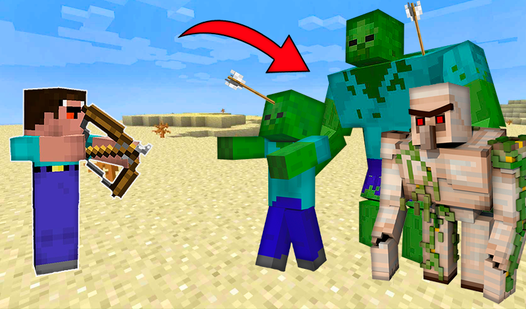
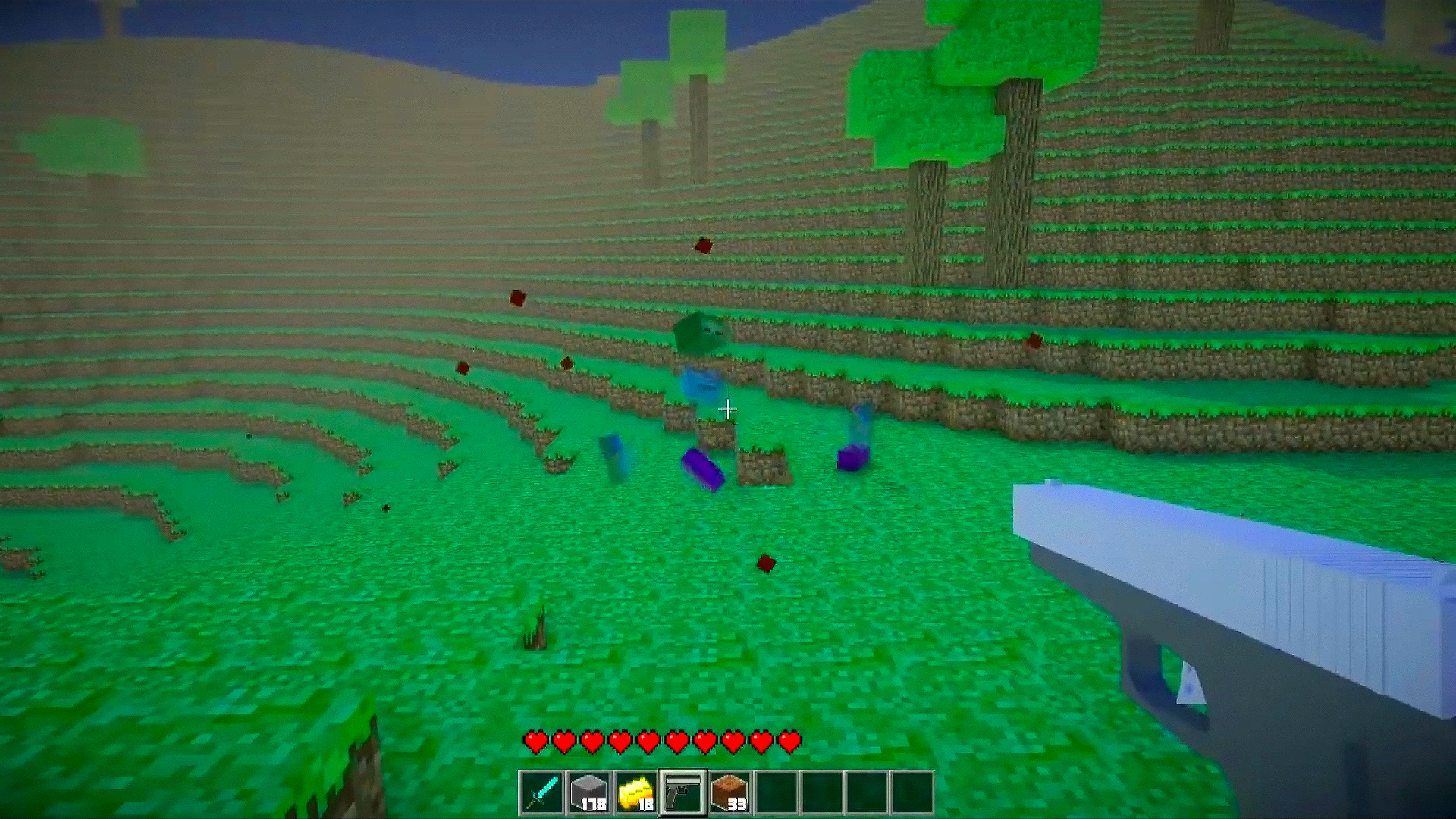
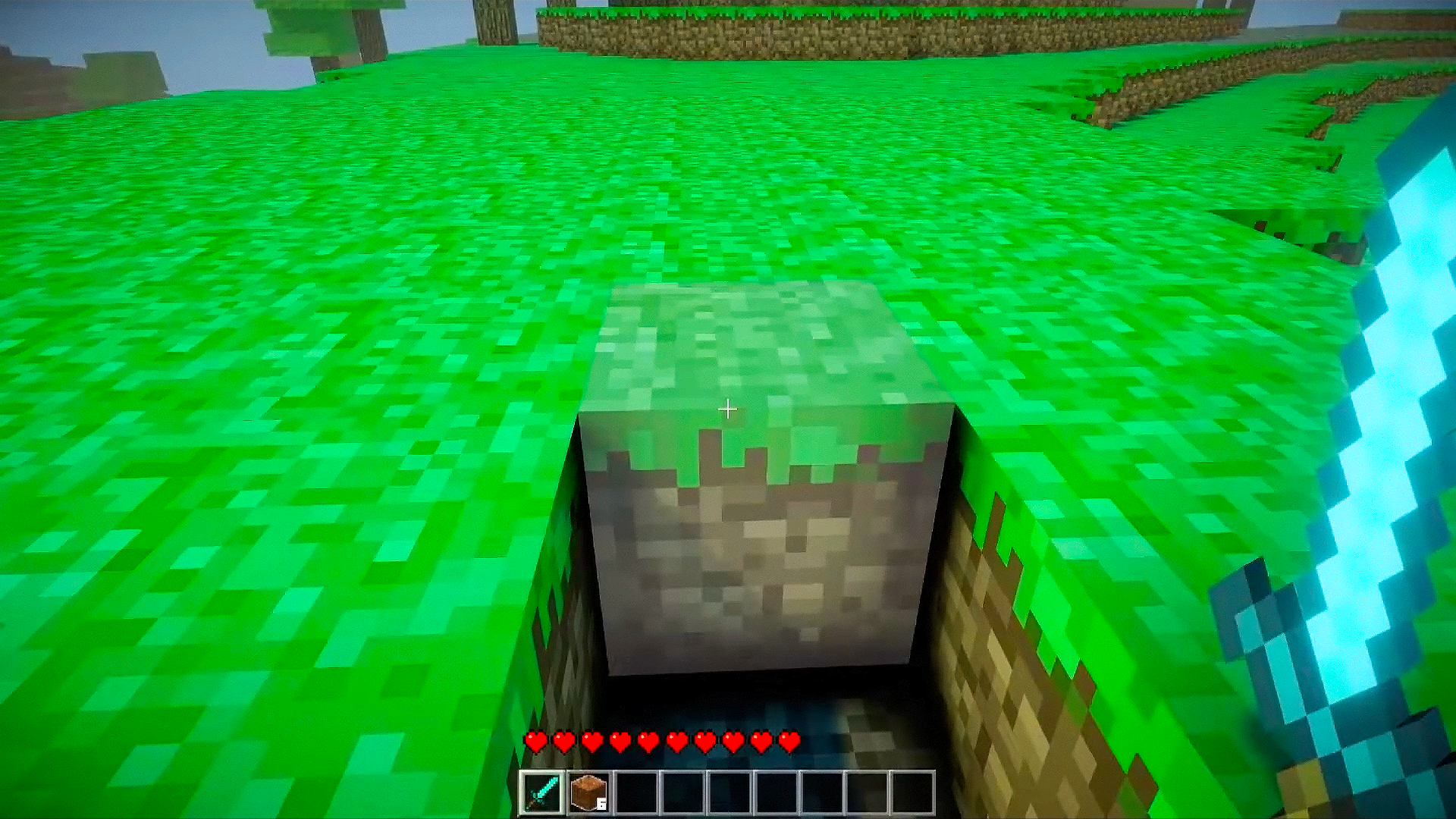
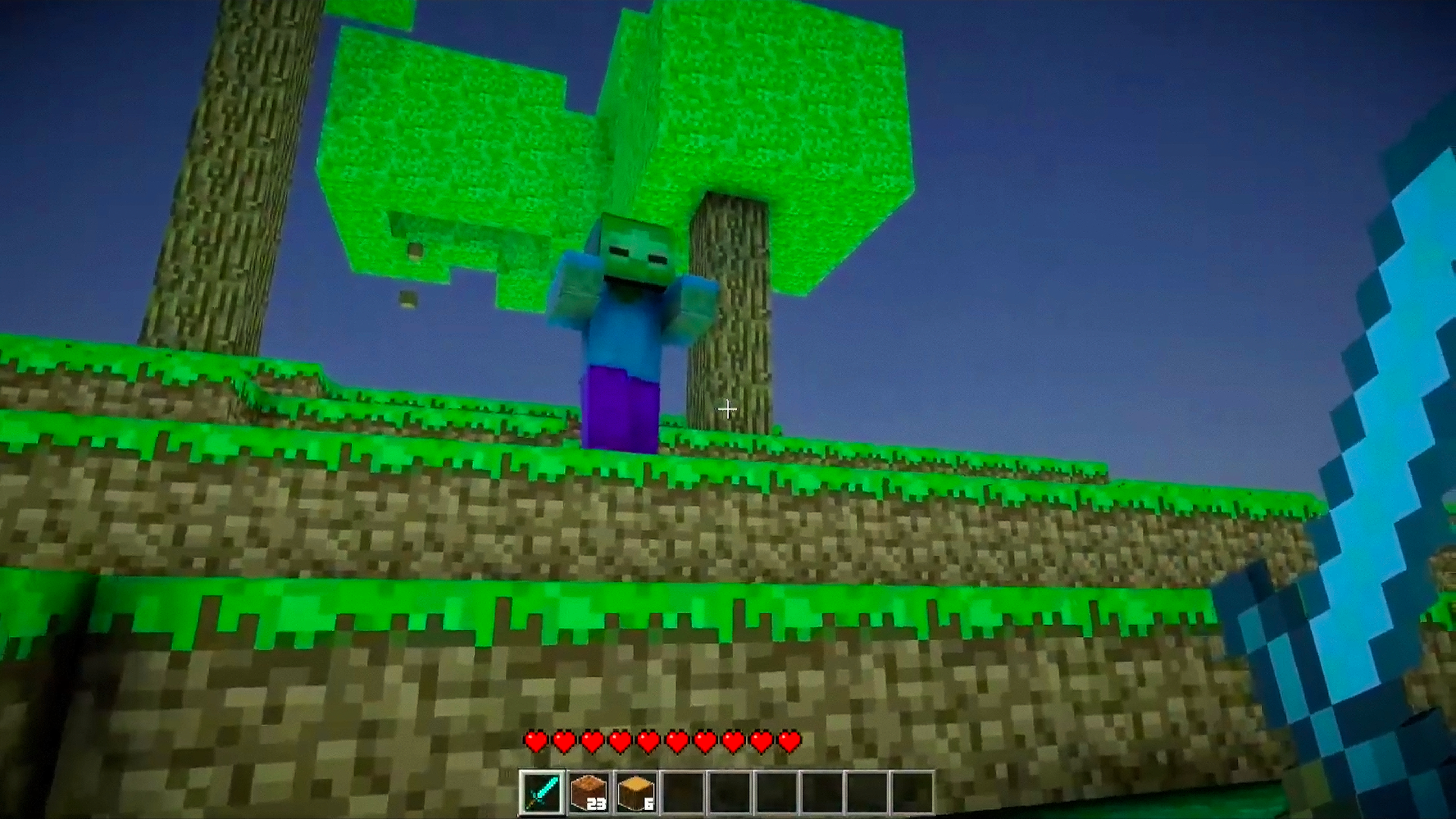
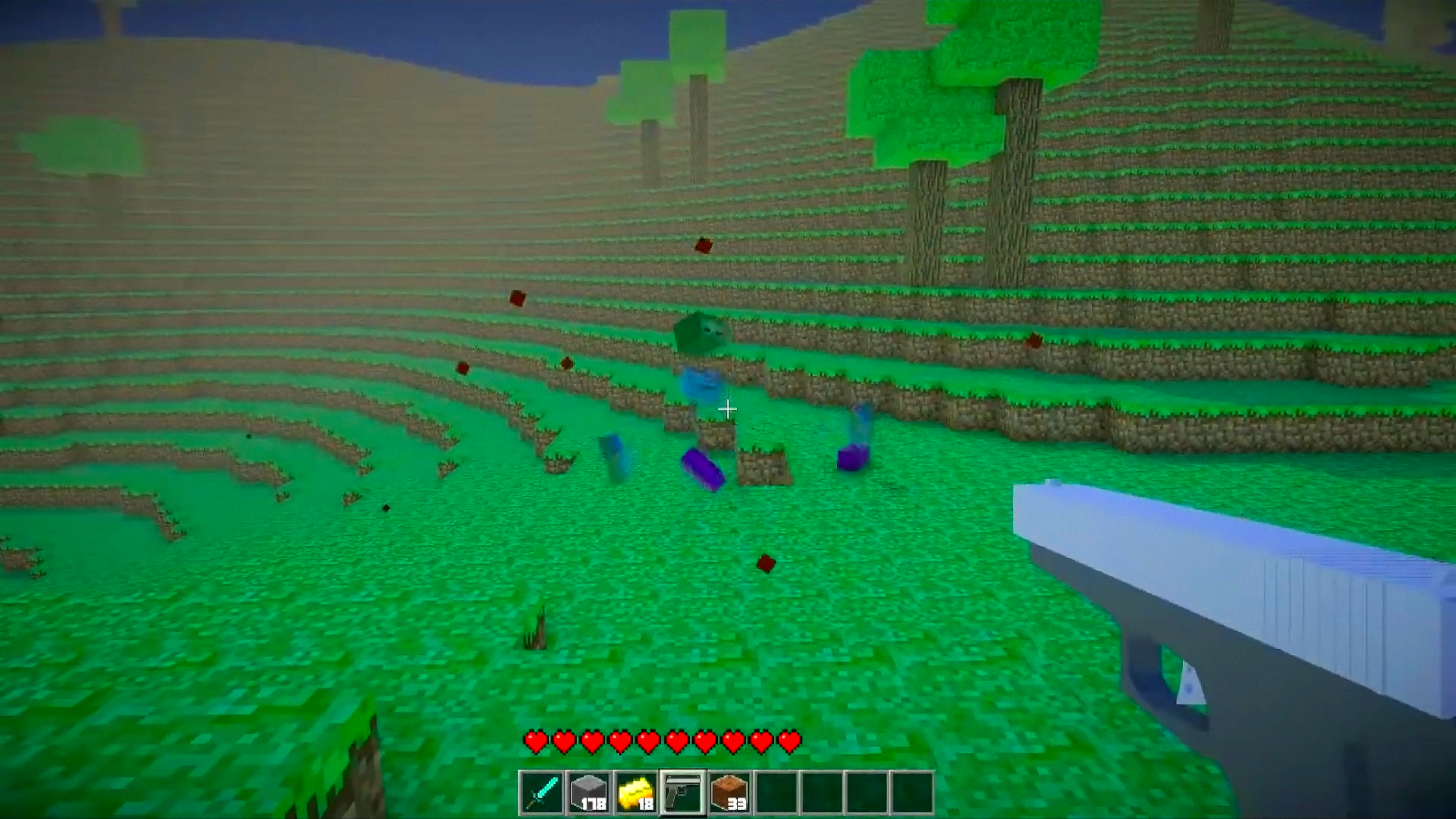
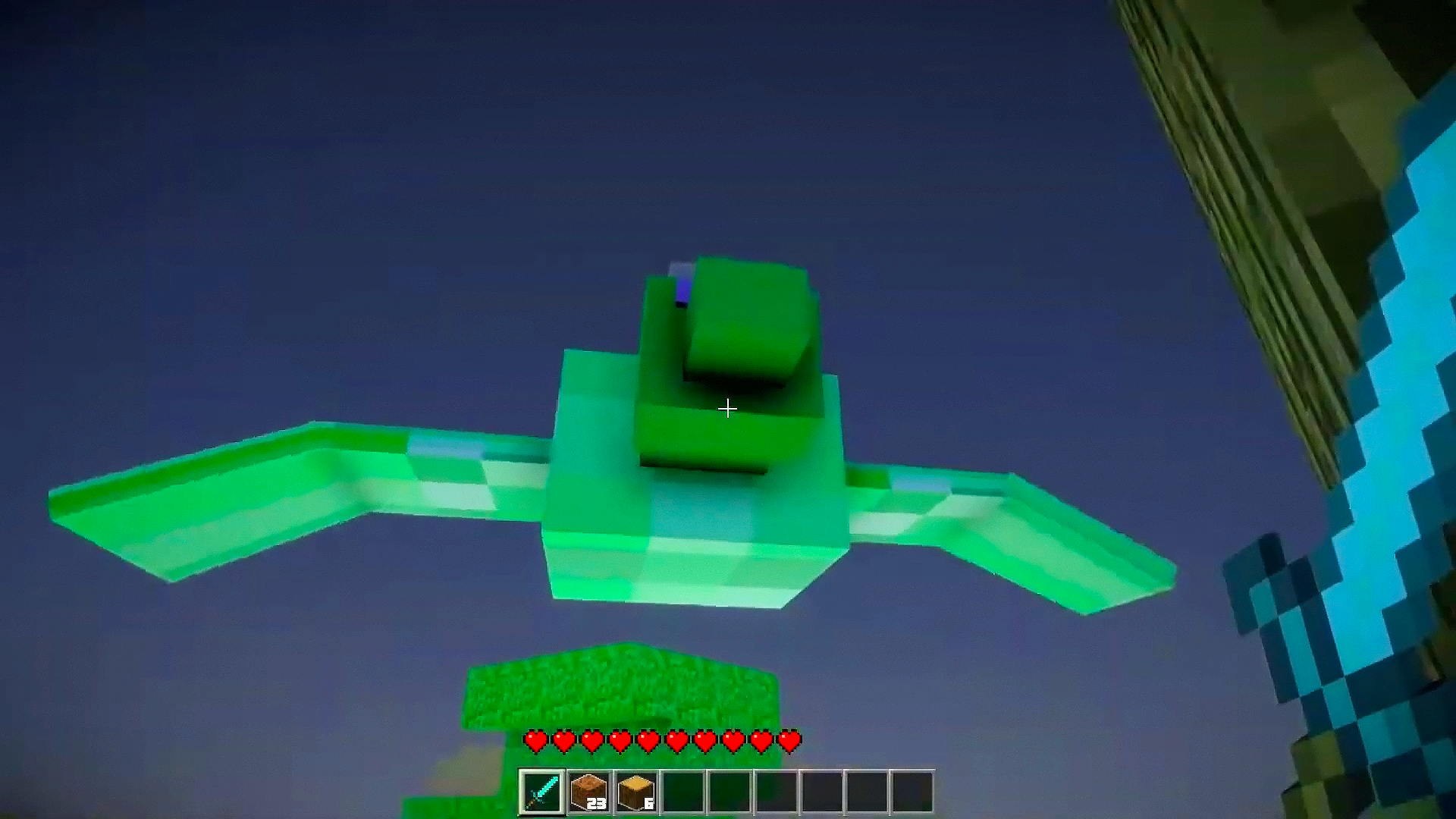
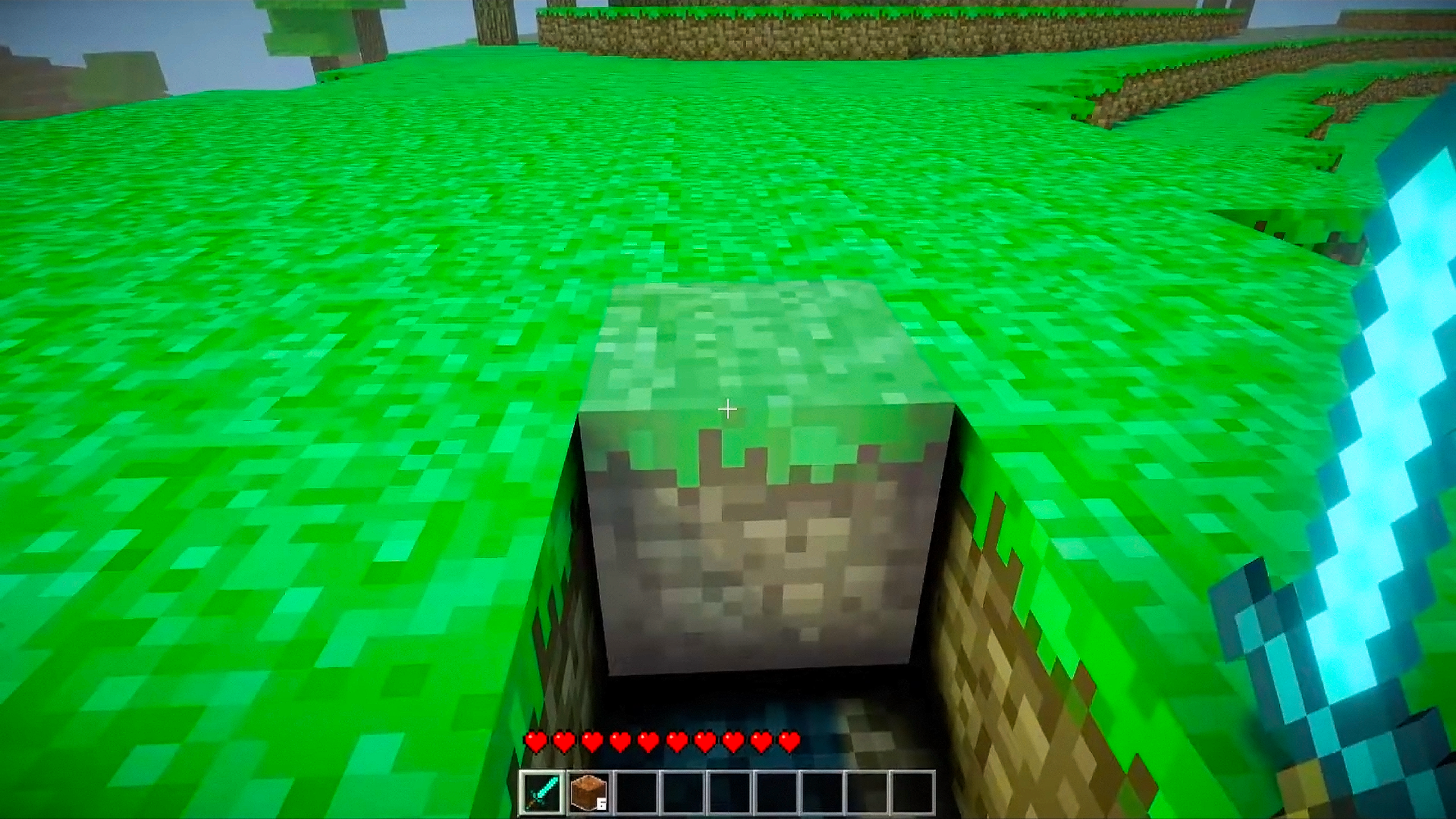
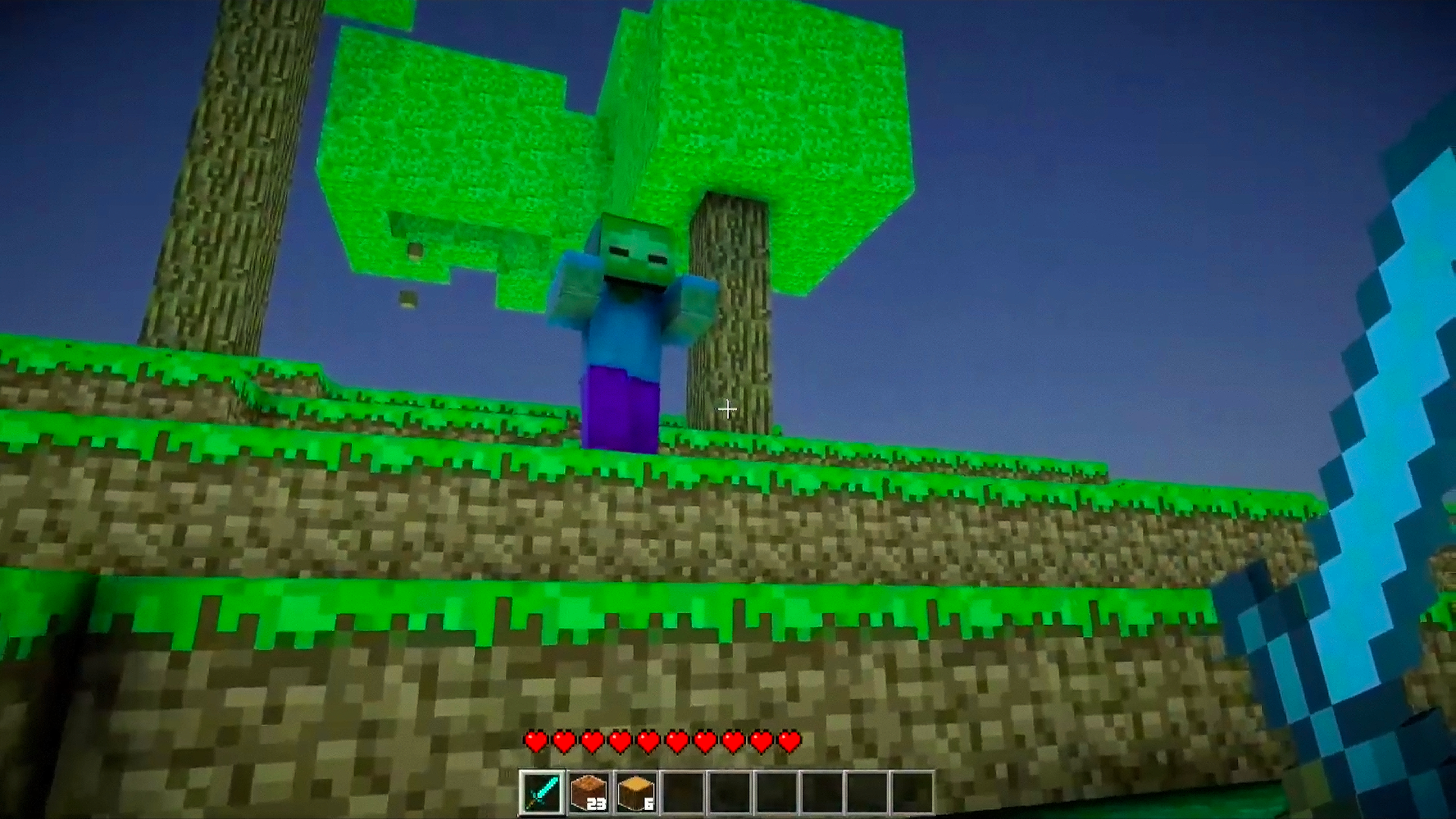
Construct massive voxel structures and survive against waves of mobs in the expansive world of Noob Craft 3D. You will master the art of mining resources and crafting gear while navigating through a dynamic environment that shifts between day and night. The core gameplay revolves around placing blocks and wielding weapons to defend your territory from unconventional enemies. Use the innovative time-freeze mechanic to stop threats in their tracks before they overwhelm your defenses. Ragdoll physics add a hilarious layer of chaos to every battle, making combat feel unpredictable and rewarding. Each session offers a fresh experience thanks to the unique world generation key that creates a brand-new map every time you play. This minecraft style browser experience ensures you can build your dream fortress without any downloads or registration. Jump into Noob Craft 3D today and start your blocky journey directly in your browser.
How to play
A, S, D, W - Move (Hold Shift or double tap W to sprint)
Space - Jump
Left Click - Use Weapon / Destroy Block
Right Click - Place Block / Use Weapon
E - Open Crafting Menu
Mouse Wheel / Number Keys - Switch Between Items in Inventory
Esc - Pause Game
Generation key - the key that is used to generate a random world! You can enter anything you want there and you will get a unique world.
Welcome to Noob Craft 3D! This game, similar to Minecraft, comes with unique features. Use the A, S, D, W keys to navigate the world, hold Shift or double-tap W to run. Space will allow you to jump, and the mouse buttons are used for wielding weapons and manipulating blocks. The mouse wheel or number keys will help you switch between items in the inventory. Press E to open the crafting menu, and Esc to pause the game. Enjoy playing Noob Craft 3D!
Features
- World Generation Key: Enter any custom text string to procedurally generate a unique terrain layout for your adventure.
- Time Manipulation: Activate the time-freeze ability to pause aggressive mobs and set up your perfect defensive strategy.
- Ragdoll Physics: Experience realistic and comical character movements during combat encounters with various hostile creatures.
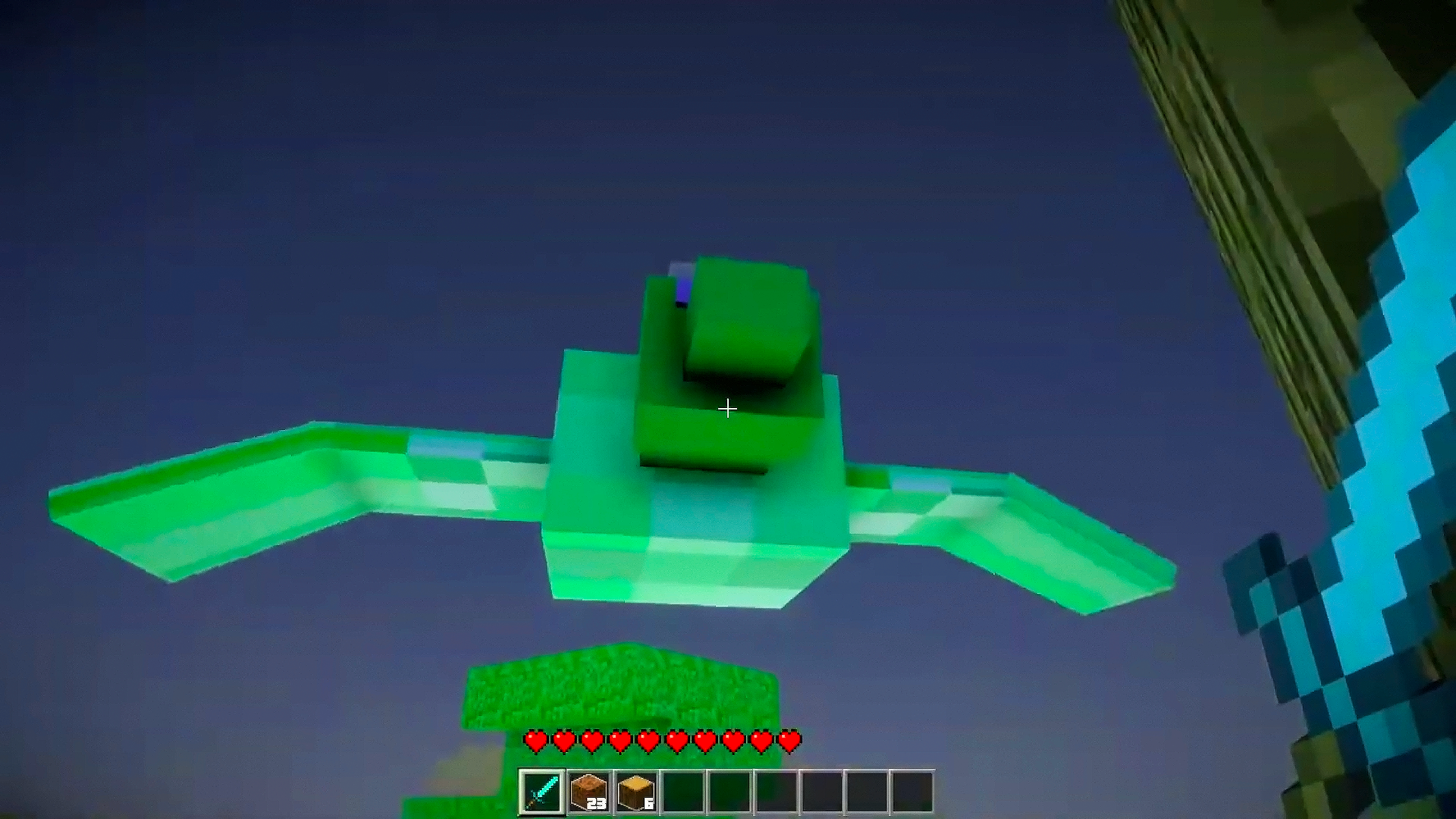
- Dynamic Day-Night Cycle: Adapt your building and survival plans as the map transitions through different lighting conditions.
- Inventory Management: Access a quick-switch system using your mouse wheel or number keys to swap between tools and materials instantly.
Who is it for
Sandbox enthusiasts and creative builders who enjoy tactical survival challenges. Fans of block-based adventures looking for a polished 3d experience will enjoy the added combat mechanics. Casual gamers who appreciate physics-based humor and rapid-fire crafting sessions will find endless entertainment in this accessible browser-based building simulator.
Controls
Movement
Use WASD keys or swipe on mobile to navigate the environment.
Interaction
Left click or tap the screen to break blocks and attack enemies.
Block Placement
Right click to place building materials or use secondary weapons.
Inventory
Press E to open the crafting menu or tap the UI icon on mobile.
Sprinting
Hold Shift or double tap W to move faster across the map.
FAQ
Is Noob Craft 3D free to play in my browser?
›
Yes, you can play Noob Craft 3D directly in your browser without any registration or downloads.
How can I generate a specific map in Noob Craft 3D?
›
You can use the generation key feature to enter any text string, which creates a completely unique world for your Noob Craft 3D session.
Does Noob Craft 3D support mobile devices?
›
Yes, the game is optimized for mobile play, allowing you to build and survive using touch controls.