About game
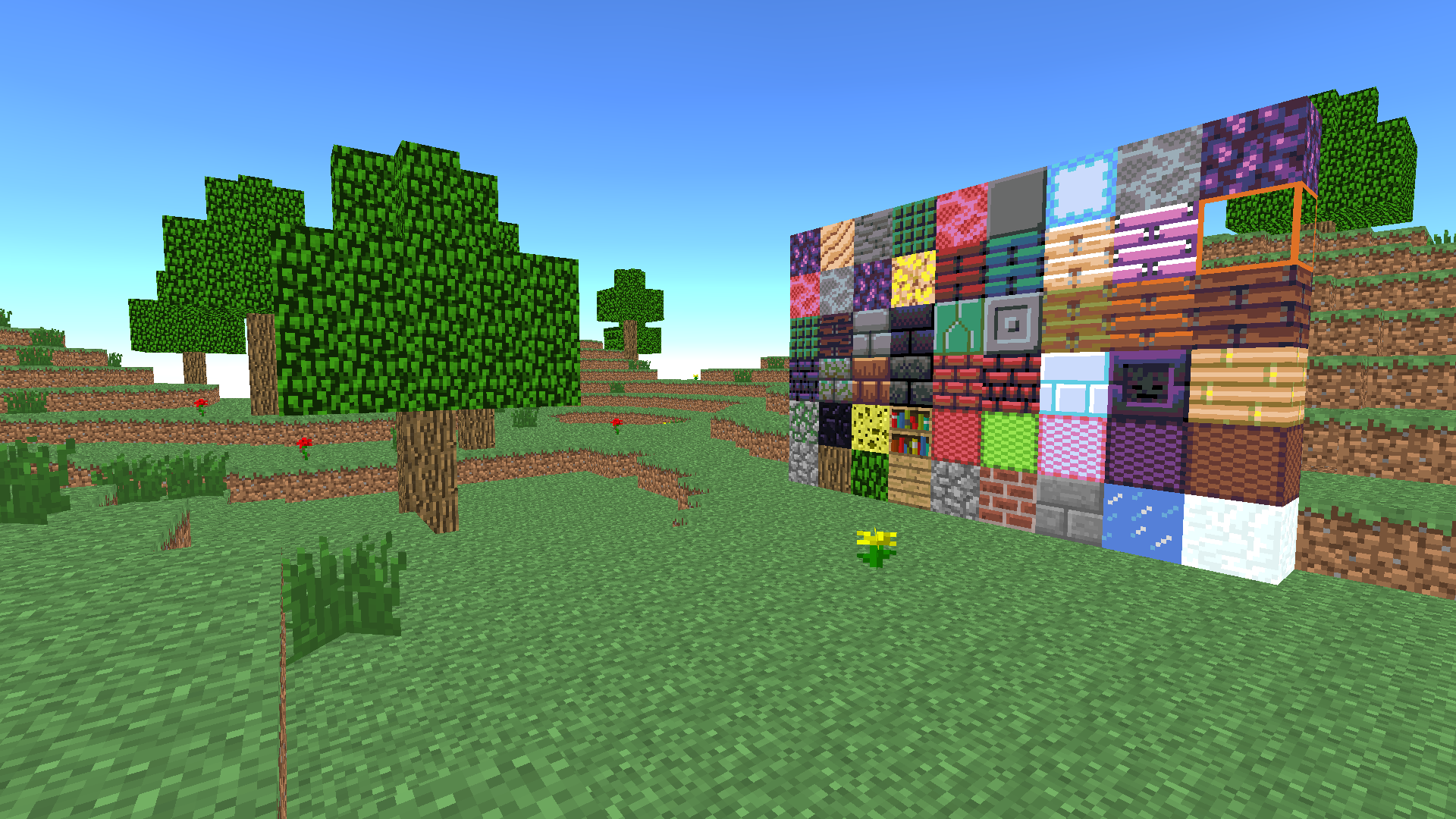
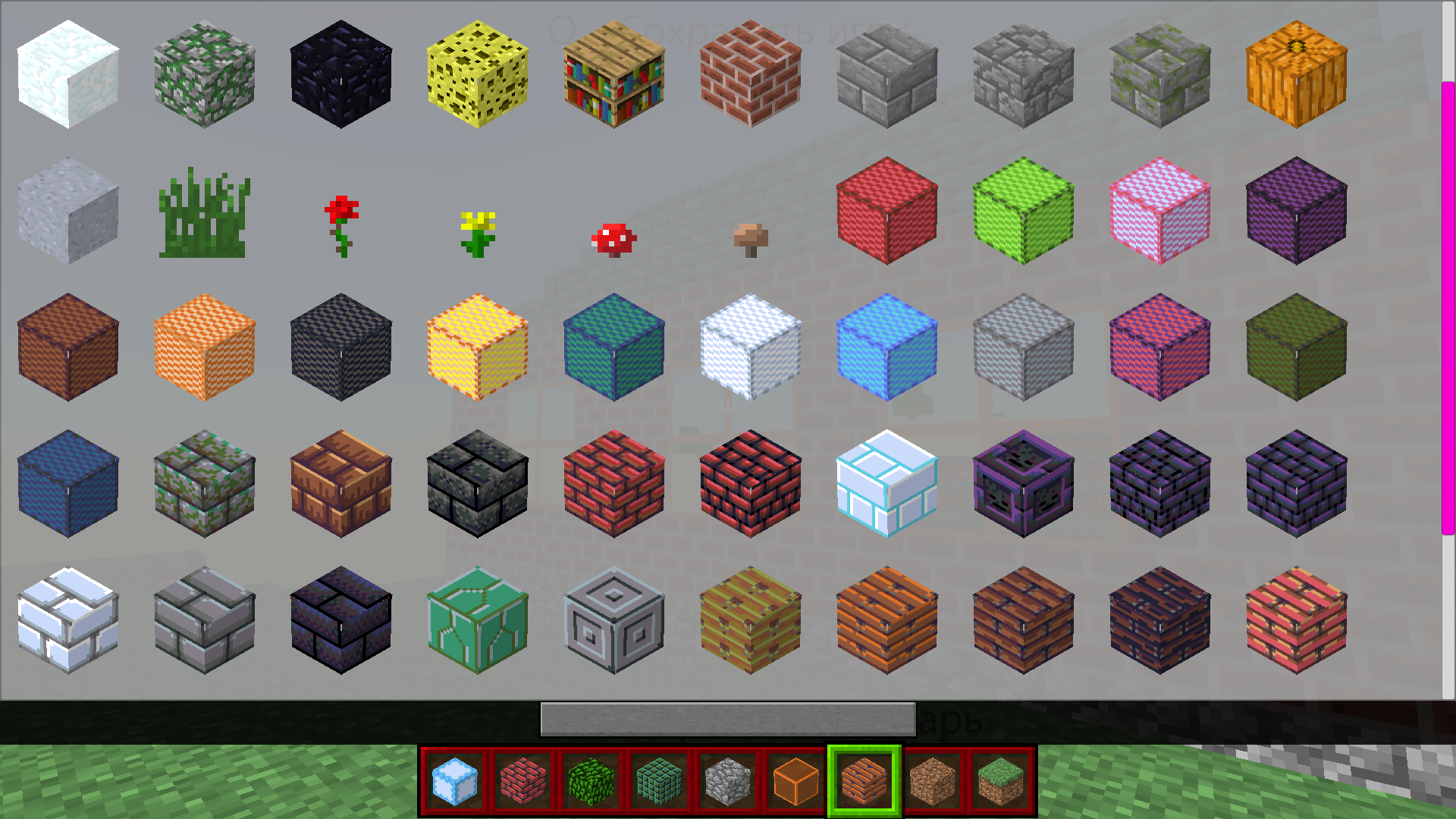
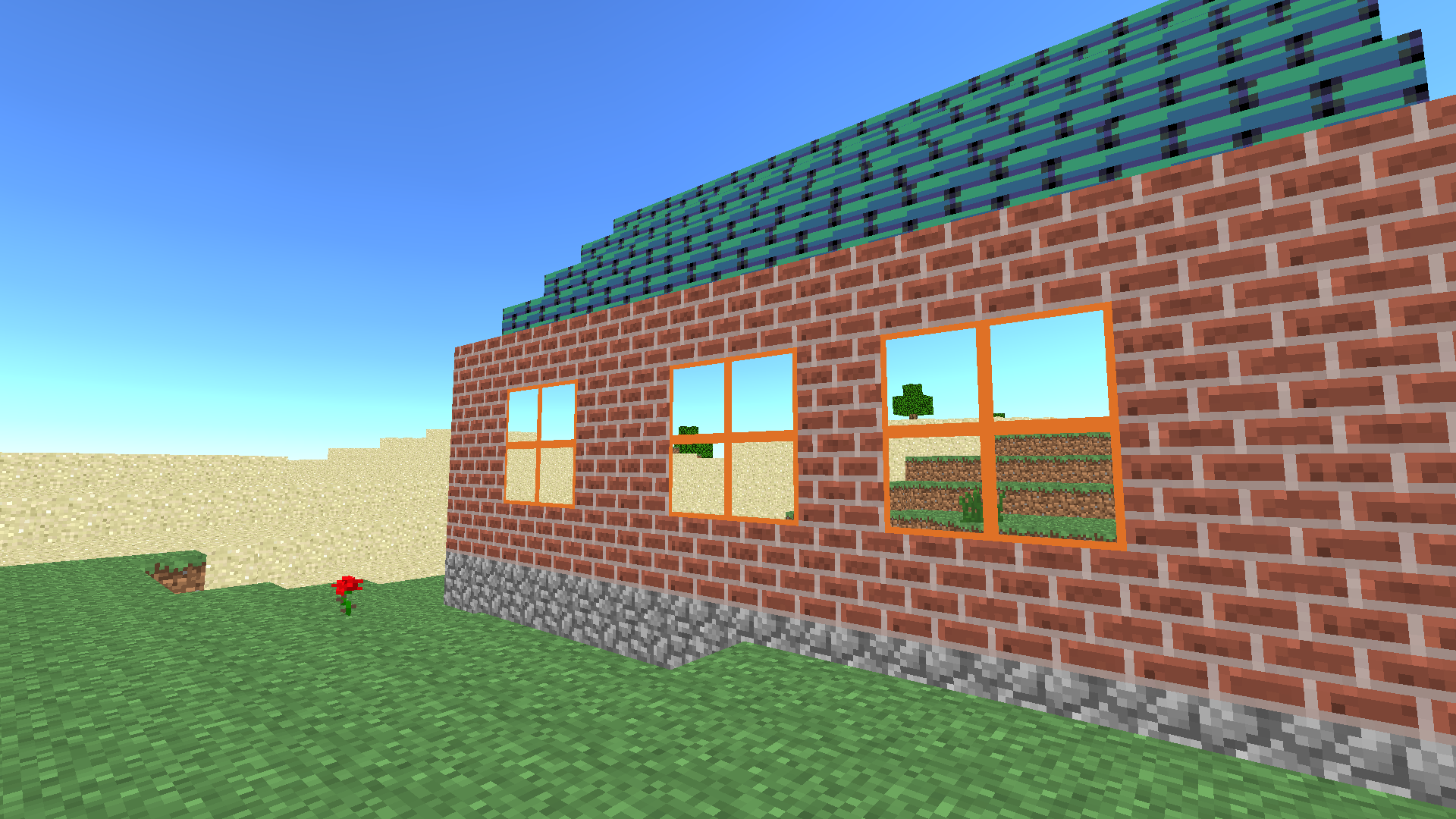
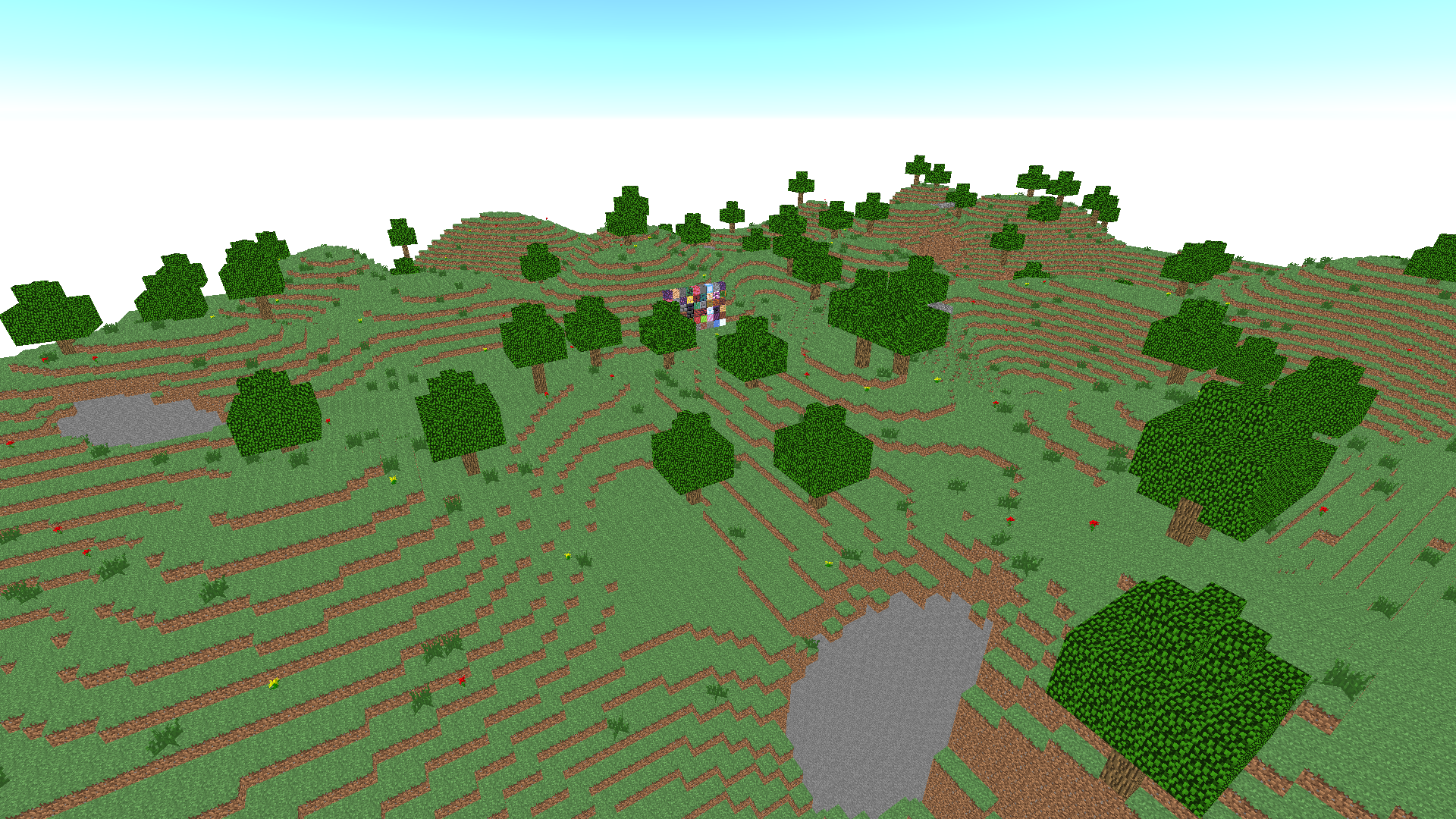
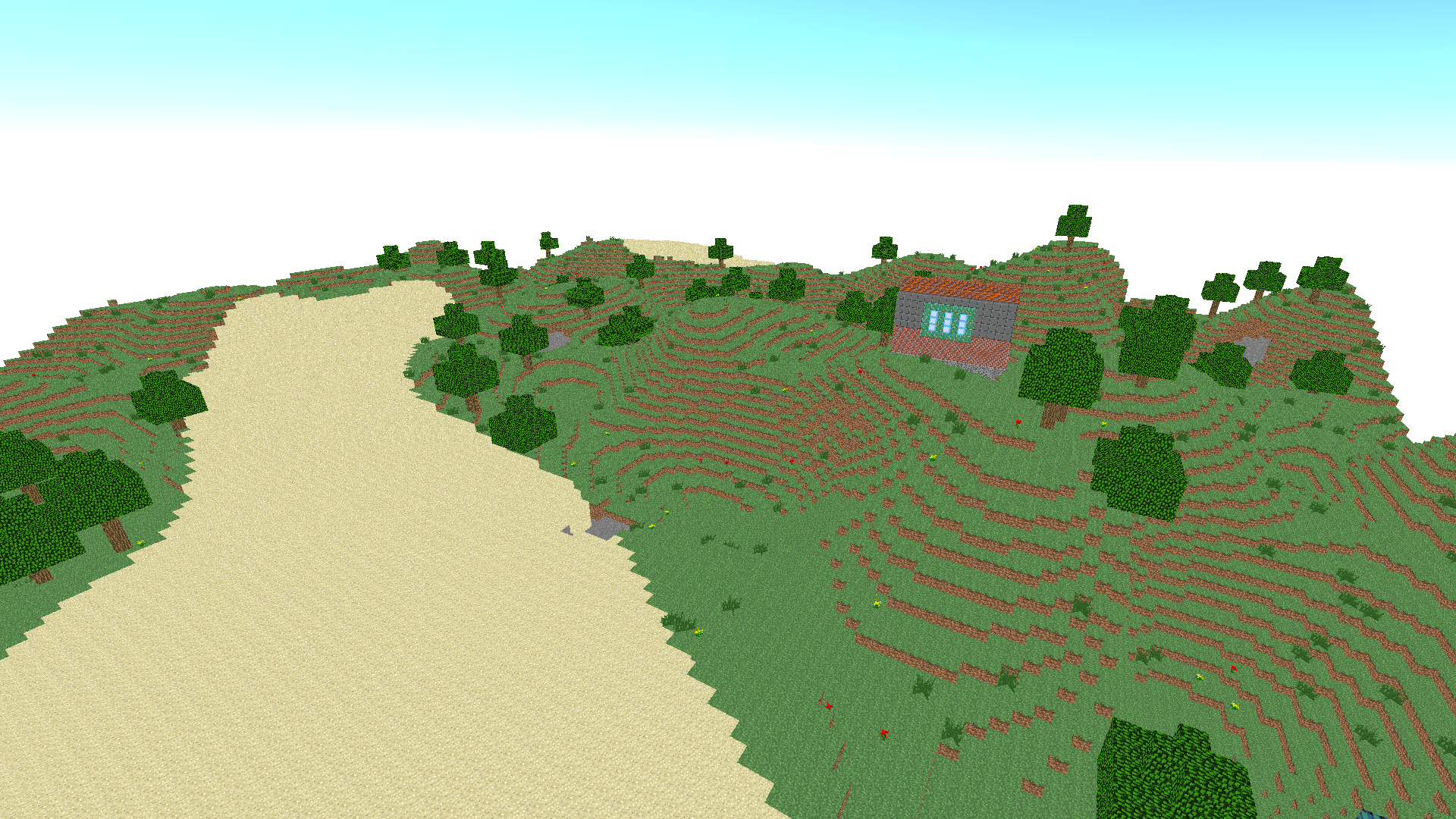
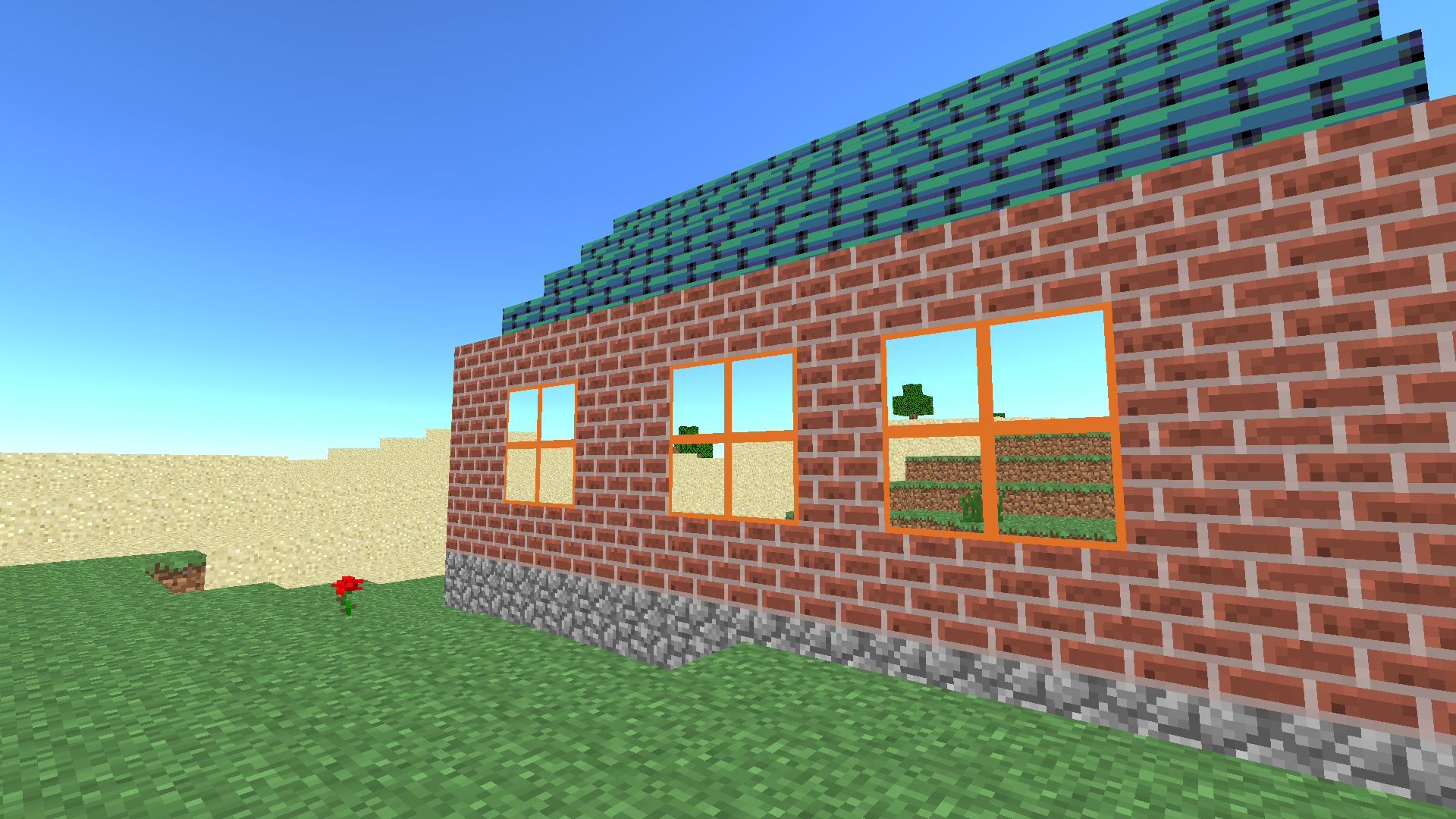
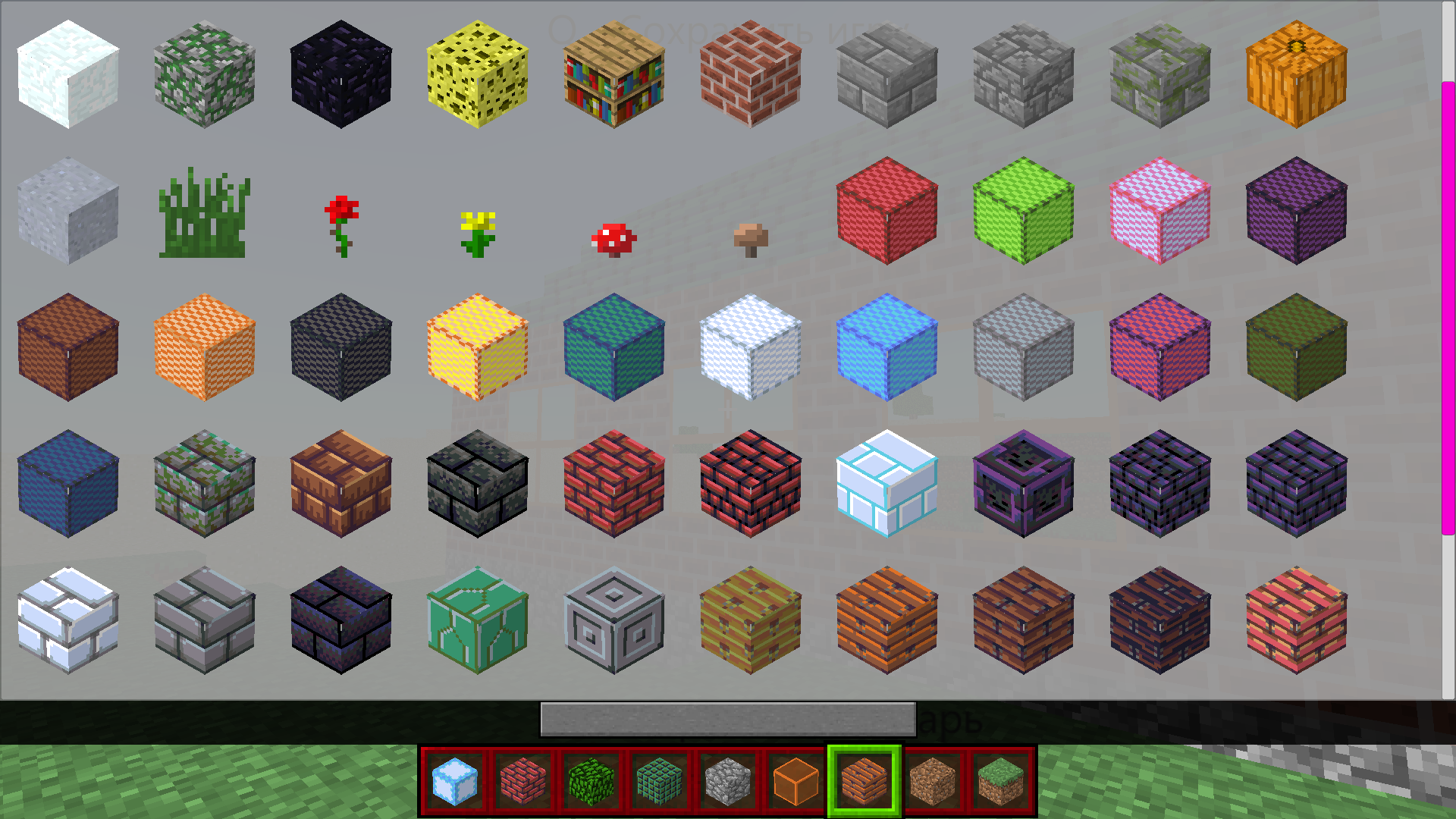
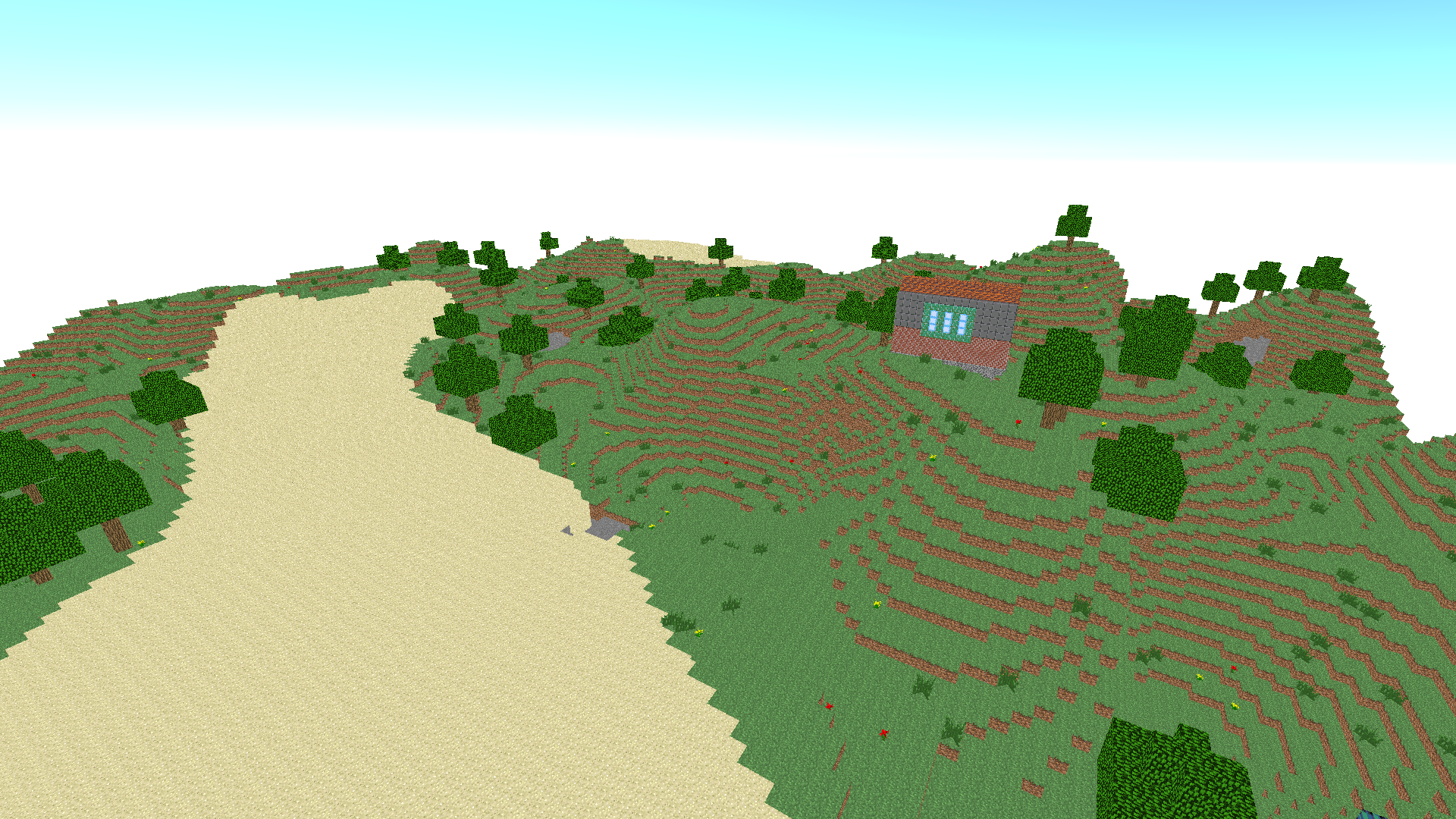
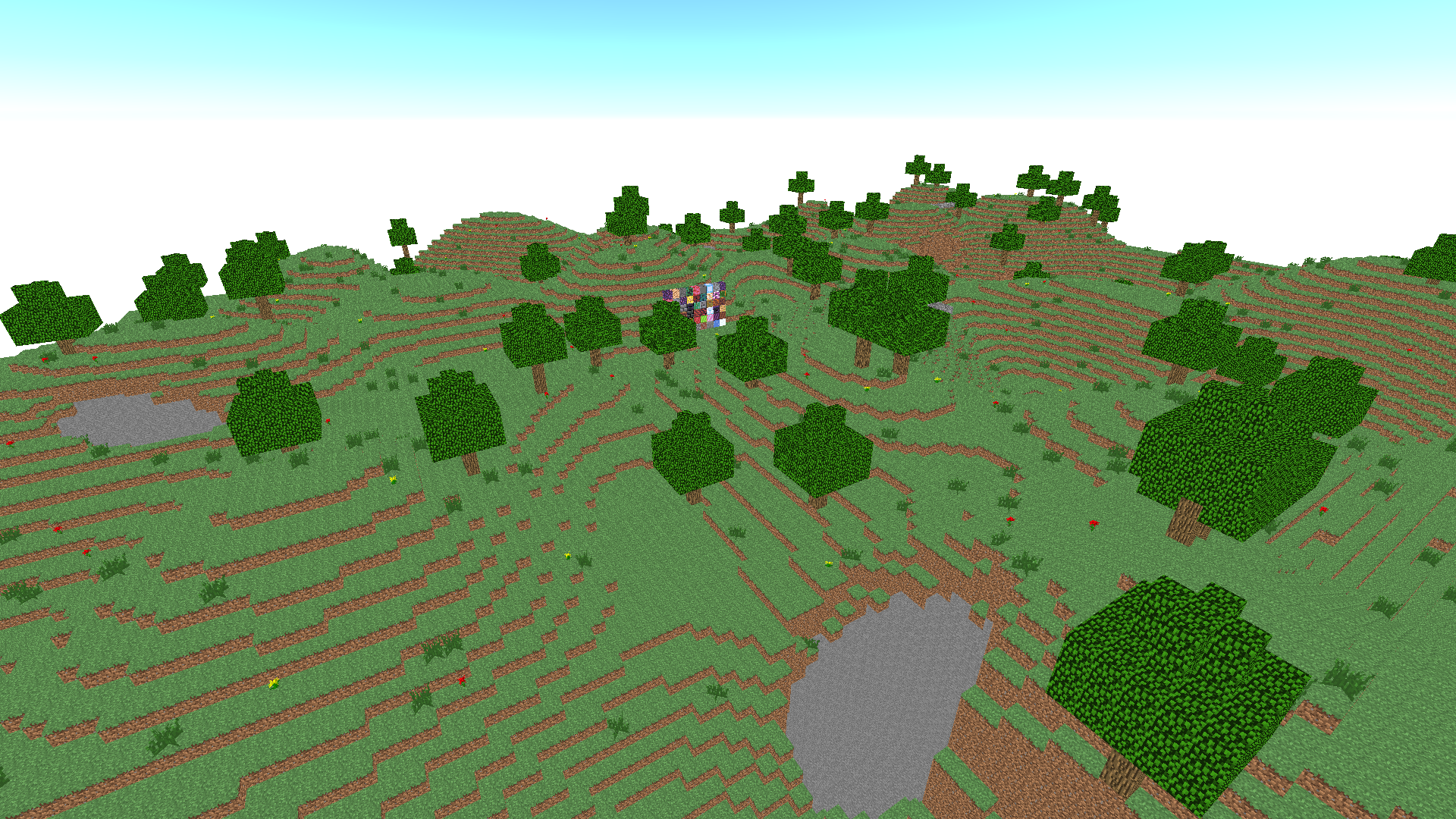
Building a digital empire from scratch taps into a primal creative urge that keeps architects and dreamers hooked for hours. Block Craft 3D turns your browser into a massive canvas where your wildest construction fantasies come to life. You start by selecting from a vast library of materials, ranging from simple stone to vibrant textures that make every structure pop. Simply point and click to place your blocks, carefully shaping everything from tiny rustic cottages to towering skyscrapers that scrape the sky. Mastering the controls allows you to toggle flight mode, giving you the perfect vantage point to inspect your work or reach those tricky corners. The intuitive interface ensures that your layout is always precise, making complex projects feel like a breeze even for beginners. Whether you are building a solitary castle or an entire village, the freedom provided by this sandbox experience is truly unmatched. You can launch Block Craft 3D directly in your web browser for free with no download required to start your epic construction journey today.
How to play
PC management:
Character Management - WASD
Space Jump
Flight Mode - F (On/Off)
Fly up - Space bar (when flight mode is on)
Fly down- Shift (when flight mode is on)
Open Inventory - E
Save the map - Q
Break the block - left mouse button
Put a block - right mouse button
Change the current mouse wheel block
Control on the phone:
Character control - arrow buttons in the lower left corner
Jump - down arrow button in the lower right corner
Flight mode - a button with wings in the upper right corner
Fly up/down - arrow buttons in the lower right corner (when flight mode is on)
To open the inventory, click on the panel with the blocks at the bottom in the center
To save the map, click on the button with the file at the top in the center
To turn on the mode to place blocks, click on the button with the cube in the upper left corner
Break the block by tapping on the screen
Put a block - tap on the screen (if the block mode is enabled)
Change the current block -yellow arrow buttons
Features
- Creative sandbox: Enjoy total freedom to design and build anything you can imagine without strict missions or limitations.
- Material variety: Access an extensive palette of blocks featuring different colors, styles, and textures for unique aesthetic designs.
- Aerial perspective: Utilize the dedicated flight mode to survey your creations and position blocks with professional precision.
- Progress saving: Keep your projects safe by using the in-game map saving feature to resume your building later.
- Accessible interface: Experience a user-friendly UI designed to make complex building tasks simple for players of all ages.
Who is it for
Sandbox enthusiasts and creative players love the endless building possibilities found here. Aspiring architects enjoy the liberty to design unique structures without constraints, while younger gamers appreciate the intuitive controls that make constructing their first virtual home a fun and rewarding experience for everyone involved.
Controls
Build and break
Left click to break blocks and right click to place them on PC, or simply tap on mobile.
Character movement
Use WASD on PC or the arrow buttons on the bottom left of your mobile screen.
Flight mode
Press F on your keyboard or tap the wing icon on mobile to soar through the sky.
Inventory management
Press E on PC or tap the block panel at the bottom center of the screen to select new materials.
FAQ
Is Block Craft 3D free to play in the browser?
›
Yes, you can jump into Block Craft 3D instantly in any modern web browser without needing to download or install any files.
Can I save my progress in Block Craft 3D?
›
Absolutely, simply click the save map button to store your current progress in Block Craft 3D for later.
How do I change blocks in Block Craft 3D?
›
You can swap your current building materials by using the mouse wheel on PC or the yellow arrow buttons on your mobile device while playing Block Craft 3D.