About game
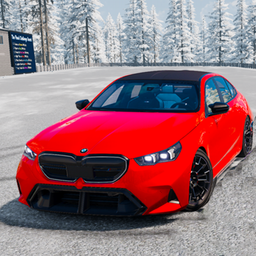
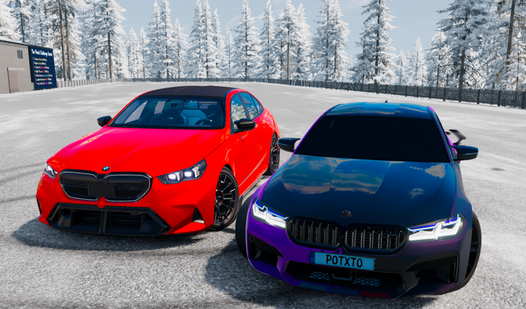
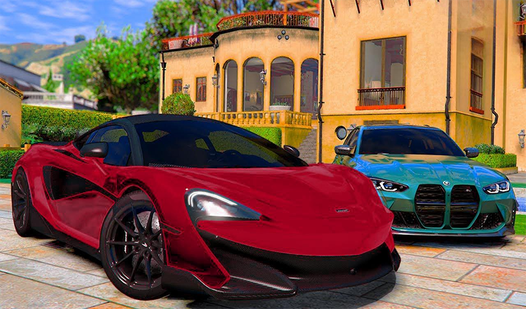
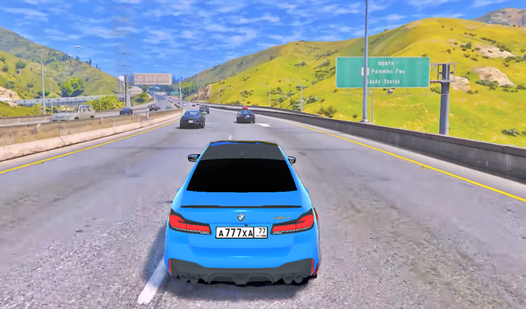
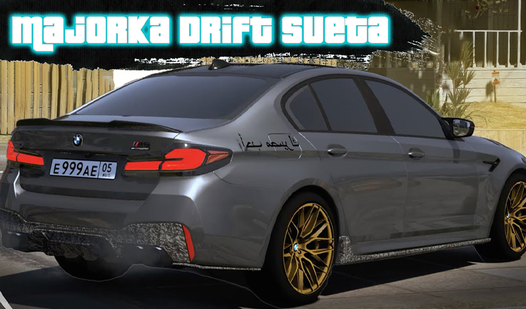
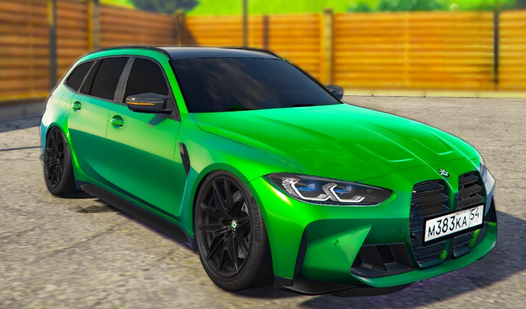
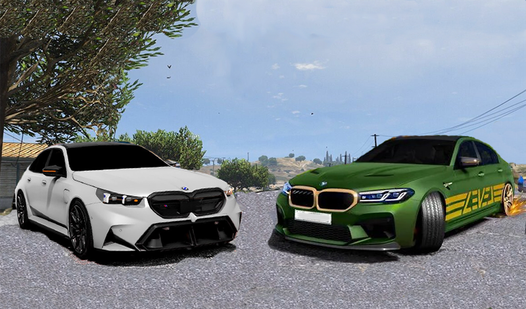
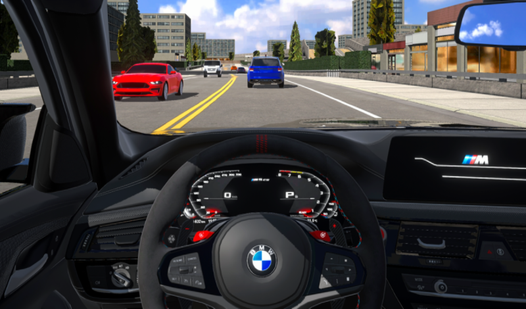
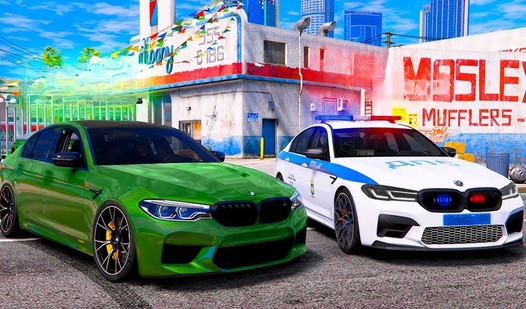
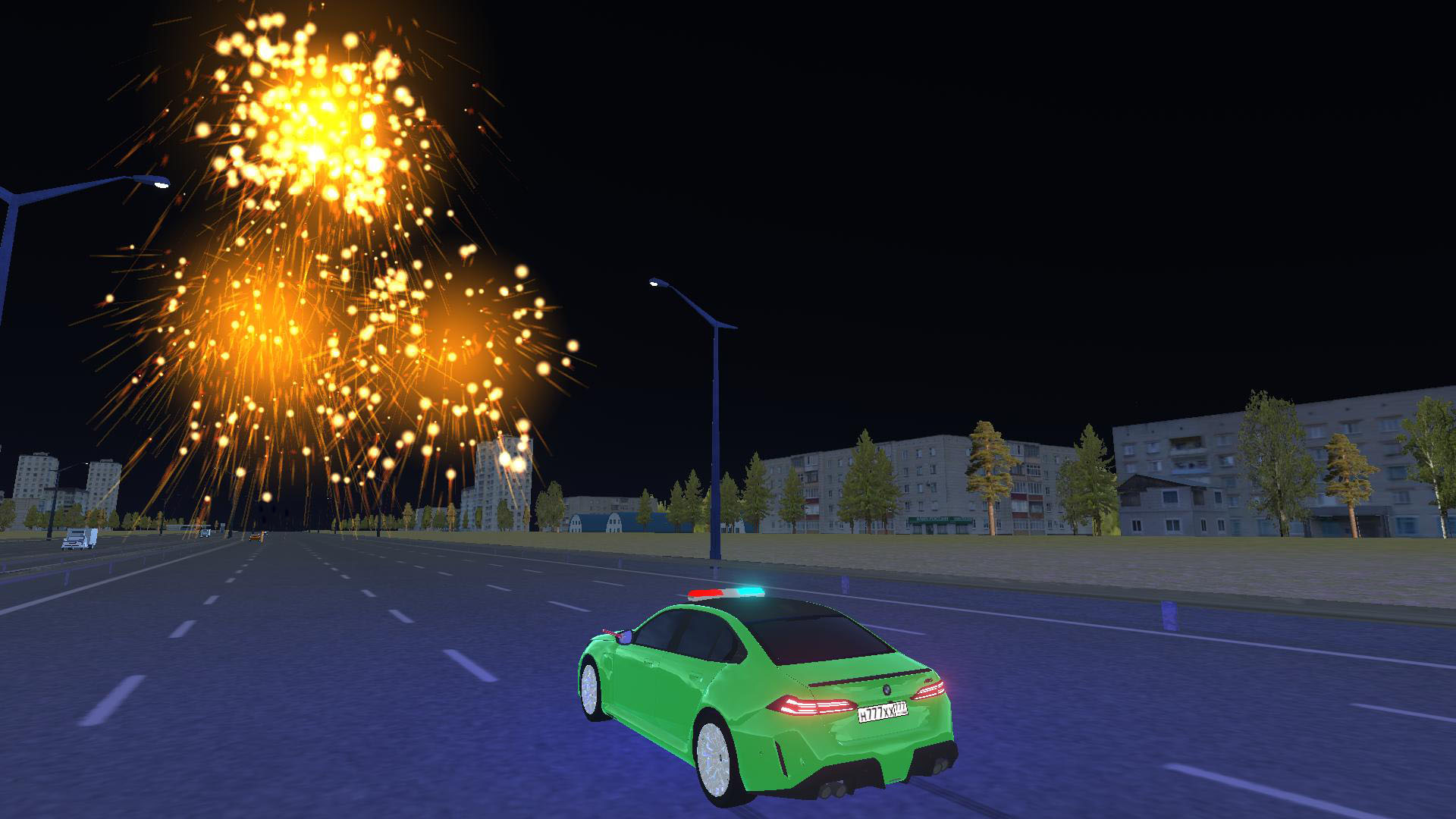
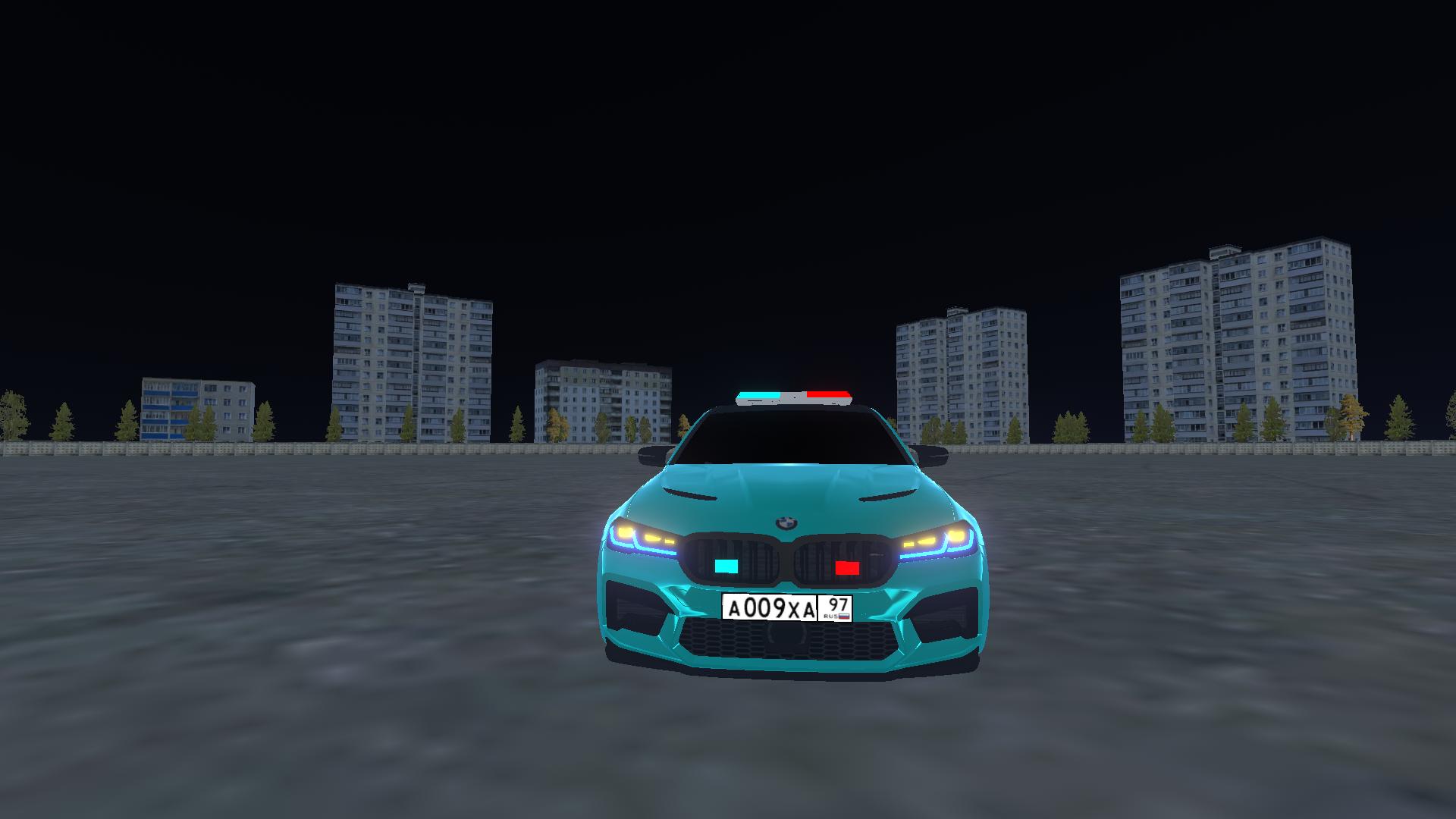
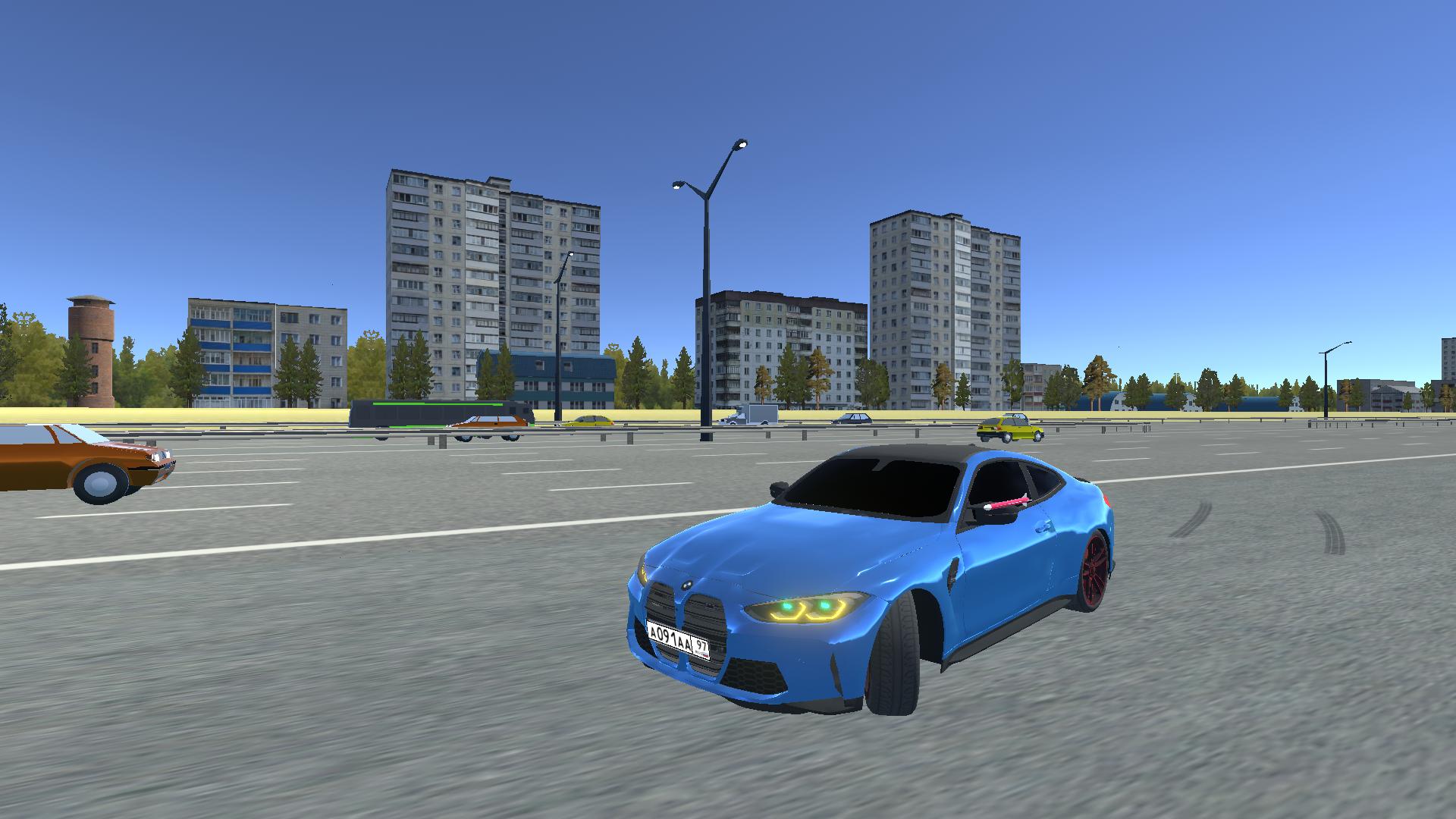
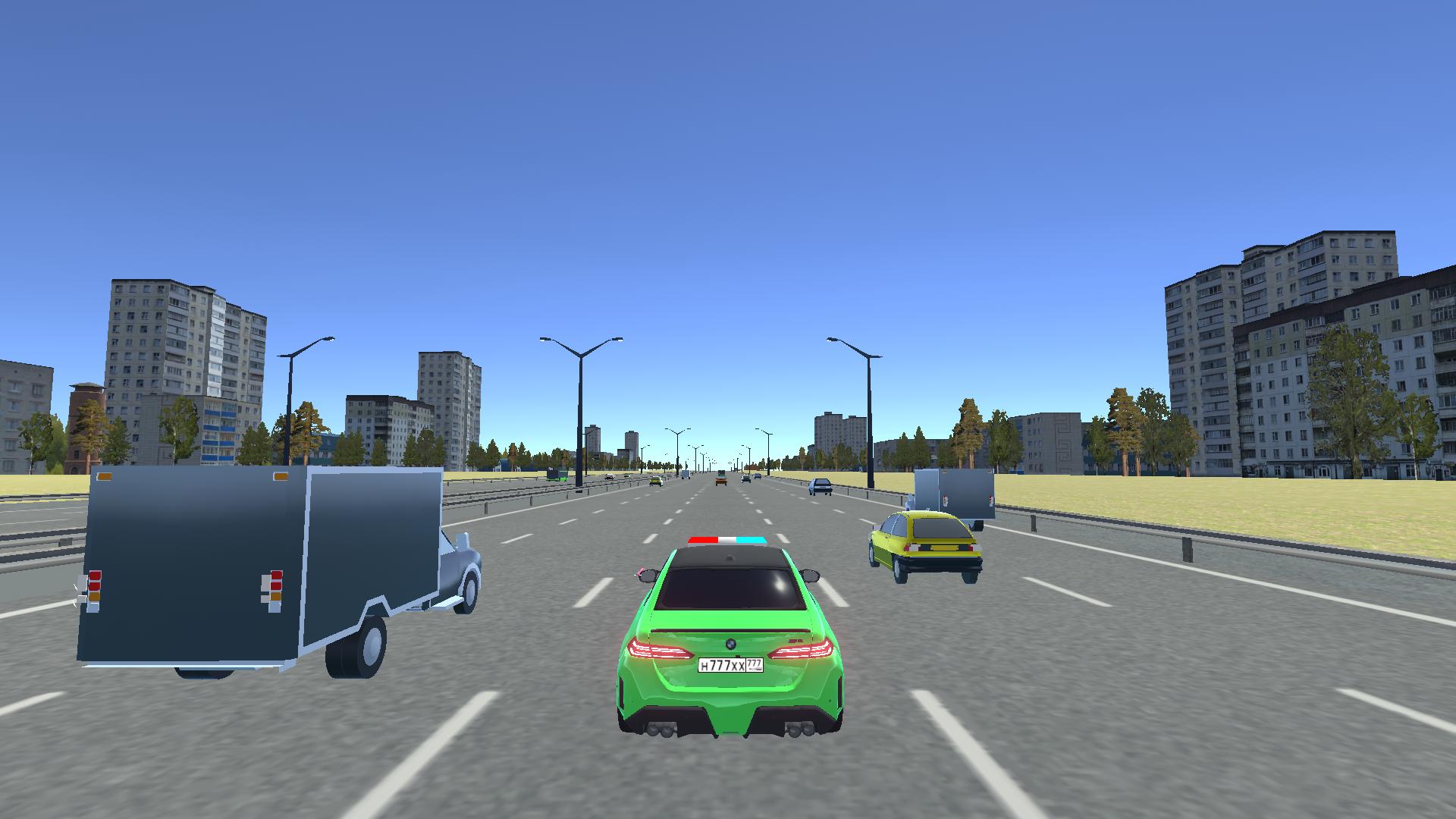
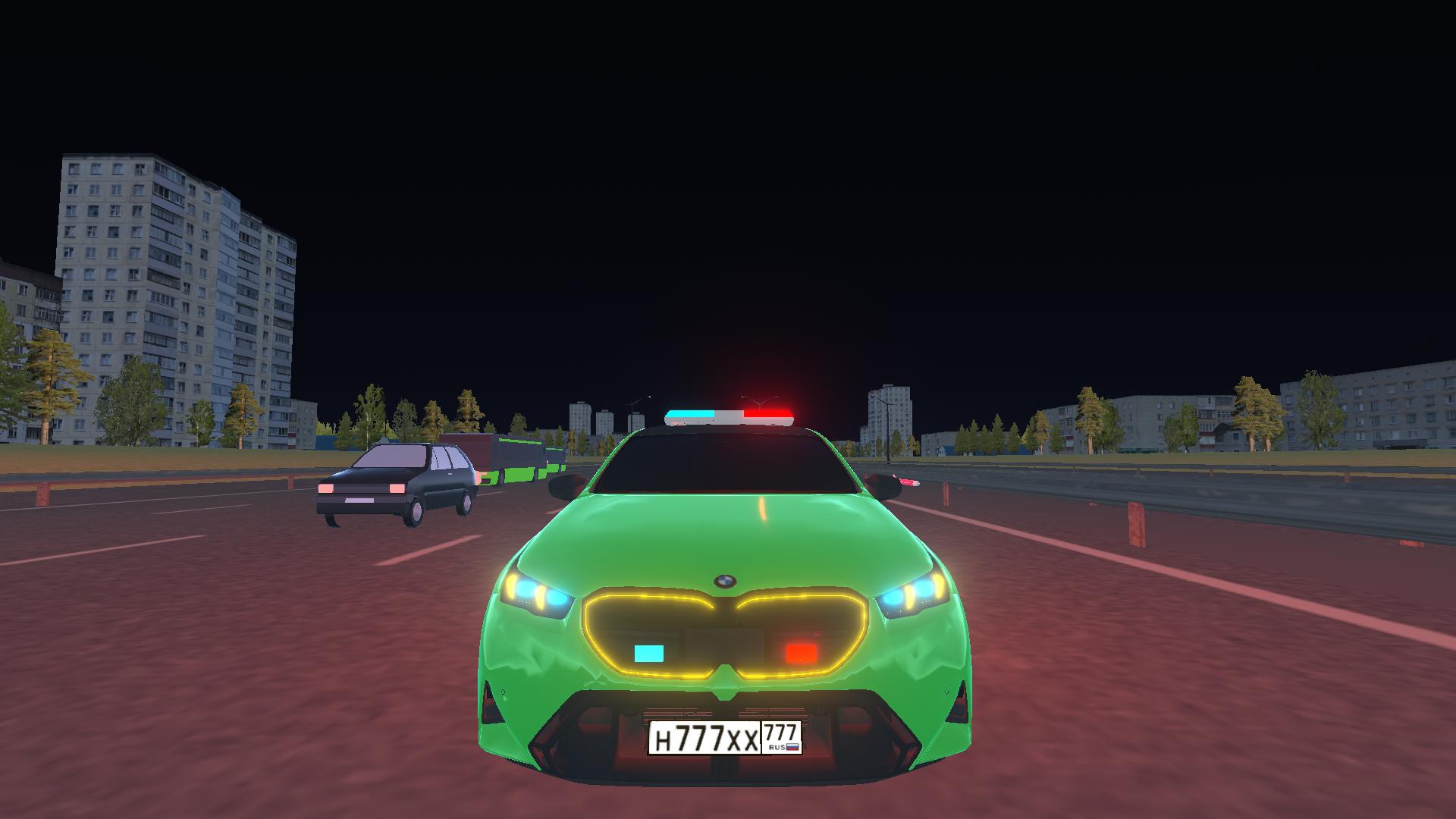
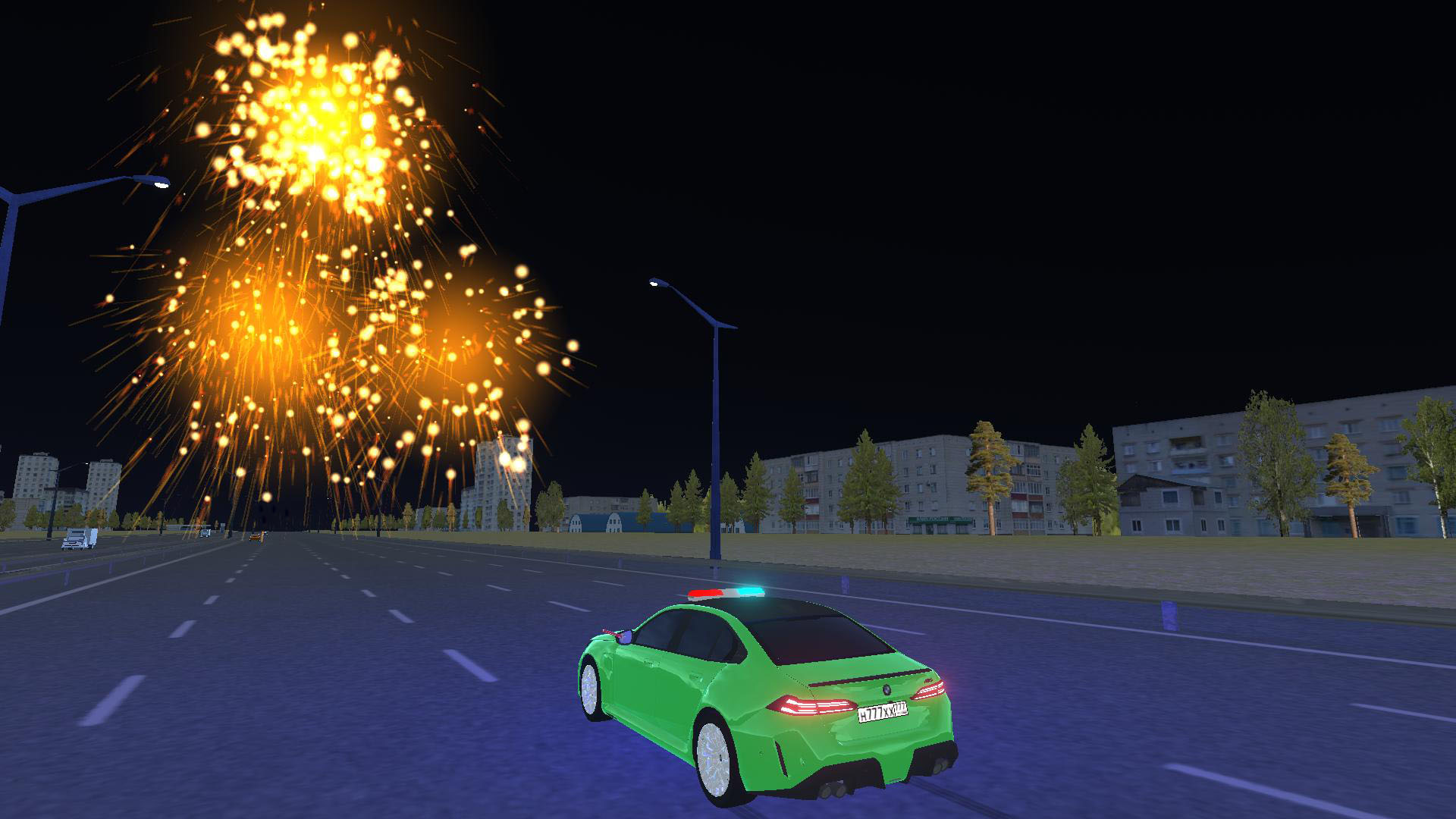
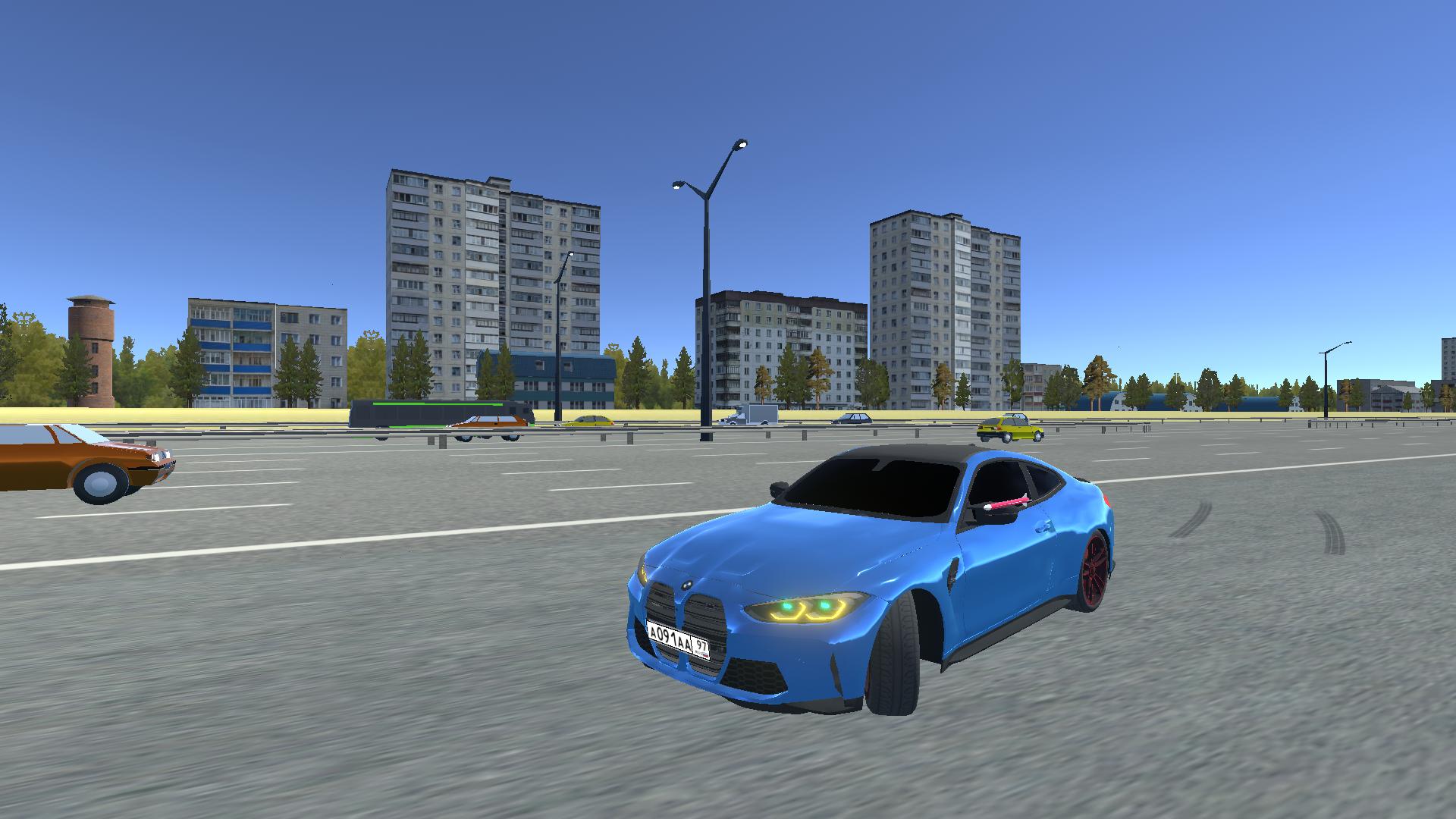
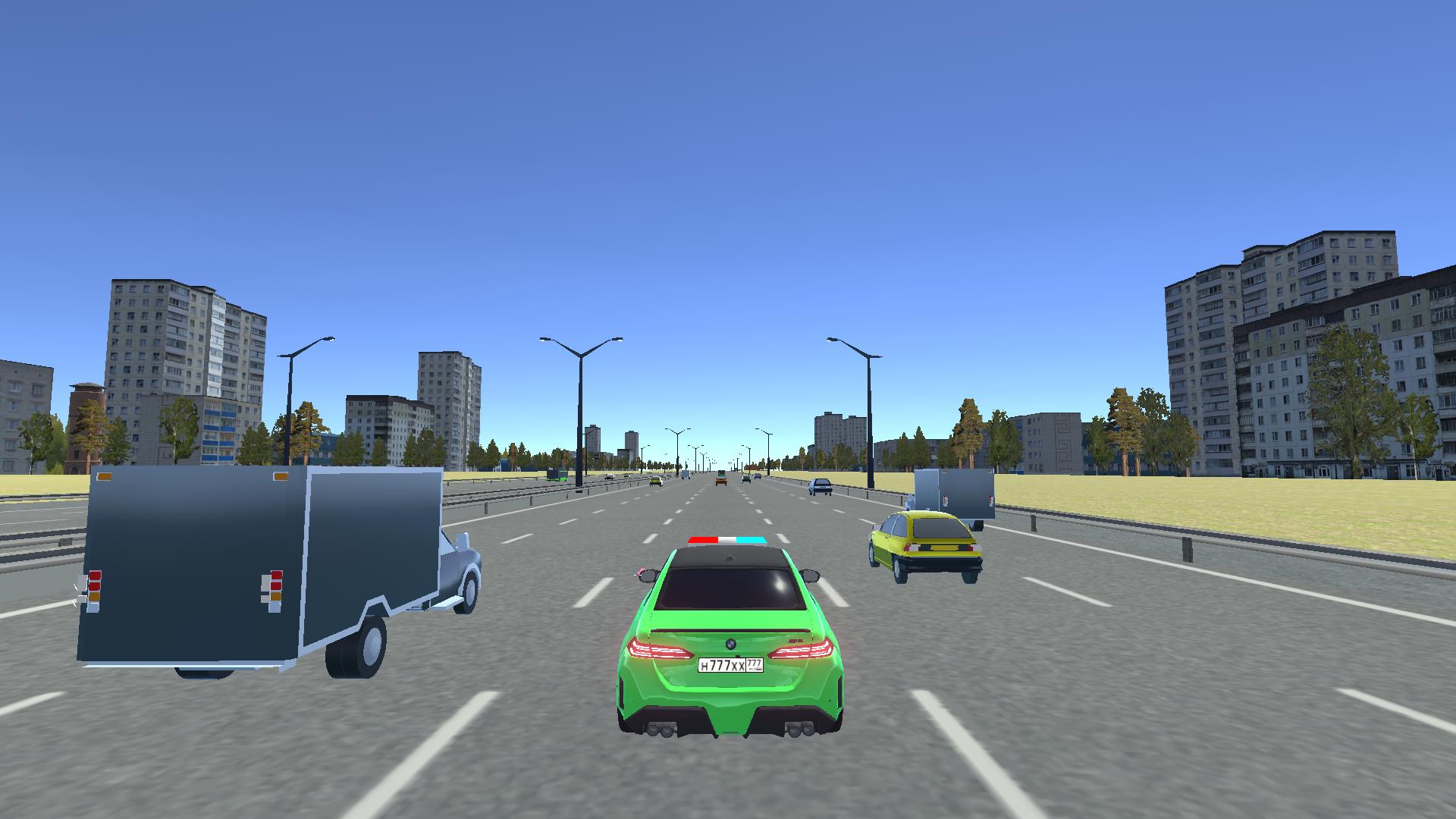
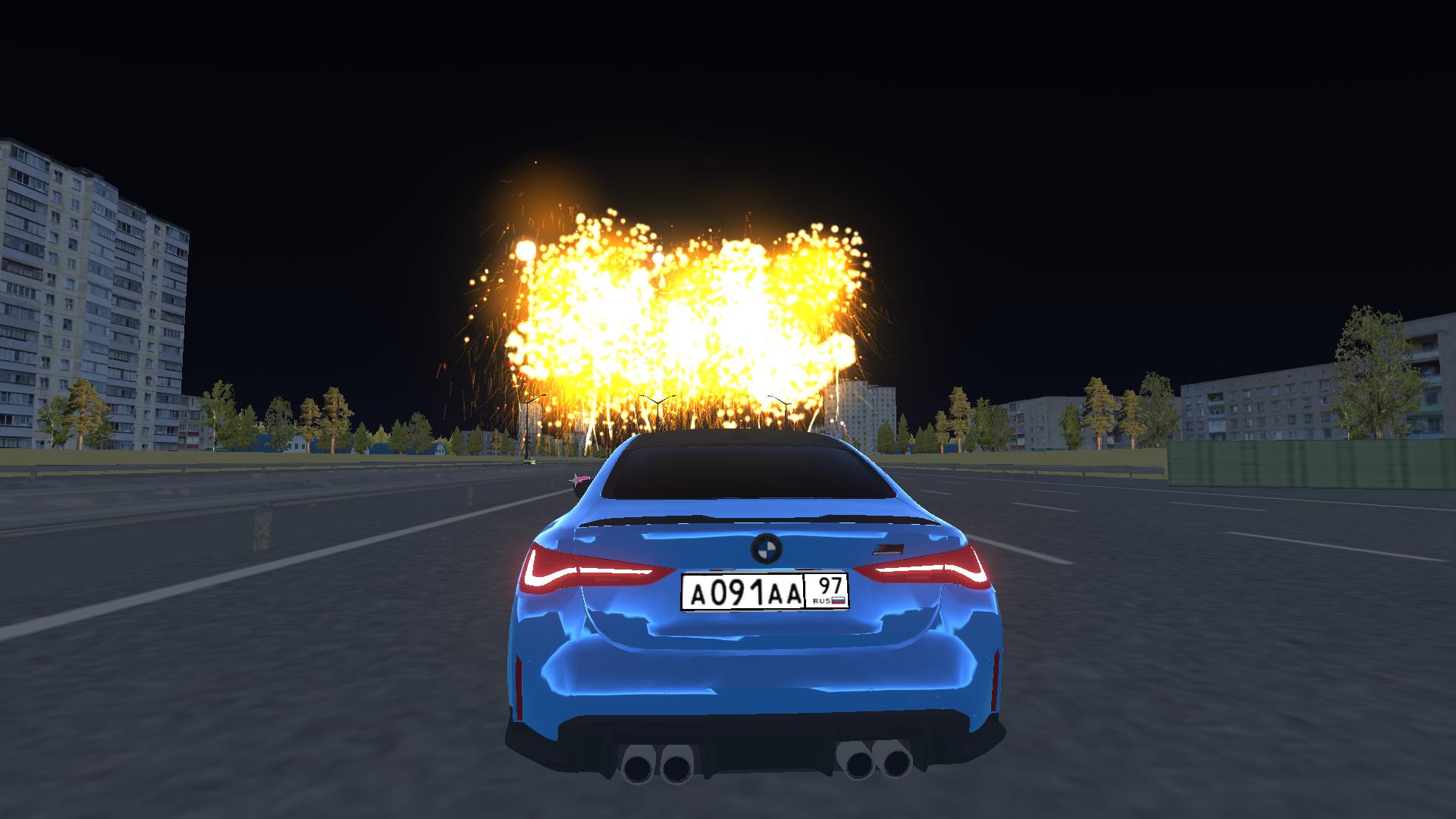
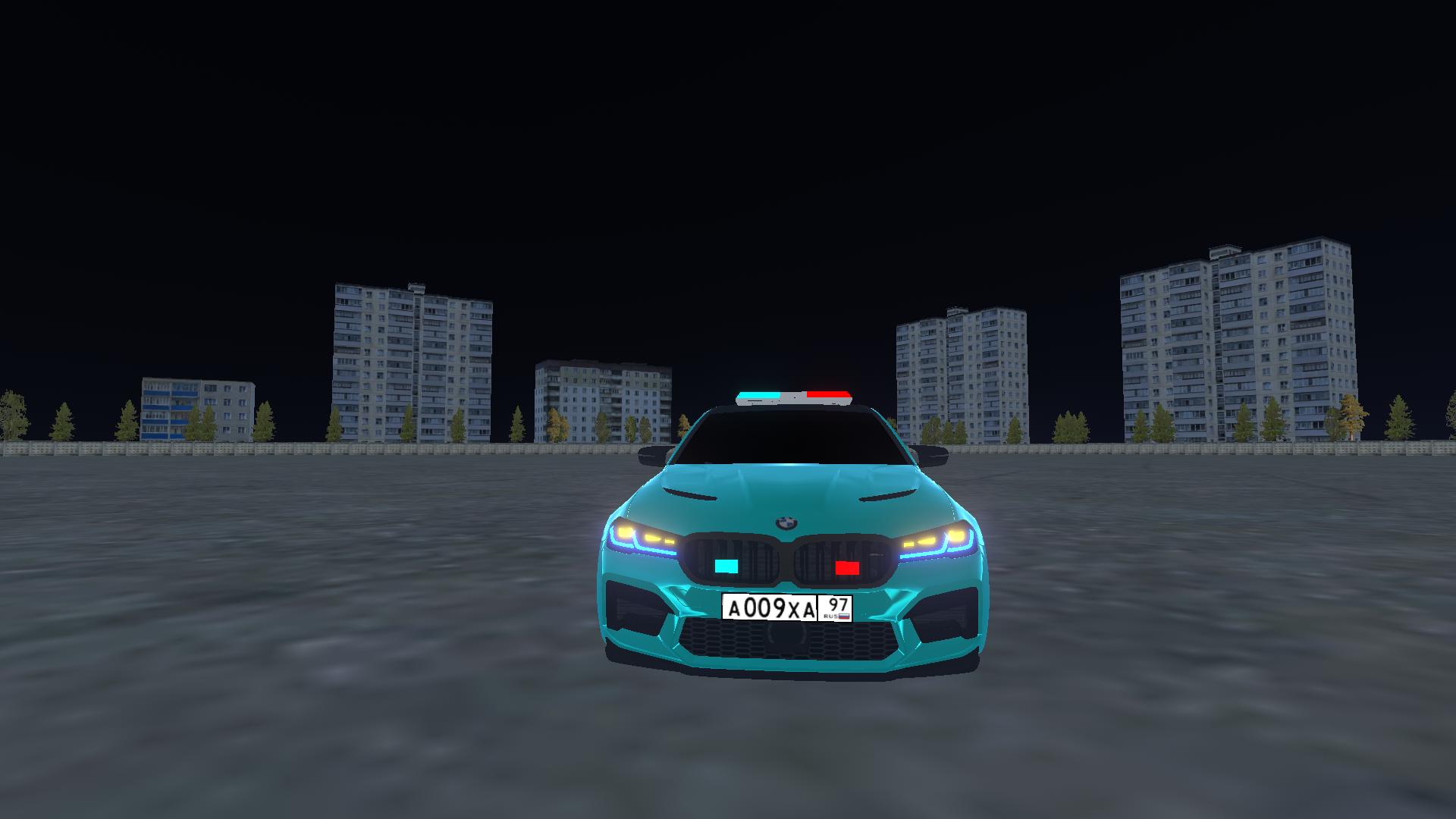
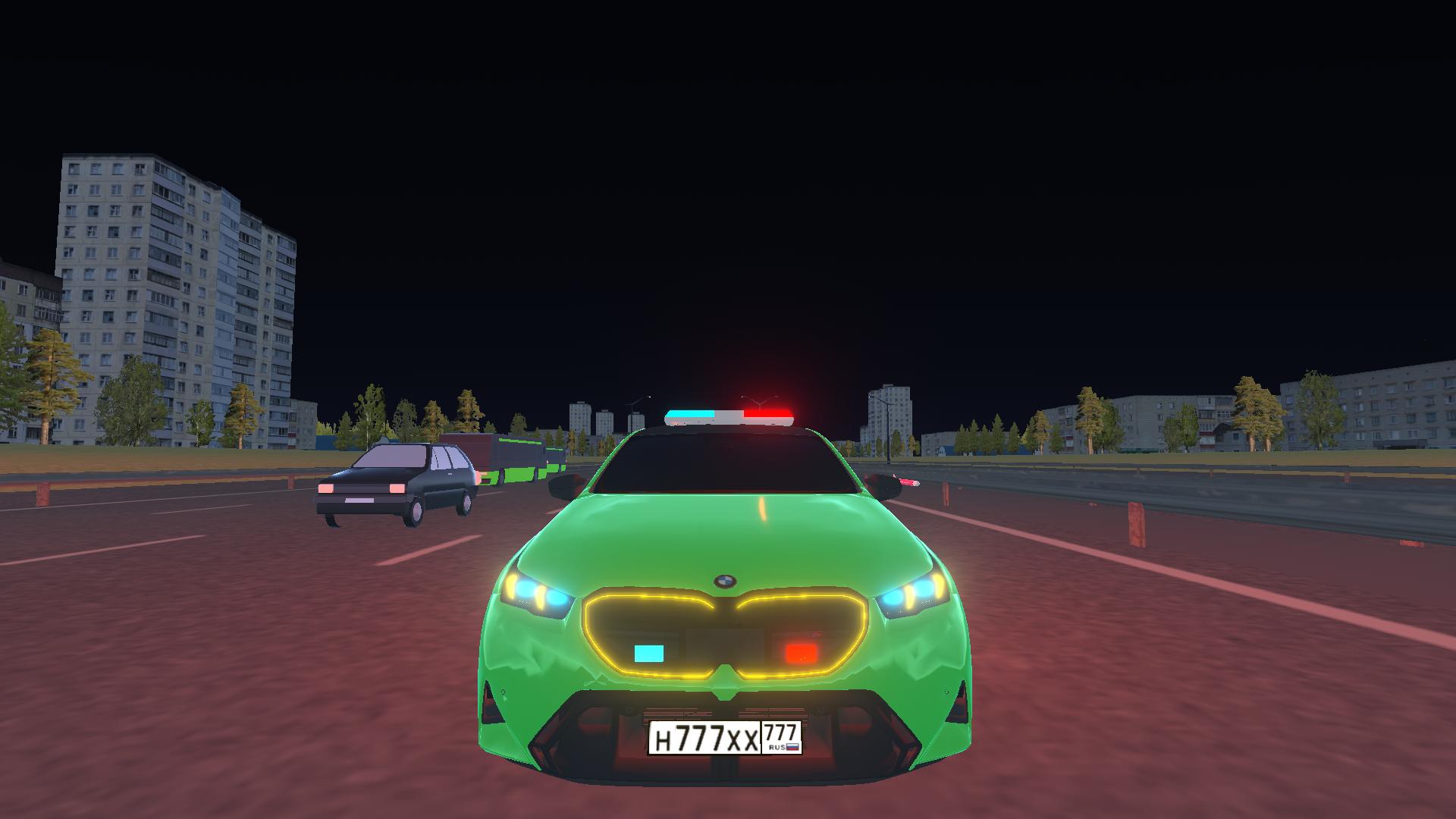
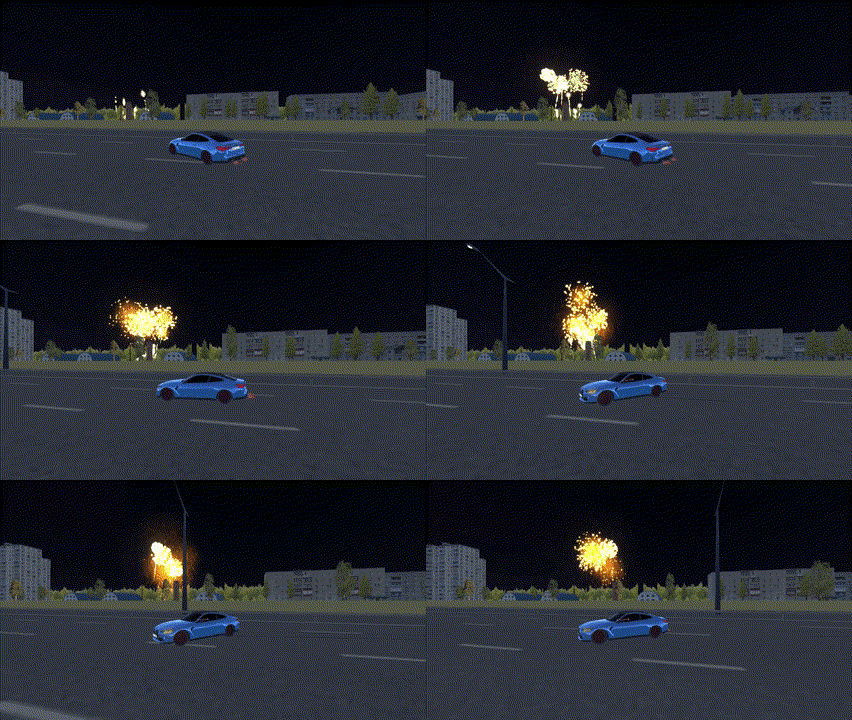
Stuck in a long meeting or just need an instant escape from the daily grind, you probably crave some high-octane action to clear your head. BMW M5 G90 Simulator delivers exactly that by putting you behind the wheel of one of the most powerful machines on the road. You can weave through dense city traffic, push the engine to its limits, and master precision drift techniques on winding tracks. The game features realistic driving physics that make every turn feel authentic and rewarding. Whether you want to experiment with different driving modes like Eco or Sport, or just want to cause some controlled chaos in a sandbox environment, the freedom here is unmatched. Toggle your lights, hit the siren, or trigger fireworks to stand out while you navigate the streets. With fluid controls and stunning visuals, this simulation captures the thrill of high-speed maneuvers perfectly. Experience the ultimate power of this luxury beast right in your browser for free with no download required.
How to play
WASD or Arrow Keys – Control the vehicle
SPACE – Handbrake
C – Change camera view
F – Activate nitro and speed up
Q – Launch fireworks
G – Turn on lights
H – Turn on the siren
E – Horn 1
R – Horn 2
T – Horn 3
Y – Horn 4
1 – Activate Eco mode
2 – Activate Drift mode
3 – Activate Sport mode
On mobile devices, use touch controls.
Features
- Dynamic driving modes: Switch between Eco, Drift, and Sport profiles to instantly adjust handling and performance to your current driving style.
- Customizable vehicle interaction: Use a full suite of interactive buttons to control sirens, various horns, and even launch fireworks for a flashy celebration.
- Diverse camera angles: Cycle through multiple perspectives including cockpit and cinematic views to capture the best angles of your high-speed stunts.
- Nitro boost system: Utilize the dedicated nitro feature to break through speed barriers and escape heavy traffic jams in an instant.
- Realistic visual feedback: Enjoy detailed lighting effects and responsive vehicle animations that bring the driving experience to life on any device.
Who is it for
Driving enthusiasts who love drifting and high-speed highway maneuvering will find this simulation addictive. It attracts gamers who enjoy sandbox environments, realistic car customization, and testing their reflexes against dense traffic patterns. Casual players seeking a quick adrenaline rush will appreciate the accessible controls and high-quality graphics.
Controls
Steer and Accelerate
Use WASD or Arrow Keys for PC, or on-screen touch pedals/joystick for mobile.
Handbrake and Nitro
Press SPACE for the handbrake and F for nitro boost; tap corresponding icons on mobile.
Change Camera
Press C on your keyboard or the camera icon on your mobile screen.
Toggle Modes
Press 1, 2, or 3 on your keyboard to switch between Eco, Drift, and Sport driving modes.
FAQ
Can I play BMW M5 G90 Simulator on my mobile phone?
›
Yes, BMW M5 G90 Simulator is fully optimized for mobile browsers with intuitive touch controls for steering and acceleration.
Does BMW M5 G90 Simulator require any downloads?
›
No, you can play BMW M5 G90 Simulator directly in your web browser without installing any files or plugins.
How do I drift in BMW M5 G90 Simulator?
›
To drift in BMW M5 G90 Simulator, activate Drift mode by pressing 2, then use the handbrake while turning to initiate a slide.