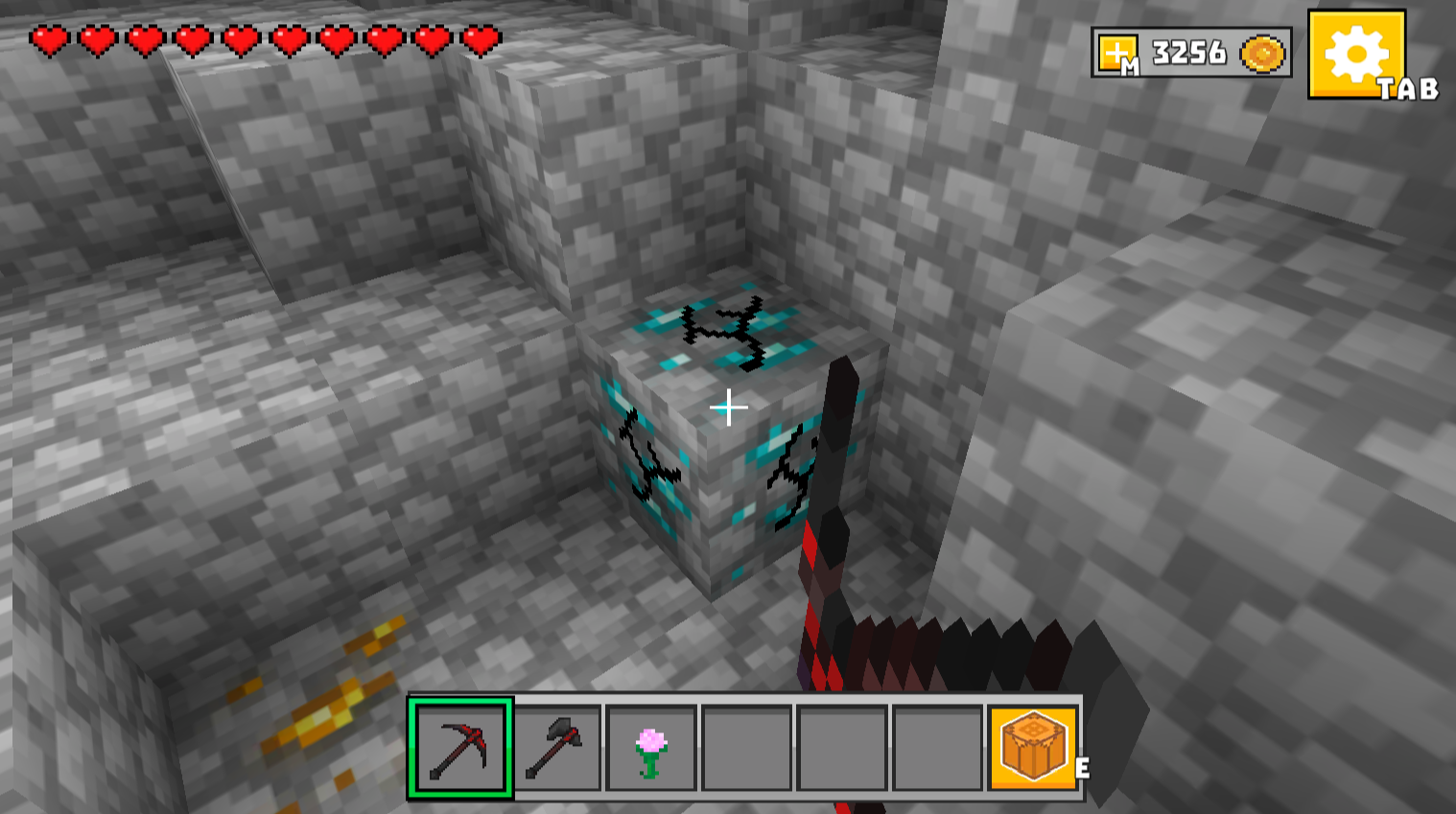
About game
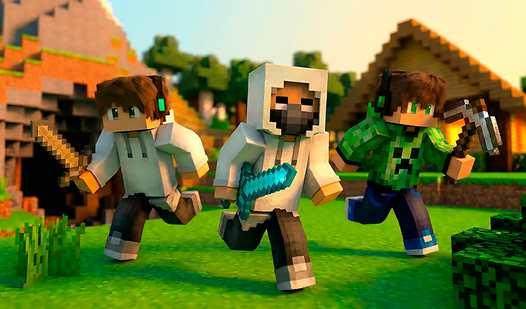
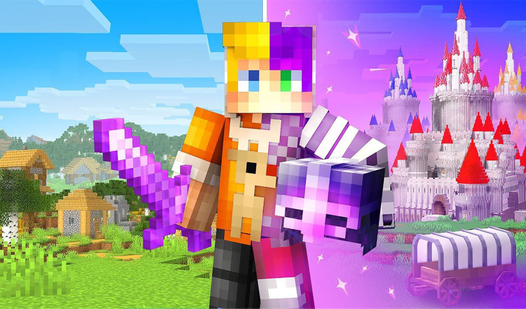
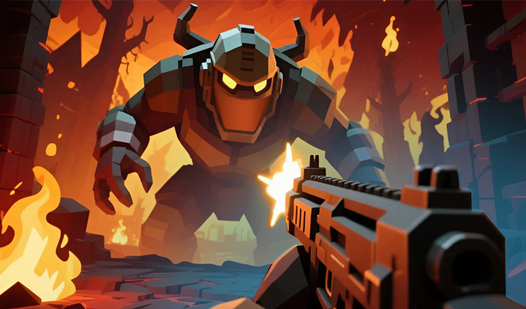
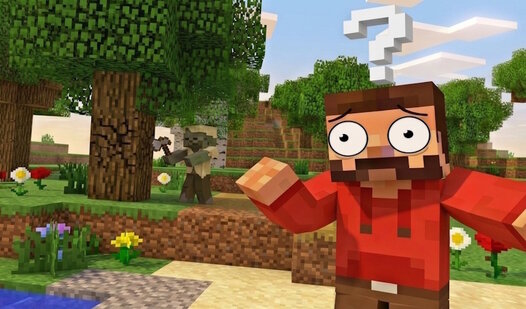
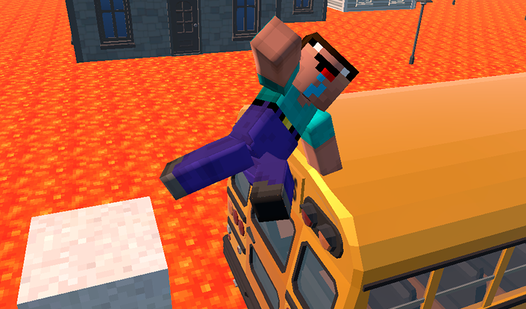
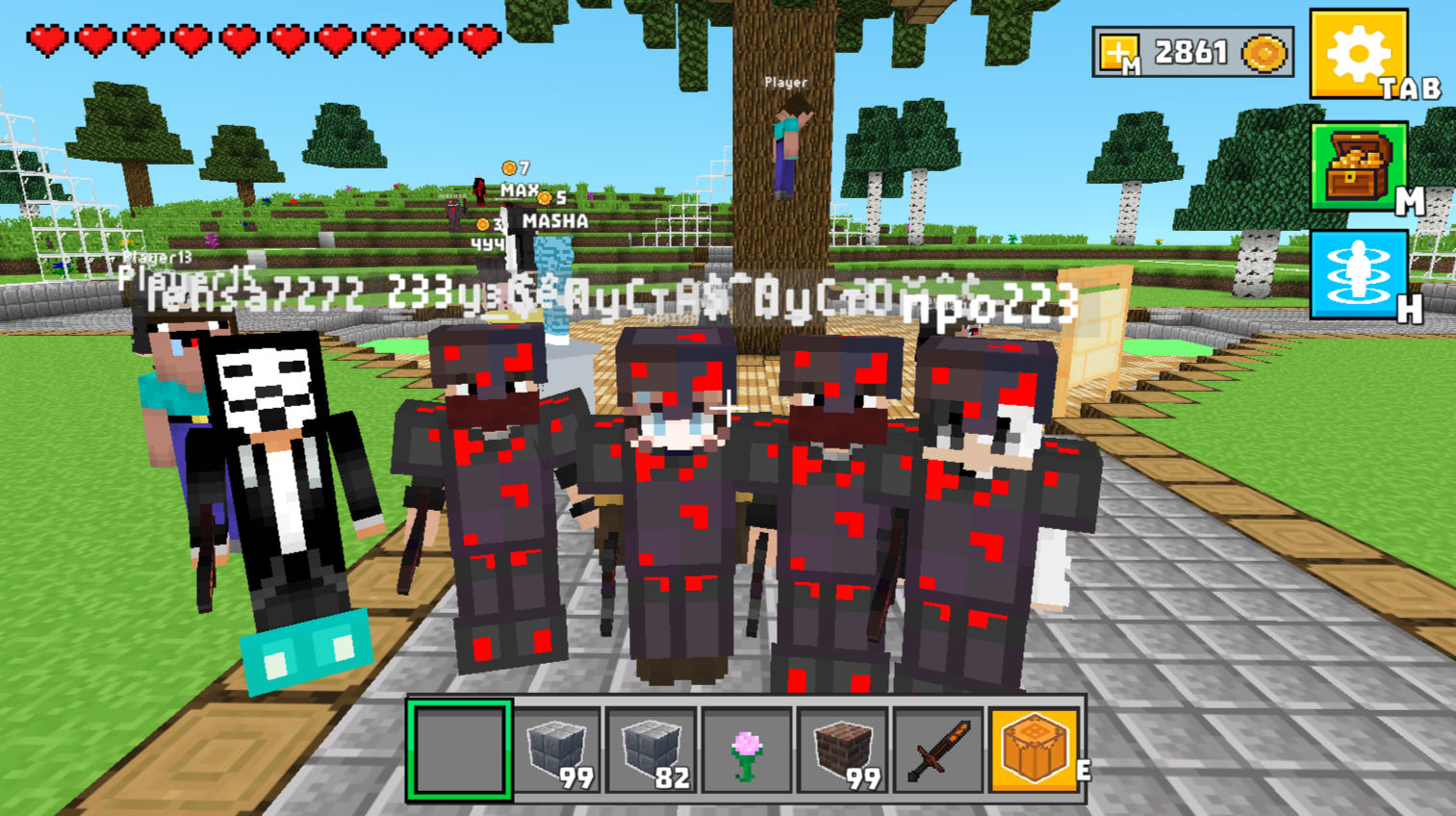
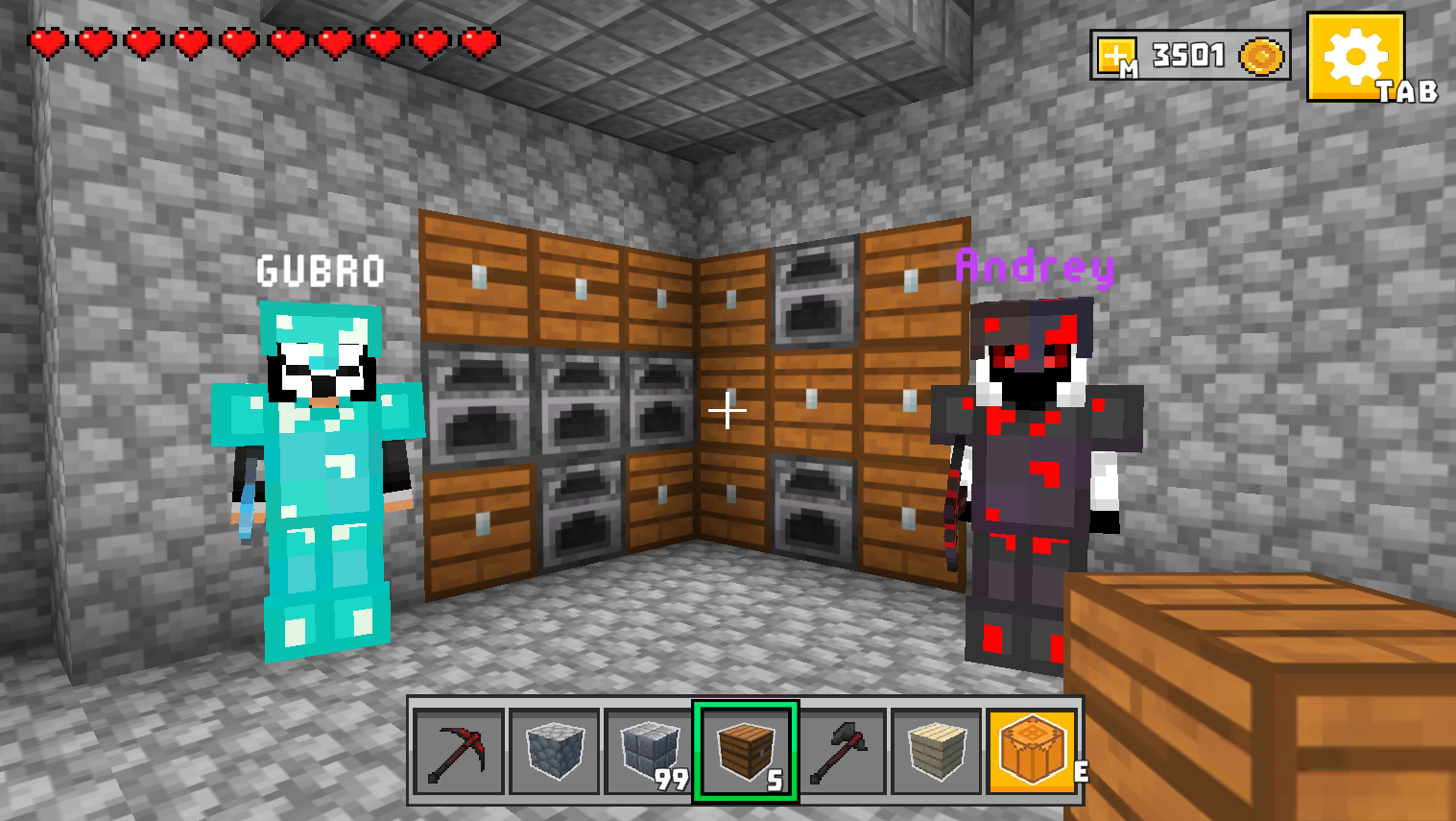
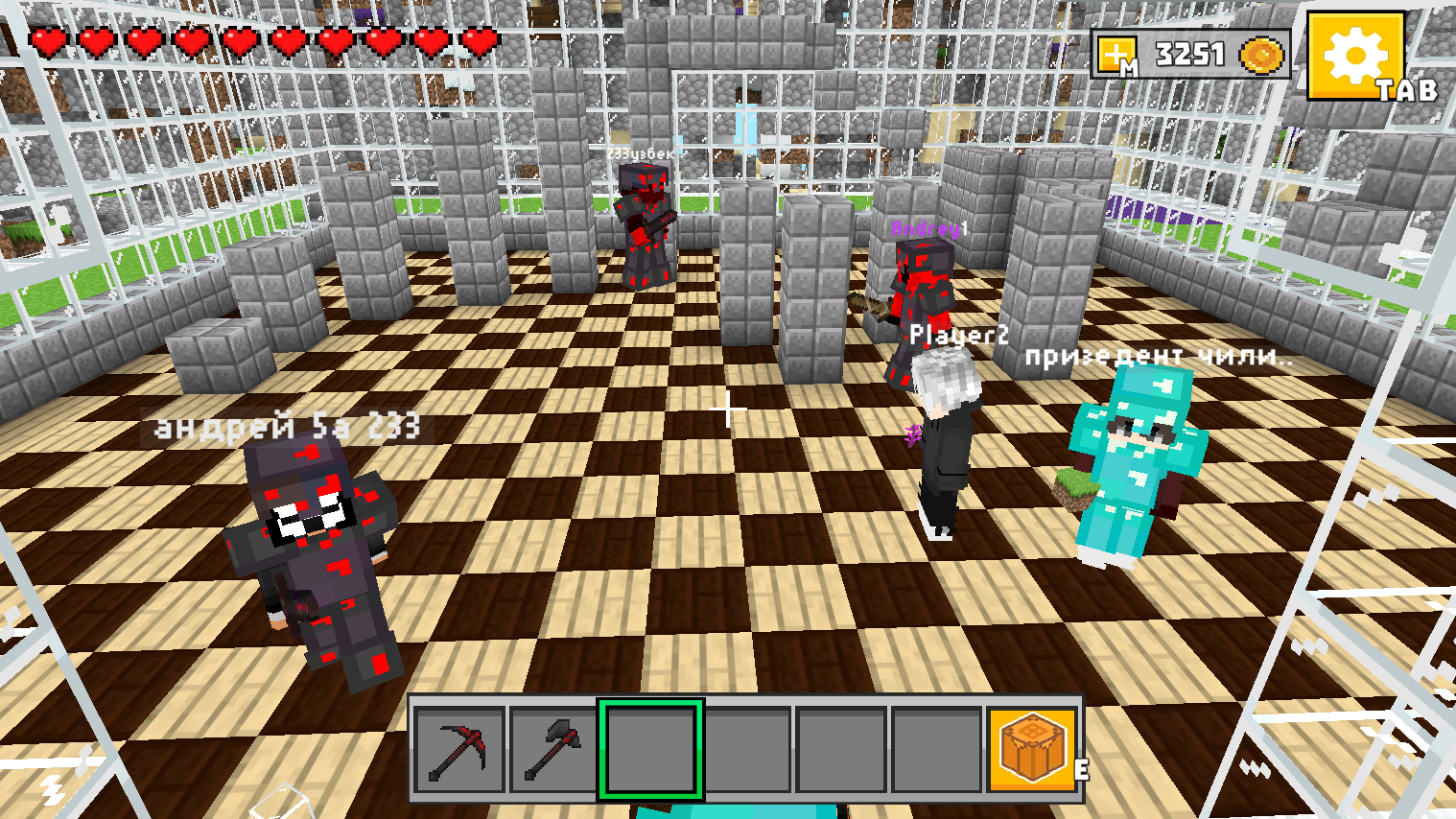
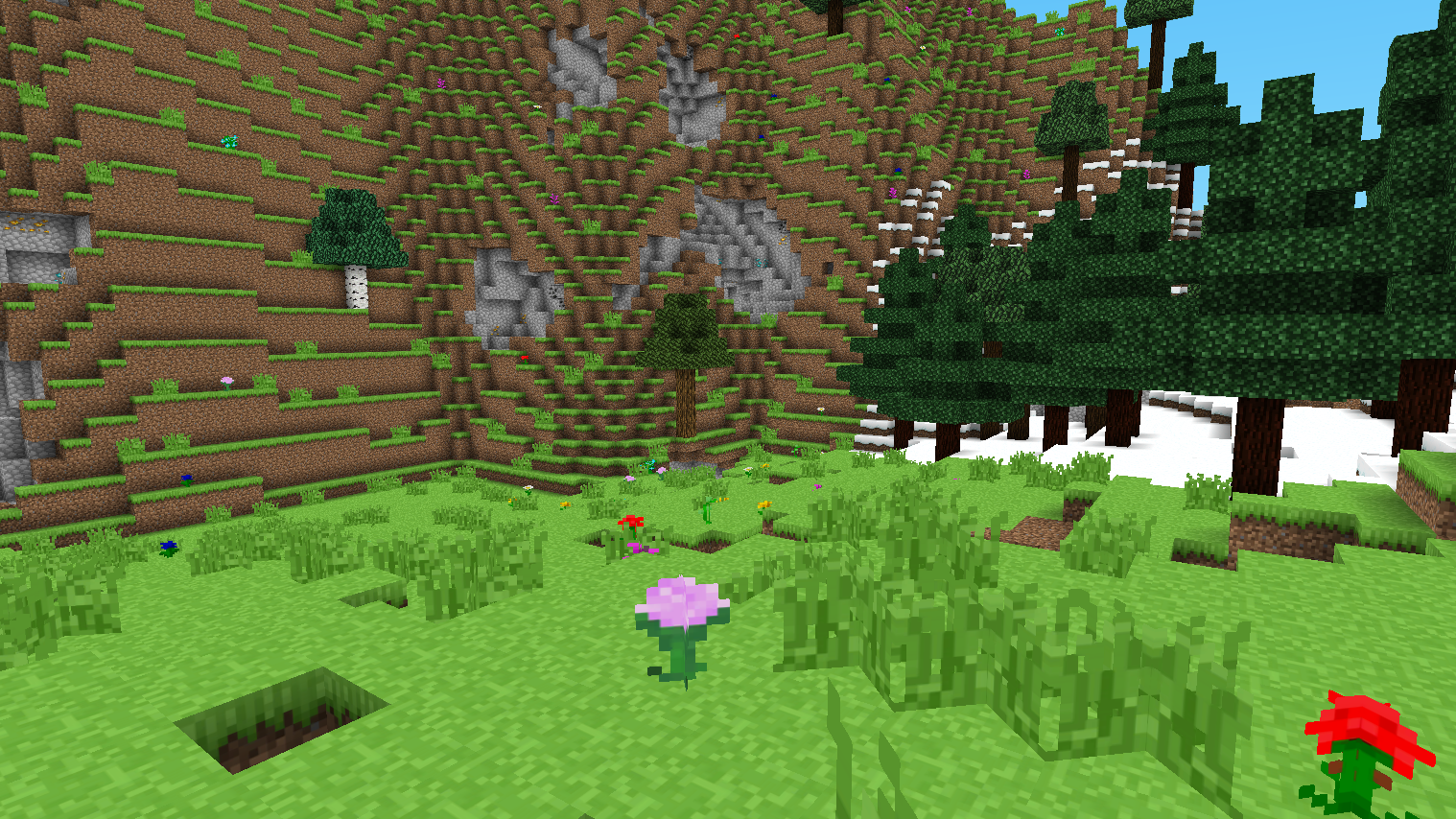
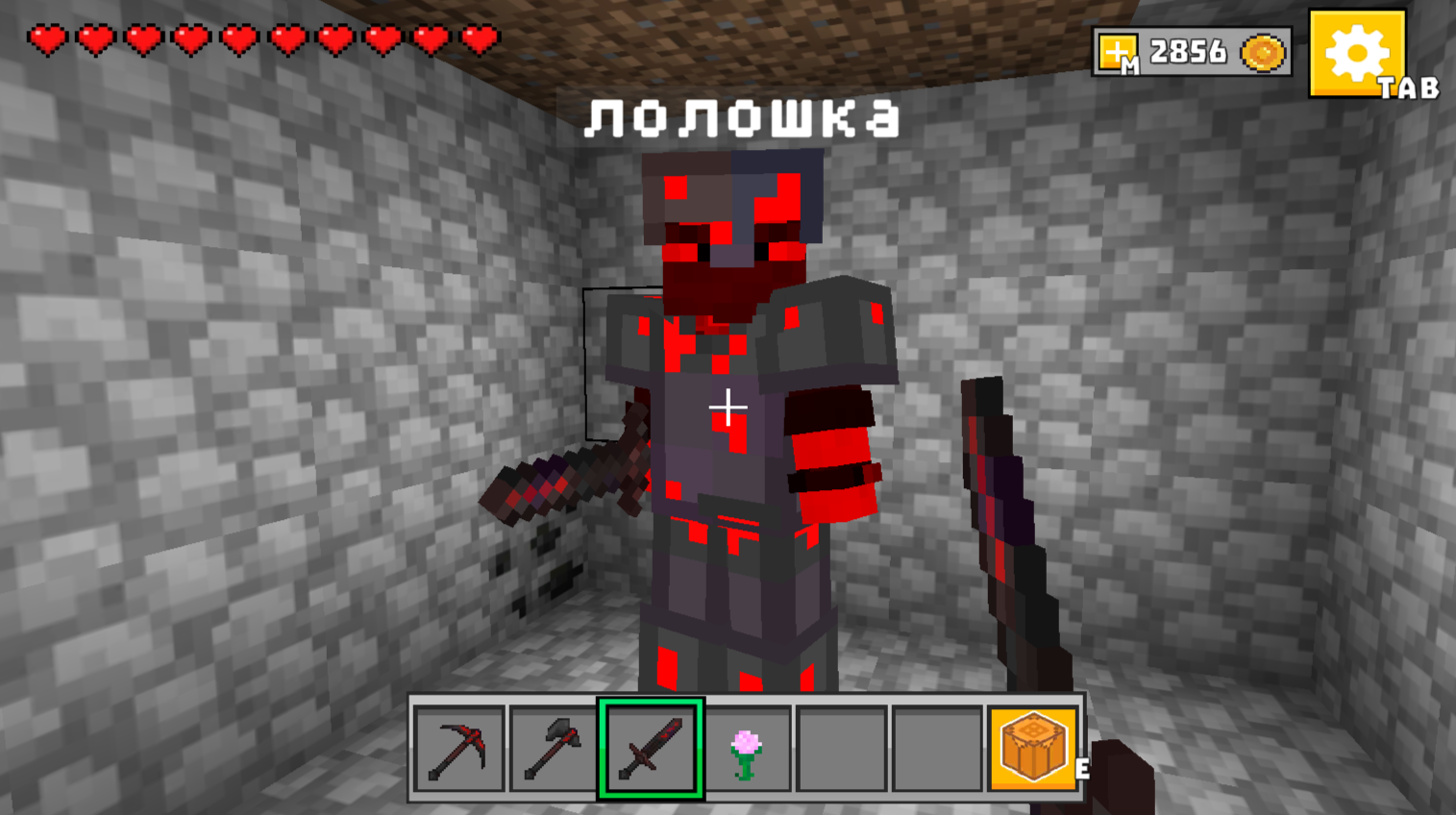
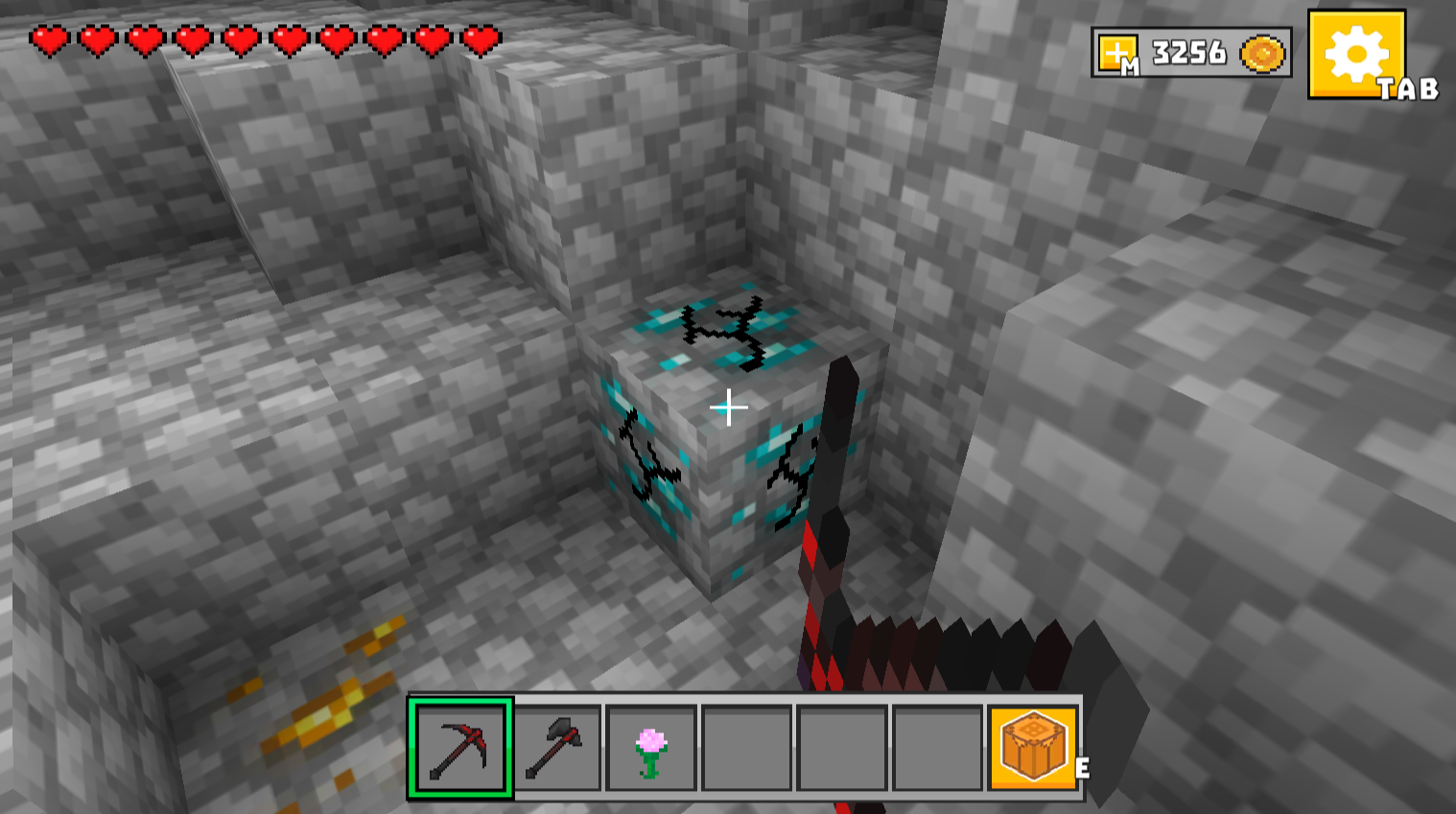
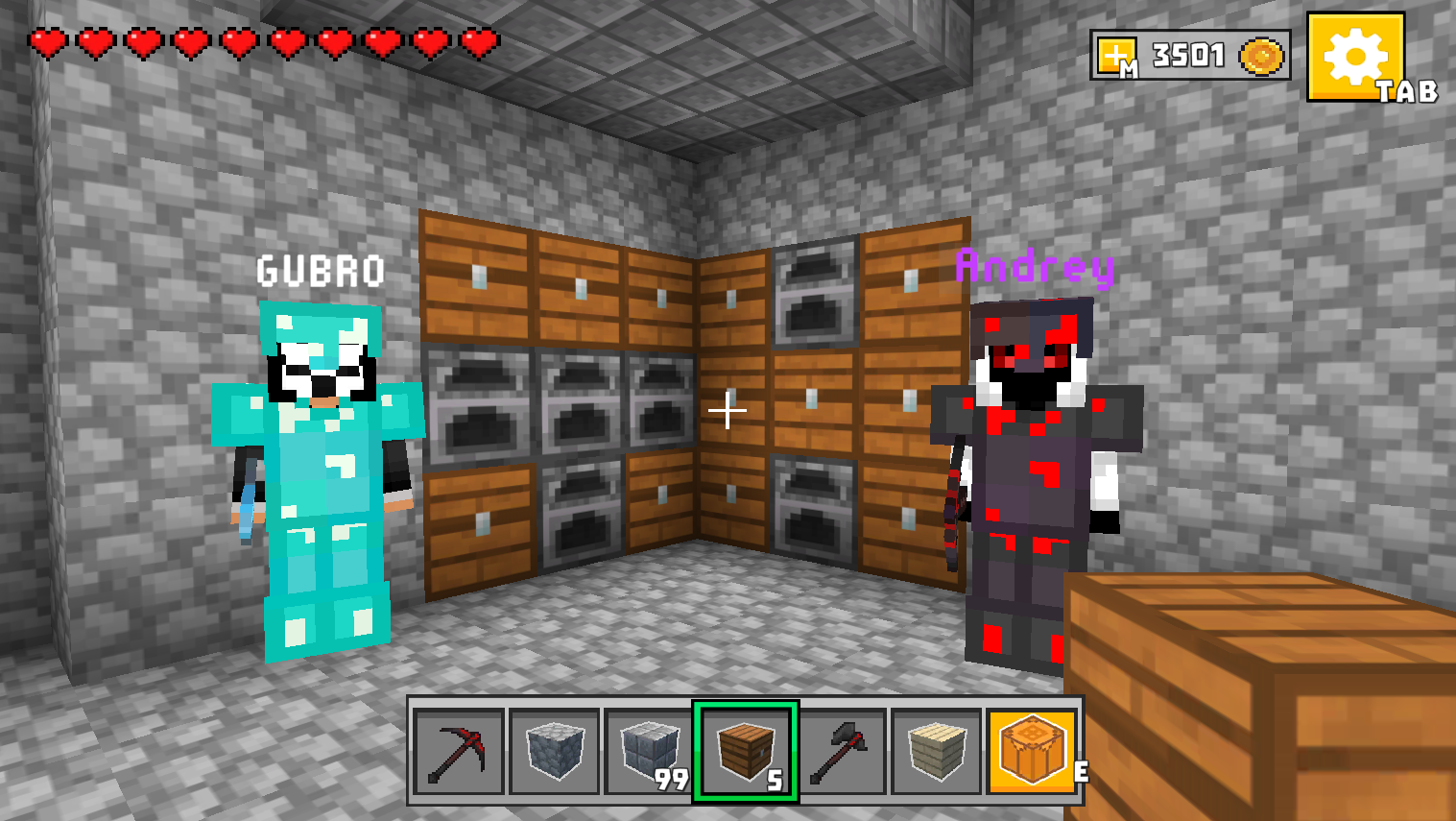
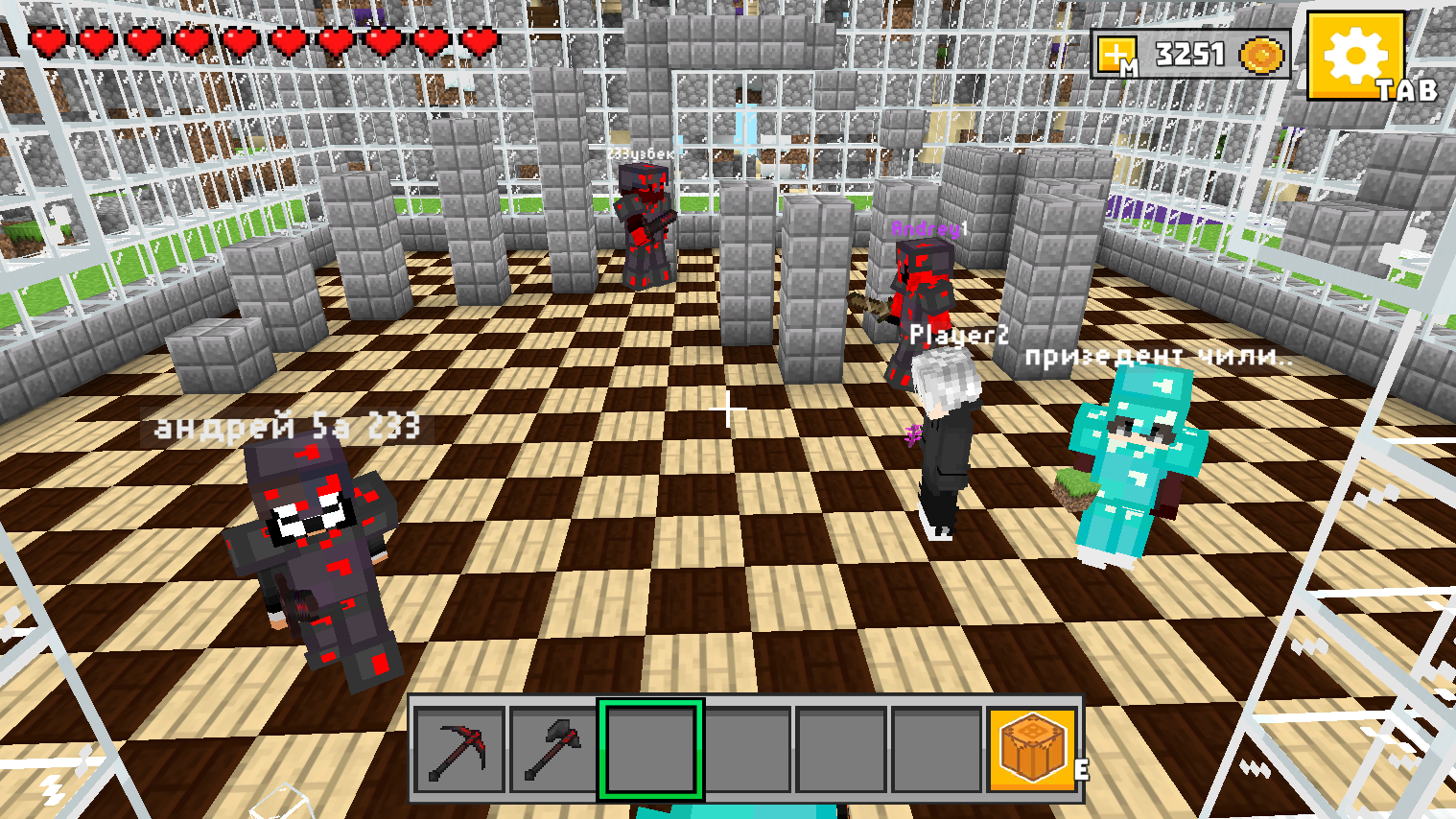
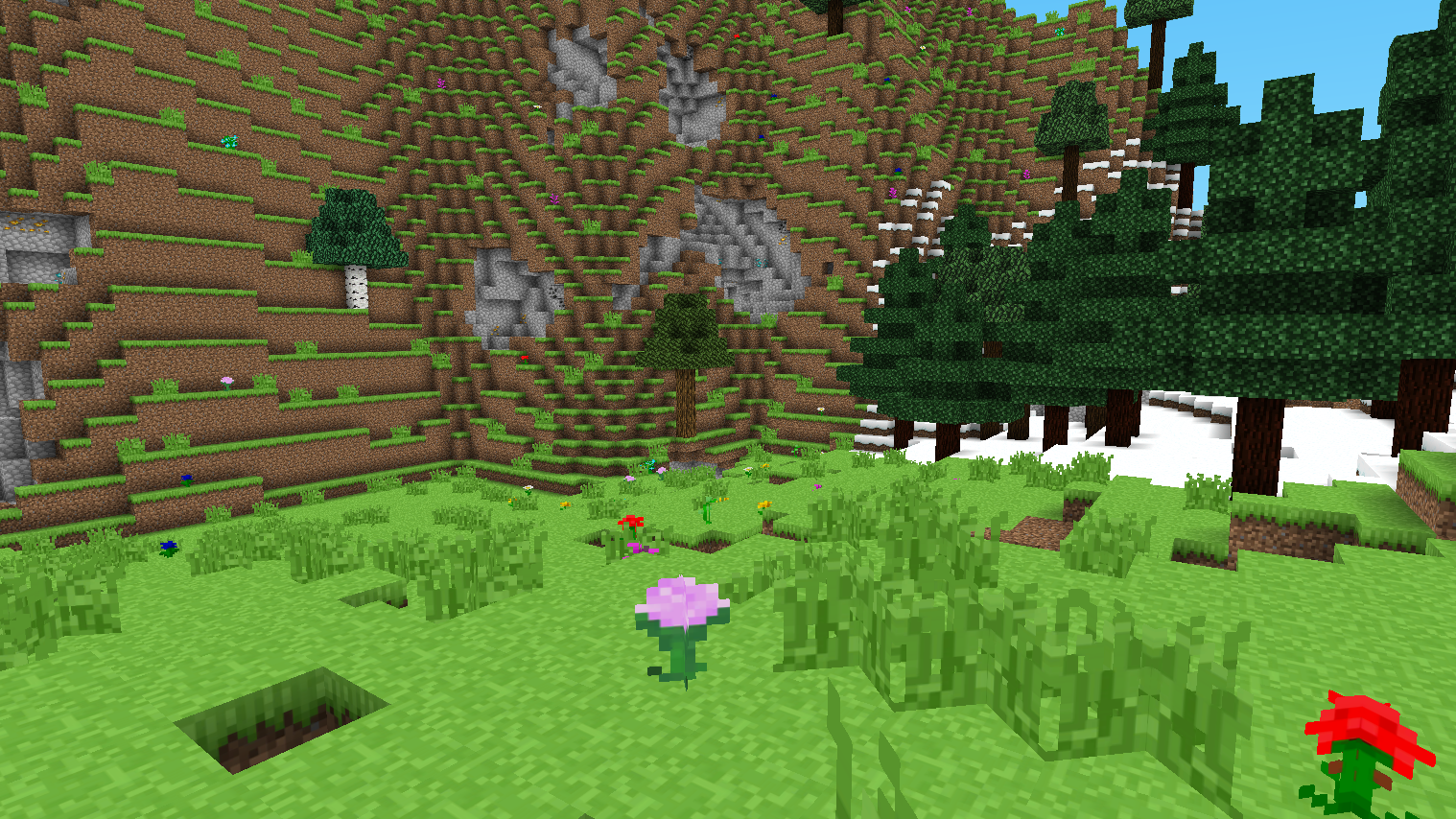
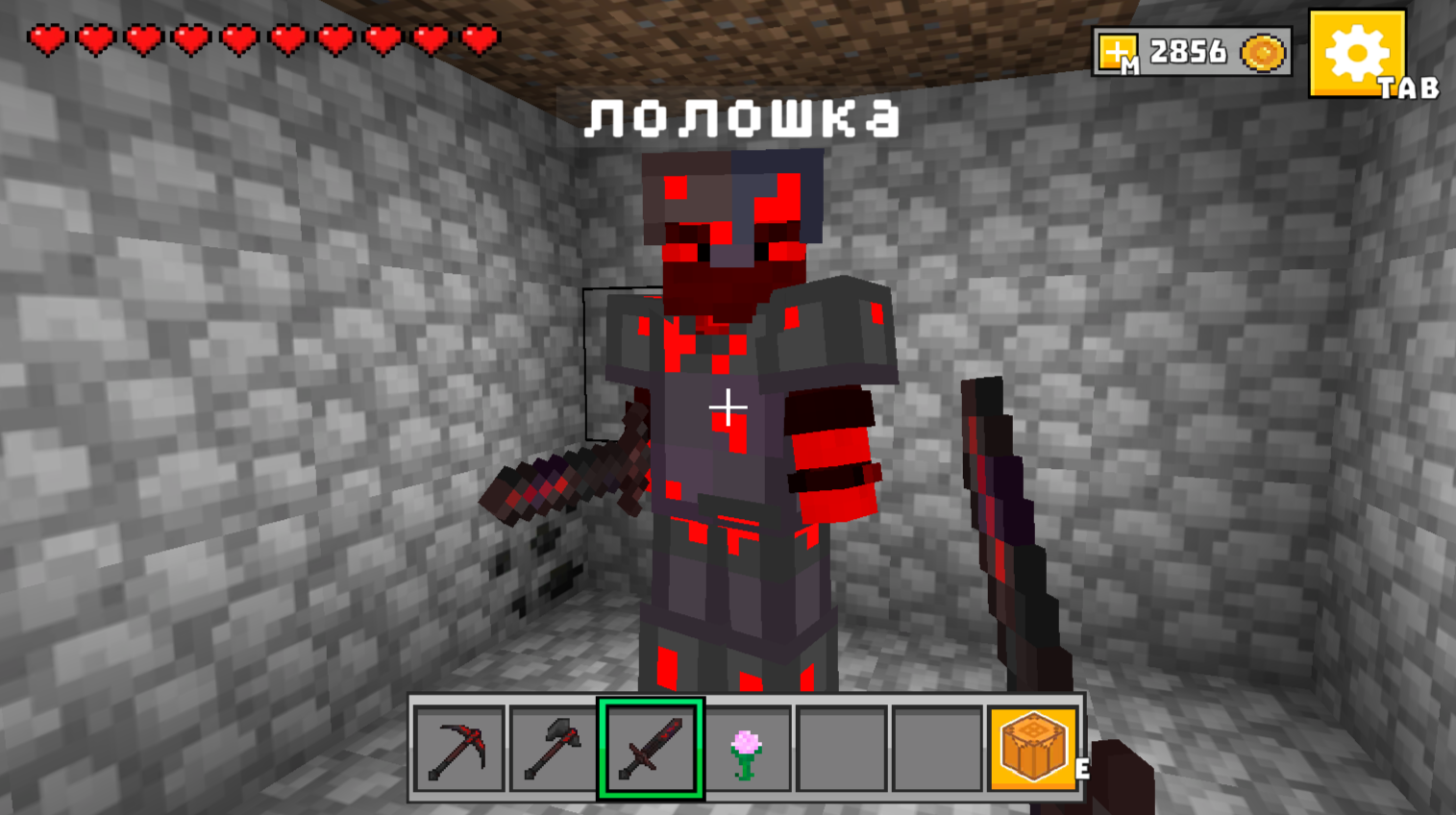
Building block worlds has become a global phenomenon because it turns every player into a digital architect with infinite possibilities. Mine - Online brings this expansive sandbox experience directly to your browser, stripping away the need for heavy installations. You can mine raw materials, craft essential tools, and assemble sprawling fortresses block by block in a vibrant 3D environment. The mechanics allow you to seamlessly switch between destructive mining and creative construction as you shape the terrain to your liking. Working together with friends makes the experience even better, as you collaborate on massive city projects or compete for the most impressive base design. Beyond simple building, the game includes strategic elements like weapon creation and territorial exploration to keep your sessions fresh every time. Whether you choose to be a focused miner or a creative builder, the world adapts to your personal playstyle. You can experience all the fun of Mine - Online for free right now in your browser without any downloads required.
How to play
Controls:
🖥️ Desktop:
WASD - walk
SHIFT - run
Space bar - jump
E - open craft
M - shop
H - teleport window
T - open chat
TAB - open the settings window/ pause
Left mouse button - sword strike
Right mouse button - place a block
Turn the mouse wheel to move through the inventory
1,2,3,4,5,6 - moving through inventory
📱 Smartphone:
Swipe on the left side of the screen to move
Swipe on the right side of the screen - screen rotation
Click on the sword icon to strike
Click on the up arrow icon to jump
Click on the icon with your index finger up to place a block
Click on the gear icon to open the game menu.
Click on the workbench icon to open the craft
Clicking on the inventory cell at the bottom of the screen will select an item.
Features
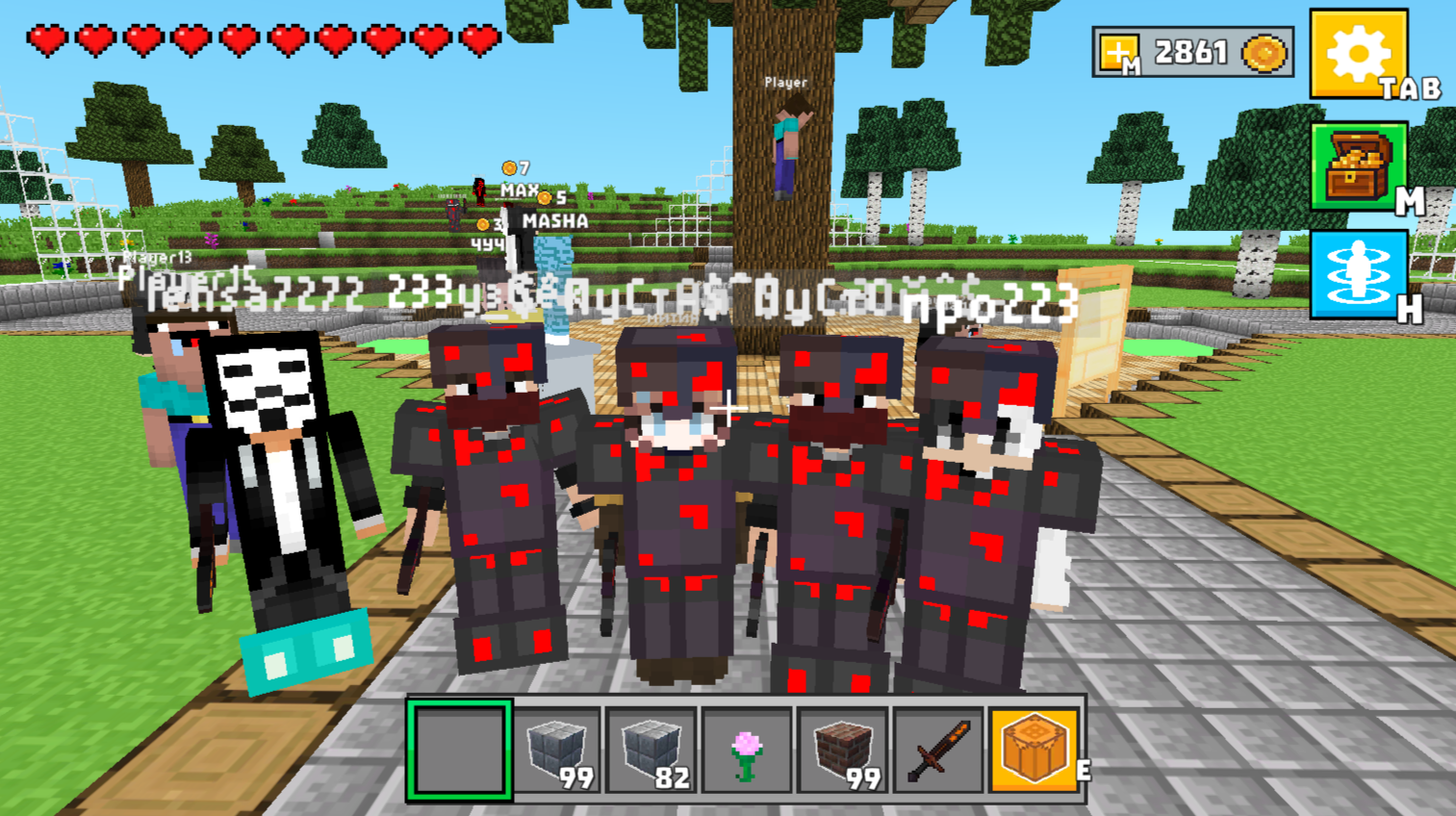
- Collaborative Multiplayer: Join forces with friends to build massive underground tunnels or detailed architectural masterpieces in real time.
- Versatile Crafting System: Access the dedicated menu to combine scavenged resources into powerful weapons and specialized tools.
- Integrated Shop and Teleport: Use the in-game shop for upgrades and the teleport window to navigate large maps quickly.
- Dynamic Inventory Management: Cycle through your collected blocks and items using intuitive hotkeys or on-screen selection icons.
- Customizable World Settings: Adjust your game environment through the settings menu to optimize performance and visual preferences.
Who is it for
Sandbox enthusiasts and creative builders looking for a social gaming experience. Fans of block-based construction who enjoy exploring open worlds, collaborating on massive infrastructure projects with friends, or testing their mining skills against others in a high-quality browser environment will find countless hours of entertainment here.
Controls
Movement
Use WASD keys on desktop or swipe on the left side of the screen on mobile devices.
Building and Mining
Right-click or tap the block placement icon to place blocks, and use left-click or the sword icon to strike.
Navigation
Rotate the camera by moving the mouse or swiping on the right side of your smartphone screen.
Menu Access
Press M for the shop, E for crafting, or tap the gear icon to open the main game menu.
FAQ
Is it possible to play Mine - Online with friends?
›
Yes, Mine - Online is designed for multiplayer interaction where you can team up to build structures or compete with others.
Do I need to install anything to run Mine - Online?
›
Not at all, as Mine - Online runs directly in your web browser with no download or registration required.
Can I use mobile devices to play Mine - Online?
›
Absolutely, Mine - Online features full touch controls optimized for smooth gameplay on both smartphones and tablets.