About game
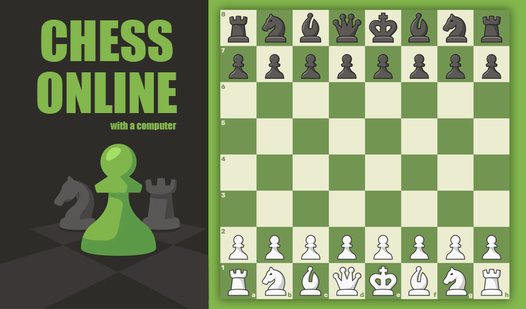
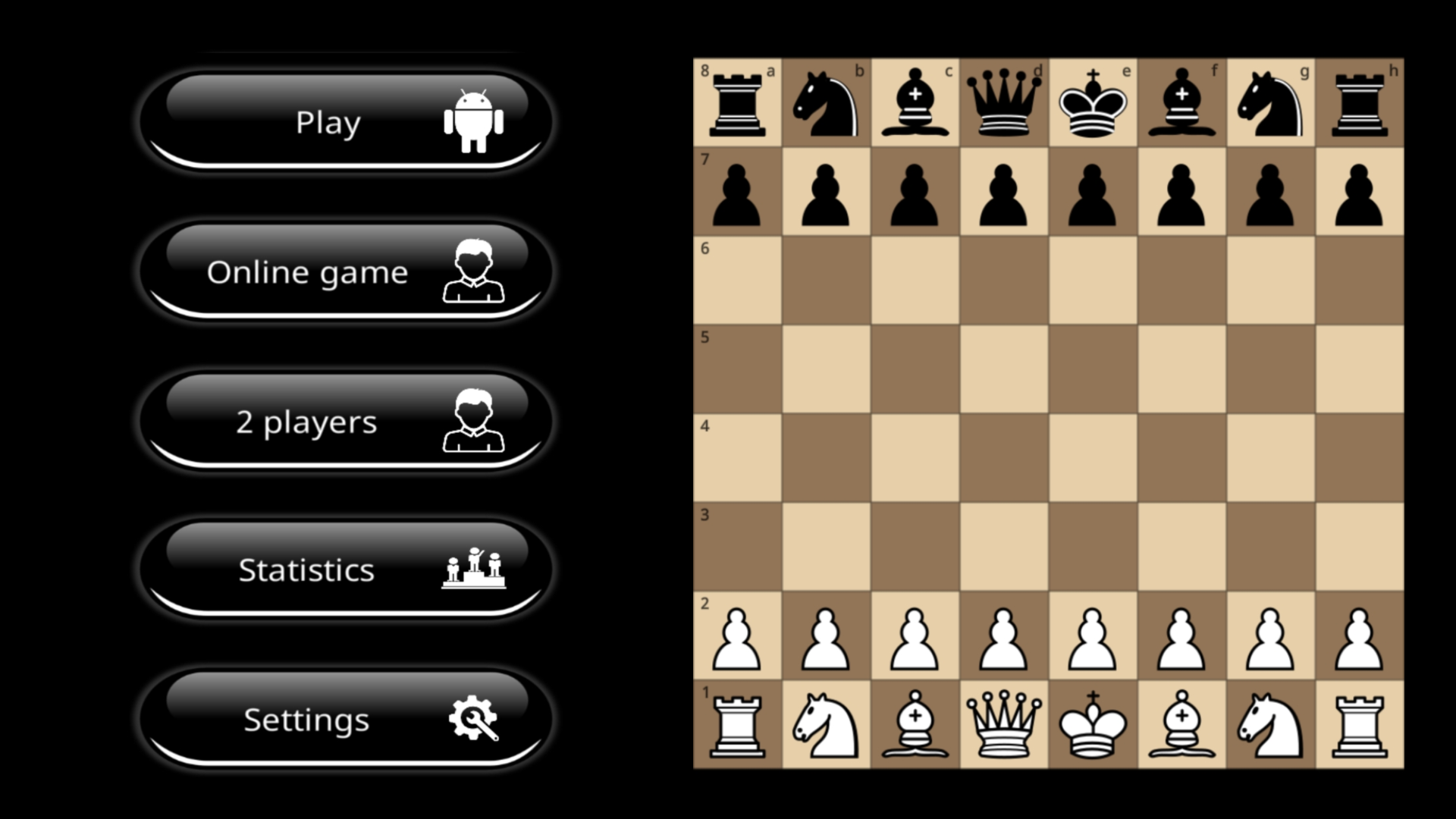
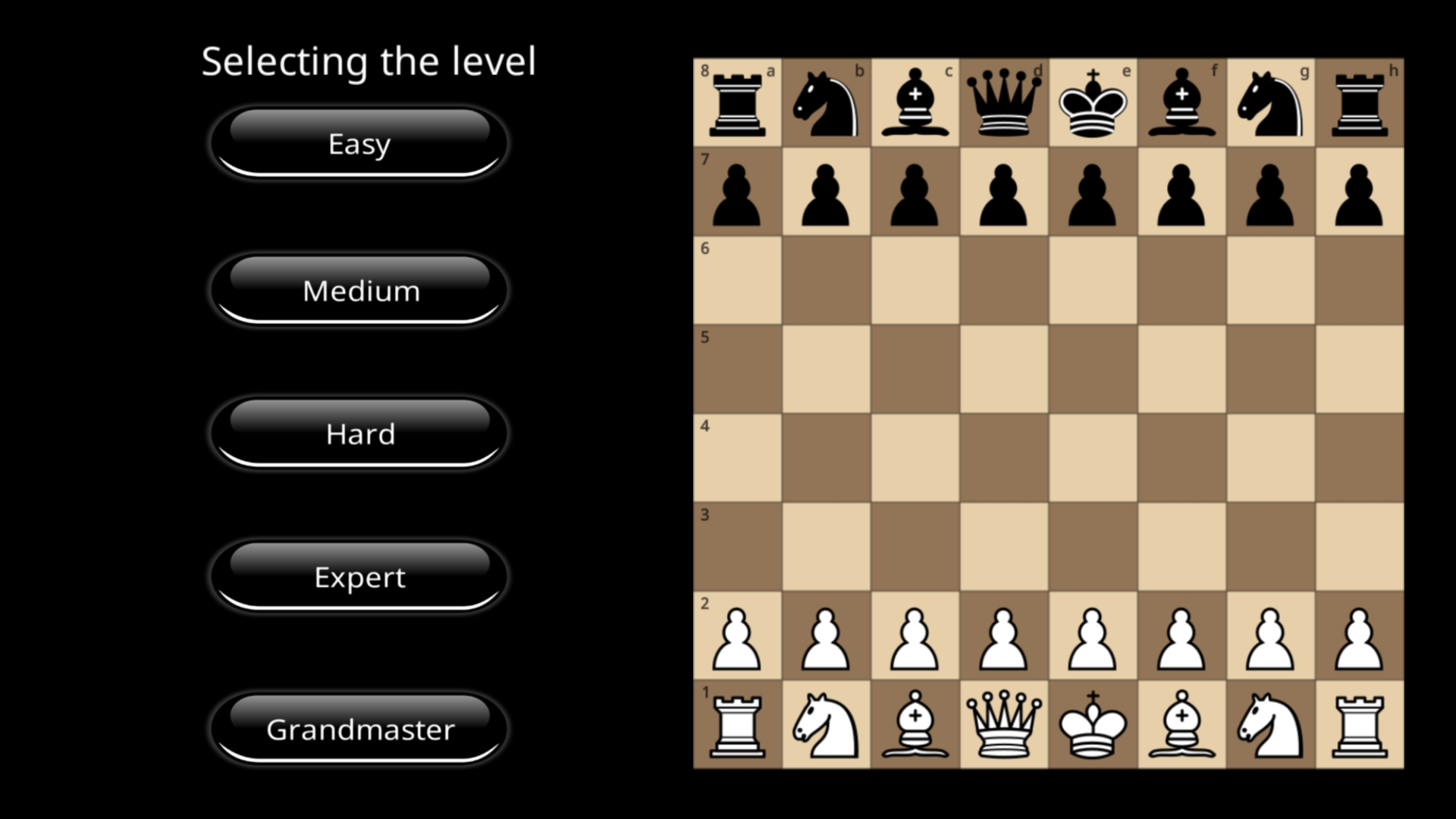
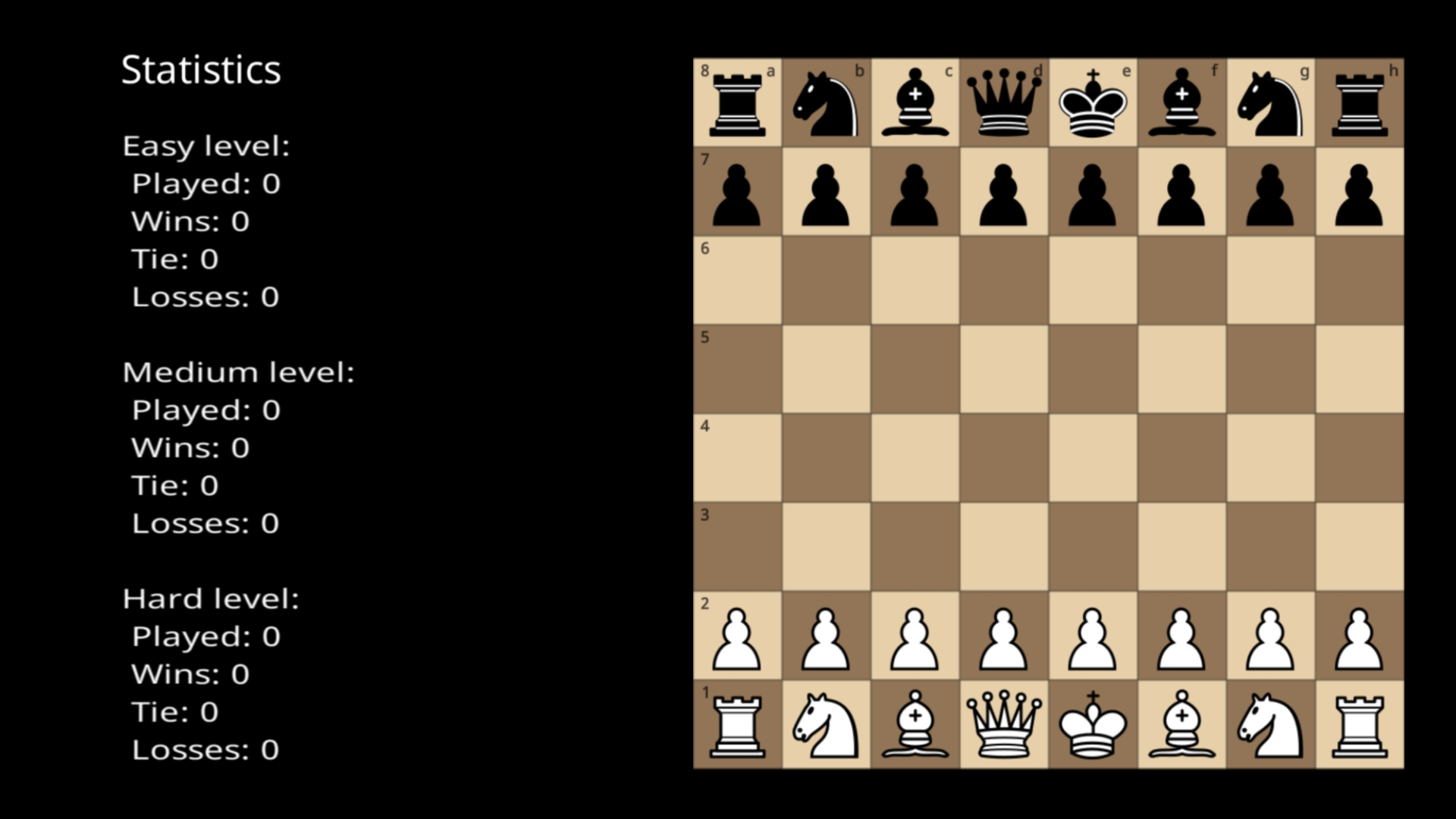
Mastering the ancient strategy of the royal game is a lifetime pursuit that begins with a single move. Chess with a computer offers the perfect digital arena to sharpen your tactical mind and test your patience against a cunning AI opponent. You can navigate five distinct difficulty levels that scale from beginner-friendly matches to grandmaster-level challenges. If you prefer a social experience, the local multiplayer mode allows you to engage in an intense game on two where you and a friend take turns on the same screen. The interface keeps things clean with customizable background themes and togglable sound effects to suit your personal style. Keep track of your progress over time with a built-in statistics tracker that logs every victory and defeat across different AI tiers. Whether you are a casual player or a serious strategist, these chess online sessions provide a seamless way to practice your openings and endgame tactics. Experience this classic mental exercise for free directly in your browser with no download required.
How to play
It is very easy to play, the rules correspond to the classical rules of chess. All chess pieces are standard and follow international rules. Choose the level first for easier, and then more difficult, try to go through all the difficulty levels.
You can also call a friend and choose a game mode for two, i.e. against each other and walk in turns.
Features
- Difficulty Scaling: Choose from five distinct AI tiers that challenge everyone from novice players to seasoned veterans.
- Local Multiplayer: Challenge a friend to a match on the same device with the dedicated two-player game mode.
- Personalized Interface: Toggle between light and dark themes to optimize your focus during long matches.
- Performance Tracking: Review your long-term progress with a dedicated stats screen that breaks down your win-loss ratio by difficulty.
- Classic Ruleset: Every piece moves according to international standards, ensuring an authentic experience for traditionalists.
Who is it for
Strategy enthusiasts and logic puzzle fans who enjoy testing their brainpower against artificial intelligence. Casual players seeking a quick timekiller will appreciate the intuitive controls, while competitive friends will enjoy the local multiplayer mode for head-to-head matches on any device during their free time.
Controls
Select Piece
Tap on the piece you wish to move on your mobile screen or click it with your mouse.
Move Piece
Tap or click on the destination square to confirm your move.
Navigate Menu
Use touch gestures or mouse clicks to toggle settings and select game modes.
FAQ
How do I change the difficulty in Chess with a computer?
›
You can select your preferred difficulty level from the main game menu before starting a new session against the AI.
Is Chess with a computer available for multiplayer matches?
›
Yes, the game features a local multiplayer mode that allows two players to compete against each other on the same screen.
Can I track my wins in Chess with a computer?
›
The game includes a statistics menu that records your total victories and defeats, categorized by the difficulty level you played.