About game
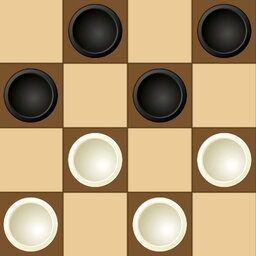
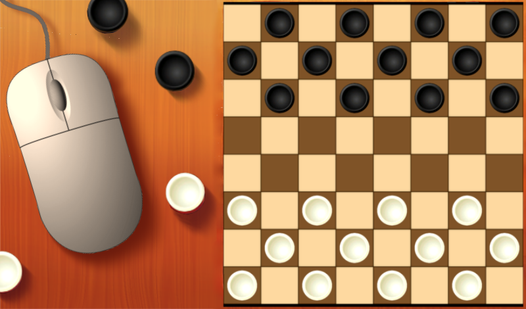
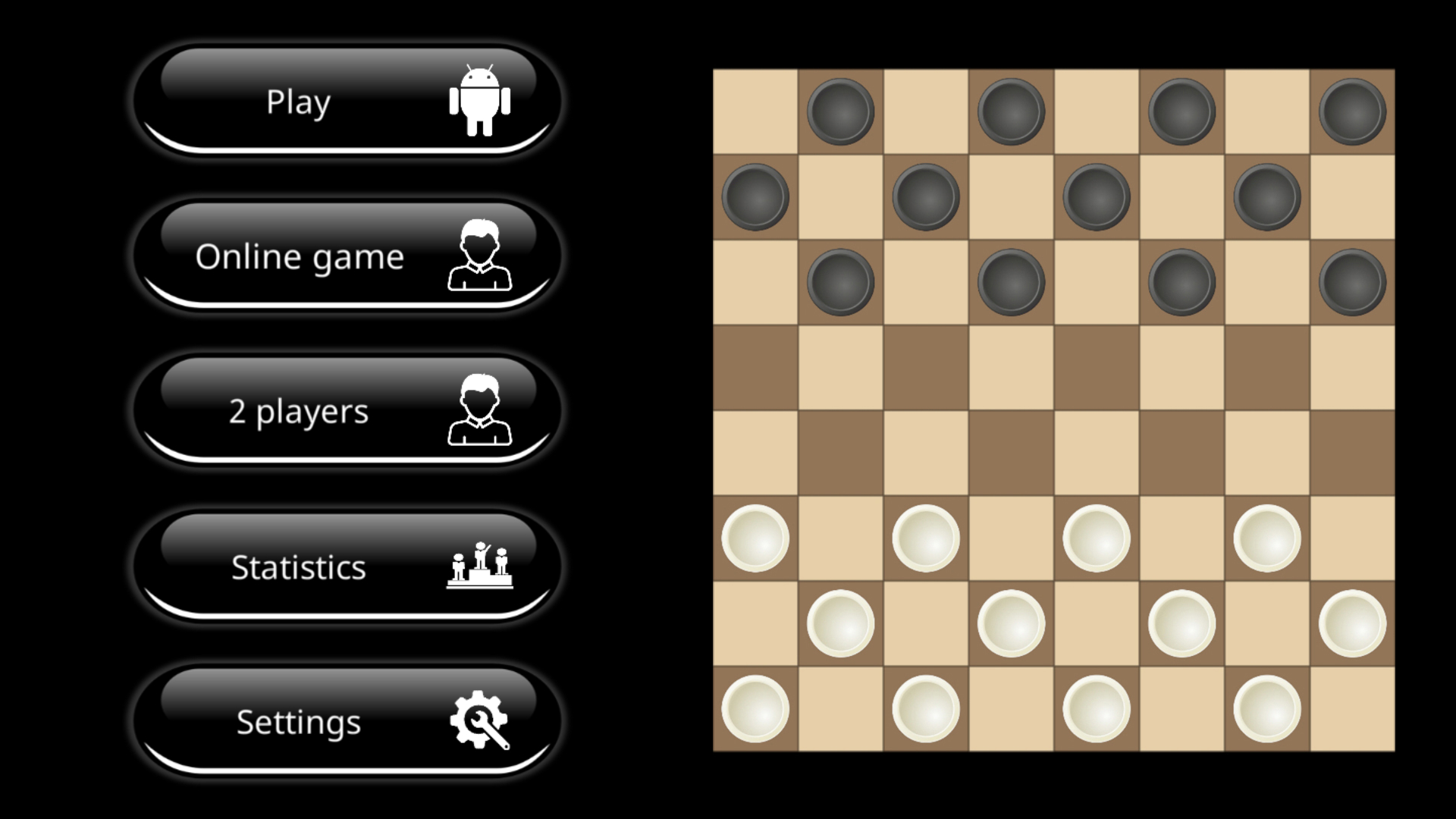
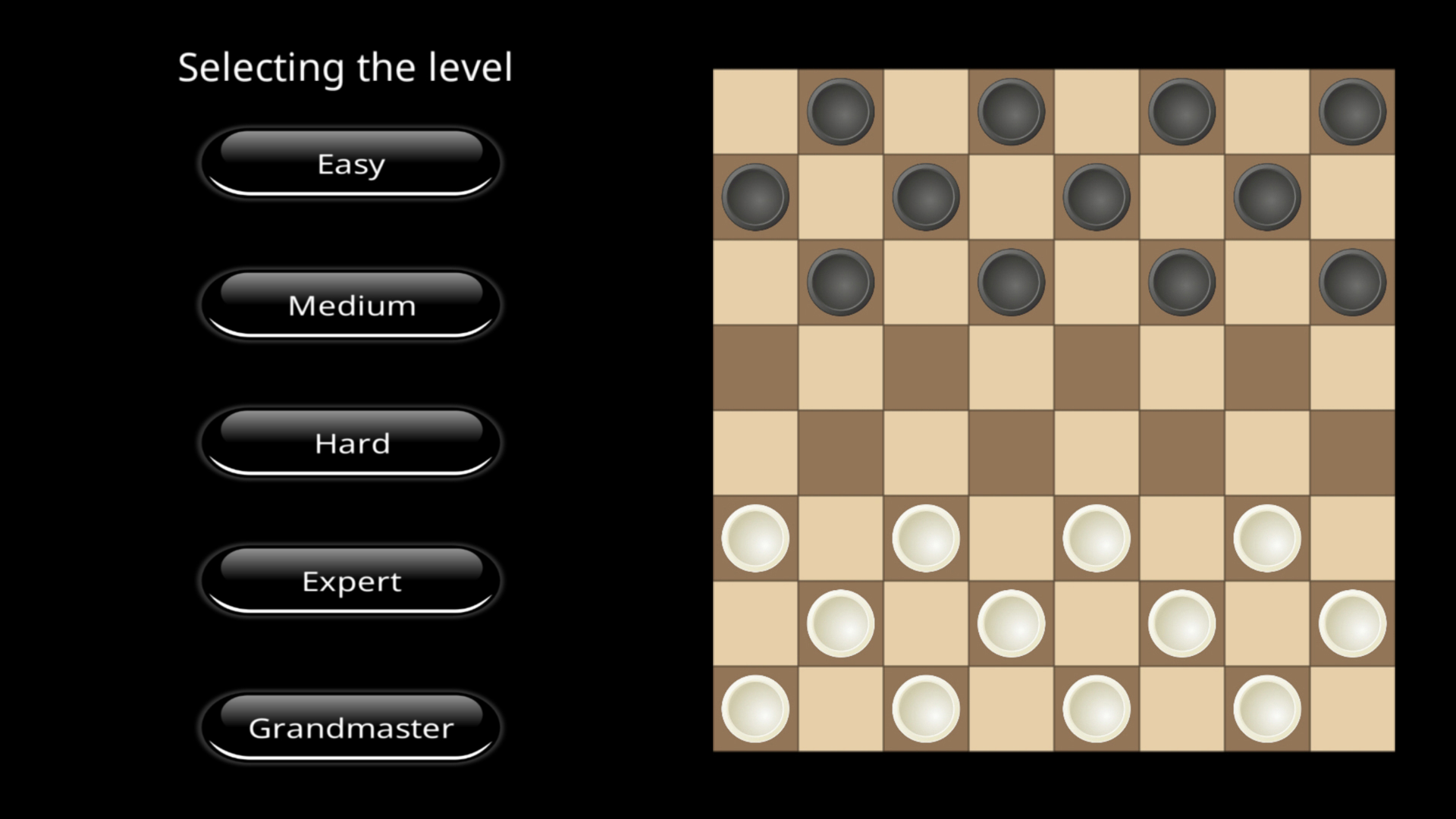
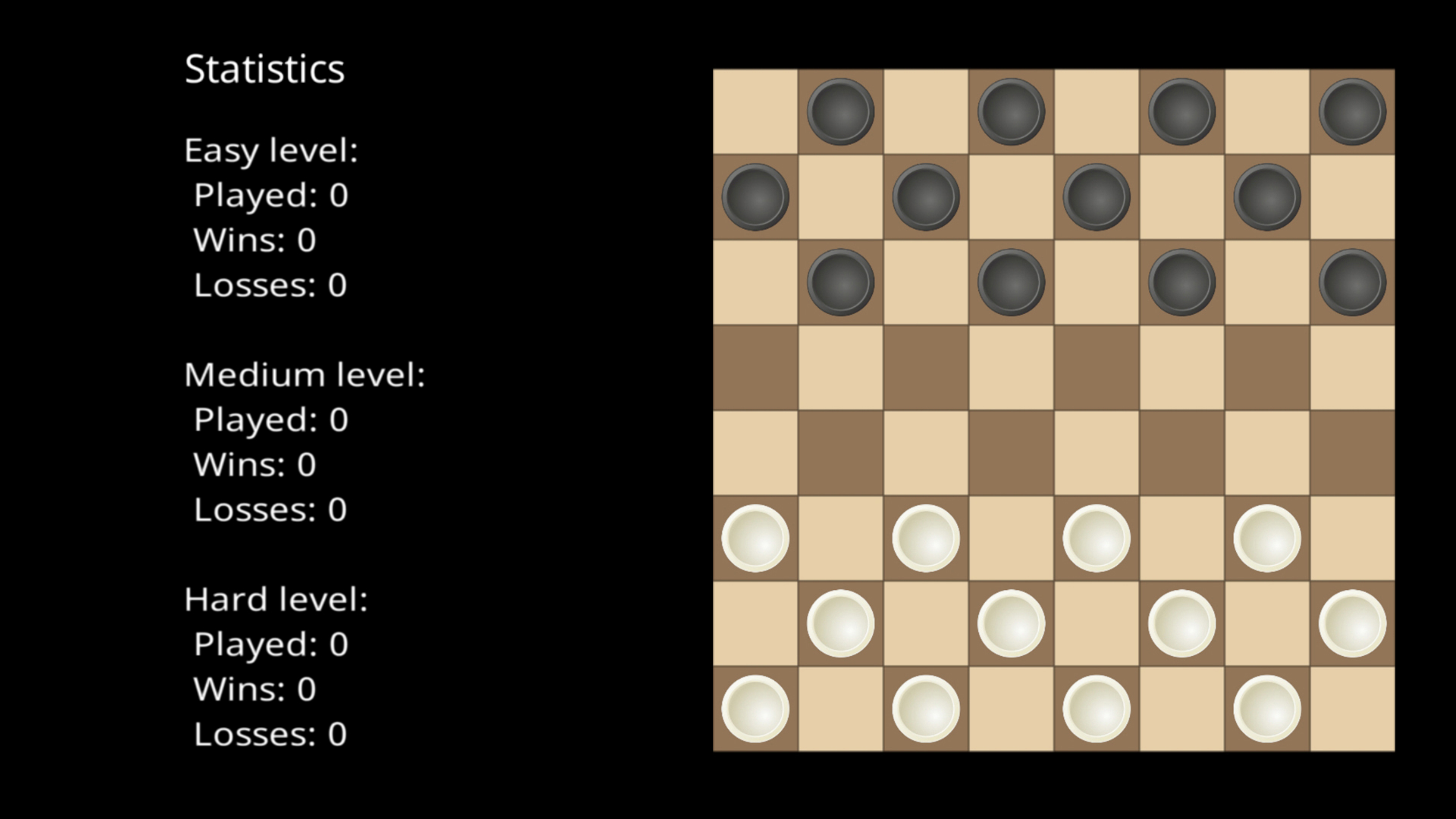
Strategic board games have challenged human intellect for centuries, and Checkers vs Computer brings that timeless intensity directly to your screen. Navigating the board requires sharp foresight and clever tactics as you aim to outmaneuver every piece on the field. You can test your skills against a robust AI with five distinct difficulty levels, ranging from beginner-friendly challenges to grandmaster tests. If you prefer a social experience, the local multiplayer mode allows you to engage in a classic match of шашки with a friend on the same device. The gameplay strictly follows traditional rules where capturing is mandatory and kings hold the power to dominate the entire board. Customization options like background color adjustments and sound settings let you tailor the atmosphere to your preference. Your progression is tracked through detailed statistics, helping you monitor your victories and defeats across every level. This refined experience makes playing шашки с компьютером feel smooth, responsive, and incredibly rewarding. Head over to FreeJoy.games to play this classic thinking game for free in your browser with no download required.
How to play
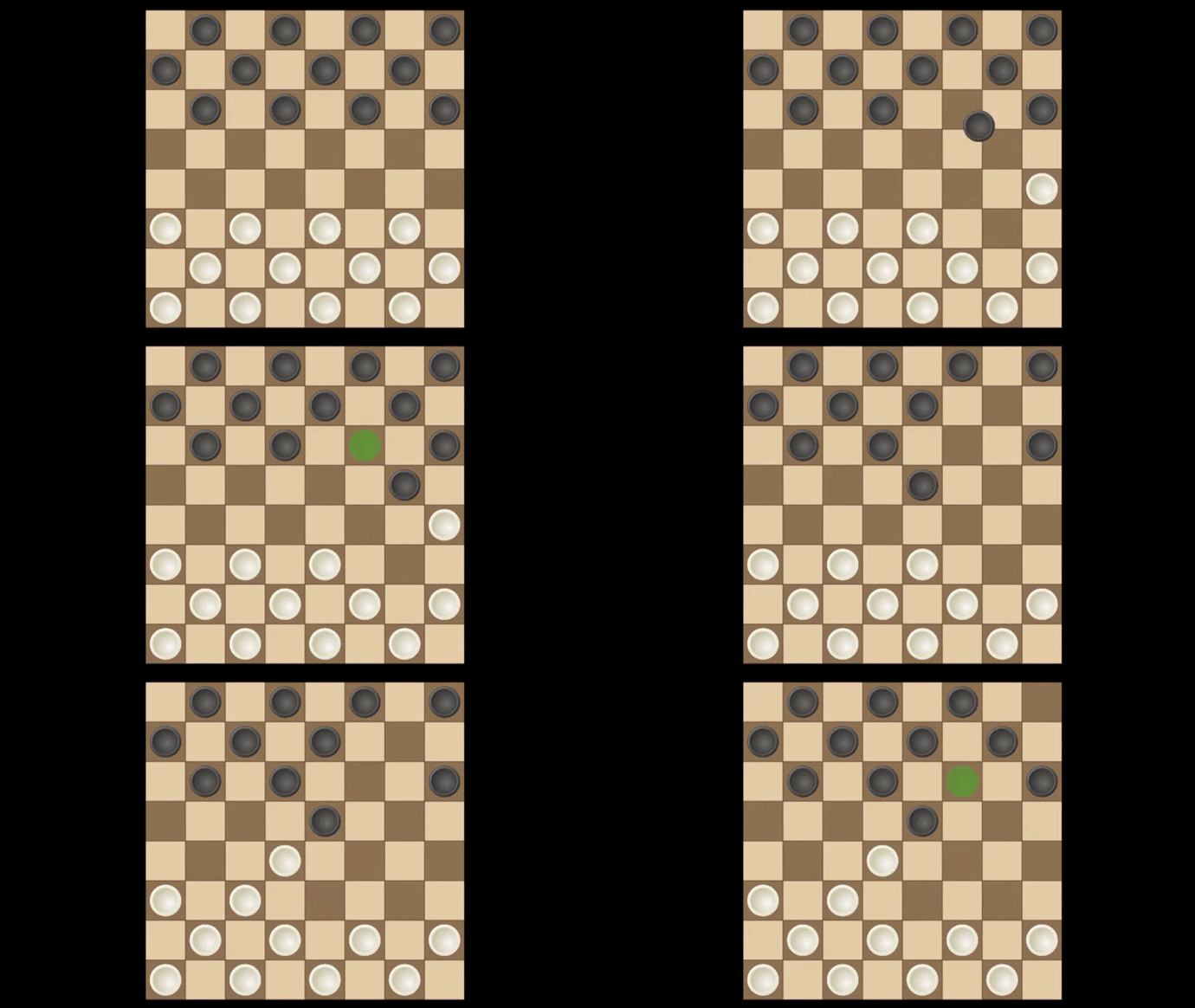
It is very easy to play, the rules correspond to the classic rules of Russian checkers. It is obligatory to hit the checker, the king walks across the entire field. Choose the level first for easier, and then more difficult, try to pass them all.
You can also call a friend and choose a game of checkers for two, i.e. against each other and walk in turns.
Features
- Five Difficulty Tiers: Progress from an entry-level AI that teaches basic strategy to a master-level bot that never misses a move.
- Mandatory Capture Mechanic: Stick to authentic Russian checkers rules where you must take every available piece to keep the game fast-paced.
- King Movement: Experience the power of the king, which can traverse the entire board to pin down your opponent.
- In-Depth Analytics: Track your performance with a built-in scoreboard that logs wins and losses for every specific difficulty setting.
- Visual Customization: Toggle between a crisp white or a sleek black board theme to suit your lighting or personal style.
Who is it for
Board game enthusiasts and casual thinkers will appreciate the tactical depth found in these classic matches. It serves as a perfect brain training tool for players of all ages who want to sharpen their focus, logic, and strategic planning skills during quick breaks or long gaming sessions.
Controls
Select piece
Click or tap on the checker you want to move.
Execute move
Click or tap on the target square to place your piece.
Menu navigation
Use your mouse or finger to tap buttons for settings and mode selection.
FAQ
Can I play Checkers vs Computer with a friend on the same device?
›
Yes, the game features a dedicated mode for two players where you can take turns on the same screen.
Does Checkers vs Computer save my progress?
›
The game maintains a statistics menu that tracks your total number of wins and losses across all difficulty levels.
Is it possible to adjust the difficulty in Checkers vs Computer?
›
Absolutely, there are five different AI difficulty levels available to ensure a fair challenge for both beginners and experts.