About game
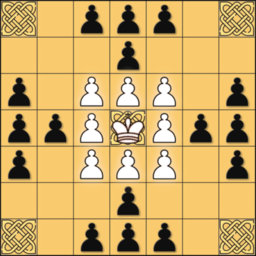
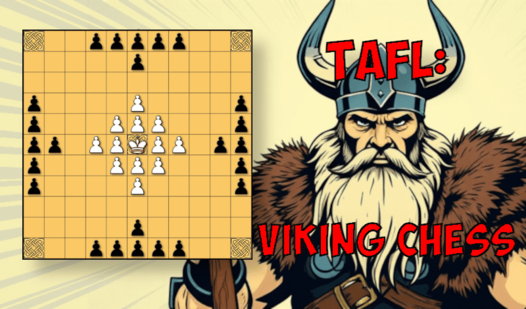
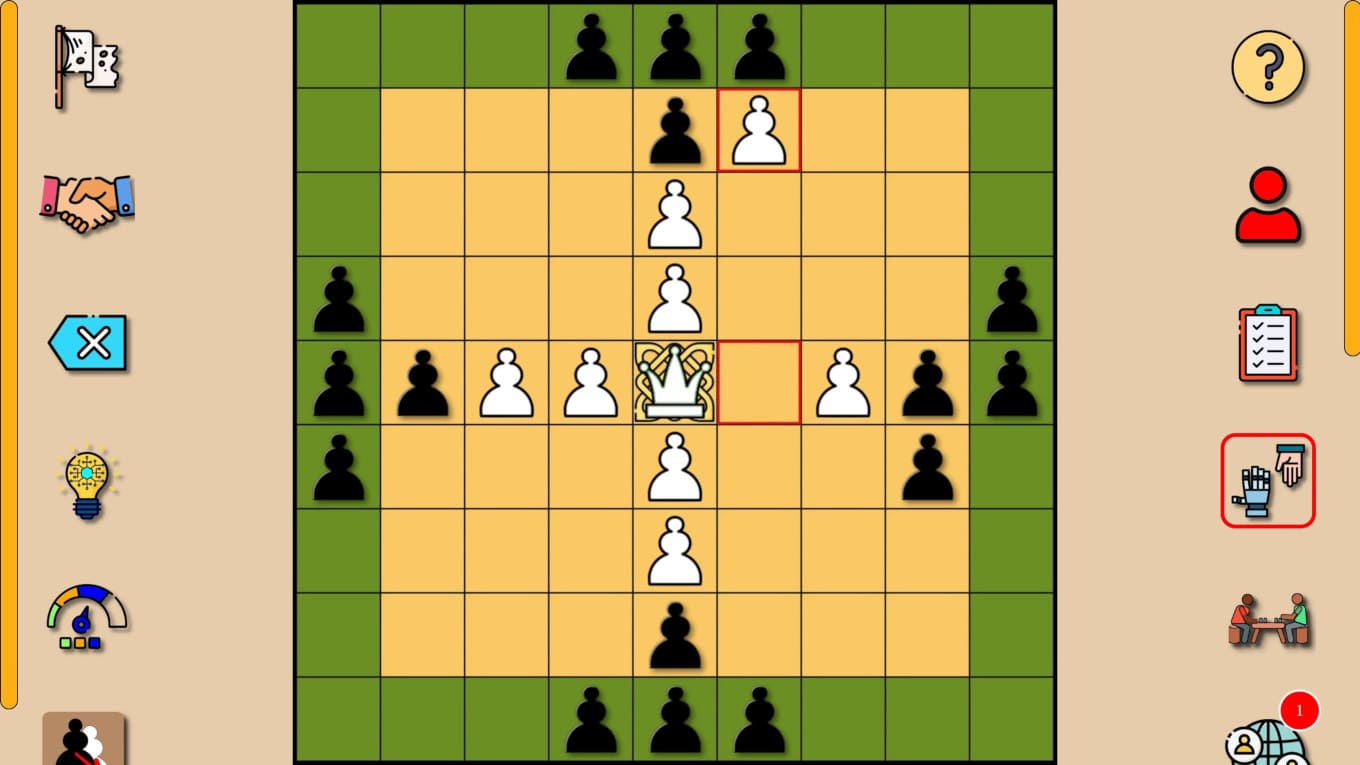
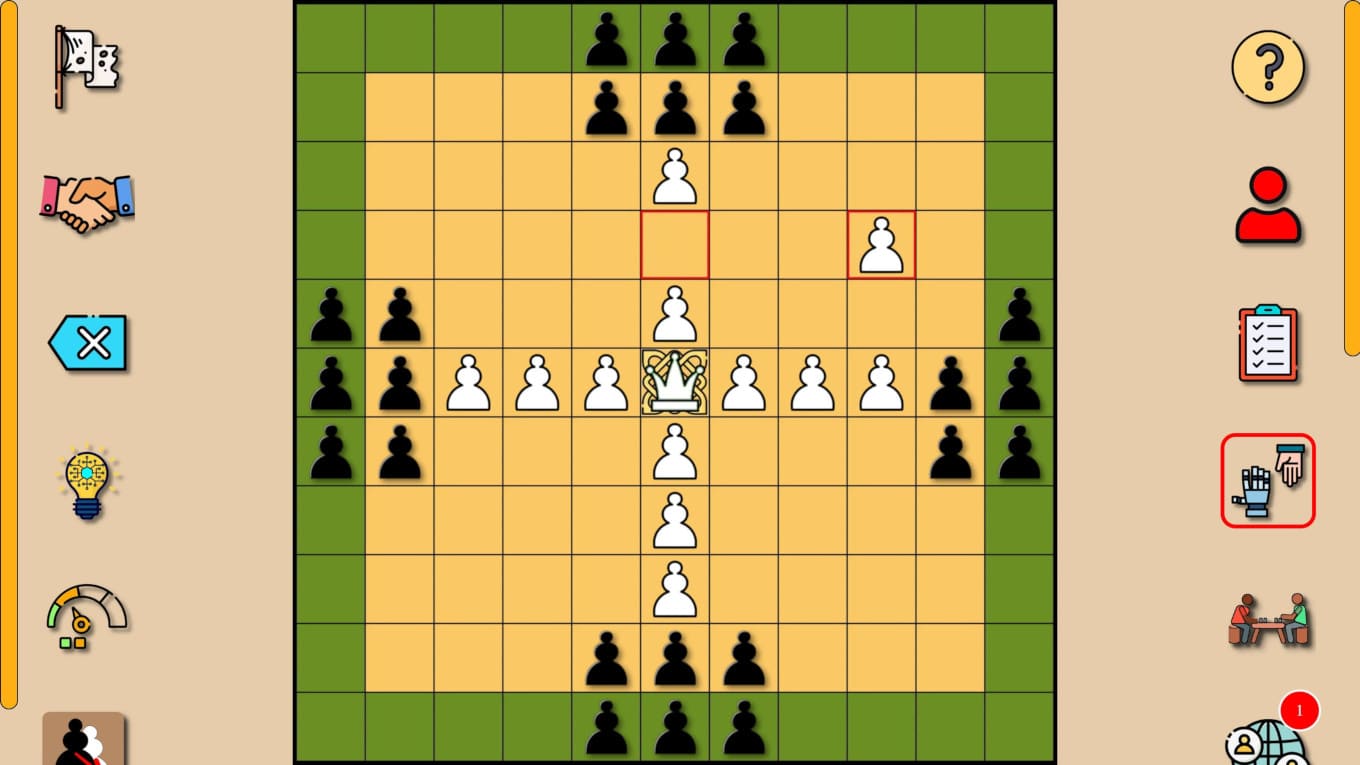
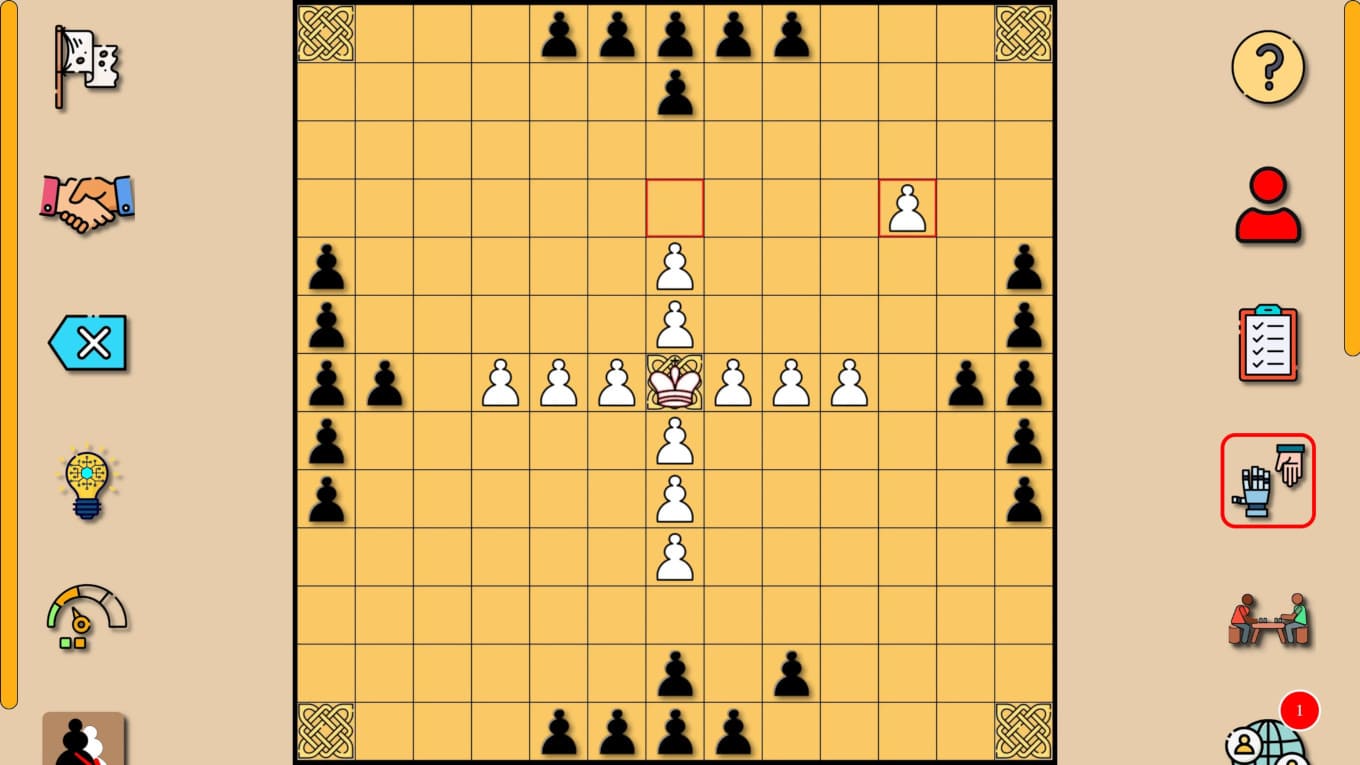
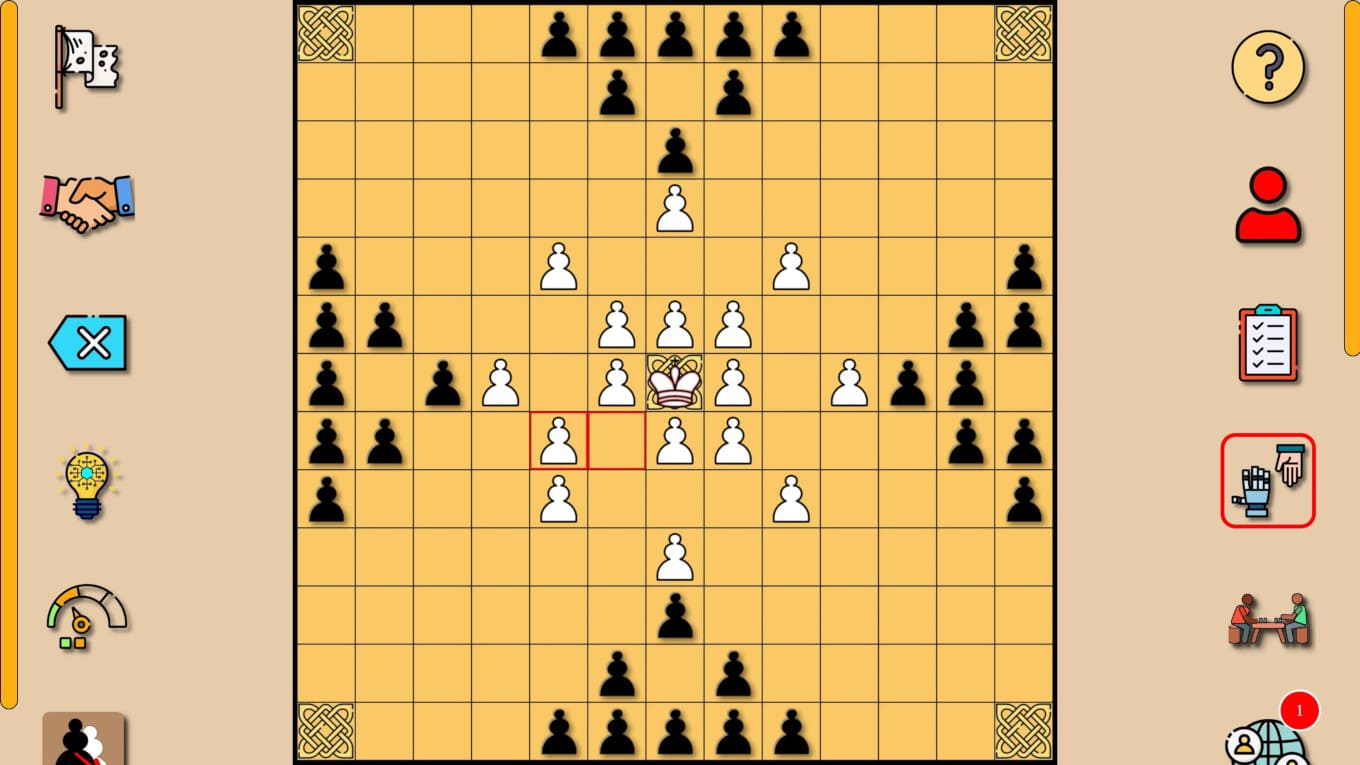
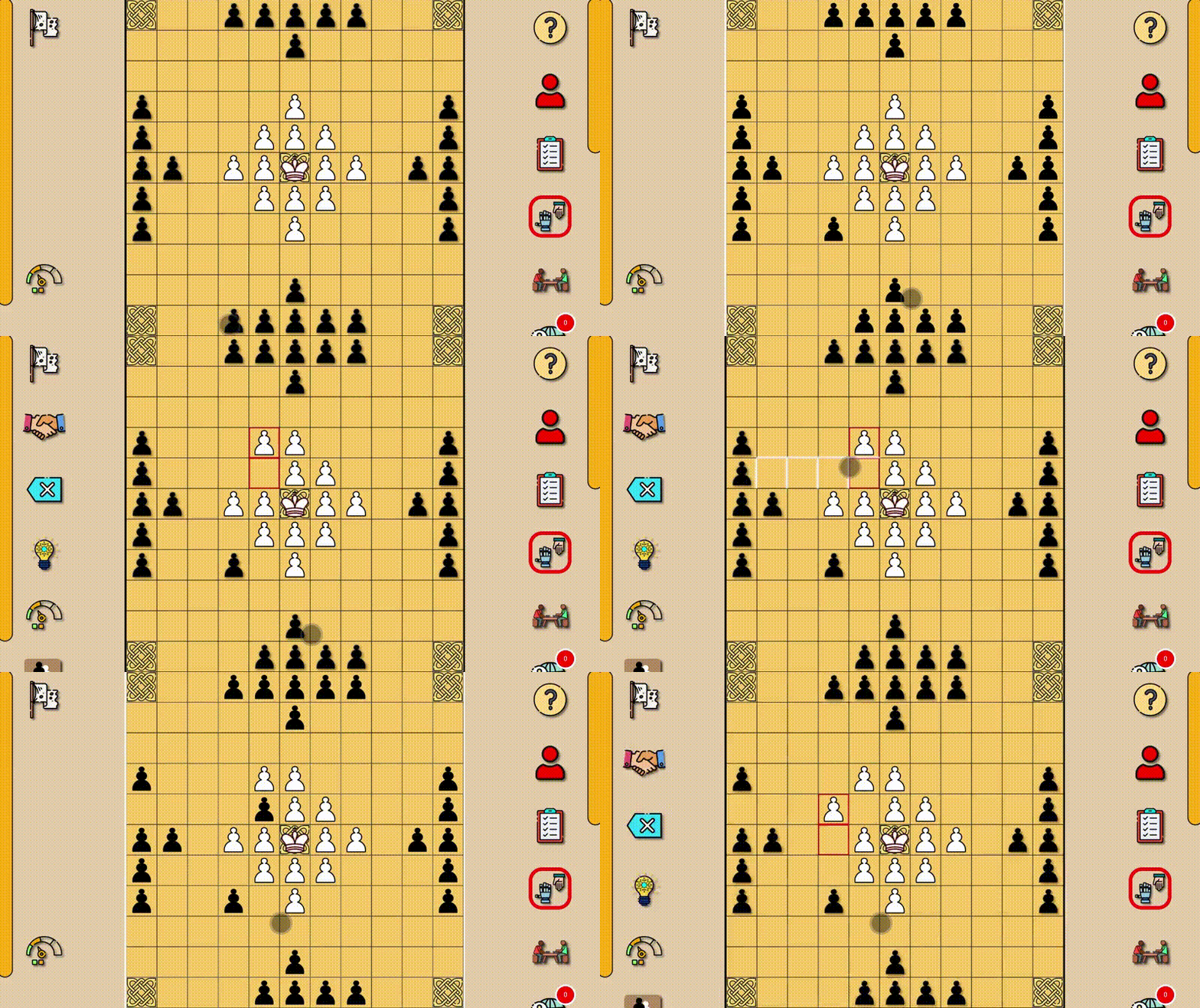
Outsmart your opponent by maneuvering pieces across the board to secure the escape of your monarch or trap the enemy king. Tafl: viking chess brings this ancient strategy challenge to your browser with rules that feel fresh yet fiercely traditional. You command either the white defenders or the black attackers, moving pieces horizontally or vertically across the board just like a rook in chess. Strategic pincer captures are your primary weapon, requiring careful positioning to eliminate enemy figures and claim victory. With board sizes ranging from 7x7 to 13x11, the tactical depth shifts significantly every time you play. Customize your experience by adjusting victory conditions or choosing whether to face a friend on the same screen or a smart artificial intelligence. This classic hnefatafl experience demands real brain training as you memorize patterns and predict your opponent moves. Play Tafl: viking chess for free directly in your web browser with no downloads or registration required.
How to play
The attacking black pieces move first. Then the players move in turns. All pieces move vertically or horizontally to any number of free cells, like a rook in chess. , which moFigures cannot jump over each other, stand up or pass through the central and corner "fortresses" can only be occupied by the king's figure.
Capture of figures is done by pincer capture with two enemy figures on your turn. Figures do not move diagonally and do not pinch. It is possible to capture an enemy figure between your figure and an empty "throne". The "Throne" is always hostile to attackers, but to defenders - only when it is empty. Capture is not obligatory. Cut down figures leave the board forever.
For the white figures to win, the king from the center of the "Throne" must reach:
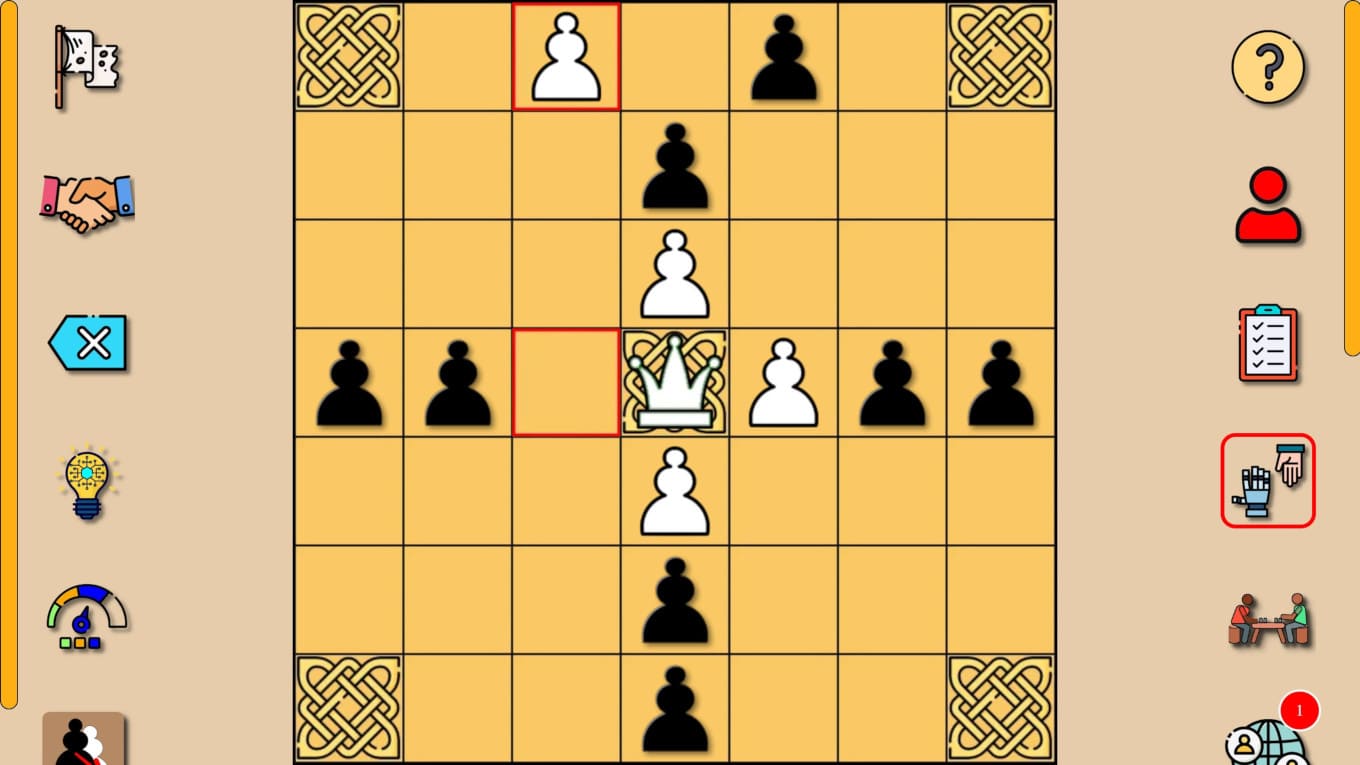
- in a game with a "fortress" symbol in the corners - one of these corners.
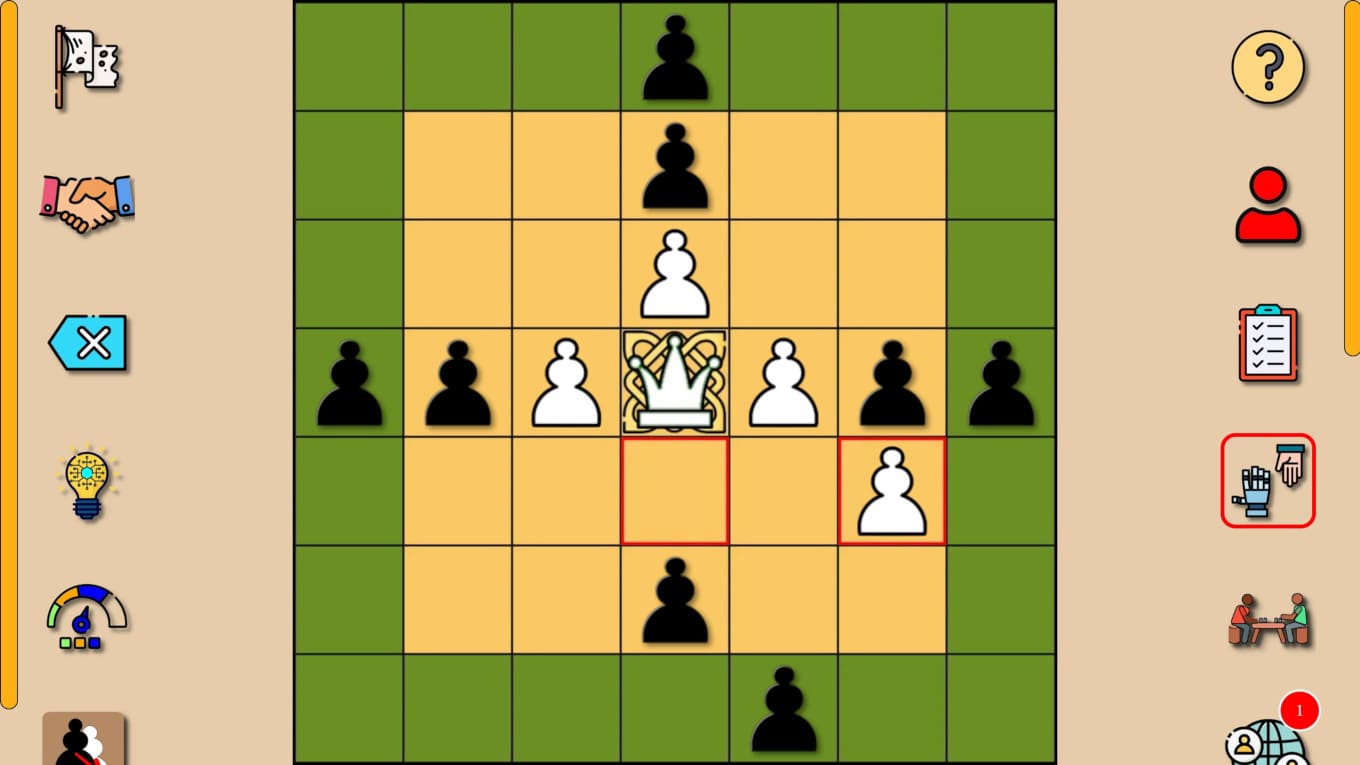
- in a game with a highlighted edge of the board - just this edge.
To win, the black figures must capture the king, surrounding him.
Features
- Adaptive Board Sizes: Select between 7, 9, 11, or 13-cell layouts to change the intensity and length of each match.
- Custom Victory Conditions: Switch between reaching the board edge or specific fortress corners to keep your strategies varied.
- Intelligent AI Opponents: Challenge yourself against computer logic that scales in difficulty to test your tactical mastery.
- Throne Mechanics: Utilize the central throne as a strategic tool for capturing enemies or protecting your king.
- Multiplayer Flexibility: Compete against real opponents in online matches or settle a score with a friend on a single device.
Who is it for
Strategy enthusiasts and fans of ancient board games love the tactical complexity of this title. Casual players seeking a quick brain training session will find the mechanics accessible yet deep. Anyone interested in history or classic logic challenges will appreciate the refined ruleset and competitive nature of the game.
Controls
Select piece
Tap a figure on mobile or click it with your mouse to highlight available moves.
Move piece
Swipe to an empty square on mobile or click the destination cell on your desktop.
FAQ
Is Tafl: viking chess free to play?
›
Yes, you can enjoy Tafl: viking chess completely for free in your browser without any downloads or registration.
Can I play Tafl: viking chess against my friends?
›
Absolutely, Tafl: viking chess supports local multiplayer on a single device as well as online matches against other players.
What is the main goal in Tafl: viking chess?
›
The objective depends on your side, as white must escort the king to the edge or corner while black must surround and capture the king.