About game
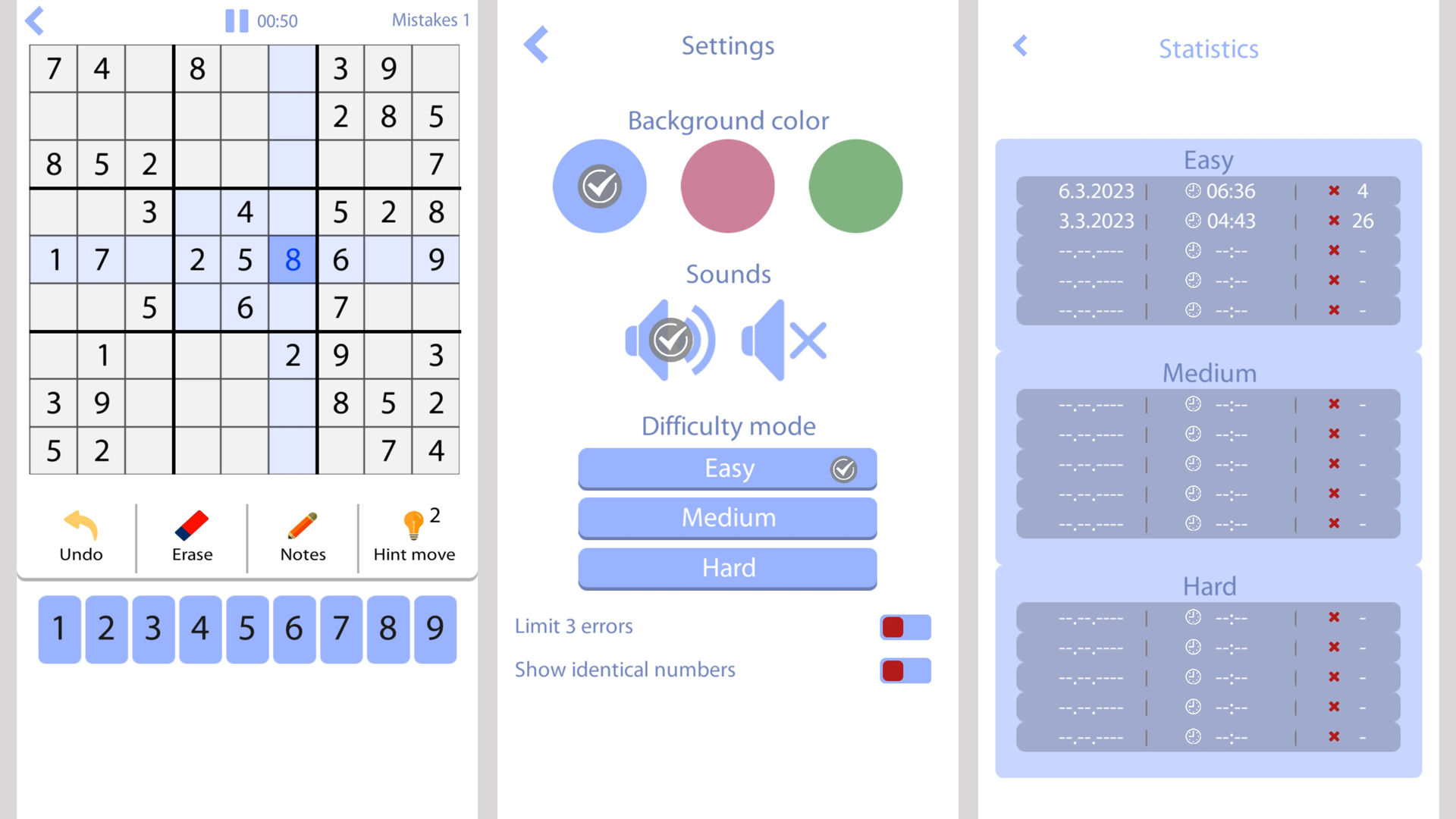
Logic puzzles like Sudoku in English remain the ultimate way to sharpen your mind while enjoying a quick mental break. This addictive sudoku challenge tasks you with filling a grid so that every row, column, and three-by-three box contains the numbers one through nine without repetition. You can test your skills under pressure by enabling strict mode, which limits you to only three mistakes per round. If the board gets tricky, simply toggle the notes mode to pencil in potential candidates for each cell until the path forward becomes clear. Players who prefer a more relaxed pace can disable error limits and utilize the undo, erase, and hint buttons to navigate through challenging grids. With three distinct difficulty tiers, this game offers a scalable experience that adapts to your growing logical prowess. Mastering the board requires a calm focus and the ability to spot numerical patterns before time runs out. Head over to FreeJoy.games to play this classic logic puzzle for free directly in your browser with no download required.
How to play
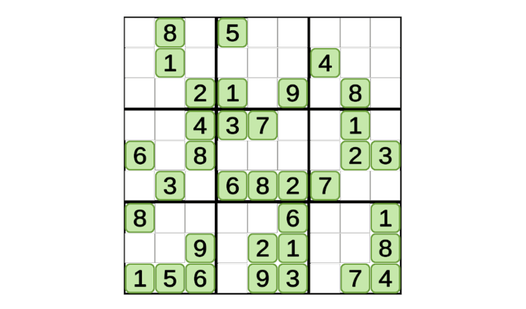
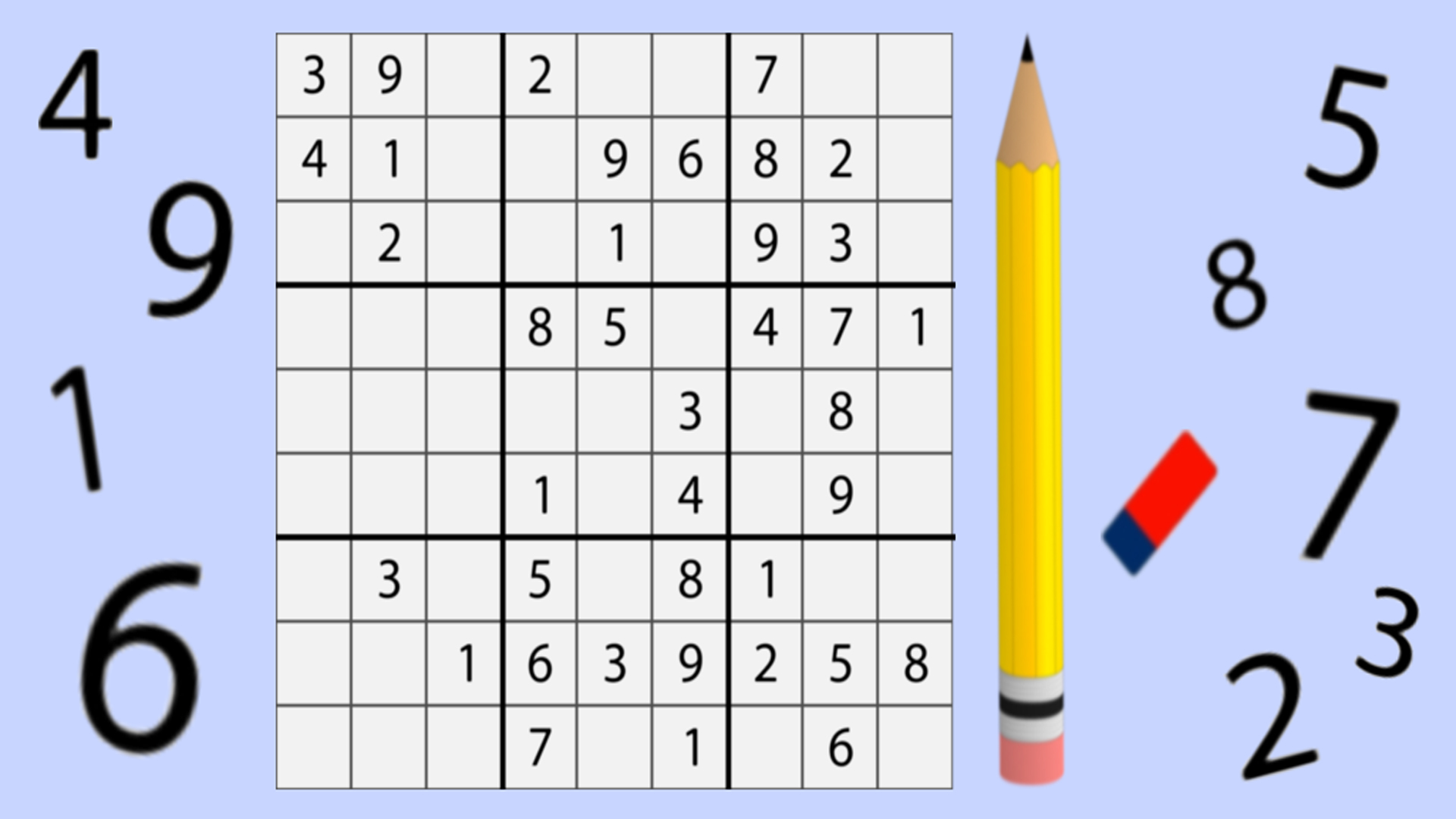
After starting the game, you need to carefully look at the field with numbers and start filling it out. The filling rules are simple: there should not be identical numbers diagonally, vertically and in each selected 3x3 field.
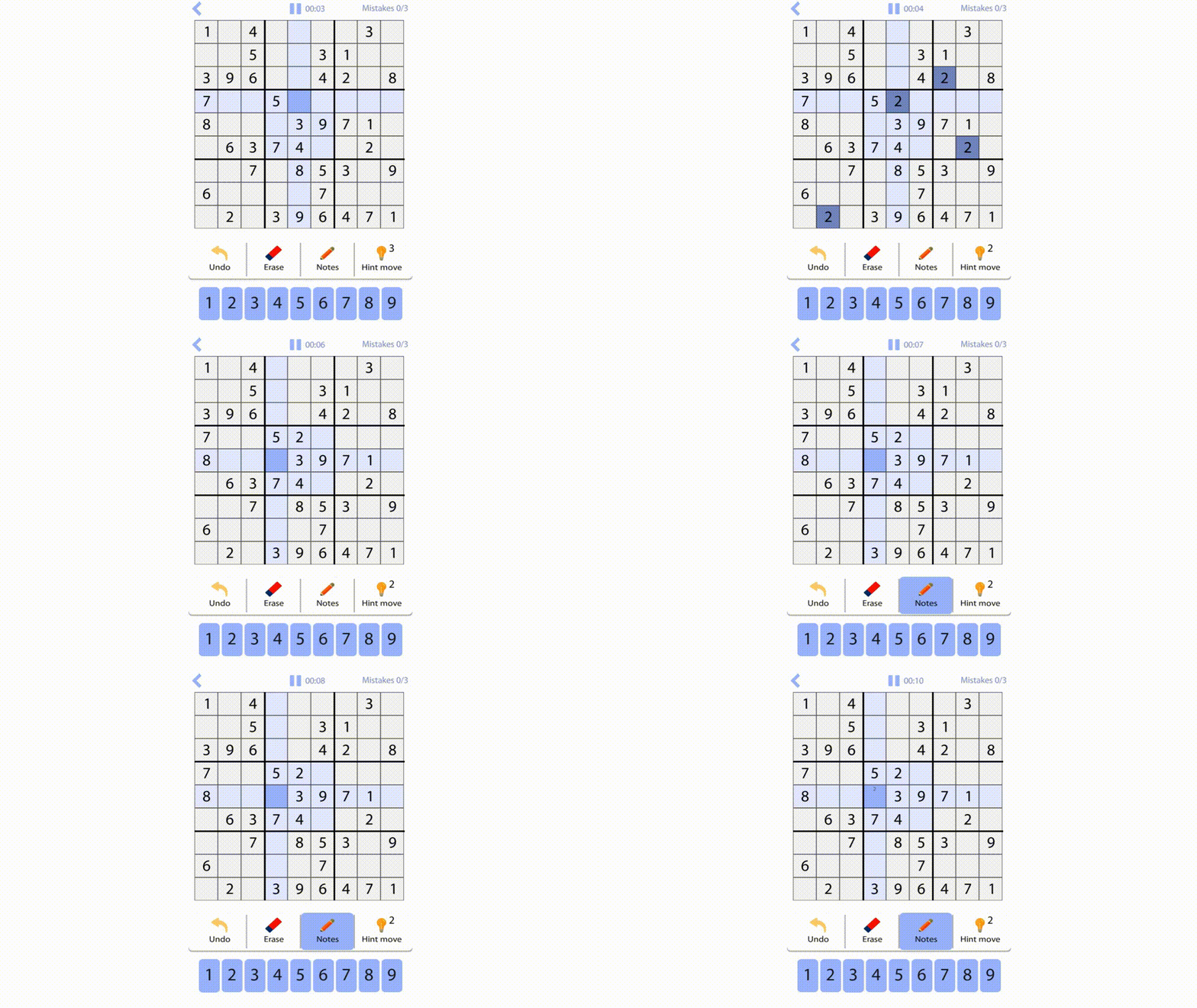
When you can’t exactly determine the number that should be in a particular cell, use the “Notes” mode. When this mode is enabled, you can put up to 9 digits in a cell, and then return to it when there is more data to make a decision.
Так же у вас есть три бесплатные подсказки, отмена хода и кнопка «стереть».
Choose an easy level of play first. When you can win, move on to the middle. And only after that fight on a difficult level.
Game features
- three levels of difficulty;
- there are 3 hints for free;
- note mode (pencil);
- strict mode with a limit of errors and easy mode without them;
- highlighting the same numbers;
- color setting;
- turning sounds on and off;
- the ability to cancel the move;
- saving game progress.
Features
- Difficulty progression: Choose between easy, medium, or hard levels to match your skill and improve your logical thinking.
- Note-taking system: Use the pencil tool to track multiple possibilities in cells until you are certain of the correct digit.
- Smart highlighting: Automatically reveal other instances of the selected number to visualize the board layout more efficiently.
- Error management: Toggle strict settings to force precision or play without limits if you prefer a stress-free session.
- Customization options: Personalize your experience by adjusting color schemes and toggling sound effects to suit your play style.
- Progress saving: Leave the game at any time and return later to find your current board state exactly as you left it.
Who is it for
Logic puzzle enthusiasts and brain training fans who want to improve their concentration. Students and professionals looking for a quick mental recharge during breaks, as well as anyone seeking a clean, intuitive interface to sharpen their analytical skills without the need for complex tutorials or account registration.
Controls
Select cell
Tap on a cell on mobile or click it with your mouse.
Input number
Tap the number button on the bottom menu or use your physical keyboard.
Toggle notes
Tap the pencil icon to switch between standard input and note-taking mode.
Undo move
Tap the back arrow button to revert your last placement.
FAQ
Is Sudoku in English free to play?
›
Yes, Sudoku in English is completely free to play directly in your web browser with no download required.
Can I play Sudoku in English on my phone?
›
Absolutely, the game is fully optimized for mobile devices so you can enjoy Sudoku in English on the go.
How do I use hints in Sudoku in English?
›
You have three free hints available per game session which you can activate by tapping the hint button when you get stuck.