About game
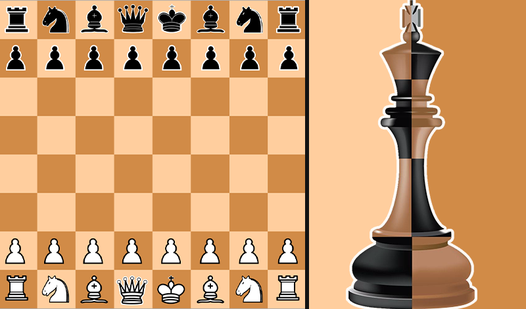
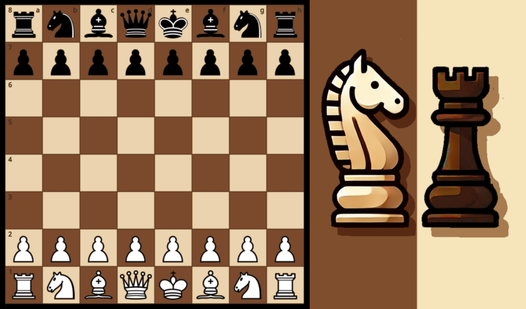
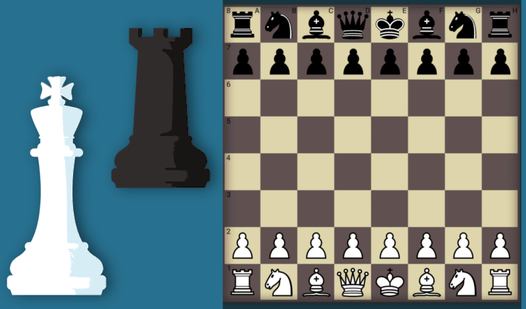
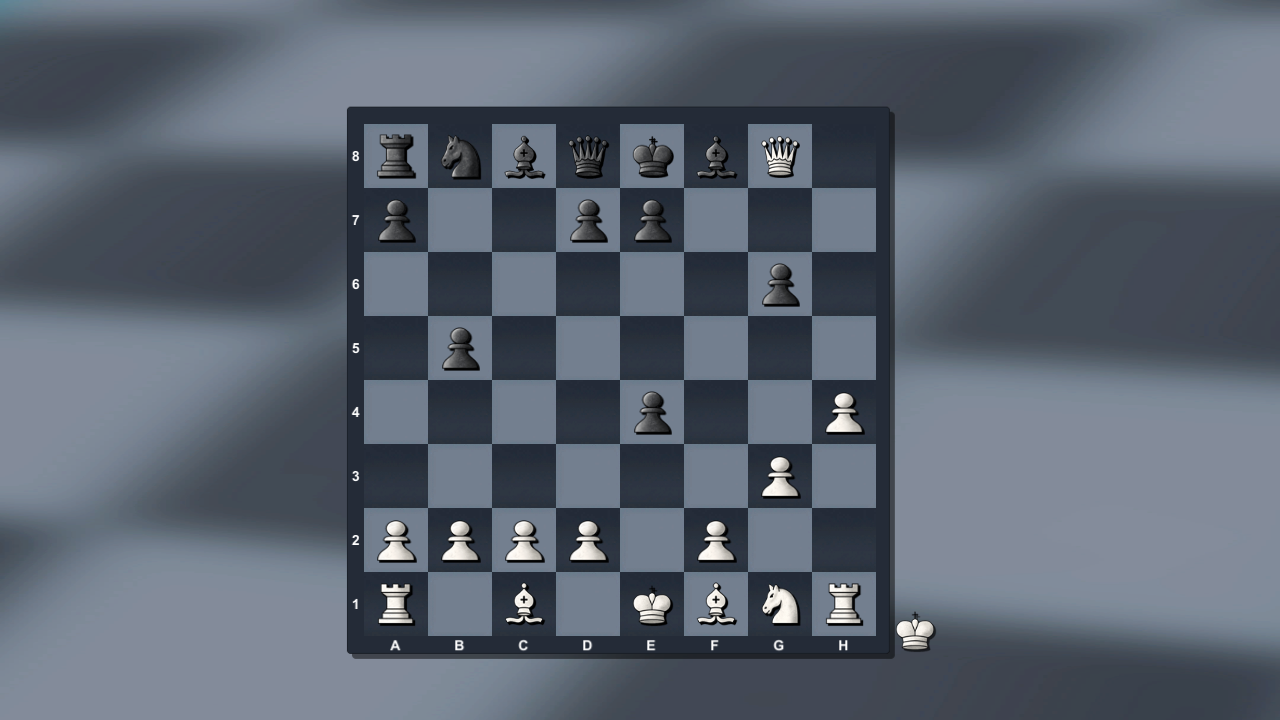
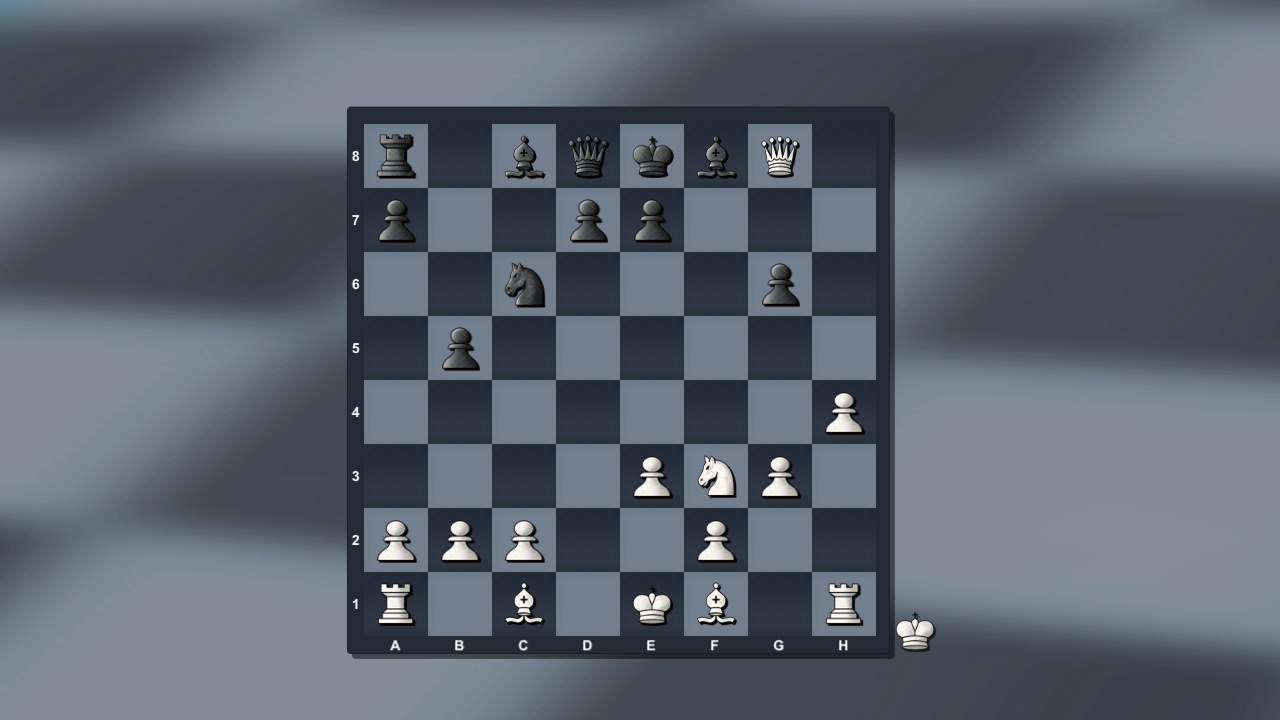
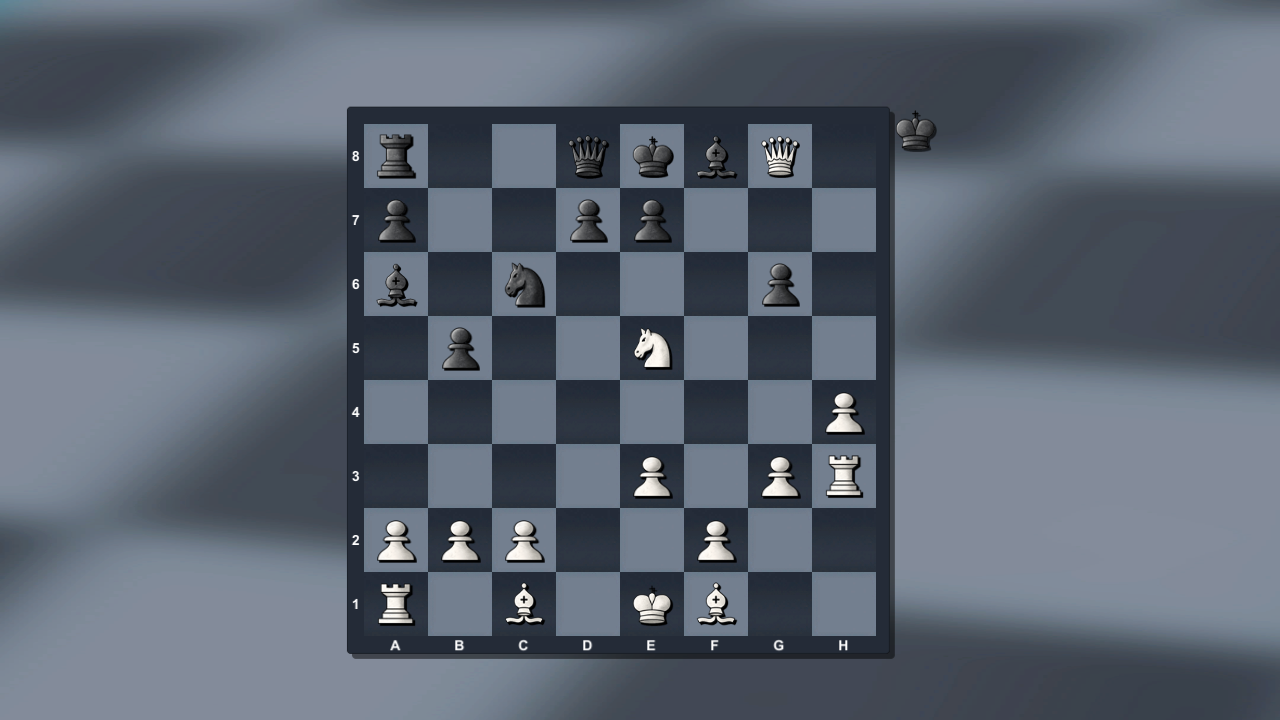
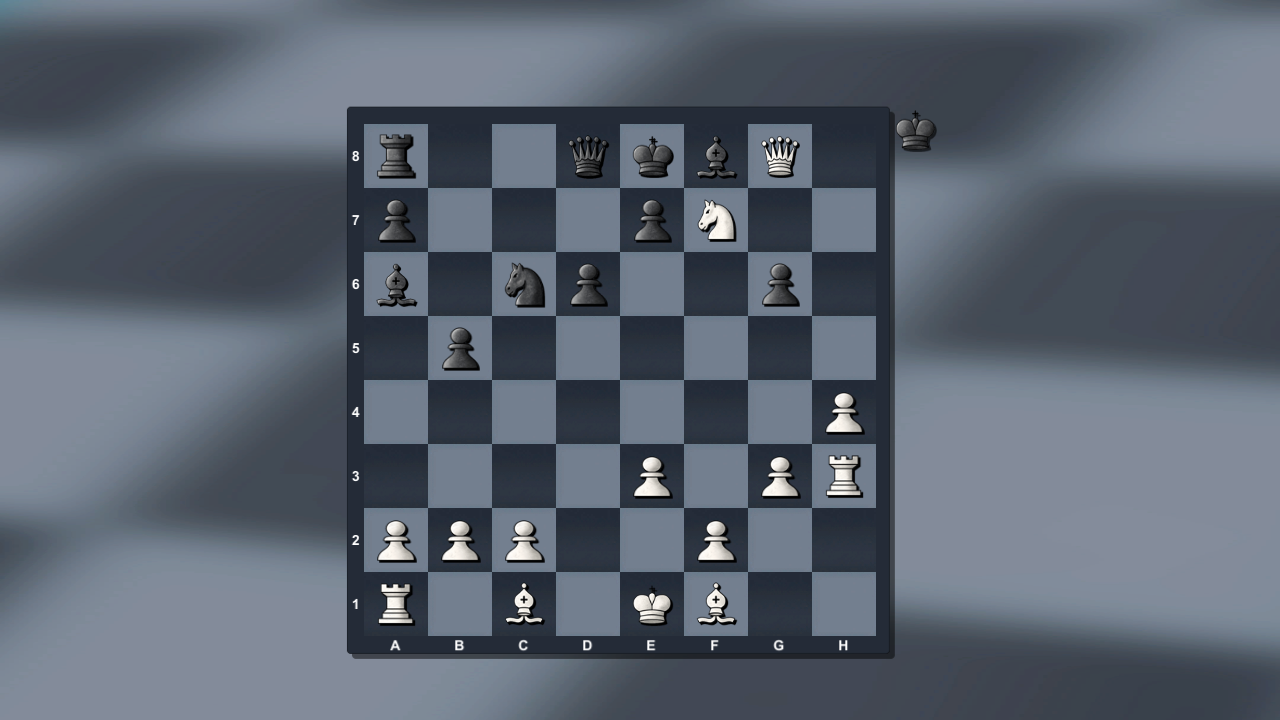
Mastering the royal game of chess requires sharp focus and a tactical mind to outwit your opponent on the checkered board. Whether you want to challenge a friend on a single screen or battle a digital grandmaster, this board game provides the perfect arena for your skills. Select from five distinct difficulty levels to test your limits against the computer or switch to two player mode for friendly local competition. Each match follows standard international rules including complex maneuvers like castling and draws by stalemate. The built-in statistics tracker records your wins and losses, allowing you to monitor your growth as you learn new traps and defensive formations. You can jump straight into the action without any registration or software installation required. This versatile chess platform brings high-quality strategy sessions directly to your screen with smooth, responsive gameplay. Play Chess with a computer and for two right now in your browser for free without ever needing to download a single file.
How to play
Rules of the game:
Checkmate: When a player's king is under check and there is no way out.
Checkmate: The game ends in a draw when a player has nowhere to go, but no checkmate.
Tie: There are not enough pieces to checkmate:
- King vs. king and bishop;
- King vs. King and knight;
- King and bishop against king and bishop (and the bishops are on the same color).
Castling: is performed by the king and rook and can only be played after the pieces between them have been removed. The king is placed first two squares to the right or left, and then the rook from that corner “jumps” to the square crossed by the king.
Castling is not allowed when:
- The King or Rook has already moved;
- The King is under check;
- The king will pass through check.
Features
- Difficulty Scaling: Choose between five unique AI levels ranging from beginner friendly to expert tactical challenges.
- Local Multiplayer: Challenge a friend on the same device to see who can command their forces more effectively.
- Performance Tracking: Keep a detailed history of your matches through the stats menu to analyze your improvement over time.
- Rules Compliance: The engine automatically handles complex scenarios like castling rights and draw conditions due to insufficient material.
- Flexible Setup: Toggle between different game modes instantly to switch from intense solo brain training to social gaming.
Who is it for
Strategy enthusiasts and casual gamers who enjoy testing their intellect against a classic board game. Students looking to sharpen their analytical thinking, friends wanting a quick local competitive session, and anyone seeking a digital experience to practice their opening gambits and endgames without any complex setup or registration requirements.
Controls
Select piece
Click on a piece or tap it once on your touchscreen.
Move piece
Click the target square or swipe your finger to the desired destination.
Menu navigation
Tap the on-screen buttons to access stats or change game modes.
FAQ
Can I play Chess with a computer and for two against a friend online?
›
Chess with a computer and for two is currently designed for local multiplayer on a single device rather than online matchmaking.
Does Chess with a computer and for two save my progress if I close the browser?
›
The game does not save ongoing matches, but it does maintain your personal statistics for future reference during your current session.
How do I perform castling in Chess with a computer and for two?
›
To castle, move your king two squares toward the rook, and the system will automatically complete the move if all conditions for castling are met.