About game
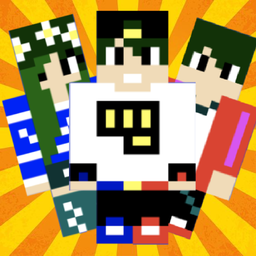
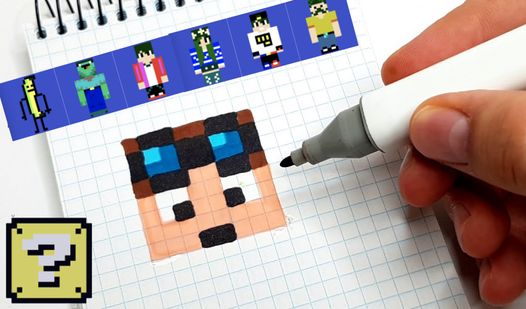
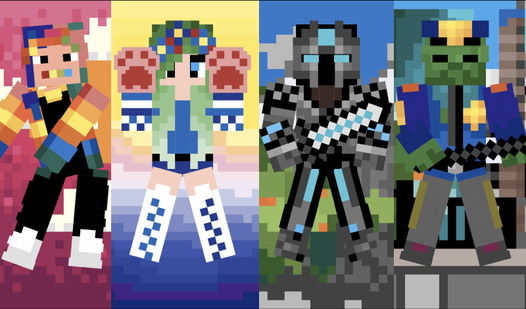
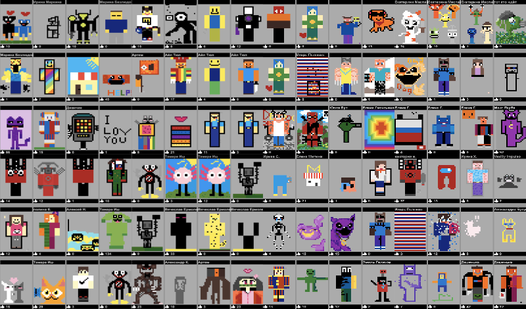
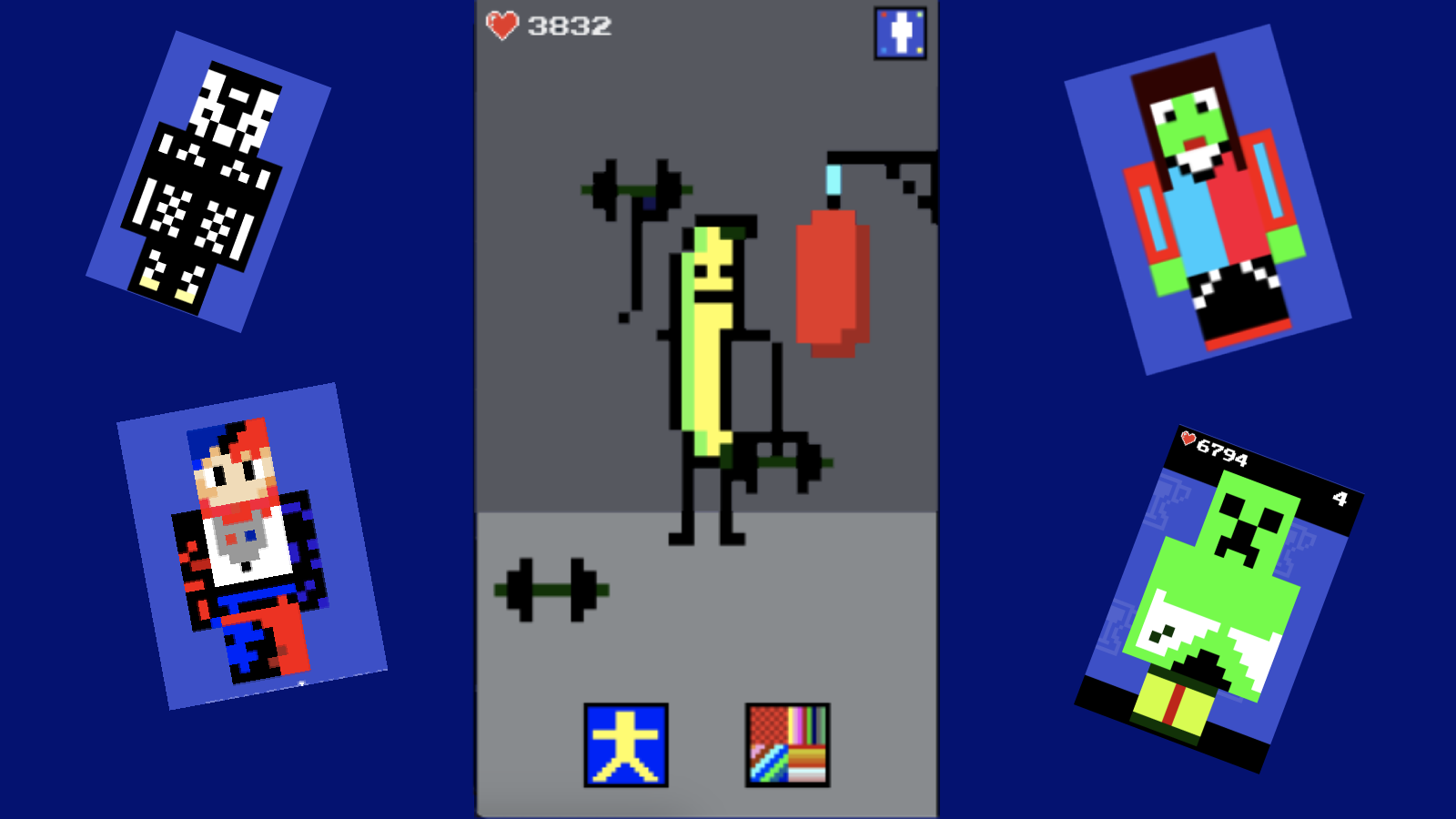
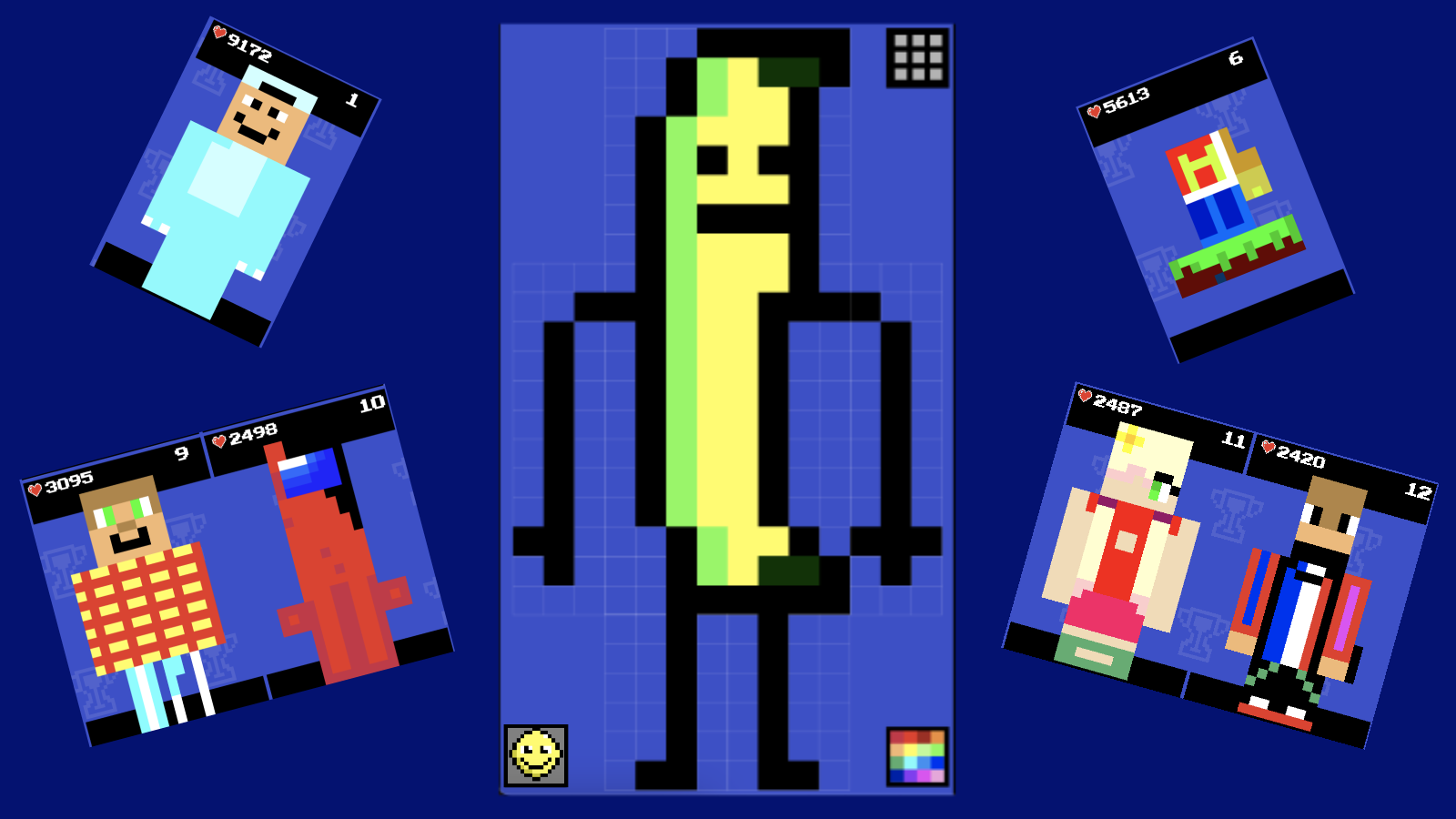
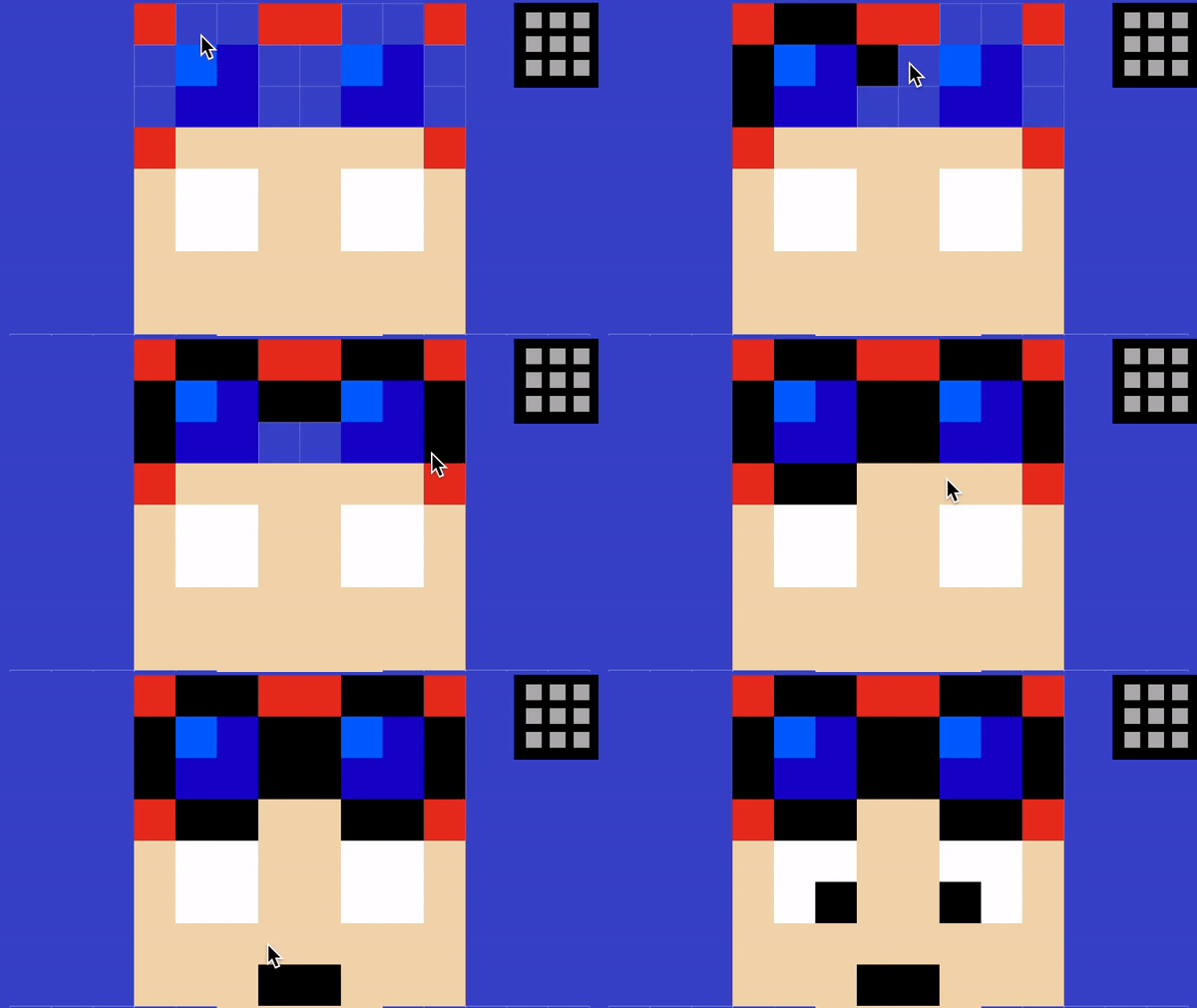
Creative souls who love to customize their gaming avatars will find endless inspiration in Make a skin. This vibrant sandbox allows you to design custom looks from scratch or remix classic outfits for your favorite blocky characters. You simply select an empty slot, pick your palette from the corner, and start painting individual pixels to bring your vision to life. Once your masterpiece is complete, you can toggle through various poses and apply slick animations to see your creation in motion. It is the perfect tool for any player who wants to show off their unique style to the entire community. Check the global leaderboard to see if your design is currently the top-rated look among other players. Whether you want to deck out a stylish hero or experiment with wild color schemes, the creative freedom here is unmatched. You can access all these design tools for free directly in your browser with zero downloads required.
How to play
To play, use the mouse on your computer or your finger on your phone/tablet.
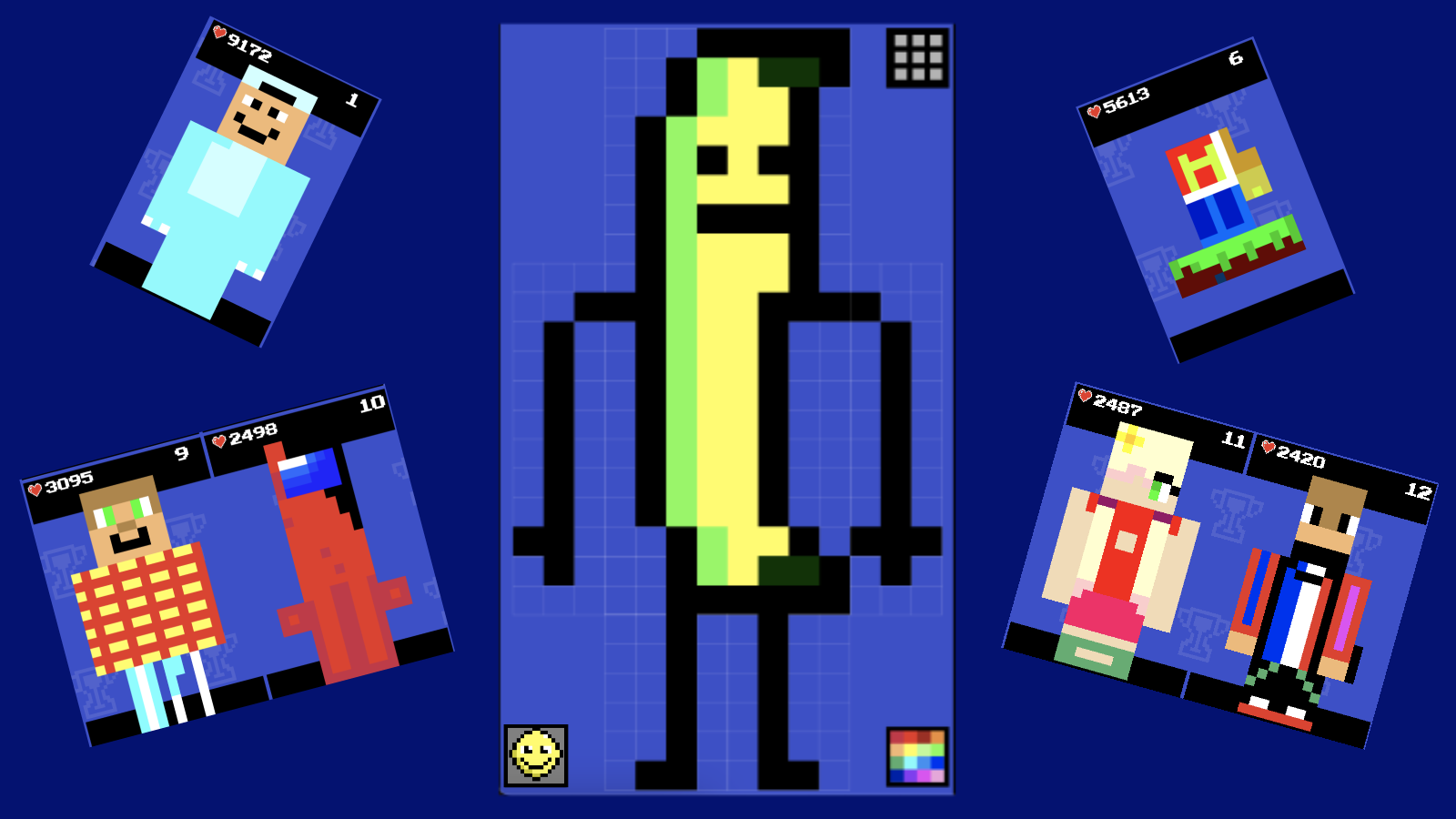
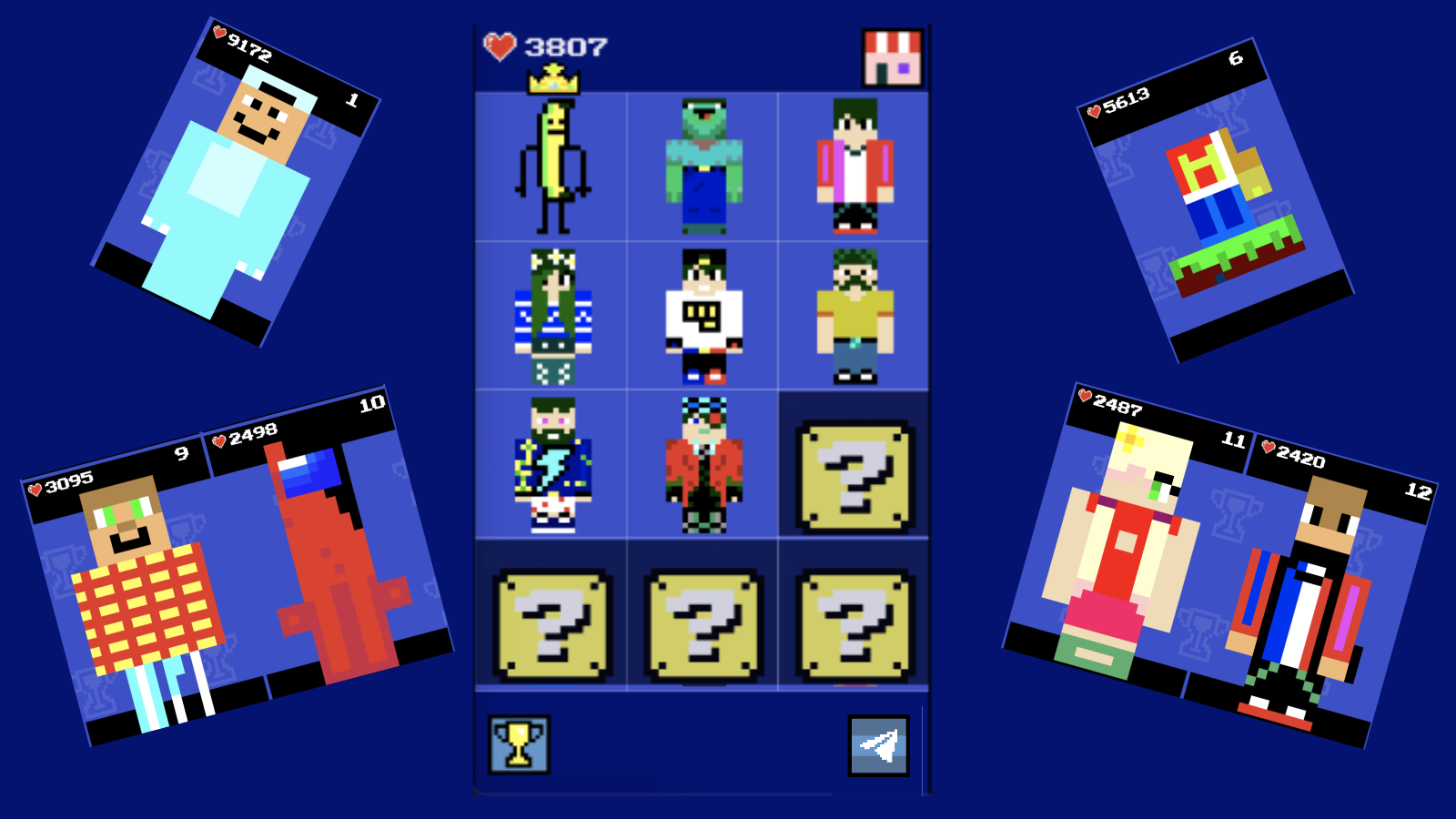
Select a slot to create a skin, then select a color in the lower right corner and click on the block you want to paint over. To see who is the leader among the players, click on the cup in the lower left corner of the main screen. After creating the skin, you can animate it by clicking in the lower left corner in edit mode.
Features
- Global Leaderboard: Compare your designs with the community and see which styles are currently ranking at the top.
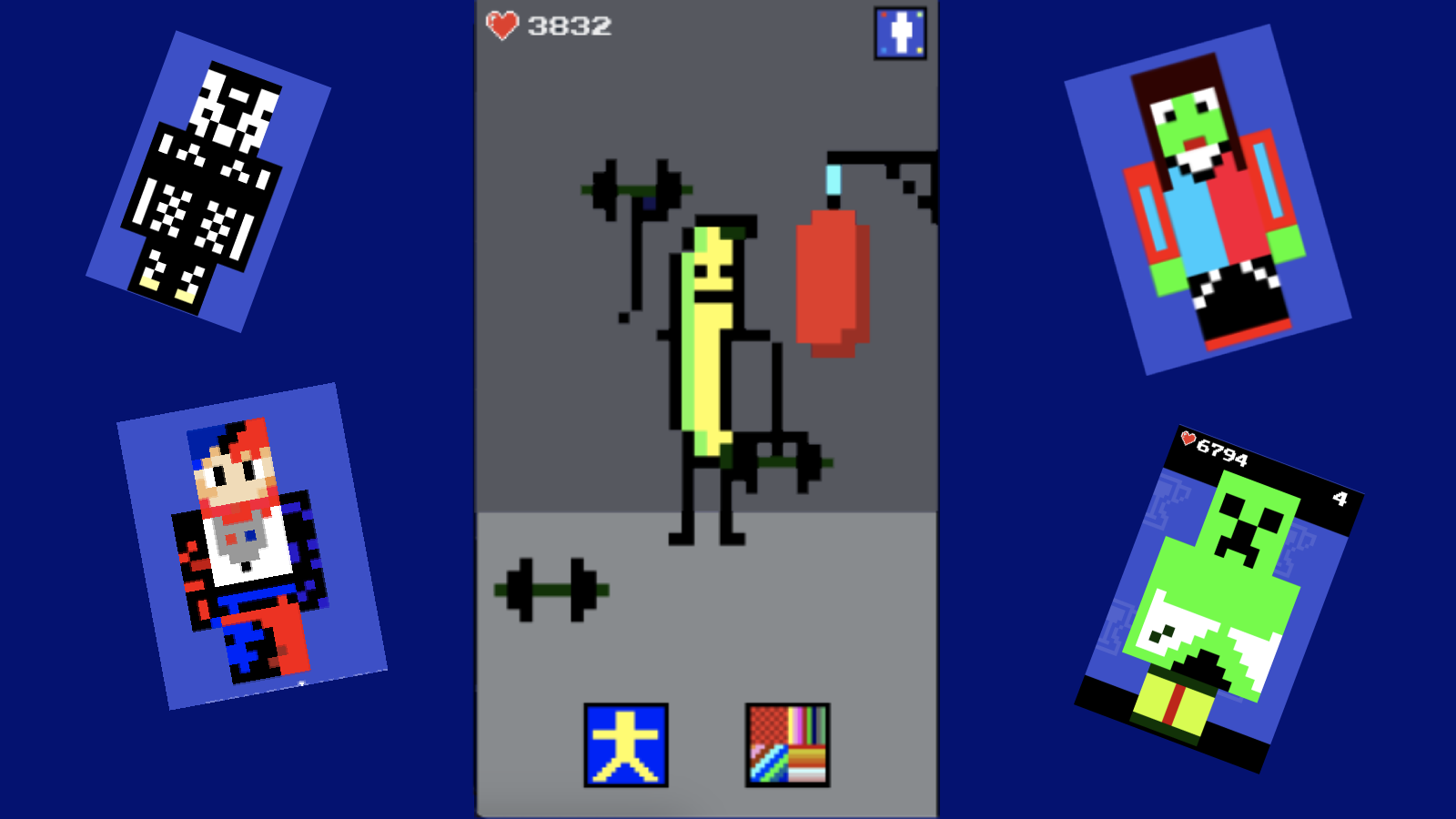
- Pose Customization: Switch between diverse character positions to view your skin from every possible angle.
- Animation Engine: Apply dynamic movement presets to your character to bring your custom skins to life.
- Color Palette System: Utilize a user-friendly color picker tool to apply precise shades to specific pixel blocks.
- Save Slots: Manage multiple projects simultaneously by saving your unique designs across different character slots.
Who is it for
Creative players who enjoy pixel art editors and customization tools will love this experience. It is a fantastic outlet for those who want to express their personality through character design without needing complex software. Casual gamers and digital artists will appreciate the simple, intuitive interface and social ranking features.
Controls
Select and Paint
Click with your mouse or tap with your finger on specific pixel blocks.
Navigate Menu
Use your mouse cursor or touch gestures to scroll through options and select tools.
Animate Character
Tap or click the animation button in the bottom left corner while in edit mode.
FAQ
Is it really free to Make a skin?
›
Yes, you can access every tool and feature in Make a skin for free directly in your web browser.
Can I share the designs I create in Make a skin?
›
Your creations are automatically submitted to the leaderboard, where other players can see if your design is the most popular.
Do I need to download files to play Make a skin?
›
No, the game runs entirely in your browser so you can start designing immediately without any installations.